v0 is the best AI design generation software for developers who want prompt-to-React code, with Plus at $30 a user a month and one-click deploy to Vercel. Figma suits teams that already design there, and Lovable fits full-stack apps with a built-in database.
How we make this list: we compare pricing pages, product documentation and public user reviews, then re-check every price before each update. No product paid for a place. Disclosure.
v0 is the top pick for developers: prompt-to-React code at $30 a user a month, with one-click deploy to Vercel.
Figma is the only tool where design, AI generation and developer handoff live in one file, rated 4.7/5 from 1,593 G2 reviews.
Lovable is the only full-stack pick here: database, login and hosting included for $25 a month.
Framer has the cheapest paid plan at $5 a site a month, and it is the only tool that publishes AI output as a live site.
Every tool meters AI work with credits, tokens or generations, so the plan price is only part of the monthly cost.
Locofy costs the most at $40 a month and has the thinnest review base in this list, 5.0/5 from 3 G2 reviews.
What should AI design generation software for developers actually produce?
The output format decides whether the work survives past the demo. A picture of a screen still needs a developer to rebuild it, while React code or a published site can go straight into a project.
Three kinds of tools cover this keyword. Prompt-to-code tools turn a sentence into working components, Figma-to-code tools convert finished designs into frontend code, and design tools with AI generate inside the canvas your team already uses.
Credits are the hidden price. Most tools meter AI work with credits, tokens or generations, so a cheap plan can run out fast on a real project. Our guide on whether WordPress has an AI website builder shows the same metered pattern in a different category.
Prices below are the regular monthly rates from each vendor's pricing page, checked on 30 November 2026. Where a vendor bills yearly at a lower monthly rate, the text says so.
The 9 best AI design generation software for developers
01
v0 by Vercel
4.6/5on G2 (51 reviews, checked Nov 2026)
Paid from$30/user/mo
Best AI design generation software for developers overall
OutputReact, Next.js, Tailwind
Free plan$5 of credits, 7 messages/day
DeployOne-click to Vercel
Paid planPlus, $30/user/mo
v0.app
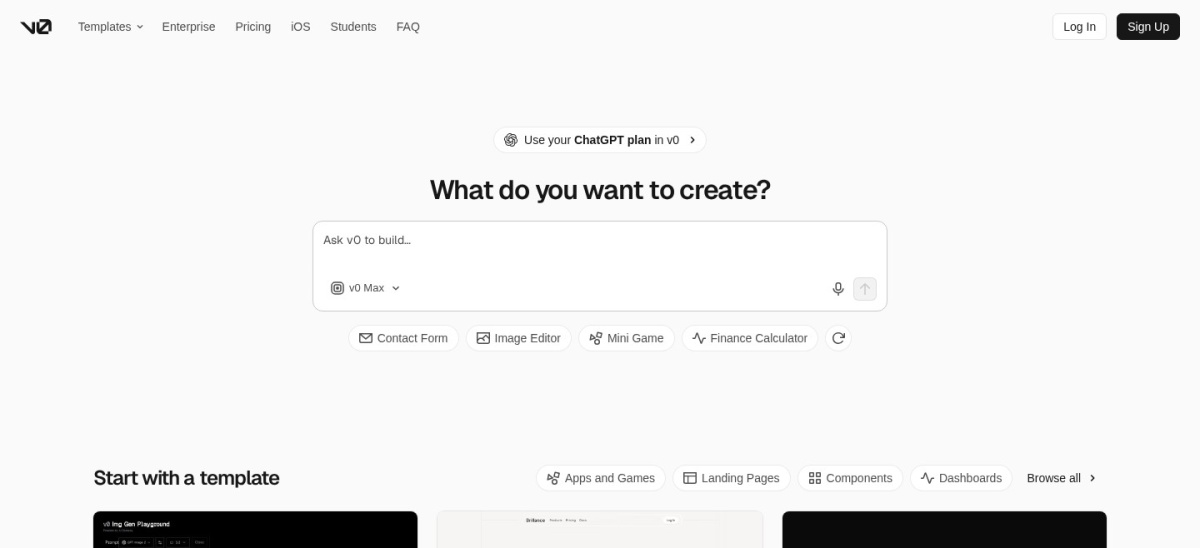
v0 by Vercel homepage, captured Nov 2026.
v0 by Vercel is the developer entry in this list. It turns a text prompt into working React, Next.js and Tailwind code with shadcn/ui components, which you refine in chat or a visual Design Mode and deploy to Vercel in one click. The free plan includes $5 of credits and 7 messages a day.
The trade off is metering. Plus costs $30 per user a month and includes $30 of credits plus $2 of free daily login credits, but every prompt draws down token-metered credits, so heavy iteration costs extra. It suits frontend developers in the Vercel ecosystem who want AI that writes shippable UI.
What we like
Clean React and Next.js code you can keep
One-click deploy to Vercel
GitHub sync and Figma import
Prompt-to-code output developers can ship
Watch out for
Token credits make costs hard to predict
React and Tailwind only
The $20 Premium plan is closed to new users
Plus adds $30 of credits and team workspacesVisit v0.app
02
Figma
4.7/5on G2 (1,593 reviews, checked Nov 2026)
Paid from$16/editor/mo
Best for design, AI and handoff in one place
AI featuresMake, text to design, rename, fill
Free planStarter, 3 design files
AI credits500 a month on Professional
Paid planProfessional, $16/editor/mo
figma.com
Figma homepage, captured Nov 2026.
Figma is the design tool most product teams already use, and its AI features work inside that canvas. Figma Make turns a prompt into an interactive prototype, while in-canvas helpers generate wireframes, rename layers and fill content. The free Starter plan covers 3 design files and 3 FigJam files.
The trade off is price and scope. Professional costs $16 per editor a month on annual billing, or $20 month to month, and Figma Make output runs in its own runtime instead of becoming editable design layers. It suits teams that already design in Figma and want AI to speed up drafts.
What we like
AI built into the tool teams already use
Real-time multiplayer editing and shared libraries
Dev Mode handoff in the same file
Largest review base in this list
Watch out for
Per-editor pricing adds up on large teams
Figma Make output is not a native design file
AI credits are capped at 500 a month on Professional
Professional adds unlimited files and 3,000 AI credits a monthVisit figma.com
03
Lovable
4.6/5on G2 (503 reviews, checked Nov 2026)
Paid from$25/mo
Best for full-stack apps from one prompt
AI builderPrompt to full-stack app
Monthly credits100 on Pro
DatabaseSupabase built in
Paid planPro, $25/mo
lovable.dev
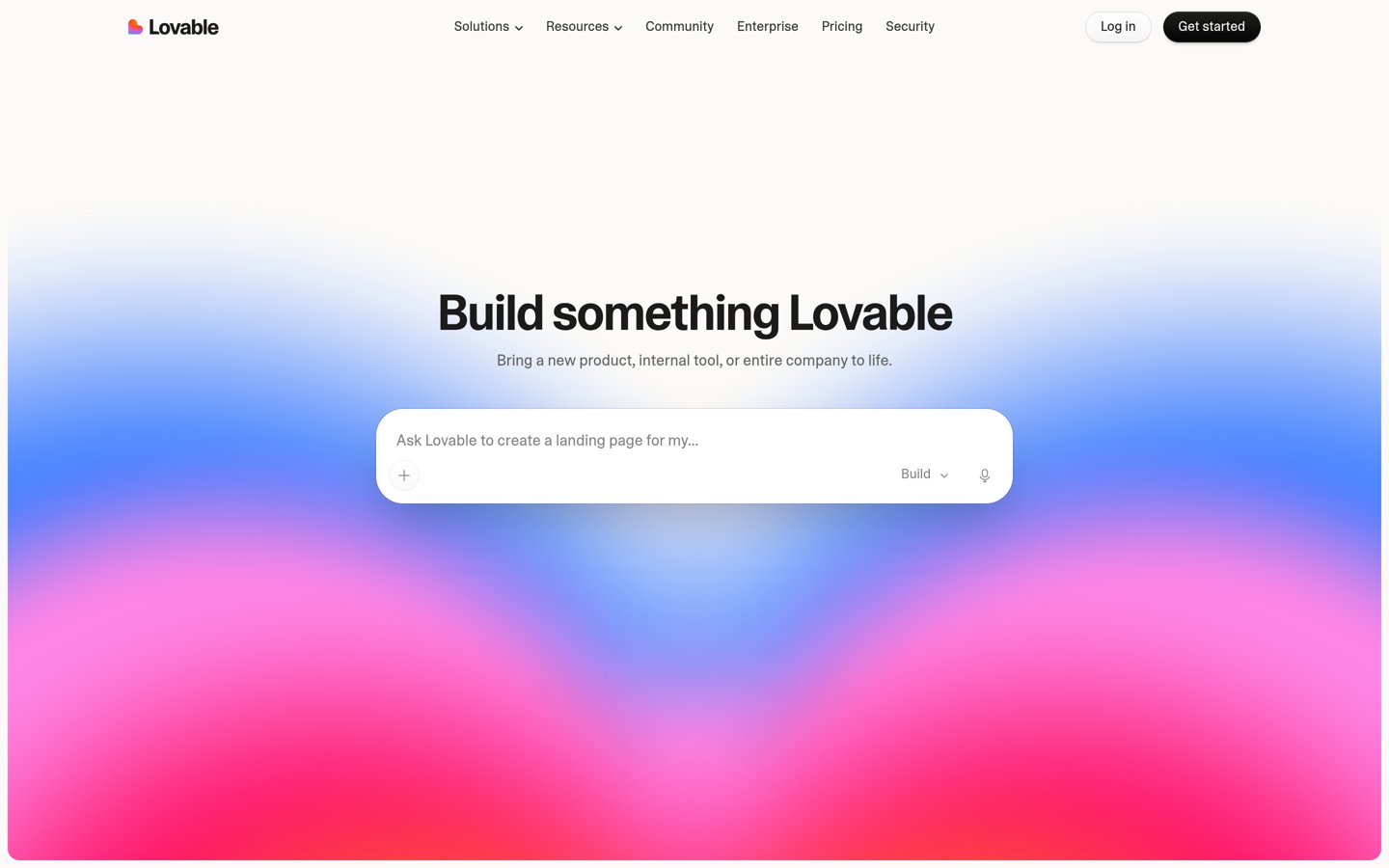
Lovable homepage, captured Nov 2026.
Lovable is an AI app builder that turns a plain-language description into a full-stack web app, with a database, login and hosting included. The free plan gives 5 build credits a day, up to 30 a month, and Pro at $25 a month adds 100 monthly credits, custom domains and code editing.
The trade off is the credit meter. Every prompt, fix and rebuild spends credits, so a large app can burn through 100 credits fast, and complex changes can need repeated prompts. It suits founders and small teams who want a working web app or MVP without hiring a developer.
What we like
Builds full-stack apps from one prompt
Supabase database and login built in
GitHub sync and code download on Pro
Highest review count among AI-first builders here
Watch out for
Credits run out fast on large apps
Complex changes can need repeated prompts
Monthly cost is hard to predict as apps grow
Pro adds custom domains, code editing and credit rolloverVisit lovable.dev
04
Uizard
4.5/5on G2 (45 reviews, checked Nov 2026)
Paid from$12/creator/mo
Best for fast mockups from a prompt or sketch
AI featuresAutodesigner 2.0, sketch and screenshot input
Free plan2 projects, 3 generations a month
AI generations500 a month on Pro
Paid planPro, $12/creator/mo
uizard.io
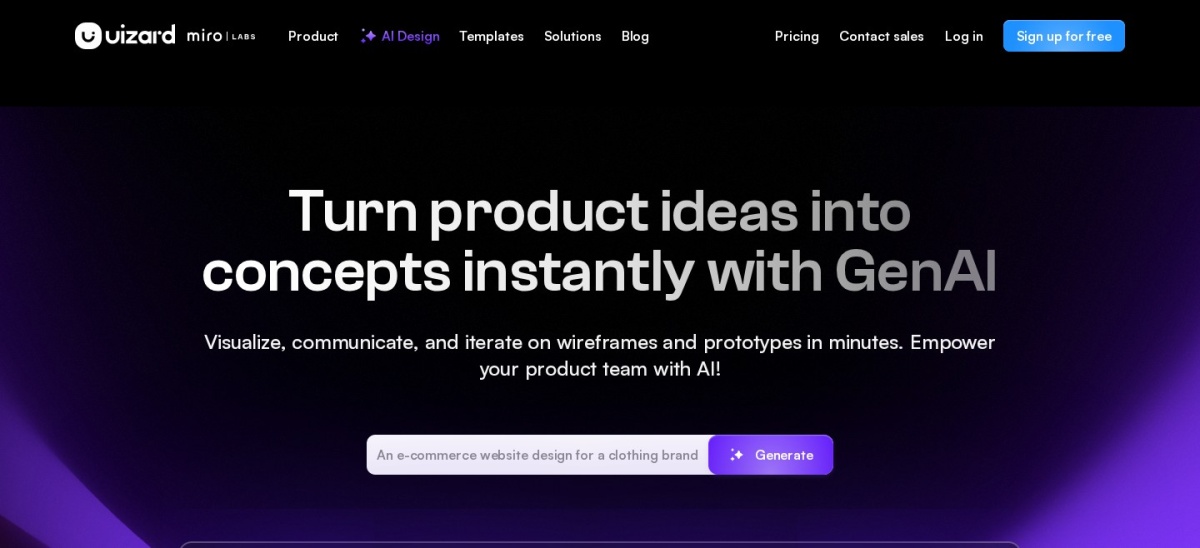
Uizard homepage, captured Nov 2026.
Uizard is an AI design tool built for people who are not designers. Autodesigner 2.0 turns a text prompt, a hand-drawn sketch or a screenshot into a clickable multi-screen prototype in about 30 seconds. The free plan covers 2 projects with 3 AI generations a month.
The trade off is depth. Pro costs $12 a month billed yearly, or $19 month to month, and output can look generic without careful prompting. Uizard is now part of Miro, so its roadmap sits with Miro. It suits founders and product managers who need a demo fast.
What we like
Fastest path from idea to clickable prototype
Sketch and screenshot inputs work well
Cheapest full prototype tool here for non-designers
React and CSS handoff for developers
Watch out for
Free plan allows only 3 generations a month
Outputs can look generic
Future tied to Miro after the 2024 acquisition
Pro adds 500 generations a month and 100 projectsVisit uizard.io
05
Framer
4.5/5on G2 (161 reviews, checked Nov 2026)
Paid from$5/site/mo
Best for publishing AI sites live
AI featuresDesign agent, layouts, copy, translation
Free planYes, on a Framer subdomain
AI credits500 to try, 1,000 a month on Basic
Paid planMini, $5/site/mo
framer.com
Framer homepage, captured Nov 2026.
Framer is a website builder with a Figma-like canvas, and its AI agent generates complete pages from a prompt. The result is a live site with hosting, a CMS, forms and SEO built in, not a mockup. The free plan covers sites on a Framer subdomain with 500 AI credits to try.
The trade off is per-site pricing. Mini costs $5 a month per site, so three client sites need three subscriptions, and Framer builds websites rather than mobile app flows. It suits designers and founders who want a marketing site live the same day.
What we like
AI output is a real published website
CMS, hosting and SEO included
Lowest paid plan in this list
Figma import and 60fps animations
Watch out for
Per-site pricing adds up for agencies
No code export for self-hosting
CMS is limited for large blogs
Basic adds a custom domain and 1,000 AI credits a monthVisit framer.com
06
Builder.io
4.4/5on G2 (27 reviews, checked Nov 2026)
Paid from$24/user/mo
Best for Figma to code inside your own codebase
Design to codeVisual Copilot, Figma to code
FrameworksReact, Vue, Angular, Qwik
Free plan60 Agent Credits a month
Paid planFusion Pro, $24/user/mo
builder.io
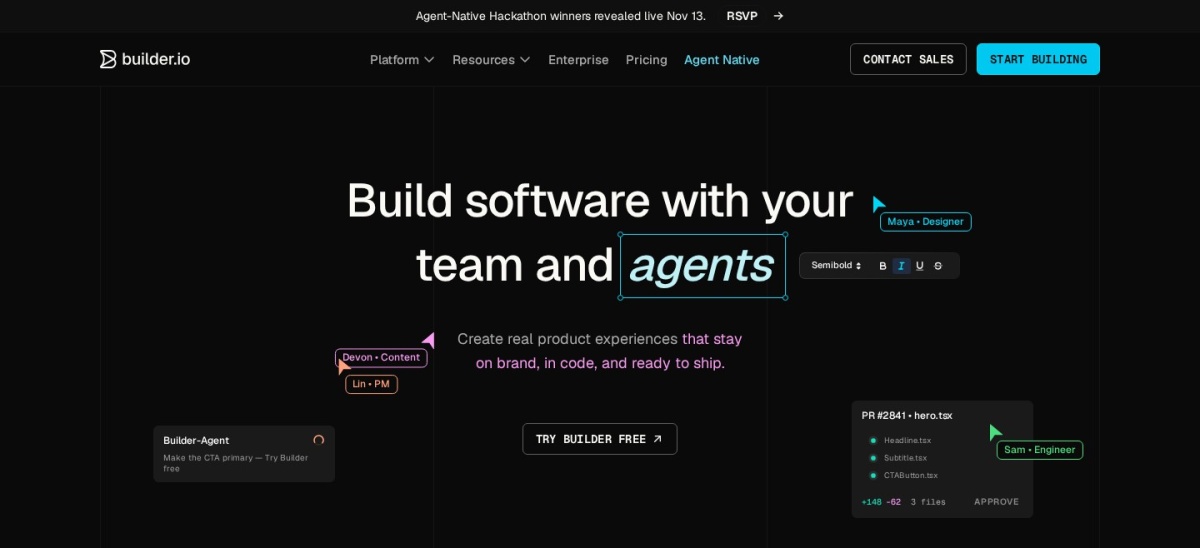
Builder.io homepage, captured Nov 2026.
Builder.io is a collaborative development platform whose Visual Copilot turns Figma frames into editable frontend code that maps to your existing components and styling. The free plan includes 60 Agent Credits a month, and Pro at $24 per user a month adds 500 monthly credits and up to 3 design systems.
The trade off is the double meter. You pay per user and for Agent Credits on top, with extra credits at $25 per 500, and the G2 review base is small at 27 reviews. It suits teams that want generated UI to fit a real React, Vue or Angular codebase instead of living as a disconnected prototype.
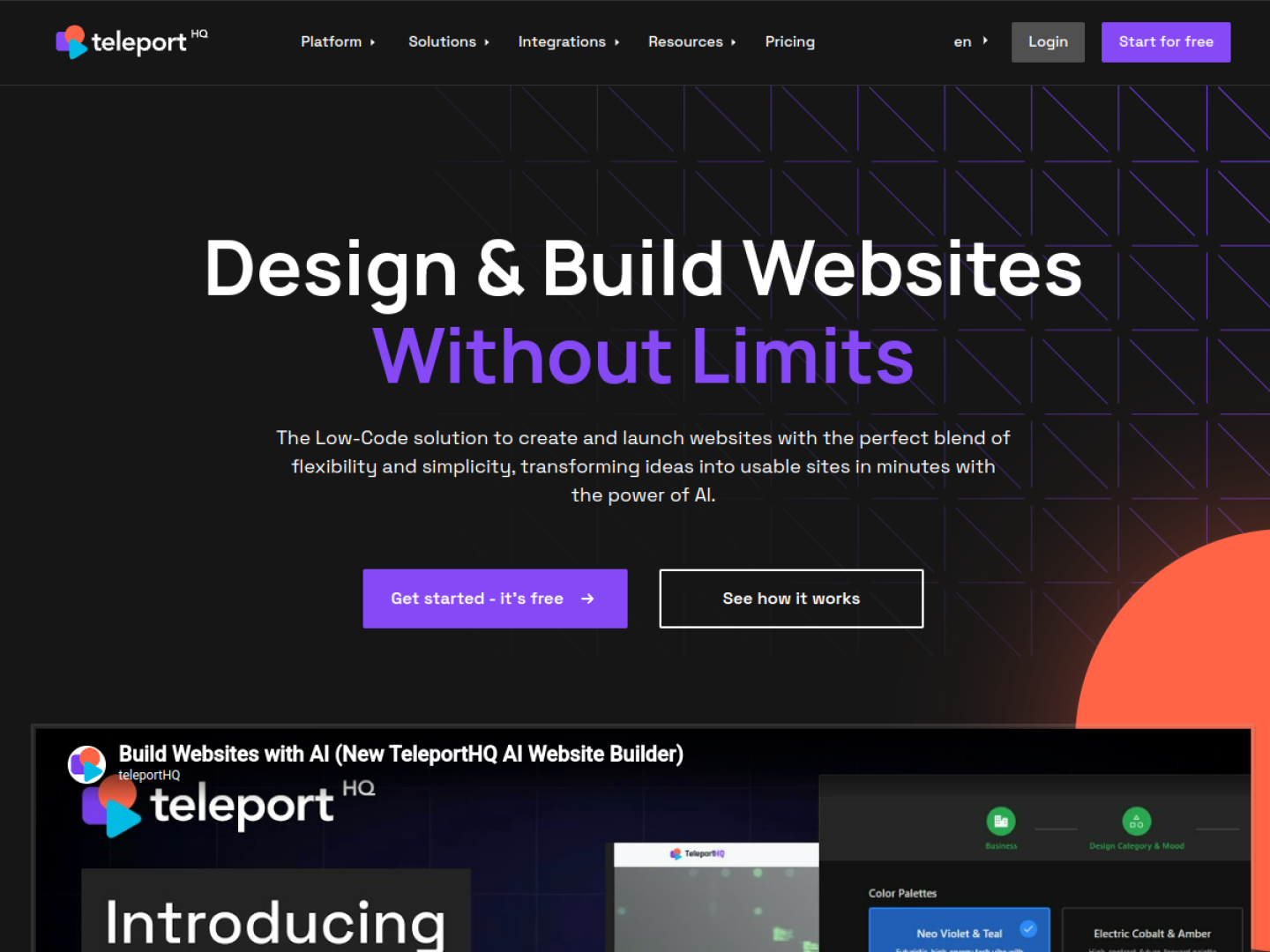
TeleportHQ is a browser-based builder where an AI assistant and a visual editor produce websites and UI components. Designs export as clean HTML, CSS, React or Vue code, and a Figma plugin bridges designer and developer workflows. A 7-day trial includes 30,000 AI tokens and one project.
The trade off is the free tier. There is no ongoing free plan after the trial, and Pro costs $14 a month, with web app slots at $19.99 a month extra. It suits freelancers and small teams who design and build the front end themselves.
Free plan5 chat messages and 5 generations a month
ExtrasWebsite cloning, MCP server, API
Paid planStarter, $20/seat/mo
animaapp.com
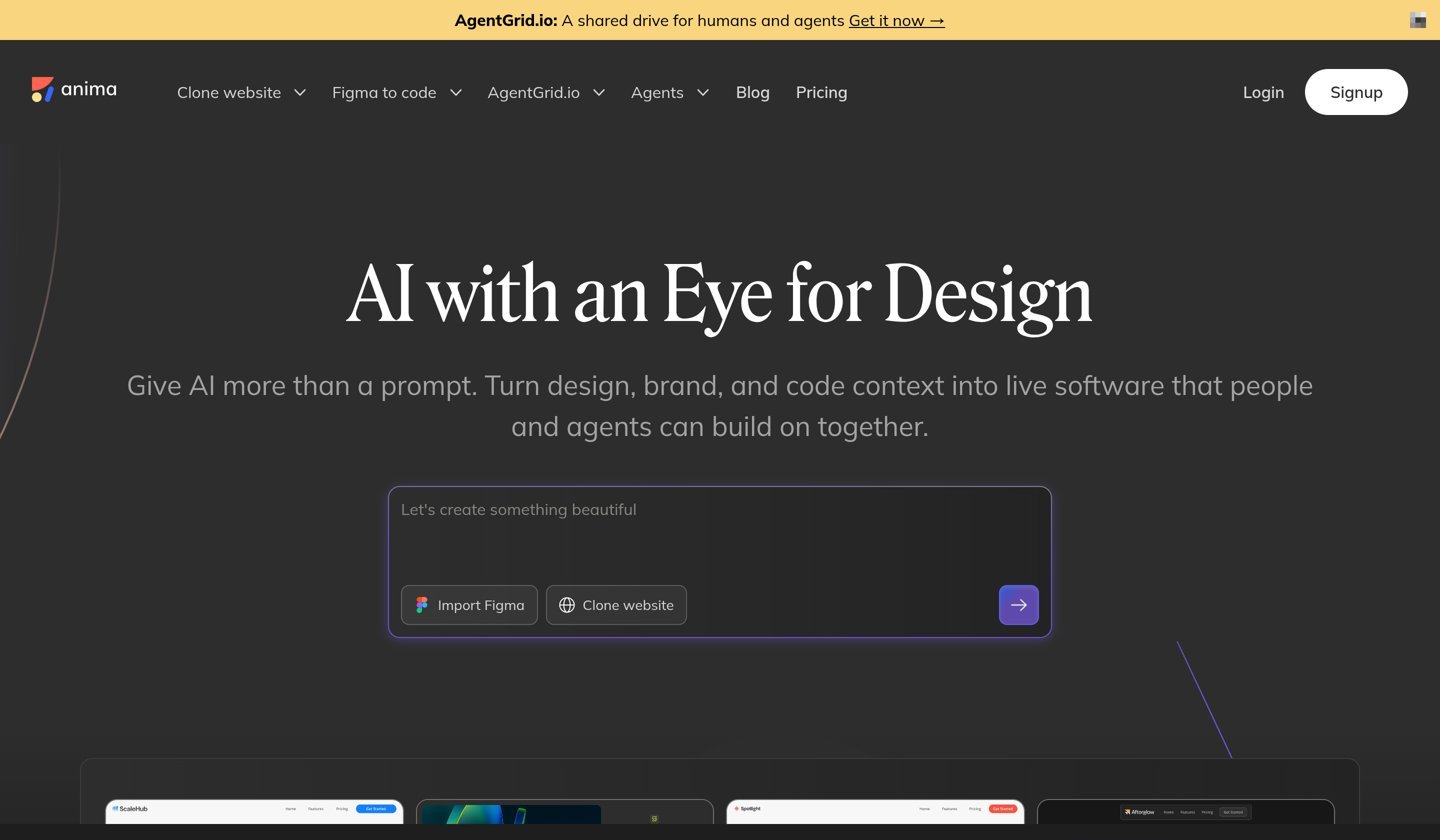
Anima homepage, captured Nov 2026.
Anima turns Figma designs, prompts, images or existing websites into editable HTML or React apps, and works both as a browser playground and a Figma plugin. The free plan is 5 chat messages and 5 code generations a month, and Starter at $20 per seat a month billed yearly adds 100 chat messages a month.
The trade off is the generation meter. Every export, import, clone or MCP call counts as a code generation against the monthly allowance, so the free plan runs out in a day of real use. It suits designers and frontend developers converting Figma files into code.
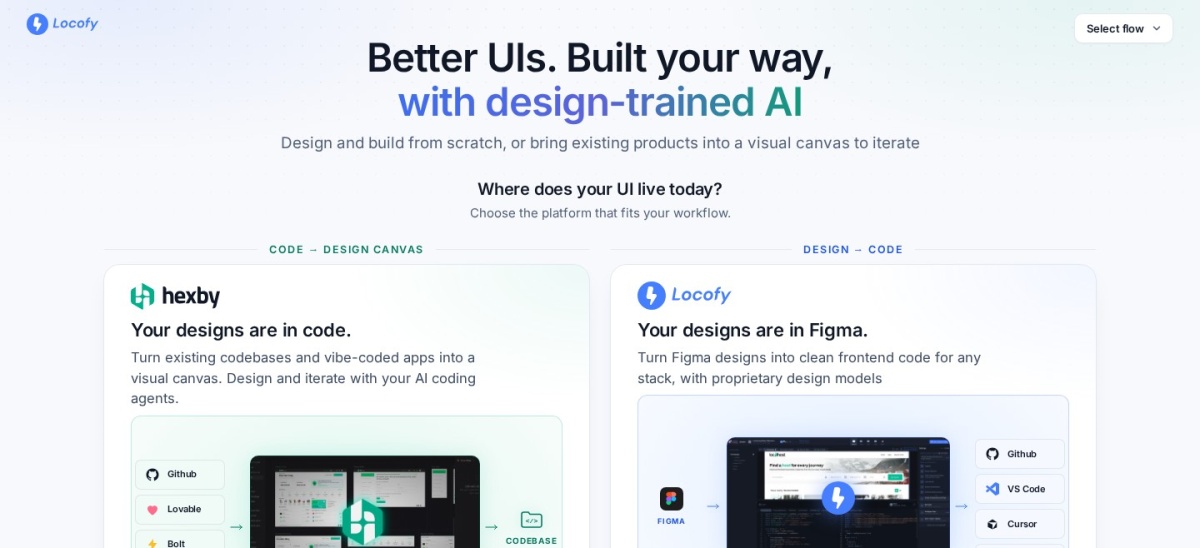
Locofy converts Figma, Penpot and Adobe XD designs into frontend code for React, Next.js, Vue, Angular, Flutter and React Native, with a CLI, an MCP server and GitHub sync. There is no permanent free plan: the free tier is a 7-day trial of Hobby with 2,000 LDM tokens, which then auto-converts to Hobby at $40 a month.
The trade off is price and proof. Hobby is $40 a month for 2,000 tokens, one frame converted at a time and 10 frames per project, and its 5.0 G2 rating rests on only 3 reviews. It suits developers who have finished Figma designs and need frontend code from them.
What we like
Widest framework coverage in this list
CLI and MCP for AI-assisted editors
Works from a pasted Figma URL
Highest G2 rating in this list
Watch out for
Most expensive tool in this list
G2 rating rests on only 3 reviews
Content on Hobby may be used to improve the platform
Prompt to code or Figma to code: pick the input you already have
Prompt-to-code tools fit a blank page. v0, Lovable and TeleportHQ start from a sentence and give back working UI, so they suit new screens and prototypes where no design exists yet.
Figma-to-code tools fit finished designs. Builder.io, Anima and Locofy start from a Figma file and give back code that matches it, so they suit teams where designers hand finished frames to developers.
Figma and Framer sit between the two. Figma Make generates inside the design file, and Framer's agent generates pages that publish live, so neither needs a finished design or a separate build step.
If you already have a component library, pick a tool that reads it. Builder.io maps generated UI to your existing components, while a prompt-only tool invents new ones you will later replace.
How we chose
We started from every AI design tool that takes a prompt, a Figma file, a sketch or a screenshot and produces a design or working frontend code a developer can use, then kept the ones with a published price and a numeric rating on a public review site.
Prices come from each vendor's pricing page as reported on 30 November 2026, and ratings and review counts come from G2 on the same day. Where a vendor shows a sale, the list shows the regular price.
We left out Kombai because no review site publishes a rating for it, so it could not pass the rating check. Locofy stays in last place because its 5.0 rating rests on only 3 reviews. No vendor paid for a place, and we do not claim to have used these tools ourselves.
How to choose AI design generation software for developers
Start from the input you already have, then check what the output costs to keep.
Decide what you feed it. A prompt suits new screens, a Figma file suits finished designs, and a sketch suits a quick mockup. Pick the tool built for your input.
Check what comes out. Mockups need a rebuild, React code can ship, and a published site needs no build step at all. Match the output to how far the work has to go.
Price the meter, not just the seat. Credits, tokens and generations cap how much you build each month. A $12 plan with 3 free generations is dearer in practice than a $25 plan with 100 credits.
Try the free plan on a real screen. Generate one screen you actually need, export the code and open it in your editor. If the code needs heavy cleanup, the tool is not saving time.
FAQ
What is the best AI design generation software for developers in 2026?
v0 is the best pick for most developers. It turns a text prompt into React and Next.js code with Tailwind styling, deploys to Vercel in one click, and Plus costs $30 a user a month with a free plan to try first.
How much does AI design generation software cost?
Paid plans in this list run from $5 a site a month for Framer to $40 a month for Locofy. Most tools cost $12 to $30 a month, and every one meters AI work with credits, tokens or generations on top of the plan price.
Is there a free AI design generation tool for developers?
Yes. v0, Figma, Lovable, Uizard, Framer, Builder.io and Anima all have free plans. The allowances are small, from 3 generations a month on Uizard to 500 AI credits a month on Figma, so they suit a trial rather than steady work.
Which AI design tool is best for beginners or small teams?
Uizard is the easiest start at $12 a creator a month, since it turns a prompt or a sketch into a clickable mockup in about 30 seconds. Figma suits small teams that already design together, with a free Starter plan and Dev Mode handoff.
v0 or Figma: which is better for developers?
v0 is better when the goal is shippable React code, since it outputs Next.js and Tailwind components and deploys to Vercel. Figma is better when the team designs, prototypes and hands off in one file, with AI as one feature among many.
Can I export the code these tools generate?
Yes, most of them export code. v0, Lovable, Builder.io, TeleportHQ, Anima and Locofy all let you download or copy the generated code, while Figma Make output stays in Figma's runtime and Framer publishes a live site instead of exporting code.
SaaS SEO and WordPress specialist with about 8 years of experience. Rakib compares WordPress plugins, themes, hosting and software using public pricing, documentation and user reviews. See how we rank.