WLWPLegible EditorsLast verified 24 Nov 2026How we rank13 min read
★ Short answer
Figma is the best AI UI design tool for most teams, with AI helpers inside the design tool most teams already use and a Professional plan at $16 per editor a month. Pick Framer to publish a finished site, or Uizard for fast clickable prototypes without design skills.
How we make this list: we compare pricing pages, product documentation and public user reviews, then re-check every price before each update. No product paid for a place. Disclosure.
Figma leads because its AI features sit inside the industry-standard canvas, rated 4.7/5 on G2 from 1,000+ reviews.
Framer is the only tool here that turns a prompt into a live published website, with a free plan and Mini at $5 a month.
Uizard turns a text prompt, sketch or screenshot into a clickable multi-screen prototype in about 30 seconds.
v0 and Magic Patterns output working React code instead of pictures, so developers can ship the result.
Free plans are thin everywhere: Uizard allows 3 AI generations a month and UX Pilot gives a one-time trial of 90 credits.
What an AI UI design tool should do
AI UI design tools turn a text prompt into screens, wireframes or working code. Some stop at mockups you hand to a developer. Others output React code or a published website, so the design step and the build step blur together.
The output type matters more than the price. If you need to show an idea in a meeting, a mockup tool is enough. If you need a working page, pick a tool that exports code or publishes the site itself.
Most of these tools meter AI use with credits or generations, so a cheap plan can run out fast. Our guide on creating a landing page in WordPress shows the same planning steps apply whatever tool draws the first draft.
Prices below are the regular monthly rates from each vendor's pricing page, checked on 24 November 2026. Where a vendor bills yearly at a lower monthly rate, the text says so.
Figma is the design tool most product teams already use, and its AI features work inside that canvas. Figma Make turns a prompt into an interactive prototype, while in-canvas helpers generate wireframes, rename layers and fill content. The free Starter plan covers 3 design files and 3 FigJam files.
The trade off is price and scope. Professional costs $16 per editor a month, or $12 a month billed yearly, and Figma Make output runs in its own runtime instead of becoming editable design layers. It suits teams that already design in Figma and want AI to speed up drafts.
What we like
AI built into the tool teams already use
Real-time multiplayer editing and shared libraries
Free viewer seats for stakeholders
MCP server lets coding agents read design files
Watch out for
Per-editor pricing adds up on large teams
Figma Make output is not a native design file
AI credits are capped at 500 a month on Professional
Professional adds unlimited files and 500 AI credits a monthVisit figma.com
02
Framer
4.5/5on G2 (145 reviews, checked Nov 2026)
Paid from$5/mo
Best for publishing AI sites live
AI featuresDesign agent, layouts, copy, translation
Free planYes, on a Framer subdomain
AI credits500 to try, 1,000 a month on Mini
Paid planMini, $5/site/mo billed yearly
framer.com
Framer homepage, captured Nov 2026.
Framer is a website builder with a Figma-like canvas, and its AI agent generates complete pages from a prompt. The result is a live site with hosting, a CMS, forms and SEO built in, not a mockup. The free plan covers 3 sites on a Framer subdomain with 500 AI credits to try.
The trade off is per-site pricing. Mini costs $5 a month per site billed yearly, so three client sites need three subscriptions, and Framer builds websites rather than mobile app flows. It suits designers and founders who want a marketing site live the same day.
What we like
AI output is a real published website
CMS, hosting and SEO included
Lowest paid plan in this list
AI credits on every plan, including free
Watch out for
Per-site pricing adds up for agencies
Not a mobile app prototyper
No HTML export for self-hosting
Mini adds a custom domain and 1,000 AI credits a monthVisit framer.com
03
Uizard
4.5/5on G2 (45 reviews, checked Nov 2026)
Paid from$12/mo
Best for non-designers
AI featuresAutodesigner 2.0, sketch and screenshot input
Free plan2 projects, 3 generations a month
AI generations500 a month on Pro
Paid planPro, $12/mo billed yearly
uizard.io
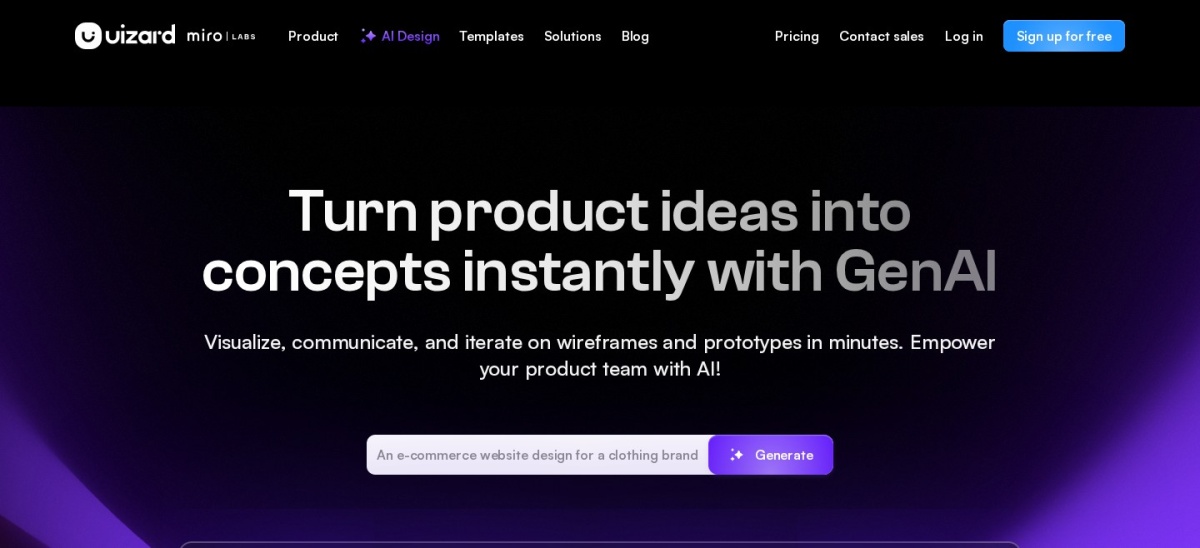
Uizard homepage, captured Nov 2026.
Uizard is an AI design tool built for people who are not designers. Autodesigner 2.0 turns a text prompt, a hand-drawn sketch or a screenshot into a clickable multi-screen prototype in about 30 seconds. The free plan covers 2 projects with 3 AI generations a month.
The trade off is depth. Pro costs $12 a month billed yearly, or $19 month to month, and output can look generic without careful prompting. Uizard is now part of Miro, so its roadmap sits with Miro. It suits founders and product managers who need a demo fast.
What we like
Fastest path from idea to clickable prototype
Sketch and screenshot inputs work well
Cheapest full prototype tool here for non-designers
React and CSS handoff for developers
Watch out for
Free plan allows only 3 generations a month
Outputs can look generic
Future tied to Miro after the 2024 acquisition
Pro adds Autodesigner 2.0 and 500 generations a monthVisit uizard.io
04
v0 by Vercel
4.5/5on G2 (28 reviews, checked Nov 2026)
Paid from$20/mo
Best for developers who want code
AI featuresText to React, Next.js and Tailwind
Free plan$5 of credits a month
Paid planPremium, $20/mo with $20 credits
DeployOne-click deploy to Vercel
v0.app
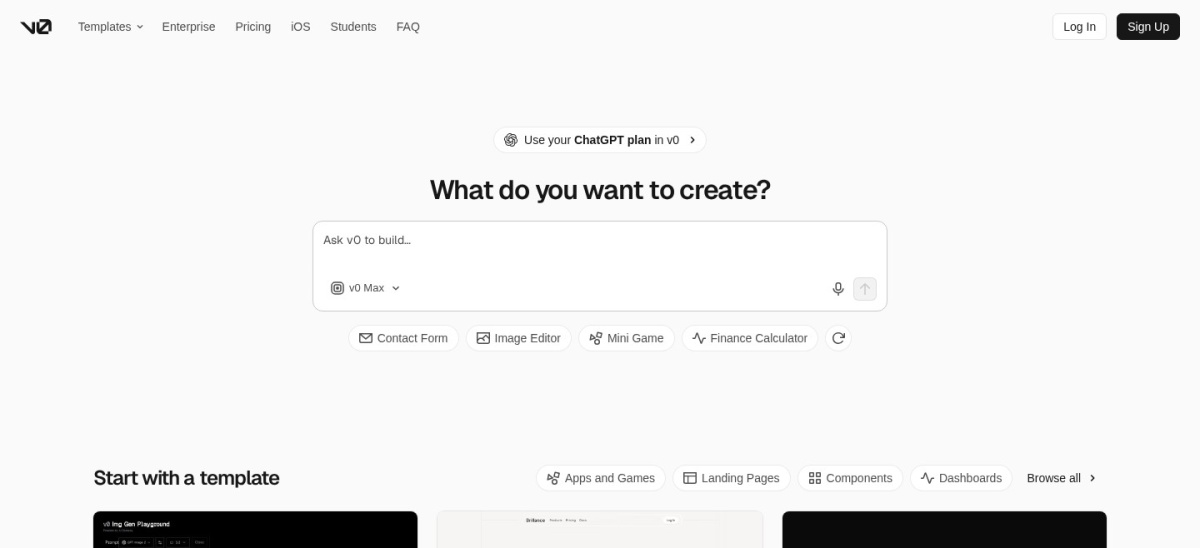
v0 by Vercel homepage, captured Nov 2026.
v0 by Vercel is the developer entry in this list. It generates working React, Next.js and Tailwind code from a text prompt instead of pictures of interfaces, and deploys to Vercel in one click. The free plan includes $5 of credits a month, and Premium costs $20 a month with $20 in credits.
The trade off is metering. Credits map to token use, so a heavy agentic build session can burn several dollars, and v0 speaks only React and Tailwind. It suits frontend developers in the Vercel ecosystem who want AI that writes shippable UI.
What we like
Output is production-ready React code
Deploys straight to Vercel
Figma imports on paid plans
Good for real product UI, not just mockups
Watch out for
Token credits make costs hard to predict
React and Tailwind only
Small G2 review base of 28 reviews
Premium adds $20 in credits and all model tiersVisit v0.app
05
UX Pilot
4.4/5on G2 (46 reviews, checked Nov 2026)
Starts at$12/mo
Best for UX-checked wireframes
AI featuresPrompt to wireframe, heatmaps, heuristic audit
Free trial90 one-time credits, about 15 screens
Credits420 a month on Standard
Paid planStandard, $12/mo billed yearly
uxpilot.ai
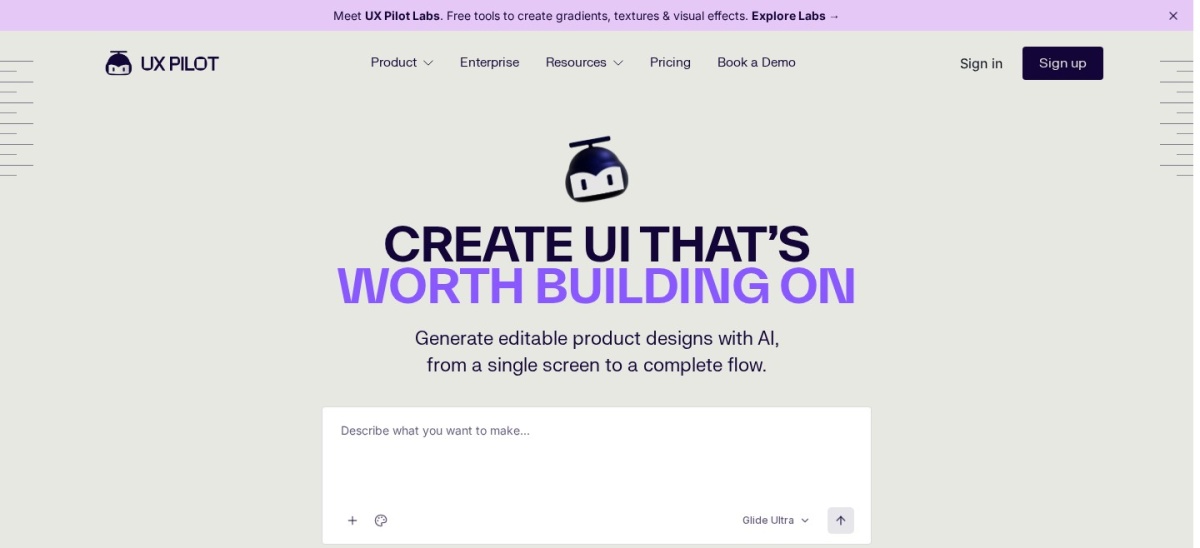
UX Pilot homepage, captured Nov 2026.
UX Pilot is a browser app and Figma plugin that turns a prompt into wireframes, then scales them to high-fidelity screens. It is the only tool here with predictive heatmaps and an automated heuristic audit that flags low contrast and cramped touch targets. A free trial gives 90 one-time credits.
The trade off is the free tier. There is no ongoing free plan, only the trial, and Standard costs $12 a month billed yearly with 420 credits a month. Unused credits roll over but vanish on cancellation. It suits UX designers who want evidence a layout will work.
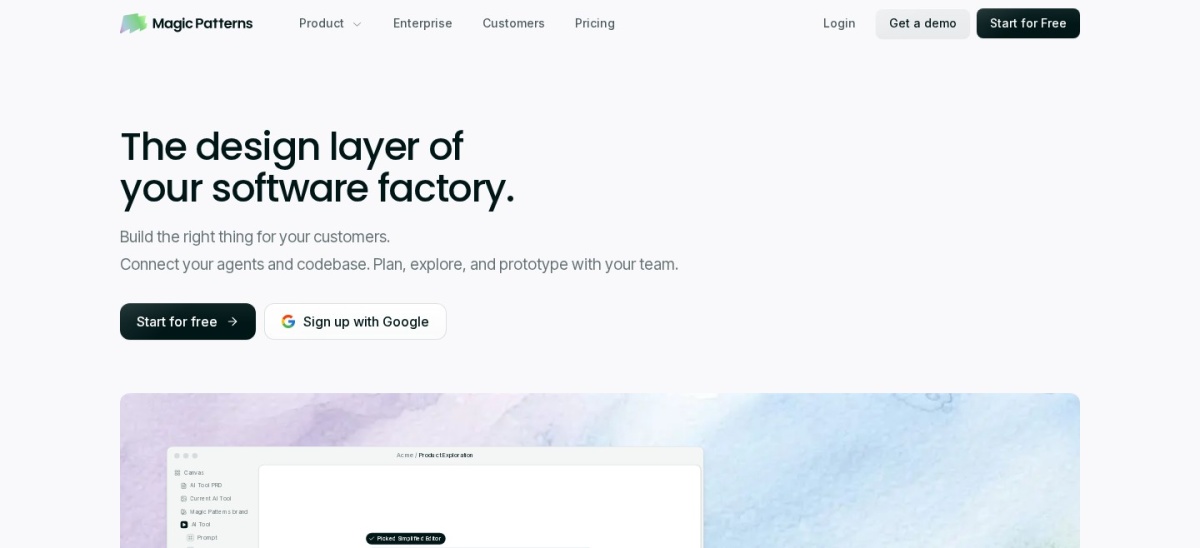
Magic Patterns is an AI design tool for product teams that already have a design system. It connects to your components and tokens, so generated screens use your brand instead of stock layouts. Output is React and Tailwind code with Figma export, and the free plan includes 100 credits a month.
The trade off is price and fit. Starter costs $20 per seat a month, or $17 billed yearly, and without an existing design system you lose its main edge. It suits product teams with established systems who want AI speed without brand drift.
What we like
Generated UI matches your design system
Clean React and Tailwind export
Reads screenshots and Figma files, not just prompts
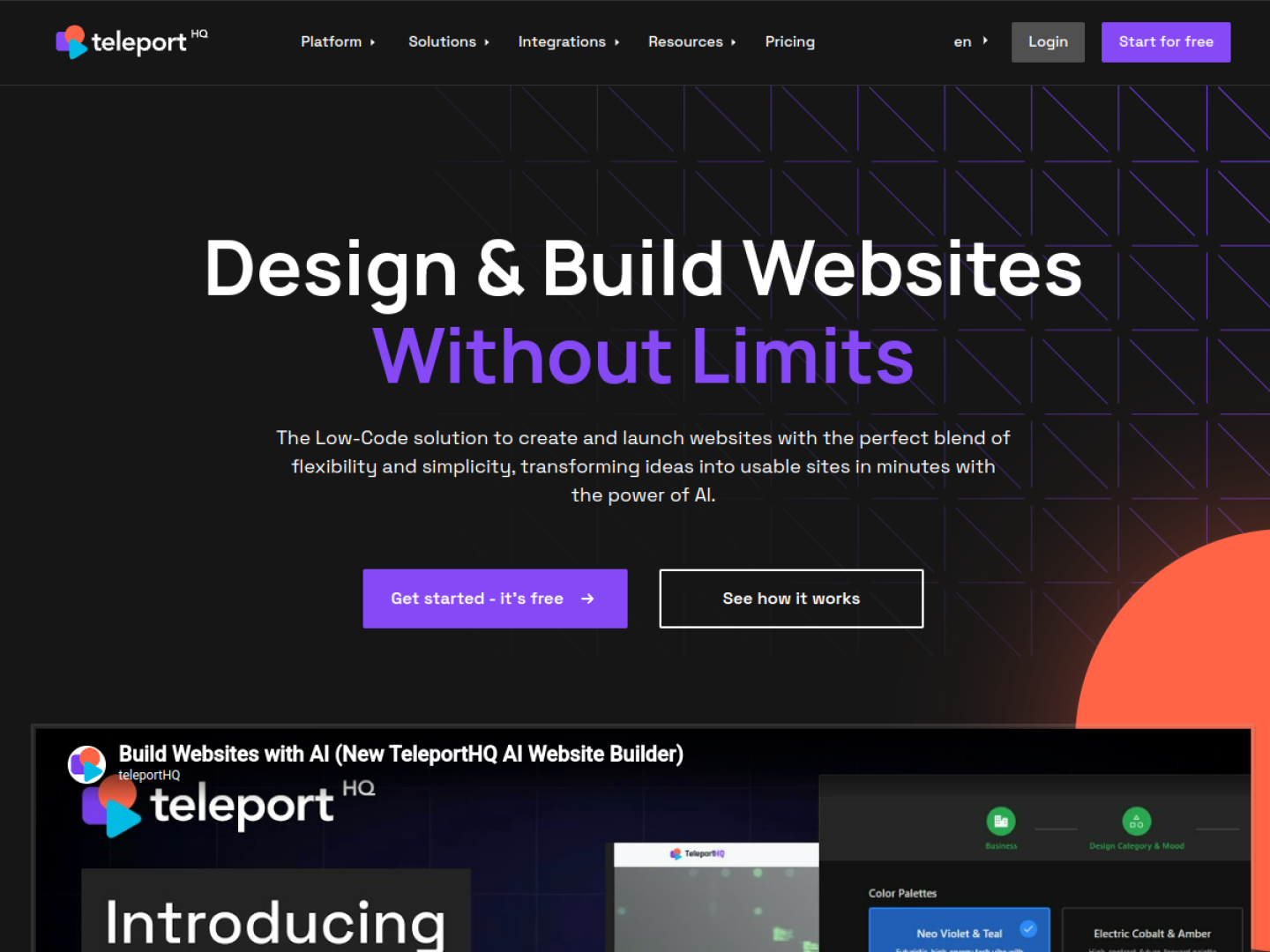
TeleportHQ is a browser-based builder where an AI assistant and a visual editor produce websites and UI components. Designs export as clean HTML, CSS, React or Vue code, and a Figma plugin bridges designer and developer workflows. A 7-day trial includes 30,000 AI tokens and one project.
The trade off is the free tier. There is no ongoing free plan after the trial, and Pro costs $14 a month, with web app slots at $19.99 a month extra. It suits freelancers and small teams who design and build the front end themselves.
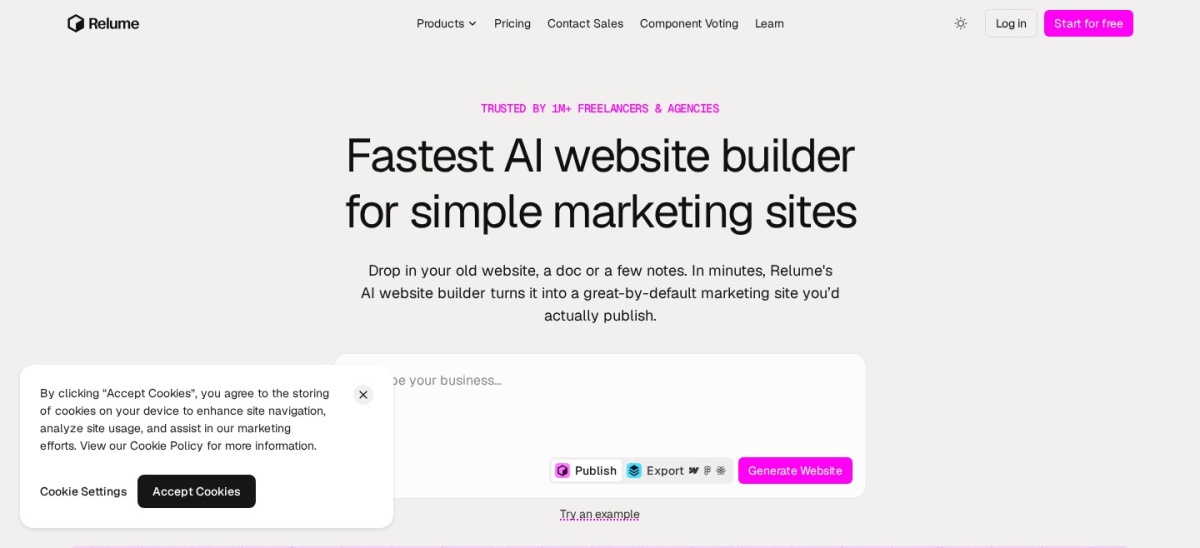
Relume is a planning-first AI website builder. Describe a website and it generates a full sitemap and wireframes built from more than 1,000 human-designed components, with AI-written copy placeholders. Everything exports to Figma or Webflow, where the real build happens.
The trade off is pricing and output. Starter costs $18 a month, building, AI use and hosting are separate meters, and the output is a structure to build from rather than a finished site. It suits designers and agencies working in the Webflow ecosystem.
These tools split into two kinds. Mockup tools such as Uizard, UX Pilot and Relume produce editable designs a designer refines and a developer implements.
Code tools such as v0, Magic Patterns and TeleportHQ produce working artifacts: React components or deployable front ends. The output skips the handoff step.
Framer sits in between, since its output is a published website. Pick the kind that matches your deliverable, not the one with the longest feature list.
How we chose
We started from the AI UI design tools with public pricing and a G2 review profile, then kept the eight with a clear UI generation feature and a usable free plan or trial.
Prices come from each vendor's pricing page as reported on 24 November 2026, and ratings come from G2 on the same day. Where a vendor shows a yearly rate, the list shows the monthly rate and the text notes the yearly figure.
We left out Galileo AI, which Google acquired in 2025 and relaunched as Stitch, and tools with no public price. No vendor paid for a place, and we do not claim to have used these tools ourselves.
How to choose an AI UI design tool
Start with what you need to deliver, then match the tool to that output.
Decide mockup or working code. If a developer implements the design, a mockup tool is enough. If you ship it yourself, pick a code or publishing tool.
Check the free tier first. Free plans here range from 3 generations a month to a one-time trial. Run one real task on the free tier before paying.
Count the credits, not just the price. Most tools meter AI use, so a $12 plan with 420 credits can cost more in practice than a $20 plan with 1,000.
Test the export. Generate one screen and export it to Figma or code. If the export needs rebuilding, the speed gain is gone.
FAQ
What is the best AI UI design tool?
Figma is the best pick for most teams. Its AI helpers sit inside the design tool most teams already use, it is rated 4.7 out of 5 on G2 from more than 1,000 reviews, and the free Starter plan covers 3 design files.
Can AI design tools replace a UI designer?
No. They produce fast first drafts, wireframes and code, but the output still needs a designer to check hierarchy, accessibility and brand fit. Use them to skip the blank page, not to skip design judgment.
Which AI UI design tool is free?
Figma, Framer, Uizard, v0, Magic Patterns and Relume all have free plans, though most limit AI generations. Framer's free plan is the most generous, with 500 AI credits to try and 3 sites on a Framer subdomain.
Which tool turns a prompt into working code?
v0 generates working React, Next.js and Tailwind code, and Magic Patterns does the same while matching your design system. TeleportHQ exports HTML, CSS, React and Vue from a visual builder. Framer publishes a live site instead of code.
Do these tools work with Figma?
Yes, most of them do. Uizard, UX Pilot, Magic Patterns, TeleportHQ and Relume all export to Figma, and v0 imports Figma files on paid plans. Figma itself is the home base the others connect to.
What happened to Galileo AI?
Google acquired Galileo AI in 2025 and relaunched its text-to-UI technology as Google Stitch, a free Google Labs tool. The standalone Galileo product and its paid plans no longer exist, so it is not in this list.