SEO & AI search · Info
Yoast SEO Permalink Settings Explained: What Each Option Does
Short answer
Yoast SEO does not set your permalink structure. WordPress does that under Settings, Permalinks. Yoast adds related URL options, including removing the category prefix, stripping unwanted URL parameters, redirecting attachment pages, and editing each post's slug in its search preview.
Key takeaways
- Set your main permalink structure in WordPress under Settings > Permalinks.
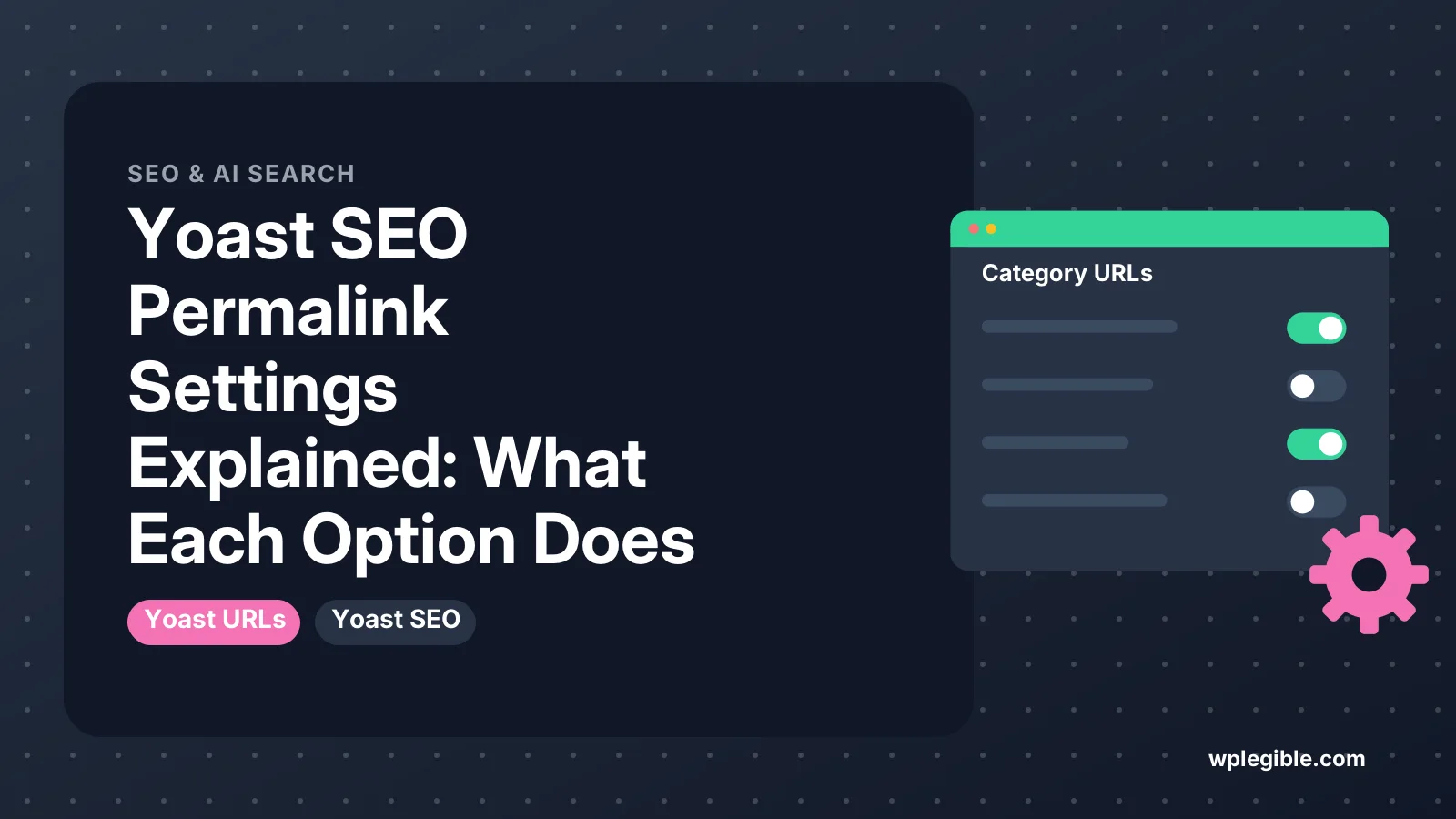
- Yoast's Category URLs option removes the /category/ prefix from archive URLs.
- Crawl optimization can strip junk URL parameters, but test before enabling.
- Keep media pages disabled so attachment URLs redirect to the file.
- The slug in the Yoast preview is the normal WordPress post slug.
- Resave permalinks after any URL change to rebuild rewrite rules.
Does Yoast SEO have its own permalink settings?
Not exactly: WordPress controls your permalink structure under Settings > Permalinks, while Yoast SEO adds a few URL-related options, such as removing the category prefix and cleaning up messy URL parameters.
Many older tutorials mention a Permalinks tab inside Yoast SEO. That tab existed years ago, but Yoast moved or removed most of those options as WordPress itself improved.
Today the URL-related settings in Yoast SEO are spread across a few places:
- Category URLs, where you can remove the category prefix.
- Crawl optimization, which can strip unwanted parameters from URLs.
- Media pages, which decides whether image attachment pages exist.
- The slug field in the Yoast box on each post.
This guide explains what each option does, what the safe default is, and when you should change it. Exact labels can shift between versions, so check the Yoast help center if your screen looks different.
Where do you set the main permalink structure?
You set the main structure in WordPress itself, under Settings > Permalinks, and Yoast SEO reads whatever structure you choose there.
The Permalinks screen documentation lists the built-in options: Plain, Day and name, Month and name, Numeric, Post name and Custom structure.
For most sites, Post name is the best choice. It gives short, readable URLs like /yoast-seo-permalink-settings/. Google's own URL structure guidelines recommend simple, descriptive URLs that people can understand.
If you have not set this yet, our walkthrough on setting up permalinks in WordPress covers each option. Yoast's setup wizard may also flag a plain structure as a problem.
Changing the structure on an established site will change every post URL. Before you do that, read how to change permalinks without breaking SEO.
What does the remove categories prefix option do?
It strips the /category/ base from category archive URLs, so example.com/category/recipes/ becomes example.com/recipes/.
In recent versions of Yoast SEO, you find it under Yoast SEO > Settings > Advanced > Category URLs. Yoast's guide on removing the categories prefix shows the current toggle.
What it changes: only category archive URLs. Post URLs stay the same unless your custom structure includes %category%.
Should you turn it on? It is a matter of taste rather than a ranking factor. Shorter URLs look tidier, but the category prefix does not hurt SEO.
There are some risks to weigh:
- URL clashes. A category and a page with the same slug can conflict, and one of them may become unreachable.
- Old links. Existing links to
/category/name/need to redirect. Yoast handles this for category archives, but test a few old URLs after switching. - Multilingual setups. Some translation plugins have had trouble with stripped category bases in secondary languages.
If you change it on an older site, save your permalinks again afterward. Visiting Settings > Permalinks and clicking Save Changes rebuilds the rewrite rules. Our guide to flushing permalinks explains why that matters.
What do the crawl optimization URL settings do?
Crawl optimization settings tell Yoast SEO to remove extra URLs and parameters that WordPress creates, so search engines spend less time on low-value addresses.
You find them under Yoast SEO > Settings > Advanced > Crawl optimization. The crawl optimization help page describes the full list. Several options relate directly to URLs:
- Remove unregistered URL parameters. Yoast redirects URLs with unknown query strings back to the clean version. Useful when bots or other sites add junk parameters to your links.
- Additional URL parameters to allow. A safe list for parameters you need, so they are not stripped.
- Remove campaign tracking URL parameters. Redirects URLs with UTM-style tags to the clean URL after analytics has a chance to read them.
- Remove feed and other auto-generated URLs. Options to disable things such as comment feeds, post author feeds or search feeds.
These settings are off by default. Turn them on carefully, one at a time.
The main risk is breaking something that relies on a URL parameter. Payment gateways, affiliate tools, filters on shop pages and some form plugins pass data through the URL. If you enable parameter removal, add those parameters to the allow list and test checkout, search and filters afterward.
What does the media pages setting do to attachment URLs?
The media pages setting decides whether each uploaded image gets its own attachment page, and with it turned off, Yoast redirects those attachment URLs to the file itself.
WordPress creates an attachment page for every file you upload. These pages usually contain just one image and little text, so they add thin pages to your site.
In Yoast SEO, look under Settings > Advanced > Media pages. With media pages disabled, a visit to an attachment URL goes straight to the image file instead of a near-empty page.
For almost every site, keep media pages disabled. Only enable them if you run a photography or gallery site where each attachment page has real content, such as a caption, description and comments.
Newer versions of WordPress also changed how attachment pages work on fresh installs. The redirect in Yoast remains a useful safety net on older sites.
How does the slug field in the Yoast box work?
The slug field in the Yoast SEO search appearance preview edits the same post slug that WordPress stores, so changing it in either place changes the post URL.
When you open the Google preview in the Yoast box and click to edit, you can change the SEO title, the slug and the meta description. The slug here is not a separate Yoast setting. It is the WordPress post slug.
Good slug habits:
- Keep it short and include the main keyword.
- Use hyphens between words, all lowercase.
- Remove filler words if the slug reads fine without them.
- Avoid dates and numbers that may become outdated, such as a year in an evergreen post.
Changing the slug of a published post breaks the old URL. WordPress tries to redirect old slugs automatically, but that is not always reliable.
Yoast SEO Premium includes a redirect manager that offers to create a redirect when you change a URL. Our guide on Yoast SEO redirects shows how that works.
Which Yoast URL settings should you change?
For most sites, set Post name in WordPress, leave crawl optimization off until you need it, keep media pages disabled, and treat the category prefix as optional.
| Setting | Where | What it does | Suggested default |
|---|---|---|---|
| Permalink structure | Settings > Permalinks (WordPress) | Sets the pattern for all post URLs | Post name |
| Remove categories prefix | Yoast > Settings > Advanced > Category URLs | Drops /category/ from archive URLs | Optional |
| Remove unregistered URL parameters | Yoast > Settings > Advanced > Crawl optimization | Redirects URLs with unknown query strings | Off, unless junk URLs appear |
| Remove campaign tracking parameters | Crawl optimization | Strips tracking tags after analytics reads them | Off by default |
| Media pages | Yoast > Settings > Advanced > Media pages | Controls attachment page URLs | Disabled |
| Slug | Yoast box on each post | Edits the post's URL slug | Short, keyword-based |
For a wider look at every tab in the plugin, see our full Yoast SEO settings explained guide.
What should you do if URLs break after changing these settings?
If pages return 404 errors after a change, resave your permalinks first, then check for slug clashes and turn the last setting you changed back off to confirm it is the cause.
Work through this list:
- Go to Settings > Permalinks and click Save Changes without editing anything. This rebuilds rewrite rules.
- Clear your caching plugin, server cache and CDN.
- Look for a page and a category with the same slug. Rename one of them.
- Test old URLs and confirm they redirect to the new ones.
- If problems remain, switch off the setting you changed last and test again.
The WordPress function behind step 1 is flush_rewrite_rules(), which rebuilds the stored rules. For deeper problems, our guide to fixing permalinks that are not working covers server-side causes such as a missing .htaccess file.
Frequently asked questions
Where did the Yoast SEO permalinks tab go?
Yoast removed the old Permalinks tab years ago. Its useful options were moved into other areas, such as Category URLs, Crawl optimization and Media pages under the Advanced section of the Yoast settings. The main permalink structure is handled by WordPress itself.
Does removing the category prefix help SEO?
Not in any measurable way. It makes category archive URLs shorter and tidier, which some site owners prefer. The category prefix itself does not hurt rankings, so it is a style choice rather than a ranking fix.
Is Post name the best permalink structure for Yoast SEO?
For most blogs and business sites, yes. Post name gives short, readable URLs that include the keyword from your slug. Yoast SEO works with any structure, but simple, descriptive URLs are easier for people and search engines to understand.
Will changing a slug in Yoast break my old link?
It changes the post URL, so the old link may break. WordPress sometimes redirects old slugs automatically, but not always. Yoast SEO Premium can create a redirect for you, or you can add one with a free redirect plugin.
Should I turn on Remove unregistered URL parameters?
Only if you see junk parameter URLs in your reports and you know which parameters your site needs. Add any parameters used by payments, filters or tracking tools to the allow list first, then test those features after enabling it.
Sources
- How to remove the categories prefix Yoast
- Yoast SEO settings: Crawl optimization Yoast
- Settings Permalinks Screen WordPress.org Documentation
- URL structure best practices for Google Google Search Central
- flush_rewrite_rules() WordPress Developer Resources
Is your product missing, or something out of date?
Tell us what to add or correct. We read every note and reply when we need a source. A message does not buy a ranking.
Thanks — we review requests within 3 business days.
Related guides

About the editors
Researched from the primary sources listed above and checked against our editorial rules before publishing.