Troubleshooting
WordPress Video Autoplay Not Working: Causes and How to Fix It
Short answer
WordPress video autoplay usually fails because browsers block videos that start with sound. Turn on Autoplay and Muted, plus Play inline for iPhones, in the Video block. For YouTube, add autoplay and mute parameters to the embed URL, and check that lazy loading plugins are not replacing the player.
Key takeaways
- Browsers allow muted autoplay but often block autoplay with sound.
- In the Video block, turn on Autoplay, Muted and Play inline together.
- YouTube embeds need autoplay=1 and mute=1 in an iframe URL.
- Lazy load and YouTube preview features stop autoplay by design.
- iPhones in Low Power Mode will not autoplay, so add a poster image.
Why is WordPress video autoplay not working?
Video autoplay usually fails because browsers block videos that autoplay with sound, so the fix is almost always to mute the video, and on iPhones to let it play inline as well.
WordPress is rarely the real cause. Chrome, Safari, Firefox and Edge all decide for themselves whether a video may start on its own.
Other causes include YouTube or Vimeo embeds without the right URL settings, lazy loading plugins, page builder settings, low power mode on phones, and video files in formats the browser cannot play.
If videos do not play at all, even when clicked, see our wider guide to WordPress videos not working first.
Why do browsers block autoplay?
Browsers block autoplay with sound to protect users from noisy pages and wasted data, and they almost always allow autoplay when the video is muted.
Chrome's autoplay policy states that muted autoplay is always allowed. Autoplay with sound depends on how the user has interacted with the site before.
Safari and Firefox follow similar rules. Users can also change their own autoplay settings per site, which you cannot control.
Chrome also keeps a Media Engagement Index for each site. If a visitor often plays media with sound on your site, Chrome may let sound autoplay there, but you cannot rely on that for new visitors.
For most sites, assume every first-time visitor will block autoplay with sound.
So the dependable approach is simple: autoplay muted, and give visitors a control to turn on the sound.
How do you fix autoplay in the WordPress Video block?
Select the Video block, turn on Autoplay, Muted and Play inline in the block settings, then update the page and test in a private window.
Step by step:
- Open the page in the block editor.
- Click the Video block.
- In the settings sidebar, turn on Autoplay.
- Turn on Muted.
- Turn on Play inline for iPhone support.
- Add Loop if you want it to repeat.
- Update the page and clear your cache.
The Video block documentation lists each of these options.
These settings map to standard HTML attributes. MDN's reference for the video element explains what autoplay, muted, loop and playsinline do.
Why does autoplay fail on iPhone and iPad?
iOS Safari only autoplays videos that are muted and allowed to play inline, and it pauses autoplay completely when the phone is in Low Power Mode.
Without the playsinline attribute, iOS wants to open the video full screen, which needs a tap.
The WebKit team described these rules when they introduced new video policies for iOS. The core idea still applies: muted plus inline.
Low Power Mode is a user setting, so you cannot override it. Always add a poster image so the block still looks good when the video does not start.
Background videos on phones have their own quirks. Our guide on video backgrounds not working on mobile covers those.
How do you autoplay a YouTube video in WordPress?
Add autoplay=1 and mute=1 to the YouTube embed URL inside an iframe, because the standard YouTube embed block does not offer an autoplay setting.
The easiest way is a Custom HTML block with the embed code:
<iframe width="560" height="315"
  src="https://www.youtube.com/embed/VIDEO_ID?autoplay=1&mute=1&playsinline=1"
  title="Video title"
  allow="autoplay; encrypted-media"
  allowfullscreen></iframe>
Replace VIDEO_ID with your own. The allow attribute matters, since some browsers block autoplay inside iframes that do not ask for it.
To loop a single YouTube video, add loop=1 together with playlist=VIDEO_ID, using the same ID. YouTube needs the playlist value for looping to work.
Google's list of YouTube player parameters explains autoplay, mute, loop and the rest.
Vimeo uses similar settings with its own parameter names. Check Vimeo's embed options in your video's share settings.
Can lazy loading or caching plugins break autoplay?
Yes, plugins that lazy load iframes or replace YouTube embeds with a preview image will stop autoplay, because the real player only loads after a click.
This is a speed feature, and it works as intended. It just conflicts with autoplay.
WP Rocket, LiteSpeed Cache and similar tools have options to replace YouTube iframes with a thumbnail. Exclude the autoplay video or turn the option off for that page.
JavaScript delay and minify options can also hold back the player script. Exclude video scripts if autoplay only fails with optimization turned on.
Our guide on speeding up YouTube embeds explains the trade-off between speed and instant playback.
Is your page builder overriding the setting?
Page builders such as Elementor have their own video widgets with separate autoplay, mute and loop toggles, and those settings decide what happens, not the WordPress block options.
Open the video widget and check that autoplay and mute are both on. Some builders also have a separate setting for mobile devices.
For Elementor specifically, see our guide to Elementor video autoplay settings.
Builder background videos often only play on desktop by default. That is a design choice, not a bug.
Could the video file itself be the problem?
Yes, if the browser cannot decode the file it will not autoplay or play at all, so use MP4 with H.264 video and AAC audio for the widest support.
Very large files may also start late. A long delay can look like autoplay failed.
How do you check if autoplay is being blocked?
Open your browser's developer tools, reload the page and look in the Console for messages about play() being blocked or a failed request for the video file.
A blocked autoplay message points to a policy issue, so mute the video. A 404 or 403 error on the file points to a path, permission or hotlink problem.
If there is no error at all, a script may never have loaded the player. That usually means a lazy load or delay feature is holding it back.
Keep autoplay clips short and compressed. A few seconds of looping video at 720p is often enough for a hero section.
Our guide on self-hosting videos versus embedding YouTube helps you pick the right approach.
What else should you check?
Test in a private window, try more than one browser, clear every cache layer, and deactivate plugins one at a time to rule out conflicts.
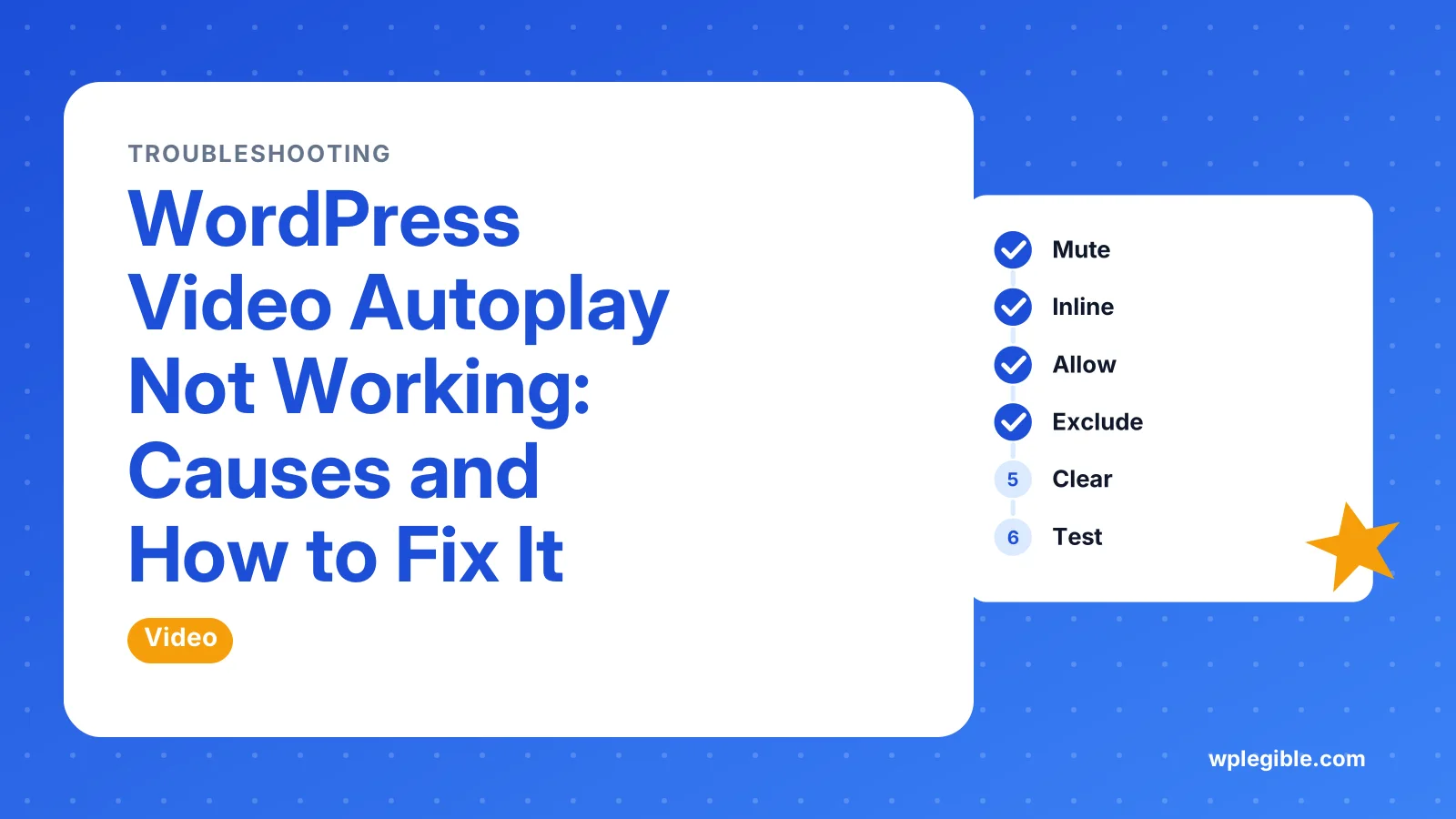
A quick checklist:
- Is the video muted?
- Is playsinline set for iPhones?
- Is the iframe allowed to autoplay?
- Is a lazy load or delay feature active?
- Did you clear the cache after the change?
- Does the user's browser block all autoplay?
If autoplay works logged in but not for visitors, a cache is serving the old version. Our cache clearing guide covers the main plugins.
Autoplay fixes at a glance
Use this table to match your setup to the setting that usually fixes it.
| Setup | What to add | Common blocker |
|---|---|---|
| Video block | Autoplay, Muted, Play inline | Not muted |
| YouTube embed | autoplay=1 and mute=1 in the URL | Lazy load preview image |
| Vimeo embed | Autoplay and muted parameters | Iframe missing allow attribute |
| Elementor video widget | Autoplay and Mute toggles | Mobile settings |
| iPhone visitors | Muted plus playsinline | Low Power Mode |
Should you autoplay videos at all?
Autoplay works well for short, silent background clips, but autoplaying videos with sound annoy visitors and can hurt accessibility, so use it sparingly.
Moving content can distract people with attention or vestibular conditions. The W3C's guidance on pausing, stopping or hiding moving content recommends giving users a way to stop it.
Always show controls or a pause button on longer clips. A visible play button is often better than autoplay for videos people should actually watch.
Frequently asked questions
Why does my video autoplay on desktop but not on my phone?
Mobile browsers are stricter. iPhones need the video to be muted and set to play inline, and Low Power Mode stops autoplay completely. Page builders may also turn off autoplay on mobile by default.
Can I autoplay a video with sound in WordPress?
Not reliably. Browsers block autoplay with sound unless the user has interacted with your site before. Autoplay the video muted and let visitors turn the sound on with the controls.
Why does my YouTube embed not autoplay?
The standard embed block has no autoplay option. Use an iframe with autoplay and mute set to 1 in the URL, and make sure no plugin is swapping the player for a preview image.
Does autoplay slow down my WordPress site?
It can, since the browser must download the video right away. Keep autoplay clips short and compressed, and add a poster image so the area is not blank while it loads.
Why did autoplay stop working after installing a speed plugin?
Many speed plugins lazy load iframes or delay JavaScript, which holds back the video player until someone clicks. Exclude the video from those features or turn them off for that page.
Sources
- Autoplay policy in Chrome Chrome for Developers
- The Video Embed element MDN Web Docs
- Video block WordPress.org Documentation
- YouTube embedded player parameters Google for Developers
- New video policies for iOS WebKit
Is your product missing, or something out of date?
Tell us what to add or correct. We read every note and reply when we need a source. A message does not buy a ranking.
Thanks — we review requests within 3 business days.
Related guides



About the editors
Researched from the primary sources listed above and checked against our editorial rules before publishing.