Hosting · Info
WordPress Form Email Settings Explained: What Each Option Does
Short answer
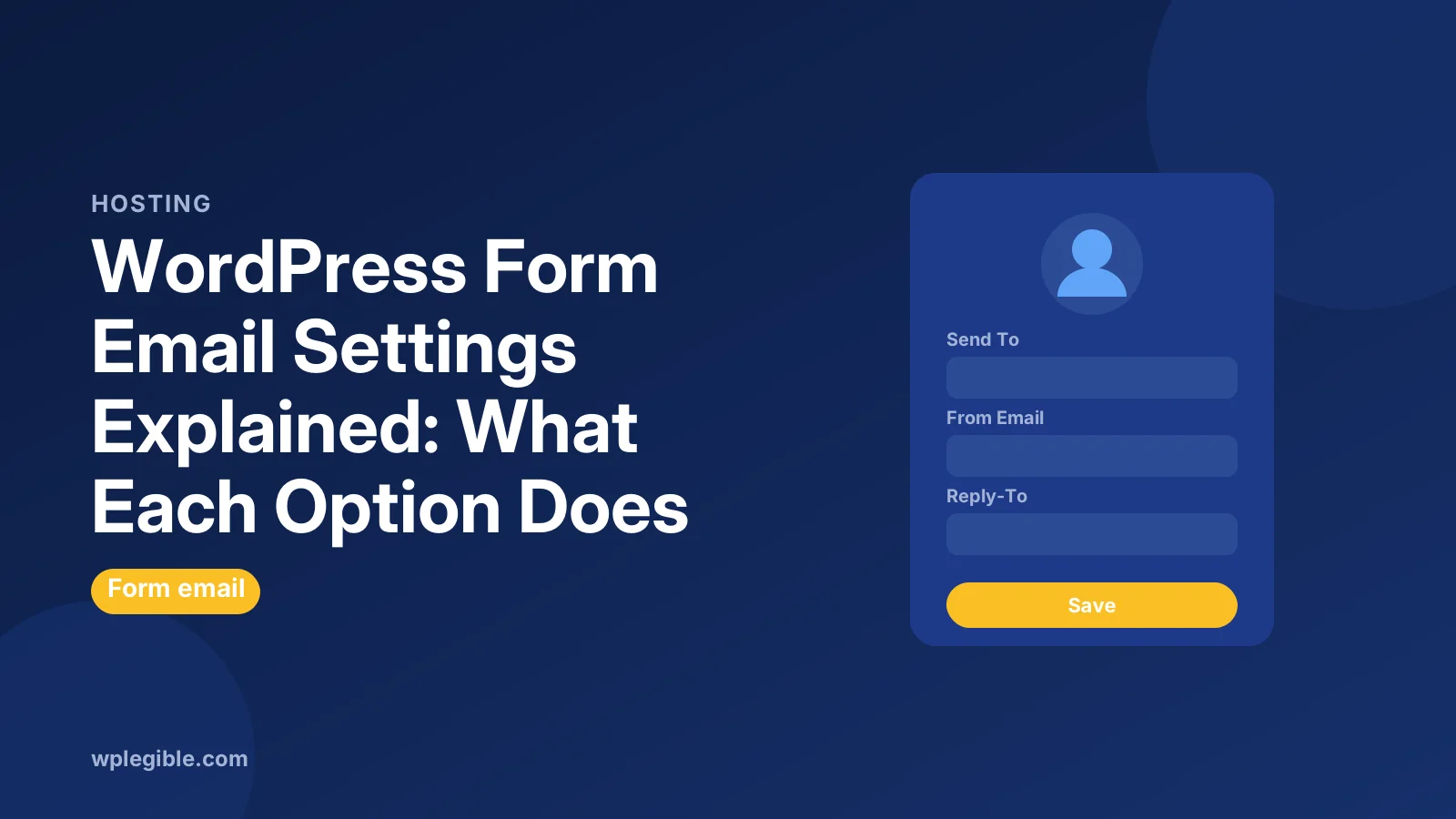
WordPress form email settings control the notification a form plugin sends after each submission. The key fields are Send To, From Name, From Email, Reply-To, Subject and Message. Use a From address on your own domain, set Reply-To to the visitor's email field, and send through SMTP so notifications reliably reach the inbox.
Key takeaways
- Form email settings decide who gets notified and what the email contains.
- Always use a From Email address on your own domain.
- Set Reply-To to the visitor's email so you can reply directly.
- Smart tags or mail tags insert form answers into the subject and message.
- SMTP and SPF, DKIM and DMARC records make form emails far more reliable.
What are WordPress form email settings?
Form email settings control the notification a form plugin sends when someone submits a form: who receives it, which address it comes from, where replies go, the subject line and what the message contains.
Every major form plugin has them. WPForms calls them Notifications, Contact Form 7 calls them the Mail tab, and Gravity Forms, Fluent Forms and Forminator use similar names.
The labels differ, but the fields mean the same thing everywhere. Once you understand them in one plugin, you can set up any of them.
These settings are separate from WordPress's own email settings. Our guide to WordPress email settings covers the admin email address and core notifications.
Which form email settings matter most?
The fields that matter most are Send To, From Email, Reply-To and Subject, because they decide whether the email arrives at all and whether you can reply to the visitor easily.
| Setting | What it does | Recommended value |
|---|---|---|
| Send To | Who receives the notification | Your team inbox |
| From Name | Sender name shown in the inbox | Your site or business name |
| From Email | Sender address | An address on your own domain |
| Reply-To | Where replies go | The visitor's email field |
| Subject | Email subject line | Form name plus a key field |
| Message | Body text | All fields, or chosen fields |
| CC and BCC | Extra recipients | Use sparingly |
The rest of this guide explains each field and the mistakes that stop form emails from arriving.
What does the Send To setting do?
Send To sets the address or addresses that receive each form submission, and most plugins default it to the WordPress admin email.
You can usually enter several addresses separated by commas. Some plugins also let you send to an address the visitor enters, which is how confirmation emails work.
Check this field when you change the admin email or hand a site to a client. Old addresses here are a common reason notifications go to someone who left the company.
Why should the From Email use your own domain?
The From Email should be an address on your website's domain, because inbox providers check that the sending server is allowed to send for that domain, and mail claiming to be from Gmail or the visitor fails those checks.
This is the most important setting on the screen. Many people set From Email to the visitor's address so they can reply directly. That makes the email look forged, and Gmail, Outlook and Yahoo often reject or spam it.
Use something like wordpress@ or forms@ your domain. If you send through an SMTP service, use an address that service is authorized to send from.
Contact Form 7's guide to setting up mail warns about the same problem and shows a configuration error if the sender address does not match the site domain.
What does the Reply-To setting do?
Reply-To tells your email client where to send your reply, so setting it to the visitor's email field lets you click Reply and answer them while the From address stays on your domain.
This is the clean solution to the From Email problem. The email passes authentication checks, and you still reply straight to the visitor.
Most plugins insert the visitor's email with a smart tag or mail tag. In Contact Form 7, you add a Reply-To line under Additional Headers with the email field's tag.
How do subject lines and message bodies work?
The Subject and Message fields use placeholders, called smart tags, merge tags or mail tags, that the plugin swaps for the visitor's answers when it sends the email.
A useful subject includes the form name and one key detail, such as New quote request from {name}. That makes it easy to sort and search notifications later.
For the message, most plugins offer an all fields tag that lists every answer. Use it unless you need a custom layout.
WPForms explains its notification fields and smart tags in its guide to setting up form notifications. Gravity Forms has a similar guide to configuring notifications.
What are confirmation emails to visitors?
A confirmation email, or autoresponder, is a second notification sent to the visitor's address to confirm you received their message.
Set Send To to the visitor's email field, write a short thank-you message, and keep From on your domain. Many plugins let you add several notifications per form for this purpose.
Do not include sensitive answers in the visitor copy. Anyone can type someone else's email into a form, so the confirmation could reach the wrong person.
What do conditional notifications do?
Conditional notifications send an email only when certain answers are chosen, or route it to different people based on a field, such as sending sales questions to sales and support questions to support.
This is common in paid versions of form plugins. You set a rule like if Department is Billing, send to billing@.
Routing cuts inbox clutter for teams. Test each branch after setting it up, because a typo in one rule silently sends those submissions nowhere.
How do HTML format and attachments work?
Most plugins send HTML emails with basic styling by default, and can attach uploaded files or include links to them, but large attachments often fail or get filtered as spam.
If notifications look broken in some email clients, switch to plain text. Plain text is also slightly less likely to be flagged by spam filters.
For file uploads, sending a link to the file is safer than attaching it. Attachments raise the message size and some mail servers reject messages over their limit.
Why do form emails need SMTP?
Form plugins hand the email to WordPress's wp_mail function, which uses your server's PHP mail by default; switching to an authenticated SMTP service makes delivery far more reliable.
WordPress's wp_mail function is what nearly every form plugin calls. On shared hosts, PHP mail often lacks proper authentication, so messages land in spam or vanish.
An SMTP plugin routes wp_mail through a real email service. Our guide on setting up SMTP in WordPress walks through the setup.
Add SPF, DKIM and DMARC records for your domain too. Our guide on setting up SPF, DKIM and DMARC explains each record.
Where are the email settings in popular form plugins?
Each plugin puts notification settings inside the form editor, under a tab named Notifications, Mail or Email.
- WPForms: form builder > Settings > Notifications. See our guide to WPForms email settings.
- Contact Form 7: edit the form > Mail tab.
- Gravity Forms: form settings > Notifications.
- Fluent Forms: form settings > Email Notifications.
- Forminator: form editor > Email Notifications.
- Elementor Pro Form widget: Actions After Submit > Email.
Our guide to Contact Form 7 mail settings covers that plugin's fields in detail.
How do you test form email settings?
Submit the form yourself with a real email address you can check, confirm the notification arrives in the inbox rather than spam, and test the reply button.
Also check a few message headers. Gmail's Show original view tells you whether SPF, DKIM and DMARC passed.
Many SMTP plugins keep an email log. It shows whether WordPress handed off the message, which helps you tell a form problem from a delivery problem.
If nothing arrives, our guide on fixing a contact form not sending email works through the causes in order.
Frequently asked questions
Why should I not use the visitor's email as the From address?
Inbox providers check that your server may send for the From domain. A visitor's Gmail or Outlook address fails those checks, so the email is often rejected or sent to spam. Use your own domain and put the visitor in Reply-To.
Can a WordPress form send emails to more than one address?
Yes. Most form plugins accept several addresses in the Send To field, separated by commas. Many also let you add CC or BCC recipients, or create several notifications with different recipients for the same form.
What is a smart tag in form notifications?
A smart tag, also called a merge tag or mail tag, is a placeholder that the form plugin replaces with real data when it sends the email, such as the visitor's name, their email address or all submitted fields.
Do I need an SMTP plugin for form emails?
It is strongly recommended. Form plugins send through WordPress, which uses the server's PHP mail by default. An SMTP plugin sends through an authenticated mail service instead, which greatly improves the chance that notifications reach the inbox.
Why do form emails arrive in spam?
Common causes are a From address that does not match your domain, missing SPF, DKIM or DMARC records, and sending through unauthenticated PHP mail. Fix the From address, add the DNS records and send through SMTP.
Sources
- wp_mail() WordPress Developer Resources
- Setting up mail Contact Form 7
- How to Set Up Form Notifications in WPForms WPForms
- Configuring Notifications in Gravity Forms Gravity Forms Documentation
Is your product missing, or something out of date?
Tell us what to add or correct. We read every note and reply when we need a source. A message does not buy a ranking.
Thanks — we review requests within 3 business days.
Related guides

About the editors
Researched from the primary sources listed above and checked against our editorial rules before publishing.