Speed & performance · Explainer
What Is WordPress Object Cache? Explained
Short answer
The WordPress object cache stores the results of database queries and other repeated work in memory so WordPress can reuse them. By default it lasts only for one page request. A persistent object cache, usually Redis or Memcached, keeps that data between requests and speeds up dynamic pages.
Key takeaways
- WordPress core includes a basic object cache through WP_Object_Cache.
- The default cache is cleared at the end of every page request.
- A persistent cache uses Redis or Memcached through an object-cache drop-in file.
- Object cache helps logged-in users, stores and admin pages most.
- Site Health has recommended a persistent object cache since WordPress 6.1.
What is the WordPress object cache?
The WordPress object cache is a built-in store that keeps the results of database queries and other work in memory, so WordPress does not repeat the same work.
Every time a page loads, WordPress asks the database for options, posts, users, terms and metadata. Many of those requests repeat. The object cache saves each result the first time and hands it back from memory the next time it is needed.
It is part of WordPress core, through a class called WP_Object_Cache. The developer reference for WP_Object_Cache describes it as the class that stores data so WordPress can avoid repeated, expensive lookups.
Plugins and themes use it too, through functions such as wp_cache_get() and wp_cache_set(). That means a good object cache helps not just core, but anything built properly on top of it.
How does the default object cache work?
By default, WordPress keeps the object cache only for a single page request, then throws it away when the page finishes loading.
This is called a non-persistent cache. It still helps. If ten parts of a page ask for the same option, WordPress only queries the database once during that request.
The limit is that nothing carries over. The next visitor, or the same visitor's next click, starts with an empty cache. WordPress has to fetch everything from the database again.
For a small blog with modest traffic this is usually fine. For busy or dynamic sites, it leaves a lot of speed on the table.
What is a persistent object cache?
A persistent object cache keeps cached data in a separate memory store, such as Redis or Memcached, so it survives between page loads and visitors.
Instead of throwing the cache away after each request, WordPress saves items to a fast in-memory server. When the next request needs the same data, it reads it from memory rather than running the database query again.
WordPress enables this through a drop-in file named object-cache.php inside the wp-content folder. A plugin or your host usually installs this file for you. When it is present, WordPress uses it in place of the default cache.
The two most common backends are:
- Redis, an in-memory data store with extra features such as persistence to disk.
- Memcached, a simple, fast in-memory key-value cache.
Our comparison of Redis vs Memcached for WordPress covers how they differ in practice.
How is object cache different from page cache?
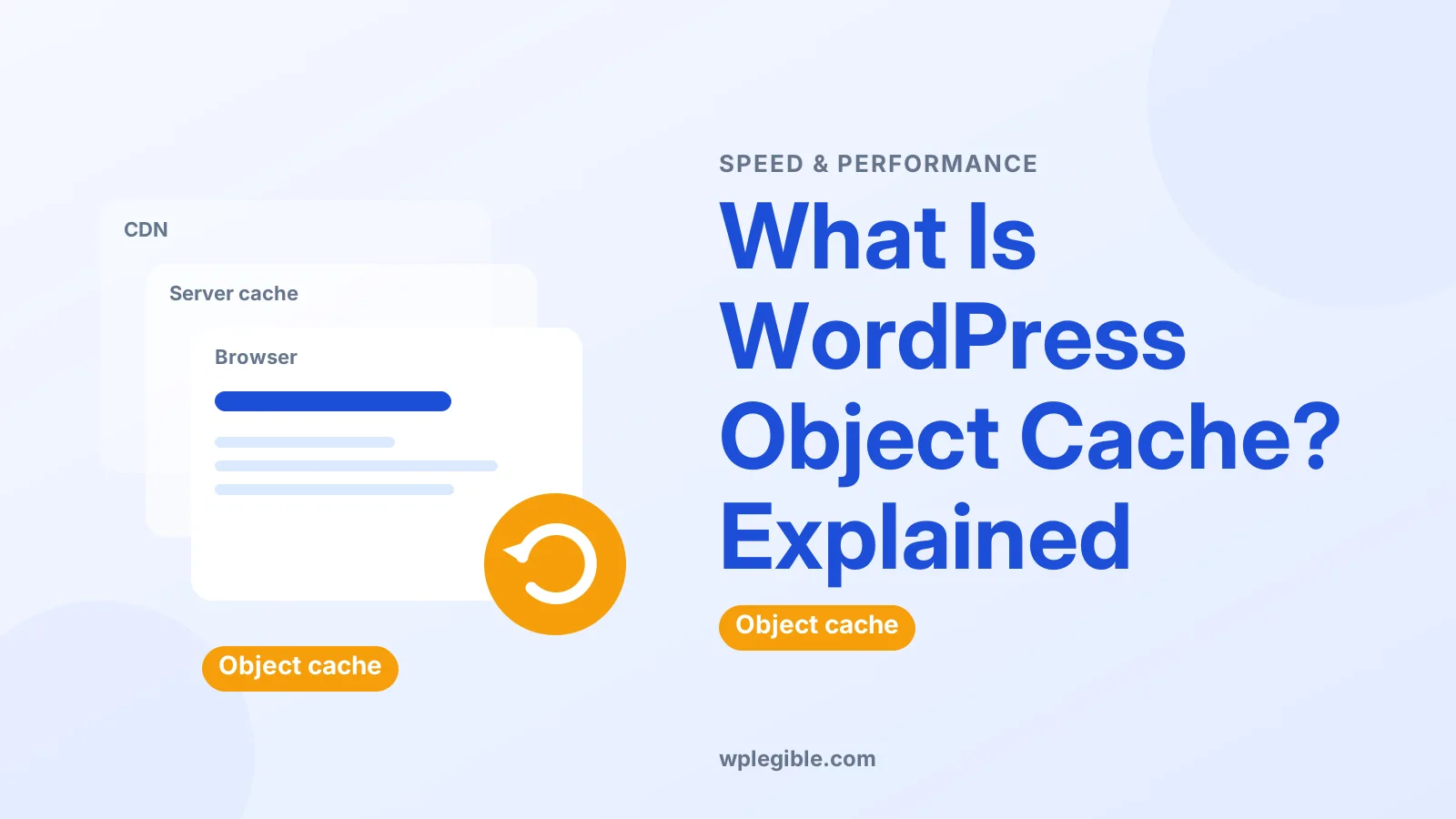
Page cache stores the finished HTML of a page, while object cache stores the smaller pieces of data that WordPress uses to build pages.
Page caching is usually the bigger speed win for anonymous visitors, because the server can send a ready-made page without running PHP or WordPress at all.
Object caching matters most when a page cannot be cached as a whole. Logged-in users, shopping carts, checkouts, dashboards and search results all have to be built fresh, and that is where a persistent object cache helps.
| Cache type | What it stores | Best for |
|---|---|---|
| Page cache | Full HTML pages | Anonymous visitors on static pages |
| Object cache | Query results and data objects | Logged-in users, stores, admin |
| Opcode cache | Compiled PHP code | Every PHP request |
| Browser cache | Files on the visitor's device | Repeat visits |
They work together rather than replacing each other. For a deeper look, read page cache vs object cache.
The opcode layer is a separate topic, covered in our guide to what PHP OPcache is.
Which sites benefit most from a persistent object cache?
Sites with lots of logged-in activity or heavy database use benefit most, such as WooCommerce stores, membership sites, forums and busy admin dashboards.
Signs your site could use one:
- The WordPress admin feels slow, especially on orders, users or large post lists.
- Many users log in, so page caching cannot serve them.
- A query monitor tool shows the same queries running many times.
- Your host's database server is under heavy load.
A small brochure site with a page cache often sees little difference. The gain grows with traffic and with how dynamic the site is.
If your WooCommerce admin crawls, an object cache is one of several fixes covered in our guide to a slow WooCommerce orders page.
Why does Site Health say you should use a persistent object cache?
Since WordPress 6.1, Site Health checks whether a persistent object cache is in use and recommends one when your site looks large enough to benefit.
The WordPress core team explained the new checks in a post on cache Site Health checks in WordPress 6.1. The check looks at things like the size of your site's data before suggesting a persistent cache.
It appears as a recommendation, not a critical error. If your host does not offer Redis or Memcached, you can leave it. Your site still works normally.
Site Health may also list which object cache services your server supports, which helps you choose a backend.
How do you turn on a persistent object cache?
Check whether your host offers Redis or Memcached, enable it in the hosting panel, then connect WordPress with a plugin or your host's built-in tool.
The general steps are:
- Ask your host or check the dashboard. Many managed WordPress hosts include Redis, sometimes on higher plans only.
- Enable the service. This is often a single toggle in the hosting panel.
- Install a connector plugin. A common choice is Redis Object Cache on WordPress.org, which installs the object-cache.php drop-in.
- Enable the cache in the plugin. Then check its status screen shows it as connected.
- Test the site. Log in, browse the admin and place a test order if you run a store.
Some cache plugins, such as LiteSpeed Cache and W3 Total Cache, include object cache settings too. Use only one tool to manage the drop-in, or they can conflict.
Our step-by-step guide on setting up Redis object cache in WordPress goes through this in detail.
What are the downsides or risks?
A persistent object cache adds another moving part, so misconfiguration can cause stale data, errors or memory pressure on small servers.
Things to watch for:
- Stale data. A badly written plugin may update the database directly and skip cache invalidation, so old values linger.
- Shared servers. On cheap shared hosting, an in-memory cache may be small or shared, which limits the benefit.
- Key clashes. Several sites on one Redis server need unique key prefixes, which good plugins set for you.
- Lost connection. If the cache server goes down, the drop-in should fall back gracefully, but poorly configured setups can show errors.
None of these are reasons to avoid object caching. They are reasons to use a well-maintained plugin and let your host set up the service.
How do you clear the object cache?
Use the flush button in your object cache plugin or hosting panel, or run the WP-CLI cache flush command if you have command-line access.
Flushing removes everything stored, so WordPress rebuilds it from the database on the next requests. Your site may feel a little slower for a moment.
With WP-CLI, the command is wp cache flush. The WP-CLI documentation lists it under the cache commands.
Clear the object cache when you see outdated settings or after migrating a site. For other cache layers, see how to clear cache in WordPress.
Is object cache the same as transients?
No, transients are a WordPress API for temporary data with an expiry time, and they are stored in the object cache when a persistent one exists.
Without a persistent object cache, transients live in the wp_options table in the database. With Redis or Memcached in place, WordPress stores them in memory instead, which can also keep your options table smaller.
That is one quiet benefit of a persistent cache: plugins that lean on transients get faster storage without any changes to their code.
Do you need a WordPress object cache?
Every WordPress site already uses the basic object cache, but only busier, more dynamic sites usually need a persistent one.
A simple way to decide:
- Small blog or brochure site: page caching is usually enough.
- Store, membership or community site: a persistent object cache is often worth turning on.
- Large or high-traffic site: treat it as a standard part of the stack.
If your host offers Redis at no extra cost, enabling it is a low-risk test. Measure admin and checkout speed before and after, and keep it if the numbers improve.
Frequently asked questions
Is the WordPress object cache enabled by default?
Yes, but only in non-persistent form. WordPress caches data during a single page request and discards it afterwards. Keeping data between requests needs a persistent backend such as Redis or Memcached.
Does object caching help a small blog?
Usually only a little. Small sites with a good page cache serve most visitors from cached HTML. Object caching helps more on sites with many logged-in users, stores or heavy database queries.
Can I use a page cache and an object cache together?
Yes, and many sites do. They cache different things. The page cache serves complete pages to anonymous visitors, while the object cache speeds up the database work behind pages that cannot be fully cached.
Where is the object cache drop-in file stored?
It is a file named object-cache.php in the wp-content folder. Object cache plugins and some hosts create it automatically. Removing it switches WordPress back to the default non-persistent cache.
Is Redis better than Memcached for WordPress?
Both work well. Redis offers more features, such as optional persistence and richer data types, and is widely supported by WordPress hosts. Memcached is simpler. The best choice is often whichever your host supports and maintains.
Sources
- WP_Object_Cache class WordPress Developer Resources
- New cache Site Health checks in WordPress 6.1 Make WordPress Core
- Redis Object Cache plugin WordPress.org Plugins
- Redis documentation Redis
- wp cache flush WP-CLI Command Reference
Is your product missing, or something out of date?
Tell us what to add or correct. We read every note and reply when we need a source. A message does not buy a ranking.
Thanks — we review requests within 3 business days.
Related guides


About the editors
Researched from the primary sources listed above and checked against our editorial rules before publishing.