Explainers · Explainer
What Is Self Hosted WordPress? Explained
Short answer
Self-hosted WordPress is the free open-source WordPress software installed on a hosting account you choose and pay for. You get full control over plugins, themes, files and data, but you handle updates, backups and security yourself or through your host.
Key takeaways
- Self-hosted means WordPress on hosting you rent and control.
- The software is free; you pay for hosting and a domain.
- You can use any plugin or theme and earn money freely.
- You are responsible for updates, backups and security.
- WordPress.com runs the same core but manages hosting for you.
What is self-hosted WordPress?
Self-hosted WordPress is the free, open-source WordPress software from WordPress.org installed on a web hosting account you rent and control, rather than a site hosted for you on WordPress.com.
The word self-hosted does not mean you run a server in your own home. It means you choose the host, you pay for it, and you have full control over the files, database, plugins and themes.
You can download the software from the WordPress.org download page for free. In practice, most hosts install it for you with one click.
Over 40 percent of the web runs on WordPress, and most of those sites are self-hosted. When people say a WordPress site, they usually mean this version.
How is self-hosted WordPress different from WordPress.com?
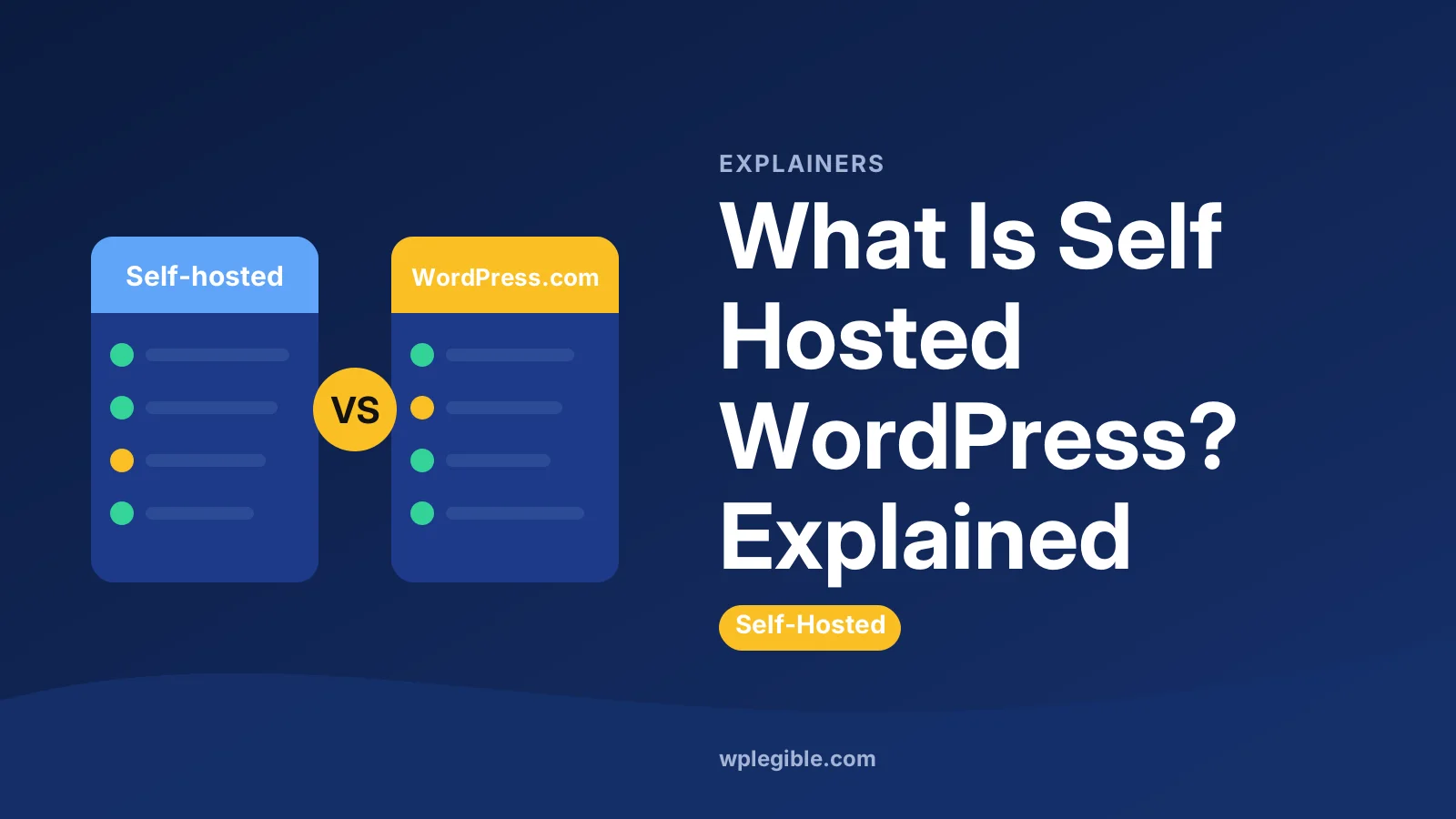
Self-hosted WordPress gives you full control and any plugin or theme, while WordPress.com is a hosted service that runs the same core software for you, with features that depend on your plan.
Both use the same WordPress core. The difference is who manages the hosting and what you are allowed to change.
| Feature | Self-hosted (WordPress.org software) | WordPress.com |
|---|---|---|
| Software cost | Free | Free plan plus paid plans |
| Hosting | You choose and pay a host | Included |
| Custom plugins and themes | Any | Only on higher plans |
| Server access (FTP, database) | Yes | Limited, plan-dependent |
| Updates and security | Your job, or your host's | Handled for you |
| Ads on your site | Your choice | Shown on the free plan |
| Making money | No limits | Some limits on lower plans |
Our full comparison of WordPress.com and WordPress.org goes deeper.
If you want to know what the hosted service is good for, see what WordPress.com is used for.
Plan details change, so check the current WordPress.com pricing page for what each tier includes.
What do you need to run self-hosted WordPress?
You need a domain name, a hosting account that meets WordPress requirements, and the WordPress software, which most hosts install for you.
The three parts:
- A domain name, such as yourbusiness.com, bought from a registrar or your host.
- Web hosting with PHP, a MySQL or MariaDB database and HTTPS support.
- WordPress itself, installed through a one-click installer or by hand.
The official WordPress requirements page lists the recommended PHP and database versions. Most modern hosts meet them out of the box. Our guide to WordPress hosting requirements explains what each item means.
If you want to install by hand, the WordPress installation guide covers the famous five-minute install.
How much does self-hosted WordPress cost?
The software is free, so your main costs are hosting and a domain, which together often start at a few dollars a month for a small site, plus any premium themes or plugins you choose.
Typical cost areas:
| Item | Typical range | Notes |
|---|---|---|
| WordPress software | Free | Open source under the GPL |
| Domain name | Often around 10 to 20 US dollars a year | Varies by extension and registrar |
| Shared hosting | A few dollars a month and up | Renewal prices are often higher |
| Managed WordPress hosting | Higher monthly cost | Includes updates, backups and support |
| Premium theme | One-off or yearly fee | Optional |
| Premium plugins | Yearly licences | Optional |
You can run a good site using only free themes and plugins. Our breakdown of WordPress hosting costs shows what different plans include.
Watch out for renewal prices. Many hosts offer a low first-term price that rises later.
Also budget for time. A self-hosted site needs a little care each month, such as checking updates and testing backups. That time is a real cost even when the money spent is small.
What are the benefits of self-hosted WordPress?
The main benefits are full control, freedom to use any plugin or theme, ownership of your data, no platform ads, and no limits on how you earn money from your site.
In more detail:
- Freedom of plugins. Choose from tens of thousands of free plugins in the directory, plus premium ones.
- Any theme. Use any free or premium theme, or build your own.
- Full data ownership. Your files and database sit on a server you pay for. You can move them to another host at any time.
- Monetisation your way. Run ads, sell products, offer memberships or use affiliate links without platform rules.
- Code access. Edit theme files, add custom code and connect to any service.
- Open-source licence. WordPress is released under the GNU General Public License, so the software stays free to use and modify.
What are the downsides of self-hosted WordPress?
The trade-off for control is responsibility: you handle updates, security, backups and performance, or pay a host that does some of this for you.
Things you need to manage:
- Updates for core, plugins and themes
- Backups, stored somewhere other than the server
- Security, including strong passwords and two-factor login
- Speed, through caching and good hosting
- Support, which comes from your host, plugin authors and forums rather than one company
Managed WordPress hosts take a lot of this work off your plate. They handle updates, backups and caching, at a higher price. Our guide on whether managed WordPress hosting is worth it weighs it up.
The good news is that most of these tasks can be automated. Backup plugins run on a schedule, auto-updates handle routine releases, and a caching plugin takes care of most speed work.
Who should choose self-hosted WordPress?
Self-hosted WordPress suits businesses, shops, serious bloggers and anyone who wants full control or plans to grow, while WordPress.com suits people who want a simple site with no technical upkeep.
Choose self-hosted if you:
- Want to run WooCommerce or other plugins freely
- Need custom code or a custom theme
- Plan to earn money from the site
- Want to choose your own host and move freely
Choose WordPress.com if you:
- Want a personal blog with little setup
- Do not want to deal with updates or backups
- Are happy within your plan's limits
You can also start on WordPress.com and move later. Our guide on moving from WordPress.com to WordPress.org explains the process.
How do you start a self-hosted WordPress site?
Buy a domain, pick a hosting plan, use the host's one-click WordPress installer, then log in to the dashboard to choose a theme and add content.
A quick start:
- Choose a host that supports WordPress.
- Register a domain, or connect one you already own.
- Run the WordPress installer in your hosting panel.
- Turn on HTTPS.
- Log in at yourdomain.com/wp-admin.
- Pick a theme and set up your main pages.
If your domain is at a different company from your host, our guide on pointing a domain to WordPress hosting walks through the DNS step.
Once it is running, you have the same WordPress millions of sites use, with nothing locked away.
From there, add only the plugins you need, set up automatic backups and turn on two-factor login for your admin account. Those three habits prevent most of the problems new site owners run into.
Frequently asked questions
Is self-hosted WordPress free?
The software is free to download and use. You still pay for web hosting and a domain name. Themes and plugins can be free or paid. Many small sites run well using only free themes and free plugins on an affordable hosting plan.
Is WordPress.org the same as self-hosted WordPress?
Yes, in everyday use. WordPress.org is where you download the free software, so people say WordPress.org to mean the self-hosted version. WordPress.com is a separate hosted service that runs the same core software for you.
Do I need coding skills for self-hosted WordPress?
No. Most hosts install WordPress in a few clicks, and you manage everything from the dashboard. Coding helps for custom features, but themes, page builders and plugins let beginners build full sites without writing code.
Can I host WordPress on my own computer?
You can run WordPress locally for testing with tools such as Local or XAMPP. Serving a public site from home is possible but rarely wise, because of uptime, security and internet speed. Most people rent hosting instead.
Is self-hosted WordPress better for SEO?
Both versions can rank well. Self-hosted gives you full control over SEO plugins, speed tweaks and code, which helps advanced users. Good content, site speed and structure matter far more than which version you choose.
Sources
- Download WordPress WordPress.org
- Requirements WordPress.org
- How to install WordPress WordPress Developer Resources
- WordPress.com pricing WordPress.com
- GNU General Public License v2 GNU Project
Is your product missing, or something out of date?
Tell us what to add or correct. We read every note and reply when we need a source. A message does not buy a ranking.
Thanks — we review requests within 3 business days.
Related guides

About the editors
Researched from the primary sources listed above and checked against our editorial rules before publishing.