Explainers · Explainer
What Is a WordPress Hook? A Plain Explanation
Short answer
A WordPress hook is a named point in WordPress code where your own code can run. Actions run code at a set moment, such as when a post is saved, and filters take a value, change it, and hand it back. Hooks let plugins and themes change WordPress without editing its core files.
Key takeaways
- A hook is a named point in WordPress code where your own code can run without editing core files.
- Actions do something and return nothing, while filters change a value and return it.
- The default priority is 10, lower numbers run first, and callbacks at the same priority run in registration order.
- Create custom hooks with do_action() and apply_filters(), and prefix their names to avoid clashes.
- The block editor has its own JavaScript hooks in the @wordpress/hooks package.
What is a WordPress hook?
A WordPress hook is a named point in the code where your own code can run, so you can change how WordPress behaves without editing its core files.
The Plugin Handbook defines hooks as a way for one piece of code to interact with or modify another piece of code at specific, pre-defined spots.
Hooks make up the foundation for how plugins and themes interact with WordPress Core, but they are also used heavily by Core itself. That is why almost every plugin you install works through hooks rather than by changing WordPress files.
WordPress powers a large share of the web, so hooks touch a lot of sites. W3Techs reported on 21 November 2026 that WordPress is used by 38.5% of all websites, which is 57.4% of the sites whose content management system it can detect.
What is an action?
An action is a hook that runs your code at a set point in WordPress, such as when a post is saved or a page header is built.
The Plugin Handbook says actions allow you to add data or change how WordPress operates, and they run at a specific point in the execution of WordPress Core, plugins, and themes.
A callback function for an action can do a task, such as echoing output to the user or inserting something into the database. The handbook states that callback functions for an action do not return anything back to the calling action hook.
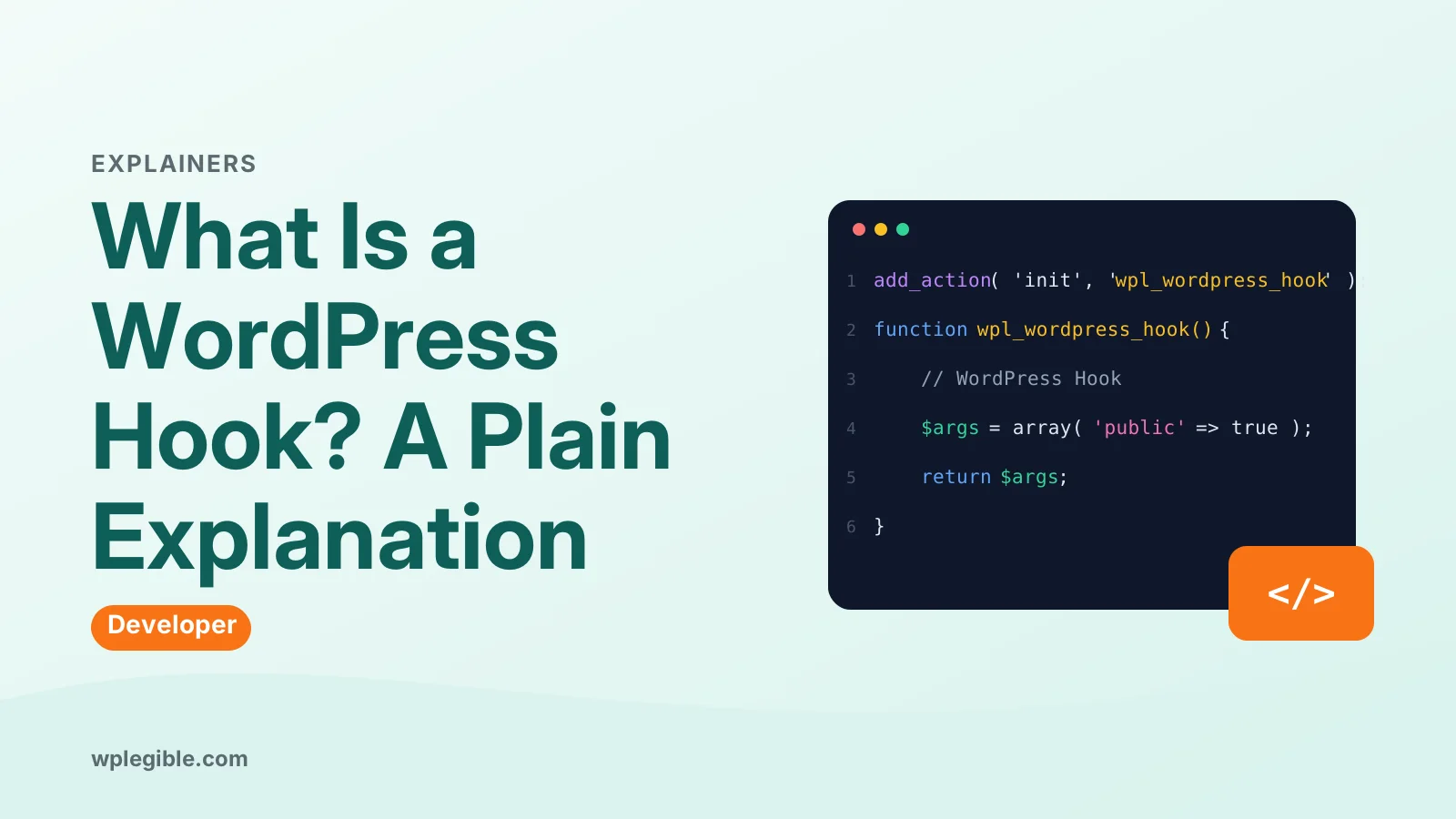
The init hook is a common example. The Actions page shows a callback named wporg_callback() that runs when the init hook is executed, using add_action( 'init', 'wporg_callback' );.
Another common action is save_post, which runs when WordPress saves a post. The handbook notes that it passes two values to your callback: the ID of the post and the post object itself.
What is a filter?
A filter is a hook that takes a piece of data, lets your code change it, and hands the changed value back to WordPress.
The Plugin Handbook says filters give you the ability to change data during the execution of WordPress Core, plugins, and themes.
A callback for a filter accepts a variable, modifies it, and returns it. The handbook adds that filters are meant to work in an isolated manner, and should never have side effects such as affecting global variables and output.
A plain example is the_title, the filter that carries a post title. The Filters page shows a callback that takes the title, adds words around it, and returns the new text with add_filter( 'the_title', 'wporg_filter_title' );.
Filters expect something returned back to them, so a filter callback that forgets to return a value breaks the data it was meant to change.
How are actions and filters different?
An action does something and returns nothing, while a filter changes a value and returns it for later code to use.
The Plugin Handbook sums up the difference in one line: an action takes the info it receives, does something with it, and returns nothing, while a filter takes the info it receives, modifies it, and returns it.
Put another way, an action interrupts the code flow to do something, then returns to the normal flow without changing anything. A filter changes something in a set way so the change is used by code later on.
| Hook type | What it does | What it returns | Example |
|---|---|---|---|
| Action | Runs code at a set point | Nothing | init, save_post |
| Filter | Changes a value in passing | The changed value | the_title, body_class |
Pick the wrong type and the result is easy to spot. An action used to change a title does nothing, since nothing it returns is read, and a filter used to send an email runs at the wrong time and may run more than once.
How do you add your own hook code?
Write a callback function, then register it with add_action() for an action or add_filter() for a filter, giving the hook name and the function name.
Adding an action takes two steps, according to the Actions page: first create a callback function, then add it to the action. At a minimum, add_action() needs two values, the hook name and the callback.
A filter works the same way. The Filters page says you create a callback function and add it with add_filter(), passing at least the hook name and the callback.
The callback should be prefixed with a short, unique name, and it should live in functions.php or somewhere callable. The handbook notes that the parameters your callback should accept are set by the hook you choose, so check the hook docs first.
Our guide on how to create a WordPress plugin shows where this code lives when you build a plugin instead of editing a theme file.
A plugin is the safer home for hook code. Learn WordPress explains that a plugin can be activated or deactivated without affecting the theme, and the same plugin can be used across more than one site.
How does priority decide the order?
Priority decides the order in which callbacks run on the same hook, with lower numbers running first and the default priority set to 10.
The Actions page states that priorities are positive integers, typically between 1 and 20, and the default priority is 10 when you do not set one.
There is no theoretical upper limit on the priority value, but the handbook puts the realistic upper limit at 100. A function with a priority of 11 runs after a function with a priority of 10, and a function with a priority of 9 runs before it.
When two callbacks share the same priority, they run in the order they were registered. The handbook gives an example on the init hook where a callback at priority 9 runs first, one at 10 runs next, and two at 11 run last in registration order.
You can also tell WordPress how many values your callback wants. The save_post example passes 2 as the fourth argument to add_action(), so the callback receives both the post ID and the post object.
What are custom hooks?
Custom hooks are hooks you create in your own plugin or theme, so other developers can extend or change your code the same way WordPress lets you extend its code.
The Custom Hooks page calls this an important but often overlooked practice, since it lets other developers extend and modify your plugin.
You create a custom hook with do_action() for an action or apply_filters() for a filter. Other developers then attach their code with add_action() or add_filter(), in the same way they attach to core hooks.
The handbook recommends using apply_filters() on any text that is output to the browser. That gives other code a chance to change the text before a visitor sees it.
Name custom hooks with care, since a clash causes hard-to-find bugs. The handbook warns that naming conflicts happen when two developers use the same hook name for different purposes, and it advises prefixing hook names with a unique string.
The handbook examples use the wporg_ prefix, and it flags a generic name such as email_body as risky, since two plugins could claim it for different jobs.
Do hooks exist in JavaScript too?
Yes, the block editor has its own hooks system in JavaScript, built on the @wordpress/hooks package, with the same action and filter ideas.
The Block Editor Handbook describes @wordpress/hooks as a lightweight event manager for JavaScript, installed with npm install @wordpress/hooks --save.
The JavaScript version works like the PHP version, with one extra rule. In JavaScript, addAction() and addFilter() also need a namespace as the second argument, written in the form vendor/plugin/function.
The package creates a default global instance that you can reach through the wp.hooks object in the editor. It also offers removeAction(), removeFilter(), doAction(), and applyFilters() to match the PHP functions.
This is how block editor plugins change editor behavior without editing editor files. Our guide on theme vs plugin in WordPress explains which kind of code belongs in a plugin and which belongs in a theme.
How do you find the right hook?
Look in the Plugin Handbook's Filter Reference and Action Reference lists, then read the WordPress core source around the spot you want to change.
The Hooks page links to both references at the end of its introduction, and they list the hooks WordPress provides.
The Actions page advises that, as you gain experience, looking through WordPress core source code will let you find the most appropriate hook. Search the core files for do_action and apply_filters near the behavior you want to change.
Start with the closest named hook, then check what values it passes. The handbook notes that most hooks are well defined, so the docs show which parameters the hook will pass to your function.
Reading real plugin code is another way to learn. The WordPress Plugin Directory lists free plugins whose code you can download and read, and each one shows hooks in use on a live site.
Our guide on how to add theme support in WordPress shows a common hook use in a theme, where features are switched on from functions.php.
What mistakes should you avoid with hooks?
Do not edit core files instead of using a hook, do not give a filter side effects, and do not use a generic hook name that another plugin might claim.
Editing a core file is the most costly mistake. The next WordPress update overwrites your change, and the site breaks or loses the feature with no warning.
A filter that changes global state or prints output breaks the rule that filters work in isolation. The Plugin Handbook says filters should never have side effects such as affecting global variables and output.
A generic hook name invites a clash. The handbook warns that two developers using the same hook name for different purposes create bugs that are hard to find, so prefix every custom hook name.
Our guide on how to fix the pluggable PHP error covers what happens when hook code runs at the wrong time or in the wrong order.
Frequently asked questions
Can I hook into any part of WordPress?
Yes, most of them are. WordPress core itself uses hooks heavily, and the Plugin Handbook documents the main ones in its Action Reference and Filter Reference. A plugin can also create its own hooks, so you can hook into plugin code as well as core code, as long as the plugin author added those hooks.
Do I need to edit WordPress core files to use a hook?
No. You write a small function, called a callback, and register it with add_action() or add_filter(). You do not need to edit any WordPress core file, and you should not. The code can live in a plugin or in a theme's functions.php file, and it runs when the hook fires.
Why does my hook run twice?
A hook that runs twice usually has its callback registered twice, or it is attached to a hook that fires more than once per page load. Check that your add_action() or add_filter() call runs only once, and check whether the hook fires once per item, such as once per post in a list, rather than once per page.
Can two plugins use the same hook?
Yes, if two plugins hook the same filter with different priorities, the later one sees the changed value from the earlier one. That is by design. If the result looks wrong, check the priorities on each callback and change yours so it runs before or after the other plugin as needed.
Will my hook work on a cached page?
In most cases, no. A hook that fires during a page load cannot easily change a page that was already sent from a cache. Clear the page cache after adding or changing hook code, and check the change on a fresh load rather than a cached copy of the page.
Sources
- Hooks WordPress Developer Resources
- Actions WordPress Developer Resources
- Filters WordPress Developer Resources
- Custom Hooks WordPress Developer Resources
- @wordpress/hooks WordPress Developer Resources
- Usage Statistics and Market Share of WordPress, November 2026 W3Techs
- WordPress Plugin Directory WordPress.org
Is your product missing, or something out of date?
Tell us what to add or correct. We read every note and reply when we need a source. A message does not buy a ranking.
Thanks — we review requests within 3 business days.
Related guides



About the editors
Researched from the primary sources listed above and checked against our editorial rules before publishing.