SEO & AI search · Guide
How to Use Rank Math Table of Contents: A Beginner's Guide
Short answer
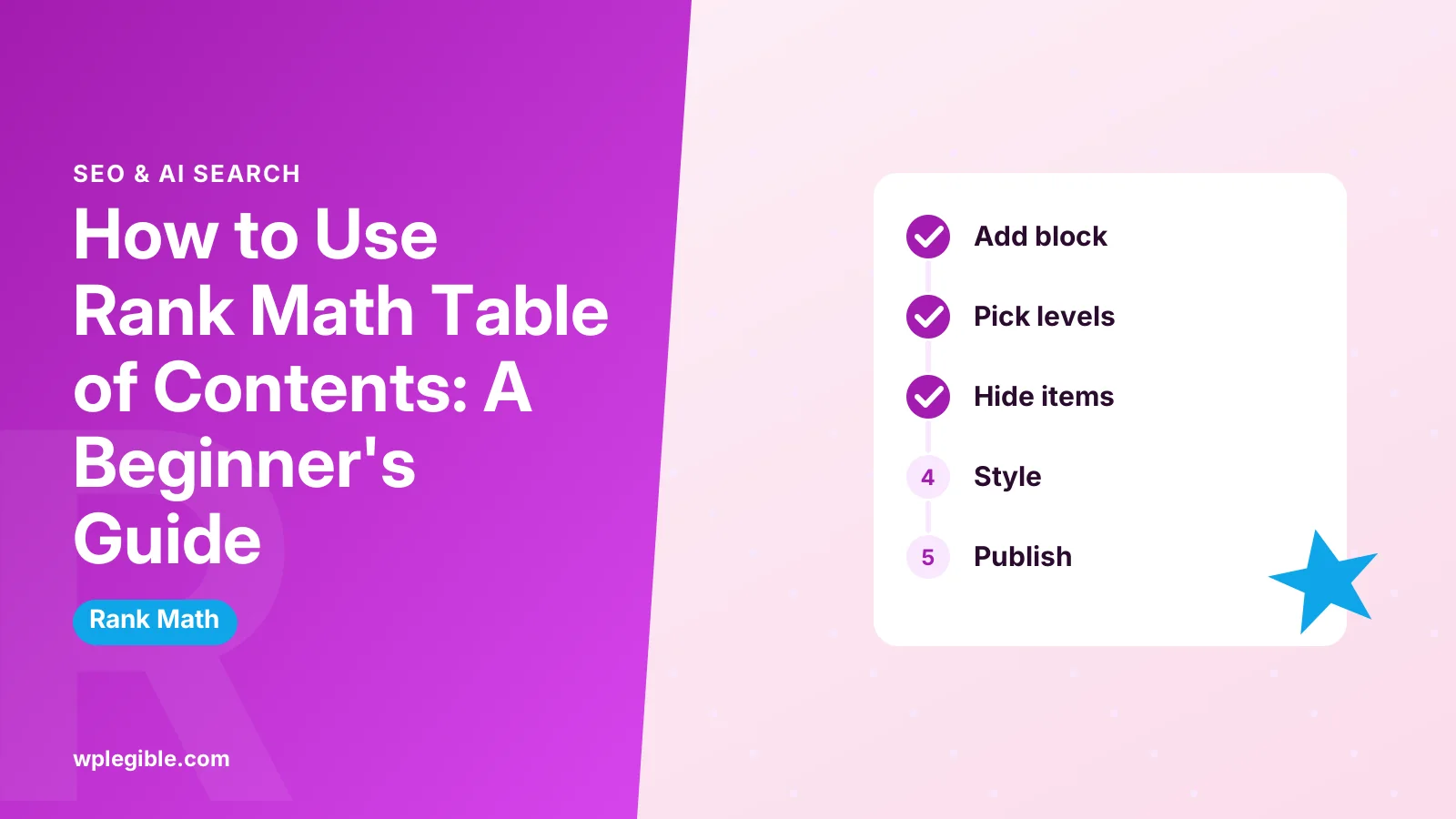
Open a post in the block editor, add the Table of Contents by Rank Math block after your introduction, and pick which heading levels to include. Edit the title, list style and hidden items, then publish. The block links to your headings automatically.
Key takeaways
- The Rank Math TOC block is free and built into the plugin.
- It only works in the block editor, not the Classic Editor.
- Choose heading levels in the block sidebar.
- Use custom HTML anchors for stable links.
- Headings must be real Heading blocks to appear.
How do you use the Rank Math table of contents?
Open a post in the block editor, add the Table of Contents by Rank Math block, choose which heading levels to include, adjust the title and list style, and publish; the block builds links from your headings automatically.
Rank Math includes a free table of contents block for the WordPress block editor. You do not need a separate TOC plugin.
The block scans the headings in your post and turns them into a clickable list. When readers click an item, the page jumps to that section.
Rank Math's own Table of Contents block guide describes the block and its options.
What do you need before adding the block?
You need Rank Math SEO installed and active, the block editor enabled for the post type, and a post that uses proper heading blocks such as H2 and H3.
Check these first:
- Rank Math is installed from the Rank Math plugin page and set up. See how to set up Rank Math.
- You are editing in the block editor, not the Classic Editor.
- Your post has headings created with the Heading block, not bold paragraphs.
The block is available in the free version of Rank Math. Read is Rank Math free for what the free plan includes.
How do you add the Rank Math TOC block?
Click the plus button where you want the list, search for Table of Contents, choose the block marked with the Rank Math icon, and it fills in with your current headings.
Step by step:
- Open the post in the block editor.
- Place your cursor after the introduction, where readers expect a TOC.
- Click the + block inserter.
- Type Table of Contents.
- Select Table of Contents by Rank Math. Look for the Rank Math icon if several TOC blocks appear.
- The block lists your existing headings straight away.
You can also type /table on an empty line and pick the block from the quick menu.
Add the block once per post. Multiple TOC blocks in one article confuse readers and add nothing.
If you add the block before writing, it starts empty. That is fine. It updates as you add Heading blocks, so you can place it early and keep writing.
How do you choose which headings appear?
Select the block, open the block settings sidebar, and tick or untick heading levels such as H2, H3 and H4 so only the levels you want appear in the list.
Most posts work best with H2 and H3. Including H4 to H6 can make the list long and hard to scan.
You can also edit or hide single items. Click an item in the block to change its link text, or use the item controls to hide it from the list without changing the heading in your post.
Hiding is useful for headings such as a conclusion or author note that readers rarely need to jump to.
What settings can you change?
The main settings are the TOC title, the heading levels to include, the list style, and per-item visibility, with default values set in Rank Math's general settings in recent versions.
| Setting | Where | What it does |
|---|---|---|
| Title | Block content area | Text above the list, such as Table of Contents |
| Heading levels | Block sidebar | Picks which H levels appear |
| List style | Block sidebar or defaults | Bulleted, numbered or plain list |
| Hide item | On each list item | Removes one heading from the list |
| Default options | Rank Math general settings | Sets defaults for new TOC blocks |
Menu names and placement can shift between Rank Math releases. If a setting is missing, check that the plugin is up to date and look in the block sidebar first.
How do anchor links work in the TOC?
Rank Math adds an ID to each heading and links to it, so clicking an item scrolls to that heading; you can also set a custom anchor in the Heading block's Advanced settings.
Each link points to a heading's id attribute. The MDN id attribute reference explains how browsers use it for jumping within a page.
To set your own anchor, select a heading, open Advanced in the sidebar, and fill in HTML anchor. Use short, lowercase words with hyphens. The Heading block documentation shows where the field sits.
Custom anchors keep links stable even if you edit the heading text later.
Stable anchors matter if you share section links in emails, social posts or other articles. If an automatic anchor changes after you rename a heading, those shared links stop jumping to the right place.
If your site has a sticky header, the page may scroll so the heading hides under it. Adding a small scroll-margin-top value to headings in your CSS fixes that.
How do you style the Rank Math TOC?
Style the TOC with your theme's block styles, the block's Additional CSS class field, or custom CSS that targets the Rank Math TOC wrapper class.
Add a class under Advanced > Additional CSS class(es), such as toc-box. Then add CSS in Appearance > Customize > Additional CSS or the Site Editor's custom CSS area:
.toc-box {
    background: #f6f7f7;
    border-left: 4px solid #2271b1;
    padding: 16px 20px;
}
Keep it simple. A light background and clear spacing help the list stand out without distracting from the content.
Check the result on a phone as well. Long heading text can wrap awkwardly in narrow screens, so shorter headings often make the list easier to read.
Does the TOC count for Rank Math's content analysis?
Yes, Rank Math's content analysis has a check for a table of contents, and its own TOC block is recognized, though some third-party TOC plugins may not be detected.
If Rank Math says no TOC is found, save the post and refresh the editor. Rank Math's guide on TOC detection problems lists the supported plugins and common causes.
Treat the check as a suggestion. Short posts with two or three sections may not need a TOC at all.
Can you use the Rank Math TOC with Elementor or the Classic Editor?
The Rank Math TOC is a block editor feature, so in Elementor you usually use Elementor's own Table of Contents widget or another TOC plugin, and in the Classic Editor you need a TOC plugin.
Rank Math still analyses Elementor content and may recognize other supported TOC tools. Our guide on using Rank Math with Elementor explains the integration.
If you want one approach across your site, the general guide on adding a table of contents in WordPress compares plugin and block options.
Does a table of contents help SEO?
A table of contents mainly helps readers navigate long posts, and Google can sometimes show jump links to sections in search results, but it is not a direct ranking factor.
Jump-to links can appear when Google understands your page sections. Google's snippet documentation explains how it builds search result snippets from page content.
The bigger benefit is user experience. Readers find the section they want faster, which can mean less bouncing back to search results.
Why is the Rank Math TOC not showing headings?
The TOC shows no headings when the post has none, the headings are not real Heading blocks, the chosen heading levels exclude them, or the block was added before headings and needs a refresh.
Quick fixes:
- Convert bold paragraphs into Heading blocks.
- Tick the heading levels your post actually uses.
- Save the post and reload the editor.
- Update Rank Math to the latest version.
- Clear page cache if the front end shows an old version.
If headings appear in the editor but not on the live page, a caching or optimization plugin may be serving old HTML. For other Rank Math problems, see Rank Math SEO not working.
Where should you place the TOC?
Place the TOC right after a short introduction, so readers get context first and then see the structure of the article before scrolling.
Putting it at the very top pushes your opening answer down. Putting it far down the page defeats its purpose.
For very long guides, a TOC near the top plus clear H2 headings is usually enough. Floating or sticky TOCs need extra code or plugins.
Frequently asked questions
Is the Rank Math table of contents free?
Yes. The Table of Contents by Rank Math block is included in the free version of the plugin. You do not need Rank Math Pro or a separate table of contents plugin to add a clickable list of headings to your posts and pages.
Why isn't my Rank Math table of contents showing?
Usually the post has no real Heading blocks, the selected heading levels do not match the headings you used, or a cache is showing an old page. Convert bold text into headings, adjust the levels in the block sidebar, save and clear your cache.
Can I use the Rank Math TOC in Elementor?
Not directly, because it is a block editor block. In Elementor, use Elementor Pro's Table of Contents widget or a compatible TOC plugin. Rank Math can still analyse Elementor content and may recognize supported table of contents tools.
How do I remove one heading from the Rank Math TOC?
Select the table of contents block, then use the controls on the list item you want to remove to hide it. This only hides it from the list. The heading itself stays in your post and keeps its place in the content.
Should every post have a table of contents?
No. A table of contents helps long posts with several sections. Short posts with only two or three headings rarely need one. Add it where it genuinely helps readers find sections, and ignore the analysis check on short content.
Sources
- How to Add Rank Math's Table of Contents Block Rank Math
- Why Isn't Rank Math Detecting the Table of Contents? Rank Math
- Rank Math SEO WordPress.org Plugin Directory
- id attribute MDN Web Docs
- Control your snippets in search results Google Search Central
Is your product missing, or something out of date?
Tell us what to add or correct. We read every note and reply when we need a source. A message does not buy a ranking.
Thanks — we review requests within 3 business days.
Related guides



About the editors
Researched from the primary sources listed above and checked against our editorial rules before publishing.