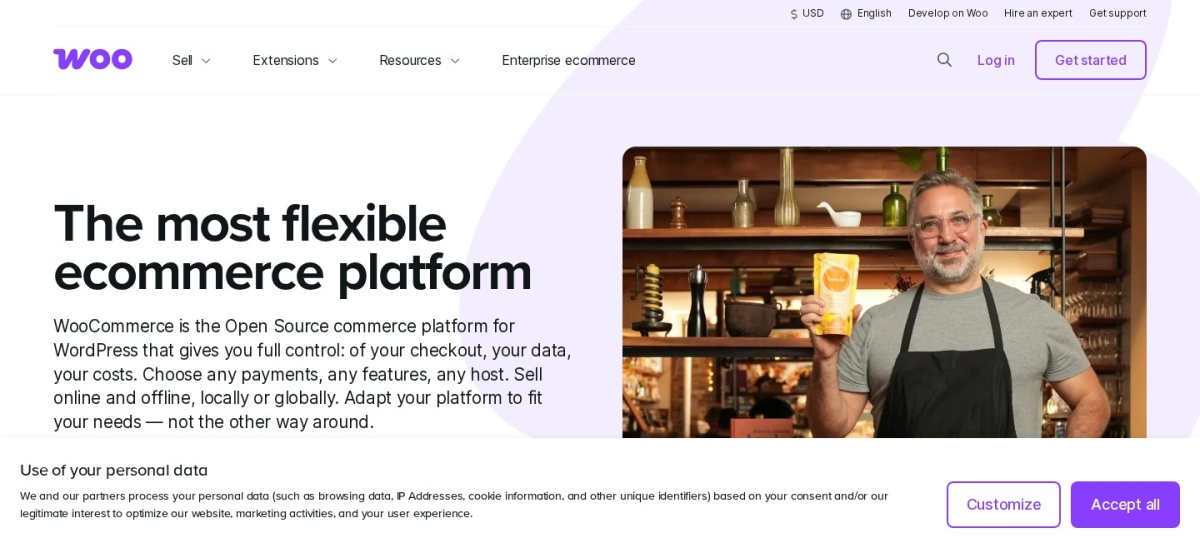



WooCommerce wins if you want to sell online, because it adds products, cart and checkout to WordPress for a free core. Choose WordPress alone if your site needs no store, since it stays lighter and cheaper without the extra plugin, hosting load and extension bills.
WooCommerce is not a rival to WordPress. It is a free plugin that runs on WordPress and turns it into an online store, so this page compares WordPress alone with WordPress plus WooCommerce.
The choice is really about what your site must do. If you plan to sell, WooCommerce adds the store. If you only publish content, WordPress alone is the lighter setup. We compared pricing pages, the WordPress.org listings and public reviews rather than running store tests.
Side by side
| Criterion | WooCommerce | WordPress | Winner |
|---|---|---|---|
| What it is | A free plugin that turns WordPress into a store | The CMS itself: pages, posts, themes and plugins | Tie |
| Free version | Yes, the core is free on WordPress.org | Yes, the software is free and open source | Tie |
| Entry price | $0 core; hosting runs $25–$350 a month | $0 software; you still pay for hosting | Tie |
| Rating | 4.5/5 from 4,834 WordPress.org reviews | 4.4/5 from 9,557 G2 reviews | WooCommerce |
| Selling online | Products, cart, checkout and orders built in | No store tools; needs a plugin such as WooCommerce | WooCommerce |
| Key features | Unlimited products and variants, plus coupons and tax settings | Block editor, themes and a large plugin library | Tie |
| Paid extras | Extensions cost $29–$299 a year each | Paid themes and plugins are optional, not required | WordPress |
| Limits | You handle hosting, updates, security and backups | No ecommerce, bookings or memberships without plugins | Tie |
| Support | Community forum and docs; paid extensions add ticket support | Community forums and docs; no official support desk | WooCommerce |
| Ease of use | Adds a store wizard and store settings to learn | Simpler to run for a blog or brochure site | WordPress |
Pricing compared
Both cores are free, so the real cost is what sits around them. WooCommerce lists hosting at $25 to $350 a month for most stores, and WordPress needs the same hosting, so a plain site and a store start from a similar bill.
The gap opens with extensions. WooCommerce extensions cost $29 to $299 a year each, and common ones add up fast: Subscriptions is $279 a year, Bookings $249, Memberships $199 and Product Add-Ons $79. Add WooPayments fees of about 2.5% to 2.9% plus 30 cents per order.
What WordPress alone can and cannot do
WordPress handles pages, posts, media, menus and user accounts, which covers blogs, portfolios and business sites. Its block editor and theme system need no store plugin at all.
It has no products, cart or checkout of its own. To sell, you add WooCommerce or another ecommerce plugin. WooCommerce 11.3.1 needs WordPress 7.0 or later, so keep WordPress updated before you install it.
Where WooCommerce is the right pick
Pick WooCommerce when your site must take orders. The free core covers physical and digital products, variations, coupons and tax settings, and you can add features one extension at a time.
It also suits sellers who want full ownership of their store data and no platform fee. Budget for hosting and a few paid extensions, and keep WordPress and WooCommerce updated on a regular schedule.
Where WordPress alone is the right pick
Pick WordPress alone when your site publishes content and takes no payments. A blog, portfolio or brochure site stays lighter, cheaper and simpler without a store plugin.
You can add WooCommerce later if selling becomes part of the plan. Starting lean avoids extension bills and checkout upkeep for a store that does not exist yet.
Verdict
Winner: WooCommerce for anyone who wants to sell online in 2026, because it adds a full store to WordPress with a free core and no platform fee.
Choose WordPress alone when your site needs no store. It is the lighter, cheaper setup, and WooCommerce is only a plugin install away if you start selling later.
FAQ
Is WooCommerce part of WordPress?
No. WooCommerce is a separate free plugin, built by Automattic, that runs on WordPress. You install WordPress first, then add WooCommerce from Plugins > Add New.
Can I sell online with WordPress alone?
No. WordPress has no products, cart or checkout built in. You need an ecommerce plugin such as WooCommerce to take orders and payments.
Is WooCommerce really free?
The core plugin is free, with no monthly fee and no share of your sales. You still pay for hosting, payment fees and any paid extensions you add.
Do I need WooCommerce if I only run a blog?
No. WordPress alone handles posts, pages and media, and it stays lighter without a store plugin. Add WooCommerce later if you decide to sell.
Can I add WooCommerce to an existing WordPress site?
Yes. Install it from your WordPress dashboard and follow the setup wizard. WooCommerce 11.3.1 needs WordPress 7.0 or later, so update WordPress first if needed.
Sources we checked (7)
- WooCommerce on WordPress.org
- WooCommerce pricing
- WooCommerce homepage
- WordPress.org homepage
- WordPress.org on G2
- WooCommerce extension prices
- WooCommerce costs and extensions