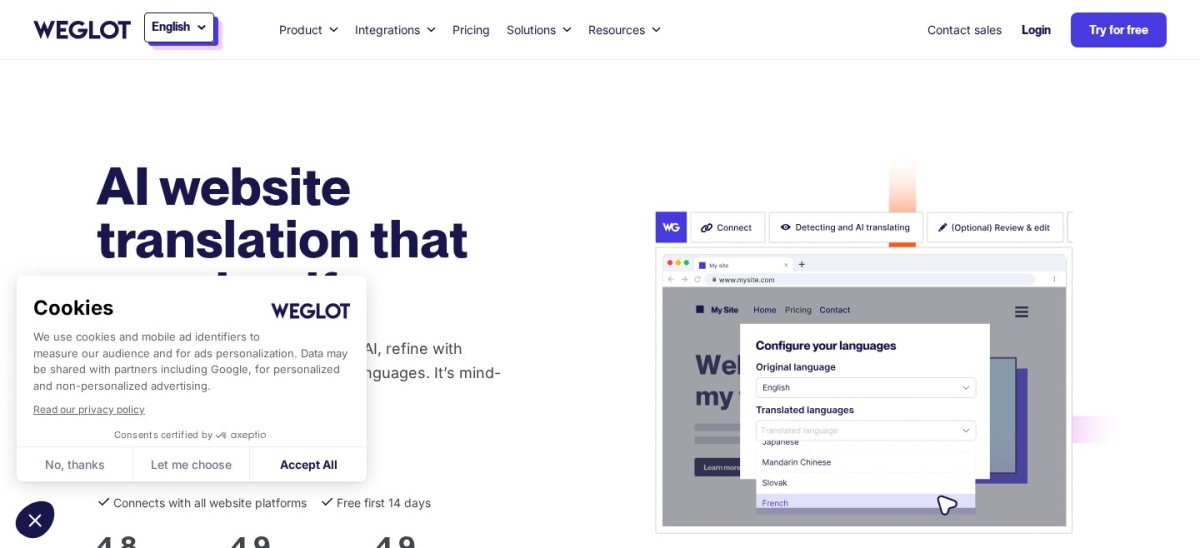


Weglot is the better pick for most sites because it translates a whole site automatically, handles multilingual SEO, and starts free. Choose WPML when you want translations stored in WordPress and full control over manual, string and WooCommerce translation.
Weglot and WPML take opposite routes to the same goal. Weglot is a cloud service with a WordPress plugin: it detects your content, translates it automatically, and stores the translations on its own servers.
WPML is a self-hosted plugin that lives inside WordPress. It stores translations in your own database and gives you detailed control over posts, strings, menus and stores. This comparison uses each vendor's pricing page, the WordPress.org listing for Weglot and Capterra reviews for WPML.
Side by side
| Criterion | Weglot | WPML | Winner |
|---|---|---|---|
| Free version | Yes, free plan covers 2,000 words in 1 language | No free version | Weglot |
| Entry price | Starter from €150 a year (€15 a month) | Multilingual Blog from €39 a year | WPML |
| Rating | 4.8/5 from 1,944 WordPress.org reviews | 4.6/5 from 169 Capterra reviews | Weglot |
| Automatic translation | Included on every plan, with AI translation | 22,500 AI words on CMS (€99/yr); none on Blog | Weglot |
| Key features | Visual Editor, glossary, multilingual SEO, image translation | String Translation, Translation Management, page builders, WooCommerce | WPML |
| Limits | Word count and language caps per plan; translations live on Weglot servers | Blog plan excludes builders, WooCommerce and strings; renewal needed for updates | Tie |
| Support | Email support in English and French; priority support on Enterprise | Support 24 hours a day, 7 days a week, in 14 languages | WPML |
| Ease | Connect, pick languages, and automatic translation starts in minutes | Setup wizard, but more screens and settings to learn | Weglot |
Pricing compared
Weglot prices by words and languages, not by sites. The free plan covers 2,000 words in one language, Starter costs €150 a year for 10,000 words in one language, and Business costs €290 a year for 50,000 words in three languages. Annual billing gives two months free.
WPML prices by sites and features. Multilingual Blog costs €39 a year for one production site, Multilingual CMS costs €99 a year for three sites, and Multilingual Agency costs €199 a year for unlimited sites. Most business sites need the CMS plan, since the Blog plan leaves out page builders, WooCommerce and string translation.
Where Weglot is the right pick
Pick Weglot when speed matters most and you want translation to happen with little setup. It detects new content, translates it automatically, and handles hreflang tags, translated metadata and language URLs for you.
It suits blogs, marketing sites and stores that add one or a few languages and do not want to manage translation files. Watch the word count, since a large site can outgrow the cheaper plans fast.
Where WPML is the right pick
Pick WPML when you want every translation inside your own WordPress database, with no word-count meter running. Its CMS plan covers strings, page builders, menus and WooCommerce in one plugin.
It suits larger sites, agencies and stores with complex builds and a team that translates by hand. The trade off is a heavier setup and a yearly renewal to keep updates and support.
Verdict
Winner: Weglot for most sites in 2026, because automatic translation, built-in multilingual SEO and a free starting plan cover the common case with the least setup.
Choose WPML when local control matters more than speed: translations in your own database, no word limits, and one paid plugin for strings, builders and WooCommerce.
FAQ
Is Weglot really free?
Yes, for a small site. Weglot's free plan covers 2,000 translated words in one language. Paid plans start at €150 a year for 10,000 words in one language.
Does WPML have a free version?
No. WPML is sold only as paid plans, starting at €39 a year for the Multilingual Blog plan. Higher plans add page builder, string and WooCommerce translation.
Which is cheaper, Weglot or WPML?
WPML has the lower entry price at €39 a year, against €150 a year for Weglot Starter. But WPML's Blog plan is limited, so most business sites need its €99 CMS plan, which narrows the gap.
Where are my translations stored?
Weglot stores translations on its own servers, and you can export them. WPML stores translations in your own WordPress database, so they stay with your site.
Which is better for WooCommerce?
Both translate WooCommerce stores. Weglot detects products, checkout pages and emails automatically. WPML includes WooCommerce translation in its CMS and Agency plans, with no word limit.
Can I switch from WPML to Weglot?
Yes, but plan for a migration. Back up first, set up Weglot on a copy of the site, check every translated URL afterwards, and keep WPML active until the new versions are live.