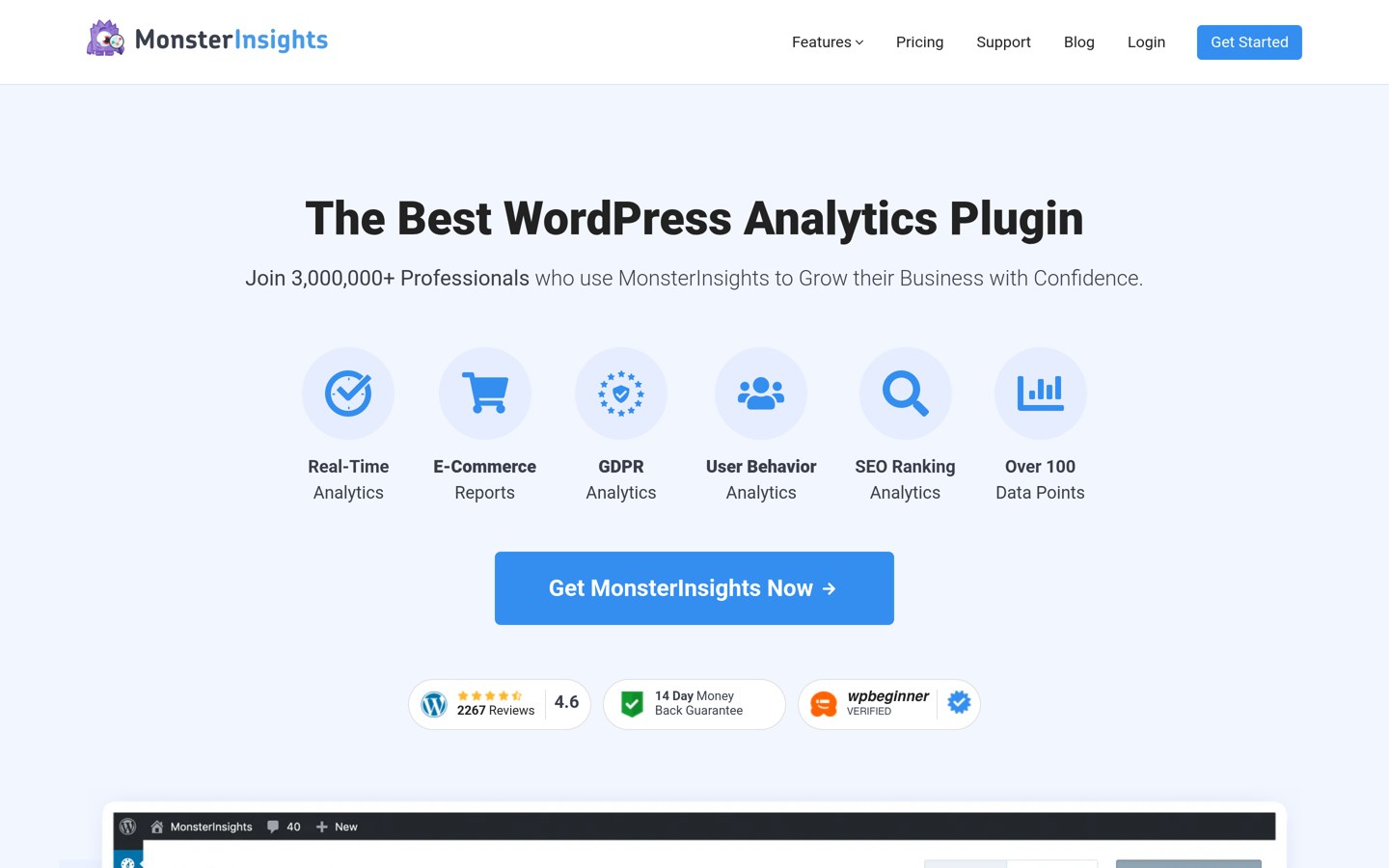



MonsterInsights is the better pick for WordPress owners who want GA4 reports inside wp-admin without touching code. Use Google Analytics on its own when the free GA4 interface is enough and you would rather not pay $199 a year for the WordPress dashboard.
Google Analytics is the data source, and MonsterInsights is the WordPress connector that sits on top of it. This is not a contest between two rivals: it is the free GA4 interface against paying for GA4 reports inside your WordPress dashboard.
This page compares the two using MonsterInsights' pricing page, its WordPress.org listing and Google's own Analytics pages. Prices below are regular prices, and MonsterInsights was showing a 50% first-year discount at the time of writing.
Side by side
| Criterion | MonsterInsights | Google Analytics | Winner |
|---|---|---|---|
| Price | Free Lite version; paid plans from $199 a year | Free; standard GA4 costs $0 | Google Analytics |
| Entry paid price | Plus at $199 a year for 1 site | No paid tier below Analytics 360 | Google Analytics |
| Rating | 4.5/5 from 3,161 WordPress.org reviews | 4.5/5 from 6,863 G2 reviews | Tie |
| Reports inside WordPress | Yes, dashboard reports in wp-admin | No, reports live in the Google Analytics interface | MonsterInsights |
| Setup without code | Guided connect flow, no code needed | Needs a tracking tag added to the site | MonsterInsights |
| eCommerce tracking | Pro plan ($399 a year) adds WooCommerce reports | Built in, but needs configuration in GA4 | Tie |
| Where the data lives | In your Google Analytics property | In your Google Analytics property | Tie |
| Free version | Lite covers the overview report and basic tracking | The full standard GA4 feature set is free | Google Analytics |
| Support | Standard support on paid plans | Google help docs and community; no direct support on free | MonsterInsights |
| Privacy tools | EU Compliance addon on paid plans | Consent Mode settings in GA4 | Tie |
Pricing compared
MonsterInsights Lite is free on WordPress.org. Paid plans run from $199 a year for Plus (1 site) to $399 for Pro (5 sites), $599 for Elite (5 sites) and $799 for Agency (25 sites). Those are regular prices; the site was showing 50% off the first year during the Black Friday sale.
Google Analytics 4 costs nothing for a standard property, and there is no paid tier between it and Analytics 360. Google publishes no list price for 360, which is sold on contract to large sites, so for almost every WordPress site the choice is free GA4 against a $199-a-year connector.
Where MonsterInsights is the right pick
Pick MonsterInsights when you want GA4 data without leaving WordPress. The dashboard reports, popular-posts widget and guided setup suit owners who check stats in wp-admin and never want to touch tracking code.
Stores should price the Pro plan before deciding. WooCommerce reports, form tracking and Search Console data sit behind the $399-a-year plan, so a small shop may pay more than it expects.
Where Google Analytics is the right pick
Pick Google Analytics on its own when the free GA4 interface is enough. It costs nothing, keeps the full standard feature set and works with any site, not just WordPress.
The trade-off is effort. You add the tracking tag yourself, or with a free plugin, and you read reports in Google's interface. Site Kit by Google is the free official WordPress connector if you want a lighter in-dashboard view.
Verdict
Winner: MonsterInsights for most WordPress sites in 2026, because it turns GA4 into readable reports inside wp-admin without code.
Choose Google Analytics on its own when you are happy reading reports in Google's interface and would rather keep the $199 a year. The data is the same either way, since MonsterInsights reads from your GA4 property.
FAQ
Is Google Analytics really free?
Yes. A standard Google Analytics 4 property costs nothing, with no fee per visitor, event or website. The paid edition, Analytics 360, is sold on contract to large organisations and Google publishes no list price for it.
Do I need MonsterInsights to use Google Analytics on WordPress?
No. You can add the GA4 tracking tag yourself or with a free plugin such as Site Kit by Google. MonsterInsights is the paid option that adds GA4 reports inside the WordPress dashboard.
Is MonsterInsights free?
The Lite version is free on WordPress.org and covers the overview report and basic tracking. Paid plans start at $199 a year for Plus, with Pro at $399, Elite at $599 and Agency at $799.
Does MonsterInsights replace Google Analytics?
No. MonsterInsights connects your site to a Google Analytics property and displays that data in WordPress. If you remove it, your GA4 data stays in Google Analytics.
Which is better for a WooCommerce store?
MonsterInsights Pro adds WooCommerce sales reports in wp-admin, which suits owners who live in the dashboard. GA4 tracks the same purchases for free, but you configure and read the reports in Google's interface.
Does MonsterInsights slow down WordPress?
MonsterInsights loads its tracking code asynchronously, so it does not block the page from rendering. The reports run in wp-admin and add no load to the public site.
Sources we checked (8)
- MonsterInsights on WordPress.org
- MonsterInsights pricing
- Google Analytics product page
- Google Analytics on G2
- Google Analytics pricing: GA4 vs 360
- Is Google Analytics free? GA4 vs 360 pricing
- MonsterInsights review 2026
- MonsterInsights vs Site Kit