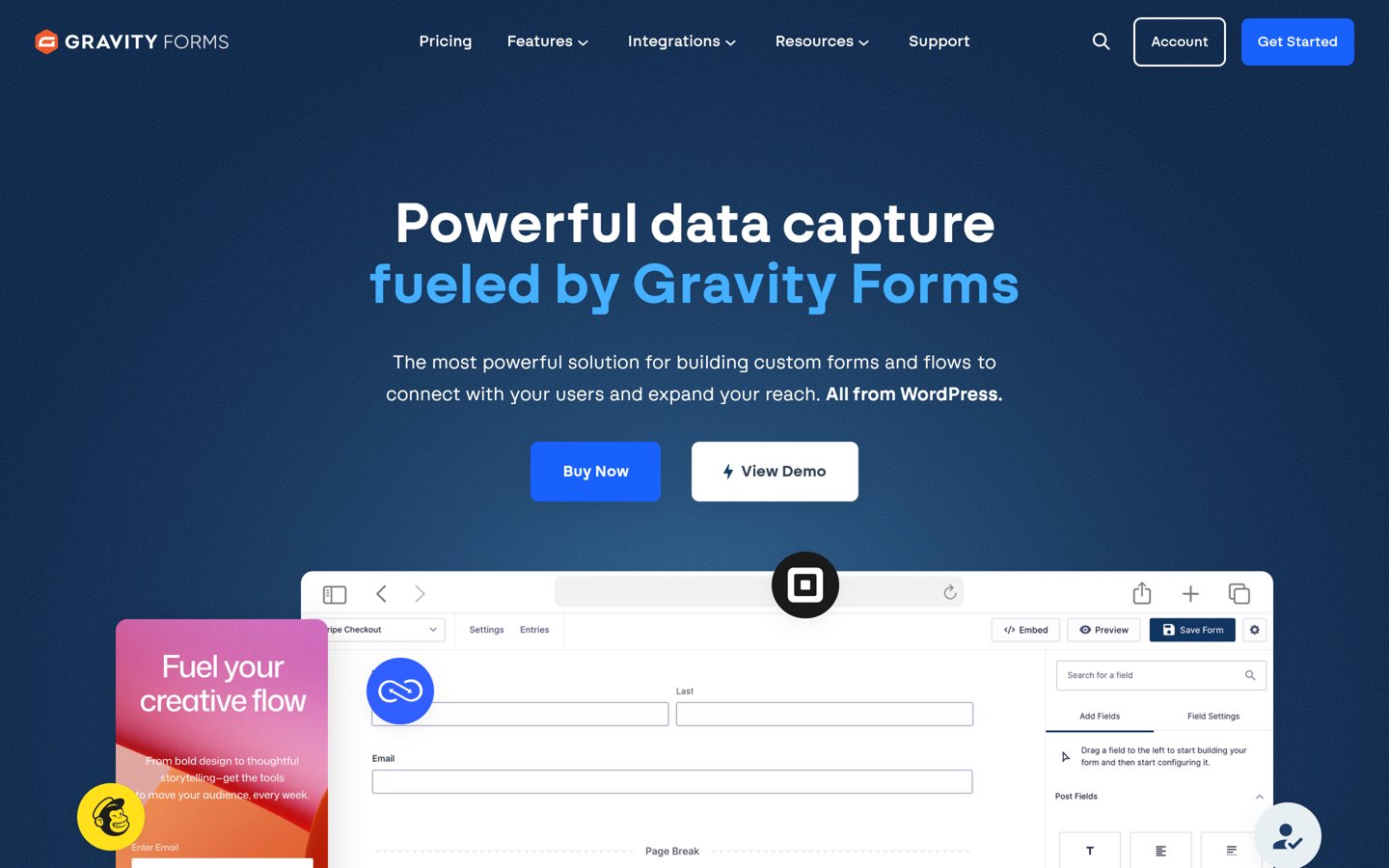


Gravity Forms is the better pick for most sites because it stores every entry, builds forms with drag and drop, and adds conditional logic, calculations and payments. Choose Contact Form 7 when you need one simple contact form for free and are happy to build it with tags and email-only delivery.
Gravity Forms and Contact Form 7 both build forms on WordPress, but they aim at different jobs. Gravity Forms is a paid builder with a visual editor, saved entries and a large add-on library. Contact Form 7 is a free plugin that builds forms with shortcode-style tags and sends each message by email.
This comparison uses the Gravity Forms pricing page, the WordPress.org listing for Contact Form 7 and G2 reviews for Gravity Forms, all checked on 22 November 2026. We compare pricing pages, documentation and public reviews; we did not run performance tests.
Side by side
| Criterion | Gravity Forms | Contact Form 7 | Winner |
|---|---|---|---|
| Free version | No free version; a 14-day demo with full Elite access | Free, with no paid version | Contact Form 7 |
| Entry price | Basic from $59 a year for 1 site | $0 | Contact Form 7 |
| Rating | 4.7/5 from 248 G2 reviews | 4.0/5 from 2,188 WordPress.org ratings | Gravity Forms |
| Form builder | Drag-and-drop builder with 30+ field types | Tag-based forms in a text editor, no drag and drop | Gravity Forms |
| Entry storage | Every entry saved in the dashboard, with export | No storage by default; add the free Flamingo plugin | Gravity Forms |
| Conditional logic and calculations | Included on every licence | Not built in; needs extra plugins or code | Gravity Forms |
| Payments | Stripe, PayPal and Square from Pro at $159 a year | No payment support built in | Gravity Forms |
| Spam protection | Honeypot, reCAPTCHA and Turnstile built in | Akismet, reCAPTCHA and Turnstile via modules | Tie |
| Support | Standard support on Basic and Pro; priority on Elite | Free support through the WordPress.org forum | Gravity Forms |
| Ease of use | Visual builder suits non-developers | Simple once set up, but tag editing suits confident users | Gravity Forms |
Pricing compared
Gravity Forms charges $59 a year for Basic on 1 site, $159 a year for Pro on 3 sites and $259 a year for Elite on unlimited sites. Basic covers email and CRM add-ons, Pro adds payments and Zapier, and Elite adds surveys, user registration, webhooks and priority support.
Contact Form 7 costs nothing, so the price gap is the whole decision for a simple form. The trade off is that every extra feature needs another plugin, and each one adds setup and upkeep. A registered nonprofit can also apply for a Gravity Forms licence at $129 a year for 3 sites with all add-ons.
Entries and spam protection
Gravity Forms saves every submission in the WordPress dashboard, where you can view, filter and export entries. Contact Form 7 sends each message by email only, so a failed email means a lost message unless you install Flamingo, the free storage plugin from the same author.
Both plugins handle spam, but in different ways. Gravity Forms includes a honeypot, reCAPTCHA and Turnstile support, while Contact Form 7 relies on modules such as Akismet, reCAPTCHA and Turnstile. Pair either one with a second spam layer when junk still gets through.
Where Gravity Forms is the right pick
Pick Gravity Forms when forms do real work on your site: quote forms with calculations, multi-page applications, payment forms or registrations. Conditional logic, saved entries and the add-on library cover those jobs without extra plugins.
It also suits agencies and growing businesses. Elite at $259 a year covers unlimited sites with priority support, and the 30-day money-back guarantee gives you a way out if the plugin does not fit.
Where Contact Form 7 is the right pick
Pick Contact Form 7 when you need one simple contact form and nothing else. It is free, it has 10M+ active installs, and it works on any WordPress site with no licence to renew.
The trade off is manual setup. You build forms with tags, configure the email notice yourself and add Flamingo if you want messages saved. Confident users who like that control will not miss the paid features.
Verdict
Winner: Gravity Forms for most sites in 2026, because it covers the whole job: a visual builder, saved entries, conditional logic, calculations and payments, with a 4.7 out of 5 G2 rating from 248 reviews.
Choose Contact Form 7 when the budget is zero and the form is simple. It is free, widely used and maintained, but plan for tag-based editing, email-only delivery and extra plugins for storage and advanced features.
FAQ
Is Contact Form 7 really free?
Yes. Contact Form 7 is free on WordPress.org with no paid version and no licence to renew. You can add free companion plugins such as Flamingo for entry storage, but the form plugin itself costs nothing.
Does Gravity Forms have a free version?
No. Gravity Forms is premium only, starting at $59 a year for Basic on 1 site. There is no trial, but a free 14-day demo gives full Elite access, and purchases carry a 30-day money-back guarantee.
Which is better for a simple contact form?
Contact Form 7, when the form only needs name, email and message fields. It costs nothing and handles a plain contact form well. Gravity Forms earns its fee only when you need logic, saved entries or payments.
Does Contact Form 7 save form submissions?
No, not on its own. Contact Form 7 sends each message by email and stores nothing. Install the free Flamingo plugin from the same author to save messages in the WordPress dashboard.
Can Gravity Forms take payments?
Yes, from the Pro licence at $159 a year, which adds Stripe, PayPal, Square and Mollie add-ons. Basic at $59 a year has no payment add-ons, so check the licence tier before you buy.
Can I switch from Contact Form 7 to Gravity Forms?
Yes. Build the form again in Gravity Forms, since there is no direct import for Contact Form 7 forms. Keep the old form live until the new one is tested, and check that email notices reach the right inbox.
Sources we checked (7)
- Gravity Forms pricing
- Gravity Forms refund policy
- Contact Form 7 on WordPress.org
- Gravity Forms on G2
- Flamingo on WordPress.org
- Try Gravity Forms (docs)
- Gravity Forms on Trustpilot