

Elementor is the better pick for most sites because its free plugin builds full pages, it holds a 4.5 rating from 7,328 WordPress.org reviews, and Pro starts at $60 a year. Choose Bricks when you want lean code, the full feature set on every plan and a $599 lifetime license for unlimited sites.
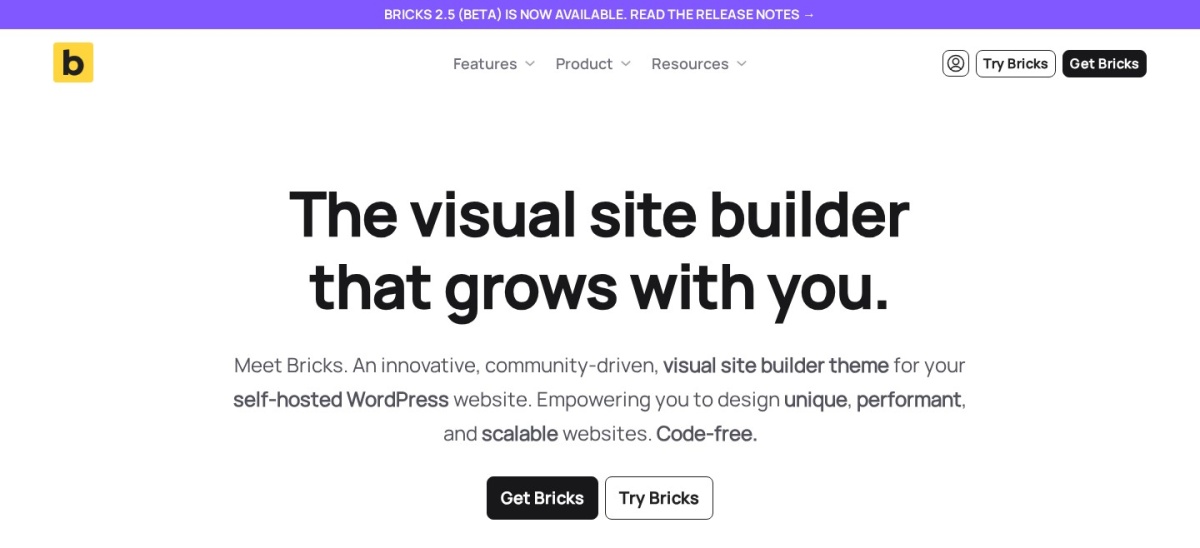
Bricks Builder and Elementor are the two page builders WordPress owners compare most in 2026, but they are built differently. Bricks is a paid theme with a visual builder, while Elementor is a free plugin with yearly Pro plans.
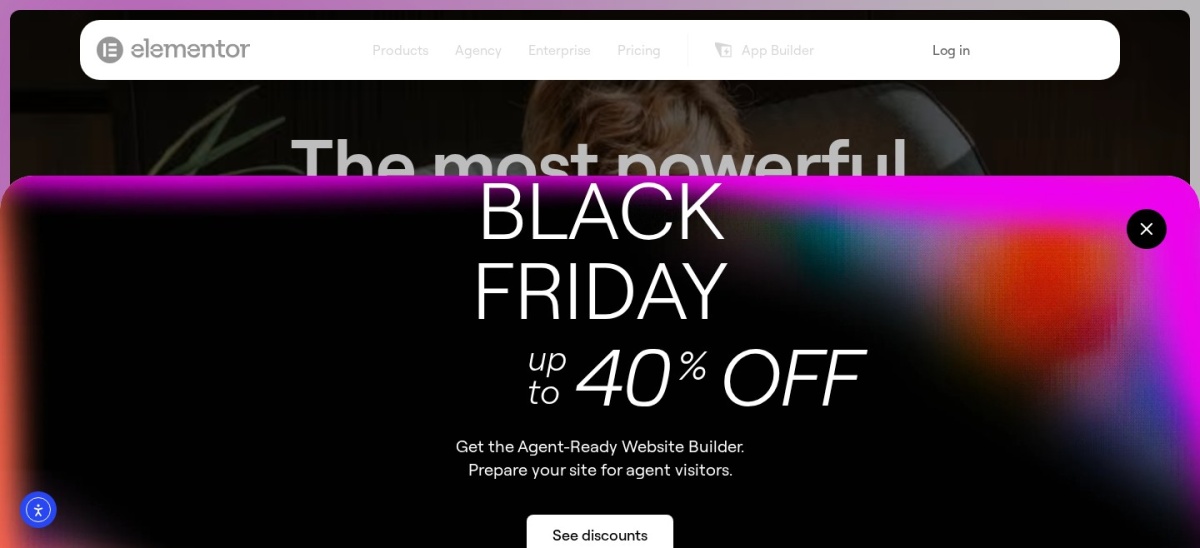
This comparison uses each vendor's pricing page, Elementor's WordPress.org listing and Bricks' Trustpilot page, all checked on 22 November 2026. Prices below are regular prices, and Elementor's site was showing a Black Friday sale when checked, so sale prices are not used here.
Side by side
| Criterion | Bricks Builder | Elementor | Winner |
|---|---|---|---|
| What it is | Paid WordPress theme with a visual builder | Free plugin with paid Pro plans | Tie |
| Free version | No free version; free online trial with an account | Yes, free plugin on WordPress.org with 10M+ installs | Elementor |
| Entry price | $79 a year for 1 site (Starter) | $60 a year for 1 site (Pro Essential) | Elementor |
| Lifetime option | $599 once for unlimited sites | No lifetime option | Bricks Builder |
| Rating | 4.0/5 from only 6 Trustpilot reviews | 4.5/5 from 7,328 WordPress.org ratings | Elementor |
| Key features | 149 elements, Query Loop, popups, forms and WooCommerce Builder on every plan | Free widgets and templates; Pro adds Theme Builder, Popup Builder, forms and WooCommerce Builder | Tie |
| Theme building | Built in: headers, footers, archives and templates in one theme | Needs Pro: Theme Builder is a paid feature | Bricks Builder |
| Limits | No free version and a steeper learning curve for beginners | Pro features are paywalled, and pages do not move to other builders | Tie |
| Support | Email and forum support on every plan | Premium support on paid plans; free users use WordPress.org forums | Tie |
| Ease of use | Class-based styling and dynamic data suit developers | Live drag-and-drop canvas suits beginners and clients who edit pages | Elementor |
Pricing compared
Bricks starts at $79 a year for one site, then $149 for three sites and $249 for unlimited sites. Every plan includes the same full feature set, so the choice is mostly about how many sites you run. A lifetime license costs $599 once for unlimited sites and covers all future updates and support.
Elementor is free to start, and Pro starts at $60 a year for one site on Essential. Advanced Solo costs $84, Advanced $108 for three sites, and Expert $204 for 25 sites. Elementor showed a limited-time Black Friday discount on 22 November 2026, so the prices above are regular list prices and checkout may show less.
Editor and code
Bricks is a theme, so it controls the whole site: headers, footers, archives, templates and WooCommerce pages in one place. Its 149 elements, Query Loop Builder and class-based styling suit developers who build dynamic sites, and its output is known for lean front-end code.
Elementor is a plugin that works with any theme, and its live canvas shows each change at once. That suits beginners and clients who edit their own pages. Elementor says it has been used to build more than 24 million websites, which also means more templates, add-ons and tutorials than Bricks has.
Where Bricks Builder is the right pick
Pick Bricks when you build sites for clients and want one tool that covers design, dynamic content and WooCommerce without extra plugins. The Agency plan at $249 a year or the $599 lifetime license covers unlimited sites, so the cost stays flat as you add clients.
It also fits developers who like class-based styling and lean code. Try the free online playground first, since there is no free version to install on your own site.
Where Elementor is the right pick
Pick Elementor when you want to start free and pay only for the features you need. The free plugin builds full pages, and Pro adds the Theme Builder, popups and WooCommerce tools for $60 a year on one site.
It also fits beginners and teams who hand sites to clients for editing. The live canvas is easy to learn, and the template library covers most common layouts.
Verdict
Winner: Elementor for most sites in 2026, because the free version does the core job, the 4.5 rating from 7,328 WordPress.org reviews is backed by far more users than Bricks' 6 Trustpilot reviews, and Pro starts at $60 a year.
Choose Bricks when you build many sites and want lean code, the full feature set on every plan and a lifetime license. At $599 once for unlimited sites, it beats years of Elementor Pro subscriptions for agencies.
FAQ
Is Bricks Builder free?
No. Bricks has no free version to download, but you can try the latest version free online at try.bricksbuilder.io with an account. Paid plans start at $79 a year for one site, and every plan includes the full feature set.
Is Elementor free?
Yes. The free Elementor plugin is on WordPress.org with more than 10 million active installs. Pro is a paid upgrade that adds the Theme Builder, Popup Builder, forms and WooCommerce tools, starting at $60 a year.
Which is cheaper?
Elementor is cheaper to start, since its free plugin costs nothing and Pro starts at $60 a year. Bricks starts at $79 a year, but its $599 lifetime license can be cheaper than years of Elementor Pro for agencies running many sites.
Which is better for beginners?
Elementor, for most beginners. Its free version, live canvas and large template library make it easy to build a first site. Bricks suits developers more, with class-based styling and dynamic data that take longer to learn.
Can I switch from Elementor to Bricks?
Yes, but plan for a rebuild. Page layouts do not transfer between builders, so back up first, rebuild your key pages in Bricks and check every page before you remove Elementor.
Which is better for WooCommerce?
Both cover stores, but in different ways. Bricks includes a WooCommerce Builder on every plan, while Elementor needs Pro for its WooCommerce Builder. Compare the total yearly cost for your store before you buy.
Sources we checked (8)
- Bricks pricing
- Bricks homepage
- Bricks on Trustpilot
- Elementor on WordPress.org
- Elementor pricing
- Elementor homepage
- Elementor Pro pricing (Nov 2026 price check)
- Bricks vs Elementor comparison