Wordfence Alternatives in 2026: 9 Best Tools Compared
WLWPLegible EditorsLast verified 22 Nov 2026How we test13 min read
★ Short answer
MalCare is the best Wordfence alternative for most sites because its malware scans run on MalCare's servers, so they add little load to your hosting. Pick All-In-One Security for simple login protection, or Kadence Security for a popular free security suite.
How we make this list: we compare pricing pages, product documentation and public user reviews, then re-check every price before each update. No product paid for a place. Disclosure.
MalCare moves malware scanning off your server, the main fix for Wordfence's heavy scans on small hosting plans.
All-In-One Security is the cheapest full upgrade at $89 a year for two sites after a cheaper first year.
Kadence Security, formerly iThemes Security, has 700,000+ installs and 3,992 ratings.
NinjaFirewall filters requests before WordPress loads, and its WP+ edition costs $99 a year for one site.
Wordfence Premium costs $149 a year. Five alternatives here charge less for their first paid tier.
Why people look for a Wordfence alternative
Wordfence is the most installed security plugin, with more than 5 million sites and a 4.7 rating. Most people who leave it are not unhappy with its protection.
The usual reasons are server load, because scans run on your own hosting, and delayed rules, because free users get firewall rules and malware signatures 30 days after Premium users.
Price is the third reason. Premium costs $149 a year per site, and Care and Response cost $590 and $1,250. Our breakdown of what Wordfence costs covers renewals and add-ons.
Before you switch, decide which of those problems you are solving. The best alternative for a slow shared host is not the best one for an agency.
4.4/5on WordPress.org (561 reviews, checked Nov 2026)
Paid from$99/site/yr
Best Wordfence alternative overall
Where scans runMalCare's servers
Free firewallYes, rules every 7 days
Malware removalRepair plan, $299/yr
Paid planProtect, 1 site
malcare.com
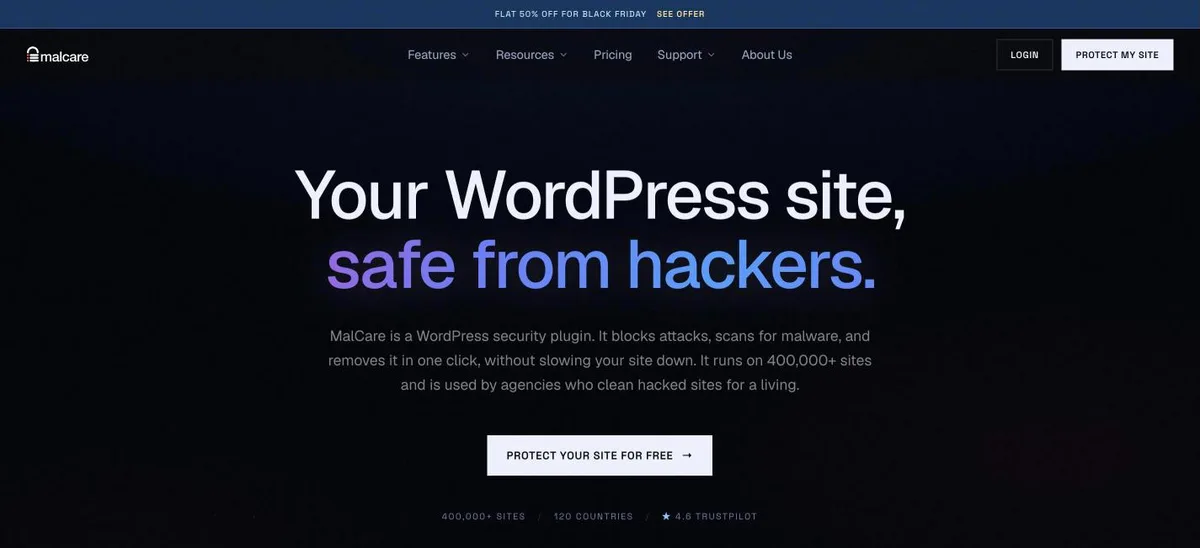
MalCare homepage, captured Nov 2026.
MalCare is a security plugin that runs malware scans on its own cloud servers, including deep scans of files and the database. The free version adds a firewall, CAPTCHA on the login page and bot protection, with firewall rules updated every 7 days.
The trade off is that the free plan does not clean malware. Protect costs $99 a year per site and Repair, with automated clean-up and 12-hour scans, costs $299. A Black Friday banner was showing on the pricing page. It suits sites on small hosting plans where Wordfence scans cause slowdowns.
4.7/5on WordPress.org (1,721 reviews, checked Nov 2026)
Paid from$89/yr
Best for easy login protection
Where scans runYour server, file changes only
Free firewallYes, .htaccess and 6G rules
Free 2FAYes
Paid planPersonal, 2 sites
teamupdraft.com
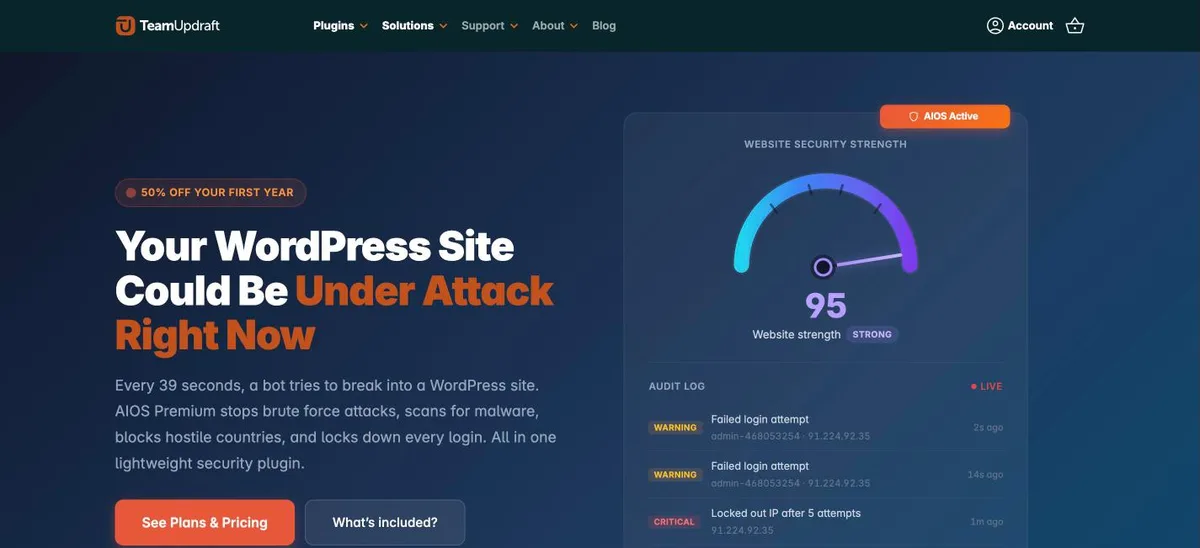
All-In-One Security (AIOS) homepage, captured Nov 2026.
All-In-One Security, from the team behind UpdraftPlus, has more than 1 million installs. The free version covers two-factor login, lockouts after failed logins, user enumeration blocking, .htaccess and 6G firewall rules, a file change scanner, spam blocking and an audit log.
The trade off is that malware scanning is a Premium feature. Personal costs $44.50 for the first year, then $89 a year for two sites. It fits site owners leaving Wordfence because of its busy settings screens and who mainly want strong login security.
4.6/5on WordPress.org (3,992 reviews, checked Nov 2026)
Paid from$350/yr
Best free security suite after Wordfence
Former nameiThemes, then Solid Security
Free site scans4 a day
Free 2FAYes, app or email
Paid planKadence bundle, 1 site
liquidweb.com
Kadence Security homepage, captured Nov 2026.
Kadence Security is the plugin formerly called iThemes Security and Solid Security, with 700,000+ installs. The free version includes two-factor login, password rules, local and network brute-force protection, file change detection, four site scans a day, database backups and options to hide the login URL.
The trade off is how the paid tier is sold. Pro features such as hourly scans, passwordless logins and Patchstack virtual patching come with Kadence plans, which start at $350 a year for one site and bundle the theme, LearnDash and more. It fits owners who want a free suite with backups.
4.8/5on WordPress.org (335 reviews, checked Nov 2026)
Paid from$50/yr
Best low-cost upgrade with a global blocklist
Where scans runYour server
Free firewallAntiBot global blocklist
Free 2FAYes
Paid planPro Basic, 1 site
wpmudev.com
Defender Security homepage, captured Nov 2026.
Defender Security, from WPMU DEV, includes a malware scanner for core files and plugins, an AntiBot firewall fed by data from 750,000+ sites and refreshed every 12 hours, IP lockouts, login masking, 2FA and 12 one-click hardening settings.
The trade off is that some features, such as AntiBot on every host and the central Hub dashboard, need a paid plan. Pro Basic costs $50 a year for one site. It fits budget-minded owners who want a free scanner plus a shared blocklist at the lowest paid price here.
4.9/5on WordPress.org (220 reviews, checked Nov 2026)
Paid from$99/yr
Best firewall that runs before WordPress
Firewall typeRuns before WordPress loads
File monitoringReal-time File Guard
Free malware scanFile Check only
Paid planWP+ Edition, 1 domain
nintechnet.com
NinjaFirewall homepage, captured Nov 2026.
NinjaFirewall is a web application firewall that inspects every PHP request before WordPress or any plugin loads. The free WP Edition adds brute-force protection that runs before WordPress, real-time File Guard alerts, scheduled file change checks and a live traffic log.
The trade off is that it is built for people who are comfortable with technical settings. The WP+ Edition, with country, URL and bot rules plus rate limiting, costs $99 a year for one domain. It suits developers who want a stricter firewall than Wordfence's plugin-level one.
4.8/5on WordPress.org (1,039 reviews, checked Nov 2026)
Paid from$149/yr
Best for bot blocking without CAPTCHAs
Free firewallYes, plus REST API rules
Bot blockingsilentCAPTCHA
Free malware scanCore files only
Paid planShield Plus, 1 site
getshieldsecurity.com
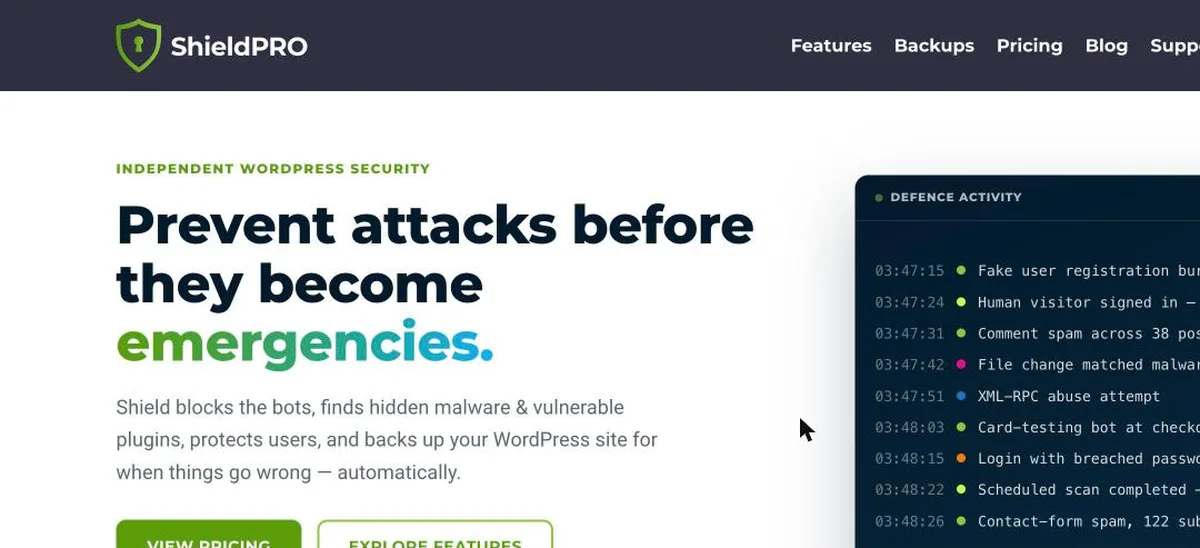
Shield Security homepage, captured Nov 2026.
Shield Security blocks bots with silentCAPTCHA, which works in the background on login, registration and comment forms. The free version adds firewall rules, XML-RPC and REST API protection, fake crawler detection, 2FA, login limits, core file scans with repair and an activity log.
The trade off is price. Shield Plus, with AI malware detection, vulnerability scans and ShieldBACKUPS, costs $149 a year for one site, the same as Wordfence Premium. It suits sites with heavy bot traffic that want fewer CAPTCHAs than Wordfence shows.
4.2/5on WordPress.org (386 reviews, checked Nov 2026)
Paid from$199.99/yr
Best for a cloud firewall and clean-up service
Firewall typeCloud, on paid platform
Free malware scanRemote scan
Malware removalIncluded in Basic
Paid planBasic platform
sucuri.net
Sucuri Security homepage, captured Nov 2026.
Sucuri Security is a free monitoring plugin with an audit log, file integrity checks, a remote malware scan, blocklist monitoring, hardening options and post-hack steps such as resetting keys. Its firewall lives on Sucuri's own network, not in your WordPress install.
The trade off is that the plugin alone does not block attacks. The Basic platform, with malware and hack removal, blocklist monitoring and DDoS mitigation, costs $199.99 a year per site. It fits owners who want the firewall and clean-up handled off-site.
4.6/5on WordPress.org (123 reviews, checked Nov 2026)
Paid from$9.95/mo
Best light option for vulnerability alerts
Free scanDaily, WPScan database
Downtime alertsEvery 5 minutes
Free firewallNo, paid
Paid planJetpack Scan, billed yearly
jetpack.com
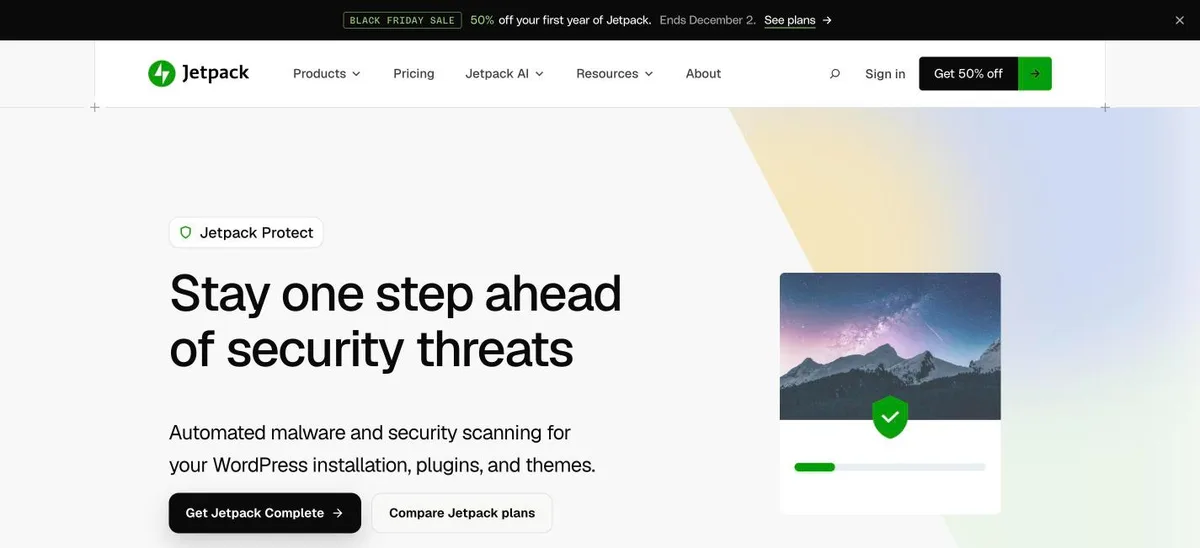
Jetpack Protect homepage, captured Nov 2026.
Jetpack Protect, from Automattic, checks your WordPress version, plugins and themes against the WPScan vulnerability database every day. The free version also includes brute-force login protection and downtime monitoring that checks the site every five minutes.
The trade off is that it warns rather than blocks. Malware scanning and the firewall come with Jetpack Scan at $9.95 a month billed yearly, or $4.98 a month in the first year. It fits sites leaving Wordfence that already run a firewall at the host or CDN level.
4.8/5on WordPress.org (62 reviews, checked Nov 2026)
Paid from$69/mo
Best for agencies that need virtual patching
Free alertsCore, plugins and themes
Virtual patchingPaid
ReportsPDF snapshots
Paid planDeveloper, billed yearly
patchstack.com
Patchstack homepage, captured Nov 2026.
Patchstack runs its own WordPress vulnerability research. The free plan detects known vulnerabilities in core, plugins and themes, sends email alerts, offers remote updates from one dashboard and produces PDF snapshot reports.
The trade off is price. Virtual patches, which block an exploit before the plugin author ships a fix, start with Developer at $69 a month billed yearly, with three seats. It fits agencies that manage many client sites and want earlier warnings than Wordfence's free rule feed.
Install the new plugin before you remove Wordfence, but do not turn on both firewalls at once. Two firewalls can block each other or lock you out.
Wordfence's firewall adds a line to your server config through auto_prepend_file. Remove it from the Wordfence firewall settings first, or the site can error after you delete the plugin.
Once the new plugin is active, set up 2FA again for every admin. Login settings do not carry over between security plugins.
How we chose
We started from security plugins on WordPress.org with more than 30,000 active installs, then kept those that replace at least one main Wordfence job: firewall, malware scan or login security.
Prices come from each vendor's pricing page, checked on 22 November 2026. Ratings and install counts come from WordPress.org on the same day. Where a vendor shows a sale, the list shows the regular price.
Wordfence itself is excluded. No vendor paid for a place, and we do not claim hands-on testing for this list.
How to choose a Wordfence alternative
Name the Wordfence problem you want to fix, then pick the tool built for that problem.
Slow scans on cheap hosting? Pick MalCare or Jetpack Protect, which run their checks off your server.
Want simpler settings? All-In-One Security and Kadence Security explain each option and focus on login protection.
Want a stricter firewall? NinjaFirewall filters requests before WordPress loads. Sucuri filters traffic before it reaches your server. See how a web application firewall works.
Managing many sites? Patchstack and Defender's Hub manage alerts and blocklists across client sites from one dashboard.
FAQ
What is the best alternative to Wordfence?
MalCare is the best alternative for most sites. It offers a free firewall and daily malware scans that run on MalCare's servers, so scans do not slow your hosting the way on-server scans can.
Is there a free alternative to Wordfence?
Yes. All-In-One Security, Kadence Security, Defender, NinjaFirewall and Shield all have useful free versions with login protection, and most include a firewall of some kind.
Why is Wordfence slowing down my site?
Wordfence scans files on your own server, which uses CPU while the scan runs. On small shared plans this can slow the site. Lower the scan settings or switch to an off-site scanner.
Can I run Wordfence and another security plugin together?
Do not run two firewalls together, as they can conflict or lock you out. A firewall plugin plus a light alert tool such as Patchstack or Jetpack Protect is fine.
Is Wordfence Premium worth $149 a year?
It is worth it if you need real-time firewall rules and country blocking. If server load is your main problem, a paid plan will not fix that, and an off-site scanner may suit you better.
Which Wordfence alternative is cheapest?
Defender Pro Basic is the cheapest paid tier here at $50 a year for one site. All-In-One Security costs $89 a year for two sites after a discounted first year.