Zoom Webinars is the best webinar software for law firms for most firms, covering 500 attendees with branded registration, polls and Q&A for about $1,000 a year. GoTo Webinar suits dedicated training programs, while BigMarker fits large firm summits.
How we make this list: we compare pricing pages, product documentation and public user reviews, then re-check every price before each update. No product paid for a place. Disclosure.
Zoom Webinars covers 500 attendees from $83.33 a month billed annually, with polls, Q&A and AI captions in 20+ languages.
GoTo Webinar Lite costs $49 a month billed annually for 250 attendees, with reporting built for training programs.
BigMarker is the highest rated tool here at 4.7/5 on G2, but its pricing is by quote only.
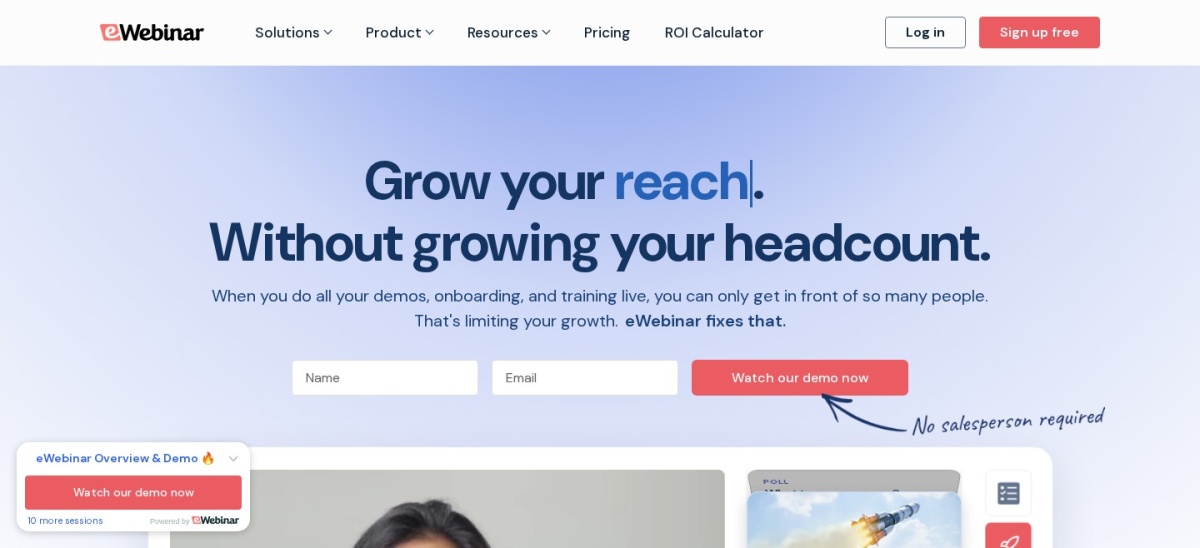
eWebinar runs evergreen estate-planning seminars on autopilot from $99 a month, with live chat on every replay.
Flat-rate entry prices run from $39 a month for WebinarJam and ClickMeeting to $99 a month for eWebinar, with BigMarker quoted by sales and WebinarNinja priced per attendee.
None of the 9 tools has a free plan, but most offer a free trial, so test registration and joining before you pay.
How do you choose webinar software for law firms?
Law firms use webinars for client seminars, CLE training and intake, and the same tool rarely fits all three. A client seminar needs simple joining and a recording, while a training program needs attendance reports and certificates.
Start with audience size. Entry plans in this list range from 100 attendees on WebinarJam and Crowdcast to 500 on Zoom Webinars, so a firm with 80 regular attendees should not pay for a 500-seat plan.
Check how attendees join. Browser-based tools such as BigMarker, Crowdcast and eWebinar let clients join from a link with no app install, which cuts the support emails that follow every seminar.
Then decide between live, automated and simulive sessions. Live suits Q&A and CLE, while automated sessions suit estate-planning seminars that repeat unchanged. Our guide on scheduling events in WordPress covers the registration side.
Finally, confirm the renewal price. Most tools in this list bill annually, and some charge per organizer, so the first bill is rarely the price you pay in year two.
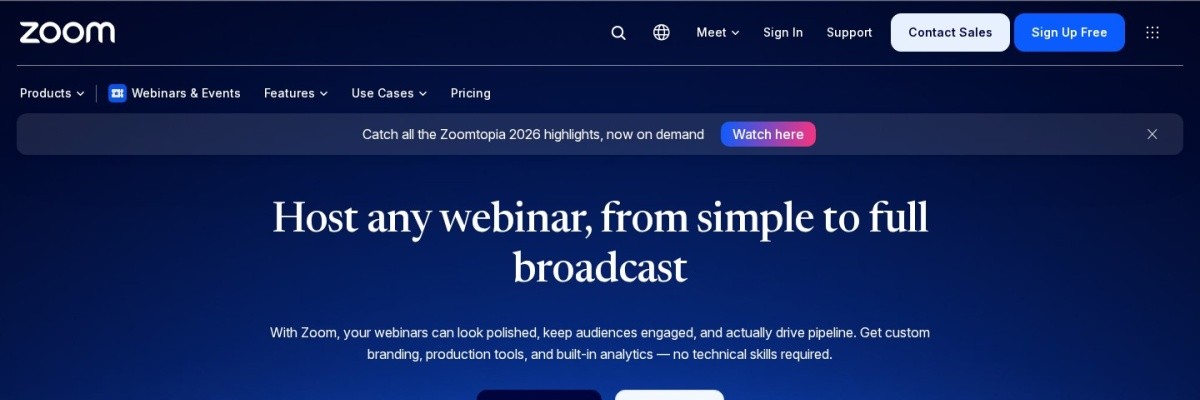
Zoom Webinars is the webinar product built on Zoom Meetings, so most clients already know how to join. The entry Webinars plan covers 500 attendees with branded registration, polls, Q&A, chat, breakout rooms, AI captions in 20+ languages, recording and streaming to YouTube, LinkedIn and Facebook.
The trade off is the commitment. It costs $83.33 a month billed annually, about $1,000 a year, with annual-only billing, and it is an add-on to a paid Zoom Workplace plan. It suits firms already on Zoom that run client briefings, town halls and large seminars.
What we like
Clients already know how to join
500 attendees on the entry plan
Polls, Q&A, breakout rooms and captions
Scales to 100,000 attendees
Watch out for
Annual-only billing
Needs a paid Zoom Workplace plan
Small seminars pay for 500 seats
Webinars Plus adds pre-recorded sessions and a backstageVisit zoom.com
02
GoTo Webinar
4.2/5on G2 (804 reviews, checked Nov 2026)
Starts at$49/mo
Best for dedicated training and CLE programs
Entry attendees250
Organizers1 per seat
ReportingAttendance and polls
Paid planLite, $49/mo
goto.com
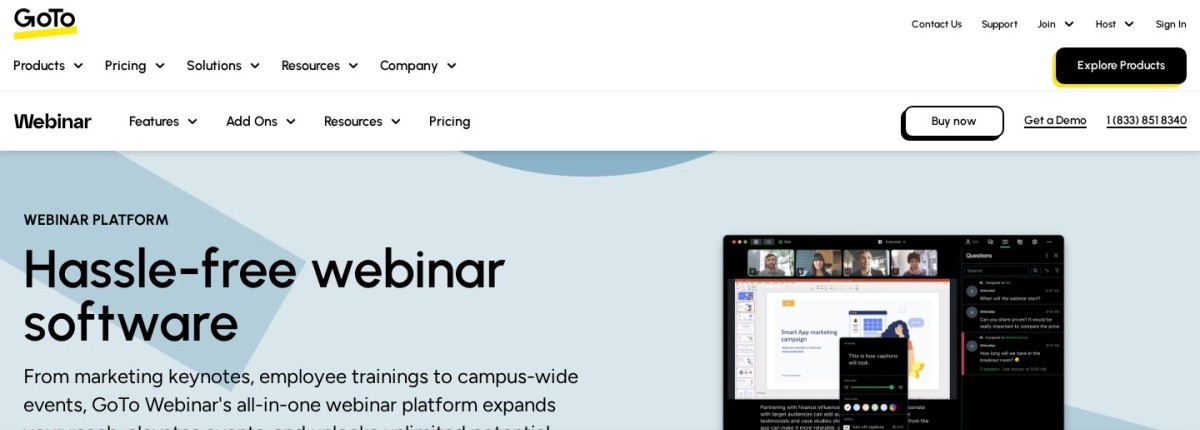
GoTo Webinar homepage, captured Nov 2026.
GoTo Webinar is a dedicated webinar product built around registration, presenter management and attendee analytics. Lite costs $49 a month billed annually, or $59 month to month, for up to 250 participants, with automated reminders and follow-ups, polls, live Q&A, recording and a 7-day free trial.
The trade off is seat pricing. Every organizer needs a seat, so a second host doubles the bill, and the tiers climb to $99, $199 and $399 a month as audiences grow. It suits firms running regular CLE and training with one organizer and a report to file afterwards.
What we like
Mature registration and email tools
Reliable video at large audiences
Reporting built for training programs
Automated reminders and follow-ups
Watch out for
Priced per organizer seat
No free plan, only a 7-day trial
Higher tiers climb fast
Standard adds custom branding and 500 attendeesVisit goto.com
03
BigMarker
4.7/5on G2 (444 reviews, checked Nov 2026)
PricingCustom/yr
Best for large firm summits and conferences
Max live attendees1,000
White labelingYes
Free trialYes
Paid planQuote only
bigmarker.com
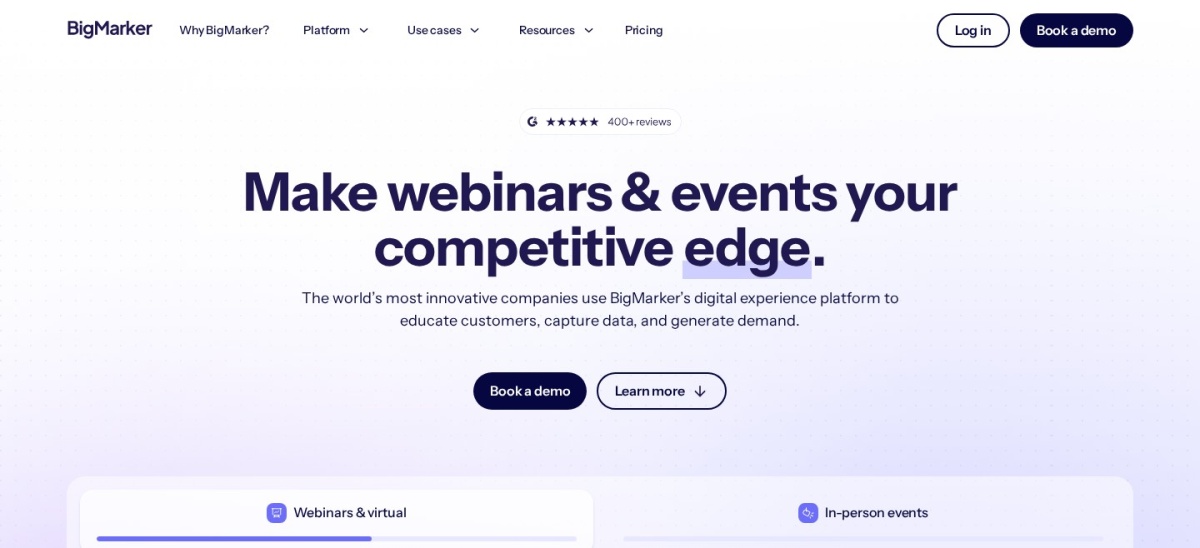
BigMarker homepage, captured Nov 2026.
BigMarker is a webinar and virtual-event platform for teams that run live, simulive, automated and on-demand sessions. Its Basic plan covers up to 1,000 live attendees with one host license, Enterprise raises that to 10,000, and attendees join from a browser with white-labeled registration and pop-up offers.
The trade off is pricing. BigMarker publishes no prices, so every plan needs a sales conversation, and the platform is more than a small firm needs for a simple monthly webinar. It suits large firms running summits and multi-session conferences.
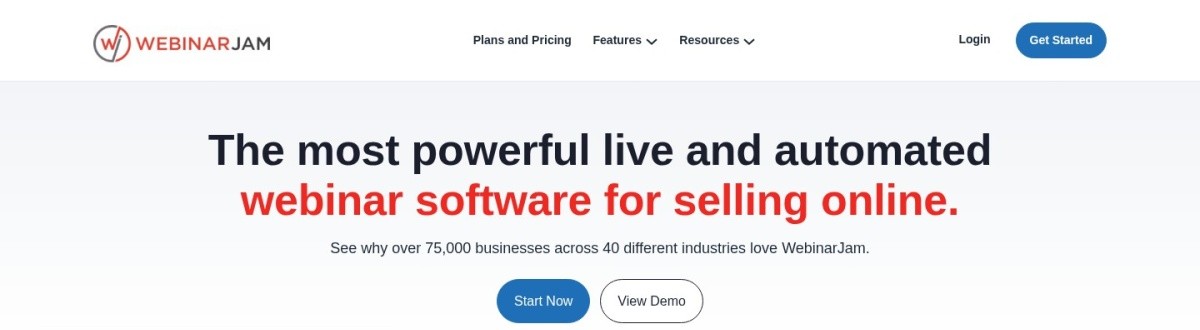
WebinarJam is a webinar marketing platform for live presentations, product launches and promotional events. Starter supports 100 attendees, one host and unlimited webinars, with customizable registration pages, live offers, polls and an integrated email and SMS system for reminders.
The trade off is the session limit and the rating. Starter sessions run for one hour only, and the 3.6/5 G2 rating reflects mixed customer experiences. Its regular annual-billing rate is $39 a month, or $468 a year, compared with $49 month to month. It suits firms turning seminars into booked consultations.
eWebinar is a platform built only for automated webinars. You upload a recorded presentation and it runs on a recurring schedule or on demand, with live chat, polls, questions and handouts that appear at set moments. Level 1 costs $99 a month and covers 1 active eWebinar, 1,000 registrants a month and unlimited team members.
The trade off is scope. There is no live webinar mode, so you still need another tool for live sessions, and the bill rises on its own when you publish a second eWebinar. It suits estate-planning and onboarding seminars that repeat unchanged.
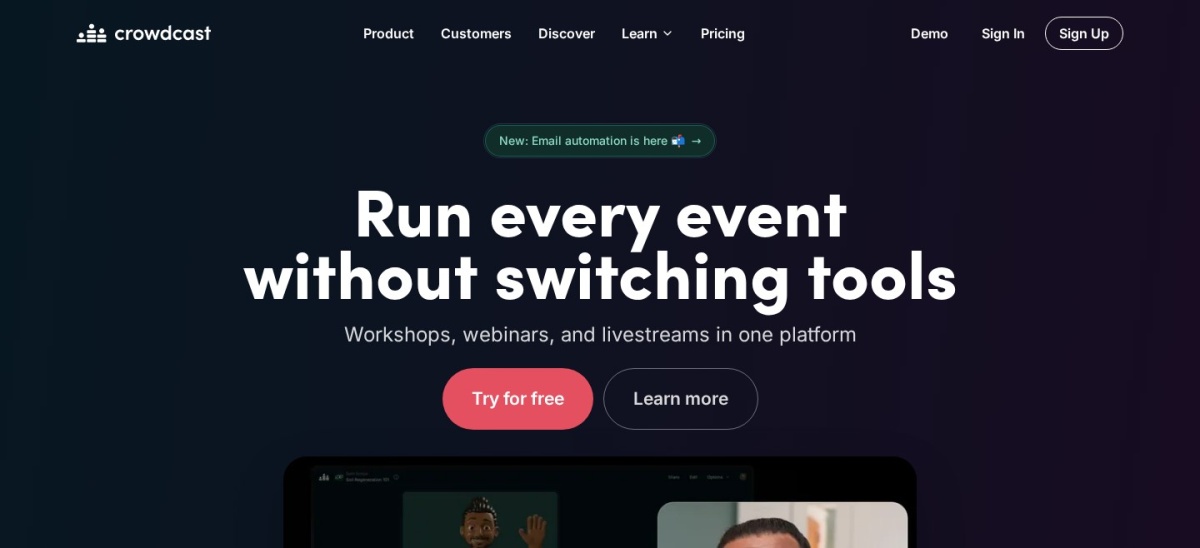
Crowdcast is a browser-based platform for webinars, workshops and interactive online events. Lite includes 100 live attendees, ten event hours monthly, one team seat, HD streaming, event recordings, analytics and Stripe integration for paid events.
The trade off is the fee and the clock. Lite has a two-hour session limit and charges a 5% transaction fee on paid events, and the monthly event-hour allowance caps how much you can run. It suits interactive client workshops and small seminars where the audience talks back.
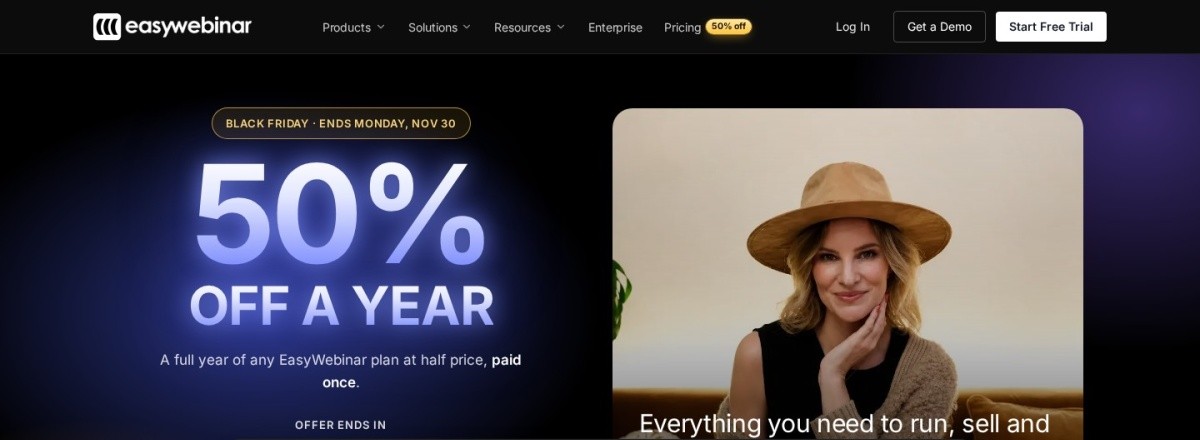
EasyWebinar is a webinar marketing platform supporting live events, audience registration, replays and marketing integrations. Launch includes 50 live attendees per session, five monthly live sessions, replay access and integrations with email marketing tools.
The trade off is that automated webinars, built-in checkout and EasyCRM require Growth. Launch normally costs $528 annually, equivalent to $44 per month. It suits firms building lead-generation funnels around a monthly seminar before expanding into automated sessions.
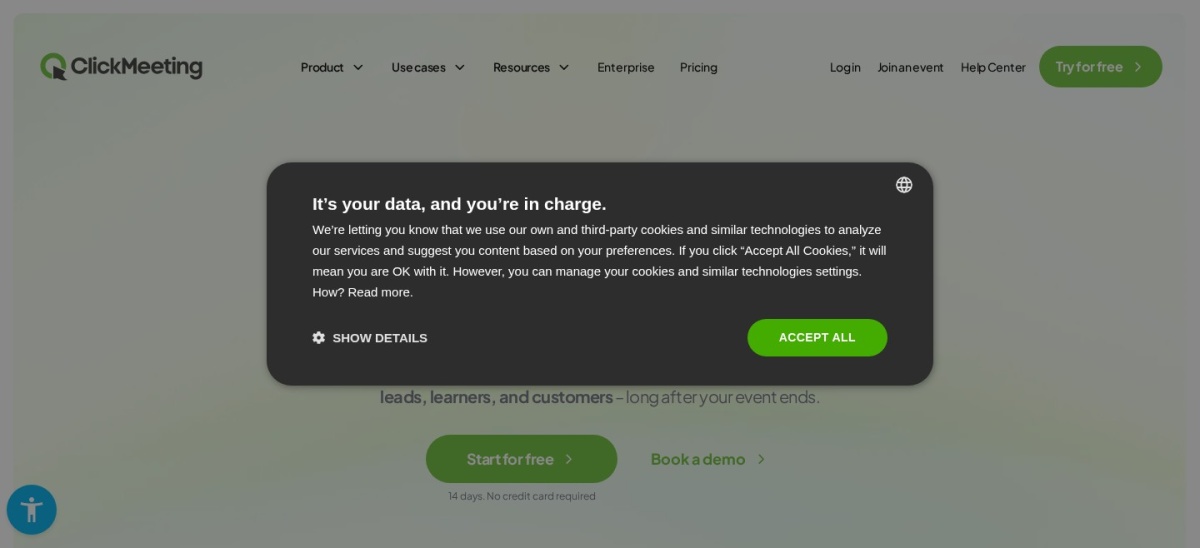
ClickMeeting is a browser-based webinar platform for live and automated events, with registration pages, polls, Q&A, recording and integrations with email and marketing tools. The entry Live plan covers live webinars with attendee engagement tools at $39 a month, or $468 a year.
The trade off is that automated webinars sit on a higher plan, so the entry price covers live events only. It suits small firms that want one affordable tool for a monthly live seminar without paying for features they will not use.
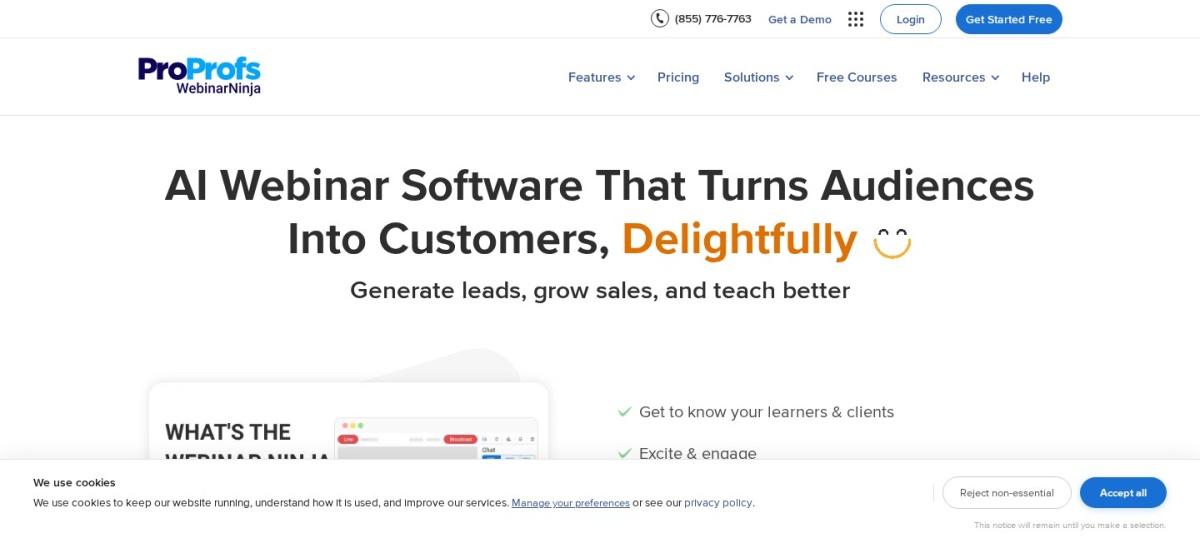
WebinarNinja is a webinar platform for live, automated and hybrid events, with unlimited webinars, registration pages, automated sessions, email sequences, audience engagement tools and replays. Pricing is based on the attendee capacity selected, at a regular unit rate of $0.60 per attendee per month.
The trade off is that the published rate is a unit rate, not a complete subscription quote. The total depends on the capacity selected, and the 3.3/5 G2 rating reflects mixed experiences. It suits firms that prefer paying for capacity rather than a flat seat.
Live webinars fit anything with questions. Client Q&A sessions, CLE training and firm updates all benefit from a presenter who can react in the moment.
Automated webinars fit anything that repeats. An estate-planning seminar or an onboarding talk can run on a schedule with live chat, and no lawyer needs to present it again.
Simulive sits between the two. A recorded session plays as if live, with the host answering chat in real time, which works well for firms that want polish without stage fright.
If you run both kinds, pick a tool that covers both. WebinarNinja includes live, automated and hybrid sessions in one plan, while EasyWebinar and ClickMeeting put automated sessions on higher plans.
How we chose
We started from every established webinar platform with public reviews on G2, then kept those with a current product, a published price or a clear quote-based model, and a use case that fits a law firm.
Prices come from each vendor's pricing page, checked on 30 November 2026. Ratings and review counts come from G2 on the same day. Where a vendor shows a sale, the list shows the regular price.
We left out Demio, Livestorm and Webex Webinars. Their homepages would not produce a clean screenshot on the day, and we do not list tools we cannot show. No vendor paid for a place, and we do not claim to have used these tools ourselves.
How to choose webinar software for a law firm
Match the tool to the seminar you run most, then check the price at your real audience size.
Count your real audience. Entry plans in this list cover 100 to 500 attendees. Paying for 500 seats when 80 people join wastes money every month.
Decide live, automated or both. Live suits Q&A and CLE training, while automated suits estate-planning seminars that repeat unchanged. Pick a tool that covers the format you run most.
Test joining as a client would. Browser-based tools avoid app installs and support emails. Check recording, captions and reminders during the free trial.
Check the renewal price, not the first bill. Some tools discount the first term, and GoTo Webinar charges per organizer, so confirm the regular rate before you commit.
FAQ
What is the best webinar software for law firms in 2026?
Zoom Webinars is the best pick for most firms. Its entry plan covers 500 attendees with branded registration, polls, Q&A and AI captions for $83.33 a month billed annually, and most clients already know how to join.
How much does webinar software for law firms cost?
Most entry prices run from $39 to $99 a month. WebinarJam and ClickMeeting start at $39, GoTo Webinar Lite costs $49, Zoom Webinars costs $83.33 and eWebinar costs $99. BigMarker is priced by quote, and most tools bill annually.
Is there free webinar software for law firms?
No. None of the nine tools in this list offers a free plan, though most offer a free trial. Test registration, joining and recording during the trial before you commit to an annual plan.
Which webinar software is best for small law firms?
GoTo Webinar Lite at $49 a month for 250 attendees, or ClickMeeting at $39 a month, fits a small firm running monthly seminars. Pick WebinarJam instead if the goal is turning seminars into booked consultations.
Zoom Webinars vs GoTo Webinar: which is better for law firms?
Zoom Webinars is better for firms already on Zoom and audiences up to 500, at $83.33 a month billed annually. GoTo Webinar is better for dedicated training programs with reporting, at $49 a month for 250 attendees.
Can I run evergreen estate-planning seminars on autopilot?
Yes. eWebinar runs recorded seminars on a recurring schedule with live chat for $99 a month. WebinarNinja also offers automated sessions in its plan, while EasyWebinar puts them on its Growth plan.
SaaS SEO and WordPress specialist with about 8 years of experience. Rakib compares WordPress plugins, themes, hosting and software using public pricing, documentation and user reviews. See how we rank.