Zoom is the best of the Webex alternatives for most teams, with a 4.5 out of 5 rating from more than 56,000 G2 reviews and a free plan for meetings up to 40 minutes. Google Meet suits Google Workspace users at $7 a month, while Microsoft Teams is the cheapest paid suite step at $4 a month.
How we make this list: we compare pricing pages, product documentation and public user reviews, then re-check every price before each update. No product paid for a place. Disclosure.
Zoom leads on ratings and familiarity: 4.5 out of 5 from 56,502 G2 reviews, with a free plan for 100 people.
Google Meet is the simplest switch for Google Workspace teams, at $7 per user a month on Business Starter.
Microsoft Teams Essentials is the cheapest paid suite plan here at $4 per user a month billed annually.
Zoho Meeting is the cheapest paid plan in the list at $1 per host a month billed annually.
Seven of the nine tools have a free plan; ClickMeeting is trial-only and Jitsi Meet is free with no paid plan at all.
How do you choose among Webex alternatives?
Most teams leave Webex for one of three reasons: price, simplicity, or the suite they already pay for.
Price is the clearest split. Paid plans in this list run from $1 per host a month for Zoho Meeting to $32 a month flat for ClickMeeting, so a small team can save hundreds of dollars a year by picking the cheapest plan that fits its meeting size.
The suite you already use matters more than any single feature. Google Meet is the obvious pick inside Google Workspace, Microsoft Teams inside Microsoft 365, and Slack if daily work already happens in channels and huddles.
Free plans are not equal. Google Meet and Microsoft Teams allow 100 participants and 60-minute group calls free, while Zoom caps free group calls at 40 minutes and Whereby caps its free room at 4 attendees and 30 minutes.
Zoom is the most widely used video meeting platform in this list, rated 4.5 out of 5 from 56,502 G2 reviews. The free Basic plan covers 100 participants and 40-minute group calls, with screen sharing, chat, virtual backgrounds and local recording included.
The trade off is price. Pro costs $14.16 per user a month billed annually, or $16.99 month to month, and the price climbs per user as the team grows. It suits teams that run client calls and large meetings every day and want the most familiar joining experience.
What we like
Free plan covers 100 participants
Most familiar joining flow for guests
AI Companion summaries on Pro
Local recording on the free plan
Watch out for
Paid price climbs per user as teams grow
Free group calls stop at 40 minutes
Desktop app gives the smoothest experience for hosts
Pro adds 30-hour meetings, cloud recording and AI summariesVisit zoom.com
02
Google Meet
4.5/5on Capterra (12,079 reviews, checked Nov 2026)
Paid from$7/mo
Best for Google Workspace teams
Free plan100 participants, 60-min group calls
Paid planWorkspace Business Starter, $7/user/mo
Storage30 GB pooled per user on Starter
Meeting limit100 participants on Starter
meet.google.com
Google Meet homepage, captured Nov 2026.
Google Meet is the video meeting tool built into Google Workspace, with browser joining and no install for guests. The free plan covers 100 participants and 60-minute group calls, and meetings start from Gmail or Calendar with one click.
The trade off is recording. Cloud recording and meeting transcripts need Business Standard at $14 per user a month or higher, not the $7 Starter plan. It suits teams that already pay for Google Workspace and want the simplest way to start a call.
What we like
No install needed for guests
Starts from Gmail or Calendar in one click
Free 60-minute group calls for 100 people
Clean, simple interface with few settings to learn
Watch out for
Recording needs Business Standard or higher
Fewer host controls than Zoom or Webex
Screen sharing glitches reported by some reviewers
Meeting limit30 hours, 300 participants on Essentials
Storage10 GB per user on Essentials
microsoft.com
Microsoft Teams homepage, captured Nov 2026.
Microsoft Teams is the meeting and chat hub of Microsoft 365, with video calls, channels and shared files in one app. The free plan covers 100 participants and 60-minute group meetings, and Teams Essentials costs $4 per user a month billed annually.
The trade off is weight. Teams can feel slow on older machines, and reviewers often mention notification overload and a busy interface. It suits organisations that already run Microsoft 365 and want meetings, chat and files without a second subscription.
What we like
Included with Microsoft 365 plans
Cheapest paid plan among the big suites at $4 a month
Slack is a channel-based chat workspace where video happens through huddles, so a quick call starts inside the conversation already in progress. The free plan covers 90 days of message history, up to 10 apps and one-to-one huddles, and Pro adds unlimited history and group huddles.
The trade off is that Slack is a chat tool first. It has no scheduled-meeting lobby or webinar tools like Webex, and the per-user price adds up fast on large teams. It suits teams that already work in Slack channels and want video without opening a second app.
What we like
Fastest way to start a call from a chat thread
Unlimited message history on Pro
More than 2,600 app integrations
Highest ease-of-use scores in this list
Watch out for
No webinar or large-event tools
Per-user price adds up on large teams
Video is a huddle, not a full meeting suite
Pro adds group huddles and unlimited message historyVisit slack.com
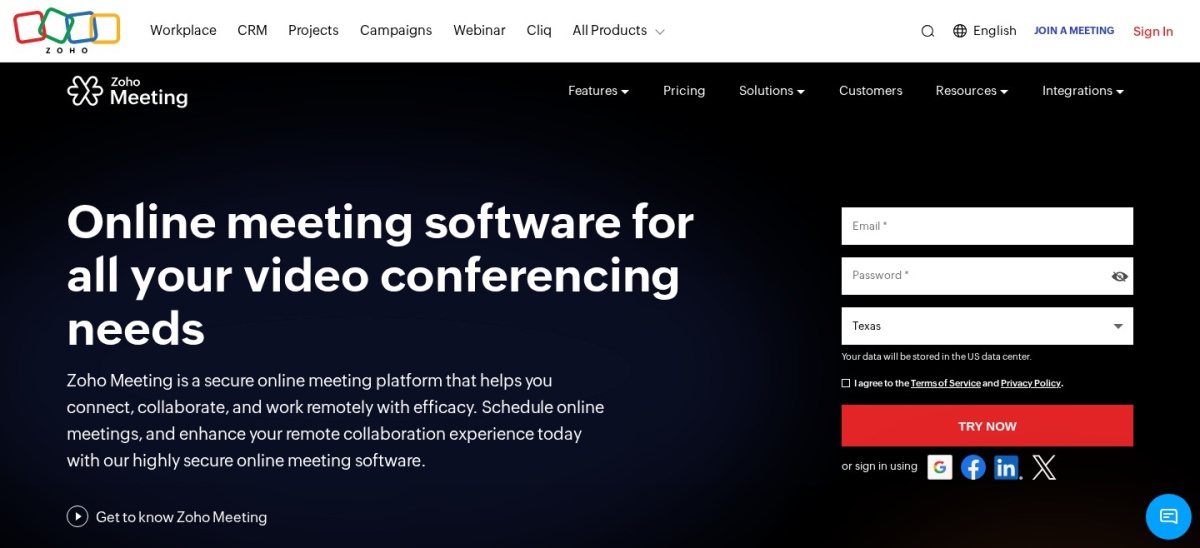
Zoho Meeting is a browser-based meeting tool with no download for guests, rated 4.5 out of 5 from 1,276 G2 reviews. The free plan covers 100 participants and 60-minute meetings, and the paid Standard plan starts at $1 per host a month billed annually.
The trade off is polish. Reviewers praise its ease of use and clear audio, but video quality and recording are less consistent than Zoom or Google Meet. It suits small teams and Zoho users who want the cheapest paid meetings that still cover the basics.
What we like
Cheapest paid plan in this list
No download needed to join
24-hour meetings on the Standard plan
Fits well with Zoho CRM and other Zoho apps
Watch out for
Video quality can vary in larger calls
Smaller review base than the big suites
Recording quality criticised by some reviewers
Standard adds 24-hour meetings and cloud recordingVisit zoho.com
06
Whereby
4.6/5on G2 (1,163 reviews, checked Nov 2026)
Paid from$10.99/mo
Best for permanent meeting rooms
Free plan1 room, 4 attendees, 30-min cap
Paid planPro, $10.99/host/mo
Largest meeting200 attendees on Business
JoiningBrowser link, no account or install
whereby.com
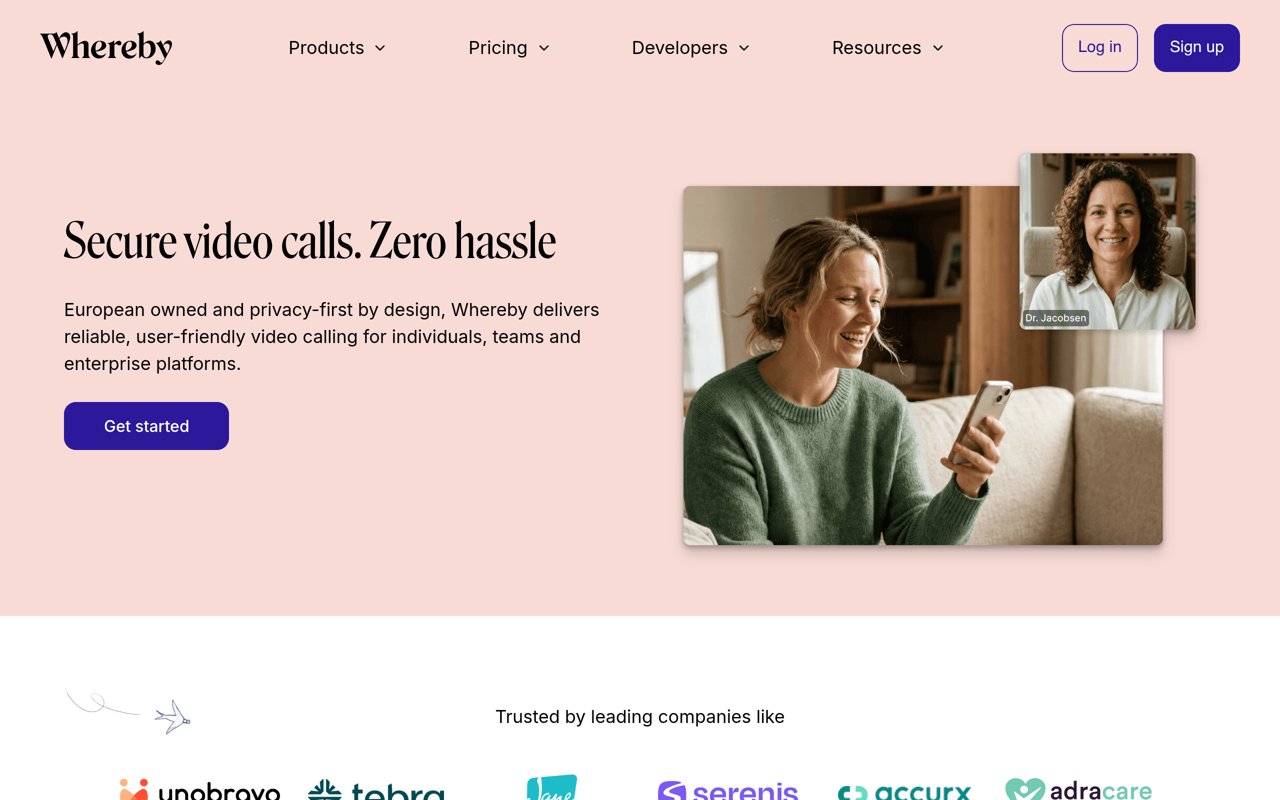
Whereby homepage, captured Nov 2026.
Whereby is a video meeting tool built around permanent room links that open in a browser tab, with no account or install for guests. It is rated 4.6 out of 5 from 1,163 G2 reviews, the highest rating in this list, and reviewers keep coming back to its quick setup.
The trade off is size. The free plan allows one room with 4 attendees for 30 minutes, and Pro at $10.99 per host a month is priced per host rather than per user. It suits office-hours rooms, recurring client calls and small teams that want one link that never changes.
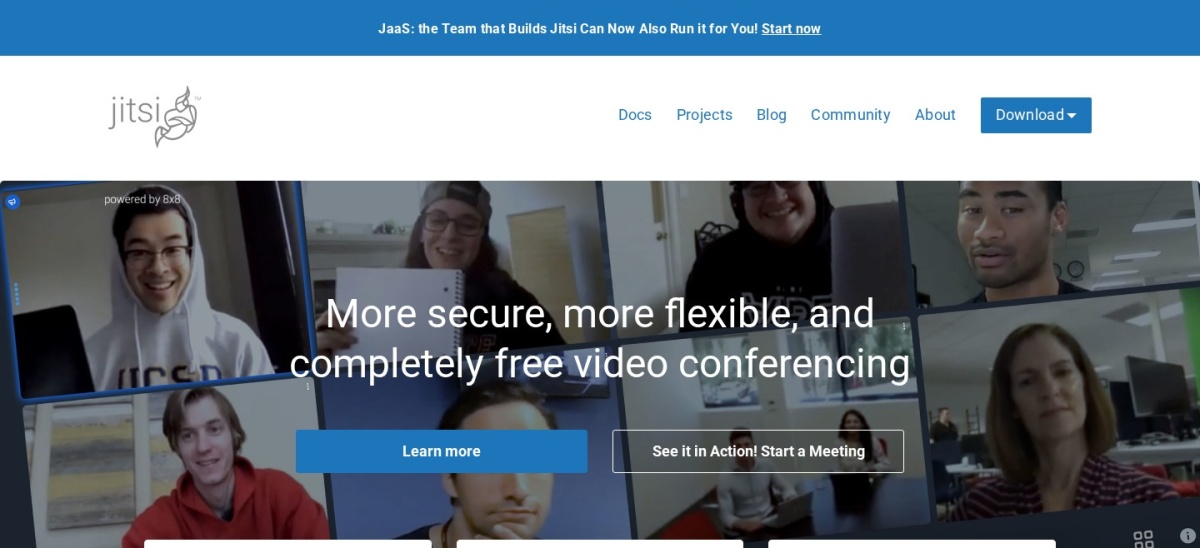
Jitsi Meet is a free, open-source video chat tool with no time limit, no account and no download to join. It is rated 4.3 out of 5 from 232 G2 reviews, and teams that want full control can self-host it so no meeting data passes through a vendor.
The trade off is support. There is no paid plan with a help desk, recording setup is fiddly, and video quality can drop in very large calls. It suits privacy-minded teams and small groups that want free meetings without signing up for anything.
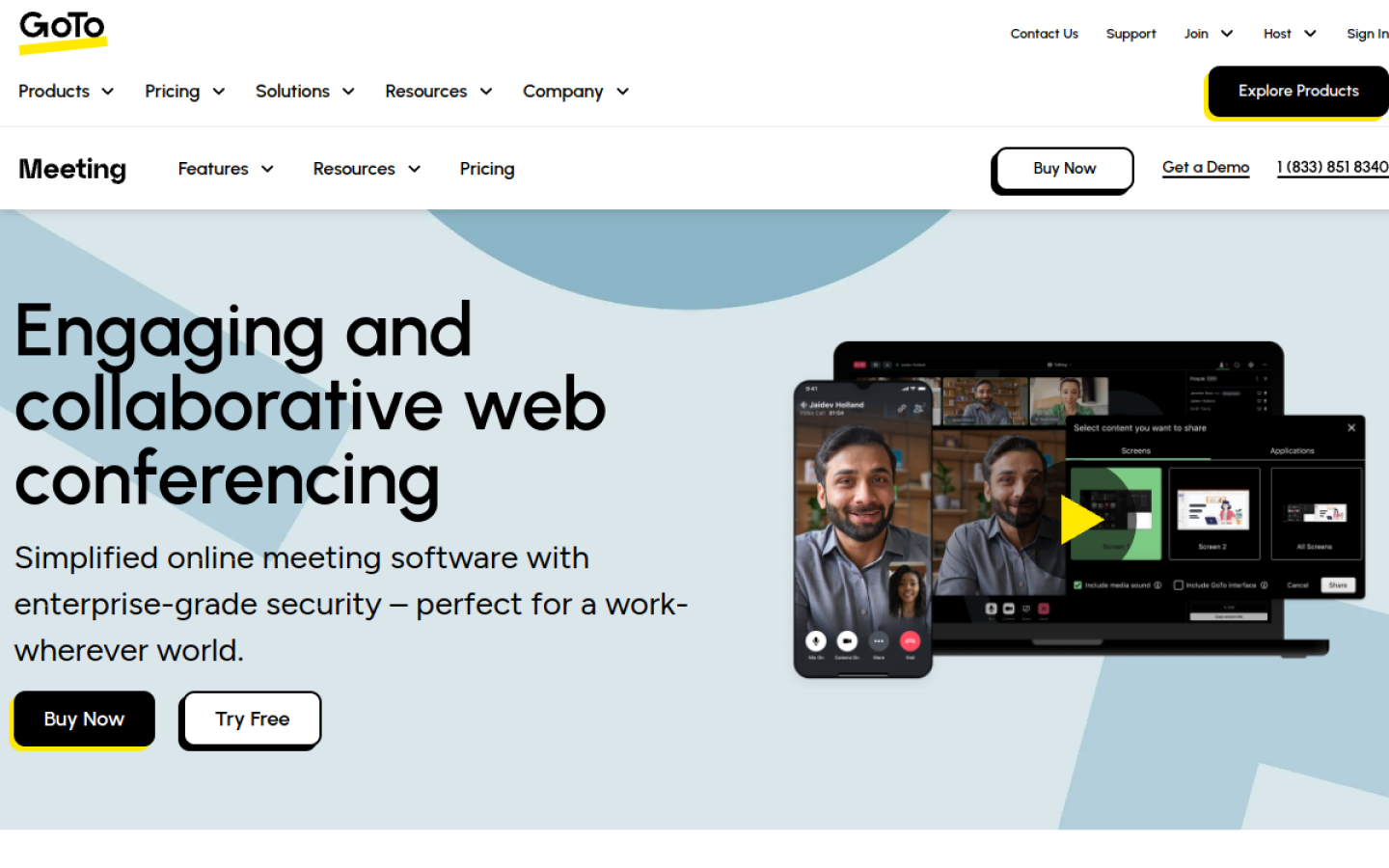
GoTo Meeting is a straightforward meeting tool rated 4.2 out of 5 from 17,095 G2 reviews, with reviewers praising its ease of use and stable connections. The free version covers video for up to 4 participants, and Professional costs $12 a month billed annually for up to 150 participants.
The trade off is value. Business at $16 a month adds transcripts and unlimited cloud recording, but GoTo Meeting costs more than Google Meet or Teams for a similar call. It suits teams that want a simple, reliable meeting tool without a full collaboration suite.
What we like
Reliable connections praised by reviewers
Simple setup with few settings to learn
Unlimited meeting time on paid plans
Free video for up to 4 participants
Watch out for
Costs more than Meet or Teams for similar calls
No free plan beyond 4 participants
Fewer collaboration features than the suites
Business adds transcripts and unlimited cloud recordingVisit goto.com
09
ClickMeeting
4.2/5on G2 (280 reviews, checked Nov 2026)
Starts at$32/mo
Best for webinars and training
Free planNo, 14-day free trial only
Paid planLive, $32/mo flat rate
Attendees25 on the smallest Live tier
Recording6 hours storage on Live
clickmeeting.com
ClickMeeting homepage, captured Nov 2026.
ClickMeeting is a browser-based webinar platform for live webinars, training and online meetings, rated 4.2 out of 5 from 280 G2 reviews. The Live plan costs $32 a month flat rate and includes polls, Q&A, screen sharing and paid events, with no software to install.
The trade off is price and the lack of a free plan. There is only a 14-day trial, and the price rises with the attendee tier, so occasional hosts pay more than they would for a meeting-only tool. It suits trainers and marketers who run webinars every week.
Free plans cover the basics well. Most include screen sharing, chat and a 60-minute group call, and Jitsi Meet has no time limit at all.
Paid plans mostly add time, recording and room size. Zoom Pro lifts the 40-minute cap to 30 hours, Google Meet recording needs Business Standard, and Whereby Pro lifts the 4-person free cap.
If you only meet clients a few times a week, a free plan may be enough. For daily meetings, the cheapest paid step is Zoho Meeting at $1 per host a month, or Microsoft Teams Essentials at $4 per user a month.
How we chose
We started from the video meeting tools with a public rating on G2 or Capterra and a published pricing page, then kept the nine that cover the most common needs: bundled suites, standalone apps, budget picks, webinars and open source.
Prices come from each vendor's pricing page and vendor-provided pricing on G2, checked on 29 November 2026. Ratings and review counts come from G2 on the same day, except Google Meet, where the G2 listing covers Google Workspace as a whole, so we used its Capterra rating instead. Where a vendor shows a sale, the list shows the regular price.
We left out Webex itself, since it is the product being replaced, and RingCentral Video, because its published prices conflicted. No vendor paid for a place, and we do not claim hands-on testing for this list.
How to choose a Webex alternative
Start with the suite you already pay for, then check the free plan limits against your real meeting size.
Check what you already pay for. If your team runs Google Workspace or Microsoft 365, Meet or Teams costs nothing extra and is usually the right answer.
Count your usual meeting size. Free plans cover 100 people on Meet and Teams, 4 people on GoTo Meeting and 4 attendees on Whereby, so pick a plan that fits your largest regular call.
Test the free plan with real guests. Send the link to someone outside your team and see how fast they join. Browser joining on Meet, Whereby, Zoho Meeting and Jitsi Meet removes the install step.
Price the paid plan per person, not per month. A $12 plan for one host can be cheaper than a $4 plan for 20 users, so multiply the seat price by your headcount before you decide.
FAQ
What are the best Webex alternatives in 2026?
Zoom is the best Webex alternative for most teams, rated 4.5 out of 5 from 56,502 G2 reviews, with a free plan for 100 people. Google Meet is best inside Google Workspace and Microsoft Teams is best inside Microsoft 365.
What is the cheapest Webex alternative?
Zoho Meeting is the cheapest paid option at $1 per host a month billed annually. Microsoft Teams Essentials is next at $4 per user a month, and Jitsi Meet is free with no paid plan at all.
Is there a free Webex alternative?
Yes. Jitsi Meet is completely free with no time limit, and Google Meet, Microsoft Teams, Zoom, Slack, Zoho Meeting, Whereby and GoTo Meeting all have free plans. ClickMeeting is the only tool here with a trial instead of a free plan.
Is Zoom or Google Meet the better Webex alternative?
Zoom is better for external meetings and host controls, with a 4.5 rating from 56,502 G2 reviews. Google Meet is better for teams already on Google Workspace, since guests join from a browser and meetings start from Gmail or Calendar.
Which Webex alternative is best for small teams?
Microsoft Teams Essentials at $4 per user a month suits small teams on Microsoft 365, while Zoho Meeting at $1 per host a month is the cheapest paid step. Small teams that meet rarely can stay on the free plan of Google Meet or Zoom.
Which Webex alternative is best for webinars?
ClickMeeting is the best pick for webinars in this list, with polls, Q&A, paid events and automated webinars from $32 a month. Zoom and GoTo Meeting also run large meetings, but neither is built around webinars the way ClickMeeting is.
SaaS SEO and WordPress specialist with about 8 years of experience. Rakib compares WordPress plugins, themes, hosting and software using public pricing, documentation and user reviews. See how we rank.