Insightful is the best of the top alternatives to Teramind for most teams, with screenshots, attendance and project budgeting from $8 a user a month and a 4.6 out of 5 G2 rating. Pick Controlio for live screen viewing at $6.67 a month, or ActivTrak if you want a free plan for up to 3 people.
How we make this list: we compare pricing pages, product documentation and public user reviews, then re-check every price before each update. No product paid for a place. Disclosure.
Insightful is the strongest all-round switch at $8 a user a month, with screenshots on the base plan and a 4.6 out of 5 G2 rating from 508 reviews.
Controlio is the closest like-for-like replacement for Teramind surveillance, with continuous video recording and live viewing from $6.67 a user a month.
Hubstaff is the cheapest paid entry at $4.99 a seat a month, with screenshots, GPS tracking and payroll built in.
ActivTrak and WorkTime are the privacy-first picks: neither logs keystrokes, and both offer a free plan for up to 3 people.
Veriato is the only alternative here aimed squarely at insider risk, but it costs $18 a user a month and has just 37 G2 reviews.
What should you look for in the top alternatives to Teramind?
Most teams leave Teramind over price or depth, not over missing features. Its Starter plan starts at $14 a seat a month with a 5-seat minimum, and the data loss prevention tools sit on a $32 plan, so a small team pays enterprise money for features it may never switch on.
The first question is whether you need evidence or analytics. Evidence means screen recording, keystroke logs and file tracking for compliance or investigations, while analytics means app use, focus time and productivity trends for managing a remote team.
Price comparisons only work at the same seat count. Several tools in this list carry minimums, so a two-person team can pay for seats it does not have, and screenshots are an add-on at ActivTrak and a Premium feature at DeskTime.
Monitoring also carries a trust cost. Our guide on logging user activity in WordPress covers the same audit-trail thinking: tell staff what is recorded, who can see it and how long it is kept, before you deploy anything.
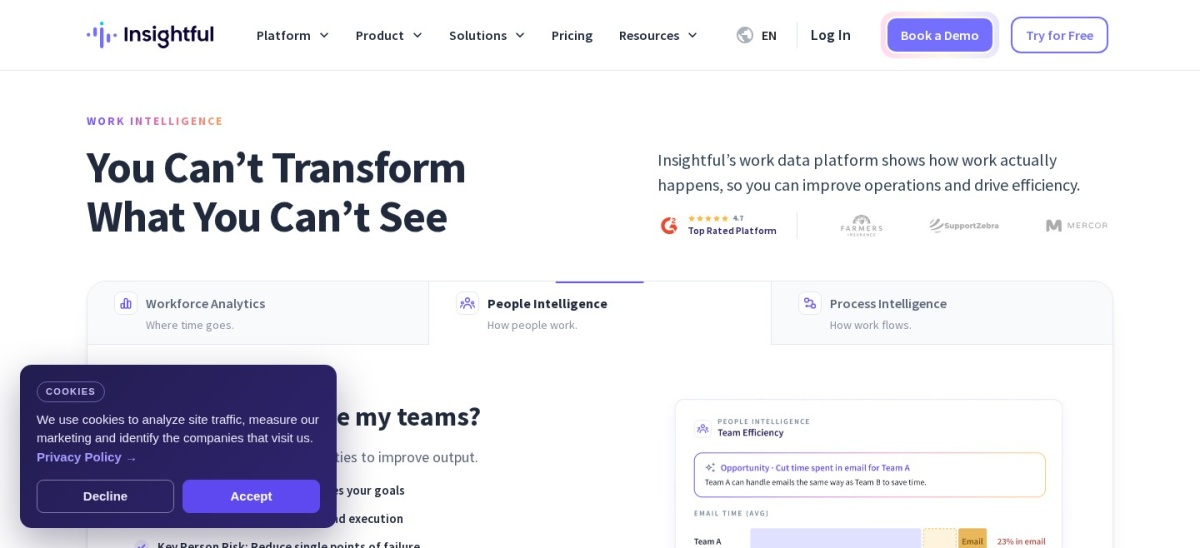
Insightful, formerly Workpuls, is a workforce analytics platform that tracks time, app and website use, attendance and productivity trends automatically. The Workforce Analytics plan costs $8 a user a month billed annually, or $10 month to month, and includes screenshots, project time budgeting and reporting.
The trade off is that it is an analytics tool, not a surveillance one. There is no keystroke logging by design and no live screen viewing, and deeper people-intelligence features sit on the $24 Insights plan. It suits mid-market teams that want one vendor covering monitoring, attendance and project costs.
What we like
Strongest review base here: 4.6 out of 5 from 508 G2 reviews
Monitoring, attendance and project budgeting in one
Controlio is an employee monitoring platform that records the screen as continuous video instead of still screenshots, with keyword-tagged playback, live viewing, keystroke logging and app tracking. The Cloud plan costs $6.67 a user a month billed annually, or $7.99 month to month, with a 5-seat minimum and 6 months of history.
The trade off is the review base and the intrusiveness. Controlio holds the highest G2 rating in this list at 4.9, but from only 112 reviews, and live screen viewing is the most contested monitoring feature here. It suits security-focused teams that need to watch exactly what happened.
What we like
Highest G2 rating here at 4.9 out of 5
Continuous video beats still screenshots for evidence
Cloud, private cloud and on-premise options
Low entry price for the feature depth
Watch out for
Small review base at 112 G2 reviews
Live viewing raises the creep factor
5-seat minimum on the Cloud plan
Advanced adds deeper audit and reporting at $9.99 a user a monthVisit controlio.net
03
ActivTrak
4.3/5on G2 (342 reviews, checked Nov 2026)
Paid from$10/mo
Best free plan for small teams
ScreenshotsPaid add-on
Keystroke loggingNo
Free planUp to 3 users
Cheapest planWork Activity Tracking, $10/mo
activtrak.com
ActivTrak homepage, captured Nov 2026.
ActivTrak is a workforce analytics platform that measures work patterns without watching screens by default. It tracks app and website use, classifies activity as productive or not, and surfaces focus time, meeting load and burnout risk. The free plan covers up to 3 people, and paid plans start at $10 a worker a month billed annually.
The trade off is that screenshots cost extra as an add-on, so the screen-monitoring part of a Teramind switch is not in the base price. Paid plans also run on annual contracts only. It suits teams that want to understand how work happens rather than watch what each person does.
What we like
Free plan for up to 3 people
No screenshots or keystroke logging by default
Strong burnout and capacity analytics
Productivity benchmarks across teams
Watch out for
Screenshots cost extra as an add-on
Annual contracts on paid plans
Lowest G2 rating in this list at 4.3
Screen Details add-on adds screenshots for about $2 a user a monthVisit activtrak.com
04
Hubstaff
4.4/5on G2 (2,346 reviews, checked Nov 2026)
Paid from$4.99/mo
Best budget pick for remote teams
ScreenshotsYes, 500/mo on Starter
GPS trackingYes
PayrollBuilt in
Cheapest planStarter, $4.99/mo
hubstaff.com
Hubstaff homepage, captured Nov 2026.
Hubstaff is a time tracker for remote and field teams: staff run a timer, the app captures screenshots, tracks activity levels and GPS, and turns hours into payroll and invoices. The Starter plan costs $4.99 a seat a month billed annually, or $7 month to month, with a 2-seat minimum, and a free plan covers one user.
The trade off is the timer model. It measures active tracked time rather than passive activity, so hours go missing when people forget to start it, and Starter caps screenshots and app tracking at 500 entries a seat a month. It suits agencies and field teams that pay hourly.
What we like
Lowest entry price in this list
Largest review base here: 2,346 G2 reviews
GPS tracking for field workers
Payroll and invoicing built in
Watch out for
Timer-based, so untracked time is lost
Starter caps screenshots at 500 a month
Screenshot culture annoys knowledge workers
Grow adds project budgets and scheduling at $7.50 a seat a monthVisit hubstaff.com
05
Time Doctor
4.4/5on G2 (497 reviews, checked Nov 2026)
Starts at$6.67/mo
Best for productivity ratings and payroll
ScreenshotsYes, unlimited
Productivity ratingsStandard plan up
PayrollStandard plan up
Cheapest planBasic, $6.67/mo
timedoctor.com
Time Doctor homepage, captured Nov 2026.
Time Doctor is a time tracking and productivity platform: every app and website gets a productivity rating, idle time triggers reminders, and managers see who is focused versus distracted. The Basic plan costs $6.67 a user a month billed annually, or $8 month to month, with screenshots and project tracking.
The trade off is that the features that justify the name sit higher up. Productivity ratings, payroll, attendance and scheduling need Standard at $11.67 a user a month billed annually. It suits BPOs, call centres and agencies where verifying hours across distributed teams matters most.
What we like
Productivity ratings per app and site
Unlimited screenshots on the Basic plan
Idle-time nudges for distracted workers
Payroll integrations on higher plans
Watch out for
Timer-based like Hubstaff
Ratings can feel judgmental to staff
Payroll and ratings need the $11.67 plan
Standard adds ratings, payroll and attendance at $11.67 a user a monthVisit timedoctor.com
06
DeskTime
4.5/5on G2 (400 reviews, checked Nov 2026)
Starts at$6.42/mo
Best for automatic tracking without timers
ScreenshotsPremium plan only
Automatic trackingYes
Project trackingYes, with costs
Cheapest planPro, $6.42/mo
desktime.com
DeskTime homepage, captured Nov 2026.
DeskTime is automatic time tracking software that records app, website and document use in the background, so nobody has to start a timer. The Pro plan costs $6.42 a user a month billed annually, or $7 month to month, and adds project and cost tracking, productivity reports and calendar integrations.
The trade off is that screenshots are not in the Pro plan. They arrive with Premium at $9.17 a user a month billed annually, along with shift scheduling and absence management. It suits agencies and consultancies that bill clients by the hour and need to know what each client costs.
What we like
Fully automatic, with no timer to remember
Project and cost tracking built in
ISO 27001 and ISO 27701 certified
Used by 700,000+ people, per DeskTime
Watch out for
Screenshots need the $9.17 Premium plan
No permanent free plan, only a 14-day trial
Desktop app required for automatic tracking
Premium adds screenshots and scheduling at $9.17 a user a monthVisit desktime.com
07
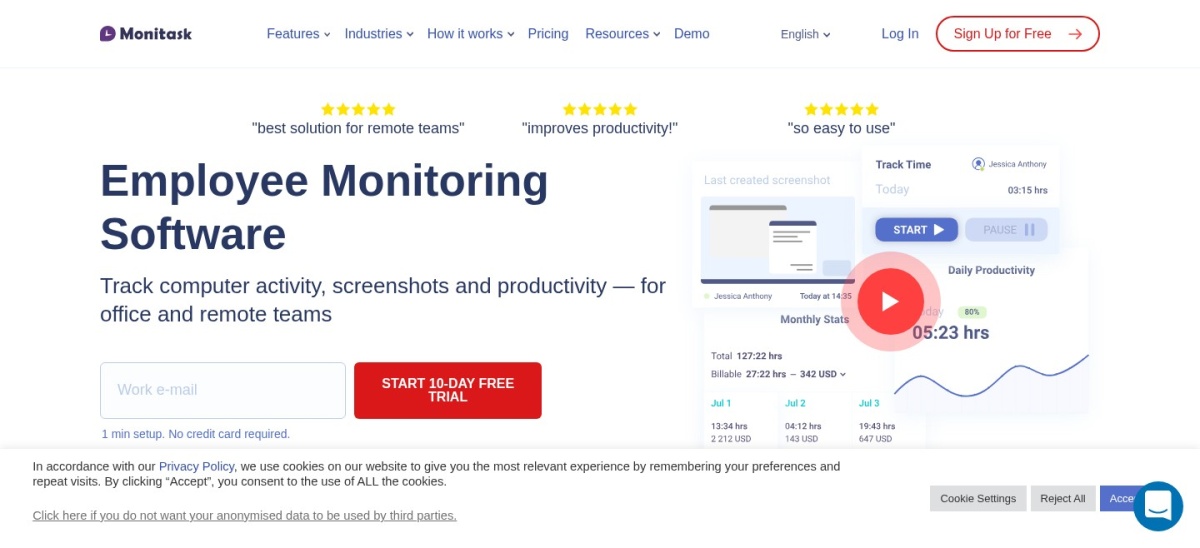
Monitask
4.8/5on G2 (101 reviews, checked Nov 2026)
Paid from$6.49/mo
Best simple screenshots for small teams
ScreenshotsYes, optional
Keystroke loggingNo
Free planYes
Cheapest planPro, $6.49/mo
monitask.com
Monitask homepage, captured Nov 2026.
Monitask is a time tracking and employee monitoring app for remote teams and small agencies that want screenshots, activity scores and timesheets without enterprise prices. The Pro plan costs $6.49 a user a month billed annually, or $7.99 month to month, and covers time tracking, one integration and basic reports.
The trade off is depth. There is no keystroke logging and no live screen viewing, and richer reporting and unlimited integrations need the Business plan at $8.99 a user a month billed monthly. It suits small remote teams that want proof of work at a low price.
What we like
High G2 rating at 4.8 out of 5
Screenshots with a privacy blur option
No keystroke logging, by design
Runs on Windows, Mac, Linux and mobile
Watch out for
Small review base at 101 G2 reviews
Pro includes only one integration
No live screen viewing
Business adds unlimited integrations at $8.99 a user a monthVisit monitask.com
08
WorkTime
4.6/5on G2 (87 reviews, checked Nov 2026)
Paid from$6.99/mo
Best privacy-first pick for small teams
ScreenshotsNo, screen analysis only
Keystroke loggingNo
Free planUp to 3 employees
Cheapest planBasic, $6.99/mo
worktime.com
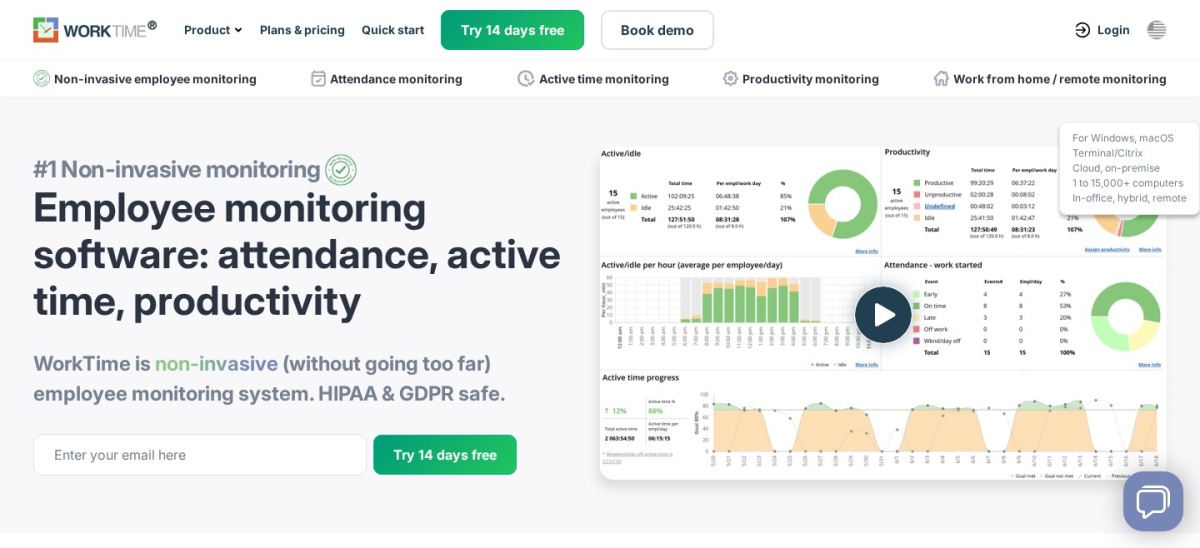
WorkTime homepage, captured Nov 2026.
WorkTime is a non-invasive employee monitoring system that tracks attendance, active and idle time and productivity without capturing what is on employee screens. The Basic plan costs $6.99 an employee a month and covers time and attendance tracking, while a free plan covers up to 3 employees with limited reports.
The trade off is that there is no visual evidence at all. Managers get productivity scores and app use, but no screenshots, no screen recording and no live viewing, so it cannot settle a dispute about what was on a screen. It suits teams that want visibility without surveillance.
What we like
No screenshots, keystroke logging or content capture
Free plan for up to 3 employees
HIPAA mode on the Enterprise plan
High G2 rating at 4.6 out of 5
Watch out for
No visual proof when a dispute needs it
Small review base at 87 G2 reviews
Free plan keeps only 2 weeks of data
Premium adds department reporting at $8.99 an employee a monthVisit worktime.com
09
Veriato
4.3/5on G2 (37 reviews, checked Nov 2026)
Starts at$18/mo
Best for insider risk and investigations
Screen recordingYes
Keystroke loggingYes
Risk scoringAI, 130+ signals
Cheapest planUAM, $18/mo
veriato.com
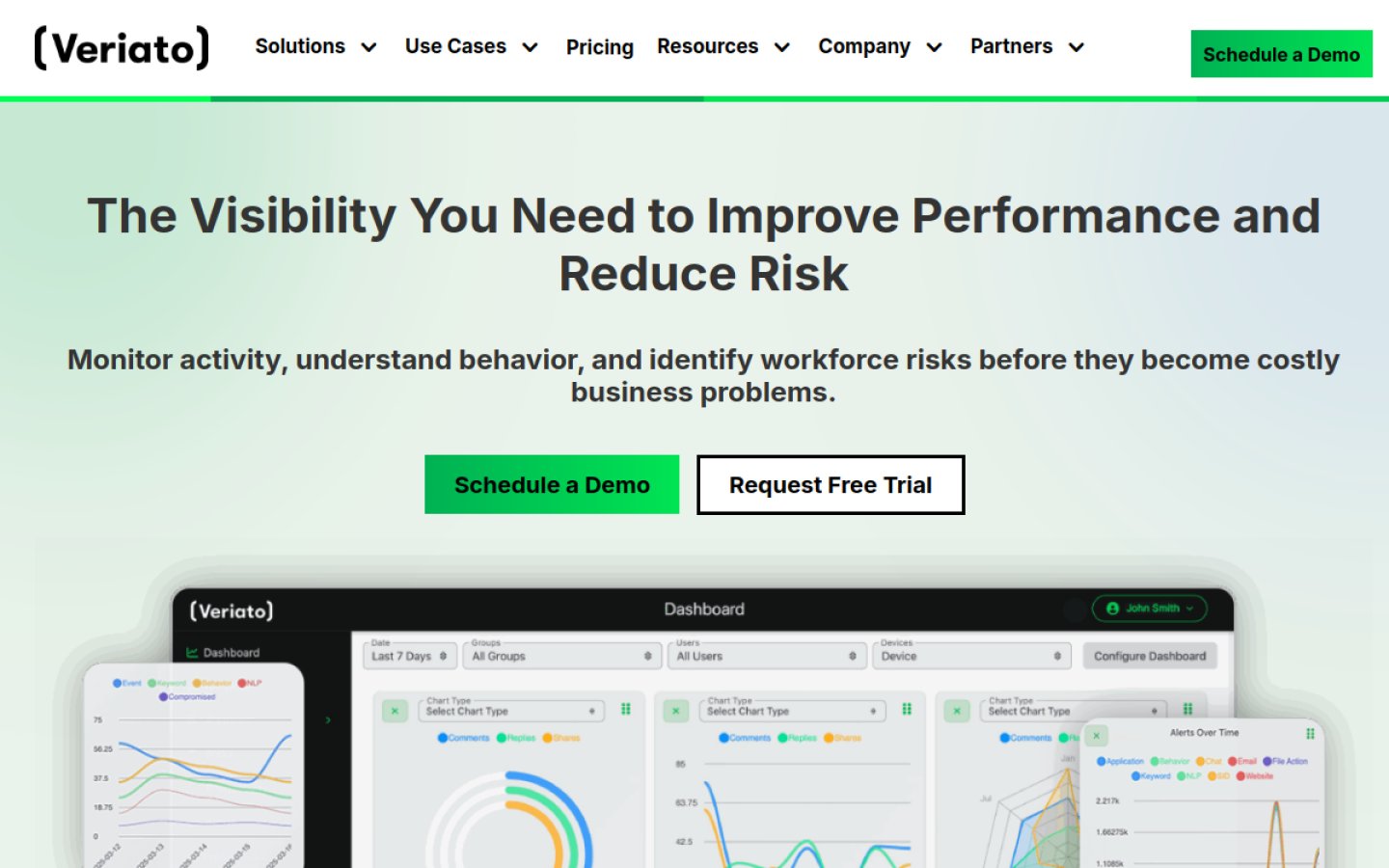
Veriato homepage, captured Nov 2026.
Veriato is an insider risk management platform that captures keystrokes, screenshots, screen recording, email and chat content, file transfers and USB activity, then scores behaviour with AI. The UAM plan costs $18 a user a month billed annually with a 5-user minimum, while the IRM tier with risk scoring is quote-only.
The trade off is price and proof. At $18 a user a month it is the most expensive tool here, and its G2 base is the thinnest at 37 reviews, so the rating is a weak signal. It suits regulated teams that need forensic evidence and insider-risk scoring rather than productivity charts.
What we like
Closest to Teramind on insider risk and forensics
AI risk scoring across 130+ behaviour signals
Captures email, chat, files and USB activity
Long history in regulated industries
Watch out for
Most expensive tool here at $18 a user a month
Thinnest review base here at 37 G2 reviews
IRM tier is quote-only with a 20-user minimum
IRM adds behaviour baselining and risk scoring, quote-onlyVisit veriato.com
Tell staff before you switch monitoring on
Monitoring records what people do on work devices, so it needs a written policy before it needs a vendor. Say what is captured, who can see it, how long it is kept and why the business needs it.
Many jurisdictions require staff to be told about monitoring, and some require consent. Check the rules where your team works, and get legal advice if staff sit in more than one country.
Stealth mode is the riskiest choice in this category. Tools such as Monitask and Controlio offer it, but silent monitoring damages trust when staff find out, and it can break notice rules. Visible tracking with a clear policy is the safer default.
How we chose
We started from the established Teramind alternatives with published per-user prices and a public rating on G2, then kept nine that cover the full range from light productivity analytics to compliance-grade recording.
Prices come from each vendor's pricing page, checked on 29 November 2026, and show the cheapest paid plan on annual billing. Ratings and review counts come from G2 on the same day. Where a vendor shows a sale, the list shows the regular price.
We left out tools with no published price or no public rating, including InterGuard, and tools built only for time tracking with no monitoring at all. No vendor paid for a place, and we do not claim to have used these tools ourselves.
How to choose a Teramind alternative
Start with the reason you are leaving Teramind, then match the tool to that reason.
Decide whether you need evidence or analytics. Compliance and insider risk need recording and keystroke logs, so look at Controlio or Veriato. Productivity questions need analytics, so look at Insightful, ActivTrak or DeskTime.
Check what counts as a seat. Controlio and Veriato carry 5-user minimums and Hubstaff carries a 2-seat minimum, so a small team pays for more seats than it has. Confirm the floor before comparing monthly prices.
Check which plan includes screenshots. Screenshots are an add-on at ActivTrak and a Premium feature at DeskTime, and WorkTime never takes them, so check the plan before you buy. Run the trial on the machines your team actually uses.
Write the policy before you deploy. Tell staff what is recorded, who sees it and how long it is kept, and check notice rules where your team works. See our guide to logging user activity for the audit-trail habit.
FAQ
What is the best free alternative to Teramind?
ActivTrak is the best free alternative to Teramind for small teams. Its free plan covers up to 3 people with app and website tracking, productivity trends and focus-time reports, and it never logs keystrokes or takes screenshots by default.
What is the cheapest alternative to Teramind?
Hubstaff is the cheapest paid alternative here at $4.99 a seat a month billed annually, with screenshots, GPS tracking and payroll. ActivTrak is the cheapest way to start overall, with a free plan for up to 3 people and paid plans from $10 a month.
Which Teramind alternative is best for small teams?
Insightful is the best pick for most small teams, at $8 a user a month with screenshots, attendance and project budgeting in one place. Monitask is the simplest budget option at $6.49 a month, and WorkTime fits teams that want monitoring without screenshots.
Insightful vs Controlio: which is the better Teramind alternative?
Insightful is better for most teams, with a 4.6 out of 5 G2 rating from 508 reviews, screenshots on the base plan and no keystroke logging. Controlio is better when you need evidence, with continuous video recording, live viewing and keystroke logging from $6.67 a month.
Which alternative replaces Teramind for insider risk and data loss prevention?
Veriato is the closest match for insider risk, with AI risk scoring across 130+ behaviour signals and capture of email, chat, files and USB activity. It costs $18 a user a month, and its IRM tier is quote-only, so confirm the price with the vendor first.
Do any Teramind alternatives work without screenshots?
Yes. ActivTrak and WorkTime both work without screenshots: ActivTrak tracks app and website use with a free plan for up to 3 people, and WorkTime analyses screen activity and productivity without capturing what is on the screen.
SaaS SEO and WordPress specialist with about 8 years of experience. Rakib compares WordPress plugins, themes, hosting and software using public pricing, documentation and user reviews. See how we rank.