Synthesia is the best software for onboarding training videos for most teams. Its Starter plan costs $14 a month billed yearly, it offers 125+ AI avatars and 140+ languages, and it is rated 4.6 out of 5 on G2. Pick HeyGen for the most realistic avatars, or Loom for quick screen walkthroughs.
How we make this list: we compare pricing pages, product documentation and public user reviews, then re-check every price before each update. No product paid for a place. Disclosure.
Synthesia leads for presenter-led training: 125+ avatars, 140+ languages, and a free plan with 10 minutes of video a month.
HeyGen has the most realistic avatars on G2 at 4.8 out of 5, with 175+ languages and SCORM on its Business plan.
Colossyan is the only pick built around branching and in-video quizzes, with SCORM export on its $59-a-month Professional plan.
Loom and Camtasia cover the screen-recording side: Loom is fastest for one-off walkthroughs, Camtasia for edited tutorials.
Paid plans in this list run from $39 a year for Camtasia Starter to $970 a year for iSpring Suite, before monthly-billed options.
What should software for onboarding training videos do?
Good onboarding video software turns a script or a screen recording into a video a new hire can watch without a trainer in the room. The best tools in this list do that in minutes, not days.
Presenter-led tools use AI avatars to read a script, so a policy change means editing text, not re-filming a person. Synthesia, HeyGen and Colossyan all work this way, with 120 or more languages each.
Screen tools solve the other half of onboarding: showing how software works. Loom records a screen and camera in one take, while Camtasia adds a full timeline editor for polished tutorials. Our guide on embedding a video in WordPress covers where the finished video can live.
For formal training, SCORM export matters more than the editor. Synthesia, HeyGen, Colossyan, Vyond, Camtasia and iSpring Suite all export SCORM packages for an LMS, while Loom, Descript and Powtoon do not. Our guide on selling online courses with WordPress explains the LMS side in more detail.
The 9 best software for onboarding training videos
01
Synthesia
4.6/5on G2 (2,869 reviews, checked Nov 2026)
Paid from$14/mo
Best software for onboarding training videos overall
AI avatars125+ on Starter
Languages140+
Free plan10 min video a month
Paid planStarter, $14/mo billed yearly
synthesia.io
Synthesia homepage, captured Nov 2026.
Synthesia is an AI video platform that turns a written script into a presenter-led video, with no camera or studio. The free Basic plan includes 10 minutes of video a month and 500 credits, while Starter at $14 a month billed yearly adds 1,250 credits a month, downloads and no watermark.
The trade off is credits. Video minutes, dubbing and surveys all draw from one credit pool, so heavy use costs more than the headline plan price. It suits teams that make presenter-led training in several languages and update it often.
What we like
Largest review base in this list, 4.6 out of 5 on G2
HeyGen is an AI video generator built around realistic avatars that read a script in 175+ languages. The free plan allows 3 watermarked videos a month, and Creator at $24 a month billed yearly adds 600 credits, 1080p export and no branding.
The trade off is credit burn. Premium avatar models use far more credits per minute than standard ones, so a month of long videos can need extra credit packs. It suits teams that want the most lifelike presenter and publish in many languages.
What we like
Highest G2 rating in this list at 4.8 out of 5
175+ languages with voice cloning
SCORM export on the Business plan
Free plan with no card required
Watch out for
Premium avatars burn credits fast
SCORM needs the $149-a-month Business plan
Trustpilot score is far lower than its G2 score
Pro adds 4K export and more credits from $49 a monthVisit heygen.com
03
Colossyan
4.6/5on G2 (502 reviews, checked Nov 2026)
Paid from$59/mo
Best for interactive branching courses
AI avatars300+ stock avatars
Languages120+
Free plan20 min a month, watermarked
Paid planProfessional, $59/mo billed yearly
colossyan.com
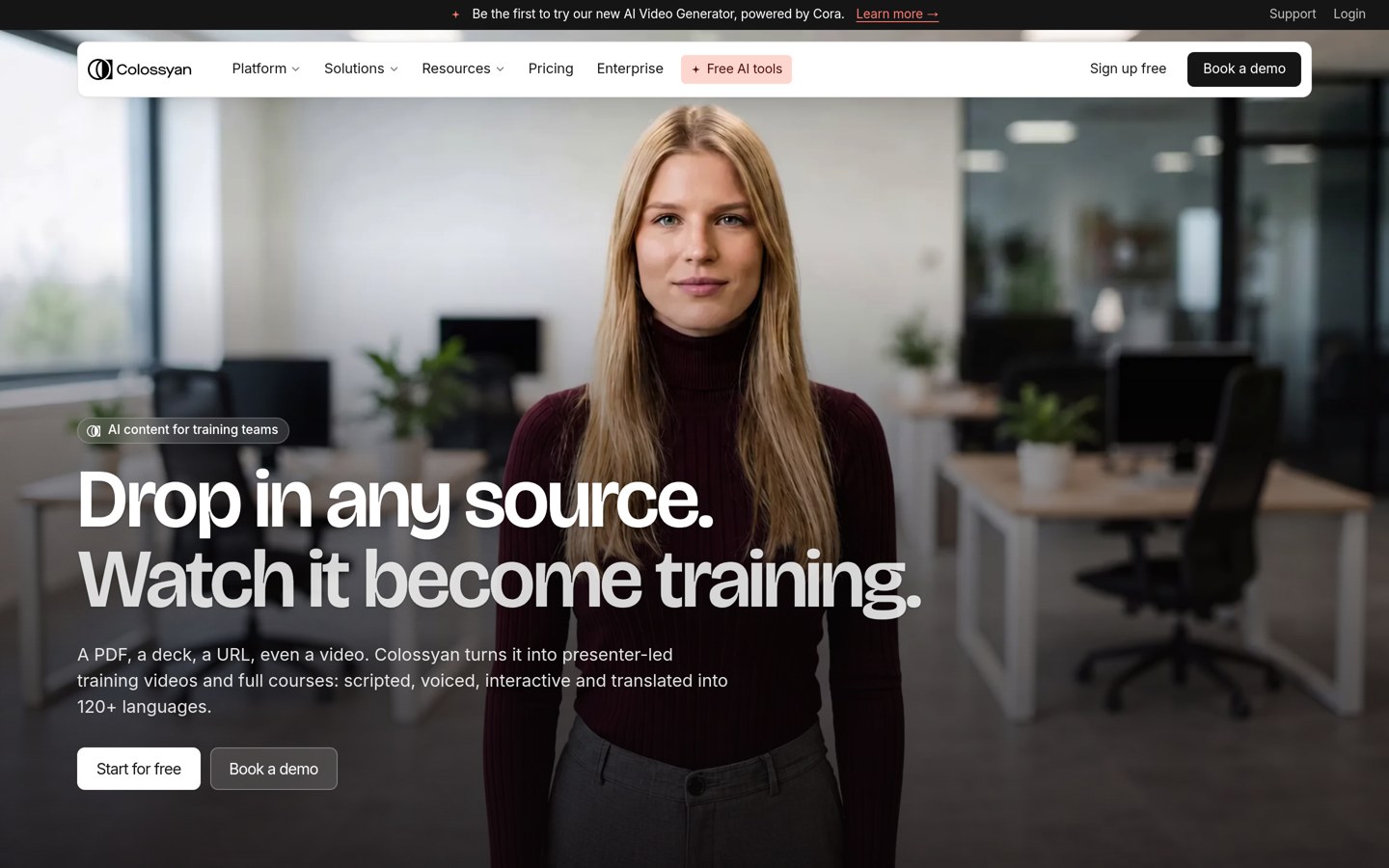
Colossyan homepage, captured Nov 2026.
Colossyan is an AI video platform built for corporate training, with branching, in-video quizzes and course creation in one place. The free Starter plan gives 20 minutes of video a month with a watermark, and Professional at $59 a month billed yearly adds SCORM export, watermark removal and 5 SCORM exports a month.
The trade off is the minute cap. Professional allows 30 NEO minutes plus 10 NEO2 minutes a month, and extra minute packs are expensive. It suits learning teams that need quizzes and branching, not just a talking presenter.
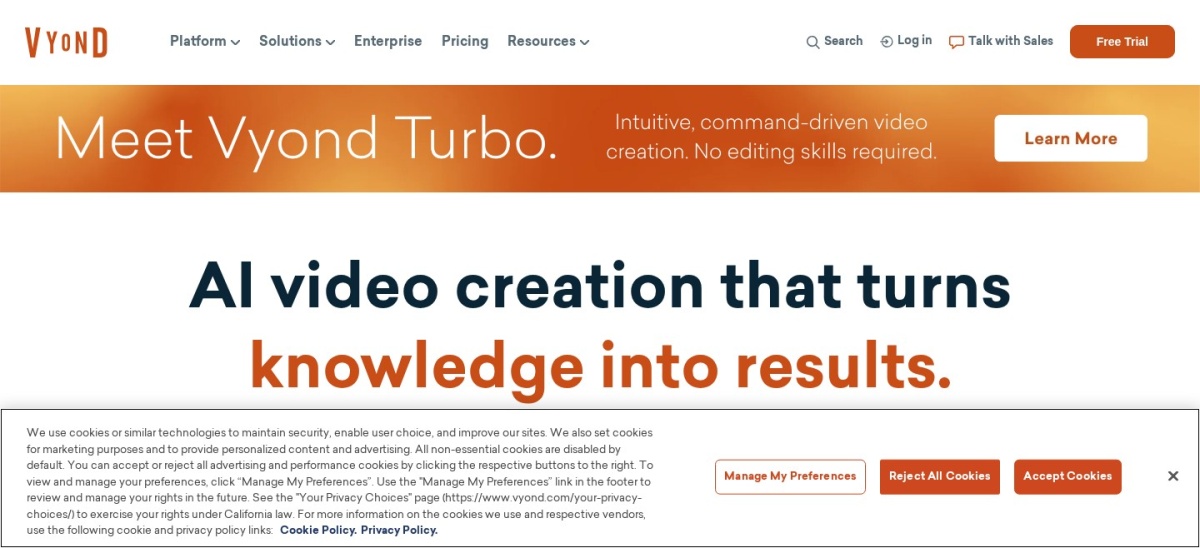
Vyond is an animated video platform for scenario-based training, with illustrated characters, templates and text-to-speech voices. Starter costs $58 a month billed yearly and includes AI avatars, screen and webcam recording, and 10,000 credits a month per user.
The trade off is price and style. It costs more than the other avatar tools here, and its illustrated look does not suit teams that want a realistic presenter. It suits soft-skills training, role-play and compliance scenarios where animation reads better than a face.
What we like
Best animated scenarios in this list
650+ text-to-speech voices on Starter
Screen and webcam recording included
Rated 4.7 out of 5 on G2 from 548 reviews
Watch out for
No free plan, only a free trial
Starter costs $58 a month billed yearly
Longest videos are capped at 25 minutes on Starter
Professional adds team tools and translation in 95 languagesVisit vyond.com
05
Loom
4.7/5on G2 (2,561 reviews, checked Nov 2026)
Paid from$15/mo
Best for quick screen walkthroughs
RecordingScreen, camera and voice
Free plan25 videos, 5-min cap
AI featuresTitles and summaries
Paid planBusiness, $15/mo billed yearly
loom.com
Loom homepage, captured Nov 2026.
Loom is an async video recorder that captures screen, camera and voice into a shareable link in one take. The free Starter plan allows 25 videos of up to 5 minutes each, and Business at $15 a month billed yearly adds unlimited videos and recording time, 4K and password protection.
The trade off is depth. Loom records and trims, but it has no timeline editor, no quizzes and no SCORM export for an LMS. It suits trainers who need a fast walkthrough today, not a tracked course.
What we like
Fastest way to record and share a walkthrough
Free plan covers 25 short videos
4.7 out of 5 on G2 from 2,561 reviews
AI titles, summaries and chapters on paid plans
Watch out for
No SCORM export for LMS tracking
Free plan caps recordings at 5 minutes
Light editing only, no full timeline
Business + AI adds auto-enhancement and video-to-textVisit loom.com
06
Camtasia
4.6/5on G2 (1,777 reviews, checked Nov 2026)
Paid from$39/yr
Best for polished edited tutorials
RecordingScreen and camera
EditorMulti-track timeline
Free planWatermarked exports
Paid planStarter, $39/yr
techsmith.com
Camtasia homepage, captured Nov 2026.
Camtasia is TechSmith's desktop screen recorder and video editor for polished tutorials. A free Starter tier exports with a watermark, and the full editor starts with Essentials at $179.88 a year, with SCORM quiz export included from Essentials.
The trade off is the tier split. Starter at $39 a year covers capture, but watermark-free editing needs Essentials, and AI avatars and translation need Pro at $599 a year. It suits trainers who edit every frame and want a finished tutorial, not a rough recording.
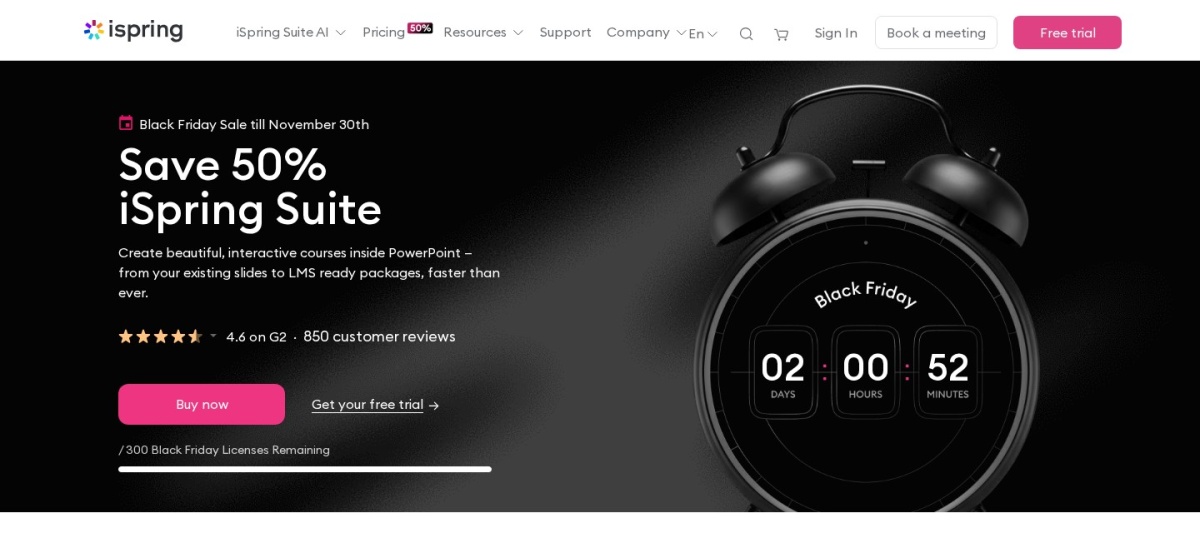
iSpring Suite is an authoring tool that runs inside PowerPoint and turns slides into courses with quizzes, interactions, role-plays and training videos. It costs $970 per author per year and publishes SCORM 1.2, SCORM 2004, xAPI and cmi5 packages for an LMS.
The trade off is price and platform. It is the most expensive tool in this list, and it runs on Windows inside PowerPoint, so Mac-based teams need another route. It suits teams whose onboarding already lives in slide decks and who need tracked LMS courses.
Descript is a video and audio editor where you edit by editing a transcript: delete a sentence from the text and the matching video goes with it. The free plan includes 1 media hour a month, and Hobbyist at $16 a month billed yearly adds 10 media hours, 400 AI credits and watermark-free 1080p export.
The trade off is metering. Media hours and AI credits both run out faster than new buyers expect, and there is no SCORM export for LMS tracking. It suits trainers who record talking-head videos and want the fastest edit, not a course builder.
What we like
Transcript editing has no real equal here
Studio Sound and filler-word removal included
Rated 4.6 out of 5 on G2 from 941 reviews
Translation and dubbing in 30+ languages on Business
Watch out for
Media hours and AI credits cap each plan
No SCORM export for an LMS
Trustpilot score is well below its G2 score
Creator adds 4K export and 30 media hours at $24 a month billed yearlyVisit descript.com
09
Powtoon
4.4/5on G2 (287 reviews, checked Nov 2026)
Paid from$15/mo
Best for quick animated explainers
Video styleTemplate animation
Free plan720p, 3-min videos
Exports5 a month on Lite
Paid planLite, $15/mo
powtoon.com
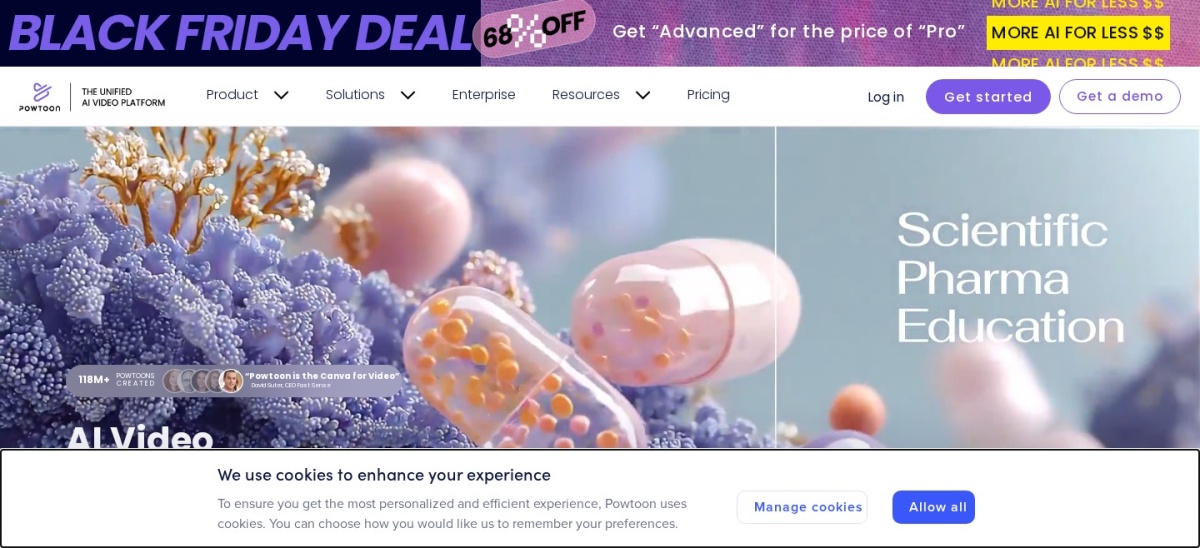
Powtoon homepage, captured Nov 2026.
Powtoon is a browser-based animation platform with drag-and-drop templates for explainer and training clips. The free plan builds 720p videos up to 3 minutes long with a watermark, and Lite at $15 a month removes the watermark on up to 5 exports a month and adds 1080p downloads.
The trade off is limits. Lite allows only 5 exports a month, and even the higher plans cap exports at 1080p, with no SCORM export. It suits small teams that need a simple animated clip fast, without learning an editor.
What we like
Easiest animated tool in this list for beginners
Wide template and character library
Free plan for short clips
Browser-based, nothing to install
Watch out for
Lite allows only 5 exports a month
No SCORM export for an LMS
Lowest G2 rating in this list at 4.4 out of 5
Professional adds unlimited premium exports at $40 a month billed yearlyVisit powtoon.com
Avatar video vs screen recording: which fits onboarding?
Avatar video fits policy, culture and compliance training. A script change means editing text, and the same video can ship in 140 or more languages without re-filming.
Screen recording fits software training. New hires need to see where to click, and a presenter talking over slides cannot show that. Loom covers the quick version, Camtasia the edited one.
Most onboarding programs need both. Use an avatar tool for the welcome and policy videos, and a screen tool for the walkthroughs of the systems new hires will actually use.
How we chose
We started from the tools named most often in onboarding and training video round-ups, then kept the nine with a public price and a numeric rating on G2 from a real review base.
Prices come from each vendor's pricing page, checked on 30 November 2026, with the annual-billing monthly rate shown where a vendor prices that way. Ratings and review counts come from G2 on the same day. Where a vendor shows a first-month or first-year offer, the list shows the regular price.
We left out tools with no public price and tools with no verifiable rating. No vendor paid for a place, and we do not claim to have used these tools ourselves.
How to choose software for onboarding training videos
Start with where the video has to live, then match the tool to that job.
Check whether you need LMS tracking. If completion must be tracked, you need SCORM export, so shortlist Synthesia, HeyGen, Colossyan, Vyond, Camtasia or iSpring Suite.
Decide avatar or screen first. Presenter-led policy videos suit avatar tools, while software walkthroughs need Loom or Camtasia. Do not buy one tool to do both jobs badly.
Count the minutes, not just the price. Avatar tools meter video by credits or minutes, so estimate your monthly minutes before comparing plan prices.
Try the free plan on a real script. Record or generate one actual onboarding video, including translation if you need it, before paying for a year.
FAQ
What is the best software for onboarding training videos in 2026?
Synthesia is the best software for onboarding training videos for most teams. It offers 125+ AI avatars, 140+ languages and a free plan, and it is rated 4.6 out of 5 on G2 from 2,869 reviews.
How much does software for onboarding training videos cost?
Paid plans in this list run from $39 a year for Camtasia Starter to $970 a year for iSpring Suite. Most avatar tools cost $14 to $59 a month billed yearly, while Loom Business costs $15 a month billed yearly.
Is there free software for onboarding training videos?
Yes. Synthesia, HeyGen, Colossyan, Loom, Camtasia, Descript and Powtoon all have free plans, though most cap video length, add a watermark or limit exports. Vyond and iSpring Suite offer a free trial instead.
Which software is best for small teams or beginners?
Loom is the easiest start for small teams: record a screen and camera in one take and share a link. For avatar video, Synthesia has the lowest paid plan at $14 a month billed yearly and the largest G2 review base.
Synthesia vs HeyGen: which is better for onboarding training videos?
Synthesia is better for most onboarding programs, with a lower entry price and a larger review base. HeyGen is better when avatar realism matters most, with a 4.8 out of 5 G2 rating and 175+ languages, though its premium avatars burn credits fast.
Which tools export SCORM for an LMS?
Synthesia, HeyGen, Colossyan, Vyond, Camtasia and iSpring Suite all export SCORM packages for an LMS, though some need a higher plan. Loom, Descript and Powtoon do not export SCORM, so they suit informal video sharing instead.
SaaS SEO and WordPress specialist with about 8 years of experience. Rakib compares WordPress plugins, themes, hosting and software using public pricing, documentation and user reviews. See how we rank.