Buffer is the best tool for riding social media trends that never get old, with a free plan for 3 channels and Essentials from $6 a channel a month. Later leads visual short-form planning, while Canva covers the templates behind every lasting trend.
How we make this list: we compare pricing pages, product documentation and public user reviews, then re-check every price before each update. No product paid for a place. Disclosure.
Buffer is the cheapest way in: a free plan for 3 channels and paid plans from $6 a channel a month.
Later is the strongest pick for short-form video and visual planning, rated 4.5 out of 5 on G2.
Canva has the highest rating here at 4.7 out of 5 on G2, and Pro costs $120 a year.
Sprout Social, Hootsuite and BuzzSumo cover the listening side: spotting a trend before it peaks.
Paid plans run from $72 a year for Buffer to $2,388 a year for BuzzSumo, so match the tool to the trend you chase.
Which social media trends that never get old should you plan for?
Some social media trends fade in a week, but a few return every year. Short-form video, stories, live sessions, user-made content, polls and behind-the-scenes posts keep working because they match how people already use social apps.
The tools in this list are the platforms behind those lasting trends, not the trends themselves. A scheduler keeps a short-form video cadence going, a design tool supplies the templates, and a listening tool tells you when an old format is rising again.
Short-form video is the clearest example. Reels, Shorts and TikTok clips reward the same habits year after year: a strong first second, captions on screen and a regular posting rhythm. Later and Metricool plan that rhythm, while Canva makes the clips and covers.
Listening is what separates riding a trend from chasing one. Sprout Social, Hootsuite, Agorapulse and BuzzSumo track mentions and rising content, so you can join a format while it is still growing. Our guide on how to create a content calendar for a WordPress blog shows how to turn those signals into a posting plan.
The 9 best tools for social media trends that never get old
01
Buffer
4.3/5on G2 (1,043 reviews, checked Nov 2026)
Paid from$6/mo
Best for riding evergreen trends on a budget
Free channels3
Free queued posts10 per channel
Essentials$6 per channel a month
Analytics history2 years on Essentials
buffer.com
Buffer homepage, captured Nov 2026.
Buffer is a straightforward social media scheduler built around a clean calendar, a publishing queue and an AI assistant. Its free plan covers up to 3 channels, 10 scheduled posts per channel, 100 ideas and 30 days of analytics, which is enough to keep a short-form video or stories cadence going.
The trade off is per-channel pricing. Essentials costs $6 a channel a month billed monthly, or $5 billed yearly, and every extra channel adds to the bill. It suits solo creators and small teams who want the cheapest way to post consistently across the networks where trends live.
What we like
Free plan covers 3 channels with no card needed
Simplest calendar and queue in this list
Per-channel pricing stays cheap for small accounts
Watch out for
Analytics are basic compared with Sprout or Metricool
No listening tool for spotting rising trends
Costs climb with every channel you add
Team at $10 a channel a month adds approvals and unlimited membersVisit buffer.com
02
Later
4.5/5on G2 (389 reviews, checked Nov 2026)
Starts at$25/mo
Best for visual short-form and Reels planning
Social set1 set, 8 profiles
Posts per profile30 a month on Starter
Link in bioIncluded on every plan
Paid planStarter, $25 a month
later.com
Later homepage, captured Nov 2026.
Later is a visual-first scheduler built for Instagram, TikTok and Pinterest, with a drag-and-drop calendar, grid previews, best-time suggestions and Linkin.bio. Starter costs $25 a month, or $18.75 billed yearly, and covers 1 social set of 8 profiles with 30 posts per profile a month.
The trade off is the post cap and the missing inbox on Starter. Approvals and the social inbox only arrive on Growth at $37.50 a month billed yearly, and Later does not support X. It suits visual brands and creators whose trends live in Reels, Shorts and TikTok clips.
What we like
Best visual planning and grid preview here
Link in bio included on every plan
Best-time suggestions for Reels and TikTok
Watch out for
Only 30 posts per profile a month on Starter
No social inbox on the cheapest plan
Does not support X
Growth at $37.50 a month billed yearly adds the inbox and approvalsVisit later.com
03
Canva
4.7/5on G2 (7,945 reviews, checked Nov 2026)
Paid from$120/yr
Best for templates behind lasting trends
Free templates250,000+
Pro storage1TB
Brand KitPro plan
Paid planPro, $120 a year
canva.com
Canva homepage, captured Nov 2026.
Canva is a browser design tool with templates for every social format that keeps returning: short-form video covers, story frames, quote cards, polls and carousel posts. The free plan covers everyday designs with 5GB of storage, and Pro costs $120 a year, or $15 a month billed monthly.
The trade off is that Pro is where the trend-ready extras live. Premium templates, Magic Resize, the background remover and the full stock library need Pro, and heavy AI generation runs into monthly credit caps. It suits creators who need fresh visuals for a trend the same day it surfaces.
What we like
Highest G2 rating in this list at 4.7 out of 5
Templates for every returning social format
Magic Resize reworks one design for each network
Watch out for
Premium templates and stock need Pro
AI generation is capped by monthly credits
Not a scheduler, so pair it with Buffer or Later
Pro adds premium templates, Brand Kit and 1TB of storageVisit canva.com
04
Sprout Social
4.4/5on G2 (7,595 reviews, checked Nov 2026)
Starts at$79/mo
Best for spotting trends with listening and reports
Profiles5 on Essentials
Free trial30 days
Essentials$79 per seat a month
ListeningPaid add-on
sproutsocial.com
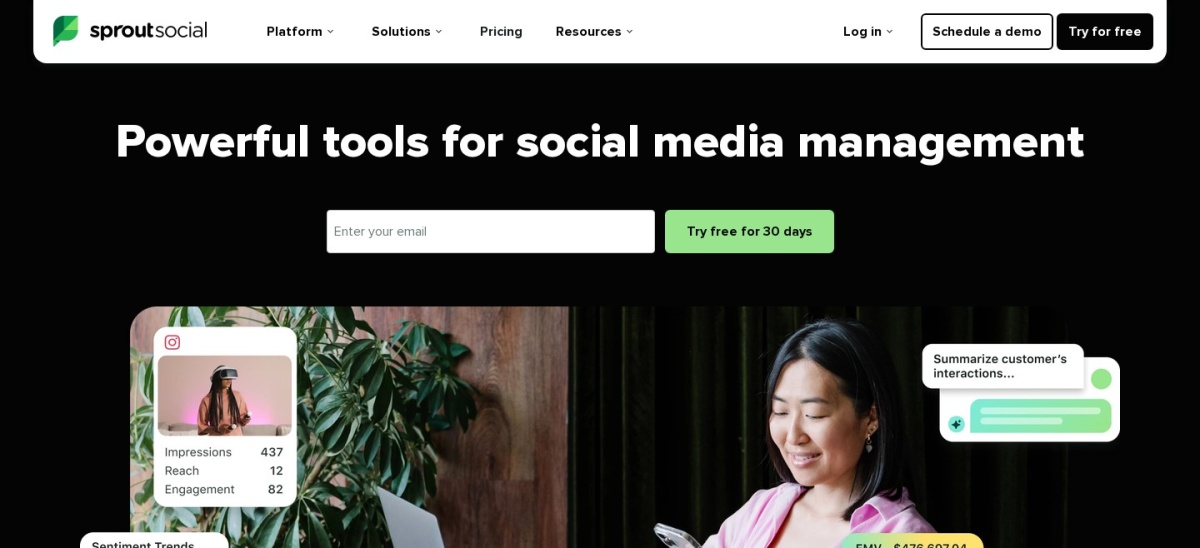
Sprout Social homepage, captured Nov 2026.
Sprout Social is a social media suite built around publishing, a shared inbox and reporting, with optimal send times and AI help on its entry plan. Essentials costs $79 per seat a month on annual billing, or $99 month to month, and covers up to 5 social profiles, with a 30-day free trial and no free plan.
The trade off is the per-seat price. Every teammate needs a seat at the same rate, and listening and premium analytics cost extra as add-ons. It suits teams that report to clients or managers every month and want to catch a returning trend while it is still rising.
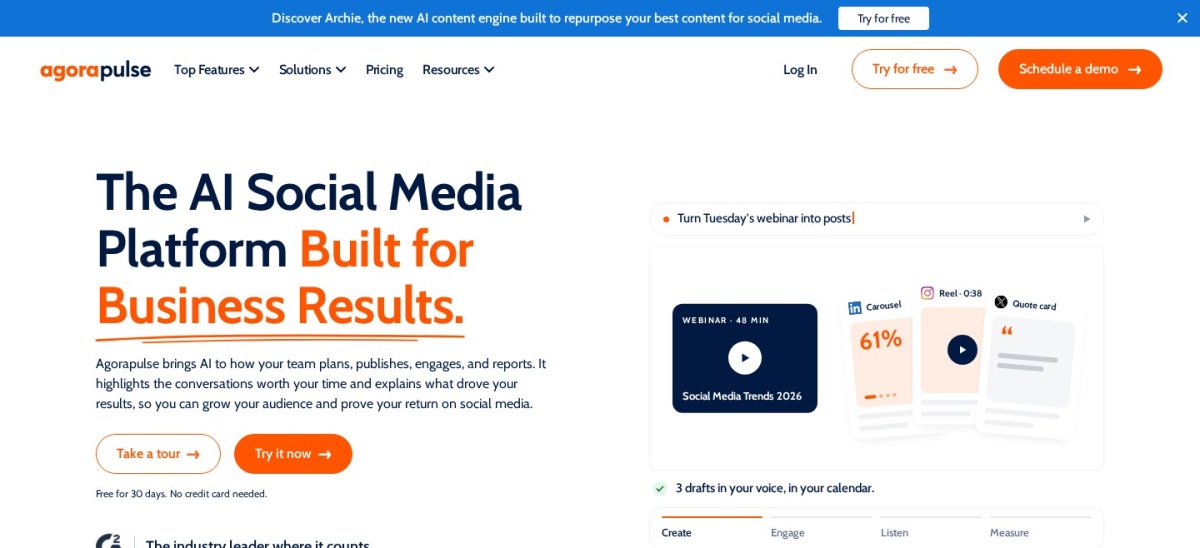
Agorapulse is a social media platform that combines a unified inbox, scheduling and ROI reporting in one account. Standard costs $79 per user a month on annual billing, or $99 month to month, covers 10 social profiles with 6 months of data, and includes basic and white-label reports.
The trade off is that the price is per user, so teams pay the full rate for each seat, and social listening is a paid add-on. Its free plan ended on 6 July 2026. It suits teams that answer lots of comments and messages when a trend brings a flood of replies.
Hootsuite is a long-running social media platform with scheduling, a unified inbox, AI captions and analytics across its plans. Standard costs $99 per user a month on annual billing and covers up to 10 social accounts, with a 14-day free trial and no free plan.
The trade off is cost and gating. Approval workflows only arrive on Advanced at $399 per user a month, and Hootsuite does not publish a month-to-month rate. It suits large teams that need governance, integrations and listening alongside everyday trend posting.
What we like
Widest set of integrations in this list
Unlimited accounts from Professional at $199
Listening and benchmarking on higher plans
Watch out for
Approvals cost $399 a user a month on Advanced
No free plan and no published monthly rate
Per-user pricing grows with every teammate
Professional at $199 removes the account cap and adds custom reportsVisit hootsuite.com
07
SocialPilot
4.5/5on G2 (846 reviews, checked Nov 2026)
Starts at$30/mo
Best value for small agencies chasing trends
Social accounts7 on Essentials
Users1 on Essentials
AI credits500 a month
Paid planEssentials, $30 a month
socialpilot.co
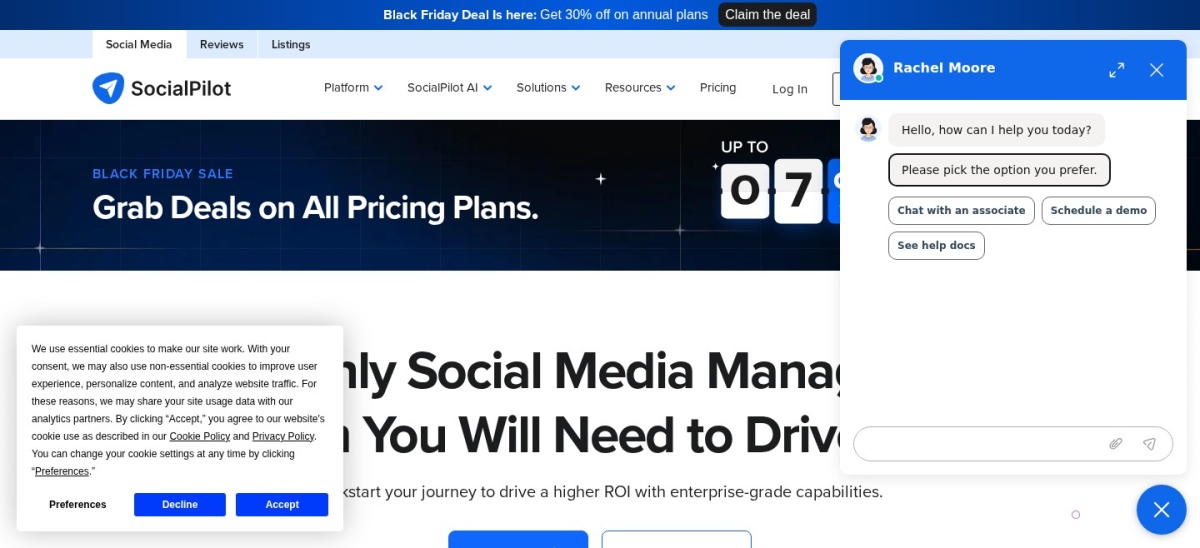
SocialPilot homepage, captured Nov 2026.
SocialPilot is a low-cost scheduler aimed at small teams and agencies that manage several accounts. Essentials costs $30 a month and covers 7 social accounts, 1 user and 500 AI credits, with a content library, scheduling and a 14-day free trial.
The trade off is that Essentials is scheduling only, with no analytics, inbox or approvals. Those start on Standard at $50 a month, and client approvals with white-label reports need Premium at $100. It suits small agencies that need cheap, steady posting across many client accounts.
What we like
Cheapest agency-style scheduler here at $30 a month
7 accounts and 500 AI credits on the entry plan
Content library keeps evergreen posts ready to reuse
Metricool is a social media platform that leads with analytics, alongside scheduling and reporting. Its free plan covers 1 brand and 20 posts a month, while Starter costs $25 a month for 5 brands, unlimited publishing, LinkedIn and PDF reports.
The trade off is that approvals, roles and client management only arrive on Advanced at $67 a month, and X and advanced analytics are paid add-ons. The free plan also leaves out LinkedIn entirely. It suits small teams that judge a trend by its numbers before joining it.
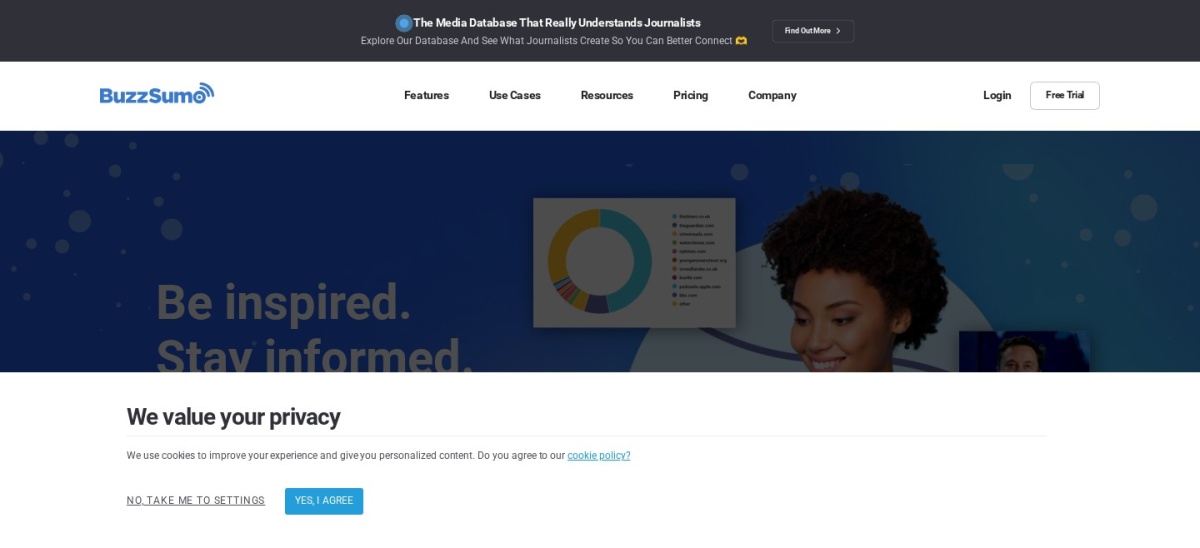
BuzzSumo is a content research platform with monitoring alerts, built for marketers and PR teams who track what content wins and who shares it. Content Creation costs $199 a month for one user, with a 30-day free trial and no free plan.
The trade off is focus. It is stronger at content research and engagement data than at pure brand monitoring, and reviewers most often cite the price. It suits content and PR teams that want monitoring beside trending stories and influencer data.
What we like
Shows which content and formats are rising now
Alerts track mentions and trending stories
Influencer data beside the content research
Watch out for
Highest price in this list at $199 a month
Weaker at pure brand monitoring than listening tools
The formats behind social media trends that never get old
Short-form video comes back every year in a new wrapper. Reels, Shorts and TikTok clips all reward the same habits: a strong first second, captions on screen and a steady posting rhythm.
Stories and live sessions return because they feel current. A 24-hour story or a live Q&A gives followers a reason to check in today, even when the format itself is years old.
User-made content and polls keep working because they ask followers to take part. A reposted customer photo or a two-option poll costs little to make and often earns more replies than a polished post.
The tools above map to these formats directly. Later and Metricool plan the rhythm, Canva supplies the visuals, and Sprout Social, Hootsuite and BuzzSumo tell you when a format is rising again.
How we chose
We started from established social media platforms with public G2 ratings and published pricing, then kept the nine that best cover the lasting trend formats: short-form video, stories, live sessions, user content and listening.
Prices come from each vendor's pricing page or a November 2026 roundup quoting it, checked on 29 November 2026. Ratings and review counts come from G2 on the same day. Where a vendor shows a sale, the list shows the regular price.
We left out tools with no public rating or no published price, and tools built only for one network. No vendor paid for a place, and we do not claim hands-on testing for this list.
How to choose a tool for social media trends that never get old
Start with the format you post most, then pick the tool that makes that format easy to repeat.
Name your main format first. Short-form video points to Later, templates point to Canva, and trend spotting points to BuzzSumo or Sprout Social. Do not buy a listening suite to schedule Reels.
Check the free plan before paying. Buffer and Metricool both have free plans, and Canva's free plan covers everyday designs. Use them to learn the rhythm before committing to a monthly bill.
Count the real monthly cost. Per-user and per-channel pricing grow with your team and accounts. Price one seat and all your channels, not just the headline rate.
Add listening only when you need it. If you already know which formats work for your audience, a scheduler is enough. Add Sprout Social, Hootsuite or BuzzSumo when spotting the next rise matters.
FAQ
What are the best tools for social media trends that never get old?
Buffer is the best overall pick, with a free plan for 3 channels and Essentials from $6 a channel a month. Later leads visual short-form planning at 4.5 out of 5 on G2, and Canva covers the templates at 4.7 out of 5.
Which social media trends never get old?
Short-form video, stories, live sessions, user-made content, polls and behind-the-scenes posts return year after year. They keep working because they match how people already use social apps, not because of a single viral moment.
How much does it cost to ride social media trends?
You can start free with Buffer, Metricool or Canva. Paid plans in this list run from $72 a year for Buffer to $2,388 a year for BuzzSumo, with most schedulers between $300 and $948 a year.
Is there a free tool for social media trends?
Yes. Buffer is free for 3 channels with 10 scheduled posts each, Metricool is free for 1 brand and 20 posts a month, and Canva is free for everyday designs with 5GB of storage.
Which tool is best for beginners?
Buffer is the easiest starting point. Its free plan, simple calendar and per-channel pricing make it easy to keep a steady posting rhythm without learning a large platform first.
Buffer vs Later: which is better for short-form video trends?
Later is better for planning short-form video, with a visual calendar, grid previews and best-time suggestions, rated 4.5 out of 5 on G2. Buffer is cheaper and simpler, and suits creators who mainly need a reliable posting queue.
SaaS SEO and WordPress specialist with about 8 years of experience. Rakib compares WordPress plugins, themes, hosting and software using public pricing, documentation and user reviews. See how we rank.