QuotaPath is the best sales compensation software for remote teams in 2026, earning 4.8 out of 5 across 440 G2 reviews with live attainment dashboards, CRM sync, and published pricing starting at $35 per user per month plus a $525 monthly platform fee. For month-to-month flexibility without annual contracts, pick Sales Cookie, or choose Easy-Commission for simple spreadsheet replacement.
How we make this list: we compare pricing pages, product documentation and public user reviews, then re-check every price before each update. No product paid for a place. Disclosure.
#2 Best no-contract
Sales Cookie
Pay-as-you-go commissions with free first plan setup
Published entry pricing spans more than 25x across remote-ready tools, from $2.95/user/mo for Easy-Commission to $75/user/mo for Salesforce Spiff.
Platform and connector surcharges change real budgets: QuotaPath adds a $525/mo platform fee (which includes 5 users), while Salesforce Spiff adds $250/mo per non-Salesforce connector.
Sales Cookie ($40/user/mo) and Core Commissions ($10/payee/mo with a 15-payee minimum) skip separate monthly platform fees.
Every tool on this list replaces emailed commission spreadsheets with cloud portals so distributed reps can check deal credits and payout statements from anywhere.
What makes sales compensation software work for remote teams?
Distributed sales reps cannot walk over to RevOps or finance to ask how a split deal was credited. Cloud commission portals eliminate shadow accounting by showing every rep their live attainment, deal-level payout math, and dispute status in one browser tab.
Multi-currency support and automated CRM sync matter far more when reps close deals across time zones. Tools that pull directly from Salesforce, HubSpot, Stripe, or QuickBooks prevent end-of-month CSV bottlenecks.
Pricing models vary sharply between pure per-seat rates and base platform fees. Checking whether admins count as paid seats and whether annual contracts are mandatory prevents surprises as remote headcount shifts.
QuotaPath is a cloud sales compensation platform built for distributed SaaS teams running on HubSpot or Salesforce. Its Growth plan starts at $35 per user per month plus a $525 monthly platform fee billed annually, which covers your first 5 users, implementation, an account team, multi-currency support, and ASC 606 ledger reporting.
The trade off is the $525 monthly platform floor (or $800 per month on Premium at $50 per user), which makes small headcounts pay more per seat than pure per-user tools. It suits remote teams of 5 to 100 reps that want guided setup and real-time deal forecasting.
What we like
Transparent public pricing with implementation and support folded into the platform fee
Rep-facing earnings estimator and leaderboards keep remote sellers aligned
Native HubSpot, Salesforce, Stripe, and Rippling integrations
AI-assisted plan builder drafts formulas from uploaded plan documents
Watch out for
Monthly platform fee raises effective per-seat cost for very small teams
Annual billing commitment required across published plans
Premium ($50/user/mo + $800/mo fee) adds multi-source payout eligibility, custom data joins, and a dedicated data engineer.Visit quotapath.com
Remote highlightMulti-currency live exchange rates & online rep statements
salescookie.com
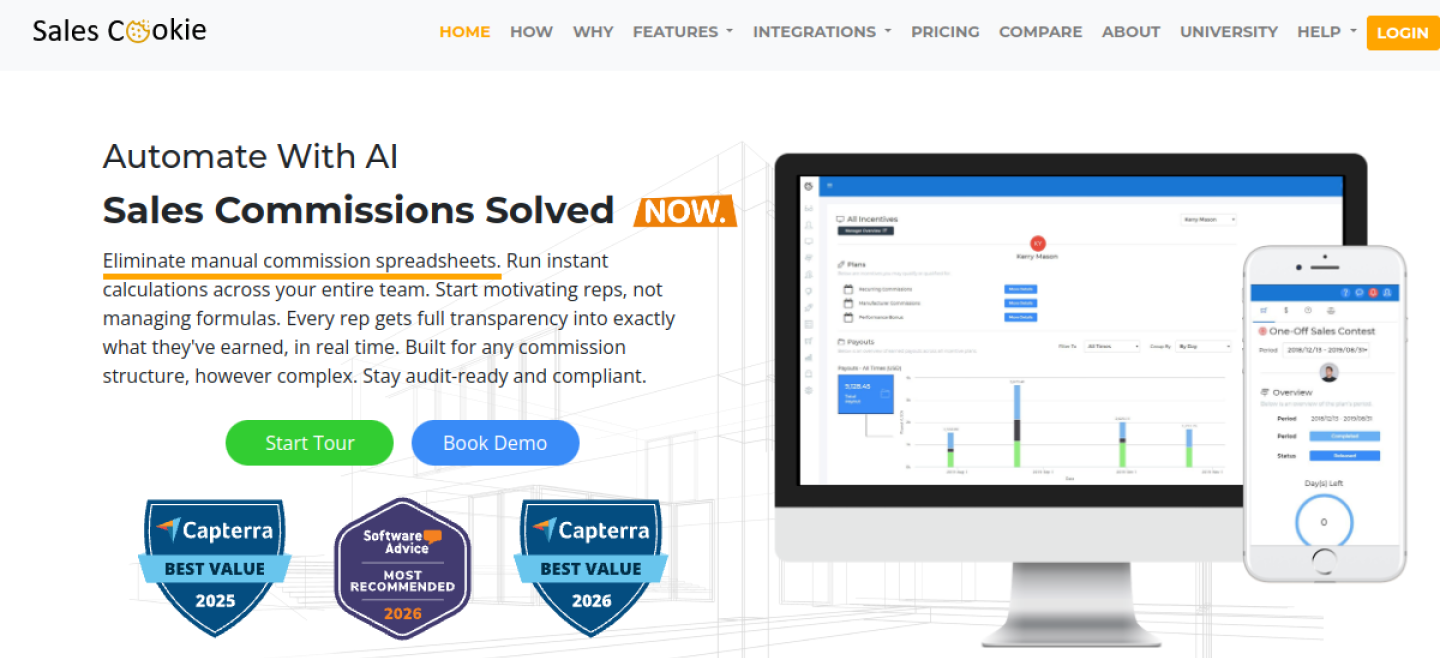
Sales Cookie homepage, captured Nov 2026.
Sales Cookie is a cloud commission management system that lets remote teams automate payouts without signing an annual contract. Its Business plan costs $40 per user per month with no setup fee, no platform fee, and free configuration of your first incentive plan, alongside a 14-day free trial.
The trade off is that both payees and admins count toward active user seats, and advanced API access sits in the $60 per user per month Business+ tier. It suits remote SMBs and global teams with fluctuating headcount that need multi-currency calculations.
What we like
True month-to-month billing with cancel-anytime terms and zero setup fees
First incentive plan configured free of charge
Built-in multi-currency conversion and territory rules for global reps
Supports pay-when-paid triggers, clawbacks, and detailed audit logs
Watch out for
Admins and managers with login access count as billable users
Custom authentication and full API access require Business+ ($60/user/mo)
Business+ ($60/user/mo) unlocks API access, white labeling, custom integrations, and elevated support.Visit salescookie.com
03
Salesforce Spiff
4.6/5on G2 (3,136 reviews, checked Nov 2026)
Starts at$75/mo
Best for remote teams living inside Salesforce
Entry plan$75/user/mo (billed annually)
Billing termAnnual contract; no free trial licenses
Key integrationsNative Salesforce CRM; external connectors $250/mo each
Remote highlightIn-CRM commission estimator & iOS/Android mobile app
salesforce.com
Salesforce Spiff homepage, captured Nov 2026.
Salesforce Spiff is an incentive compensation management add-on built directly into Salesforce so remote sellers can check commissions where they manage pipeline. At $75 per user per month billed annually, it includes real-time commission tracing, automated approval workflows, audit logs, and a mobile app.
The trade off is steep add-on pricing: you must already hold a qualifying Salesforce Sales Cloud edition, and each one-way connector to an external system costs $250 per month. It suits mid-market and enterprise Salesforce organizations that want zero context switching for reps.
What we like
Deep native sync with Salesforce opportunities and pipeline fields
Mobile app lets distributed reps check quota progress and payouts anywhere
Strong audit trails and automated statement approval workflows
Watch out for
Highest base seat rate on this list at $75/user/mo plus required Salesforce license
External non-Salesforce connectors add $250/connector/mo, and no trial is offered
Additional external one-way connectors cost $250/connector/mo, and Premium Support is priced at 30% of net license cost.Visit salesforce.com
04
ElevateHQ
4.9/5on Capterra (102 reviews, checked Nov 2026)
Starts at$35/mo
Best for growing teams running frequent SPIFFs
Entry planFrom $35/user/mo
Billing termPer user/mo; free trial available
Key integrationsCRMs, invoicing, accounting, and payroll tools
Remote highlightReal-time deal sync & 24/7 live support
elevate.so
ElevateHQ homepage, captured Nov 2026.
ElevateHQ is a sales commission platform designed to automate reconciliation and run short-term SPIFFs across growing revenue teams. Starting at $35 per user per month with a free trial, it covers tiered and split commission rules, multi-currency support, scheduled payouts, and real-time rep dashboards.
The trade off is limited public tier detail beyond the $35 starting rate, and some reviewers note an initial setup learning curve when configuring complex rules. It suits remote sales teams that want high-touch support and fast SPIFF experimentation without enterprise suite bloat.
What we like
High 4.9/5 Capterra rating backed by 24/7 live rep support
Handles split commissions, multi-currency payouts, and short-term SPIFFs
Automated CRM and accounting reconciliation cuts month-end dispute cycles
Watch out for
Full upper-tier pricing requires a sales quote
Initial rule configuration can involve a learning curve
QCommission is a cloud commission calculation tool tailored to finance teams and brokers managing complex payout schedules. Starting at $17 per user per month, it calculates flat, tiered, sliding-scale, and split commissions while syncing directly with QuickBooks and Salesforce to generate auditable rep statements.
The trade off is an older interface where structural plan changes or adding new payees often rely on vendor support rather than self-serve no-code edits. It suits remote finance teams that prioritize accurate QuickBooks reconciliation over modern gamification.
What we like
Affordable $17/user/mo entry point with deep QuickBooks and accounting sync
Supports complex split, sliding-scale, and quota-based formulas
Responsive implementation and customer support team
Watch out for
No self-serve free trial available
Modifying complex plan rules often requires contacting support
Billing termMonthly rate billed annually in advance
Key integrationsCRM, ERP, and database connectors (Enterprise)
Remote highlightOne-click web portal publishing & dispute module
corecommissions.com
Core Commissions homepage, captured Nov 2026.
Core Commissions is a web-based incentive automation platform built for teams with at least 15 commissionable reps. Its Reporter plan starts at $10 per payee per month billed annually (including 1 free admin seat) for automated report generation, while Launch ($20 per payee per month) adds the drag-and-drop rules engine and dispute module.
The trade off is a strict 15-payee minimum across all tiers and potential one-time setup fees, which puts the true entry floor at $1,800 per year for Reporter or $3,600 per year for Launch. It suits remote organizations of 15 to 200 reps needing structured audit drill-downs.
What we like
Low per-payee rates ($10 Reporter, $20 Launch) with one free admin account
Launch tier includes automated auditing, dispute tracking, and web portals
Minimum 15-payee requirement excludes tiny sales teams
Additional setup and maintenance fees may apply on annual contracts
Launch ($20/payee/mo) adds full rule automation and web portals; Enterprise ($35/payee/mo) adds unlimited rules and database integrations.Visit corecommissions.com
07
Easy-Commission
4.4/5on Software Advice (16 reviews, checked Nov 2026)
Easy-Commission is a lightweight web application that turns QuickBooks, Xero, or CSV sales exports into online rep commission statements. Its Economy plan starts at $2.95 per user per month billed annually (5-user minimum) and drops with volume, covering split commissions, draws, overrides, and Google SSO.
The trade off is a dated user interface, a cap of 3 support cases per year on Economy, and recurring commissions locked to the $6.95 per user per month Regular edition. It suits budget-conscious remote teams moving off manual spreadsheets without needing real-time CRM sync.
What we like
Lowest per-seat cost on the market at $2.95/user/mo (Economy) or $6.95/user/mo (Regular)
Direct QuickBooks Online, Xero, and Excel/CSV import with automated statement emails
15-day full-featured free trial with no credit card required
Watch out for
Dated interface and limited native CRM integrations compared to modern SaaS tools
Economy caps customer support at 3 cases per year and excludes recurring commissions
Regular ($6.95/user/mo, 2-user minimum) adds recurring commissions, CRM console, custom branding, and 12 support cases per year.Visit easy-commission.com
What does sales compensation software actually cost for a 10-rep remote team?
Headline per-seat rates hide large differences once platform fees and user minimums are factored in. For a 10-rep remote team, Easy-Commission Regular runs about $69.50 per month ($5.56/user at the 20-user tier is $55.60/mo), QCommission costs $170 per month, and Sales Cookie Business costs $400 per month with no annual lock-in.
By contrast, QuotaPath Growth totals $700 per month ($525 platform fee covering the first 5 users plus 5 additional seats at $35), and Salesforce Spiff starts at $750 per month before adding $250 per month for each non-Salesforce connector. Always calculate your total annual commitment—including admin seats and onboarding fees—before signing.
How we chose
We evaluated dedicated sales commission and incentive compensation platforms that offer cloud rep portals, automated payout calculations, and transparent published starting prices.
All prices, review counts, and ratings were verified on 30 Nov 2026 directly from official vendor pricing pages and public review listings on G2, Capterra, and Software Advice.
We excluded quote-only enterprise suites without published entry pricing (such as CaptivateIQ, Everstage, Xactly, and Varicent) as well as pure affiliate/partner payout tools that lack rep quota tracking. No vendor paid for a place, and we do not claim testing for this list.
How to choose sales compensation software for a remote team
Follow these four steps to pick a compensation platform that keeps distributed reps aligned without overpaying for unused capacity.
Match integrations to your single source of truth. Connect the tool directly to the CRM or billing system where closed-won deals or collected cash live, such as HubSpot, Salesforce, Stripe, or QuickBooks, so remote reps never wait on manual CSV uploads.
Check how admin and manager seats are billed. Some vendors like QuotaPath and Sales Cookie count RevOps admins and sales managers toward paid seats, while Core Commissions includes one free admin account. Add every viewer to your seat count before comparing quotes.
Verify multi-currency and payout-trigger rules. If your remote team sells globally or pays commission only when invoices clear, confirm that live exchange rates, pay-when-paid triggers, and clawbacks are included in the base tier rather than gated behind enterprise upgrades.
Test rep self-service and dispute workflows during a trial. Use a 14- or 15-day trial to check whether individual reps can trace deal-level math and flag discrepancies inside the portal without emailing spreadsheets back and forth.
FAQ
What is the best sales compensation software for remote teams in 2026?
QuotaPath is the top overall choice for remote teams in 2026, holding a 4.8 out of 5 rating across 440 G2 reviews. It combines real-time rep earnings estimators, native HubSpot and Salesforce integrations, and published pricing starting at $35 per user per month plus a $525 monthly platform fee.
How much does sales compensation software cost per month?
Published entry rates range from $2.95 per user per month for Easy-Commission Economy to $75 per user per month for Salesforce Spiff. Mid-market tools typically run $17 to $40 per user per month, though some vendors add a monthly platform fee or require a 15-payee minimum.
Which sales commission software has no annual contract?
Sales Cookie offers true month-to-month, cancel-anytime billing at $40 per user per month on its Business plan with zero setup fees and free configuration of your first incentive plan. Most other platforms require annual billing commitments.
Is there a free sales compensation software plan?
None of the established commission platforms on this list offer a permanent free plan for standard teams, though Sales Cookie provides qualifying startups under $500K in revenue one free year. QuotaPath, Sales Cookie, ElevateHQ, and Easy-Commission all offer 14- or 15-day free trials.
QuotaPath vs Sales Cookie: which is better for a small remote team?
Sales Cookie is cheaper and more flexible for teams under 15 reps because its $40 per user per month Business plan has no platform fee and bills month-to-month. QuotaPath ($35 per user per month plus a $525 monthly platform fee) fits larger remote teams that want guided implementation and ASC 606 reporting.
SaaS SEO and WordPress specialist with about 8 years of experience. Rakib compares WordPress plugins, themes, hosting and software using public pricing, documentation and user reviews. See how we rank.