Among RStudio alternatives, Visual Studio Code is the best pick for most people: free, rated 4.7 out of 5 on G2 from 2,731 reviews, with R, Python and Jupyter support in one editor. Pick JupyterLab for a free notebook workflow, or Google Colab for free GPU time in the browser.
How we make this list: we compare pricing pages, product documentation and public user reviews, then re-check every price before each update. No product paid for a place. Disclosure.
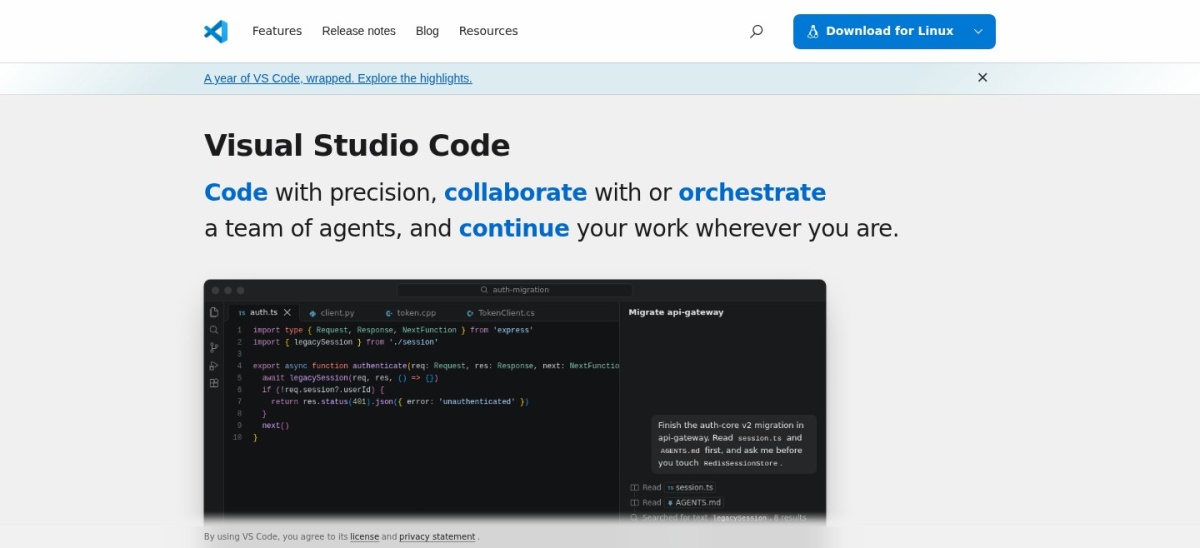
Visual Studio Code is the top pick: free, rated 4.7/5 on G2 from 2,731 reviews, with R, Python and Jupyter support in one editor.
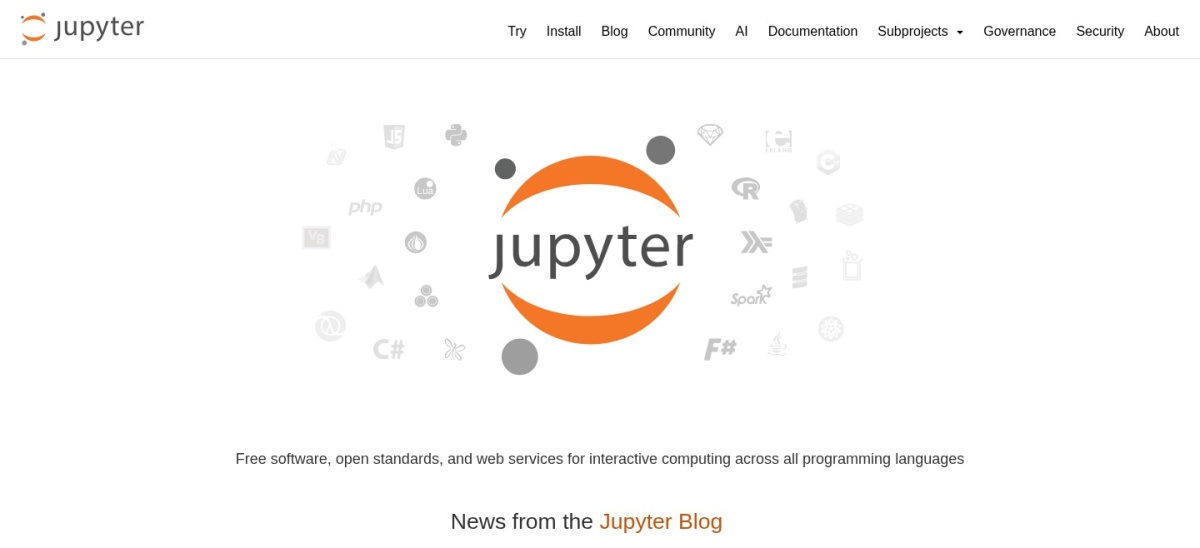
JupyterLab is the free notebook standard, rated 4.7/5 on Capterra, and every notebook tool here reads its .ipynb format.
Google Colab is the only pick with free GPU and TPU access in the browser; Pro costs $9.99 a month.
PyCharm Pro is the priciest desktop pick at $109 a year for individuals, with the strongest Python debugging and refactoring.
Databricks is the only enterprise pick, with usage-based pricing and R, Python, SQL and Scala in one notebook.
How do you choose among RStudio alternatives?
RStudio alternatives split into two kinds: desktop IDEs and notebooks. Desktop IDEs such as Visual Studio Code, PyCharm and Spyder run on your machine, while notebooks such as JupyterLab, Google Colab and Deepnote mix code, output and notes in one document.
Language support decides most moves. R users need an R kernel or an R extension, which VS Code, JupyterLab, Colab and Databricks all provide, while Python-first work fits PyCharm or Spyder. Spyder is the only tool here that works with Python alone.
Price is the pleasant surprise. Eight of the nine tools here have a free plan, and the free tiers include full editors, notebooks and, in Colab and Kaggle, free GPU time. Paid plans start at $9.99 a month for Colab Pro and $109 a year for PyCharm Pro.
Migration is mostly about files and habits. Notebooks move as standard .ipynb files between JupyterLab, Colab, Kaggle and Deepnote, and Quarto documents run in VS Code and JupyterLab, so the work you already have is rarely locked to one tool.
Visual Studio Code is a free, open-source editor from Microsoft that covers R, Python and Jupyter notebooks in one window. The Python extension adds notebooks, debugging and environments, the R extension adds R support, and Git, a terminal and thousands of extensions are built in or one install away.
The trade off is setup. VS Code is an editor first, so R support, notebooks and data tools arrive as extensions you install and configure yourself, and heavy extensions can slow it down. It suits developers who already live in an editor and want one tool for code, notebooks and Git.
JupyterLab is the free, open-source web interface of Project Jupyter and the reference implementation of the notebook format most tools in this list read. You install it with one pip or conda command, open it in a browser, and get notebooks, a file browser, terminals and text editors in one workspace, with Python, R and Julia kernels.
The trade off is that everything beyond the editor is your job. You install packages, manage environments and share files yourself, with no built-in cloud hosting, GPU access or team collaboration. It suits solo analysts and researchers who want the standard notebook format and full control of their machine.
Google Colab is a hosted Jupyter notebook service from Google that opens in a browser with no installation. The free tier gives access to GPUs and TPUs, so you can train a small model without buying hardware, and notebooks live in Google Drive, so sharing is a link.
The trade off is the compute unit system. You buy a budget of units, not a reserved machine, Google does not guarantee which GPU you get, and free sessions disconnect after idle time. Pro costs $9.99 a month and adds 100 compute units a month plus faster GPUs. It suits students and quick experiments.
PyCharm is the full Python IDE from JetBrains, with project-wide code intelligence, refactoring, debugging and Jupyter notebook support in one window. The core edition is free, and Pro adds web frameworks such as Django and Flask, database tools, remote development and scientific tools.
The trade off is price and weight. Pro costs $109 a year for individuals in the first year, then $87 in the second year and $65 from the third year, and the IDE uses more memory than a light editor. It suits Python developers with large codebases who want the debugger and refactoring to do the heavy lifting.
Kaggle Notebooks is a free cloud notebook service from Google that pairs Jupyter notebooks with public datasets and free GPU access. You get a P100 or two T4 GPUs, or a TPU, with sessions of up to 12 hours, and notebooks run in the browser with no setup.
The trade off is scope. Kaggle is built around public data and competitions, so private team workflows and governed data are not its job, and the free GPU quota has limits with queuing at busy times. It suits learners and competitors who want to practise on real data without paying for compute.
Deepnote is a collaborative data science platform that runs notebooks in the browser with managed machines, so nobody installs Python or configures an environment. Several people can edit the same notebook at once, leave comments and follow version history, and you can import and export standard .ipynb files.
The trade off is the free tier and usage charges. The free plan caps at 3 editors and 5 projects, and the Team plan costs $39 per editor a month billed yearly, or $49 billed monthly, with AI, CPU and GPU credits on top for heavy use. It suits teams that want a shared notebook workspace.
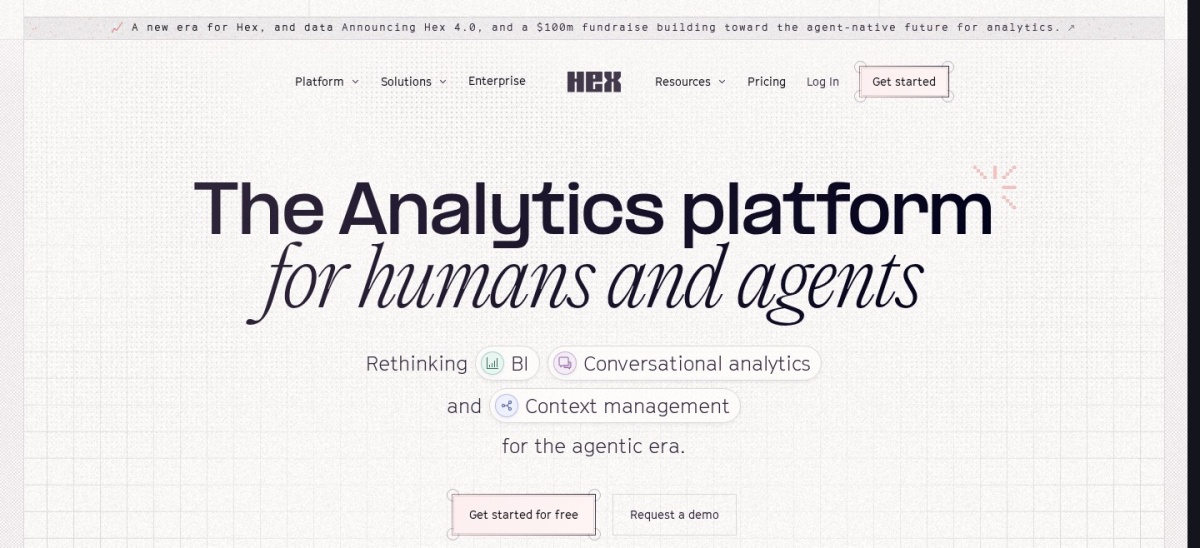
Hex is a cloud data workspace where SQL and Python notebooks, visual exploration and published data apps live in one place. A project mixes SQL cells, Python cells and visualisations on one canvas, several people can edit at the same time, and the notebook can be published as an interactive app or dashboard.
The trade off is metering and lock-in. Hex uses a proprietary notebook format, so your work lives in Hex, and larger compute profiles and AI credits add usage charges on top of the seat price. Professional costs $36 a month. It suits data teams that present results to people who do not write code.
What we like
SQL and Python in one canvas
Notebooks publish as interactive apps
Real-time multiplayer editing
Rated 4.5 out of 5 from 433 G2 reviews
Watch out for
Proprietary notebook format
Compute and AI credits add usage charges
Cloud-only, no local option
Professional adds scheduled runs and more computeVisit hex.tech
08
Databricks
4.6/5on G2 (1,419 reviews, checked Nov 2026)
Starts at$99/mo
Best for enterprise teams at scale
PriceUsage-based, per DBU
LanguagesPython, SQL, R, Scala
GovernanceUnity Catalog
Free tierTrial credits only
databricks.com
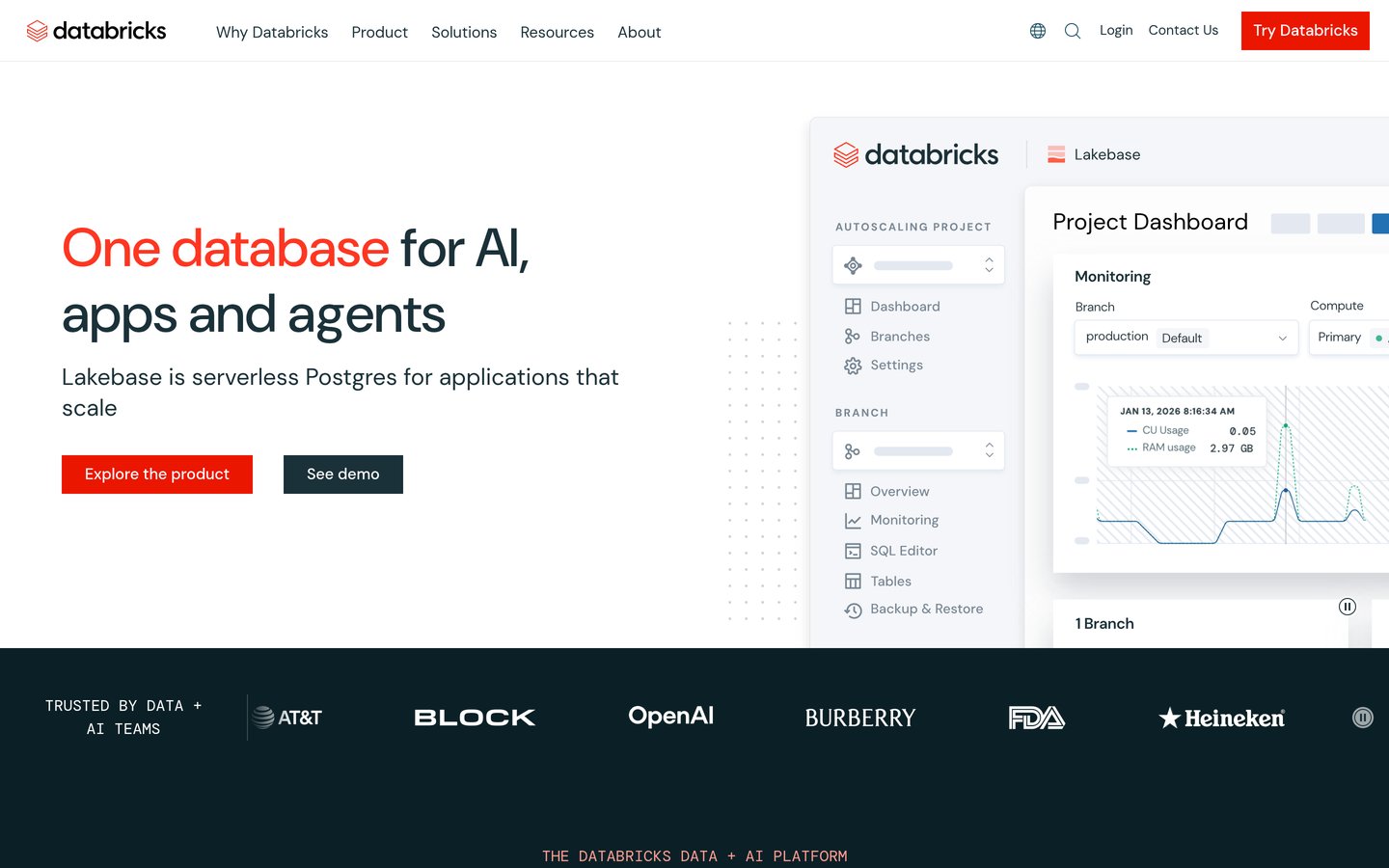
Databricks homepage, captured Nov 2026.
Databricks is a unified data platform whose notebooks run Python, SQL, R and Scala against governed data, with Spark underneath. Notebooks support version control, scheduled jobs and Unity Catalog access control, so the same notebook can move from exploration to a scheduled pipeline.
The trade off is pricing. Billing is consumption-based, priced per DBU, so costs vary with compute type, cloud and region, and G2 lists a Basic figure of $99 a month. It suits enterprise teams already on Databricks who need governed data and scheduled work at scale.
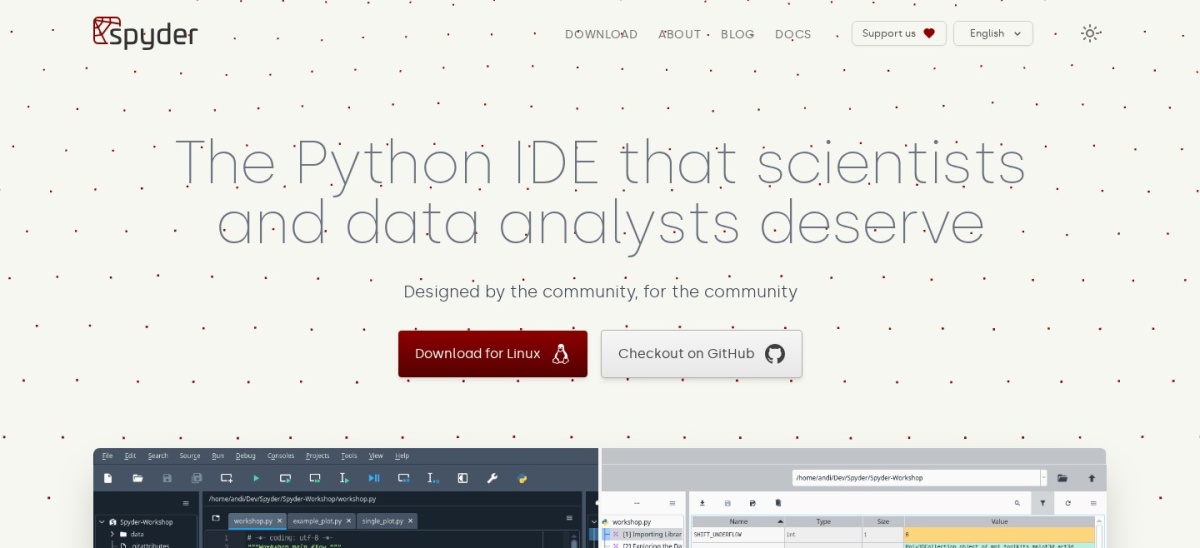
Spyder is a free, open-source Python IDE built for scientists, engineers and data analysts, with the closest layout to RStudio in this list. It brings an editor, an IPython console, a variable explorer, plots and debugging into one desktop workspace for technical computing.
The trade off is scope. Spyder works with Python only, so R users need a second tool, and it can feel slow to start with large datasets. It suits beginners and researchers moving from RStudio who want the same panes for code, console, variables and plots.
Free plans cover the basics well. Eight of the nine tools here have a free plan, and the free tiers include full editors, notebooks and, in Colab and Kaggle, free GPU time.
Paid plans mostly add compute, collaboration and support. You get faster GPUs, longer sessions, team editing, scheduled runs and help when something breaks.
If you work alone on a laptop, a free plan is usually enough. A team that shares notebooks every day will feel the free caps on editors, projects and compute first.
How we chose
We started from the tools R users actually move to: desktop IDEs, notebook apps and cloud notebooks with Python and R support, then kept those with a public rating and a published price.
Prices come from each vendor's pricing page or vendor-supplied G2 pricing, checked on 29 November 2026. Ratings and review counts come from G2 on the same day, except JupyterLab, which uses Capterra. Where a vendor shows a sale, the list shows the regular price.
We left out tools with no public rating, including Positron and DataSpell, and the named product itself. No vendor paid for a place, and we do not claim to have used these tools ourselves.
How to choose an RStudio alternative
Start with the language you write most, then check how your work runs.
Match the tool to your main language. R-first work fits VS Code or JupyterLab with an R kernel. Python-first work fits PyCharm, Spyder or a notebook.
Decide where code runs. Local tools keep data on your machine. Cloud notebooks need no setup but need an internet connection and have session limits.
Check the notebook format. If you share notebooks, pick a tool that reads and writes standard .ipynb files so work moves between tools.
Try the free plan before paying. Run a real project end to end, including plots and package installs, before paying for Pro, Team or compute.
FAQ
What is the best RStudio alternative in 2026?
Visual Studio Code is the best RStudio alternative for most people in 2026. It is free, rated 4.7 out of 5 on G2 from 2,731 reviews, and covers R, Python and Jupyter notebooks in one editor with Git and debugging built in.
What is the best free alternative to RStudio?
JupyterLab is the best free alternative for notebook work, and Visual Studio Code is the best free alternative for a desktop IDE. Both are free and open source, run R and Python, and JupyterLab's .ipynb format is the standard every notebook tool here reads.
How much do RStudio alternatives cost?
Most cost nothing to start: eight of the nine tools here have a free plan. Paid plans start at $9.99 a month for Google Colab Pro and $109 a year for PyCharm Pro, while Deepnote Team is $39 and Hex Professional is $36 a month. Databricks bills by usage.
Which RStudio alternative is best for beginners?
Spyder is the easiest move for beginners coming from RStudio, because its layout mirrors RStudio with editor, console, variable explorer and plots in one window. It is free and Python-only, so R users should pair it with JupyterLab for R work.
What is the best RStudio alternative for Python?
PyCharm is the best RStudio alternative for serious Python work, with the strongest debugging, refactoring and framework support in this list. Its core edition is free and Pro costs $109 a year for individuals. Visual Studio Code is the free option for lighter Python projects.
Visual Studio Code vs JupyterLab: which is better for R users?
Visual Studio Code is better for R users who want a full editor with Git, debugging and extensions in one place. JupyterLab is better for R users who live in notebooks and want the standard .ipynb format. Both are free, so many R users keep both installed.
SaaS SEO and WordPress specialist with about 8 years of experience. Rakib compares WordPress plugins, themes, hosting and software using public pricing, documentation and user reviews. See how we rank.