CrashPlan is the best Redstor alternative for most teams, with unlimited endpoint backup at $88 a user a year and a 4.9 out of 5 G2 rating. Druva suits cloud-first teams at $8 a user a month, while NAKIVO is the budget pick for virtual machines at $2.45 a workload a month.
How we make this list: we compare pricing pages, product documentation and public user reviews, then re-check every price before each update. No product paid for a place. Disclosure.
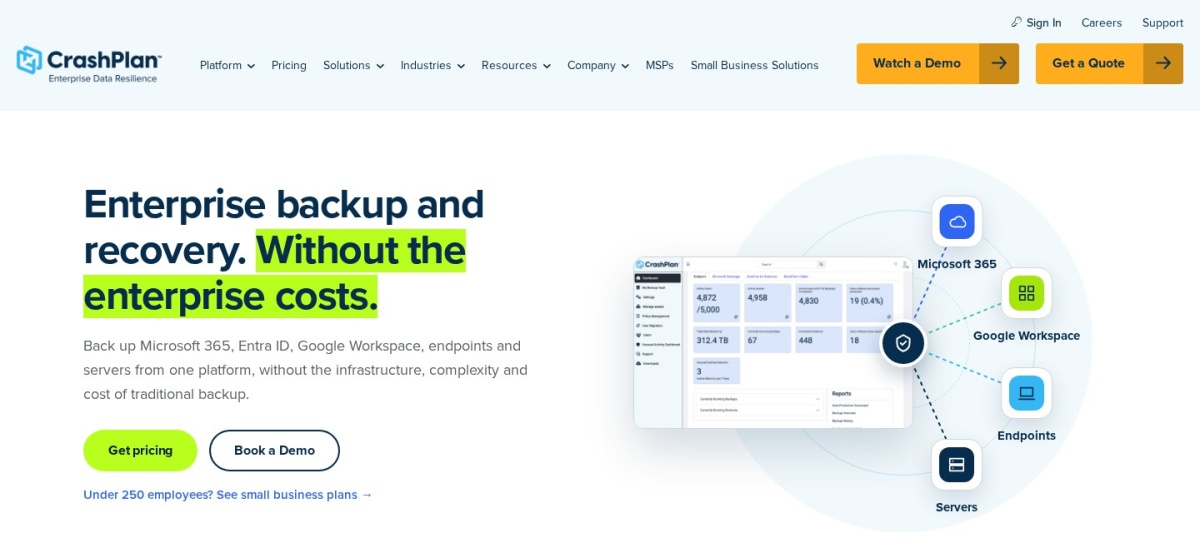
CrashPlan has the highest G2 rating in this list at 4.9 out of 5, with unlimited storage per user at $88 a year.
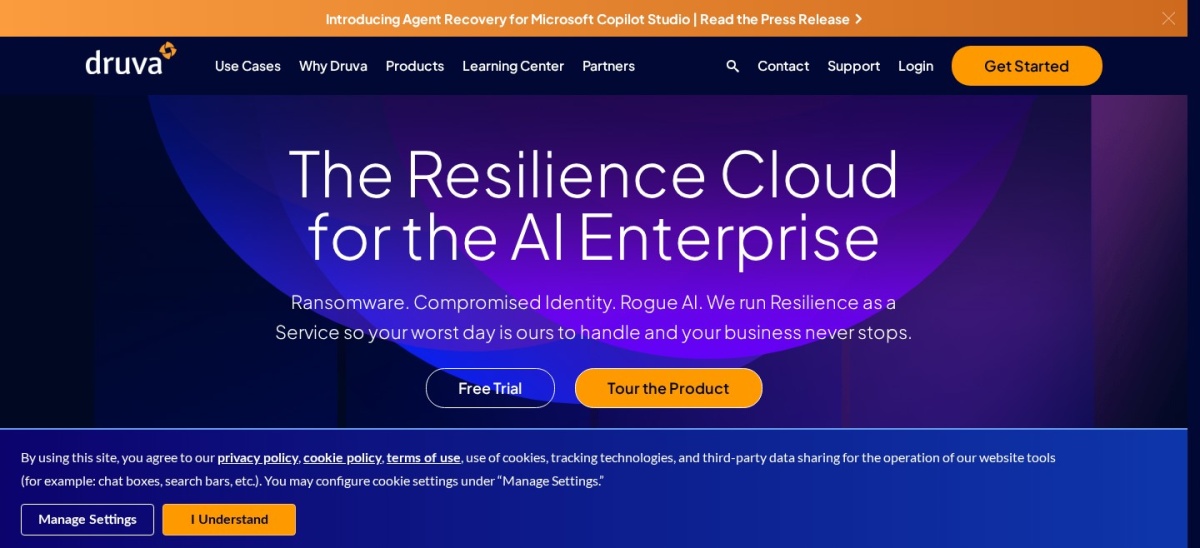
Druva is the top cloud-only pick at 4.7 out of 5, starting at $8 a user a month with no hardware to run.
NAKIVO is the cheapest paid plan here at $2.45 a workload a month, and it includes a free edition.
Veeam and Acronis are the picks for teams that want to own backup end to end, including servers and virtual machines.
Cove Data Protection, NinjaOne and Datto are quote-only, so they are left out: every price in this list is published.
How do you choose among Redstor alternatives?
Redstor is a cloud backup service sold mainly through managed service providers, so the closest alternatives split into two groups: cloud-first backup services and platforms you run yourself.
Cloud-first tools such as Druva and CrashPlan need no backup server of your own. You pay per user or per workload, and the vendor stores the data and runs the restores.
Self-run platforms such as Veeam and NAKIVO give you control over where backups live, including local disks and your own cloud storage. That control costs more time to set up and manage.
Price is the hardest part to compare, because several well-known rivals publish no prices at all. Our guide on how to test a WordPress backup explains why a restore test matters more than any feature list.
Start with what you protect: endpoints only, servers and virtual machines, or Microsoft 365 and Google Workspace. Then check whether the price is per user, per device or per workload, because the same headline number can mean very different bills.
CrashPlan is a cloud backup service for business laptops, desktops and servers, plus Microsoft 365 and Google Workspace. The Endpoint plan costs $88 a user a year with unlimited storage and unlimited file versions, and it backs up Windows, macOS and Linux machines automatically.
The trade off is that server backup costs more, at $189 a server a year with 250 GB of pooled storage, and image-level backup is not included. It suits small and mid-size teams that want endpoint backup with one clear per-user price.
What we like
Highest G2 rating in this list at 4.9 out of 5
Unlimited storage and versions per user
Clear published per-user pricing
Covers servers, Microsoft 365 and Google Workspace
Druva is a fully managed backup service that runs entirely in the cloud, with no backup server or storage of your own to maintain. The Basic plan starts at $8 a user a month and covers endpoints, Microsoft 365, Google Workspace, Salesforce and virtual machines from one console.
The trade off is cost at scale. Druva uses a consumption-based credit model, so bills can rise as data volumes and retention grow, and some features such as eDiscovery cost extra. It suits cloud-first teams that want to drop backup hardware altogether.
What we like
No backup hardware or storage to manage
Rated 4.7 out of 5 from 751 G2 reviews
Covers endpoints, SaaS apps and VMs in one place
Air-gapped, immutable backup copies
Watch out for
Credit-based pricing is hard to predict at scale
Advanced features such as eDiscovery cost extra
No free plan, only a free trial
Paid plans add SaaS apps, VMs and compliance toolsVisit druva.com
03
NAKIVO Backup & Replication
4.7/5on G2 (353 reviews, checked Nov 2026)
Paid from$2.45/workload/mo
Best value for virtual machines
StorageYour own NAS or cloud
Free planFree edition included
Microsoft 365Yes, from Pro Essentials
Paid planPro, $2.45/workload/mo
nakivo.com
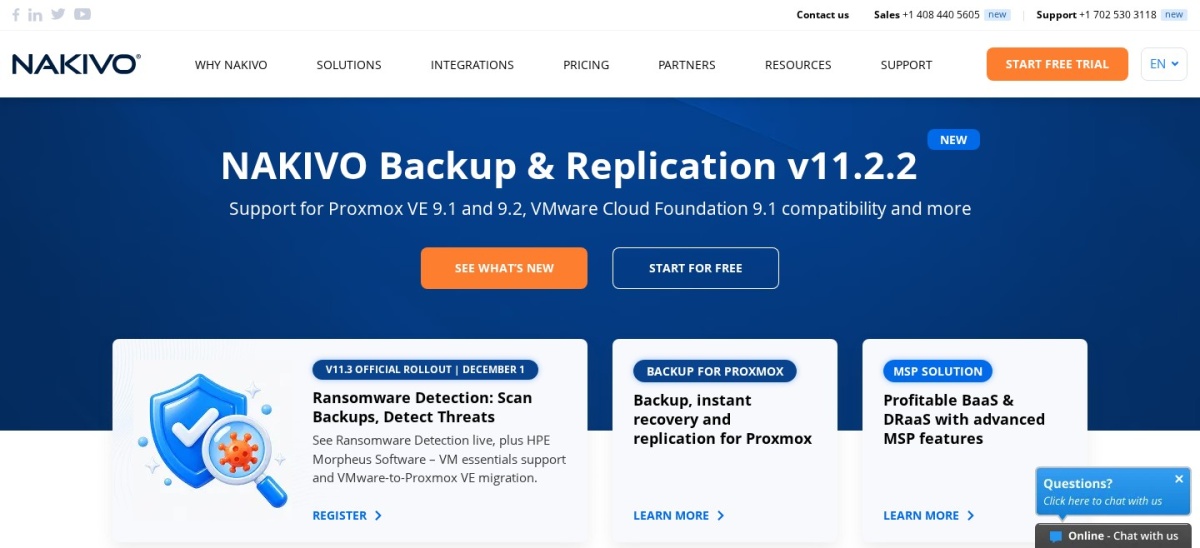
NAKIVO Backup & Replication homepage, captured Nov 2026.
NAKIVO Backup & Replication is a lower-cost backup platform for VMware, Hyper-V, Nutanix and Proxmox virtual machines, plus physical servers and Microsoft 365. Subscriptions start at $2.45 a workload a month on a one-year term, and a free edition covers basic backup needs.
The trade off is that the cheapest tier skips cloud backup, site recovery and multi-tenant mode, which need the Enterprise tier from $3.20 a workload a month. It suits small businesses that run virtual machines and want Veeam-style cover at a lower price.
What we like
Lowest paid price in this list
Free edition for basic backup
Runs on NAS devices with no Windows Server licence needed
Rated 4.7 out of 5 from 353 G2 reviews
Watch out for
Cloud backup and site recovery need Enterprise
Top tier is quote-only
Minimum licence bundles can exceed very small needs
Enterprise adds cloud backup, site recovery and multi-tenancyVisit nakivo.com
04
Veeam Data Platform
4.6/5on G2 (752 reviews, checked Nov 2026)
Paid from$155/workload/yr
Best for owning backup end to end
StorageYour own disks or cloud
Free planCommunity, 10 workloads
Microsoft 365Separate licence
Paid planFoundation, $155/workload/yr
veeam.com
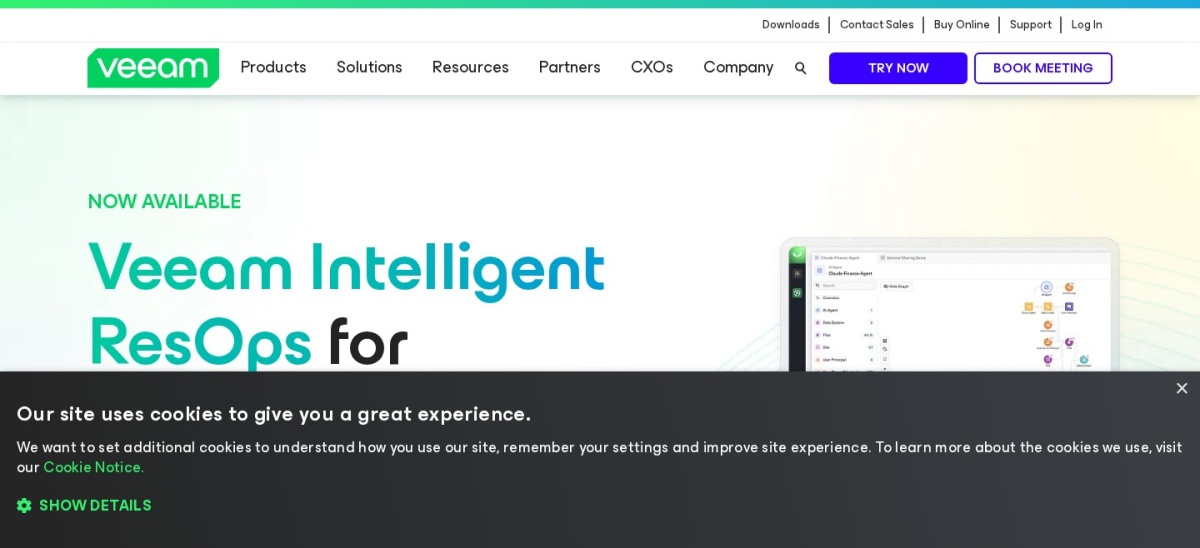
Veeam Data Platform homepage, captured Nov 2026.
Veeam Data Platform is the backup platform teams pick when they want to own backup end to end. The free Community Edition protects up to 10 workloads, covering VMware, Hyper-V, Proxmox, physical servers and NAS, with instant VM recovery that boots a failed machine from backup in minutes.
The trade off is licensing complexity. Foundation lists at about $155 a workload a year in 10-workload packs, Microsoft 365 and Salesforce backup are licensed separately, and larger estates usually buy through resellers. It suits IT teams that run mixed virtual and physical estates.
What we like
Instant VM recovery from backup
Free Community Edition covers 10 workloads
Covers VMs, servers, NAS and cloud
Immutable storage options against ransomware
Watch out for
Licensing is complex across editions
Microsoft 365 backup is a separate purchase
Paid pricing is sold through resellers
Paid editions add support and recovery orchestrationVisit veeam.com
05
MSP360 Backup
4.5/5on G2 (575 reviews, checked Nov 2026)
Starts at$29.99/yr
Best for MSPs that bring their own storage
StorageYour own S3, Wasabi or Azure
Free planFree trial only
Microsoft 365Yes, in Managed Backup
Paid planDesktop, $29.99/yr
msp360.com
MSP360 Backup homepage, captured Nov 2026.
MSP360 Backup is a backup platform for managed service providers and in-house IT teams that want to choose their own storage. It backs up desktops, servers, SQL Server, VMware, Hyper-V and Microsoft 365 to Backblaze B2, Wasabi, Amazon S3 or Azure, with a central console for many clients.
The trade off is that storage is a second bill, paid to your own cloud account, and the console feels dated next to newer rivals. Managed Backup for MSPs starts at $2.50 a workload a month on promotion. It suits providers that want storage freedom and per-client billing.
What we like
Bring your own storage, no vendor lock-in
Multi-tenant console built for MSPs
Broad workload cover, from desktops to VMs
Rated 4.5 out of 5 from 575 G2 reviews
Watch out for
Storage is billed separately by your cloud provider
Console feels dated
Managed Backup pricing needs a calculator or quote
IDrive is a storage-based backup service: one Personal account covers unlimited computers for one user, with 5 TB of pooled storage for $119.88 a year at the regular price. It backs up PCs, Macs, servers, NAS devices and phones, and a free Basic plan includes 10 GB.
The trade off is the first-year discount. New customers pay about $83.88 for the first year, then renew at the regular $119.88, and storage is capped rather than unlimited. It suits households and small teams that back up many devices on one account.
Backblaze Computer Backup homepage, captured Nov 2026.
Backblaze Computer Backup is the simplest backup on this list. Install it, forget it: unlimited storage per computer, external drives included, continuous backup with no configuration, and no file size limit. It costs $99 per computer per year, or $9 a month, with a 15-day free trial.
The trade off is the per-computer price and the thin review base. Three machines need three subscriptions at $297 a year, there is no Linux client, and only 38 G2 reviews sit behind its rating. It suits one-computer owners who want unlimited backup with no storage maths.
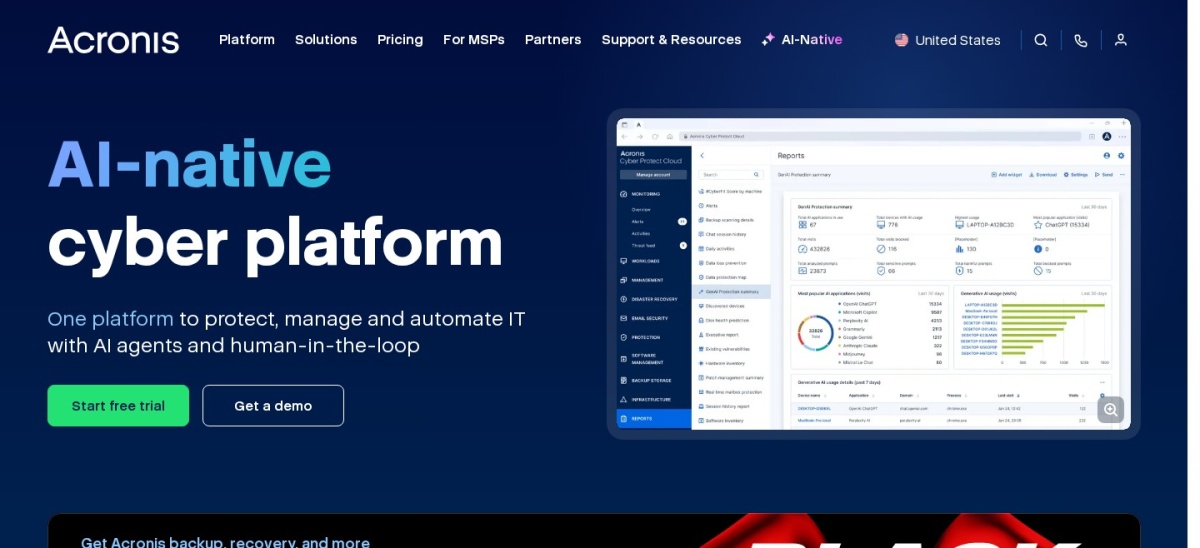
Acronis Cyber Protect homepage, captured Nov 2026.
Acronis Cyber Protect combines backup with anti-malware, antivirus and endpoint protection in one agent and one console. The Standard plan starts at $85 a year per device, covering backup for servers, workstations and virtual machines, with vulnerability checks and patch management in higher tiers.
The trade off is pricing clarity. The $85 starting price is per device with term-based pricing, advanced modules such as disaster recovery cost extra, and reviewers often call the price spreadsheet complex. It suits teams that want backup and security from a single vendor.
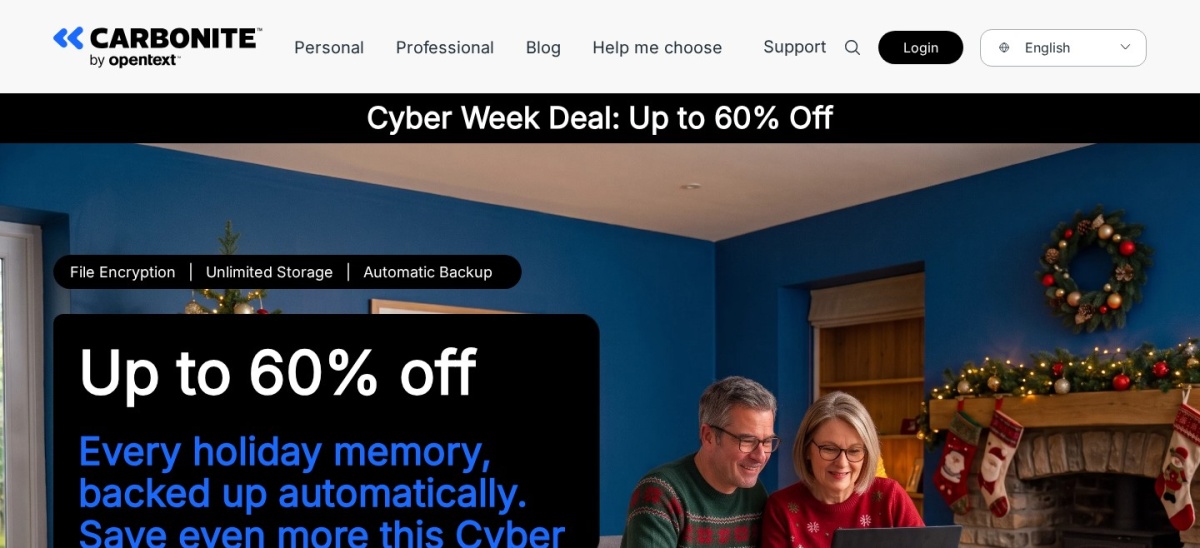
Carbonite Safe is the long-running Windows backup service for owners who want automatic backup with no storage maths. Basic at $95.99 a year gives unlimited storage for one computer with automatic encrypted backup, while Plus at $131.99 and Prime at $161.99 add external drive backup and courier restore.
The trade off is the Basic tier limits. Basic skips video files in automatic selection and does not back up external drives, and it keeps only the 12 most recent versions of a file. It suits non-technical users who want backup that runs itself.
Cove Data Protection, NinjaOne, Datto and Rubrik are all named as Redstor rivals, but none of them publishes a dollar price. Cove and NinjaOne sell through partners on custom quotes, and Datto and Rubrik do the same for enterprise buyers.
We left them out rather than guessing a number. If you already buy through an MSP, ask for a per-device or per-user quote and compare it against the published prices in this list.
Our are host backups enough guide covers the same question from the other side: what your host already backs up, and what still needs a separate service.
How we chose
We started from the Redstor alternatives named on G2 and Capterra, plus the backup tools buyers most often compare against Redstor, then kept the nine with published prices and a public G2 rating.
Prices come from each vendor's pricing page or a published price check, checked on 29 November 2026. Ratings and review counts come from G2 on the same day. Where a vendor shows a sale, the list shows the regular price.
We left out quote-only tools such as Cove Data Protection, NinjaOne, Datto and Rubrik because no verifiable price exists. No vendor paid for a place, and we do not claim to have used these tools ourselves.
How to choose a Redstor alternative
Start with what you protect, then match the price model to it.
List what you protect. Endpoints only, servers and virtual machines, or Microsoft 365 and Google Workspace. A tool that covers only endpoints will not replace Redstor for a server estate.
Match the price model to your fleet. Per-user pricing suits laptop fleets, per-workload pricing suits virtual machines, and per-computer pricing gets costly fast past a handful of machines.
Check where the backups live. Cloud-first tools store data for you, while Veeam, NAKIVO and MSP360 let you pick your own storage. See our where to store backups guide for the trade-offs.
Run a restore test before you commit. Back up one machine, delete a test file, and restore it. Our how to test a backup guide walks through the steps.
FAQ
What is the best Redstor alternative?
CrashPlan is the best Redstor alternative for most teams. It offers unlimited endpoint backup at $88 a user a year, covers servers and Microsoft 365 too, and holds a 4.9 out of 5 G2 rating from 270 reviews.
What is the best free alternative to Redstor?
NAKIVO is the best free option, with a free edition for basic backup of virtual machines and servers. Veeam also has a free Community Edition covering 10 workloads, and IDrive offers a free 10 GB plan.
How much do Redstor alternatives cost?
Published prices in this list run from $2.45 a workload a month for NAKIVO to about $155 a workload a year for Veeam. CrashPlan costs $88 a user a year, Druva $8 a user a month, and Backblaze $99 a computer a year.
Which Redstor alternative is best for small teams?
CrashPlan is the best pick for small teams, with one clear per-user price, unlimited storage and a 14-day trial. IDrive is cheaper per device when one account must cover many machines.
Is Druva better than CrashPlan?
CrashPlan wins on price clarity and rating, at 4.9 out of 5 against Druva's 4.7, with a flat $88 a user a year. Druva wins for teams that want a fully managed cloud service with no backup hardware at all.
Do Redstor alternatives back up Microsoft 365?
Most do. Druva, Acronis and CrashPlan include Microsoft 365 backup in paid plans, NAKIVO covers it from its Pro tier, and Veeam sells it as a separate licence. Backblaze and Carbonite do not cover Microsoft 365.
Can I switch from Redstor without losing my backups?
You can switch, but your old Redstor backups do not move to the new tool. Run both services in parallel until the new backup has a full copy, test a restore, and only then cancel Redstor.
SaaS SEO and WordPress specialist with about 8 years of experience. Rakib compares WordPress plugins, themes, hosting and software using public pricing, documentation and user reviews. See how we rank.