Among RDP alternatives, Splashtop is the best pick for most people, with a 4.8 out of 5 G2 rating and a Solo plan at $6 a month billed yearly. Zoho Assist suits support desks with its free technician plan, while Chrome Remote Desktop is free for simple personal access.
How we make this list: we compare pricing pages, product documentation and public user reviews, then re-check every price before each update. No product paid for a place. Disclosure.
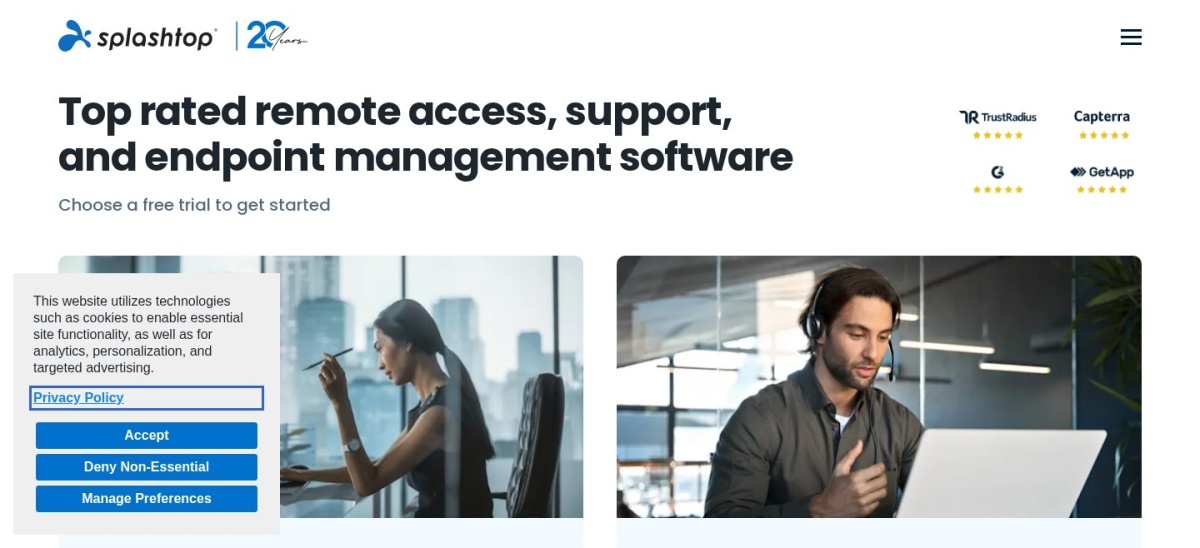
Splashtop leads with a 4.8 out of 5 G2 rating and the lowest paid start for a full-featured tool at $6 a month.
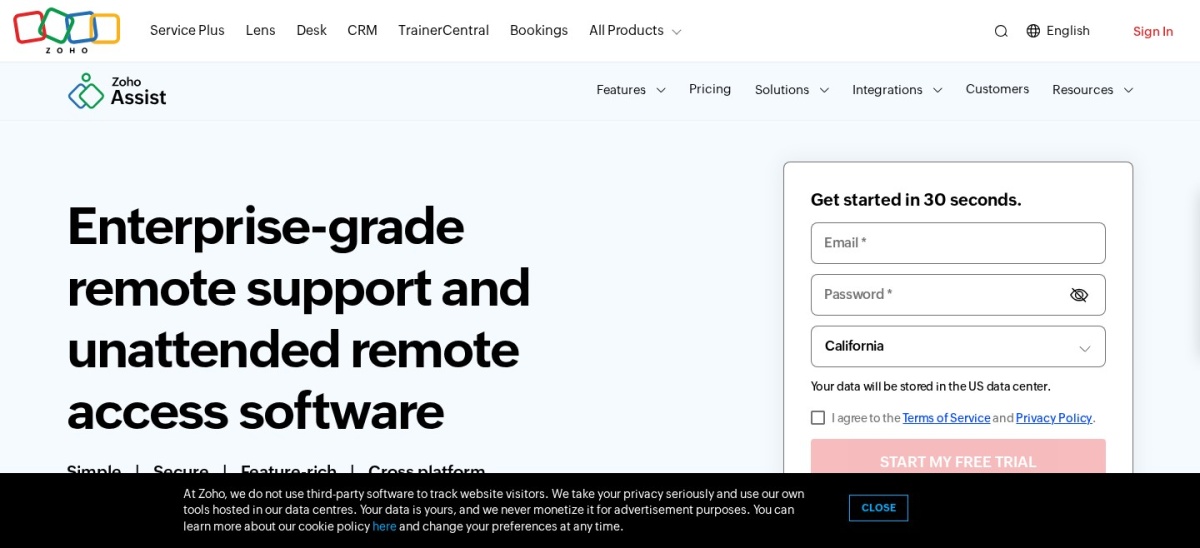
Zoho Assist is the only tool here with a free plan for support work: 1 technician and 5 unattended computers.
RemotePC starts at $29.50 a year, the lowest flat yearly price, but it has no free plan.
Chrome Remote Desktop is free with no paid tier, while RustDesk is free to self-host for technical teams.
Paid plans in this list run from $29.50 to $360 a year, so the cheapest and priciest entry plans differ by more than 12 times.
What should you look for in RDP alternatives?
RDP itself is a protocol, not a product, so an alternative should be judged on the job it does. Some tools reach your own computers when nobody is there, while others are built for attended support sessions with a client on the other end.
Price is rarely a single number. Most vendors charge per technician, per user or per concurrent connection, and several show a first-year discount beside a higher regular price. This list always shows the regular price.
Security matters more here than in most software, because the tool can control a whole computer. Look for multi-factor login, session logs and clear rules on who can connect, as our guide on adding two-factor authentication to WordPress shows for a different login, the same habit applies.
Free plans are real, but check the licence. Several free editions are limited to personal use, and a vendor can block an account that is used for business work.
Splashtop is a remote access and remote support platform for reaching your own computers from anywhere, with file transfer, remote printing and multi-monitor viewing on higher plans. Its Solo plan costs $6 per month billed annually at $72 per year for one user and two computers.
The trade off is scope. Solo covers one user and two computers, with no multi-monitor viewing or session recording, which arrive on Pro at $99 a year. It suits individuals and small teams that want fast remote computer access without enterprise pricing.
What we like
Lowest paid starting price in this list at $72 a year
Zoho Assist is a cloud remote support and unattended access tool built for IT technicians and service teams. Its free plan supports one technician, one concurrent session and up to five unattended computers, while Standard starts at $10 per technician per month billed annually.
The trade off is that the free edition leaves out file transfer and reboot-and-reconnect tools, and per-technician pricing adds up as support headcount grows. It suits solo IT helpers and help desks that want predictable per-technician licensing.
What we like
Free tier covers 1 technician and 5 unattended computers
Standard adds file transfer at $10 per technician a month
Supports Windows, macOS, Linux, ChromeOS, iOS and Android
Watch out for
Free plan lacks file transfer and reboot-and-reconnect
Costs scale per technician as the team grows
Paid plans add branding, mobile control and session recordingVisit zoho.com
03
RemotePC
4.7/5on G2 (717 reviews, checked Nov 2026)
Starts at$29.50/yr
Best for low-cost multi-computer access
Entry planConsumer, $29.50/yr
Computers on entry plan1 computer, 1 user
Higher tiersSOHO $99.50, Team $299.50
Access modesDesktop apps and web browser
remotepc.com
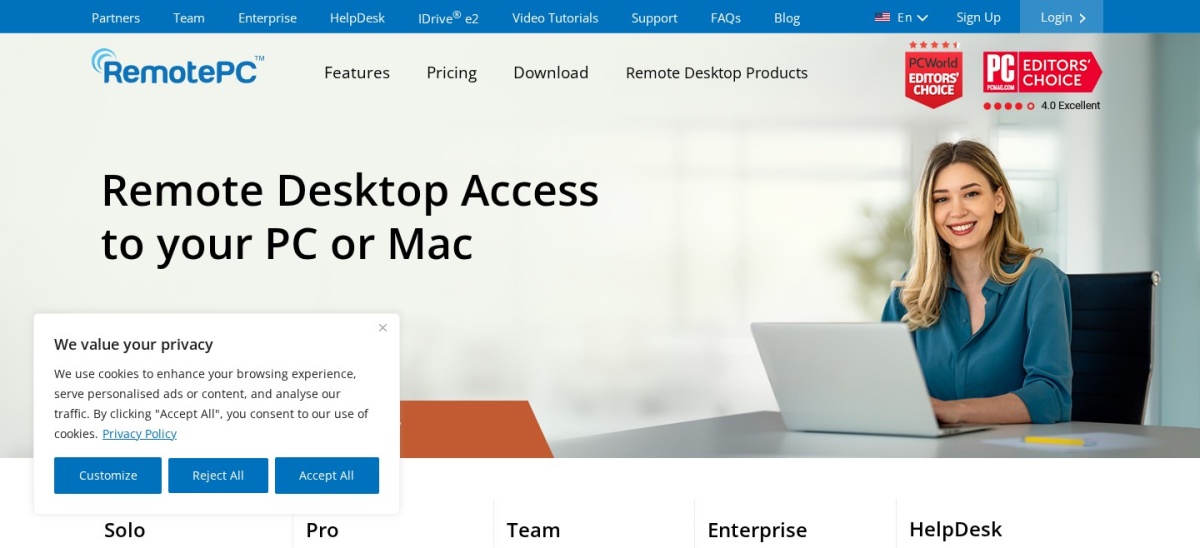
RemotePC homepage, captured Nov 2026.
RemotePC is a remote desktop service focused on always-on access to computers from desktop or mobile devices and web browsers. Its entry plan lists at $29.50 per year for one user and one computer, with higher tiers scaling to 10, 50 or 100 computers.
The trade off is that there is no permanent free edition, and some reviewers report occasional connection drops or display scaling quirks. It suits budget-minded users and small offices that want inexpensive unattended access to several machines.
What we like
Lowest flat yearly starting price in this list at $29.50
Includes file transfer, remote printing and browser access
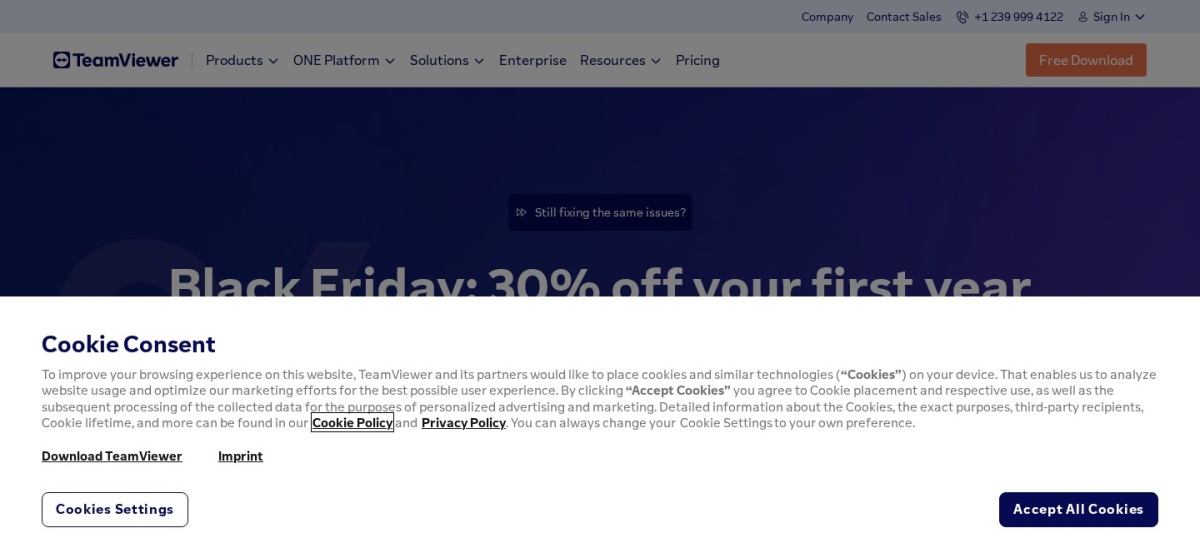
TeamViewer is the most widely deployed remote control platform in this list, with unattended access, attended support sessions and device management in one product. It is free for personal, non-commercial use, while commercial Remote Access starts at $24.90 per month billed annually.
The trade off is price. Business, Premium and Corporate tiers sit above Remote Access at $50.90, $120.90 and $245.90 per month billed annually, and the site is running a 30% first-year discount, so the list price above is the regular rate. It suits teams that need broad device cover and established support workflows.
What we like
Largest review base in this list, 4,234 G2 reviews
Covers desktop and mobile platforms in one licence
Unattended access plus attended support sessions
Watch out for
Commercial plans cost much more than budget rivals
Free accounts are limited to personal use and can be flagged for business use
AnyDesk is a lightweight remote desktop tool known for a small installer and responsive connections across desktop and mobile systems. It offers a free plan for personal use, while its paid Solo plan lists at $28.90 per month billed annually for one licensed user and one concurrent connection.
The trade off is the first-year discount. The pricing page shows 20% off the first year, at $23.12 a month, so the $346.80 figure is the regular yearly cost. It suits freelancers and technicians who want fast sessions on weak connections.
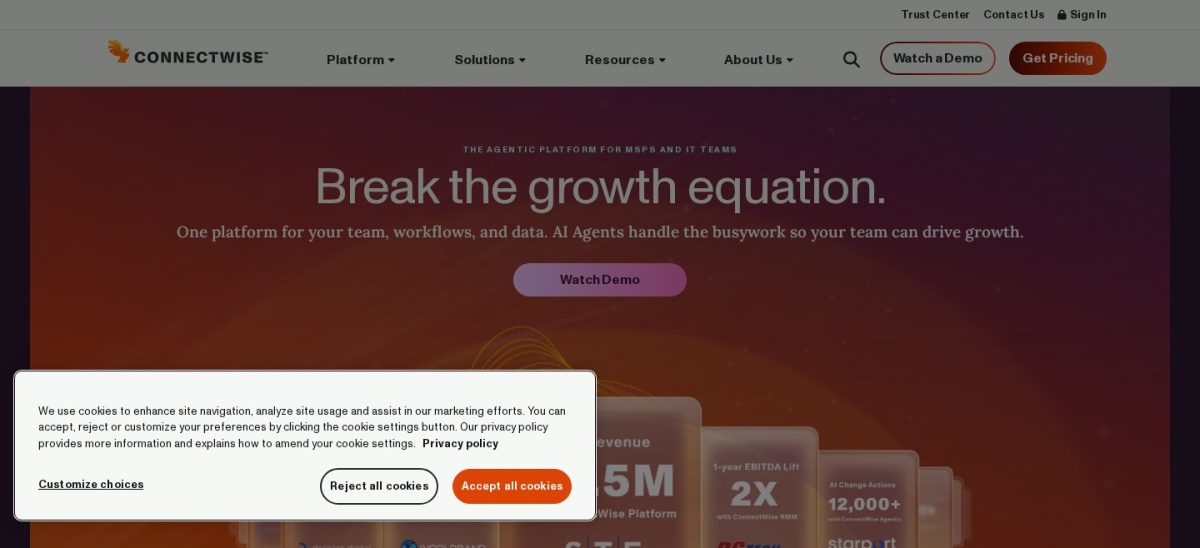
ConnectWise ScreenConnect homepage, captured Nov 2026.
ConnectWise ScreenConnect is a remote support and access tool widely used by managed service providers and IT teams. Its One plan starts at $30 per month billed annually for a single technician and 10 unattended access agents, while Standard and Premium scale by concurrent technician.
The trade off is that pricing rises quickly for multi-technician teams, and its dense console has a steeper learning curve than consumer tools. It suits IT support teams and MSPs that need granular session controls and background administration.
What we like
Fast connections with granular permissions and session control
Background access for troubleshooting without disturbing the user
Cloud or self-hosted deployment
Watch out for
Higher cost once teams add concurrent technician seats
Interface and setup can feel complex for beginners
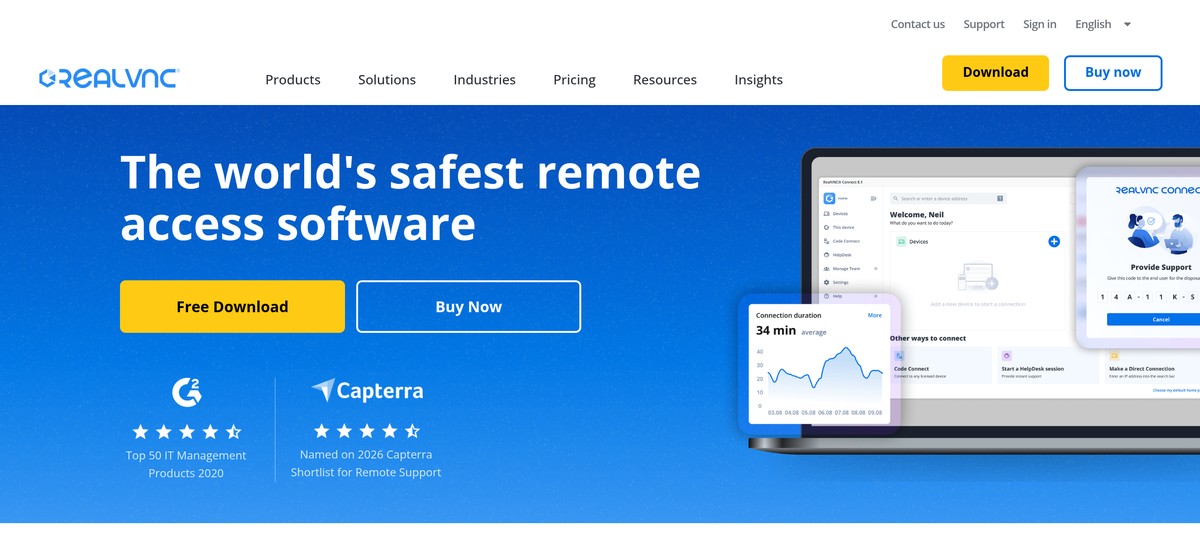
RealVNC Connect is the cross-platform classic, built on the VNC standard, with strong support for mixed operating systems and Raspberry Pi fleets. Essentials starts at $8.25 per month per active connection billed annually, and the Lite free tier covers 5 devices and 3 users for personal use.
The trade off is the device cap. Essentials allows only 3 managed devices and one user, so larger fleets must move to Plus or Premium. It suits mixed-platform setups and Pi fleets that want the open VNC standard.
What we like
Built on the open VNC standard
Free Lite tier for 5 devices and 3 users
Strong Raspberry Pi and mixed-platform support
Watch out for
Essentials caps managed devices at 3
Priced per active connection, so costs rise with concurrency
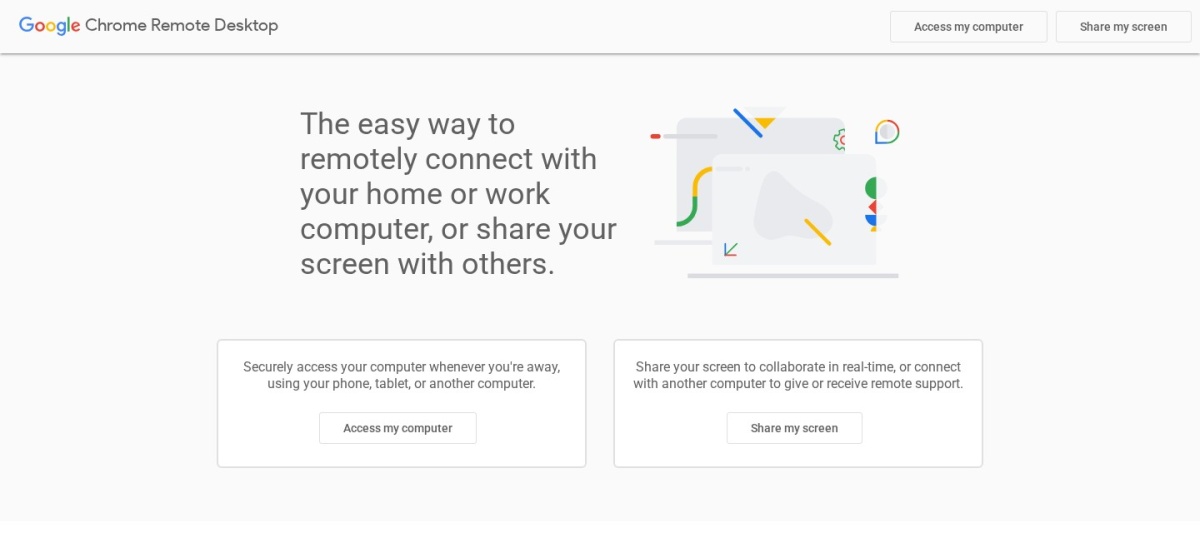
Chrome Remote Desktop homepage, captured Nov 2026.
Chrome Remote Desktop is Google's free remote access tool, run from the Chrome browser with a Google account. It covers unattended access to your own computers and one-off support sessions, with no paid tier at all.
The trade off is features. There is no file transfer, no session recording and no chat during a session, and support is limited to Google's help pages. It suits personal use and quick help for family machines.
Open-source tierFree client and self-hosted server
Entry paid tierServer Pro Individual, $11.88/mo
Pro limits1 login user, 20 managed devices
LicenceAGPL-3.0 open source plus Pro
rustdesk.com
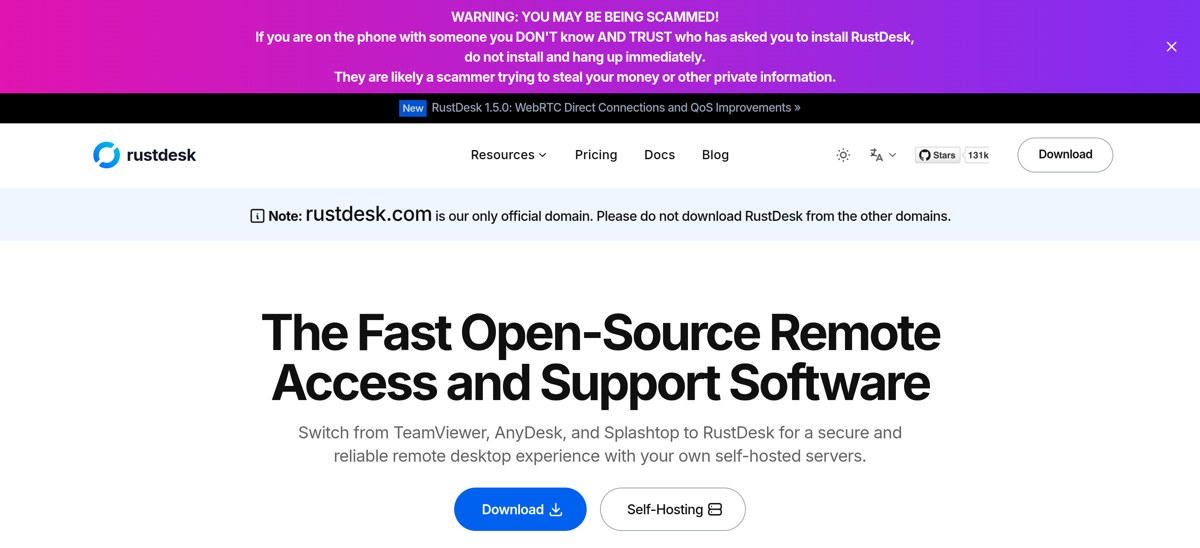
RustDesk homepage, captured Nov 2026.
RustDesk is an open-source remote desktop application that lets organisations run their own relay and ID server infrastructure. The open-source client and server cost $0 to self-host, while Server Pro Individual starts at $11.88 per month billed annually for 1 login user and 20 managed devices.
The trade off is that self-hosting requires server maintenance, network hardening and keeping clients patched, and the free server lacks a central management console. It suits technical IT teams that want data control.
What we like
Free self-hosted open-source option with no licence fee
Individual Pro includes 20 managed devices and 2FA
End-to-end encryption with your own relay server
Watch out for
Needs Linux, Docker and firewall skills to run well
Free plans in this list cover personal use or small support jobs well. Chrome Remote Desktop is free with no paid tier, Zoho Assist covers one technician free, and RealVNC Lite covers five devices.
Paid plans mostly add scale and control: more computers, more concurrent sessions, session recording, user roles and audit logs. The cheapest paid plan here is RemotePC at $29.50 a year, while team plans climb past $300 a year per technician.
If remote access is part of your job, check the licence before you rely on a free plan. Several free editions are limited to personal use, and vendors can block accounts used for business work.
For a support desk, run a security audit of your setup before rolling a tool out to the team, and turn on multi-factor login for every technician account.
How we chose
We started from the established remote desktop tools with public pricing and public review pages, then kept those with a clear entry plan and a published rating.
Prices come from each vendor's pricing page, checked on 29 November 2026. Ratings and review counts come from G2 on the same day. Where a vendor shows a sale, the list shows the regular price.
We left out tools with no published price and no public rating. No vendor paid for a place, and we do not claim to have used these tools ourselves.
How to choose an RDP alternative
Start with the job the tool has to do, then match the licence to it.
Decide between your own machines and other people's. Unattended access plans cover your own computers. Support plans add attended sessions for clients, so do not buy a self-access plan for a help desk.
Count seats, computers and concurrent sessions. Vendors charge by technician, user, device or connection, and the cheapest headline price often covers only one of each.
Check the free plan's licence. Several free editions are personal-use only. If you support clients or staff, budget for a paid plan from the start.
Try the trial on your slowest connection. Use the trial period to check lag, file transfer and unattended reconnects on the machines you actually support.
FAQ
What is the best RDP alternative in 2026?
Splashtop is the best RDP alternative for most people. It holds a 4.8 out of 5 rating on G2 from 1,173 reviews, and its Solo plan costs $6 a month billed yearly for one user and two computers.
What is the best free RDP alternative?
Chrome Remote Desktop is the best free RDP alternative for personal use, because it costs nothing and needs only a Google account and Chrome. Zoho Assist is the better free pick for support work, with one technician and five unattended computers free.
How much do RDP alternatives cost?
Entry prices in this list run from free to $30 a month. RemotePC is the cheapest paid plan at $29.50 a year, Splashtop starts at $72 a year, and ScreenConnect starts at $360 a year for one technician.
Is there a free RDP alternative for business use?
Yes, but check the licence first. Zoho Assist covers one technician free, and RealVNC Lite covers five devices for personal use. TeamViewer and AnyDesk are free for personal use only, so business use needs a paid plan.
Which RDP alternative is best for a small team?
Zoho Assist is the best pick for a small support team, with a free technician plan and Standard at $10 per technician a month. Splashtop is the better pick when the team mainly reaches its own computers, at $6 per user a month.
Splashtop vs TeamViewer: which is the better RDP alternative?
Splashtop wins on price and rating, at $6 a month with a 4.8 out of 5 G2 rating, against TeamViewer at $24.90 a month with 4.5 out of 5. TeamViewer wins on reach, with the largest review base and broader device management for larger teams.
Can I self-host an RDP alternative?
Yes. RustDesk is open source and free to self-host, with Server Pro from $11.88 a month billed yearly for a management console. ScreenConnect also offers a self-hosted option for teams that need to keep data on their own servers.
SaaS SEO and WordPress specialist with about 8 years of experience. Rakib compares WordPress plugins, themes, hosting and software using public pricing, documentation and user reviews. See how we rank.