GIMP is the best Paint.NET alternative, a free open-source editor rated 4.3 out of 5 on G2 from 1,485 reviews, with layers, masks and plugins. Photopea runs in a browser and opens PDN files, while Affinity is the best free pro-grade pick and Krita suits digital painting.
How we make this list: we compare pricing pages, product documentation and public user reviews, then re-check every price before each update. No product paid for a place. Disclosure.
GIMP is the closest free replacement for Paint.NET: layers, masks, plugins and no price, rated 4.3 out of 5 on G2 from 1,485 reviews.
Photopea is the only tool here that opens Paint.NET PDN files, free in a browser, with Premium at $5 a month to remove ads.
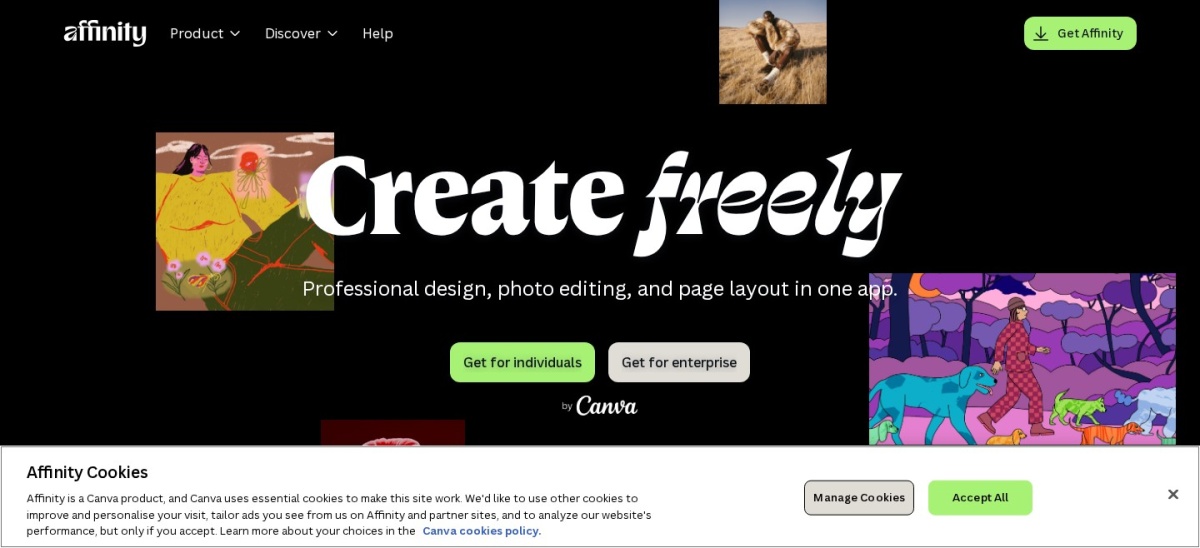
Affinity is now free for individuals, with a pro-grade Photo studio rated 4.5 out of 5 on G2 from 452 reviews.
Krita, MediBang Paint and Sketchbook cover painting and comics for $0, while Clip Studio Paint starts at $26.99 a year.
Photoshop Elements costs $99.99 once for a 3-year licence, and Rebelle is the highest rated here at 4.8 out of 5 on G2.
How do you choose the best Paint.NET alternative?
Start with what you actually do in Paint.NET. Most people use layers, effects and plugins for quick edits, so a full painting studio is more than they need, while a browser editor may be enough.
Free covers most of this list. Five of the nine tools cost nothing, and the paid ones start at $19.99 once or $26.99 a year, so the price spread is small.
File support decides the switch. Photopea opens PDN files directly, so old projects carry over; for every other tool, export finished work from Paint.NET as PNG first. Our guide on optimizing images for WordPress explains how to keep those exports light.
Windows users have the widest choice. Every tool here runs on Windows, while Photopea runs in any browser and GIMP, Krita and Affinity cover Mac and Linux too.
GIMP is a free and open-source raster editor that covers the same ground as Paint.NET and goes further, with layers, masks, brushes, selection tools and a large plugin library. Version 3.2.8 arrived on 2 November 2026, and there is no paid edition, no account and no seat limit.
The trade off is the learning curve. The interface packs in more panels and menus than Paint.NET, so simple jobs take longer until the layout feels familiar. It suits Windows users who want a free editor that can grow with them, from quick crops to layered compositions.
What we like
Free forever with no paid edition
Layers, masks and plugins included
Runs on Windows, macOS and Linux
1,485 G2 reviews, the most here
Watch out for
Steeper learning curve than Paint.NET
Brushes feel thinner than Krita for painting
Interface feels dated next to paid tools
No paid plan exists; donations fund developmentVisit gimp.org
02
Photopea
4.5/5on Capterra (113 reviews, checked Nov 2026)
Paid from$5/mo
Best browser editor that opens PDN files
Free planYes, with ads
InstallNone, runs in browser
File supportPSD, PDN, AI, XD
Premium$5/mo, removes ads
photopea.com
Photopea homepage, captured Nov 2026.
Photopea is a free image editor that runs in a browser tab, with layers, masks, brushes and Photoshop-style tools. It opens PSD, AI, Sketch and XD files, and it is the only tool here that opens Paint.NET PDN files directly, so old projects carry over without exporting first.
The trade off is ads and performance. The free plan shows ads beside the workspace, and very large files can feel slow in a browser tab. Premium costs $5 a month and removes the ads, doubles undo history and adds 5 GB of storage. It suits anyone who edits on a shared or borrowed computer.
Affinity is the professional design suite from Canva, free for individuals since October 2025. One download covers vector drawing, pixel painting and page layout, and the Photo studio handles layered photo editing with PSD support, so it replaces Paint.NET and more.
The trade off is the sign-in. You need a Canva account to download it, and the AI features need a paid Canva plan. It suits freelancers and small teams leaving Adobe who want professional tools without a subscription.
Krita is a free and open-source painting program made for illustration, concept art, comics and 2D animation. It ships with more than 100 preloaded brushes across nine brush engines, plus layers, masks, brush stabilisers, drawing assistants and PSD support.
The trade off is the learning curve. The interface packs in a lot of panels and settings, so new users need time to find their way around. It suits illustrators and comic artists who want professional painting tools without paying anything.
What we like
Completely free with no paid edition
More than 100 brushes and nine brush engines
Frame-by-frame animation with onion skinning
Runs on Windows, macOS and Linux
Watch out for
Busy interface takes time to learn
Not built for photo editing or vector logos
Large files can feel slow on older computers
No paid plan exists; donations and store versions fund developmentVisit krita.org
05
Sketchbook
4.4/5on G2 (177 reviews, checked Nov 2026)
Paid from$19.99/once
Best for quick sketching
Free planYes, mobile app
Desktop Pro$19.99 one time
BrushesHundreds of brushes
PlatformsWindows, Mac, iOS, Android
sketchbook.com
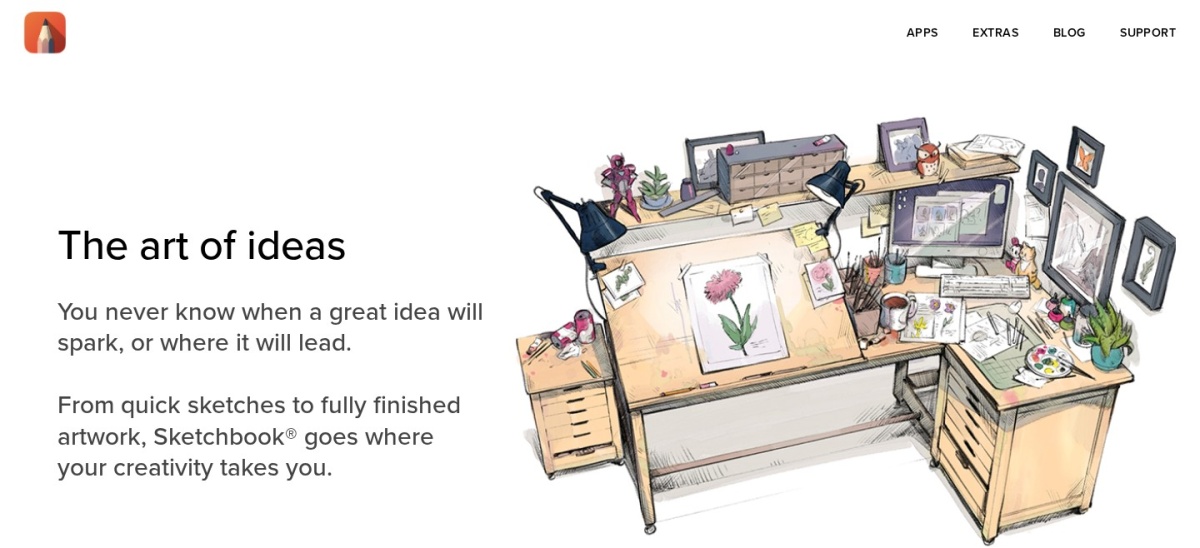
Sketchbook homepage, captured Nov 2026.
Sketchbook is a simple drawing app built around a canvas-first workflow, with hundreds of brushes, layers with blend modes, symmetry tools, Flipbook animation and full pen pressure and tilt support. The mobile app is free, and the interface stays out of the way while you draw.
The trade off is price on desktop. Sketchbook Pro for Windows and Mac costs $19.99 as a one-time purchase, and it is a sketching tool rather than a full painting suite. It suits artists who want fast, clean line art without a full painting app's weight.
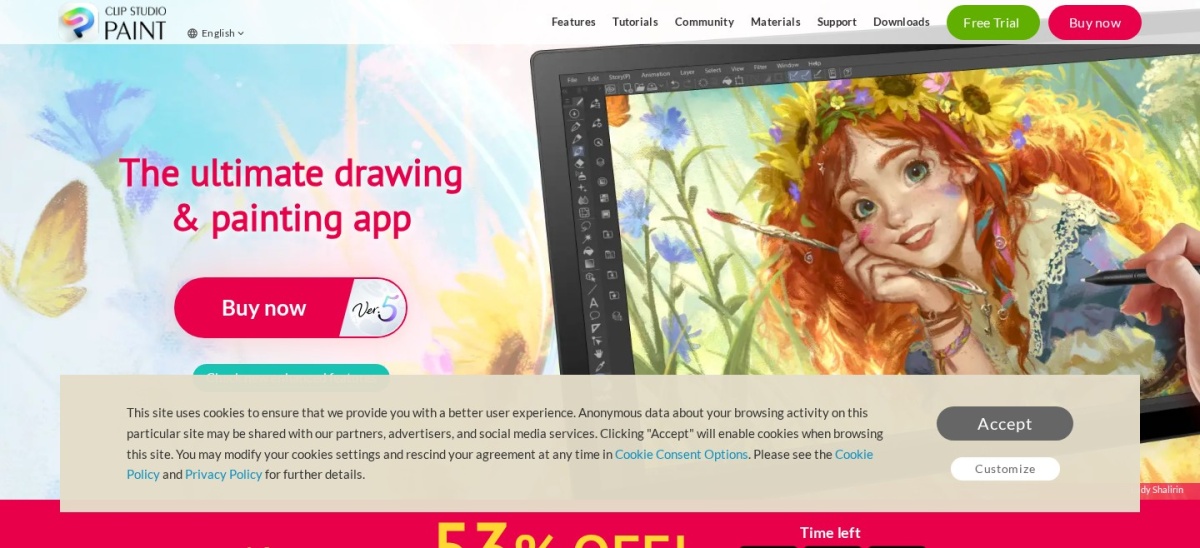
Clip Studio Paint is the working illustrator's tool, with comic panels, screentones, vector layers, perspective rulers and 3D models for difficult poses. PRO costs $26.99 a year for a single device, or $63 once for the Ver. 5.0 licence on Windows and macOS.
The trade off is the interface. It packs comic-specific tools most beginners will not touch for months, and the EX grade needed for full animation and multi-page management costs $76.99 a year or $277 once. It suits illustrators and comic artists who draw seriously.
Photoshop Elements is Adobe's consumer editor with Quick, Guided and Advanced modes, AI tools to remove distractions and expand photos, and an Organizer for your library. The 2027 version costs $99.99, paid once, and it teaches as you edit.
The trade off is the term. Since the 2025 release it is a 3-year term licence: when the term ends the editor stops opening until you buy again, so it costs about $33 a year rather than lasting for life. Adobe lists it at $59.99 on sale until 1 December 2026. It suits beginners who want Adobe-quality guided edits.
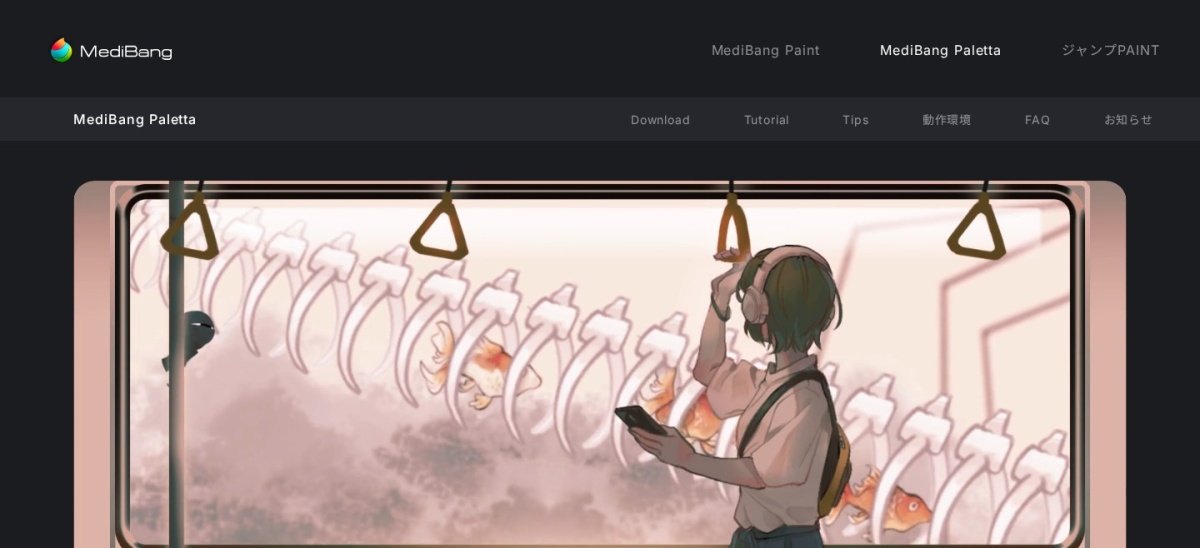
MediBang Paint is a free drawing and comic app built for manga and comic artists. It ships with more than 50 brushes, screentones, comic fonts, panel tools and perspective guides, and it syncs files through the cloud across desktop, tablet and phone.
The trade off is depth. It is lighter than Krita or Clip Studio Paint, and the mobile app shows ads. It suits beginners and comic artists who want a light, free app that works on every device.
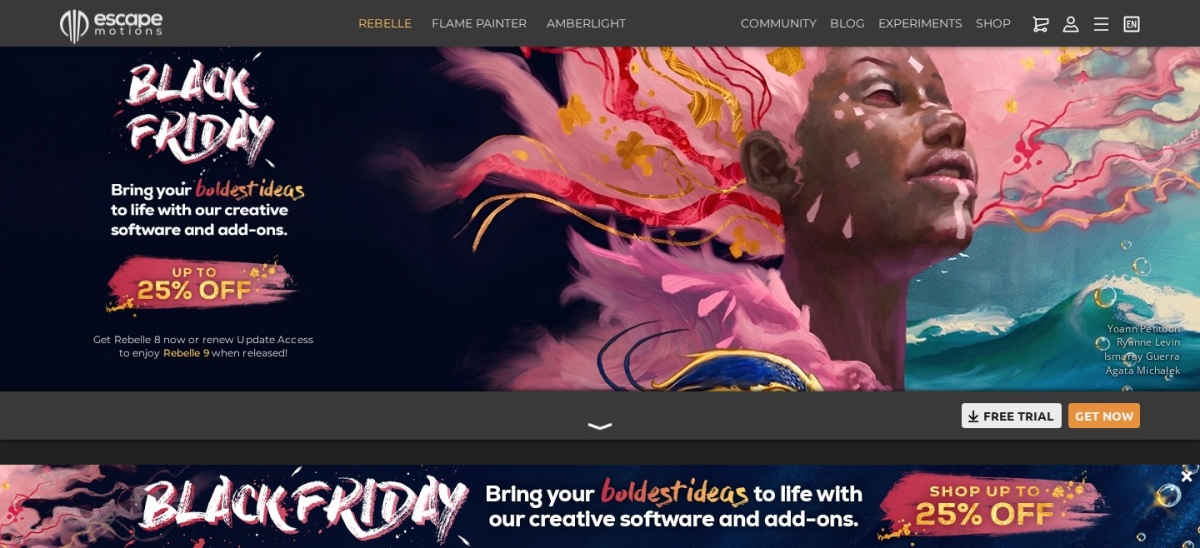
Rebelle is a painting program from Escape Motions where oils and watercolours use real physical pigment colour mixing, so colours blend the way they do on a real palette. It holds the highest G2 rating in this list at 4.8 out of 5 from 94 reviews.
The trade off is scope. Rebelle 8 costs $89.99 once for the standard edition, or $149.99 for Pro, and it is a painting tool rather than a photo editor or comic workstation. It suits painters who judge an app by how real the paint feels.
Photopea opens PDN files directly. It reads layers, so a project started in Paint.NET keeps working in a browser tab.
For every other tool, export first. Save finished work from Paint.NET as PNG for flat images, or keep the PDN original beside the export.
PSD is the common ground. GIMP, Krita, Affinity and Photopea all open PSD files, so layered work can move between them.
How we chose
We started from the editors most often recommended as Paint.NET replacements, then kept those with a verifiable rating on G2 or Capterra and a current Windows version.
Prices come from each vendor's pricing page, checked on 29 November 2026. Ratings and review counts come from G2 or Capterra on the same day. Where a vendor shows a sale, the list shows the regular price.
We left out tools with no public rating and editors that only run on one mobile platform. No vendor paid for a place, and we do not claim to have used these tools ourselves.
How to choose a Paint.NET alternative
Start with the files you already have, then match the tool to the work you do most.
Check whether you need your PDN files. If old projects matter, Photopea opens PDN files directly. Otherwise export finished work as PNG from Paint.NET first.
Pick free first if the budget is $0. GIMP, Krita, Affinity, MediBang Paint and Sketchbook cover editing, painting and comics without paying anything.
Match the tool to the job. GIMP and Affinity suit photo-style editing, Krita and Rebelle suit painting, and Clip Studio Paint suits comics. See how to generate images with AI in WordPress if you need art for a site.
Read the licence before you pay. Photoshop Elements is a 3-year term, not a lifetime purchase, and Clip Studio Paint's one-time licence needs a paid Update Pass for new versions.
FAQ
What is the best Paint.NET alternative in 2026?
GIMP is the best Paint.NET alternative for most people. It is free and open source, rated 4.3 out of 5 on G2 from 1,485 reviews, and covers layers, masks, brushes and plugins with no paid edition.
Is there a free alternative to Paint.NET?
Yes. GIMP, Krita, Affinity, MediBang Paint and Sketchbook are all free, and Photopea is free in a browser with ads. GIMP is the closest free match for general editing, while Krita suits painting.
Which Paint.NET alternative opens PDN files?
Photopea is the only tool in this list that opens Paint.NET PDN files directly, with layers intact. It runs in a browser, so there is nothing to install, and the free plan covers every editing feature.
What is the best Paint.NET alternative for beginners?
Photopea is the easiest start because it runs in a browser and needs no install, while Photoshop Elements teaches with Guided Edits for $99.99. GIMP is free but takes longer to learn.
GIMP vs Photopea: which is better as a Paint.NET replacement?
GIMP is better for daily desktop editing, with a full plugin library and no ads, while Photopea is better when you need PDN files or a computer you cannot install software on. Both are free, so many people keep both.
What is the best Paint.NET alternative for drawing and painting?
Krita is the best free pick for drawing, with more than 100 brushes and animation tools. Rebelle is the best paid pick for realistic watercolour and oils at $89.99 once, rated 4.8 out of 5 on G2.
SaaS SEO and WordPress specialist with about 8 years of experience. Rakib compares WordPress plugins, themes, hosting and software using public pricing, documentation and user reviews. See how we rank.