Mailchimp WordPress Alternatives in 2026: 9 Best Tools Compared
WLWPLegible EditorsLast verified 22 Nov 2026How we rank11 min read
★ Short answer
MailerLite is the best Mailchimp alternative for most WordPress sites, with a free plan for 250 subscribers and Comfort from $12 a month. Pick Brevo for the largest free plan, MailPoet to keep email inside WordPress, and EmailOctopus for the cheapest simple paid plan.
How we make this list: we compare pricing pages, product documentation and public user reviews, then re-check every price before each update. No product paid for a place. Disclosure.
MailerLite is the best overall pick: 4.6 out of 5 on G2 and Comfort from $12 a month for 500 subscribers.
Brevo has the largest free plan here: 300 emails a day and storage for up to 100,000 contacts.
MailPoet and FluentCRM keep email inside WordPress, so your list never leaves your own site.
EmailOctopus has the cheapest simple paid plan at $10 a month, with a free plan for 2,500 subscribers.
Constant Contact is the only tool here with no free plan, and its price jumps sharply as your list grows.
What to look for in a Mailchimp replacement
Mailchimp charges by audience size, so the bill grows with every subscriber even if you send rarely. Most of the tools in this list charge the same way, but a few charge by emails sent or by site, which can cost far less for a large list that mails once a month.
A WordPress connection matters. Some tools here are plugins that run inside your dashboard, while others are cloud platforms with a WordPress plugin for signup forms. Plugins keep your list in your own database; cloud tools handle sending for you.
Free plans differ more than the headlines suggest. One tool gives 2,500 free subscribers and another gives 250, and send caps, branding and automation limits decide whether a free plan is useful or just a trial.
Price is only half the cost. Our guide on free vs premium WordPress plugins explains when paying is worth it, and the price ladder below shows the cheapest paid plan for each tool at its entry list size.
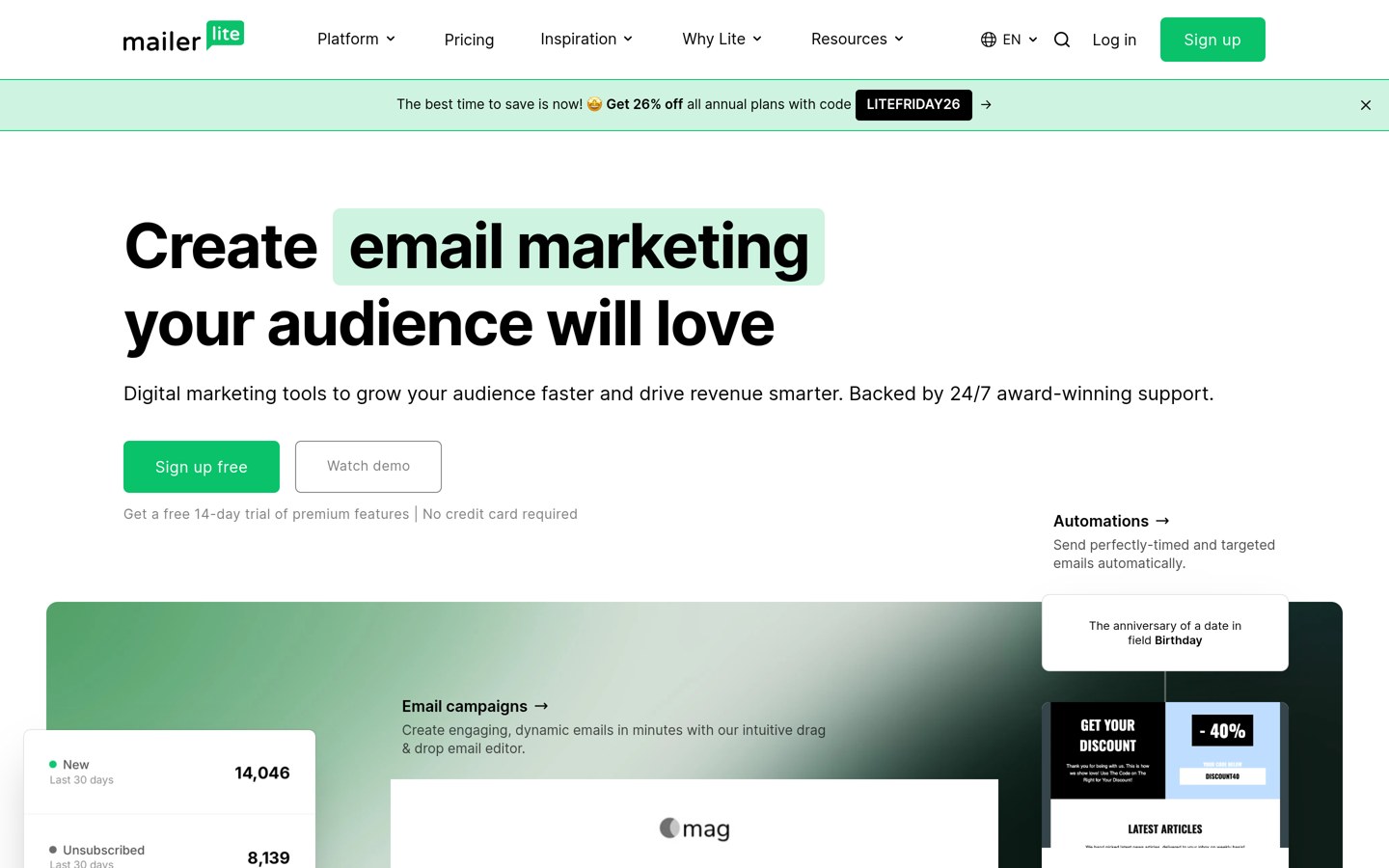
MailerLite is a cloud email platform for newsletters, automations, landing pages and signup forms, with a WordPress plugin that connects your site to your list. The free plan covers 250 subscribers and 2,500 emails a month, plus 3 automations, a landing page and a website.
The trade off is the small free plan. Once you pass 250 subscribers you need Comfort, which starts at $12 a month for 500 subscribers and rises with your list. It suits bloggers and small businesses that want a clean editor and a low starting price.
What we like
Clean editor and simple setup
Automations included on the free plan
Lowest entry price among the cloud tools here
More than 1 million users, so help is easy to find
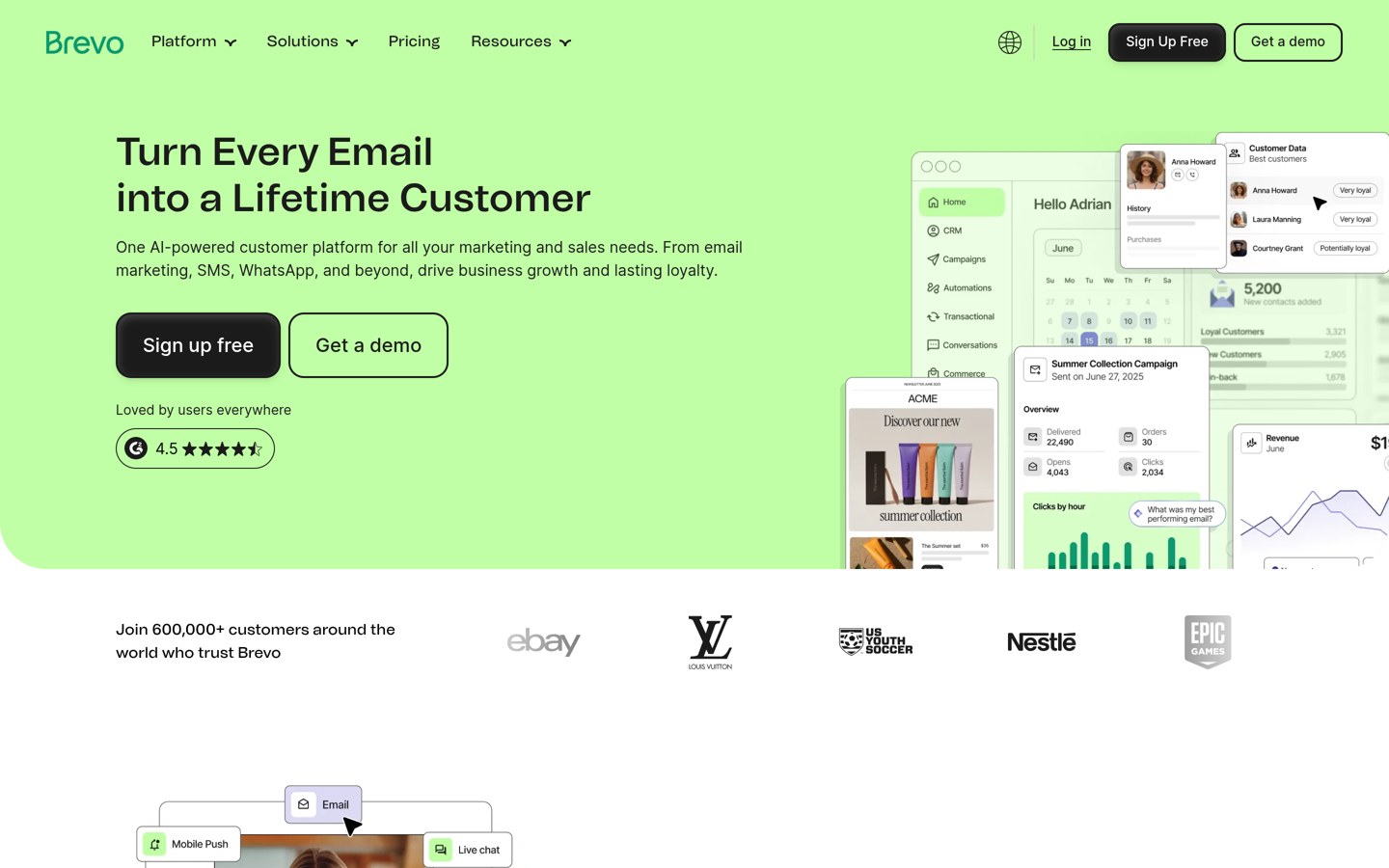
Brevo is a marketing platform that covers email, SMS, WhatsApp and a simple CRM, and it prices by emails sent rather than list size. The free plan sends 300 emails a day and stores up to 100,000 contacts, with signup forms and templates included.
The trade off is automation. Starter at $9 a month covers 5,000 emails a month, but automations and A/B testing need Standard at $18 a month, and removing Brevo branding costs extra. It suits shops and small teams that send often to a large list.
What we like
Largest free plan in this list
Priced by sends, not list size
Email, SMS and CRM in one account
Cheapest paid plan in this list
Watch out for
Automations need the $18 a month Standard plan
Logo removal is a paid add-on on Starter
Starter covers only 500 contacts at $9 a month
Standard adds automations, A/B testing and more sendsVisit brevo.com
03
MailPoet
4.4/5on WordPress.org (1,435 reviews, checked Nov 2026)
Paid from$10/mo
Best for email inside WordPress
Free planYes, 500 subscribers
Sending serviceMailPoet, on Business
WooCommerceYes, built in
Paid planCreator, from $10/mo
mailpoet.com
MailPoet homepage, captured Nov 2026.
MailPoet is a newsletter plugin that lives inside WordPress, so subscribers, campaigns and automations stay in your own dashboard. The free Starter plan covers 500 subscribers and 5,000 emails a month through the MailPoet Sending Service, with WooCommerce emails built in.
The trade off is sending. The cheapest paid plan, Creator from $10 a month, needs your own sending provider, while Business at $10 a month includes MailPoet sending with unlimited emails. It suits WordPress sites that want email without a second dashboard.
4.8/5on WordPress.org (251 reviews, checked Nov 2026)
Paid from$129/yr
Best flat-price automation in WordPress
Free planYes, unlimited contacts
Paid planPro, $129/yr
SendingYour SMTP or SES
Price rises with listNo, flat per site
fluentcrm.com
FluentCRM homepage, captured Nov 2026.
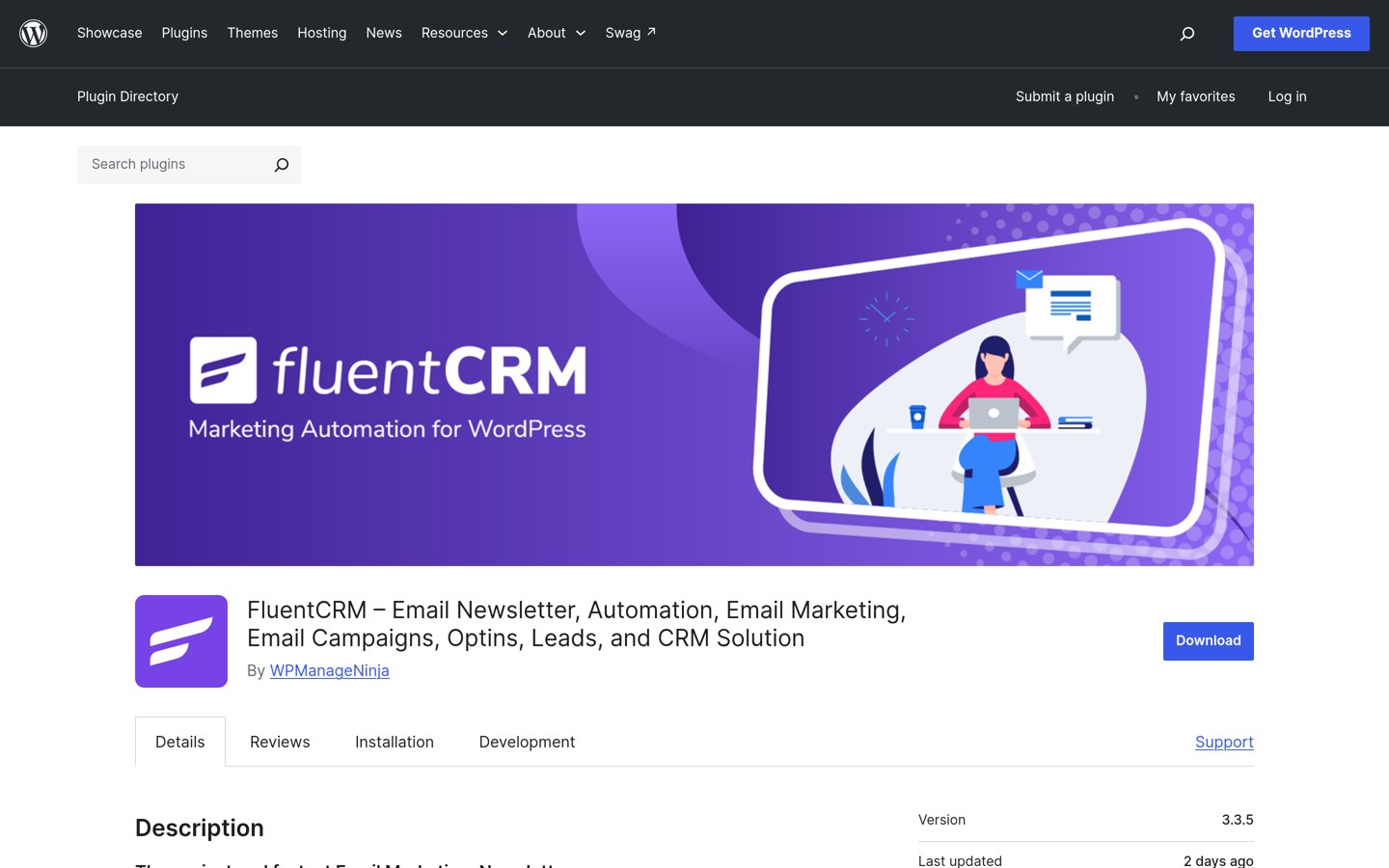
FluentCRM is a self-hosted CRM and email plugin that stores contacts, tags, campaigns and automations in your WordPress database. The free plugin has no contact limit, and Pro adds WooCommerce triggers, branches and SMS for a flat $129 a year for one site.
The trade off is delivery. FluentCRM sends through your own email setup, so you need a sending service such as Amazon SES and that service bills you separately. It suits stores and publishers with large lists who want one fixed yearly price.
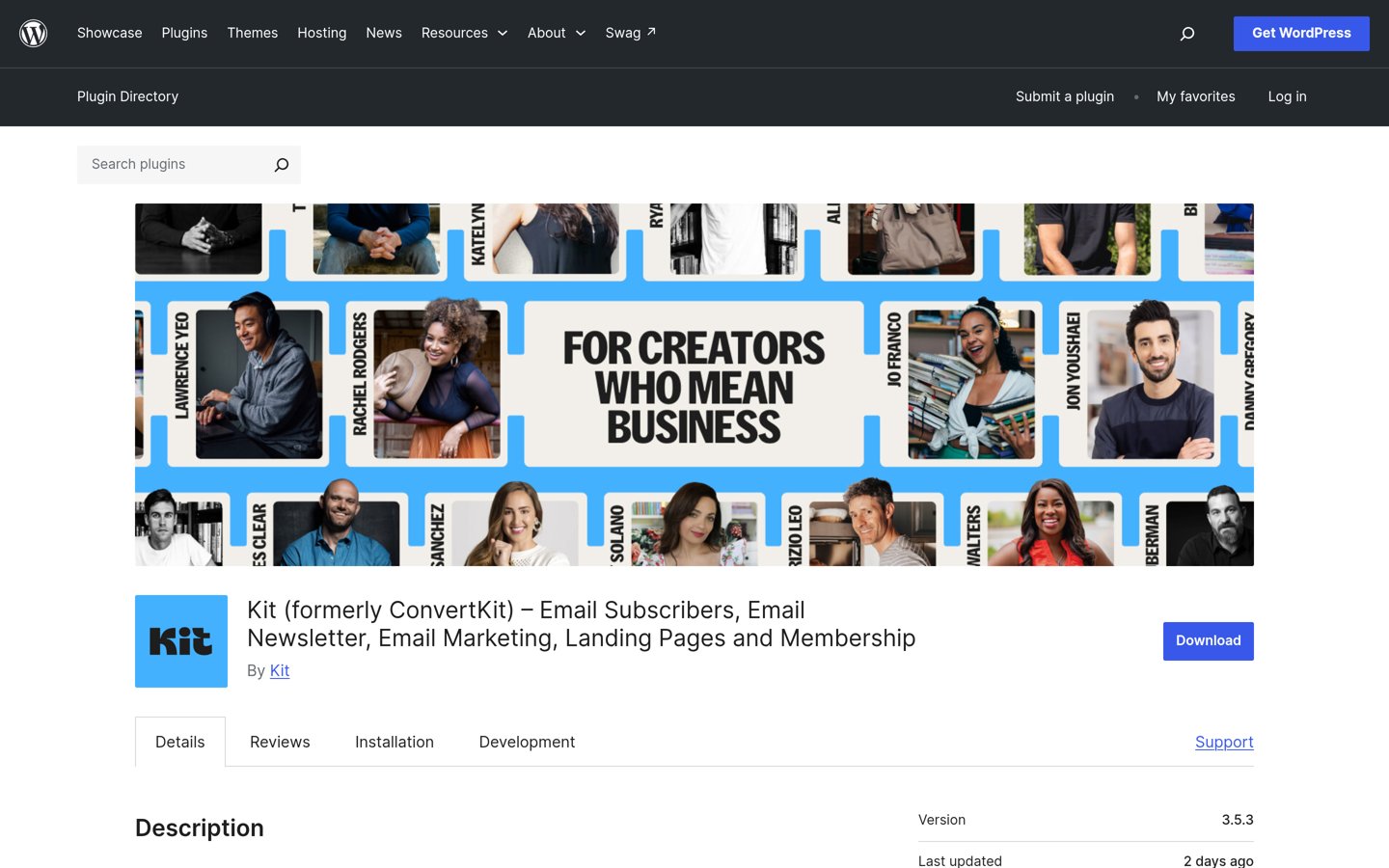
Kit, formerly ConvertKit, is an email platform built for creators, with tagging, visual automations, landing pages and tools to sell digital products. The free Newsletter plan covers up to 10,000 subscribers with unlimited sends, 1 automation and 1 sequence.
The trade off is price. Creator starts at $29 a month and adds unlimited automations and sequences, and paid newsletters carry a 3.5% fee plus 30 cents per sale. It suits creators who sell products or paid newsletters.
What we like
Generous free plan for up to 10,000 subscribers
Strong tagging and visual automations
Built-in tools to sell digital products
WordPress plugin for forms and landing pages
Watch out for
Most expensive entry price in this list
Only 1 automation on the free plan
Paid newsletters take a 3.5% fee
Creator adds unlimited automations and sequencesVisit kit.com
06
EmailOctopus
4.8/5on Trustpilot (360 reviews, checked Nov 2026)
Paid from$10/mo
Best budget pick for simple newsletters
Free planYes, 2,500 subscribers
Free emails10,000 a month
Paid planPro, $10/mo
Amazon SES optionYes, Connect plan
emailoctopus.com
EmailOctopus homepage, captured Nov 2026.
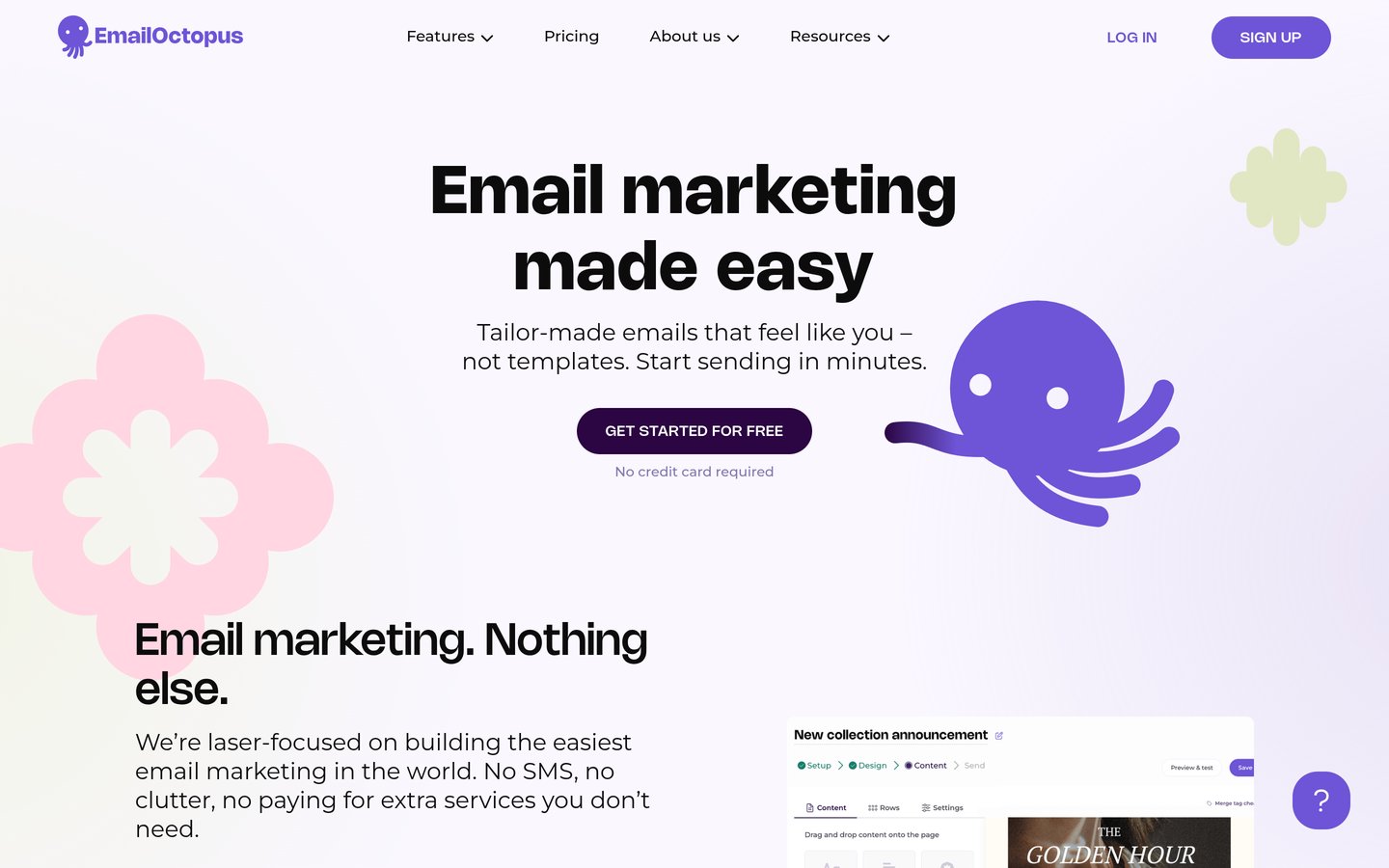
EmailOctopus is a plain email platform for newsletters and small businesses, with forms, landing pages and basic automations. The free Starter plan covers 2,500 subscribers and 10,000 emails a month, the largest free list in this list, with no time limit.
The trade off is depth. Pro starts at $10 a month for 500 subscribers and removes branding, but there is no free trial of Pro and advanced automation is thin. It suits small lists that want a simple tool at a low price.
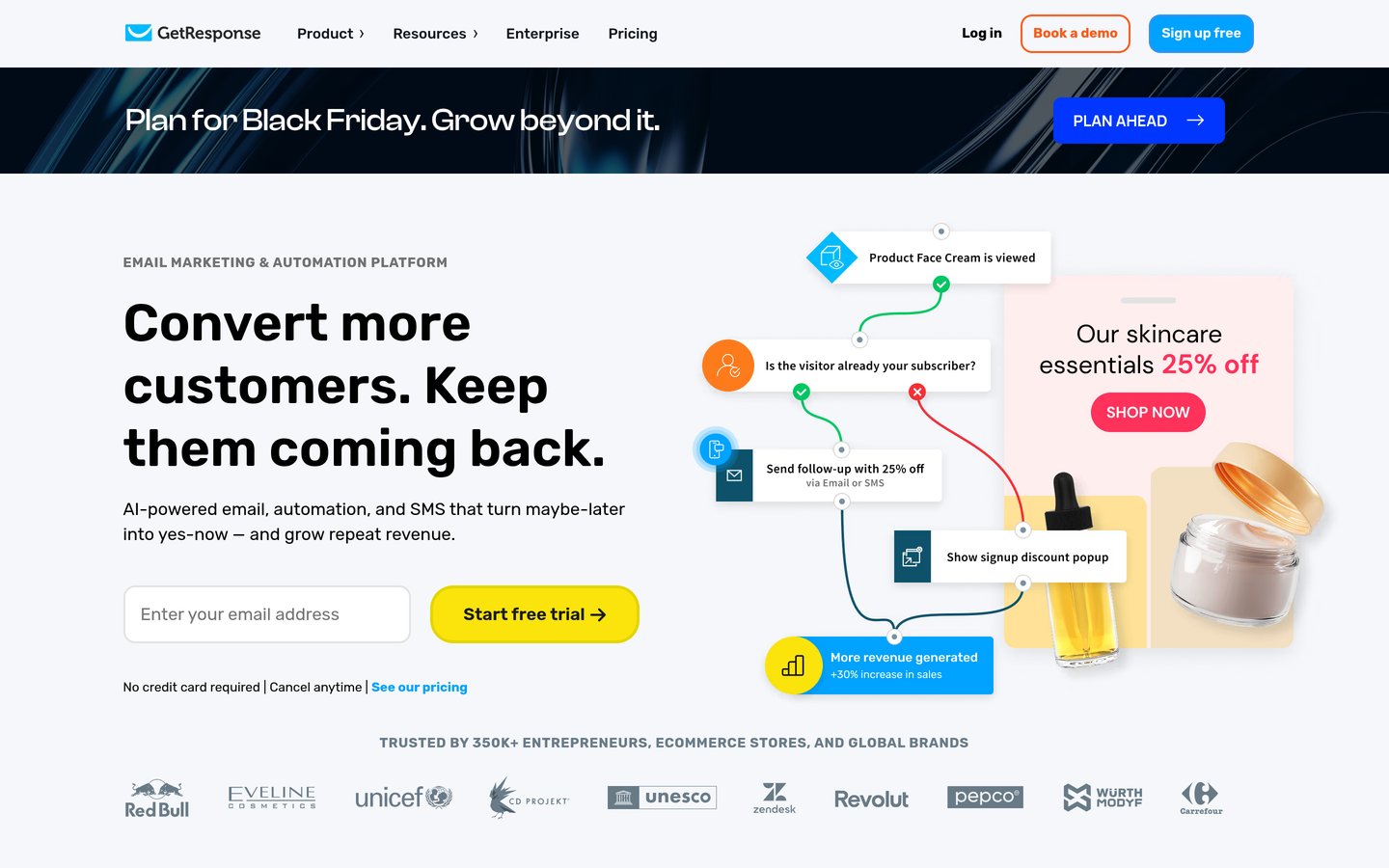
GetResponse is an all-in-one platform with email, landing pages, funnels, a website builder and webinars. The free plan covers 500 contacts and 2,500 emails a month, and Starter at $19 a month for 1,000 contacts adds unlimited sends, autoresponders and AI tools.
The trade off is automation. Starter includes only 1 automation workflow, so unlimited workflows need Marketer at $59 a month, and the price climbs steeply as your list grows. It suits marketers who want webinars and funnels beside email.
AWeber is a long-running email platform for small businesses and bloggers, with landing pages, automations, signup forms and more than 750 integrations. The free plan covers 500 subscribers and 3,000 emails a month, with live support on every plan including free.
The trade off is Lite limits. Lite starts at $15 a month for 500 subscribers and allows only 1 list, 3 automations and 3 landing pages, so growing sites soon need Plus. It suits beginners who want a person to help when email breaks.
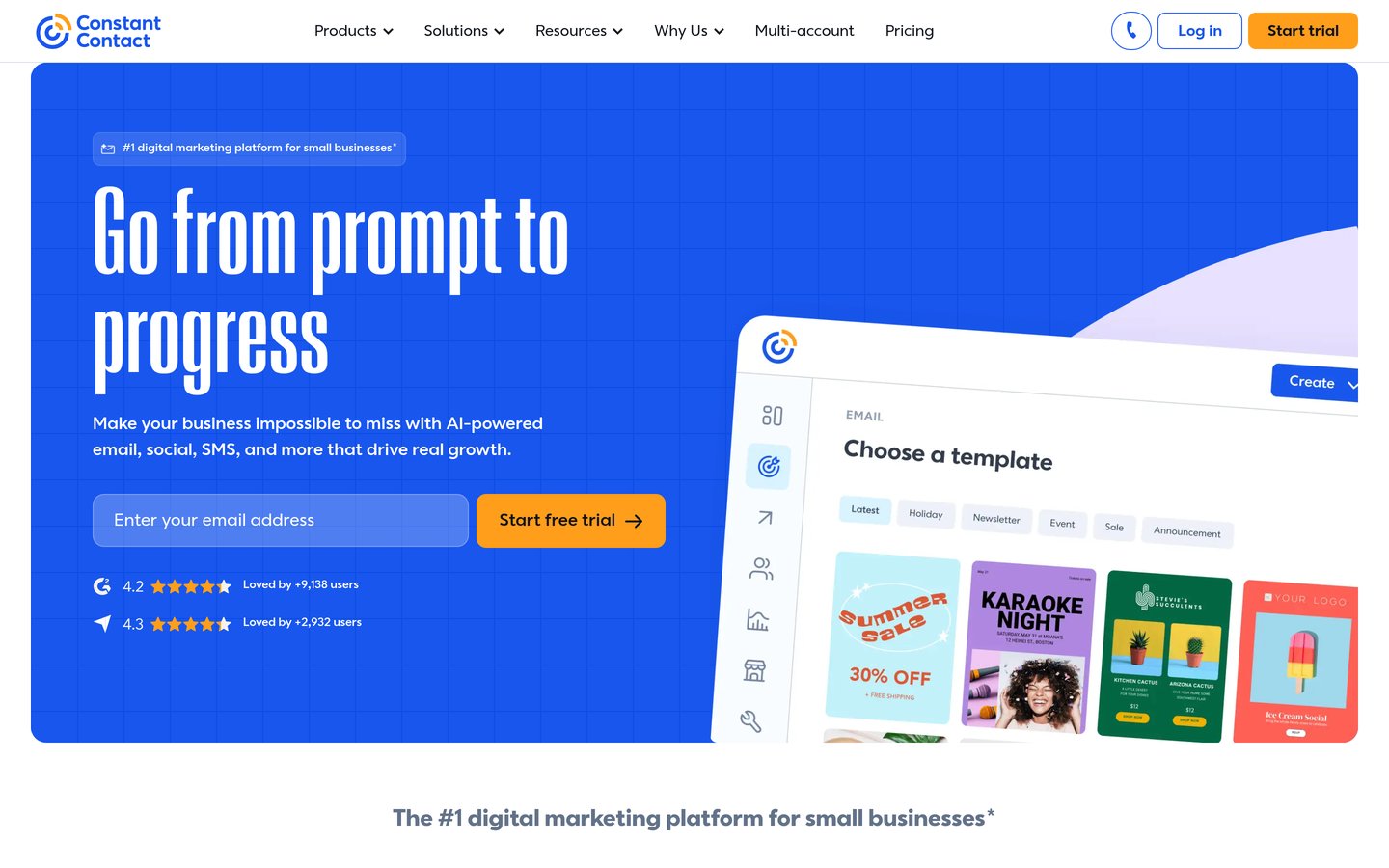
Constant Contact is an email and marketing platform for small businesses, with templates, social posting, event pages and live phone and chat support on every plan. Lite starts at $12 a month for 500 contacts and includes a welcome automation and landing pages.
The trade off is the lack of a free plan. There is only a 30-day trial capped at 100 sends, and Lite caps sends at 10 times your contact count, so the price jumps sharply as your list grows. It suits small businesses that value phone support over a free tier.
Free plans cover a newsletter well. Most include signup forms, templates and some automation, and EmailOctopus and Brevo cover the largest free lists.
Paid plans mostly add automation, sending and support. You get more workflows, higher send caps, no branding and faster help.
The cheapest paid plan is not always the cheapest year. Brevo at $9 a month and MailPoet from $10 a month both rise with your list, while FluentCRM stays at $129 a year whatever the list size.
If your list is under 500 subscribers, start free and only pay when a limit you hit every week blocks real work.
Switching from Mailchimp: what to check first
Export your list and tags before you cancel. Every tool here imports CSV files, and most offer a free migration service on paid plans.
Check your automations one by one. Welcome emails and abandoned cart flows rarely move across unchanged, so rebuild the two or three that earn money first.
Warm up the new sender. Send to your most engaged subscribers first for a week or two, so mailbox providers learn to trust the new sending setup.
Keep Mailchimp running until the first campaign from the new tool lands well. Two tools for a month costs less than a lost list.
How we chose
We started from the email platforms WordPress users switch to most often when they leave Mailchimp, then kept the nine with a useful free plan or trial, a WordPress plugin or integration, and a published price.
Prices come from each vendor's pricing page, checked on 22 November 2026, with secondaries quoted only where the vendor page blocks direct reads. Ratings come from WordPress.org for the two plugins and from G2 or Trustpilot for the cloud tools. Where a vendor shows a sale, the list shows the regular price.
We left out tools with no published price and no WordPress connection. No vendor paid for a place, and we do not claim hands-on testing for this list.
How to choose a Mailchimp alternative for WordPress
Start with your list size and where you want your subscribers to live, then check the free plan before you pay.
Count your subscribers and your sends. A list under 500 fits most free plans, while a large list that mails rarely is cheaper on Brevo or FluentCRM than on a per-subscriber plan.
Decide plugin or cloud. MailPoet and FluentCRM keep email inside WordPress. The rest are cloud tools with a WordPress form plugin, and they handle sending for you.
Try the free plan with a real campaign. Send one newsletter to your whole list before paying, so you see the editor, the reports and the send cap in practice.
Check the price at your next list size. Constant Contact jumps from $12 to $30 past 500 contacts and Kit from $29 a month as you grow, so budget for the tier above yours.
FAQ
What is the best Mailchimp alternative for WordPress?
MailerLite is the best overall pick for most WordPress sites. It has a free plan for 250 subscribers, Comfort from $12 a month, and a 4.6 out of 5 G2 rating from 1,114 reviews.
Which Mailchimp alternative has the best free plan?
EmailOctopus has the largest free subscriber limit at 2,500 subscribers and 10,000 emails a month. Brevo is next best for volume, with 300 emails a day and storage for up to 100,000 contacts.
Can I keep my email list inside WordPress?
Yes. MailPoet and FluentCRM both store subscribers in your WordPress database. MailPoet also sends through its own service, while FluentCRM needs your own sending provider such as Amazon SES.
Is MailerLite cheaper than Mailchimp?
Usually, yes. MailerLite Comfort starts at $12 a month for 500 subscribers, while Mailchimp Essentials starts at $13 a month for the same size, and MailerLite includes automations on its free plan.
Do I need a paid plan to send newsletters?
No. Eight of the nine tools here have a free plan that sends real newsletters, and only Constant Contact has no free plan. Pay when you pass the free subscriber limit or need more automations.
How do I move my list from Mailchimp?
Export your contacts and tags from Mailchimp as a CSV file, then import it into the new tool. Most tools here offer free migration help on paid plans, and you should keep Mailchimp running until your first campaign lands well.