vidIQ is the best keyword research tool for YouTube for most creators, with keyword scores, daily ideas and 150 AI credits a month on its free plan, rated 4.5 out of 5 on G2. Pick TubeBuddy for keyword work inside YouTube Studio, and Keyword Tool for long lists of long-tail ideas.
How we make this list: we compare pricing pages, product documentation and public user reviews, then re-check every price before each update. No product paid for a place. Disclosure.
vidIQ leads on YouTube-native keyword scores, with a free plan that includes 150 AI credits a month.
TubeBuddy puts Keyword Explorer inside YouTube Studio, and Pro costs $16 a month.
Keyword Tool returns 750 or more long-tail ideas per free search, but Starter is $68 a month.
Keywords Everywhere is the cheapest paid option at $84 a year for 100,000 volume credits.
Prices run from $84 a year to $1,679.40 a year, and every tool here has a free plan or free tool.
How do you pick keyword research tools for YouTube?
YouTube publishes no official search volume data, so every volume figure in this list is an estimate from the tool that shows it.
The tools split into two kinds. YouTube-native tools such as vidIQ and TubeBuddy score keywords inside YouTube, while general keyword tools such as Ahrefs and Semrush add web-search data that helps judge a topic from more than one angle.
Start free and pay only when limits block real work. Our guide on keyword research for a WordPress blog explains the same volume-and-competition check, and it works the same way for video topics.
Check competition as well as volume. A keyword with high volume and weak competing videos is a better bet for a small channel than a popular keyword owned by large channels.
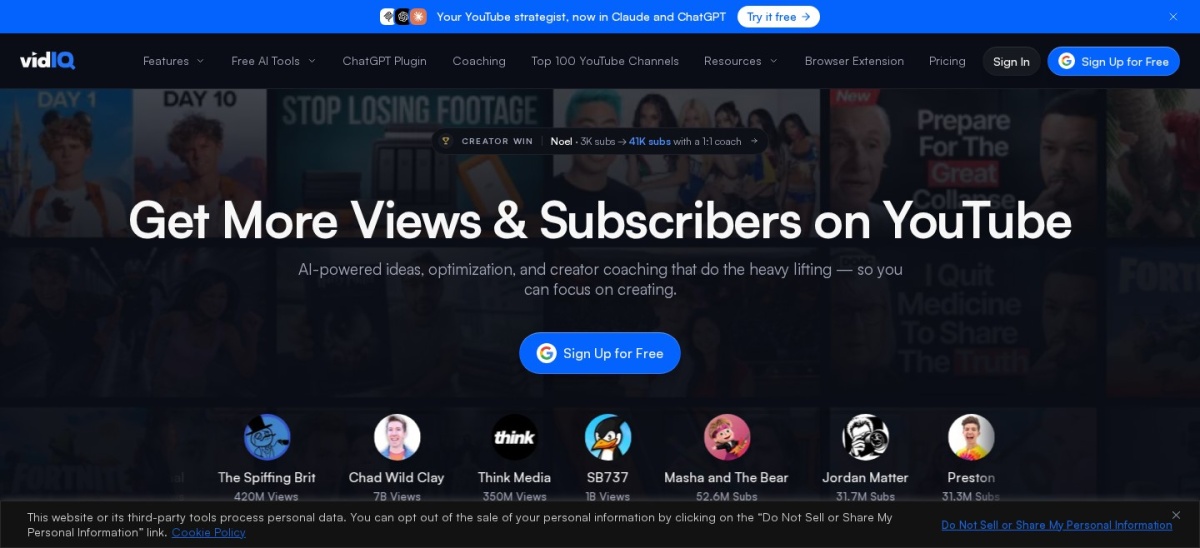
vidIQ is a YouTube growth platform that scores keywords by search volume and competition inside YouTube itself. The free plan includes 150 AI credits a month, daily personalized video ideas, niche trends and an AI Coach, plus a browser extension that overlays scores on the pages you already browse.
The trade off is credits. Every AI feature draws on the same monthly balance, so 150 free credits run out fast, and full keyword research needs Boost at $16.58 a month billed yearly, or $199 a year. It suits new creators who want a daily shortlist of topics with real demand behind them.
What we like
Daily personalized video ideas on the free plan
Volume and competition scores shown inside YouTube
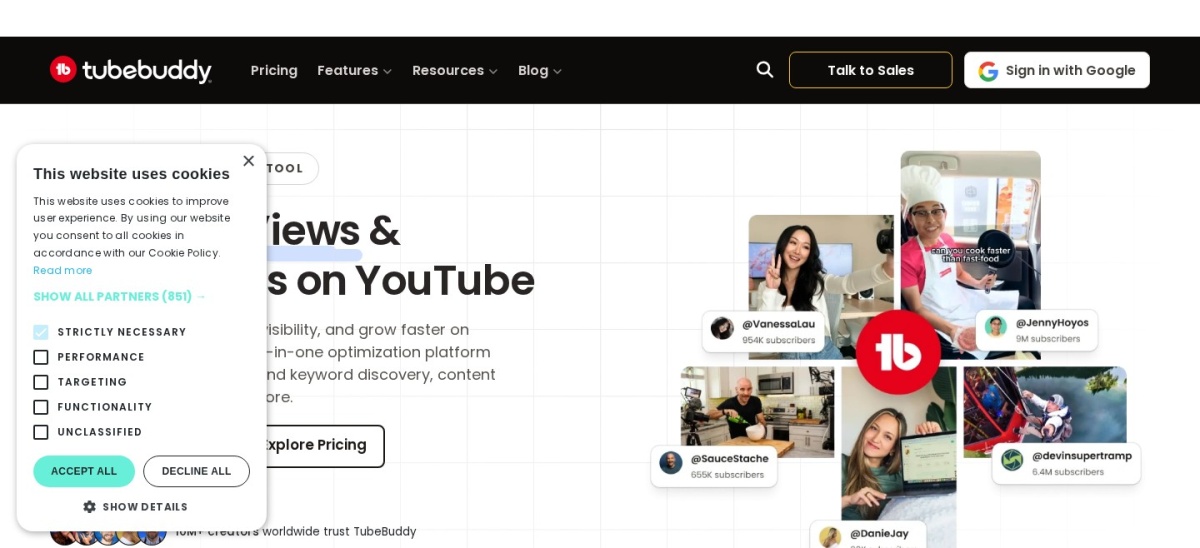
TubeBuddy is a browser extension that puts keyword research inside YouTube Studio, where videos are published. The free plan includes Keyword Explorer with search volume and competition scores, tag suggestions, and SEO Studio checks that score each upload before it goes live.
The trade off is depth. Bulk editing, rank tracking and A/B testing sit on paid plans, and Pro costs $16 a month, or $192 a year, with a sale running at the time of writing. It suits creators who publish often and want keyword checks without leaving YouTube.
What we like
Works inside YouTube Studio, not a separate app
Keyword Explorer included on the free plan
Bulk tools save time across a back catalog
Tag rankings show where videos place in search
Watch out for
The best tools, including A/B testing, are paid
Creator licenses end once a channel passes 50,000 subscribers
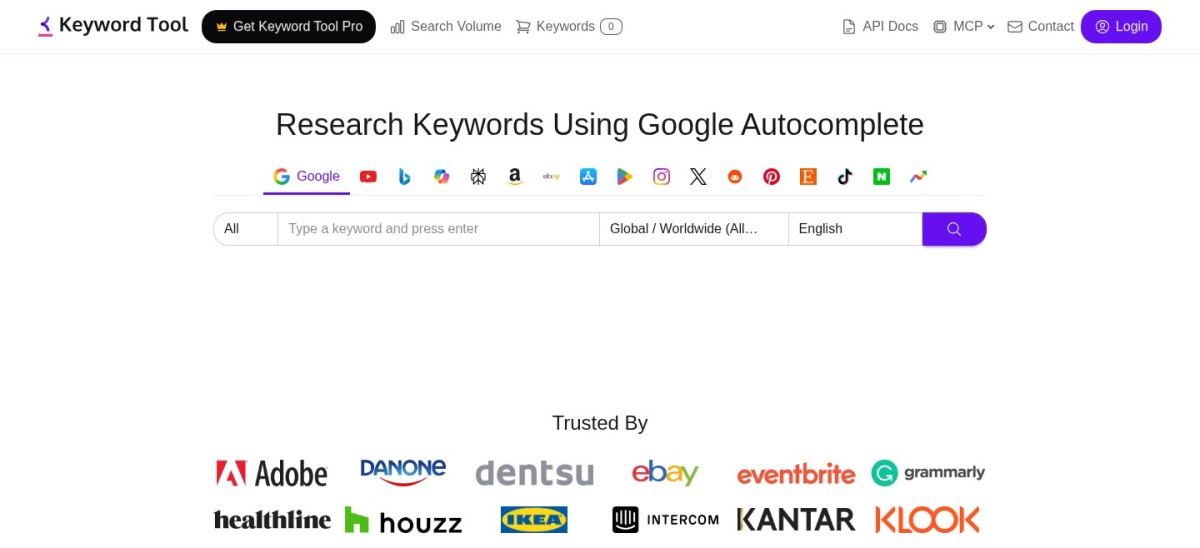
Keyword Tool is an autocomplete research tool that turns one seed term into hundreds of long-tail YouTube suggestions. The free version returns 750 or more ideas per search across 17 platforms including YouTube, with no account needed, and paid plans add volume, competition and trend data.
The trade off is price. Starter costs $68 a month billed yearly, which is steep for a tool that only suggests keywords, and YouTube volumes are modeled estimates rather than official counts. It suits creators who need big idea lists fast and filter them elsewhere.
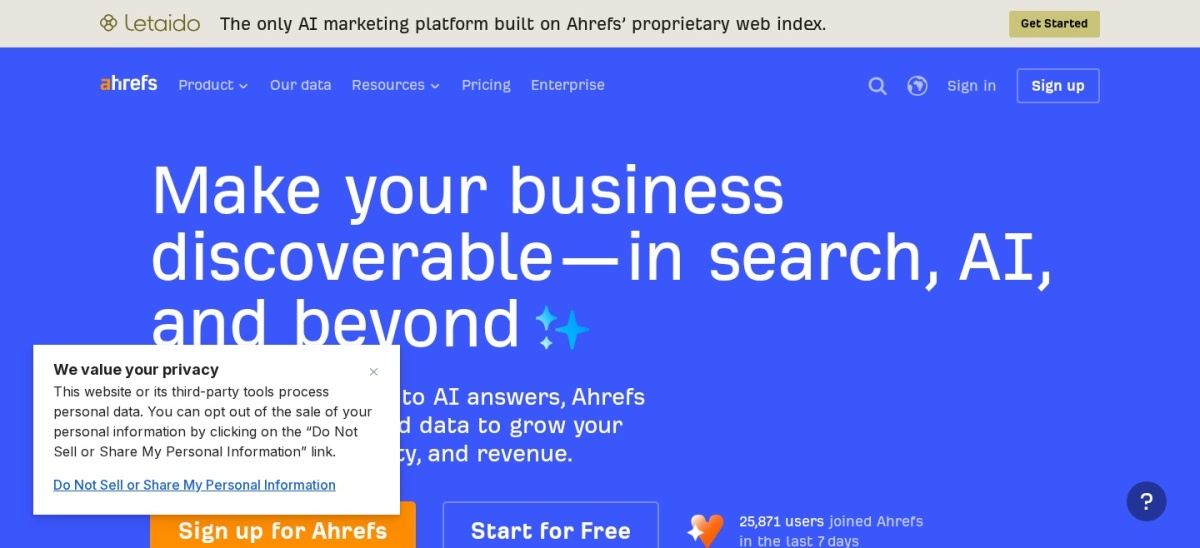
Ahrefs is a full SEO suite whose free YouTube keyword tool gives volume estimates and idea lists without a paid plan. The $29 a month Starter plan adds Keyword Explorer, site audits and rank tracking for 50 tracked keywords, with data from one of the largest live backlink indexes.
The trade off is scope. YouTube is one corner of a web-search suite, so its YouTube keyword data is thinner than vidIQ or TubeBuddy, and Starter caps at one project. It suits teams who already pay for Ahrefs and want YouTube ideas in the same login.
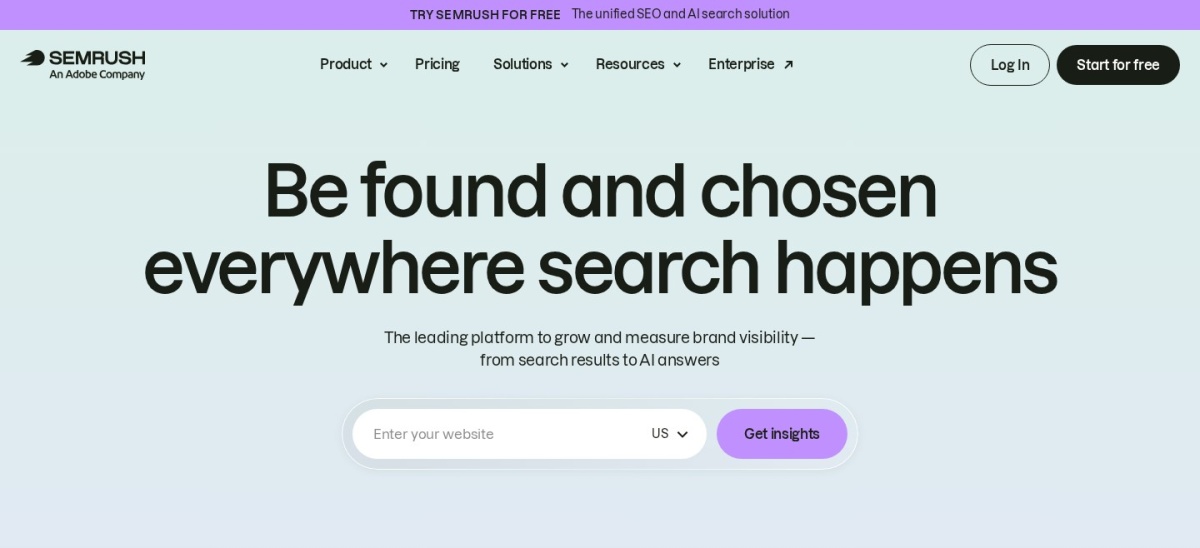
Semrush is the largest all-in-one SEO platform here, and its Keyword Analytics for YouTube app researches seed keywords, top videos and trends without a full subscription. The full Pro plan at $139.95 a month opens the Keyword Magic Tool, gap analysis and rank tracking across Google and YouTube.
The trade off is price and weight. Pro costs $139.95 a month, or $1,679.40 a year, which is hard to justify for YouTube alone, and the platform takes weeks to learn. It suits teams that run YouTube beside web search and want one login for both.
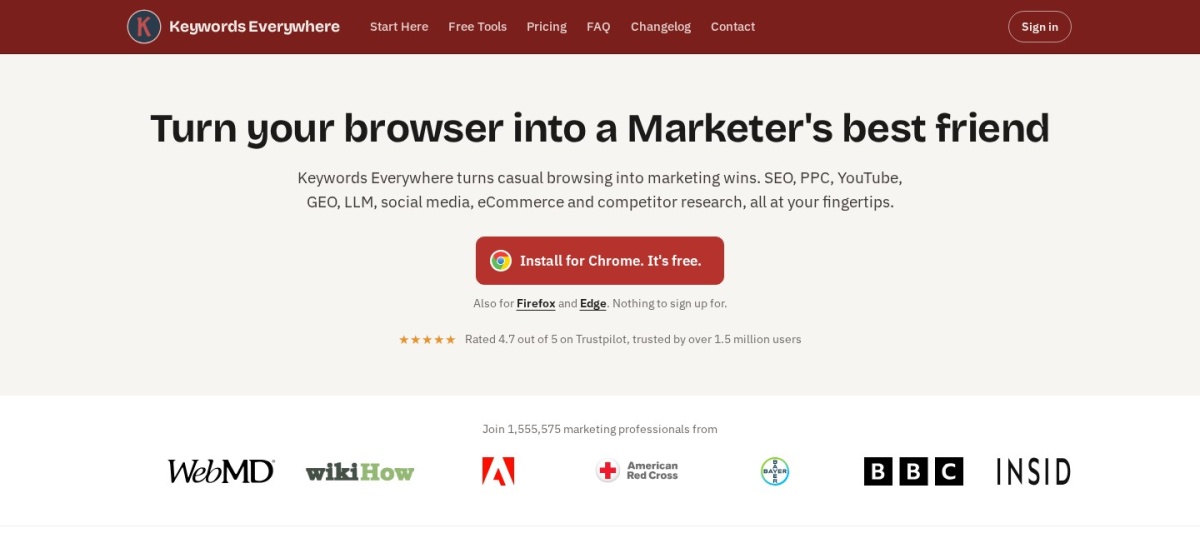
Keywords Everywhere is a browser extension that shows search volume, CPC and trend data beside YouTube and Google searches. The extension itself is free, and Bronze at $84 a year buys 100,000 credits, with one credit spent per keyword shown.
The trade off is the credit meter. Heavy research burns credits fast, and the paid plans are billed yearly only, so there is no monthly option. It suits solo creators who want volume numbers on the pages they already open.
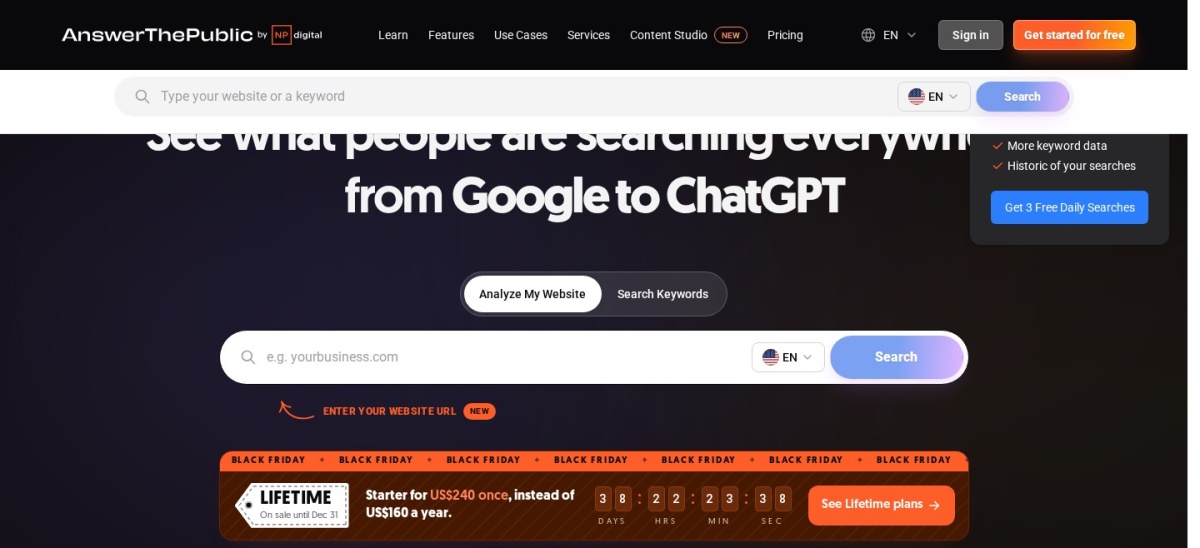
AnswerThePublic is a search-listening tool that turns one topic into the questions, comparisons and related searches people type. The free plan covers 3 searches a day, which is enough to plan video titles around real questions, and paid plans add more searches and exports.
The trade off is volume. It shows what people ask, not how many search for it, so pair it with a volume tool before committing to a topic, and Starter costs $9 a month. It suits creators who plan videos around questions viewers already ask.
Ubersuggest is a budget SEO platform from Neil Patel with keyword ideas, volume, difficulty and content ideas in one dashboard. The free plan covers 3 searches a day, and the Individual plan at $29 a month adds more searches, rank tracking and site audits.
The trade off is depth. Its keyword database is smaller than Ahrefs or Semrush, and YouTube data is a side feature rather than the focus, so check big decisions in a second tool. It suits beginners who want simple volume and difficulty checks in one place.
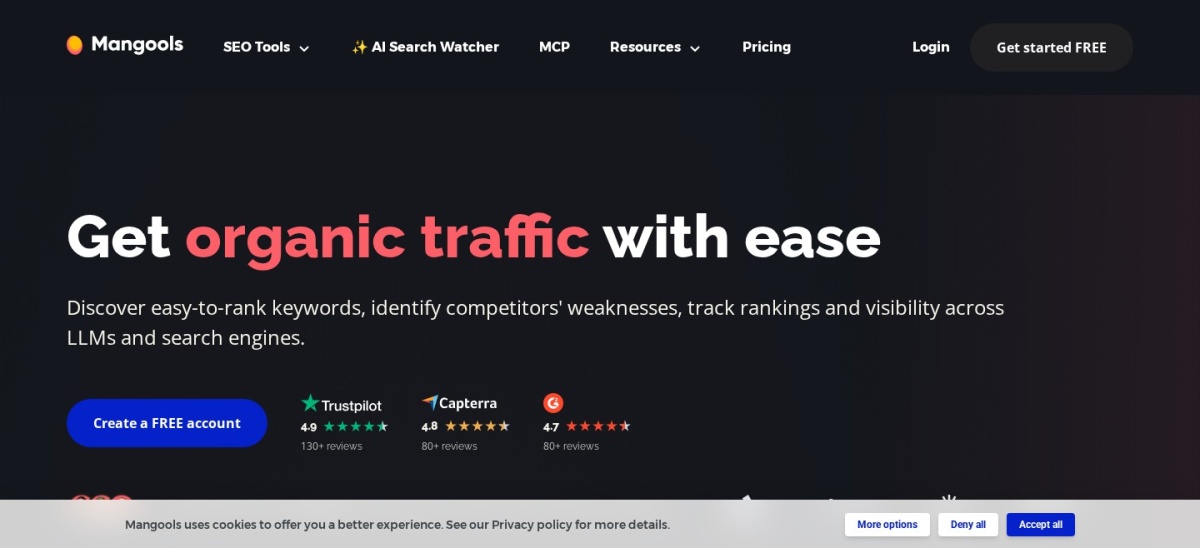
KWFinder is the keyword tool inside the Mangools suite, built for finding long-tail keywords with low difficulty. Type a seed term and it returns related keywords, autocomplete ideas and questions with volume, a 0-100 difficulty score, trends and CPC, with the top search results beside the list.
The trade off is focus. KWFinder covers Google, not YouTube search data, so use it to judge how hard a topic is, not how it performs on YouTube, and Basic costs $29.90 a month billed yearly. It suits creators who cross-check video topics against web competition.
Free plans cover the first step well. Most give keyword scores, a few searches a day or a long list of suggestions, which is enough to shortlist topics.
Paid plans mostly add volume, history and scale. You get exact volume estimates, trend data, rank tracking and more searches per day.
If you publish weekly, the free limits bite fast. vidIQ's 150 AI credits and the 3-search daily caps on AnswerThePublic and Ubersuggest run out within days for an active channel.
Start with the cheapest plan that removes your bottleneck. For most creators that is Keywords Everywhere at $84 a year or TubeBuddy Pro at $16 a month.
How we chose
We started from the YouTube keyword tools creators mention most, then kept the nine with a public rating and a free way to research.
Prices come from each vendor's pricing page, checked on 30 November 2026. Ratings and review counts come from G2 on the same day. Where a vendor shows a sale, the list shows the regular price.
We left out TubeRanker and Morningfame, which have no public rating on G2 or Capterra, and Social Blade, whose homepage blocked our screenshot capture twice. No vendor paid for a place, and we do not claim to have used these tools ourselves.
How to choose a keyword research tool for YouTube
Start with the keyword, not the tool: pick three topics, then check each one in a free plan first.
Check demand in a free plan first. Run your topic through vidIQ or TubeBuddy free and note the volume and competition scores before paying for anything.
Pick one native tool as your main. vidIQ leads on ideas and AI help, TubeBuddy leads on keyword work inside YouTube Studio. One of them covers most creators.
Add a volume tool for cross-checks. Keywords Everywhere or Keyword Tool confirms whether a topic has demand beyond YouTube, and KWFinder shows how hard it is on the web.
Re-check prices before you buy. Several tools in this list run sales that change the headline price, and AnswerThePublic has changed its plans often, so confirm the plan limits on the vendor page first.
FAQ
What is the best keyword research tool for YouTube in 2026?
vidIQ is the best pick for most creators. Its free plan gives keyword scores, daily video ideas and 150 AI credits a month, and it is rated 4.5 out of 5 on G2 from 34 reviews.
How much do keyword research tools for YouTube cost?
Paid plans run from $84 a year for Keywords Everywhere to $1,679.40 a year for Semrush Pro. Most creators spend $16 a month on TubeBuddy Pro or $16.58 a month on vidIQ Boost, and every tool here has a free plan.
Is there a free keyword research tool for YouTube?
Yes. vidIQ and TubeBuddy both give free keyword scores inside YouTube, Keyword Tool returns 750 or more ideas per free search, and AnswerThePublic and Ubersuggest allow 3 free searches a day.
Which keyword research tool for YouTube is best for beginners?
vidIQ is the easiest start. Its free plan explains each keyword with a volume and competition score, and daily ideas suggest what to make next without a blank page.
Is vidIQ or TubeBuddy better for YouTube keyword research?
vidIQ is better for finding topics, with daily ideas, trends and an AI Coach, while TubeBuddy is better for optimizing videos you already plan, with Keyword Explorer and bulk editing inside YouTube Studio.
Can I use a general SEO tool for YouTube keyword research?
Yes, with limits. Ahrefs and Semrush give volume estimates and competitor data, but their YouTube data is thinner than vidIQ or TubeBuddy, so use them to cross-check topics rather than as your only source.
SaaS SEO and WordPress specialist with about 8 years of experience. Rakib compares WordPress plugins, themes, hosting and software using public pricing, documentation and user reviews. See how we rank.