Canva is the best starting point for the key steps to building your brand and influence, with a free plan and a 4.7/5 G2 rating from more than 7,600 reviews. Pair it with beehiiv for a newsletter and Later or Buffer to keep social posts going.
How we make this list: we compare pricing pages, product documentation and public user reviews, then re-check every price before each update. No product paid for a place. Disclosure.
Canva is the highest-rated design pick at 4.7/5 from 7,660 G2 reviews, and its free plan covers 1.6 million templates.
beehiiv is the only newsletter tool here that is free to 2,500 subscribers with unlimited sends and a 0% cut of paid subscriptions.
MailerLite is the cheapest paid email option at $12 a month, with a 4.6/5 rating from 1,091 reviews.
Seven of the nine tools have a free plan; Hootsuite and Sprout Social offer trials only and start at $99 a month.
Paid plans run from $5 a month for Publer to $99 a month for Hootsuite and Sprout Social.
What are the key steps to building your brand and influence?
A personal brand starts with one clear promise. Pick the audience and the problem you solve, then say it the same way everywhere.
Design comes next, because people judge a brand by its visuals first. Canva covers logos, social posts and slides from one Brand Kit, and its free plan is enough to start.
Consistency is what turns posts into influence. A simple content calendar keeps one idea a week from slipping, and schedulers like Later and Buffer post it on time.
An owned audience matters more than followers. A newsletter on beehiiv or MailerLite reaches people even when social feeds change, so your best readers are never rented.
Measure what works and repeat it. Analytics in Later, Hootsuite and Sprout Social show which posts earn replies, and the rest can be dropped.
The 9 best tools for building your brand and influence
01
Canva
4.7/5on G2 (7,660 reviews, checked Nov 2026)
Paid from$144/yr
Best for brand visuals and design
Free planYes, 1.6M+ templates
Brand Kit5 kits on Pro
Premium assets141M+ on Pro
Paid planPro, $144/yr
canva.com
Canva homepage, captured Nov 2026.
Canva is an online design tool with a drag-and-drop editor, templates and a Brand Kit that keeps logos, colors and fonts in one place. The free plan includes more than 1.6 million templates, 5GB of storage and basic AI tools, so a new brand can look consistent from the first post.
The trade off is that the best assets sit behind Pro at $144 a year, including 141 million premium photos and videos, background removal and 100GB of storage. It suits creators who need polished social posts, covers and slides without hiring a designer.
What we like
Huge free template library
Brand Kits keep every post on-brand
Rated 4.7/5 by 7,600+ reviewers
Watch out for
Premium assets need Pro
Weak for advanced vector editing
Pro adds premium assets, background removal and 100GB storageVisit canva.com
02
beehiiv
4.5/5on G2 (40 reviews, checked Nov 2026)
Paid from$49/mo
Best for a newsletter that earns
Free planTo 2,500 subscribers
Paid subscriptions0% platform fee
Email sendsUnlimited on every plan
Paid planLite, $49/mo
beehiiv.com
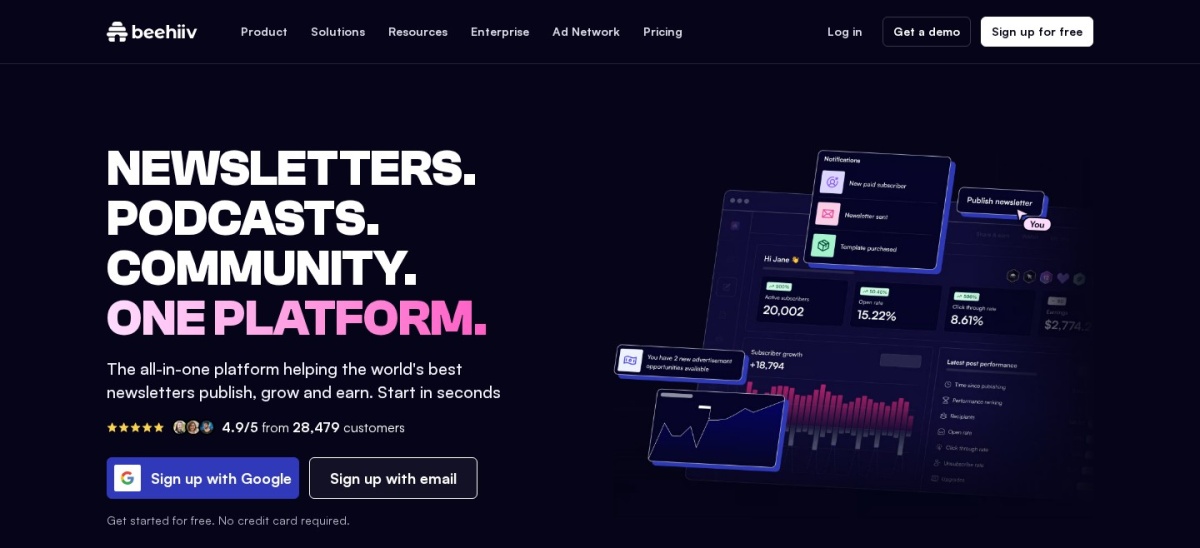
beehiiv homepage, captured Nov 2026.
beehiiv is a newsletter platform built for creators who want the newsletter to be the business. The free plan covers up to 2,500 subscribers with unlimited sends, a custom domain, a hosted website and referral tools.
The trade off is price once you grow. Lite starts at $49 a month for 1,000 subscribers on yearly billing and the price rises with your list, while automations and paid subscriptions stay behind the paywall. It suits writers who plan to monetize from the start.
What we like
Free to 2,500 subscribers
Built-in referrals, ads and paid subs
Takes 0% of subscription revenue
Watch out for
Small review base on G2
Price climbs fast with list size
Lite adds automations, referrals and paid subscriptionsVisit beehiiv.com
03
MailerLite
4.6/5on G2 (1,091 reviews, checked Nov 2026)
Paid from$12/mo
Best value email for small lists
Free plan250 subscribers, 2,500 sends
Paid planComfort, $12/mo
Email sends10x list size on Comfort
User seats3 on Comfort
mailerlite.com
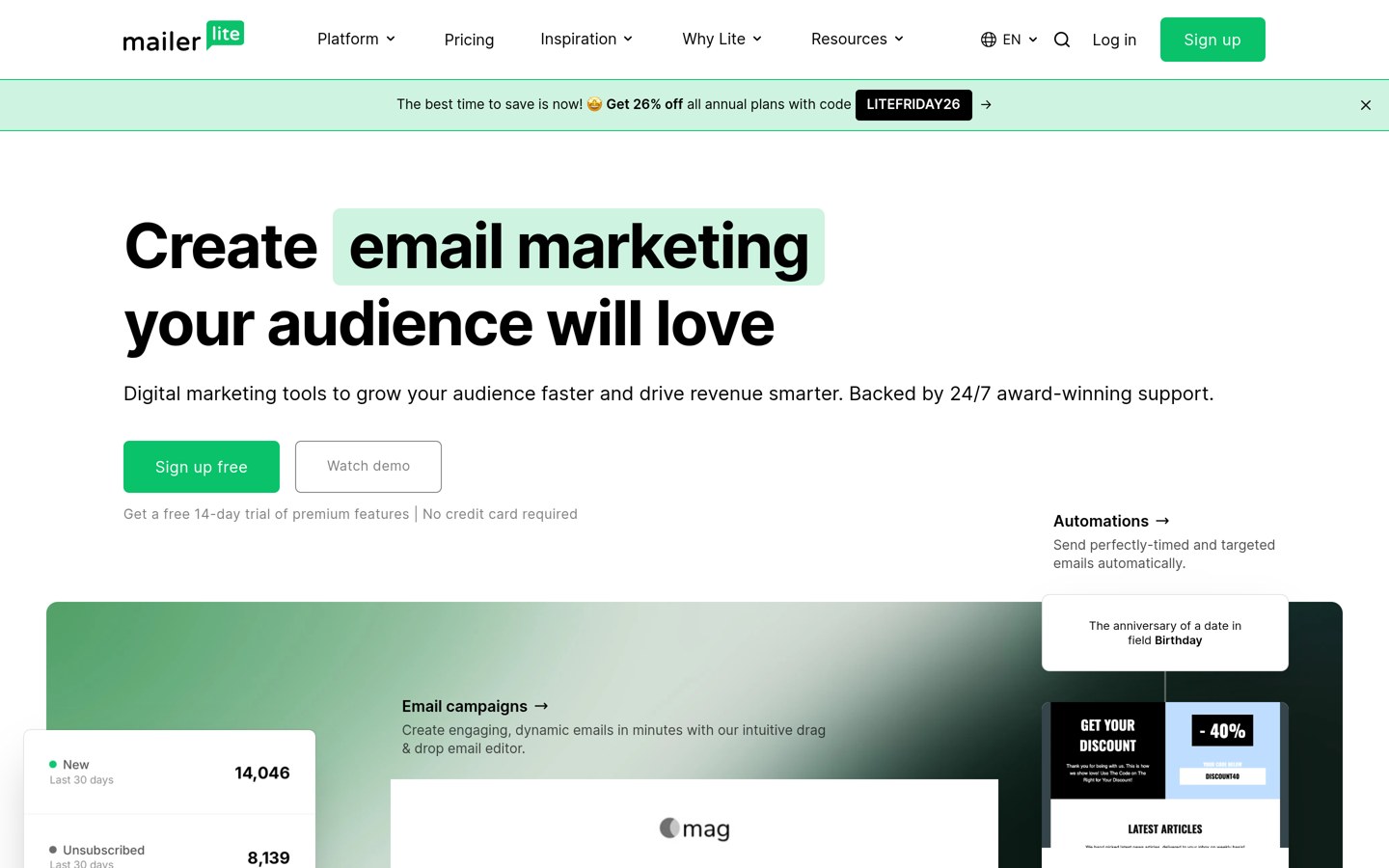
MailerLite homepage, captured Nov 2026.
MailerLite is an email platform for newsletters, automations, landing pages and simple websites. The free plan covers up to 250 subscribers and 2,500 emails a month, with the drag-and-drop editor and signup forms included.
The trade off is the small free ceiling. Comfort starts at $12 a month, removes MailerLite branding and adds unlimited templates, while the price rises as your list grows. It suits beginners who want one cheap tool for email and landing pages.
Later is a visual-first scheduler built around Instagram, TikTok and Pinterest, with a drag-and-drop calendar and best-time-to-post suggestions. Starter covers one social set of eight profiles, 30 posts per profile and a link in bio page.
The trade off is that there is no free plan, only a 14-day trial, and Starter costs $25 a month on monthly billing. Analytics are thin on Starter, so it suits visual creators who plan a month of posts at a time.
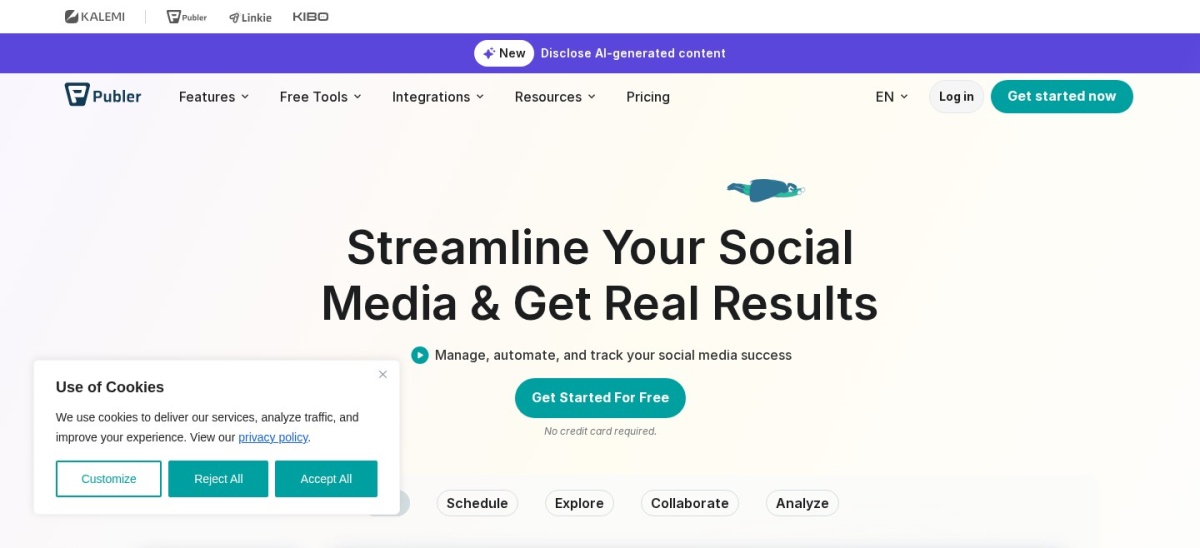
Publer is a social scheduler that covers 13 networks with bulk scheduling, post recycling and a link in bio page. The free plan includes three social accounts with 10 pending posts each, and Professional starts at $5 a month for one account.
The trade off is per-account billing. Each extra account adds $4 a month on Professional, so the bill grows with every profile you connect. It suits solo creators with a handful of accounts who want the cheapest real scheduler.
Buffer is a simple social scheduler built around a publishing queue, with ideas, comment replies and basic analytics. The free plan covers three channels with 10 scheduled posts each, and Essentials starts at $6 a month per channel.
The trade off is depth. Advanced analytics and approval workflows need higher plans, and the per-channel price adds up with many accounts. It suits solo creators who want the easiest way to keep a queue full.
Mailchimp is the best-known email marketing platform, with templates, forms, landing pages and automations in one account. The free plan covers 250 contacts and 500 emails a month, and Essentials starts at $13 a month for 500 contacts.
The trade off is the price curve. The bill rises steeply as contacts grow, and Essentials limits automation flows to four steps. It suits small businesses that want a familiar name with deep integrations.
Hootsuite is a social media management platform for scheduling, answering messages, tracking performance and monitoring conversations from one dashboard. Standard costs $99 per user a month on yearly billing and covers 10 social accounts.
The trade off is price. There is no free plan, and every seat is paid, so a small team pays $99 a month per person. It suits teams that need approvals, a shared inbox and reporting in one place.
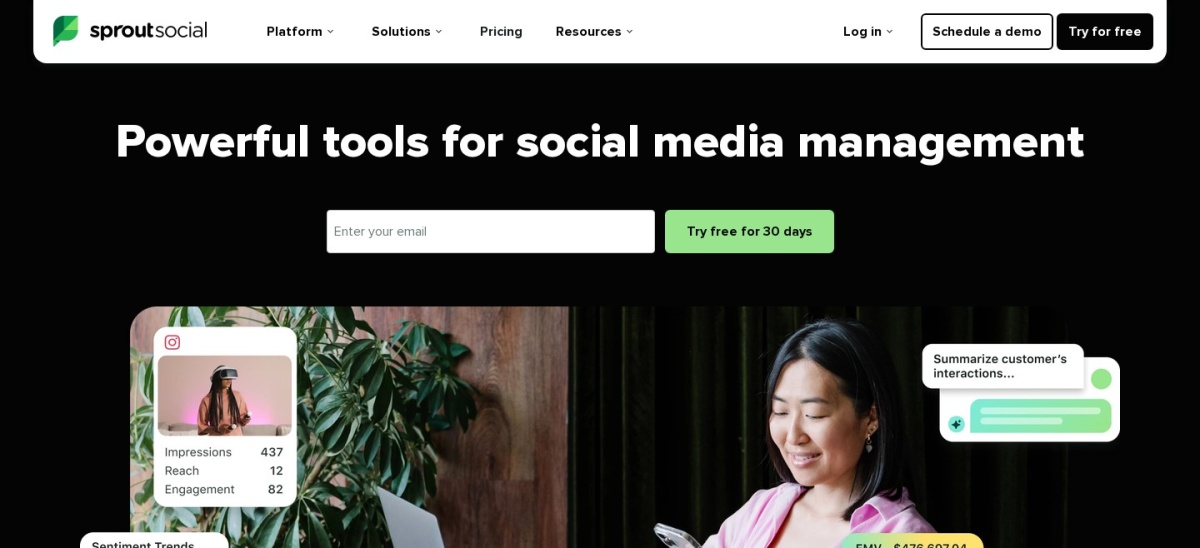
Sprout Social is a social media platform built around publishing, a shared inbox, reporting and social listening. Essentials costs $99 a month per seat on monthly billing, or $79 on yearly billing, and covers five social profiles.
The trade off is the per-seat bill. The shared inbox and review management start on Standard at $199 a seat, so costs climb with every teammate. It suits growing brands that live in their reports and inbox.
Free plans cover the start well. Canva, beehiiv, MailerLite, Publer, Buffer and Mailchimp all let you publish without paying.
Paid plans mostly buy reach and time. You get more accounts, longer analytics, automations and branding removal.
Start free and pay for the bottleneck. If scheduling eats your week, pay for a scheduler; if email earns money, pay for email first.
How we chose
We started from the tools creators actually name for personal branding: design, newsletters, scheduling and analytics, then kept the nine with a public rating and a published price.
Prices come from each vendor's pricing page and G2, checked on 29 November 2026. Ratings are G2 scores from the same day. Where a vendor shows a sale, the list shows the regular price.
We left out tools with no public rating, including Kit, whose homepage blocks every screenshot service we tried. No vendor paid for a place, and we do not claim to have used these tools ourselves.
How to choose tools for building your brand and influence
Start with the one channel where your audience already is, then add tools only when a gap appears.
Name your audience and one promise. Write down who you help and what changes for them. Every tool below serves that promise, not the other way round.
Pick a design tool first. Canva's free plan covers posts, covers and slides, so your brand looks consistent before you spend anything.
Add one owned channel. A newsletter on beehiiv or MailerLite is yours to keep. See how to add a newsletter signup to WordPress to collect readers from your site.
Schedule, then measure. Use Later, Buffer or Publer to post on a rhythm, then check which posts earn replies and do more of those.
FAQ
What are the key steps to building your brand and influence?
Start with a clear audience and promise, design consistent visuals with Canva, build an owned newsletter list with beehiiv or MailerLite, then post on a steady rhythm with a scheduler like Later or Buffer. Measure which posts earn replies and repeat what works.
How much does it cost to build a personal brand?
Nothing to start: seven of the nine tools here have free plans. Paid plans run from $5 a month for Publer to $99 a month for Hootsuite or Sprout Social, and most creators spend under $25 a month in the first year.
Is there a free way to build a personal brand?
Yes. Canva, beehiiv, MailerLite, Publer, Buffer and Mailchimp all have free plans that cover design, email and scheduling. You only need to pay when your list or your posting volume outgrows the free limits.
Which tool is best for beginners?
Canva is the easiest first step, with a free plan, templates and a 4.7/5 G2 rating. Add MailerLite for email, since its free plan and $12 paid plan are the cheapest here and its interface is rated highly for ease of use.
Canva vs beehiiv: which should I pick first?
Pick Canva first if your brand needs visuals, since it covers design for every channel and its free plan is the most generous here. Pick beehiiv first if writing is your main channel, since it pairs a newsletter, a website and monetization in one place.
How long does it take to build influence?
Expect months, not weeks. A steady rhythm of one useful post and one newsletter a week, measured and repeated, usually shows real traction within three to six months, though results vary by niche and consistency.
SaaS SEO and WordPress specialist with about 8 years of experience. Rakib compares WordPress plugins, themes, hosting and software using public pricing, documentation and user reviews. See how we rank.