Wave is the best free pick for budget tips to keep your accounts in check: its Starter plan covers unlimited invoicing and bookkeeping at $0. FreshBooks suits creators who bill sponsors often at $23 a month, and YNAB at $109 a year keeps personal spending on plan.
How we make this list: we compare pricing pages, product documentation and public user reviews, then re-check every price before each update. No product paid for a place. Disclosure.
Wave is free: unlimited invoices, bills and bookkeeping on the Starter plan, with Pro at $19 a month.
FreshBooks Lite costs $23 a month for 5 billable clients and holds the highest G2 rating here at 4.5 out of 5.
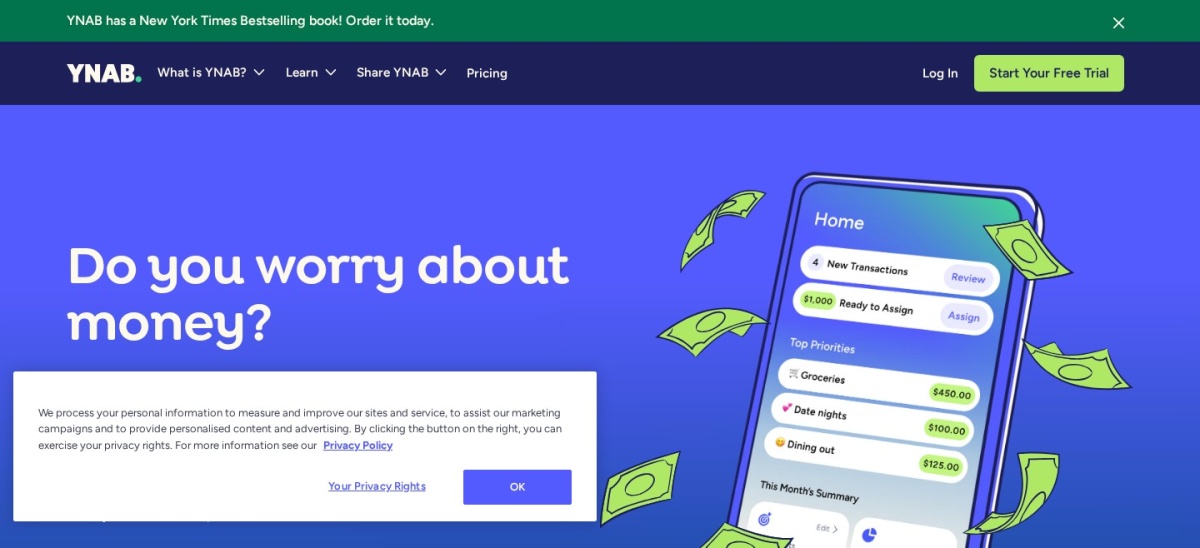
YNAB costs $109 a year and gives every dollar a job, with sharing for up to six people.
Zoho Books stays free while revenue is under $50,000 a year, and Standard costs $20 a month.
Rocket Money finds forgotten subscriptions for free, and Premium cancels them for you from $7 a month.
How do influencers use budget tips to keep their accounts in check?
Influencers get paid in many small, irregular chunks. Brand deals, affiliate payouts and ad revenue arrive on different schedules, so income is hard to predict month to month.
The first step is to separate business money from personal money. A free accounting tool such as Wave keeps brand income, invoices and expenses in one place, so tax time starts from a clean set of books instead of a pile of screenshots.
A budget then turns that record into a plan. Our guide on how to budget for a WordPress website shows the same habit of setting a plan first and checking it each month, and it works just as well for creator income.
Paid plans mostly buy automation. Bank feeds, automatic categorisation and subscription cancellation save hours each month, but a free plan is enough while income is small and deals are few.
Best free accounting and invoicing for influencers
Free planStarter, $0
Paid planPro, $19/mo
Bank importPro only
Card payments2.9% + 30¢
waveapps.com
Wave homepage, captured Nov 2026.
Wave is free accounting and invoicing software for freelancers and small creators, with a Starter plan that costs nothing and covers unlimited estimates, invoices, bills and bookkeeping records. It also includes a cash-flow dashboard, a mobile app for invoicing on the go and the option to accept card payments for 2.9% plus 30 cents per transaction.
The trade off is bank imports. Automatic bank feeds need the Pro plan at $19 a month, so free users type in transactions or upload statements by hand. It suits influencers with a small number of brand deals who want free books and do not mind manual entry.
What we like
Free plan covers unlimited invoices and bookkeeping
Simple enough for creators with no accounting background
Card payments built in for sponsor invoices
Watch out for
Bank imports need the $19 a month Pro plan
No inventory or project tracking
Support is limited on the free plan
Pro adds bank imports, receipt scanning and unlimited bank connectionsVisit waveapps.com
02
FreshBooks
4.5/5on G2 (981 reviews, checked Nov 2026)
Starts at$23/mo
Best for billing sponsors and brand deals
Free planNo, 30-day trial
Paid planLite, $23/mo
Billable clients5 on Lite
Time trackingYes, unlimited
freshbooks.com
FreshBooks homepage, captured Nov 2026.
FreshBooks is cloud invoicing and accounting software built for freelancers and small service businesses. The Lite plan costs $23 a month for up to 5 billable clients and includes unlimited invoices, estimates, time tracking and expense tracking, with online payments built in.
The trade off is the client cap. Lite covers only 5 billable clients, so a growing sponsor list means moving to Plus at $43 a month, and each extra team member costs $11 a month. It suits creators who bill sponsors every month and want the simplest invoices.
What we like
Highest G2 rating in this list at 4.5 out of 5
Unlimited invoices and time tracking on Lite
Easy onboarding for people with no accounting background
YNAB, short for You Need A Budget, is built around one rule: give every dollar a job before you spend it. The annual plan costs $109 a year, shown as $9.08 a month, or $14.99 a month, with a 34-day free trial and no card needed when you sign up on the site. One subscription covers up to six people and includes bank sync, targets, a loan planner and reports.
The trade off is the method itself. Zero-based budgeting takes time each week, and the app has no free tier, so the $109 a year only pays off if you keep up the habit. It suits influencers with irregular brand income who want a firm plan and are ready to check it often.
What we like
Clear method that forces a plan for every dollar
34-day free trial with no card needed on the site
One subscription covers up to six people
Watch out for
No free plan after the trial
Takes more weekly effort than tracking apps
Built for personal budgets, not business books
Students get a free 365-day trial through the College ProgramVisit ynab.com
04
Zoho Books
4.4/5on G2 (330 reviews, checked Nov 2026)
Paid from$20/mo
Best free plan for small creator businesses
Free planYes, under $50K revenue
Paid planStandard, $20/mo
Free users1 + 1 accountant
Bank feedsStandard and up
zoho.com
Zoho Books homepage, captured Nov 2026.
Zoho Books is cloud accounting software covering invoicing, expense tracking and bank reconciliation. The free plan covers 1 user plus 1 accountant, 1,000 invoices a year, expenses, bank reconciliation, 1099 tools and more than 50 reports, while annual revenue stays under $50,000.
The trade off is that bank feeds start on Standard. The free plan means importing or typing transactions by hand, and Standard costs $20 a month, or $15 a month billed annually, for 3 users. It suits new creators who want a free plan with an accountant seat included.
What we like
Free plan includes an accountant seat at no cost
Covers invoicing, expenses and 1099 tools
Cheap step up at $20 a month for Standard
Watch out for
Free plan ends once revenue passes $50,000 a year
Bank feeds need the Standard plan
Payroll options are limited
Standard adds bank feeds, sales tax tracking and 3 usersVisit zoho.com
05
Xero
4.4/5on G2 (1,863 reviews, checked Nov 2026)
Starts at$27/mo
Best for growing books with no per-user fees
Free planNo, 30-day trial
Paid planEarly, $27/mo
Invoices20/mo on Early
UsersUnlimited
xero.com
Xero homepage, captured Nov 2026.
Xero is cloud accounting software with no per-user license fees and a 4.4 out of 5 rating across 1,863 G2 reviews. Its US Early plan is $27 a month and includes quotes, 20 invoices, 5 bills, bank reconciliation, sales tax and 1099 management, with more than 1,000 app integrations.
The trade off is the Early cap. Invoices stop at 20 a month and bills at 5, so an active creator moves to Growing at $59 a month, and auto-reconcile costs $5 a month extra on Early. It suits creators who work with a team or an accountant and want no per-user charges.
What we like
Unlimited users on every plan
Strong bank reconciliation and 1,000+ integrations
Hubdoc receipt capture included on Early
Watch out for
Early caps invoices at 20 a month
No free plan, only a 30-day trial
Auto-reconcile is a $5 a month add-on on Early
Growing removes the invoice cap at $59 a monthVisit xero.com
06
QuickBooks Online
4/5on G2 (3,913 reviews, checked Nov 2026)
Paid from$38/mo
Best for accountant-friendly books
Free planYes, basic invoicing
Paid planSimple Start, $38/mo
Users1 + 2 accountants
Bank feedsYes, automated
quickbooks.intuit.com
QuickBooks Online homepage, captured Nov 2026.
QuickBooks Online is cloud accounting software from Intuit, and its free plan covers basic invoicing with tight limits. Simple Start costs $38 a month at the regular price and adds automated bank feeds, invoicing, expense tracking and general business reporting for one user, with access for two accountants.
The trade off is price and limits. Simple Start is the dearest entry plan in this list at $38 a month, and it covers only one standard user, with no recurring transactions or class tracking. It suits creators whose accountant already works in QuickBooks and who want the standard books.
What we like
Almost every accountant already works in it
Automated bank feeds on the paid plan
Largest review base in this list at 3,913 G2 reviews
Watch out for
Dearest entry plan here at $38 a month
Simple Start covers only 1 standard user
Frequent price rises are a common reviewer complaint
Best dashboard for budgets, net worth and investments
Free planNo, 7-day trial
Paid planCore, $99.99/yr
Partner seatIncluded
Bank connections13,000+ institutions
monarchmoney.com
Monarch Money homepage, captured Nov 2026.
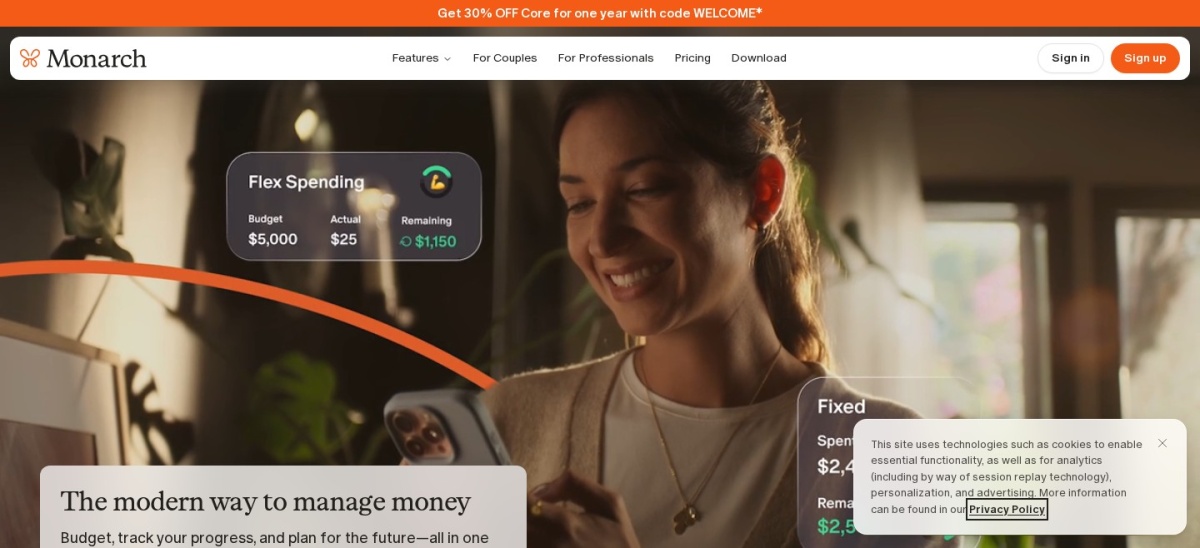
Monarch Money is a cloud dashboard that links checking, savings, credit cards, loans and investment accounts into one view, then adds flexible budgets, cash flow, goals and net worth tracking. The Core plan costs $99.99 a year or $14.99 a month, with a 7-day trial, and a partner gets their own login at no extra cost.
The trade off is the price and the thin public rating. There is no free plan, and the G2 rating rests on 3 reviews, so it is a smaller sample than the app store ratings behind it. It suits households that want budgeting and investing in one place.
What we like
Budgets, net worth and investments in one dashboard
4/5on Trustpilot (4,249 reviews, checked Nov 2026)
Paid from$7/mo
Best for finding and cancelling forgotten subscriptions
Free planYes
Paid planPremium, $7-$14/mo
Cancels for youYes, Premium
Bill negotiationPremium+ $15/mo
rocketmoney.com
Rocket Money homepage, captured Nov 2026.
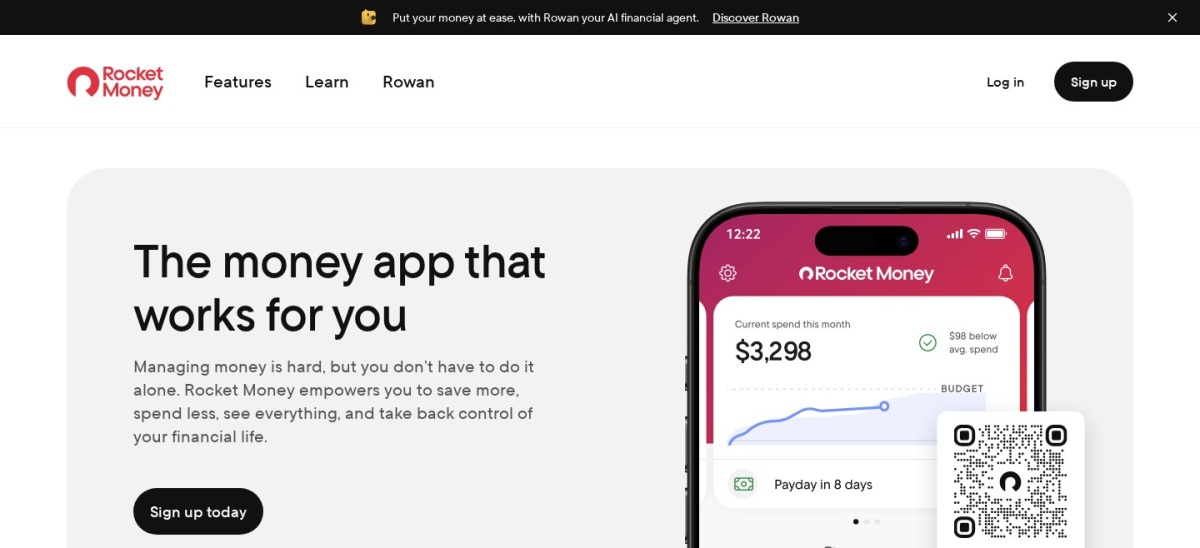
Rocket Money is a finance app that scans linked bank and credit card accounts to find every recurring charge, then lists them with amounts and renewal dates in one dashboard. The free plan covers subscription tracking, budgeting and bill reminders, while Premium adds a team that cancels eligible subscriptions for you.
The trade off is the price model. Premium is pay-what-you-choose from $7 to $14 a month, and bill negotiation moved to Premium+ at $15 a month plus tax in November 2026. It suits creators who collect editing apps, stock sites and scheduling tools and lose track of them.
What we like
Only app here with done-for-you cancellation
Free plan finds subscriptions and tracks budgets
Cancelling one unused subscription can cover the monthly cost
Watch out for
Premium price is a sliding scale, not a fixed figure
Cannot cancel charges billed through Apple, Google Play or PayPal
Bill negotiation needs the $15 a month Premium+ plan
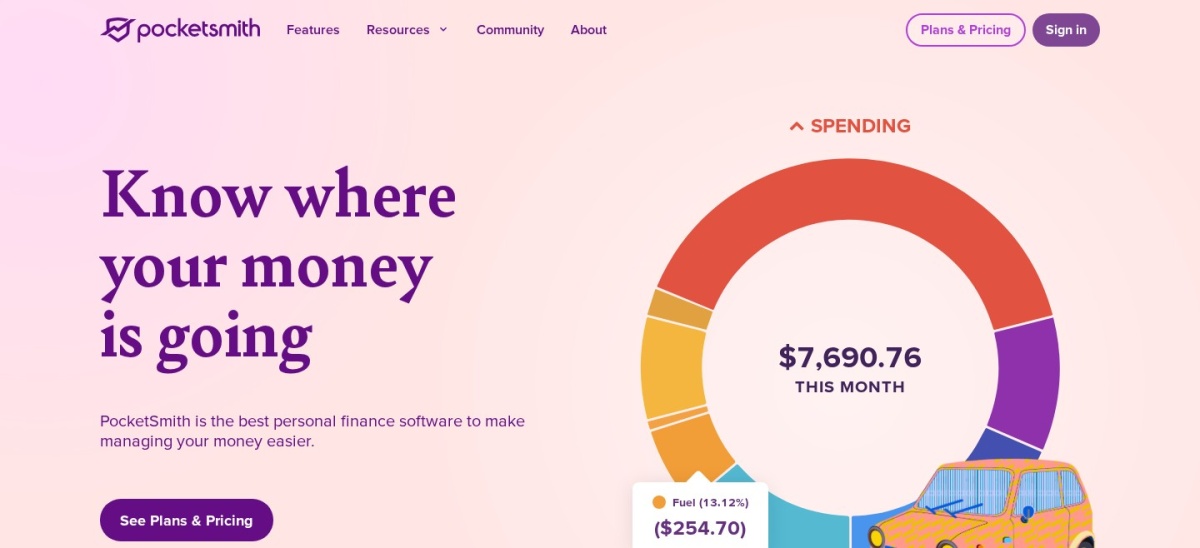
PocketSmith puts your money on a calendar: schedule paychecks, bills and one-off events on their dates and watch projected balances stretch into the future. The free Basic plan covers 2 accounts and 6 months of projections, and Foundation costs $119.88 a year, shown as $9.99 a month billed annually, with 6 bank connections and 10-year projections.
The trade off is price for the full picture. Automatic bank feeds and longer forecasts sit on paid tiers, and the top Fortune plan reaches $319.92 a year. It suits planners with irregular income who think in paydays rather than pie charts.
Mixing brand income with personal spending is the most common mistake new influencers make. One account for business and one for personal life keeps every number clean.
Pay yourself a fixed amount each month from the business account, even when brand income jumps around. That turns irregular payouts into a steady personal budget.
At tax time, clean books are worth more than any app feature. A separate business account plus one accounting tool is enough to start, and it costs nothing on a free plan.
How we chose
We started from the accounting and budgeting tools creators actually use for brand income: free invoicing and bookkeeping tools, plus budgeting apps built for irregular pay.
Prices and ratings were checked on 29 November 2026 from vendor pricing pages and G2, Capterra and Trustpilot listings. Where a vendor shows a sale, the list shows the regular price.
We left out tools with no public rating and apps tied to a single bank. No vendor paid for a place, and we do not claim to have used these tools ourselves.
How to choose a budget tool for influencing
Start free, then pay only for the task that eats your time.
Count your brand deals first. If you bill fewer than five sponsors a month, a free plan such as Wave or Zoho Books covers invoicing and books. Paying $23 a month only makes sense once billing is regular.
Separate business from personal. Open a separate bank account for brand income and link only that account to your accounting tool. Choose a payment method sponsors can use easily; our guide on what is a payment gateway explains the options.
Check the bank-feed price. Automatic imports are the feature most free plans withhold. Wave Pro costs $19 a month and Zoho Books Standard $20, so compare that with the time manual entry takes you.
Cancel the subscriptions you forgot. Creators collect editing apps, stock sites and scheduling tools. Rocket Money finds them for free and Premium cancels them for you from $7 a month.
FAQ
What is the best way for influencers to keep their accounts in check on a budget?
Start with a free tool such as Wave for invoicing and bookkeeping, then add a budgeting app such as YNAB once income is steady. Separating brand money from personal money matters more than which app you pick, because clean books make tax time and brand negotiations far simpler.
How much should an influencer pay for accounting software?
Nothing at first. Wave and Zoho Books both offer free plans that cover invoicing and bookkeeping, and Rocket Money tracks subscriptions for free. Once brand deals are regular, expect $19 to $38 a month for a paid plan such as Wave Pro, FreshBooks Lite or QuickBooks Simple Start.
Is there a free accounting tool for influencers?
Yes. Wave's Starter plan is free and covers unlimited invoices, bills and bookkeeping, while Zoho Books is free while annual revenue stays under $50,000. Both handle the basics, though automatic bank imports need a paid plan on either one.
What is the best budgeting app for influencers with irregular income?
YNAB is the strongest fit, because its zero-based method plans only the money you already have, which suits irregular brand-deal income. It costs $109 a year after a 34-day trial. PocketSmith is the alternative if you want to forecast balances months ahead.
Which tool is best for beginners?
Wave is the easiest start, because the free plan needs no card and covers invoicing and bookkeeping in one place. FreshBooks is the next step up for creators who bill sponsors often, with simple invoices and unlimited time tracking on Lite.
Wave vs FreshBooks: which is better for influencers?
Wave wins on price, because its core accounting and invoicing are free, while FreshBooks Lite costs $23 a month. FreshBooks wins on polish, with a higher G2 rating of 4.5 out of 5 and simpler client billing. Pick Wave while income is small, and FreshBooks once you bill sponsors every month.
Do I need separate tools for business and personal money?
Yes, keep them apart. Use an accounting tool such as Wave or Zoho Books for brand income and expenses, and a budgeting app such as YNAB or Monarch for personal spending. Mixing the two makes tax time harder and hides how much the influencing work actually earns.
SaaS SEO and WordPress specialist with about 8 years of experience. Rakib compares WordPress plugins, themes, hosting and software using public pricing, documentation and user reviews. See how we rank.