Docketwise is the best court filing software for immigration law firms, with smart USCIS forms and e-filing on its $100 Pro plan, rated 4.5 out of 5 on G2. For court filings billed per filing, use InfoTrack at $9 per eFiling, and for the cheapest specialist start, use eImmigration at $55 per user a month.
How we make this list: we compare pricing pages, product documentation and public user reviews, then re-check every price before each update. No product paid for a place. Disclosure.
Docketwise leads for immigration-only firms: smart USCIS forms, priority date tracking and a client portal from $80 a user a month, with e-filing on Pro at $100.
InfoTrack is the cheapest way to file in court at $9 per eFiling, with no subscription, and it files from inside Clio or MyCase.
eImmigration is the cheapest specialist at $55 a user a month, but e-filing is a paid premium feature, not in the base price.
Per-filing tools beat subscriptions for firms that file rarely, while heavy filers save with a per-user plan.
INSZoom has the widest form library at 2,500+ forms, but the lowest rating here at 3.6 out of 5 on G2.
No tool here files immigration court cases directly. EOIR filing runs through the court's own ECAS portal, and these tools track the deadlines around it.
How do you choose court filing software for an immigration law firm?
Immigration firms file in two different places. USCIS benefit requests go through USCIS online filing or paper forms, while removal cases in immigration court go through the EOIR ECAS portal, and state or federal court filings go through that court's own e-filing system.
The first split is per filing or per user. InfoTrack charges about $9 per eFiling with no subscription, so a firm that files a few times a month pays little, while Docketwise and eImmigration charge per user per month and bundle forms, cases and filing together.
Check which plan actually includes e-filing. Docketwise puts USCIS e-filing on Pro at $100 per user a month, and eImmigration sells e-filing as a premium feature, so the cheapest tier rarely files anything on its own.
Ratings are thinnest where the tools are most specialised. INSZoom holds 3.6 out of 5 on G2 from 16 reviews, while Clio holds 4.6 out of 5 from 997 reviews, so weigh the review count beside the score.
The 9 best court filing software for immigration law firms
01
Docketwise
4.5/5on G2 (40 reviews, checked Nov 2026)
Starts at$80/mo
Best for immigration firms that file with USCIS
USCIS e-filingPro plan, $100/mo
Smart formsYes
Client portalYes
Cheapest planBasic, $80/mo
docketwise.com
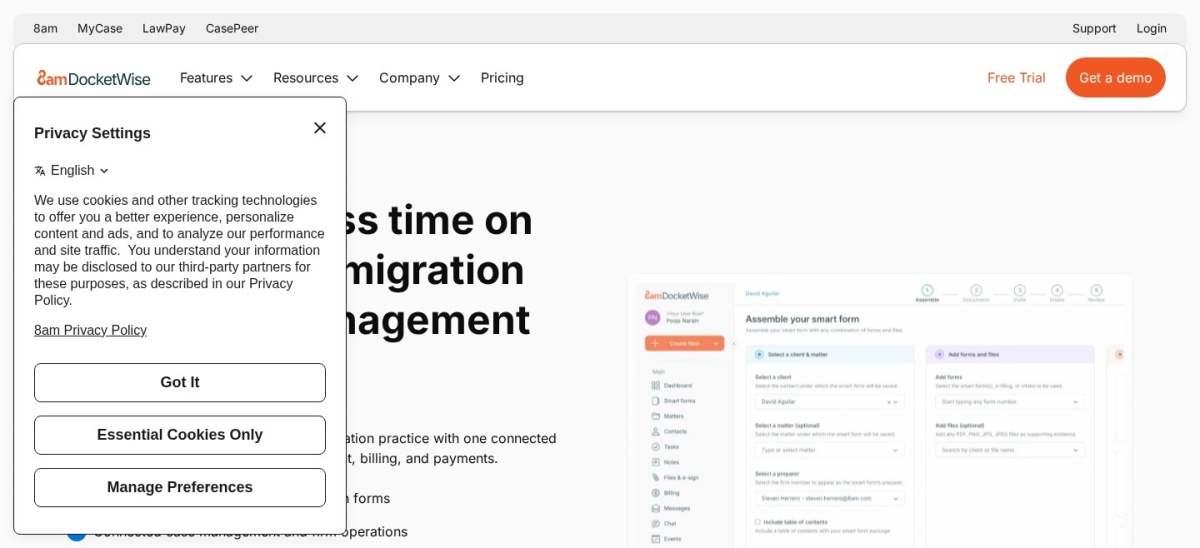
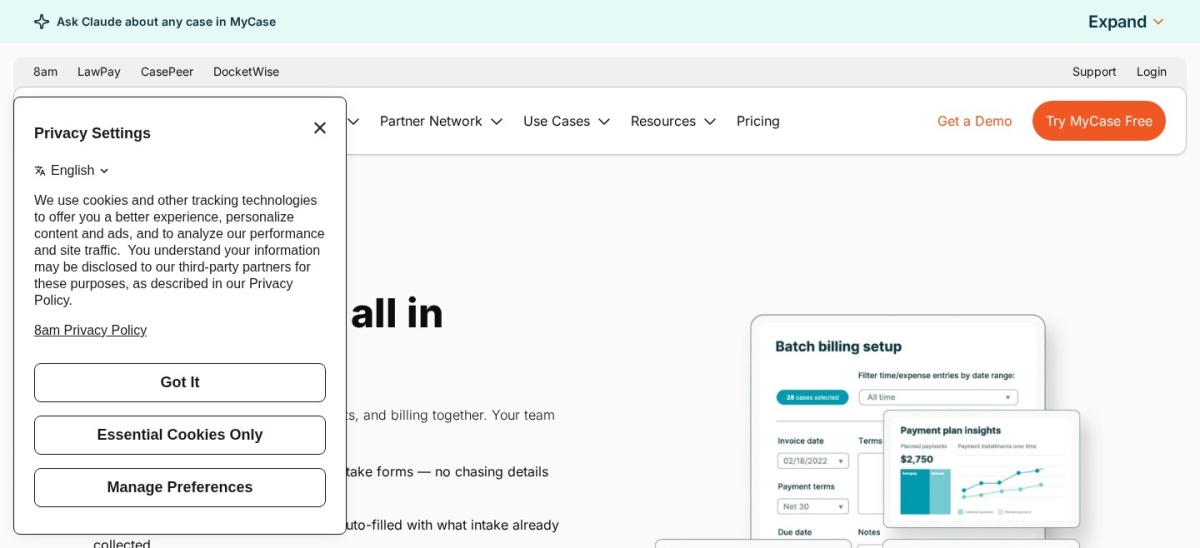
Docketwise homepage, captured Nov 2026.
Docketwise is immigration case management software from 8am, built around smart USCIS forms, questionnaires and case tracking. The Basic plan at $80 per user a month on annual billing covers smart forms, case management, multilingual intake questionnaires, priority date tracking, a client portal and unlimited cloud storage.
The trade off is e-filing. E-filing, e-signatures, CRM tools and texting start on Pro at $100 per user a month, so Basic suits firms that file by hand or use another e-filing route. It suits immigration-only firms that want forms, cases and filing in one place.
What we like
Smart USCIS forms that update when forms change
Priority date tracking and client portal included
Strongest immigration-only focus in this list
Watch out for
E-filing needs the $100 Pro plan
Immigration only, no help for other practice areas
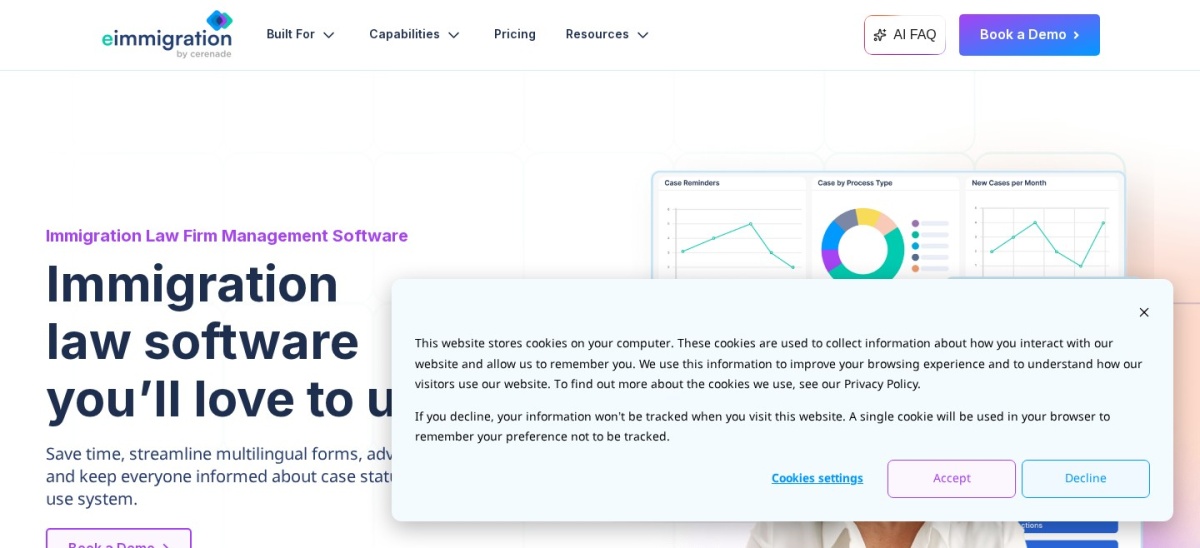
eImmigration is an all-in-one immigration platform from Cerenade, covering case management, forms, practice management and a client portal. The Starter plan at $55 per user a month on annual billing includes one premium feature, while Essentials at $82 includes four and Complete at $100 includes all 17.
The trade off is that e-filing is a premium feature, not part of the base price. Extra premium features cost $15 each per user a month, so a firm that wants full e-filing pays more than the headline $55. It suits small firms and nonprofits that want the cheapest specialist start.
What we like
Cheapest entry point among the specialists
300+ forms across USCIS and other agencies
E-filing covers USCIS, State Department and Labor Department forms
Watch out for
E-filing is a paid add-on, not in the base price
Extra premium features cost $15 each per user a month
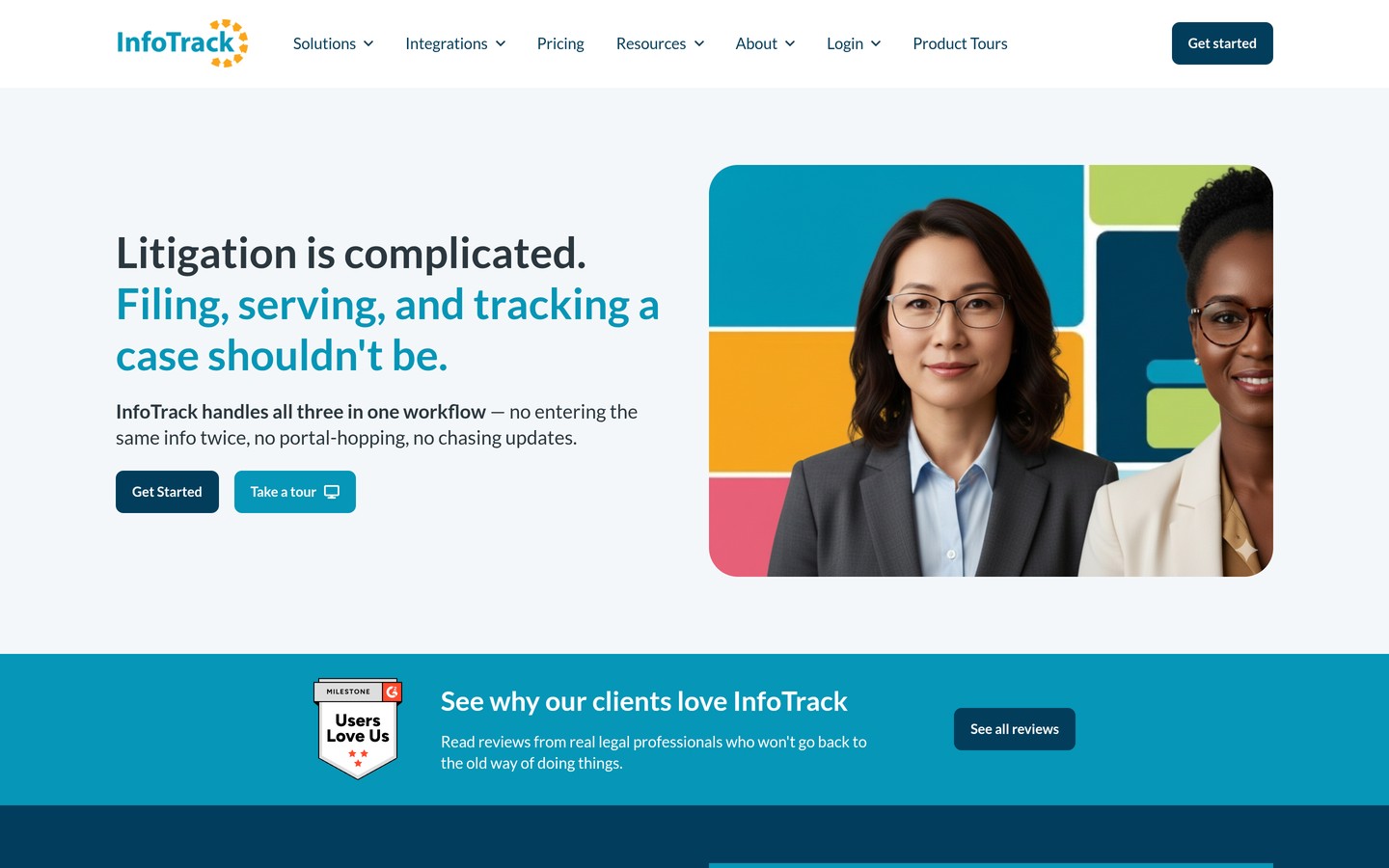
InfoTrack is a transaction-priced e-filing service that files, serves and tracks court documents from one account. E-filing costs $9 per eFiling in most states, $8 in Florida and $16.95 in California, with no subscription, setup fee or monthly charge, and costs are logged to the matter automatically.
The trade off is that InfoTrack files cases but does not manage them. There is no case management, form library or client portal, so it works best inside Clio or MyCase, where orders pull case data from the matter. It suits firms that already run a practice platform and file in several states.
What we like
No subscription, pay only when you file
Filing costs sync to the matter for client billing
Service of process and docket tracking in the same workflow
Watch out for
No case management included
California filing costs $16.95, nearly double the $9 states
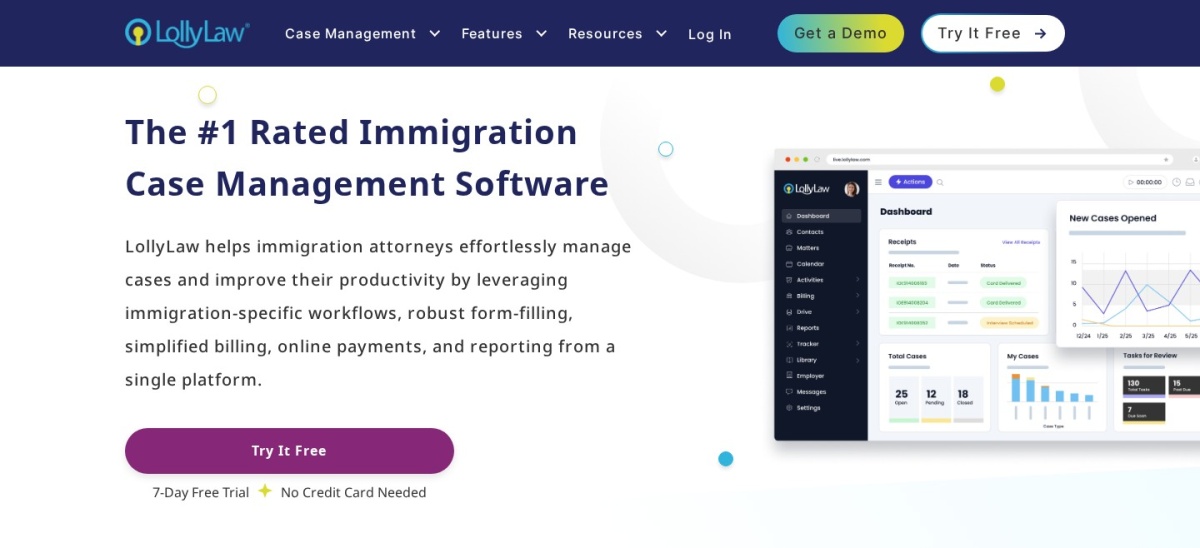
LollyLaw is immigration practice management software from Cerenade with 125+ USCIS, DOJ and EOIR forms. Its Basic plan at $120 per user a month covers case management, form filling in a live document view, a client portal, time tracking, billing and trust accounting, with e-filing for USCIS forms.
The trade off is price. At $120 per user a month it costs more than Docketwise or eImmigration, and LollyLaw publishes no price on its own site, so the $120 figure comes from G2 and Capterra listings. It suits firms that want billing and trust accounting beside filing.
MyCase is a cloud practice platform for solo and small-firm lawyers, with matters, documents, time tracking, billing, trust accounting and a client portal in one login. Basic costs $50 per user a month on annual billing, and court filing runs through integrations such as InfoTrack rather than a built-in filer.
The trade off is depth. There is no USCIS form library built in, and automation, client texting and the open API need Pro at $100 or Advanced at $130 per user a month. It suits small firms with mixed caseloads that file immigration cases beside other work.
Clio is the most widely used legal practice platform in this list, with matters, documents, time tracking, billing and trust accounting in one cloud system. The Starter plan at $49 per user a month on annual billing covers time and expense tracking, online payments and trust reconciliation, and court filing runs through InfoTrack and other integrations.
The trade off is that Clio is a general platform, not an immigration tool. There are no USCIS forms built in, and the full-featured tiers climb well past $100 per user a month. It suits mixed practices that want one hub for matters, billing and filing.
PracticePanther is a legal practice platform combining matter organisation, billing, task workflows and client communication. Its Solo plan starts at $49 per user a month on annual billing and includes document templates, internal messaging, trust ledgers, unlimited storage and two-way client texting.
The trade off is that intake forms and LEDES billing need Business at $89 per user a month, and there is no immigration form library, so filing needs a separate tool or integration. It suits small firms that want clear pricing and a quick setup.
Filevine is a legal operations platform combining matter management, document organisation, workflow configuration and financial tracking. It covers intake, depositions and e-signature packages, with case fields and workflows configurable per practice area, and it is used for high-volume litigation including immigration and insurance defense.
The trade off is custom pricing based on firm size and selected capabilities, so budgeting needs a sales call and a demo first. It suits mid-size firms that run complex, high-volume caseloads and want workflows shaped around their own filing steps.
INSZoom from Mitratech is enterprise immigration case management for law firms and corporate immigration teams, covering United States, Canadian and global cases. It carries 2,500+ forms across 90+ countries, with compliance tooling for large or corporate caseloads and heavy reporting needs.
The trade off is price clarity and proof. Pricing is quote-based and per feature, with directory listings showing a $50 per feature a month starting figure, and it holds the lowest rating here at 3.6 out of 5 on G2 from 16 reviews. It suits large corporate immigration teams, not small firms.
Per-filing pricing wins when filings are rare. InfoTrack charges $9 per eFiling with no subscription, so ten filings a month cost $90, with no charge in a quiet month.
Per-user pricing wins when filings are frequent. Docketwise Pro at $100 per user a month covers USCIS e-filing for that user, plus forms, cases and a client portal.
Work out your monthly filing count first. A firm filing fewer than ten times a month usually pays less per filing, while a firm filing daily usually pays less per user.
How we chose
We started from the immigration tools named most often in 2026 comparisons and the court e-filing services with published per-filing prices, then kept those with a public rating on G2 and a clear starting price.
Prices come from each vendor's pricing page or, where the vendor publishes no price, from G2 and Capterra listings, checked on 30 November 2026. Ratings and review counts come from G2 on the same day. Where a vendor shows a sale, the list shows the regular price.
We left out Rapid Legal and Green Filing because neither has a public numeric rating, and One Legal for the same reason, so no rating here is guessed. No vendor paid for a place, and we do not claim to have used these tools ourselves.
How to choose court filing software for an immigration law firm
Count your filings first, then match the pricing model to that count.
Count how often you file each month. Add up USCIS filings, immigration court filings and state or federal court filings separately, since different tools cover each route.
Check which plan includes e-filing. The cheapest tier often excludes it. Docketwise needs Pro at $100 and eImmigration sells e-filing as a premium feature, so read the plan page before you budget.
Keep the filing record with the client file. A filing is only useful if the receipt, deadline and client record sit together. Our guide on creating a client database in WordPress covers the record-keeping side.
Trial it with a real filing. Run one live filing through the trial, check the stamped copy comes back cleanly, and confirm the cost lands on the right matter before you move the firm over.
FAQ
What is the best court filing software for immigration law firms?
Docketwise is the best pick for most immigration firms. It combines smart USCIS forms, priority date tracking and a client portal from $80 per user a month, with USCIS e-filing on Pro at $100, and it holds a 4.5 out of 5 G2 rating.
How much does court filing software for immigration law firms cost?
Per-user tools run from $49 to $120 per user a month, with eImmigration cheapest at $55 and LollyLaw dearest at $120. Per-filing services charge $9 per eFiling at InfoTrack, with no subscription, so light filers pay less.
Is there a free plan for court filing software?
No tool in this list has a free plan. Most offer a free trial, including Docketwise, eImmigration, LollyLaw, MyCase and Clio, while InfoTrack charges nothing until you file, with no subscription or setup fee.
Which court filing software is best for a small immigration firm?
eImmigration is the best small-firm start at $55 per user a month, with 300+ forms and a 4.8 out of 5 G2 rating. If the firm files in state courts too, add InfoTrack at $9 per filing beside it.
Docketwise or eImmigration: which files better?
Docketwise files better for firms that want e-filing built into the case workflow, with USCIS e-filing on Pro at $100 per user a month. eImmigration costs less at $55, but e-filing is a premium feature that costs extra, so compare the full monthly total.
Can these tools file immigration court cases?
No. Immigration court filings go through the EOIR ECAS portal itself, and none of these tools files there directly. What they do is prepare the forms, track EOIR deadlines and store the filed copies beside the case.
SaaS SEO and WordPress specialist with about 8 years of experience. Rakib compares WordPress plugins, themes, hosting and software using public pricing, documentation and user reviews. See how we rank.