Autodesk Build is the best Bluebeam alternative for most construction teams, replacing markup, drawing control and RFIs in one platform from $117 a user a month. Fieldwire is the best value for field crews at $39 a month with a free plan, and Adobe Acrobat Pro covers pure PDF markup at $19.99 a month.
How we make this list: we compare pricing pages, product documentation and public user reviews, then re-check every price before each update. No product paid for a place. Disclosure.
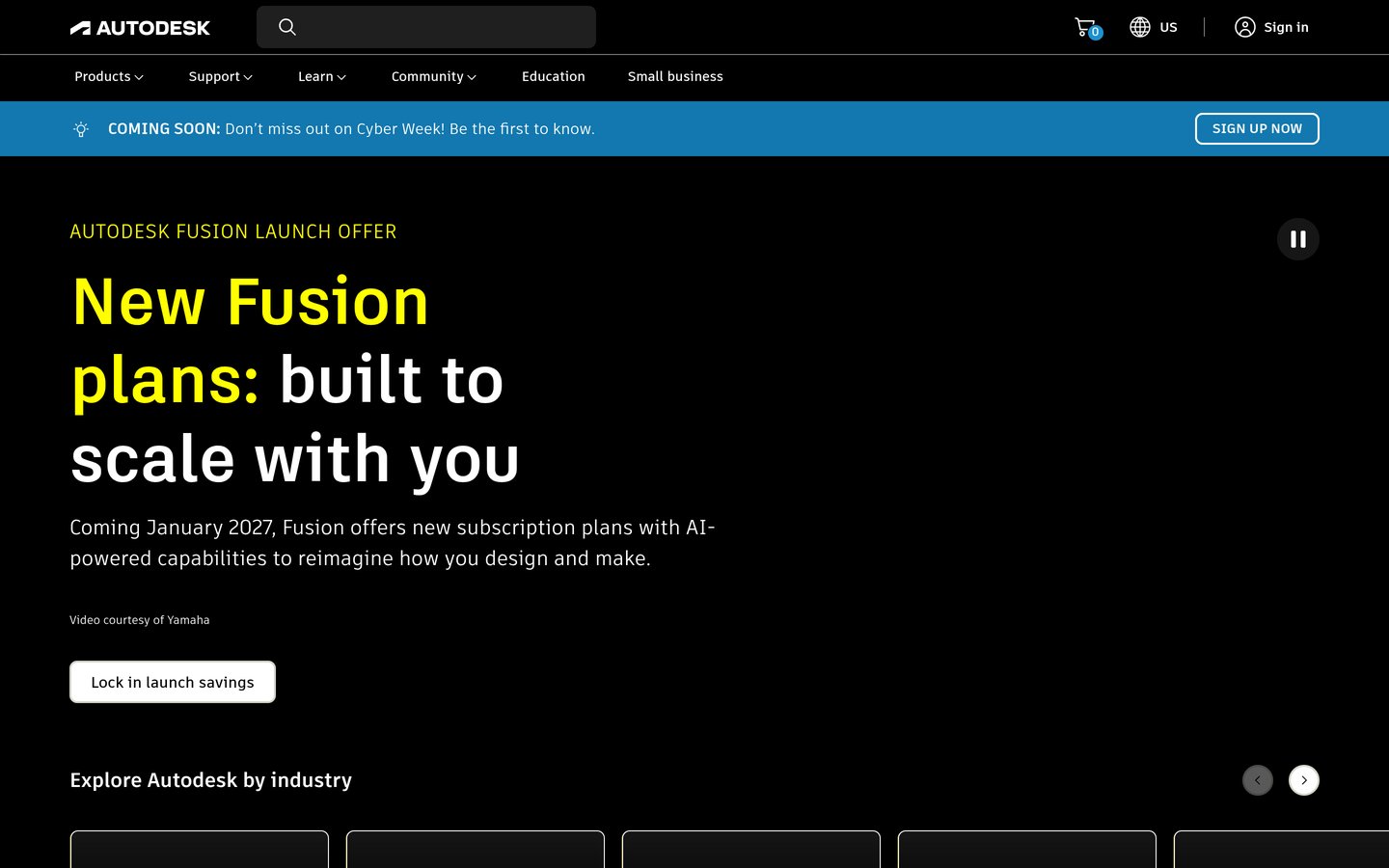
Autodesk Build is the most complete replacement, with drawings, markups, RFIs and submittals from $117 a user a month.
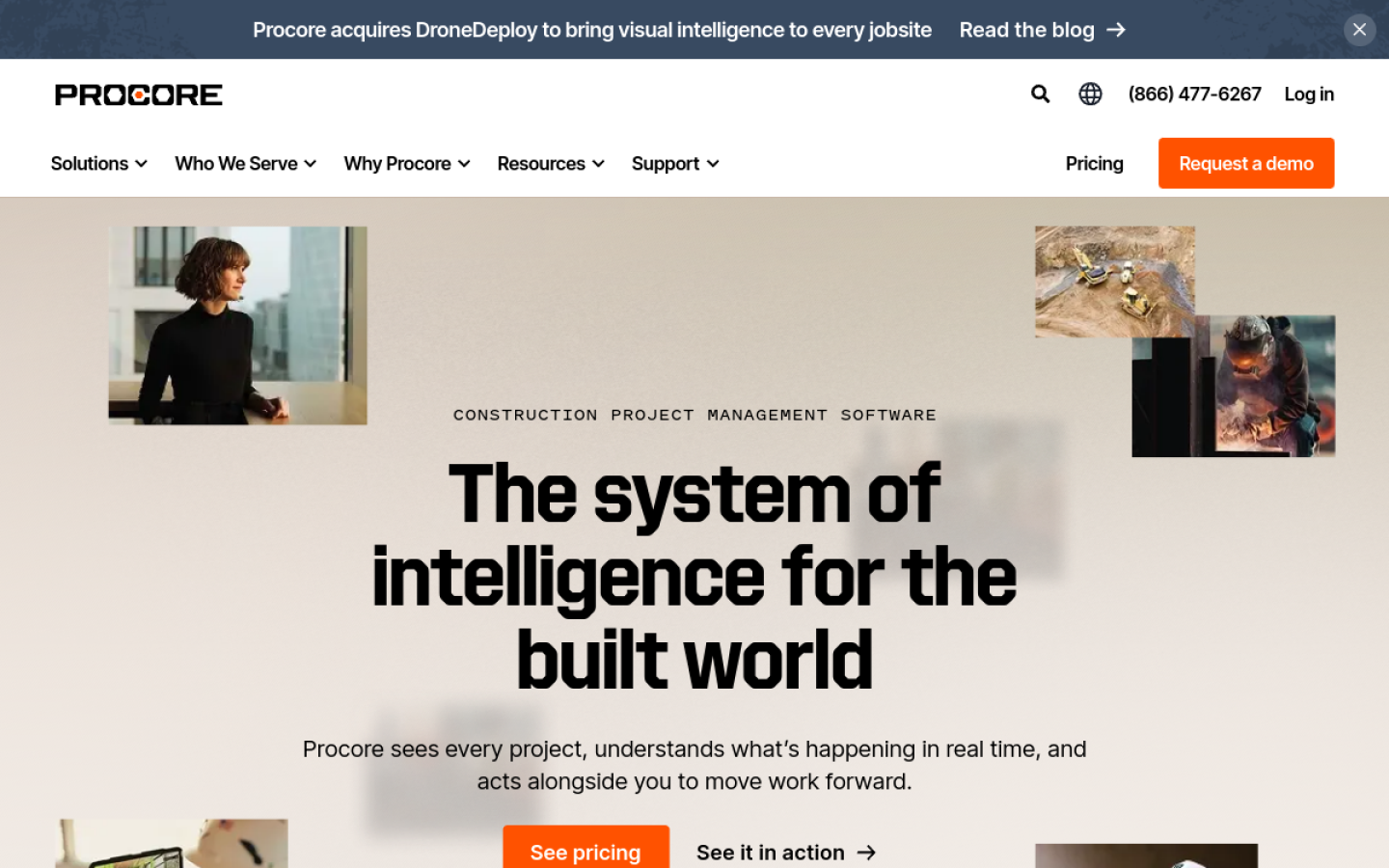
Procore is the biggest construction platform here, rated 4.6 out of 5 by 4,736 G2 reviewers, but every price is a quote.
Fieldwire is the cheapest platform with a free plan: Basic covers 5 users, 3 projects and 100 sheets, and Pro is $39 a user a month.
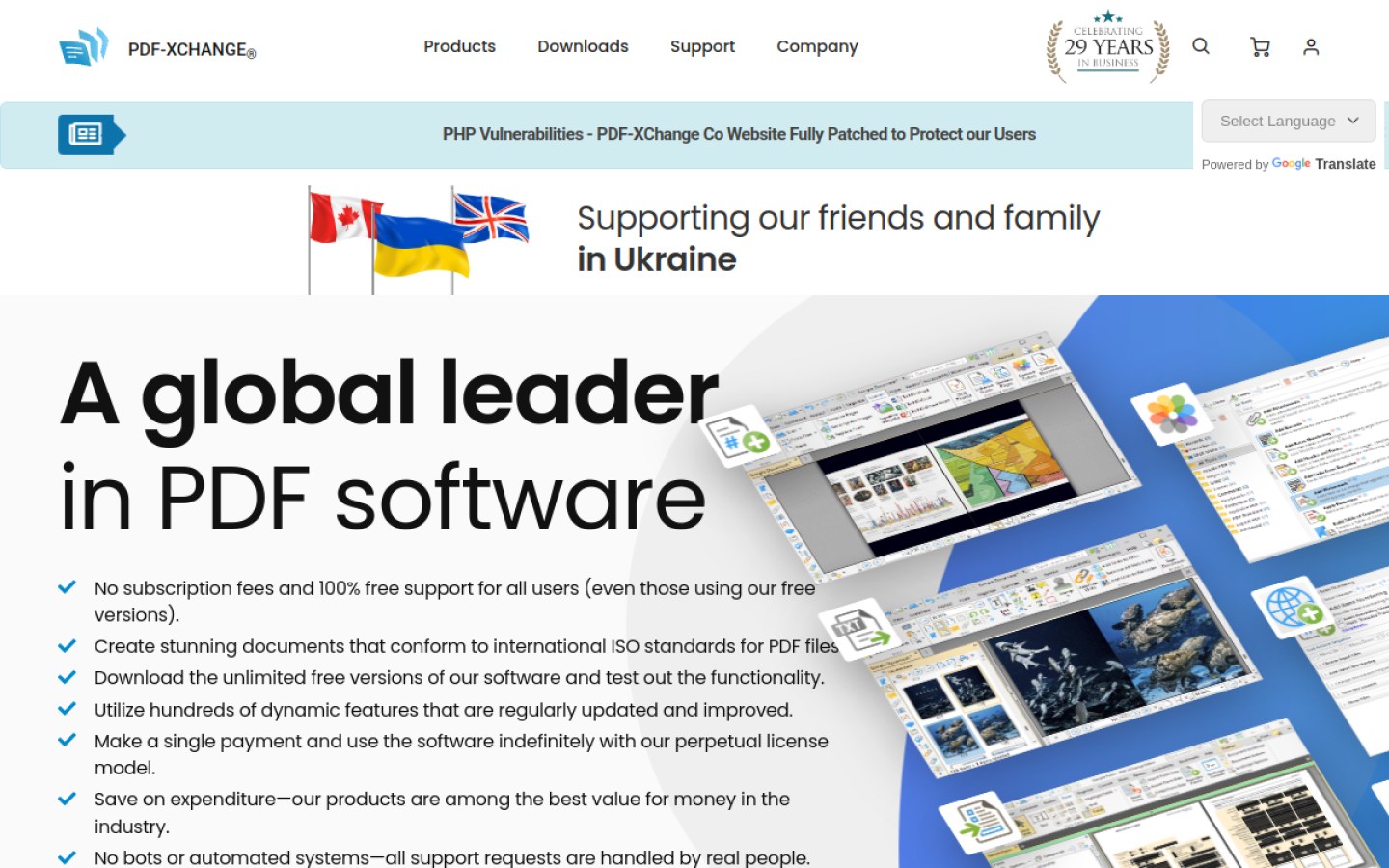
For pure PDF markup, Acrobat Pro costs $19.99 a month, Foxit is $129.99 a year, and PDF-XChange is a $62 one-time licence.
STACK is the only takeoff-first pick, at $299 a user a month, with a limited free version for trying the workflow.
Drawboard Projects has the highest rating in the list at 4.8 out of 5, but that rests on only 2 G2 reviews.
How do you choose the best Bluebeam alternative?
Start with the job, not the brand. Bluebeam Revu costs $260 a user a year for Basics, and it does two things well: PDF markup and measurement. The right replacement depends on which half your team uses most.
Price spreads further than most buyers expect. The tools here run from a $62 one-time licence to $1,404 a user a year, and the dearest options charge per seat, so count licences before comparing monthly prices. Our guide to budgeting for a WordPress website uses the same count-first discipline.
Check what runs on your team's machines. Bluebeam Revu is Windows-first, and several alternatives here run on Mac, iPad or the browser, which matters when the field team carries iPads and the office runs Windows.
Ratings need a second look. G2 scores in this list rest on 2 reviews for Drawboard Projects and 5,842 for Adobe Acrobat, so a high score on a small base means less than the same score on thousands of reviews.
Autodesk Build is the field and project management product of Autodesk Construction Cloud, now sold as Forma Build. It holds drawings, markups, RFIs, submittals, issues, photos and cost tracking in one place, with version control on every sheet and a free trial to start.
The trade off is price. Forma Build starts at $117 a user a month, or $1,404 a year, which is the dearest seat in this list and hard to justify for a small crew. It suits larger contractors and BIM-heavy teams that already work in Revit or AutoCAD.
What we like
Drawings, RFIs, submittals and issues in one place
Procore is a cloud construction platform that manages the whole project record in one place. Drawing management covers markups, version control and distribution, beside RFIs, submittals, punch lists, budgets and daily logs, with mobile apps for the field.
The trade off is price and rollout. Procore publishes no price, so every deal is a quote based on annual construction volume, and most teams take 1 to 3 months to go live. It suits mid-size and large contractors that want one system of record.
What we like
The most complete project record here
Drawing markups tied to RFIs and submittals
60 integrations, including Bluebeam
Unlimited users on volume pricing
Watch out for
No published price — every deal is a quote
Rollout typically takes 1 to 3 months
More platform than a team that only marks up PDFs needs
Fieldwire is a field-first platform from Hilti that puts plans, tasks and punch lists on every phone. Crews view drawings, add markups, pin tasks to plan sheets, track checklists and log photos, and the free Basic plan covers 5 users, 3 projects and 100 sheets.
The trade off is the tier ladder. Reports, exports and sheet compare need Pro at $39 a user a month, and RFIs, submittals and budgets wait for Business Plus at $89. It suits trade contractors and field crews that live on the jobsite.
What we like
Free plan covers small teams
Tasks and punch lists pinned to plan sheets
Works offline and syncs later
Most teams go live in under a month
Watch out for
Reports and exports need the Pro plan
RFIs and submittals need Business Plus at $89 a month
Adobe Acrobat Pro is the standard PDF editor, and the one most clients already use. It edits text and images, converts files, runs OCR on scans, redacts sensitive pages, compares versions and collects e-signatures, with 100GB of cloud storage and apps for desktop, web and mobile.
The trade off is depth. Its measuring tool saves distance, perimeter and area as comments, so it works for a quick check rather than a full takeoff. It suits teams that share PDFs with clients and need files that open correctly everywhere.
What we like
Files open correctly everywhere
Redaction, OCR and file compare included
E-signatures and shared review links
Works on desktop, web and mobile
Watch out for
No real takeoff or estimating tools
Annual plan carries an early-cancellation fee
Can feel slow on large scanned plan sets
Studio adds AI Assistant and PDF Spaces for $24.99 a monthVisit adobe.com
05
Foxit PDF Editor
4.6/5on G2 (3,785 reviews, checked Nov 2026)
Starts at$129.99/yr
Best lower-cost Acrobat alternative
PlatformWindows, Mac, web, mobile
MeasurementYes, in Editor
AI Assistant300 credits a month
Perpetual licence$209.99 one-time
foxit.com
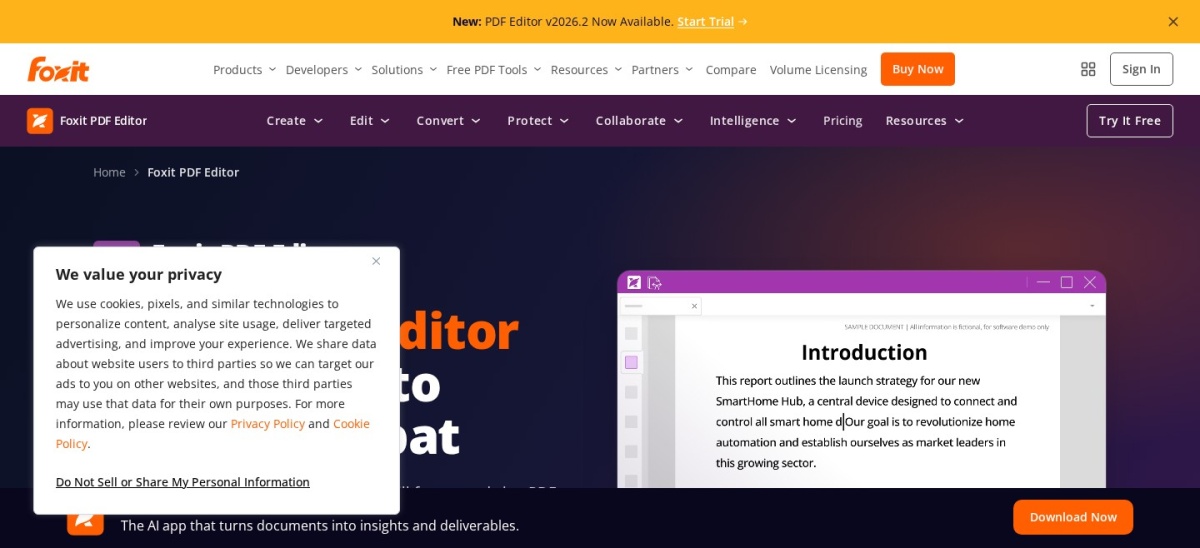
Foxit PDF Editor homepage, captured Nov 2026.
Foxit PDF Editor is a full PDF editor that covers the same core work as Acrobat Pro for less. It edits text, images and pages, converts files, fills forms, runs OCR, compares versions and signs PDFs, with document management and 300 AI credits a month included.
The trade off is the upsell. Mobile apps, Smart Redact and eSign envelopes wait for Editor+ at $159.99 a year, and shared review is thinner than a construction platform. It suits small firms that want Acrobat capability without the Acrobat price.
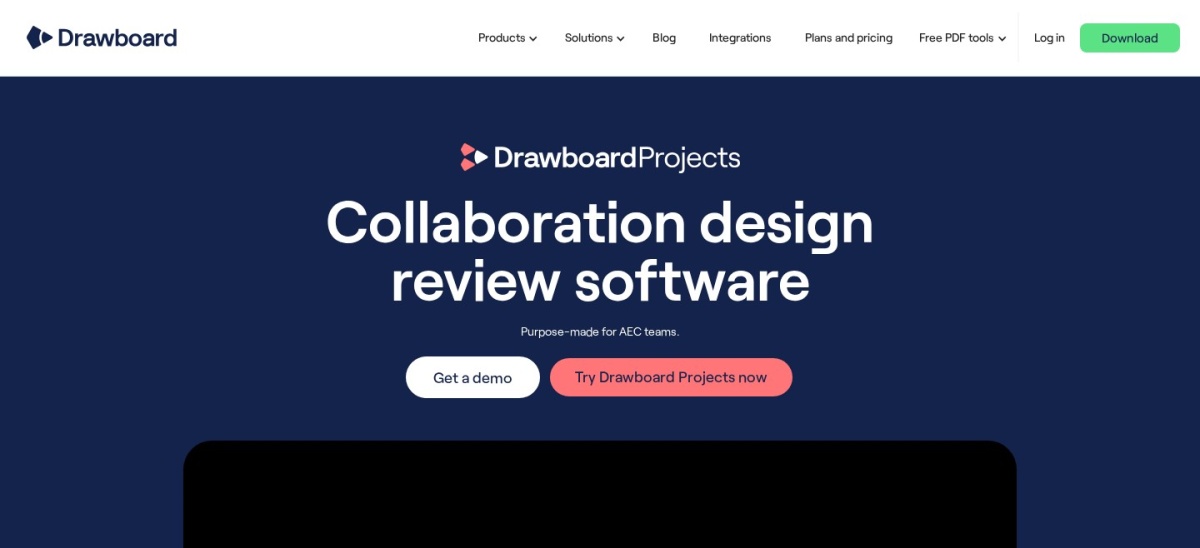
Drawboard Projects is built for teams that review drawings together in real time. Reviewers mark up the same drawing at once, pin issues to exact spots, track review status and compare revisions, with calibrated length and area measurement and free guest reviewers on every plan.
The trade off is the thin rating. Its G2 score of 4.8 out of 5 rests on only 2 reviews, and the Team plan caps at 25 users and 5 workspaces. It suits design teams and small AEC firms that run regular drawing reviews.
PDF-XChange Editor is a Windows PDF editor sold as a one-time $62 licence, with no subscription to renew. It annotates, edits and converts PDFs, measures distance, perimeter and area with scale calibration, and a free version covers the basics.
The trade off is the platform. It runs only on Windows, the interface looks dated next to newer rivals, and using a Pro tool in the free version watermarks the page. It suits Windows users who want to own their PDF editor outright.
What we like
Cheapest paid option here, and you own it
Fast and light on large plan sets
Measuring tools with scale calibration
No subscription to renew
Watch out for
Windows only — no Mac, web or mobile version
Interface looks dated next to rivals
Free version watermarks pages if a Pro tool is used
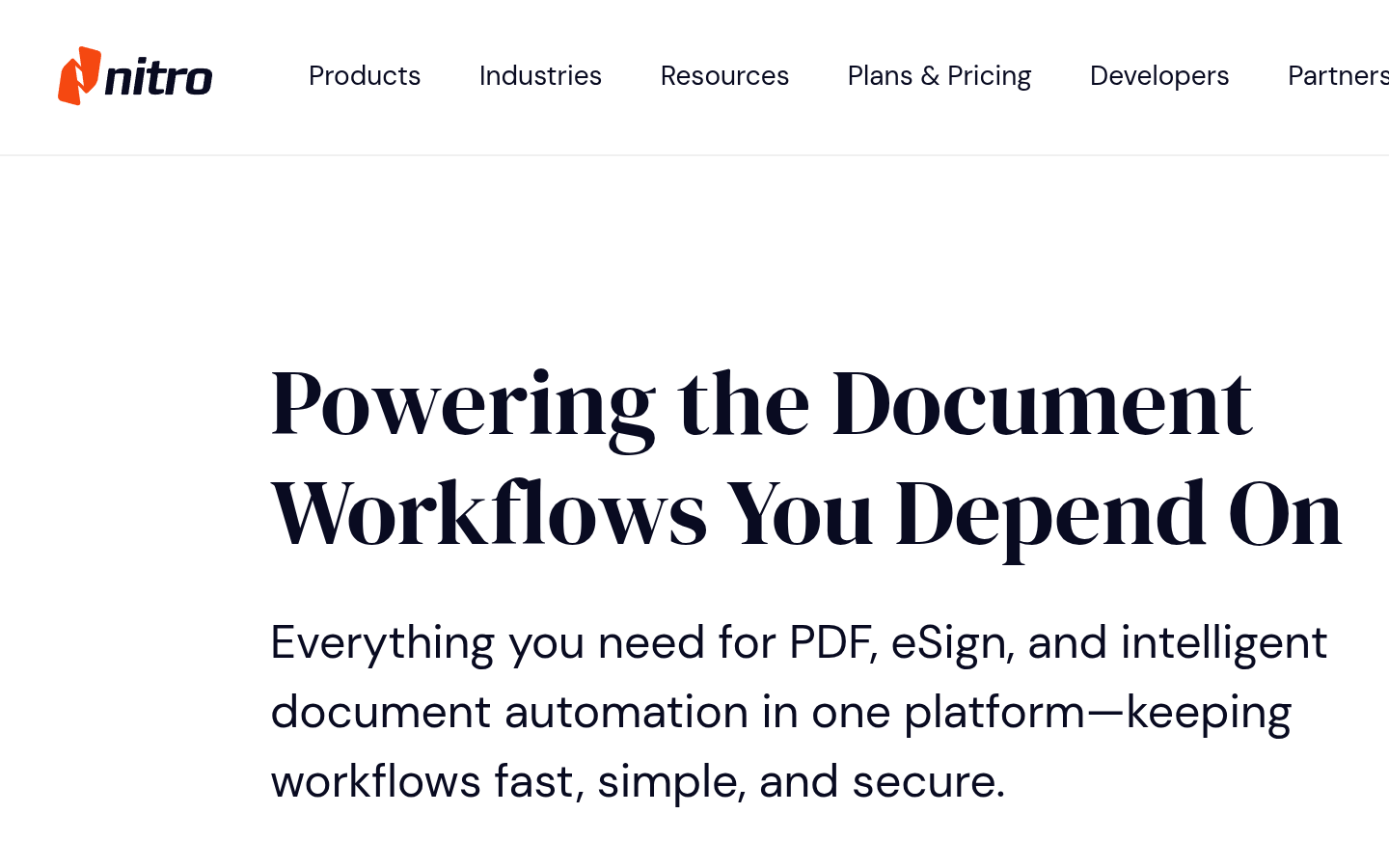
Nitro PDF Pro is a PDF editor with a familiar Office-style ribbon. It edits text and pages, converts files to Word and Excel, runs OCR on scans, redacts pages and collects e-signatures, with a 14-day trial that needs no credit card.
The trade off is the seat maths. At $15 a user a month billed yearly, the bill grows with every licence, and some advanced features sit on higher plans. It suits Windows-first offices switching from Acrobat to cut costs.
4.5/5on Capterra (1,398 reviews, checked Nov 2026)
Paid from$299/mo
Best cloud takeoff and estimating
PlatformCloud, any browser
TakeoffAreas, lengths, counts
EstimatingBuilt-in, with proposals
Free planYes, limited projects
stackct.com
STACK homepage, captured Nov 2026.
STACK is a cloud takeoff and estimating platform that runs in the browser. Estimators upload plan sets, measure areas, lengths and counts, price them from item and assembly libraries, and build proposals in the same workspace, with a limited free version to try first.
The trade off is price. Takeoff & Estimate starts at $299 a user a month, the dearest per-seat rate in this list after Autodesk Build, and AI features cost extra. It suits estimators who bid often and want takeoff, estimating and proposals in one place.
Markup vs takeoff: which half of Bluebeam do you need?
Bluebeam Revu bundles two jobs: marking up drawings and measuring them for takeoff. Most alternatives cover one half well and the other barely, so name the half you pay for before you compare prices.
If markup is the job, Acrobat Pro, Foxit and Drawboard Projects cover comments, stamps and shared review for $62 to $270 a year, and Fieldwire adds punch lists from the field for free.
If takeoff is the job, STACK measures and prices in one cloud tool, while PDF-XChange Editor measures on Windows for a $62 one-time licence and Drawboard Projects adds calibrated length and area to team reviews.
Teams that need both should price the platform options first. Autodesk Build and Procore replace the whole workflow, while a PDF editor beside STACK covers both halves for less on a small team.
How we chose
We started from the tools construction teams name most often as Bluebeam replacements, then kept nine with published prices or long track records, from full project platforms to single-purpose PDF editors.
Prices come from each vendor's pricing page or official help centre, checked on 29 November 2026. Ratings and review counts come from G2 or Capterra on the same day. Where a vendor shows a sale, the list shows the regular price.
We left out tools with no verifiable rating, including quote-only takeoff tools and newer markup apps with no public reviews. No vendor paid for a place, and we do not claim to have used these tools ourselves.
How to choose a Bluebeam alternative
Match the tool to the work your team does every week, not to the feature list.
Decide whether you need markup, takeoff, or both. A PDF editor covers markup for under $270 a year. Takeoff and estimating need STACK or a platform such as Autodesk Build, so price the tier that does the work you want.
Count seats before you compare prices. Per-user monthly prices look small until you multiply by the crew. A $39-a-month seat costs $468 a year, and a 10-person team pays $4,680 before add-ons.
Check the platforms your team already carries. Windows-only tools leave Mac and iPad users out. Cloud tools run anywhere, while desktop editors need the right operating system on every machine.
Run the trial on a real plan set. Load your largest drawing set, mark it up, measure a room and share it with a colleague. A trial on the vendor's demo files hides the slow parts.
FAQ
What is the best Bluebeam alternative in 2026?
Autodesk Build is the best Bluebeam alternative for most construction teams. It replaces markup, drawing control, RFIs and submittals in one platform from $117 a user a month, and it is rated 4.4 out of 5 by 5,669 G2 reviewers.
How much does a Bluebeam alternative cost?
Published prices here run from a $62 one-time licence for PDF-XChange Editor to $1,404 a user a year for Autodesk Build. Most PDF editors cost $130 to $270 a year, while construction platforms run $468 to $3,588 a user a year.
Is there a free Bluebeam alternative?
Fieldwire has the best free plan, covering 5 users, 3 projects and 100 sheets with plan viewing and markup. STACK has a limited free version for takeoff, and PDF-XChange Editor has a free version that watermarks pages when Pro tools are used.
Which Bluebeam alternative is best for small teams?
Fieldwire is the best pick for small teams. Its free Basic plan covers up to 5 users, and Pro at $39 a user a month adds reports, sheet compare and unlimited projects. For pure PDF work, Foxit PDF Editor at $129.99 a year is the cheapest full editor.
Autodesk Build vs Procore: which is better?
Autodesk Build is better when your team already works in Revit or AutoCAD, with published pricing from $117 a user a month. Procore is better as a standalone project record, rated 4.6 out of 5, but every price is a quote based on construction volume.
Can I use a Bluebeam alternative on a Mac?
Yes. Adobe Acrobat Pro, Foxit PDF Editor, Drawboard Projects, STACK and Procore all run on Mac or in the browser. PDF-XChange Editor is Windows only, and Bluebeam Revu itself is Windows-first, which is why many Mac teams switch.
Do Bluebeam alternatives do takeoff?
Some do. STACK is built for takeoff and estimating at $299 a user a month, Drawboard Projects includes calibrated length and area measurement, and PDF-XChange Editor measures on Windows. Acrobat Pro measures too, but it saves results as comments rather than quantities.
SaaS SEO and WordPress specialist with about 8 years of experience. Rakib compares WordPress plugins, themes, hosting and software using public pricing, documentation and user reviews. See how we rank.