vidIQ is the best YouTube tool for creators who want to improve channel growth, offering 2,000 monthly AI credits on its $199 annual Boost plan. Choose Descript for transcript-based video editing or OpusClip for turning long YouTube videos into Shorts.
How we make this list: we compare pricing pages, product documentation and public user reviews, then re-check every price before each update. No product paid for a place. Disclosure.
vidIQ Boost costs $199 annually and includes 2,000 monthly AI credits for creator workflows.
Descript Hobbyist includes 10 media hours per month for $192 annually.
OpusClip Starter provides 150 monthly credits for $15 per month.
Riverside earns 4.8/5 on G2 from 1,758 reviews and supports recording at up to 4K.
Buffer Essentials costs $60 annually per channel, making it an affordable scheduling option.
What YouTube creators should look for in a tool
YouTube creators need software that addresses specific production and channel growth problems. Keyword research, thumbnail optimization, recording, editing and publishing all require different capabilities.
A YouTube SEO tool should help you identify relevant search terms, understand competing videos and develop content ideas. Search estimates are useful for planning but cannot guarantee rankings or views.
Video editing tools should reduce repetitive work through transcription, automated captions and reusable layouts. Check export resolution, watermarks and monthly processing allowances before subscribing.
Creators publishing across multiple platforms should consider scheduling and content repurposing tools. Start with free plans and upgrade when the time saved justifies the subscription.
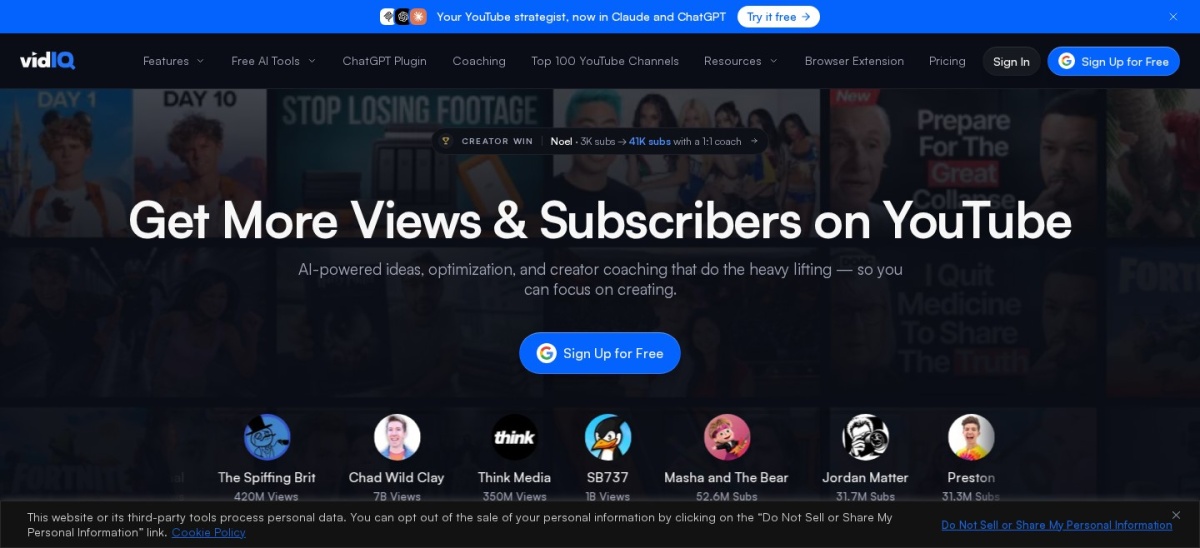
vidIQ is a YouTube growth platform covering keyword research, competitor insights, content ideas and channel optimization. Its free plan includes 150 monthly AI credits, while Boost expands that allowance to 2,000 credits.
The trade off is that advanced research and AI features require Boost at $199 annually. AI suggestions still need editorial judgment, particularly when selecting video topics. It suits creators who want a repeatable approach to channel growth.
What we like
YouTube-focused keyword research
Competitor and trend analysis
Personalized video ideas
Free entry-level plan
Watch out for
AI credit limits apply
Search estimates cannot guarantee video performance
Boost adds expanded research, AI credits and subscriber insights.Visit vidiq.com
02
Descript
4.6/5on G2 (940 reviews, checked Nov 2026)
Paid from$16/mo
Best for transcript-based video editing
Media allowance10 hours per month
AI credits400 per month
Export resolution1080p
Paid planHobbyist, billed annually
descript.com
Descript homepage, captured Nov 2026.
Descript is a video and audio editor that lets creators modify recordings through their transcripts. Hobbyist includes 10 monthly media hours, 400 AI credits and watermark-free 1080p exports.
The trade off is that Hobbyist costs $16 per month with annual billing and imposes processing limits. Higher-resolution exports require an upgrade. It suits educational creators, interview channels and talking-head video producers.
What we like
Text-based video editing
Automatic transcription
Audio cleanup and filler word removal
Watermark-free paid exports
Watch out for
Monthly processing limits
4K exports require a higher plan
Hobbyist adds expanded processing allowances and watermark-free exports.Visit descript.com
03
OpusClip
4.6/5on G2 (128 reviews, checked Nov 2026)
Paid from$15/mo
Best for repurposing videos into Shorts
Monthly credits150
Automatic captionsYes
Brand kits1
Paid planStarter
opus.pro
OpusClip homepage, captured Nov 2026.
OpusClip is an AI-assisted video repurposing tool that extracts short clips from longer recordings. Starter includes 150 monthly credits, automatic captions, clip scoring and a reusable brand kit.
The trade off is that Starter costs $15 per month and automated selections may miss important context. Creators should review clips before publishing. It suits podcasters, interview channels and creators producing regular YouTube Shorts.
What we like
Automatic short clip generation
Animated captions
YouTube Shorts publishing
Reusable branding
Watch out for
Credit-based processing limits
Generated clips may require manual adjustments
Starter adds watermark removal, editing and additional credits.Visit opus.pro
04
Riverside
4.8/5on G2 (1,758 reviews, checked Nov 2026)
Paid from$288/yr
Best for recording remote interviews
Video resolutionUp to 4K
Audio quality48 kHz
Separate track downloads15 hours
Paid planPro
riverside.com
Riverside homepage, captured Nov 2026.
Riverside is a remote recording platform for video interviews, podcasts and collaborative YouTube content. Its Pro plan supports up to 4K video, 48 kHz audio and separate recording tracks.
The trade off is that Pro costs $288 annually, while the free plan limits recording quality and includes a watermark. More advanced live streaming features require an upgrade. It suits creators recording interviews with remote guests.
What we like
Local recording for remote participants
Separate audio and video tracks
High-resolution recording
Integrated transcription and editing
Watch out for
Free exports carry a watermark
Advanced streaming requires a higher plan
Pro adds 4K recording, watermark removal and expanded editing features.Visit riverside.com
05
Buffer
4.3/5on G2 (1,043 reviews, checked Nov 2026)
Paid from$5/mo
Best for scheduling YouTube Shorts
Free channels3
Free scheduling10 posts per channel
Paid schedulingUnlimited posts
Paid planEssentials, billed annually
buffer.com
Buffer homepage, captured Nov 2026.
Buffer is a social media scheduling platform that supports YouTube Shorts alongside other social channels. Its free plan connects up to 3 channels and allows 10 scheduled posts per channel.
The trade off is that Essentials costs $5 per month per channel with annual billing. Buffer also lacks dedicated YouTube keyword research features. It suits creators distributing short videos across multiple social platforms.
What we like
Cross-platform content scheduling
Free publishing allowance
Content idea organization
Affordable single-channel subscription
Watch out for
Costs increase with additional channels
Not a dedicated YouTube SEO platform
Essentials adds unlimited scheduling, content ideas and expanded analytics.Visit buffer.com
06
TubeBuddy
4.6/5on G2 (44 reviews, checked Nov 2026)
Paid from$16/mo
Best for browser-based YouTube optimization
Browser extensionYes
Keyword researchYes
Creator license1 user
Paid planPro, billed annually
tubebuddy.com
TubeBuddy homepage, captured Nov 2026.
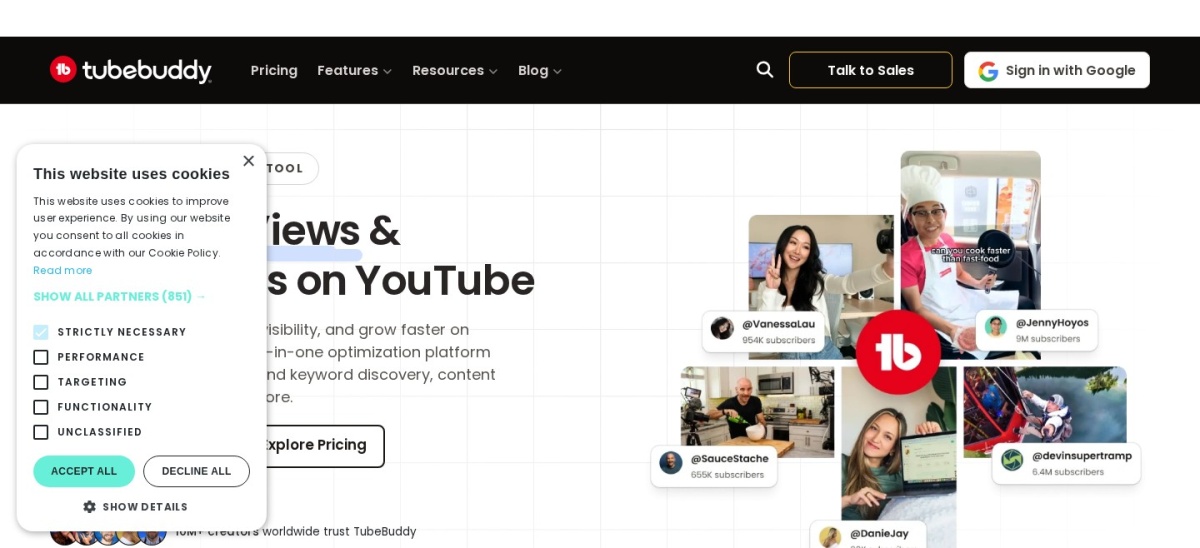
TubeBuddy is a browser-based YouTube optimization toolkit that helps creators research keywords and improve video metadata. Its Pro plan includes keyword research, title optimization and basic thumbnail tools under a single-user license.
The trade off is that Pro regularly costs $16 per month with annual billing, while advanced analytics and bulk editing require Legend. A Black Friday promotion advertises a lower introductory price. It suits creators who prefer working directly inside YouTube.
What we like
Integrated YouTube browser workflow
Keyword and metadata optimization
Thumbnail analysis tools
Free entry-level features
Watch out for
Advanced optimization requires Legend
Individual creator license restrictions
Pro adds expanded keyword research and video optimization features.Visit tubebuddy.com
07
ElevenLabs
2.8/5on Trustpilot (1,276 reviews, checked Nov 2026)
Paid from$5/mo
Best for AI voiceovers and dubbing
Free monthly credits10,000
Starter monthly credits30,000
Commercial licensePaid plan
Paid planStarter, billed annually
elevenlabs.io
ElevenLabs homepage, captured Nov 2026.
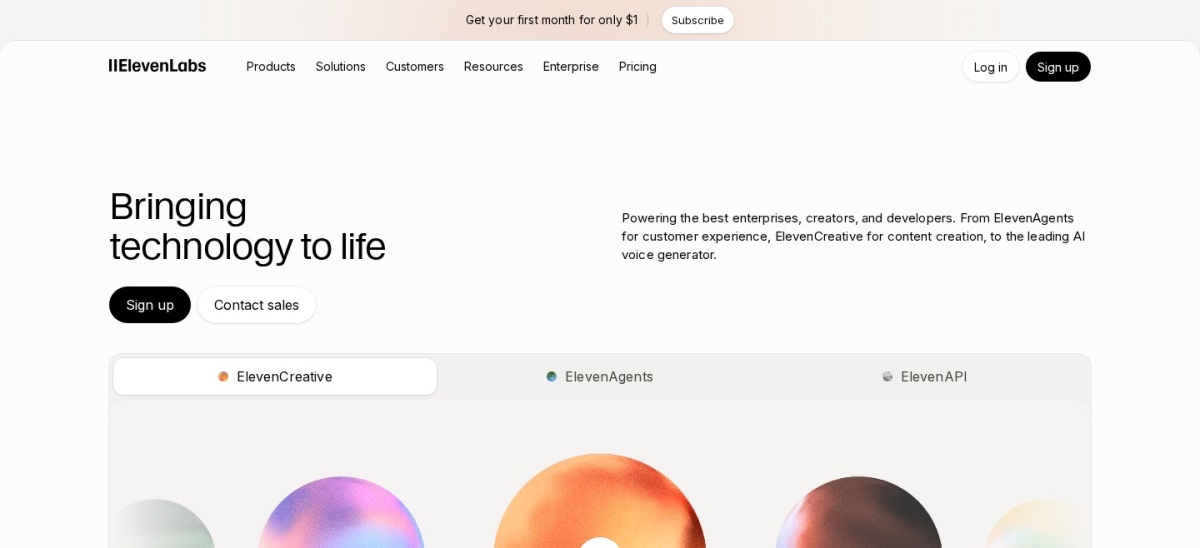
ElevenLabs is an AI audio production platform for generating narration, dubbing videos and creating sound effects. Its free plan includes 10,000 monthly credits, while Starter provides 30,000 credits and commercial usage rights.
The trade off is that Starter costs $60 annually and longer narration projects can consume credits quickly. Its 2.8/5 Trustpilot rating also warrants attention to billing terms, especially during introductory promotions. It suits creators producing narrated videos and multilingual content.
What we like
Natural-sounding AI narration
Multilingual video dubbing
Commercial licensing on Starter
Affordable entry-level subscription
Watch out for
Credit limits affect longer videos
Mixed customer feedback about billing
Generated narration requires pronunciation checks
Starter adds commercial rights, voice cloning and additional credits.Visit elevenlabs.io
How to build a YouTube creator toolkit
Start with vidIQ or TubeBuddy for researching topics and optimizing uploads. Pair your preferred research platform with Descript if editing recordings takes up too much production time.
Add OpusClip when you regularly repurpose long videos into Shorts. Riverside is more relevant for interview channels, while ElevenLabs addresses narration and dubbing needs.
Avoid paying for overlapping features across several subscriptions. YouTube Studio already provides channel analytics, publishing controls and audience performance data without an additional subscription.
How we chose
We compared established creator platforms covering YouTube research, video editing, recording, content repurposing, audio production and publishing. Rankings prioritize practical usefulness for independent creators rather than review scores alone.
We checked official pricing pages and public G2 or Trustpilot ratings on 25 Nov 2026. Annual costs reflect regular entry-level subscriptions, using annual billing where available and excluding temporary promotional discounts.
We excluded products without sufficient public reviews or verifiable entry-level pricing, including tools whose pricing pages did not display concrete subscription amounts. No vendor paid for a place, and we do not claim testing for this list.
How to choose the best YouTube tools for your channel
Follow these steps to build a creator toolkit that supports your publishing goals without unnecessary subscription expenses.
Identify your biggest production bottleneck. Choose keyword research software if finding topics is difficult, or prioritize editing and recording tools if production takes too long.
Compare regular annual subscription costs. Check renewal prices, billing commitments, processing credits and additional channel fees before purchasing.
Evaluate free plans before upgrading. Use available free features to understand whether a product fits your workflow and whether its paid capabilities justify the expense.
Avoid overlapping subscriptions. Select complementary tools for research, editing and publishing rather than paying for several platforms that provide similar features.
FAQ
What is the best YouTube tool for creators?
vidIQ is our top pick for YouTube creators focused on channel growth and keyword research. Its Boost subscription costs $199 annually and includes expanded AI credits, trend research and channel optimization capabilities.
Is vidIQ or TubeBuddy better for YouTube SEO?
vidIQ is better suited to creators looking for content ideas, competitor insights and AI-assisted growth recommendations. TubeBuddy is a good alternative for creators who prefer browser-based keyword research and metadata optimization inside YouTube.
What is the best tool for creating YouTube Shorts?
OpusClip is a practical option for converting longer videos into Shorts. It identifies potential highlights, generates captions and reformats clips for short-form publishing. Creators should review generated clips before uploading them.
Can I grow a YouTube channel using free tools?
Yes. YouTube Studio and free plans from vidIQ, TubeBuddy and Buffer can support content planning, channel analysis and publishing. Paid subscriptions become more useful when free allowances limit your production or research workflow.
What is the best video editing software for YouTube beginners?
Descript is a good choice for beginners producing narrated videos, interviews and tutorials because it allows transcript-based editing. Its Hobbyist plan includes 10 monthly media hours and watermark-free 1080p exports.
Do YouTube SEO tools guarantee more views?
No. YouTube SEO tools provide research, optimization suggestions and competitive insights, but video performance depends on audience interest, viewer satisfaction, thumbnails, content quality and other factors. Keyword scores should inform decisions rather than determine them.
How much should YouTube creators spend on software?
Start with free tools and upgrade based on your production requirements. In this comparison, annual entry-level subscriptions range from $60 to $288. Your overall budget depends on which tools you need and how frequently you publish.
SaaS SEO and WordPress specialist with about 8 years of experience. Rakib compares WordPress plugins, themes, hosting and software using public pricing, documentation and user reviews. See how we rank.