4K YouTube to MP3 is the best YouTube to MP3 converter app for most people, with a free Starter plan and a $10-a-year Lite plan that adds unlimited playlists. Pick MediaHuman for a fully free MP3 app, or Any Video Converter if you also need a full converter and editor.
How we make this list: we compare pricing pages, product documentation and public user reviews, then re-check every price before each update. No product paid for a place. Disclosure.
4K YouTube to MP3 is the cheapest paid upgrade here at $10 a year, with a 4.6 Trustpilot score from 13,411 reviews.
MediaHuman is the only fully free MP3 app in this list, with 320kbps audio and the highest rating here at 4.9 from 504 reviews.
Any Video Converter downloads without quantity limits on its free version, but its $39.95 Pro licence is a one-time payment, not a yearly price.
YT Saver covers the most sites at 10,000+, but its free version downloads only 3 videos.
Every tool here costs $39.95 or less for its cheapest paid plan, and five of the nine have a free version.
What to look for in a YouTube to MP3 app
People save YouTube audio to listen offline, keep lectures and podcasts, or archive their own uploads. A good converter app saves clean MP3 files at a bitrate you choose, not just whatever the site hands it.
Audio quality caps matter most. The best apps in this list save at up to 320kbps, while free web converters often cap lower or give no bitrate choice at all.
Only save audio you have the right to keep, such as your own uploads or material shared under a licence that allows it. YouTube's own terms do not allow downloading most videos, so keep your use lawful and personal.
If the audio will live on your own site instead, the choice changes. Our guide on self-hosted video vs YouTube embeds compares the speed cost of hosting media yourself against embedding it.
4.6/5on Trustpilot (13,411 reviews, checked Nov 2026)
Paid from$10/yr
Best YouTube to MP3 app overall
Audio formatsMP3, M4A, OGG
Playlist downloadsYes, unlimited on paid
PlatformsWindows, macOS, Linux
Paid planLite, $10/yr
4kdownload.com
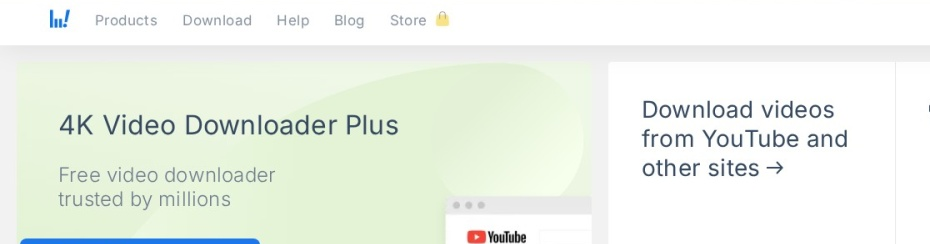
4K YouTube to MP3 homepage, captured Nov 2026.
4K YouTube to MP3 is a desktop app for Windows, macOS and Linux that turns YouTube links into MP3, M4A or OGG audio files. The free Starter plan covers basic downloads, while paid plans add unlimited playlist and channel downloads.
The trade off is price shape. Lite costs $10 a year for one computer, while Personal costs $15 once for three computers, and the Pro plan lists at $60. It suits people who save podcasts, lectures and playlists as audio and want a dedicated MP3 app.
What we like
Dedicated MP3 app with no video features in the way
Free Starter plan for basic downloads
Playlist and channel downloads on paid plans
Runs on Windows, macOS and Linux
Watch out for
Lite licence covers one computer only
Trustpilot score covers all 4K products, not this app alone
4.9/5on Trustpilot (504 reviews, checked Nov 2026)
Paid from$29.99/yr
Best free MP3 converter for music
Audio formatsMP3, M4A, OGG
Max bitrate320kbps
Playlist trackingYes, automatic
Paid planTurboBoost, $29.99 once
mediahuman.com
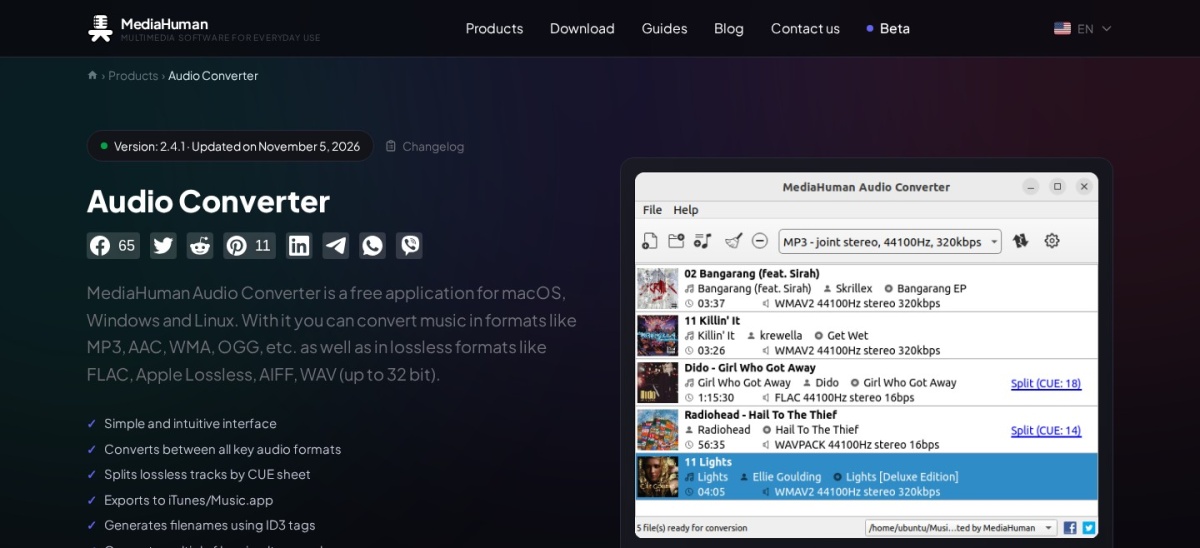
MediaHuman YouTube to MP3 Converter homepage, captured Nov 2026.
MediaHuman YouTube to MP3 Converter is a free desktop app for Windows, macOS and Ubuntu that saves YouTube audio as MP3, M4A or OGG at up to 320kbps. It downloads playlists and channels, edits track tags and can send finished tracks to iTunes or Apple Music.
The trade off is speed. Standard downloads run at normal speed, and the paid TurboBoost mode, listed at $29.99 as a one-time upgrade, makes downloads much faster. It suits music lovers who want a free, ad-free MP3 app with tidy track tags.
What we like
Fully free core app with no ads
Saves audio at up to 320kbps
Tracks playlists and downloads new tracks automatically
Tag editing and iTunes export included
Watch out for
TurboBoost price is not shown clearly on the vendor site
4.8/5on Trustpilot (1,017 reviews, checked Nov 2026)
Paid from$39.95/yr
Best all-in-one converter and downloader
Max qualityUp to 4K
Free downloadsYes, unlimited
Output formats1,000+
Paid planPro, $39.95 once
any-video-converter.com
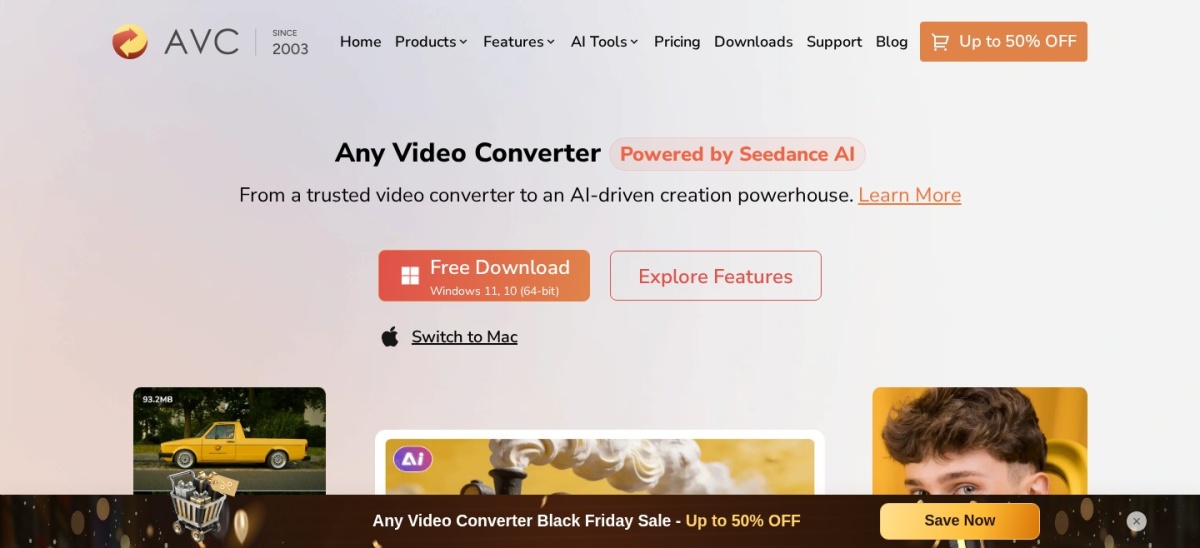
Any Video Converter homepage, captured Nov 2026.
Any Video Converter is a free video toolkit for Windows and Mac that downloads, converts, compresses, records and edits video in one app, with no watermarks on free output. The free version downloads videos without quantity limits, and paid plans add format choice, parallel downloads and AI tools.
The trade off is that downloading is only one part of a large app, so the interface is busier than a single-purpose MP3 tool. It suits creators who want one tool for downloading, converting and light editing.
What we like
Free version downloads without quantity limits or watermarks
23 years of development behind the current version
Rated 4.8 from 1,017 Trustpilot reviews
Includes screen recording, DVD tools and AI features
Watch out for
Paid prices are shown on sale, so the regular price is higher
Free downloads save as .webm or .mkv unless you upgrade
4.6/5on Trustpilot (900 reviews, checked Nov 2026)
Starts at$29.95/yr
Best for saving from 10,000+ sites
Sites supported10,000+
Audio formatsMP3 and more
Free trial3 videos
Paid planYearly, $29.95
ytsaver.net
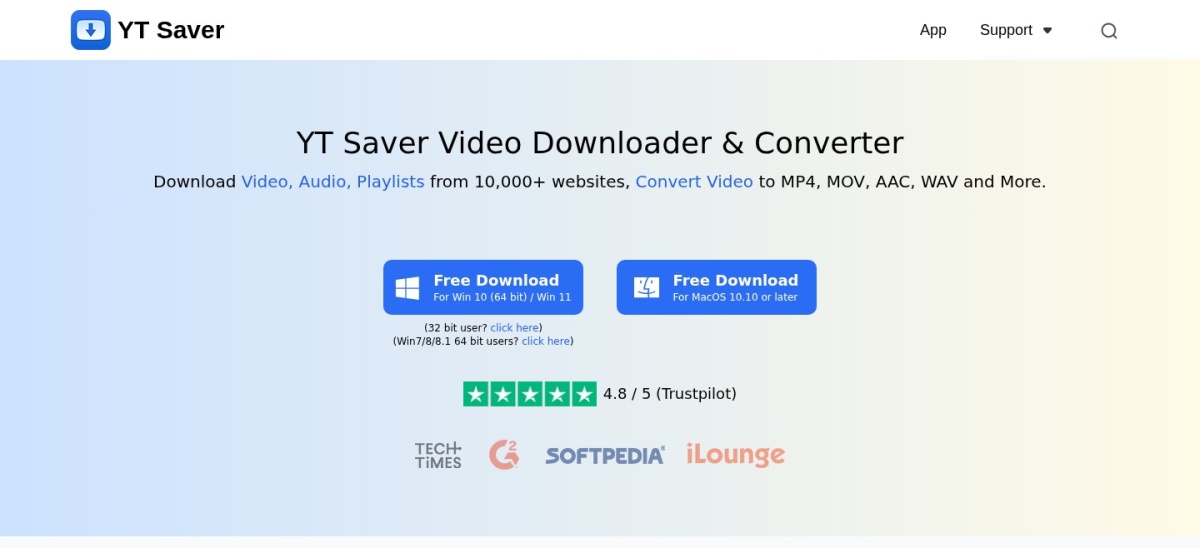
YT Saver homepage, captured Nov 2026.
YT Saver is a desktop downloader for Windows, Mac and Android that saves video and audio from more than 10,000 sites, including YouTube, Facebook, Instagram and TikTok. It converts downloads to MP3 and other formats, and its private mode keeps saved files in a password-protected folder.
The trade off is the trial. The free version downloads only 3 videos, and the yearly plan costs $29.95 for Windows, while Mac licences cost more. It suits people who save audio and video from many different sites in one app.
What we like
Covers 10,000+ sites, the most in this list
MP3 conversion with a private mode
Lifetime licence option for $39.95
30-day money-back guarantee
Watch out for
Free version downloads only 3 videos
Mac plans cost more than Windows plans
Some reviewers report features moved to higher tiers
4.9/5on Trustpilot (39,746 reviews, checked Nov 2026)
Starts at$23.99/yr
Best for batch playlists and MP3
Max qualityUp to 8K
Sites supported1,000+
Batch downloadsYes
Paid planYearly, $23.99
easeus.com
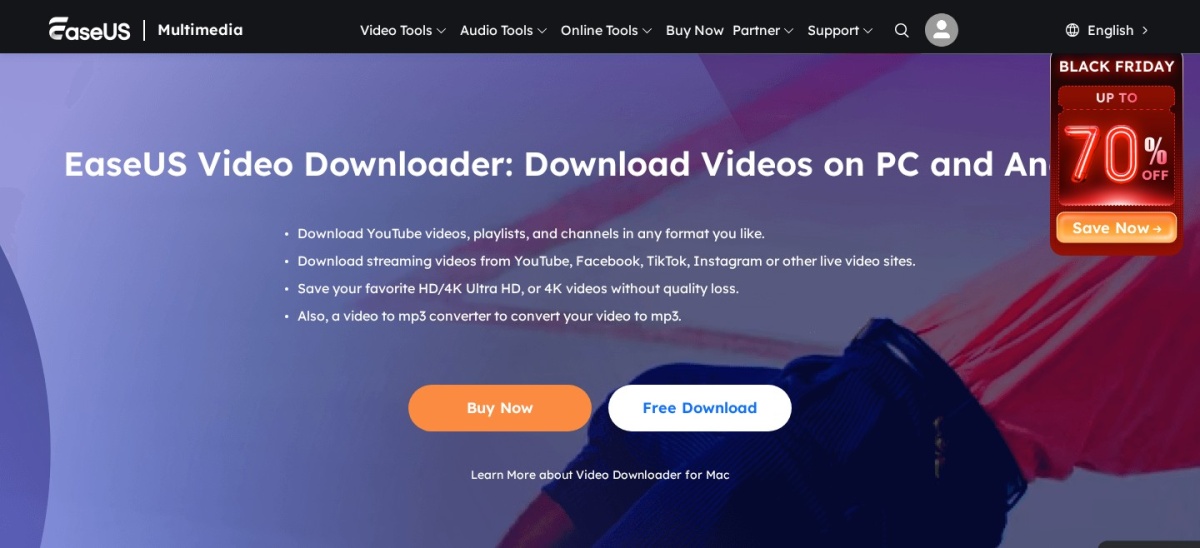
EaseUS Video Downloader homepage, captured Nov 2026.
EaseUS Video Downloader is a desktop app for Windows and Mac that saves videos from more than 1,000 sites, including YouTube, Facebook, TikTok and Instagram, in up to 8K quality. It downloads whole playlists and channels in batches and converts videos straight to MP3.
The trade off is the free tier. It is a limited trial rather than a free plan, so regular use needs a paid licence from $23.99 a year. It suits people who want batch playlist downloads with a built-in browser.
What we like
Yearly plan is $23.99, one of the cheaper paid options here
Built-in browser for searching videos inside the app
Batch downloads for playlists and channels
One licence covers three computers
Watch out for
No usable free plan, only a limited trial
Monthly price is listed inconsistently at $12.99 or $19.99
Trustpilot score is company-wide, not product-specific
Yearly plan adds unlimited downloads for $23.99 a yearVisit easeus.com
06
iTubeGo
4.8/5on Trustpilot (2,293 reviews, checked Nov 2026)
Paid from$39.95/yr
Best for bulk downloads in 8K
Max qualityUp to 8K
Sites supported1,000+
Free tier3 videos a day
Paid planLifetime, $39.95
itubego.com
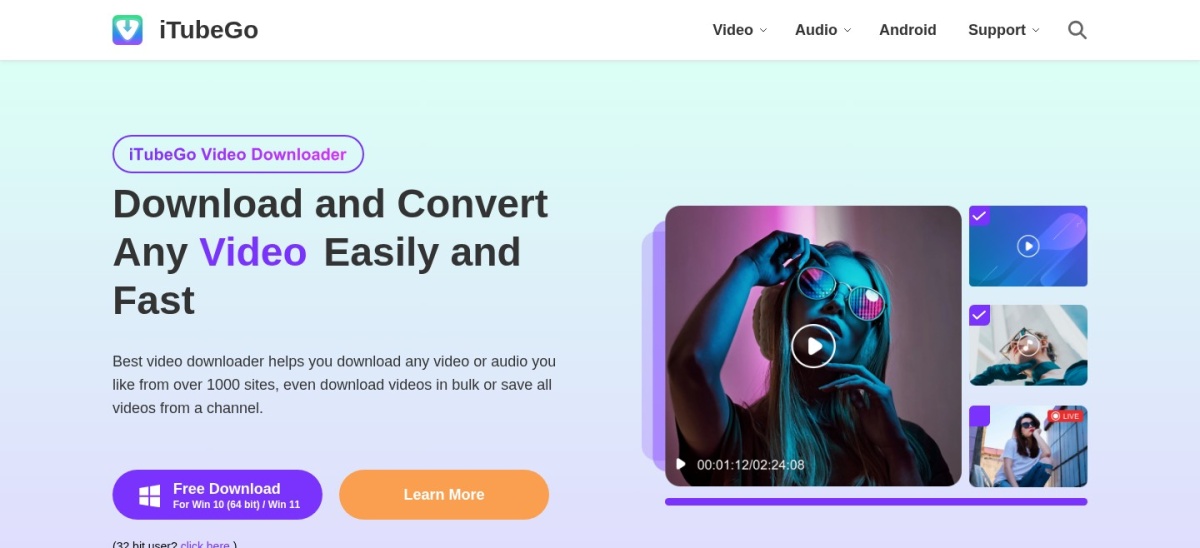
iTubeGo homepage, captured Nov 2026.
iTubeGo is a desktop downloader for Windows, macOS and Android that saves videos in up to 8K from more than 1,000 sites, with batch downloads, playlists, subtitles and MP3 conversion. The free tier allows up to 3 single-video downloads and one playlist download a day.
The trade off is price shape. The monthly plan costs $9.95, while the $39.95 lifetime licence for Windows is the better deal for regular use. It suits people who archive whole playlists or channels in high quality.
What we like
Highest product rating here: 4.8 from 2,293 Trustpilot reviews
8K downloads with batch queues and subtitles
Lifetime licence avoids a yearly renewal
Works on Windows, macOS and Android
Watch out for
Free tier is limited to 3 videos a day
Mac lifetime licence costs more at $49.95
Some reviewers report strict licence activation limits
Lifetime licence covers the full feature set for $39.95 onceVisit itubego.com
07
SnapDownloader
4.1/5on Trustpilot (167 reviews, checked Nov 2026)
Starts at$29.99/yr
Best for scheduled batch downloads
Max qualityUp to 8K
Sites supported900+
Built-in trimmerYes
Paid planAnnual, $29.99
snapdownloader.com
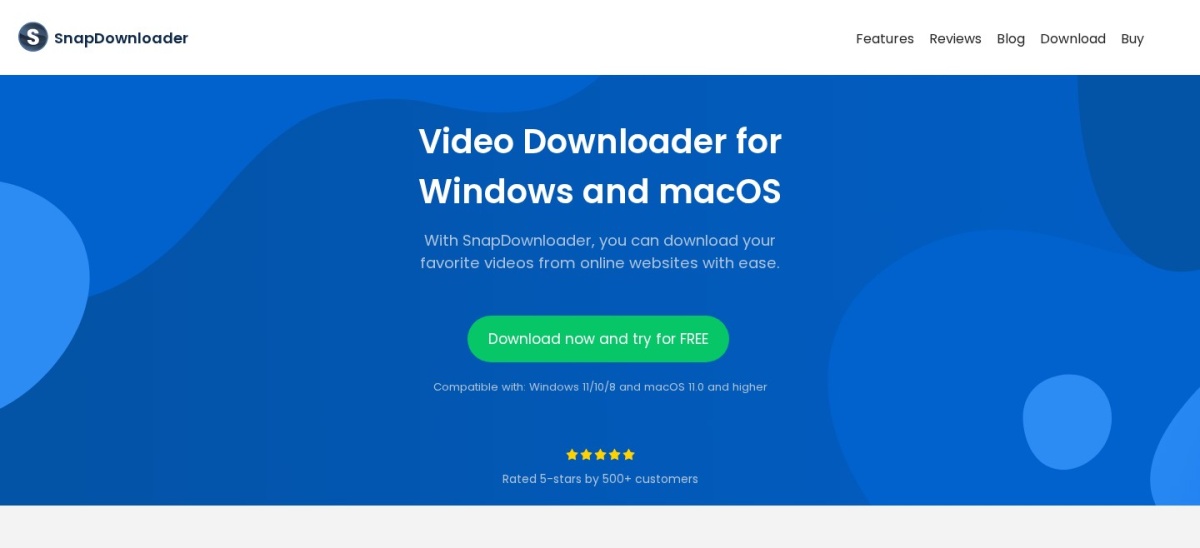
SnapDownloader homepage, captured Nov 2026.
SnapDownloader is a desktop downloader for Windows and macOS that saves videos from more than 900 sites in up to 8K, with a built-in trimmer, batch queueing, scheduled downloads and proxy settings. It also converts downloads to MP4, MP3 and other formats.
The trade off is the trial. You get 48 hours free with no payment, then the annual plan costs $29.99. It suits power users who queue dozens of videos at once and want downloads scheduled for off-peak hours.
What we like
Built-in trimmer cuts clips before downloading
Scheduled downloads and proxy support included
Downloads in up to 8K from 900+ sites
Lifetime licences available from $39.99
Watch out for
Only a 48-hour trial, no free plan
Annual price is listed as $19.95 in some older roundups
4.3/5on Trustpilot (517 reviews, checked Nov 2026)
Paid from$39.95/yr
Best downloader with AI enhancement
Max qualityUp to 8K
AI toolsUpscale, denoise, stabilize
Free versionYes, limited
Paid planPremium 365, $39.95/yr
videoproc.com
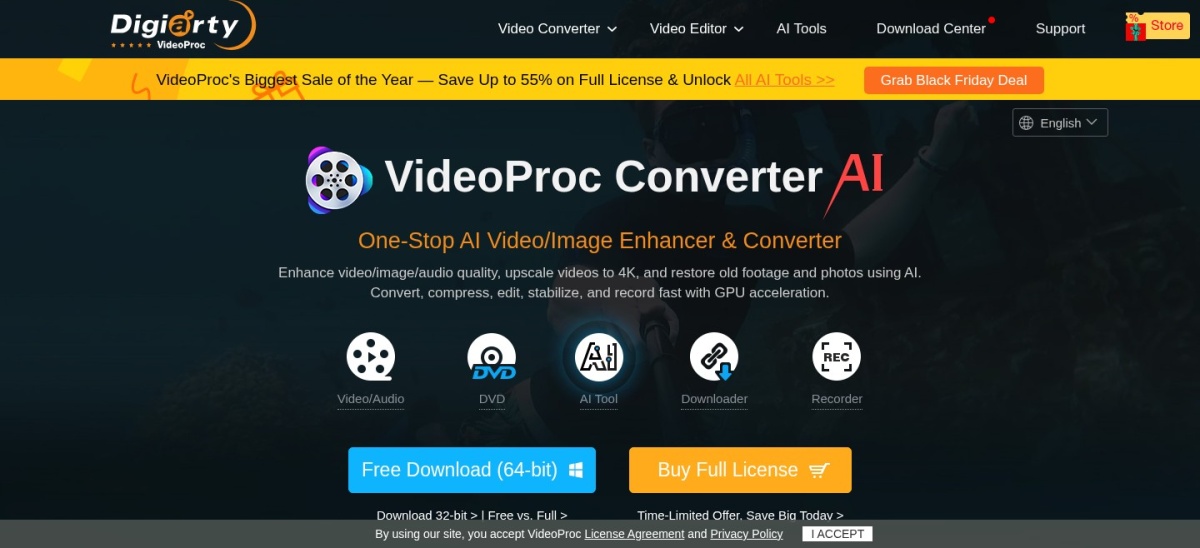
VideoProc Converter AI homepage, captured Nov 2026.
VideoProc Converter AI is a desktop media toolkit for Windows and Mac that combines a video downloader with conversion, compression, recording and AI enhancement. It supports 370 input codecs and 420+ output formats, including MP3 audio, and its AI tools can upscale old footage to 4K.
The trade off is that downloading is a side feature, not the focus. Premium 365 renews at $39.95 a year after a $34.95 first-year offer. It suits people who download videos and then want to clean them up in the same app.
What we like
AI upscaling, denoising and stabilization included
GPU acceleration for fast conversion
Wide format support: 370 inputs, 420+ outputs
Downloader, recorder and editor in one licence
Watch out for
Downloading is a side feature, not the main focus
First-year price is lower than the $39.95 renewal
Licences are for individuals, not business teams
Premium 365 adds the full AI toolkit for $39.95 a year on renewalVisit videoproc.com
09
HitPaw Video Converter
4.7/5on Capterra (47 reviews, checked Nov 2026)
Starts at$39.95/yr
Best fast converter with downloads
Max qualityUp to 8K
PlatformsWindows and Mac
Free trialYes
Paid planAnnual, $39.95
hitpaw.com
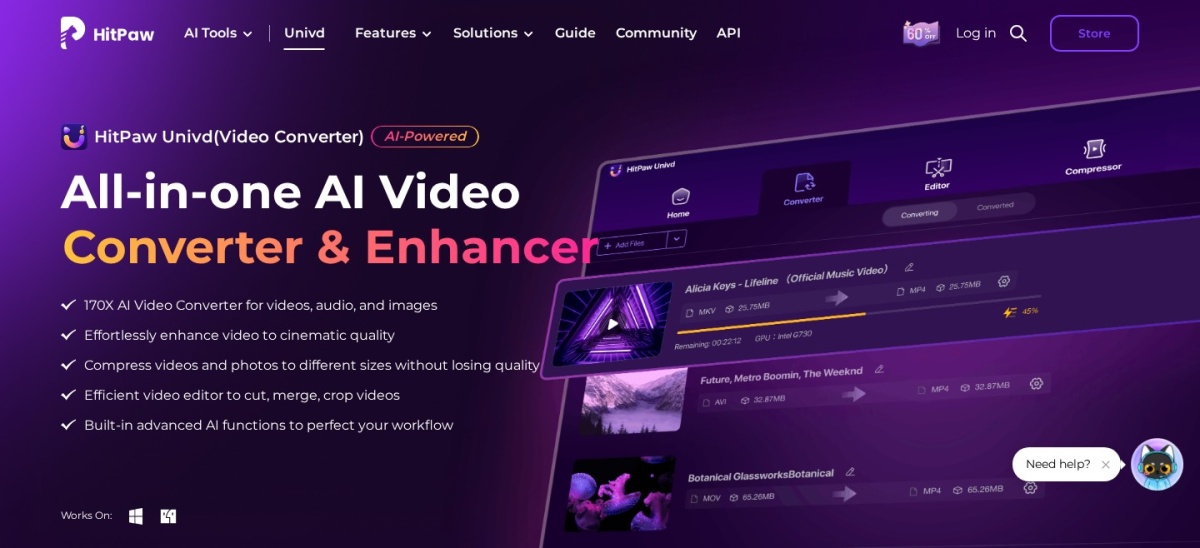
HitPaw Video Converter homepage, captured Nov 2026.
HitPaw Video Converter is a Windows and Mac app, now called HitPaw Univd, that converts video, audio and images and downloads online videos in up to 8K. It adds AI enhancement, compression and a video editor beside the converter.
The trade off is the trial. Free use is a preview, and full exports need a paid plan from $39.95 a year. It suits people who convert and enhance video often and want downloading in the same app.
What we like
Rated 4.7 from 47 Capterra reviews
Converter, downloader, compressor and editor in one app
AI enhancement for old or blurry footage
Clear annual and perpetual licence options
Watch out for
Free trial only previews exports before paying
Trustpilot withholds an aggregate rating for HitPaw
YouTube's terms of service do not allow downloading most videos, even for personal listening. The tools in this list cannot change that, and this list is written for lawful uses only.
Safe uses include your own uploads, videos shared under a Creative Commons licence that allows downloading, and public-domain material. If you are unsure who owns a video, do not download it.
Creators who want their own videos offline have a simpler route: YouTube Studio lets you download your own uploads without any third-party tool.
Free vs paid: what you give up
Free plans cover single tracks well. Most include MP3 downloads at good quality and basic playlist support.
Paid plans mostly add speed, quality and volume. You get faster downloads, whole playlists and no ads.
If you save one track a week, a free plan is usually enough. If you archive playlists or save in 320kbps, the cheapest paid plan in this list costs $10 a year.
How we chose
We started from the converter apps that appear most often in 2026 roundups and app stores, then kept nine established desktop tools with a public pricing page and a public rating.
Prices come from each vendor's pricing page or a recent price listing, checked on 25 November 2026. Ratings and review counts come from Trustpilot or Capterra on the same day. Where a vendor shows a sale, the list shows the regular price.
We left out web-only converters with no desktop app and tools with no public rating or price. No vendor paid for a place, and we do not claim to have used these tools ourselves.
How to choose a YouTube to MP3 converter app
Start with the audio you actually save, then match the tool to that habit.
Check the audio quality on the free plan. Some free plans cap quality below 320kbps or limit speed. If you save music often, the paid plan matters more than the brand.
Count how many tracks you save at once. Playlist and channel downloads save hours. Pick a tool with batch queues if you archive whole playlists.
Match the tool to your computer. MediaHuman runs on Linux as well as Windows and Mac, while most of the rest of this list runs on Windows and Mac.
Check the licence before you pay. Annual plans, lifetime licences and per-computer limits differ a lot here. Read the licence terms on the pricing page so you know what renews and what does not.
FAQ
What is the best YouTube to MP3 converter app?
4K YouTube to MP3 is the best pick for most people. Its free Starter plan covers basic downloads, and Lite costs $10 a year with unlimited playlists. MediaHuman is the better choice if you want a fully free MP3 app.
Is it legal to convert YouTube videos to MP3?
YouTube's terms do not allow downloading most videos, even for personal listening. Only save audio you own, audio shared under a licence that allows downloading, or public-domain material, and keep your use personal and lawful.
Can I convert YouTube to MP3 for free?
Yes. Five tools in this list have a free version, including 4K YouTube to MP3, MediaHuman and Any Video Converter. Free plans usually cap speed, limit playlists, or restrict how many tracks you can save each day.
What audio quality can I get from a YouTube to MP3 app?
Most tools here save MP3 files at up to 320kbps, which is the highest bitrate YouTube audio usually carries. Free plans sometimes save at lower quality, so check the bitrate setting before you pay.
Do these converter apps work on Mac?
Most of them do. 4K YouTube to MP3, MediaHuman, Any Video Converter, YT Saver, EaseUS, VideoProc, HitPaw, iTubeGo and SnapDownloader all run on Windows and Mac, and MediaHuman and 4K also run on Linux.
Can I convert a whole YouTube playlist to MP3?
Yes, on most paid plans. 4K YouTube to MP3, MediaHuman, YT Saver, EaseUS, iTubeGo and SnapDownloader all convert full playlists or channels once you pay. Free plans usually limit playlists or block them entirely.
SaaS SEO and WordPress specialist with about 8 years of experience. Rakib compares WordPress plugins, themes, hosting and software using public pricing, documentation and user reviews. See how we rank.