4K Video Downloader Plus is the best YouTube downloader app for most people. Its free Starter plan covers occasional downloads, paid plans start at $15 a year, and it is rated 4.6 out of 5 from more than 13,000 Trustpilot reviews. Pick YT Saver for more sites and Any Video Converter for a free all-round toolkit.
How we make this list: we compare pricing pages, product documentation and public user reviews, then re-check every price before each update. No product paid for a place. Disclosure.
4K Video Downloader Plus is the best all-round pick: a free Starter plan, $15 a year for Lite, and downloads up to 8K.
YT Saver covers more than 10,000 sites and adds a built-in browser and private video downloads, from $29.95 a year on Windows.
Any Video Converter is the best free option, with downloading, conversion and editing in one app, rated 4.8 out of 5 on Trustpilot.
EaseUS Video Downloader has the lowest yearly price among the full downloaders here at $23.99 a year, but its Trustpilot score covers all of EaseUS, not just this app.
ByClick Downloader is the cheapest paid option at $7.99 a year, but it is also the lowest rated here at 2.2 out of 5, so try the free version first.
Downloading a video you do not own or have permission to save can break YouTube's terms, so only save your own videos or ones you have clear permission to keep.
What to look for in a YouTube downloader app
A good downloader saves the video in the quality you want, with the audio and subtitles attached, and does it without bundled software or pop-up ads. Desktop apps do this better than browser sites, which often change address or stop working.
Playlists and channels matter if you save a lot. Downloading one video at a time is fine for the odd clip, but a series or a course needs batch downloads and a queue you can leave running.
Format choice is the other split. MP4 suits most players, while MP3 is enough if you only want the audio. Our guide on embedding a video in WordPress explains when keeping a video on YouTube and embedding it is the better move.
Price is mostly a yearly subscription or a one-off license. Free plans usually cap the number of downloads per day or the top resolution, so check the cap before you pay.
4.6/5on Trustpilot (13,411 reviews, checked Nov 2026)
Paid from$15/yr
Best YouTube downloader app overall
Max qualityUp to 8K
Playlists & channelsYes, one click
PlatformsWindows, Mac, Linux
Paid planLite, $15/yr
4kdownload.com
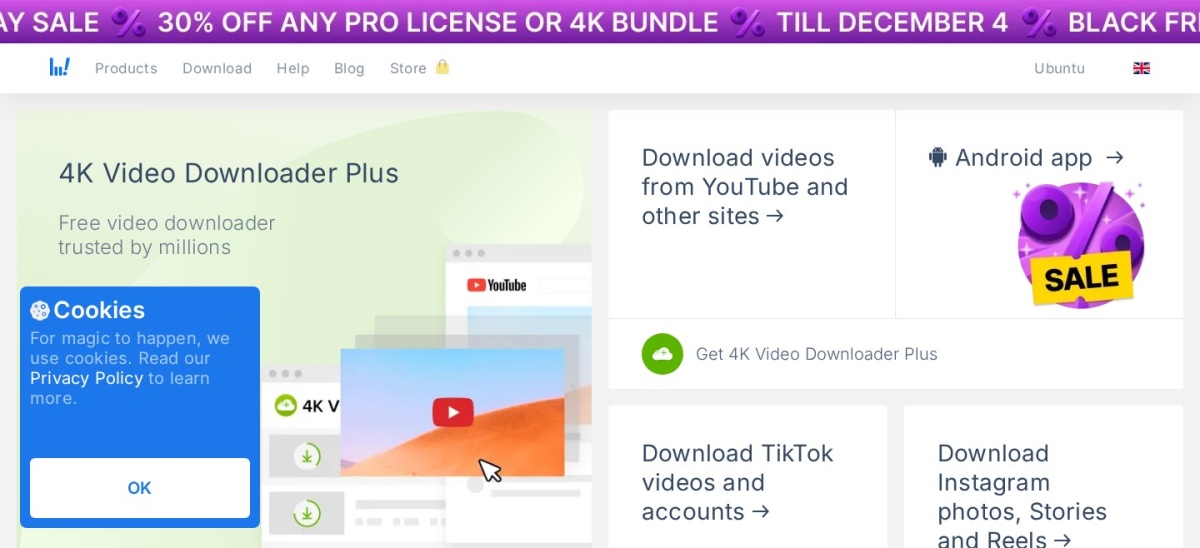
4K Video Downloader Plus homepage, captured Nov 2026.
4K Video Downloader Plus is a desktop app for Windows, Mac and Linux that saves YouTube videos, playlists, channels and subtitles in up to 8K quality. The free Starter plan covers occasional downloads, with a cap of 10 videos a day, and the app also handles 3D and 360-degree video.
The trade off is the daily cap on the free plan, which frequent downloaders will hit fast. Lite costs $15 a year and removes the cap, while a Personal lifetime license is $25. It suits most people who want a simple app for saving their own videos and playlists.
What we like
Free Starter plan with no trial timer
One-click playlist and channel downloads
Subtitles in more than 50 languages
Works on Windows, Mac and Linux
Watch out for
Free plan caps downloads at 10 a day
The original 4K Video Downloader was discontinued in 2025
4.6/5on Trustpilot (900 reviews, checked Nov 2026)
Starts at$29.95/yr
Best for downloading from many sites
Sites supported10,000+
Max qualityUp to 8K
Built-in browserYes
Paid planYearly, $29.95/yr
ytsaver.net
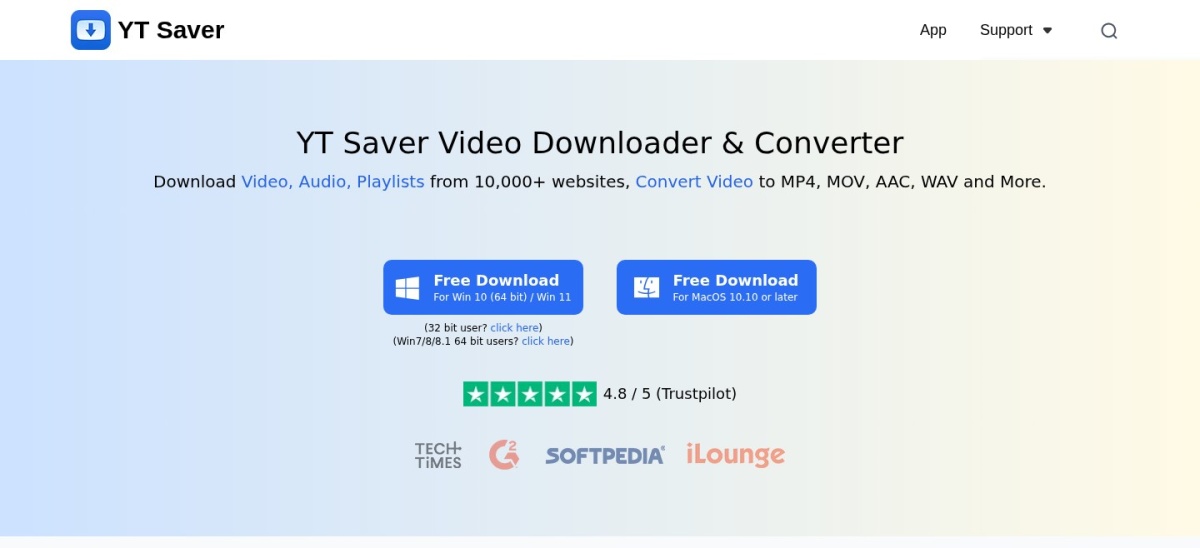
YT Saver homepage, captured Nov 2026.
YT Saver is a desktop downloader for Windows and Mac that covers more than 10,000 sites, not just YouTube. It has a built-in browser, a video converter, a cutter and a recorder, and it can save playlists, channels and private videos, with MP3 and MP4 output.
The trade off is price and platform. The yearly Windows plan is $29.95, while the Mac yearly plan is $39.95, and some reviewers report that lifetime licenses lost features when plans changed. It suits people who download from many sites and want one app for the job.
4.8/5on Trustpilot (1,017 reviews, checked Nov 2026)
Paid from$39.95/once
Best free all-round video toolkit
Free versionYes, no watermark
Formats1,000+ supported
PlatformsWindows, Mac
Paid planPro, $39.95 one-off
any-video-converter.com
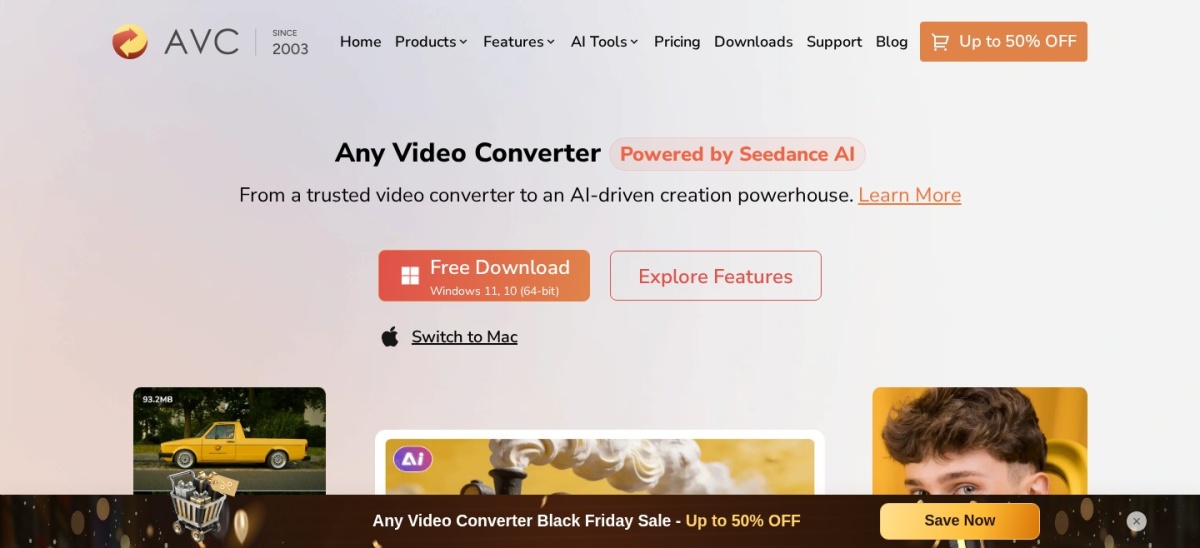
Any Video Converter homepage, captured Nov 2026.
Any Video Converter is a free video toolkit for Windows and Mac that downloads, converts, compresses and edits video in one app. The free version covers core downloads and conversion with no watermark and no file size limit, and it supports more than 1,000 formats.
The trade off is that the paid tiers are about speed and extras, not downloads. Pro costs $39.95 as a one-off license and adds custom presets, faster downloads and DVD burning. It suits people who want one free app for downloads and everyday conversion.
What we like
Free version has no watermark or size limit
Conversion, editing and screen recording included
Rated 4.8 out of 5 from 1,000+ reviews
Watch out for
Downloading is one feature among many, not the focus
4.8/5on Trustpilot (2,293 reviews, checked Nov 2026)
Paid from$39.95/yr
Best for playlists and music downloads
Max qualityUp to 8K
Playlists & channelsYes
Music downloadsMP3, M4A, WAV
Paid planYearly, $39.95/yr
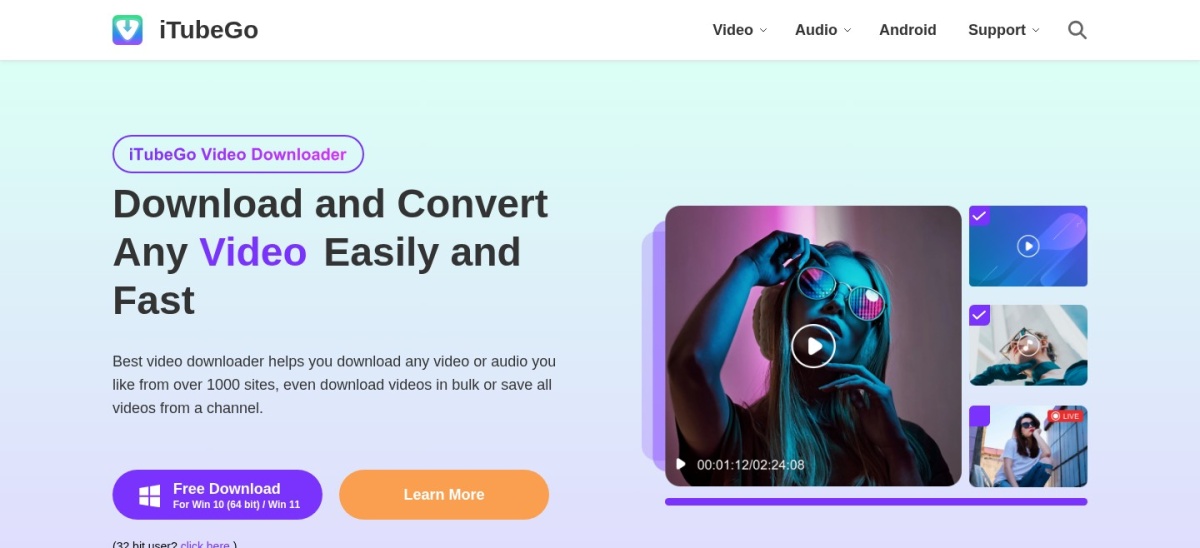
itubego.com
iTubeGo homepage, captured Nov 2026.
iTubeGo is a desktop downloader for Windows, Mac and Android that saves YouTube videos, playlists and music in up to 8K quality. It converts video to MP3, M4A and WAV, cuts audio, and has a built-in browser and a YouTube to MP3 tool for saving songs and podcasts.
The trade off is the free plan, which limits how much you can save before paying. The yearly plan is $39.95, and a lifetime license is also sold. It suits people who save a lot of music and playlists as well as video.
What we like
Strong music and playlist support
Android app as well as desktop
Rated 4.8 out of 5 from 2,293 reviews
Watch out for
Free plan is limited
Yearly plan costs more than 4K Video Downloader Plus
4.3/5on Trustpilot (517 reviews, checked Nov 2026)
Paid from$39.95/yr
Best downloader with conversion and AI tools
Max qualityUp to 4K
Formats370+ input, 420+ output
AI toolsUpscale, stabilise, denoise
Paid planPremium 365, $39.95/yr
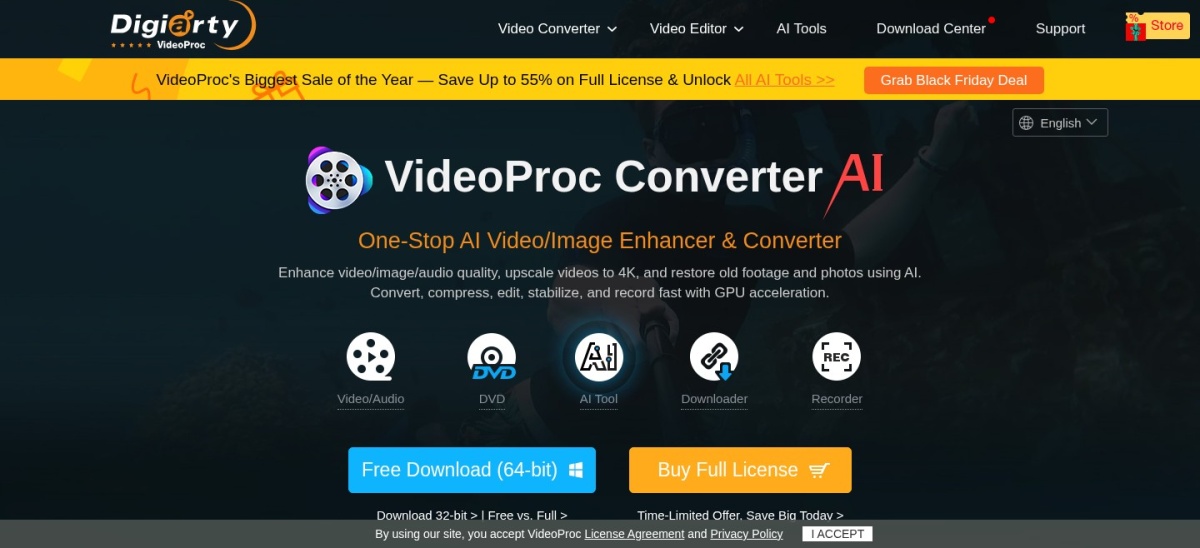
videoproc.com
VideoProc Converter AI homepage, captured Nov 2026.
VideoProc Converter AI is a desktop media toolkit from Digiarty that downloads, converts, compresses, records and edits video. The free trial covers five watermark-free exports, and the app supports more than 370 input formats, batch downloads and 4K output.
The trade off is that downloading is a small part of a big converter. Premium 365 lists at $39.95 a year on renewal, with a $34.95 first-year price shown, and a lifetime license is $54.95. It suits people who also convert and tidy up the videos they save.
4.9/5on Trustpilot (39,746 reviews, checked Nov 2026)
Starts at$23.99/yr
Best budget yearly plan
Max qualityUp to 4K
Batch downloadsYes
PlatformsWindows, Mac
Paid planYearly, $23.99/yr
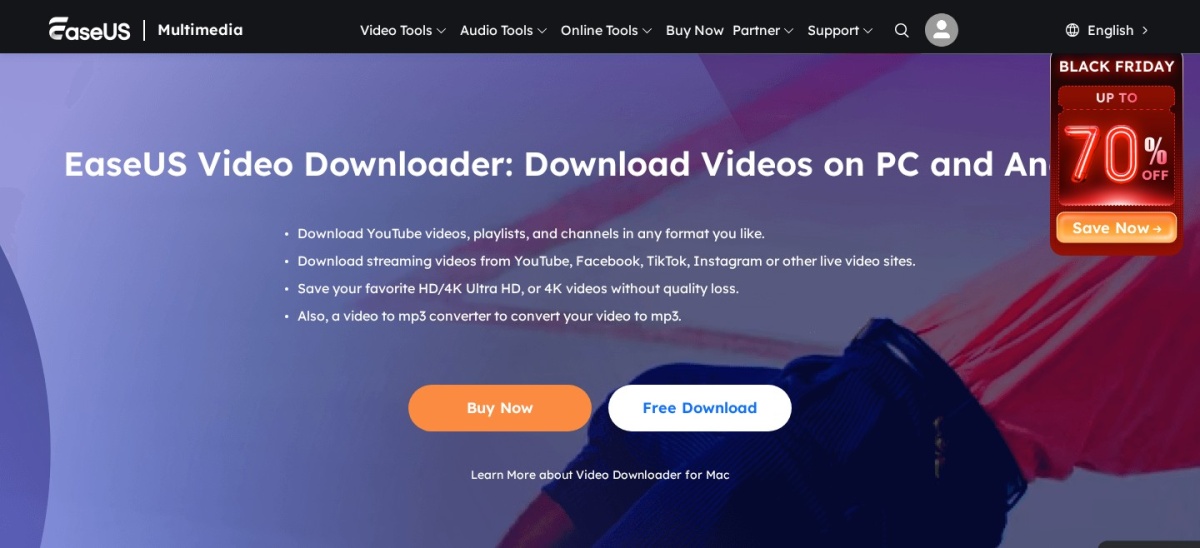
easeus.com
EaseUS Video Downloader homepage, captured Nov 2026.
EaseUS Video Downloader is a desktop app for Windows and Mac that saves YouTube videos, playlists and audio in up to 4K quality. It supports batch downloads, subtitles and MP3 extraction, and it comes from EaseUS, a long-established software company.
The trade off is the rating. The 4.9 out of 5 Trustpilot score covers all of EaseUS, not this app alone, so it says less about this downloader than the other scores here. It suits buyers who want the lowest yearly price among the full downloaders in this list.
What we like
Lowest yearly price in this list
Batch downloads and subtitle support
From a long-established software company
Watch out for
Trustpilot score covers all of EaseUS, not just this app
4.1/5on Trustpilot (167 reviews, checked Nov 2026)
Starts at$29.99/yr
Best for speed and 900-plus sites
Sites supported900+
Max qualityUp to 8K
Built-in trimmerYes
Paid planAnnual, $29.99/yr
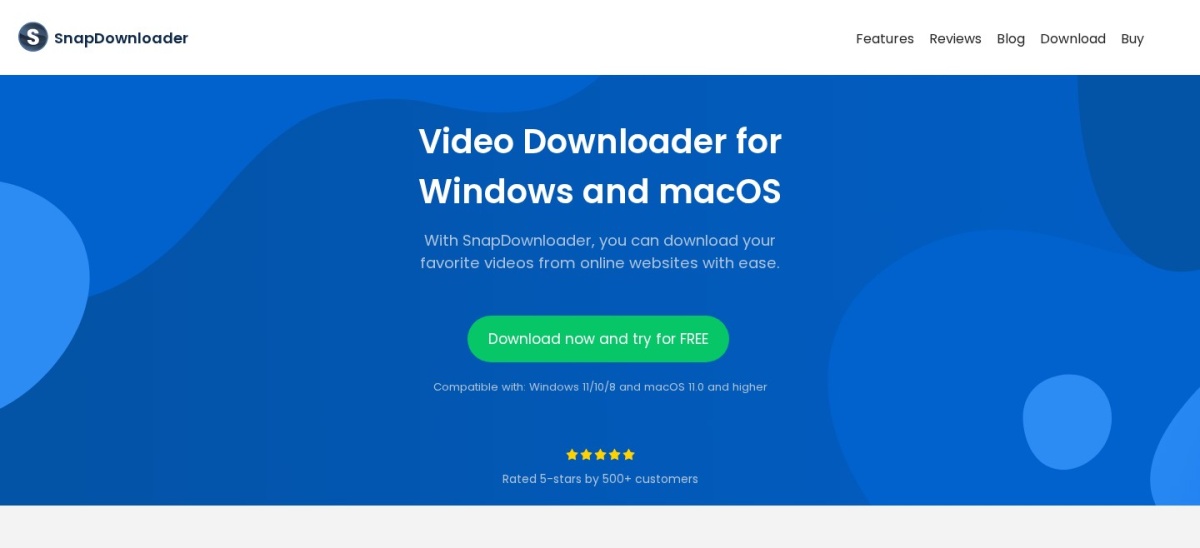
snapdownloader.com
SnapDownloader homepage, captured Nov 2026.
SnapDownloader is a desktop downloader for Windows and Mac that covers more than 900 sites, including YouTube, TikTok, Instagram and Facebook. It downloads in up to 8K, saves playlists and channels, and has a built-in video trimmer for cutting a clip before you save it.
The trade off is support. The free offer is a 48-hour trial, and some reviewers report slow replies when a site change breaks downloads. The annual plan is $29.99, and a lifetime license is $39.99. It suits desktop users who download from many sites.
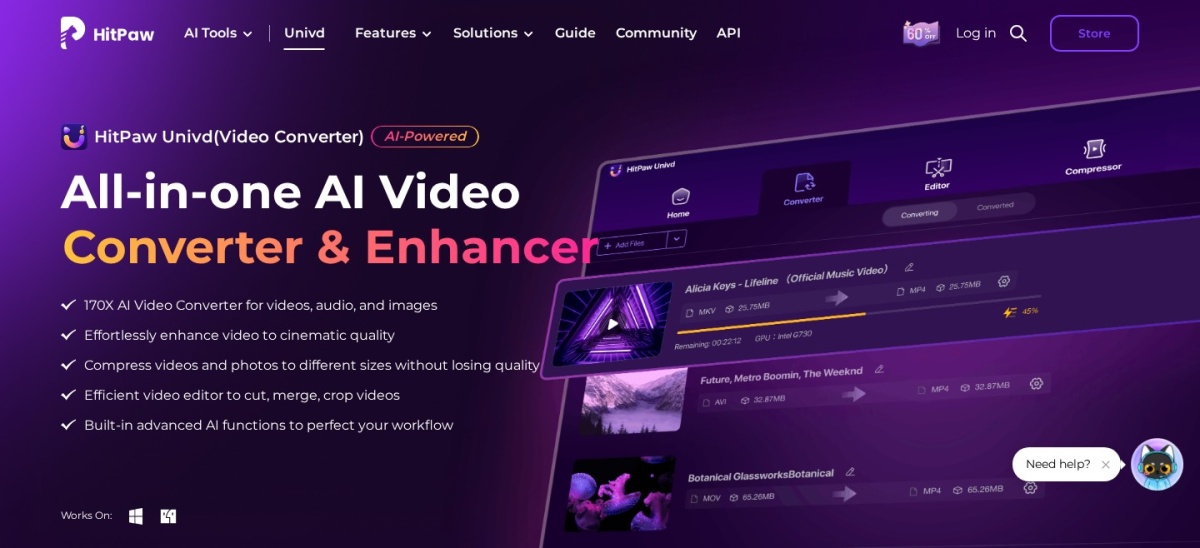
HitPaw Video Converter homepage, captured Nov 2026.
HitPaw Video Converter is a desktop app for Windows and Mac that downloads YouTube videos and converts them into more than 1,000 formats. It handles batch downloads, playlists, subtitles and music extraction, and it adds AI tools for upscaling and removing vocals.
The trade off is the thin rating base. Its 4.7 out of 5 score on Capterra comes from only 47 reviews, so it is less solid than the scores above it here. The yearly plan is $39.95. It suits people who convert most of what they download.
2.2/5on Trustpilot (130 reviews, checked Nov 2026)
Paid from$7.99/yr
Best for one-click downloads on Windows
PlatformsWindows only
One-click downloadYes
Max qualityHD
Paid planPremium, $7.99/yr
byclickdownloader.com
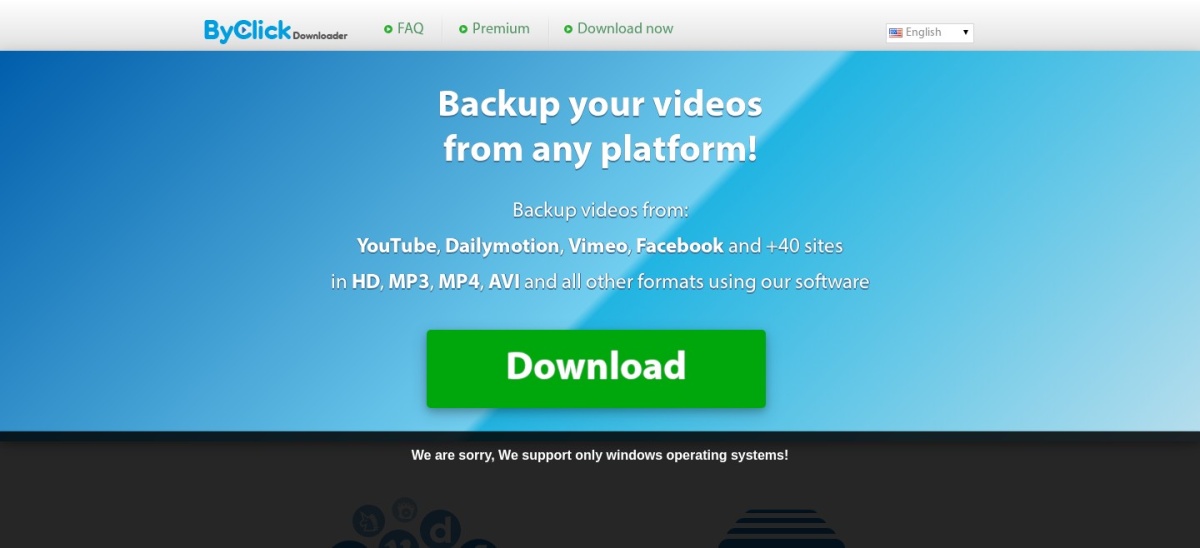
ByClick Downloader homepage, captured Nov 2026.
ByClick Downloader is a Windows-only desktop app that detects a video playing in your browser and saves it with one click. The free version covers basic downloads and MP3 conversion, and Premium adds playlists, channels, private videos and subtitles.
The trade off is reputation. It is rated 2.2 out of 5 from 130 Trustpilot reviews, with many reviewers reporting broken downloads and slow support, and its $7.99 price was shown in euros on its own site. It suits Windows users who want the cheapest paid plan and will try the free version first.
YouTube's terms say you may not download videos except where YouTube itself offers a download button, such as YouTube Premium offline viewing. Saving someone else's video without permission can also break copyright law.
The safe uses are your own uploads, videos shared under a Creative Commons licence, and videos where the creator has given clear permission to save a copy.
Do not use a downloader to strip DRM protection or to re-upload someone else's work as your own. If you are unsure, keep the video on YouTube and embed it instead.
YouTube Premium is the official route to offline viewing on a phone or tablet, and it pays the creators you watch.
Free vs paid: what you give up
Free plans and trials cover occasional downloads well. Most cap the number of videos per day, the top resolution or the sites you can use.
Paid plans mostly remove those caps and add playlists, batch downloads and subtitles. A yearly plan between $15 and $40 covers most needs in this list.
A one-off license can cost less over time if you download every week. Check whether it covers future updates, since a site change can break an old version.
If a free browser site asks you to install extra software or accept pop-ups, close it. The desktop apps in this list are the safer route.
How we chose
We started from the desktop and mobile apps that appear most often in 2026 downloader comparisons, then kept the ones with a public rating, a clear price and an active homepage.
Prices come from each vendor's pricing page or a pricing listing, checked on 25 November 2026. Ratings and review counts come from Trustpilot or Capterra on the same day. Where a vendor shows a sale, the list shows the regular price.
We left out browser-only converter sites with no company behind them and apps with no public rating at all. No vendor paid for a place, and we do not claim to have used these tools ourselves.
How to choose a YouTube downloader app
Start with what you actually save, then pick the cheapest app that covers it without a daily cap you will hit.
Check whether you need it at all. If you only watch on a phone or tablet, YouTube Premium offline viewing may be enough, and it is the only option that follows YouTube's terms.
Match the app to your device. ByClick is Windows only, while 4K Video Downloader Plus and Any Video Converter cover Mac and Linux as well. See how to speed up YouTube embeds if you publish videos on a site instead.
Count your downloads per day. A free plan with a 10-a-day cap suits occasional use. Daily playlist savers should pay for a yearly plan rather than fight the cap.
Try the free version before paying. Install only from the vendor's own site, decline any bundled extras, and check that your usual videos save in the quality you want.
FAQ
What is the best YouTube downloader app?
4K Video Downloader Plus is the best pick for most people. Its free Starter plan covers occasional downloads, paid plans start at $15 a year, and it is rated 4.6 out of 5 from more than 13,000 Trustpilot reviews.
Is there a free YouTube downloader app?
Yes. 4K Video Downloader Plus has a free Starter plan capped at 10 downloads a day, and Any Video Converter is free with no watermark. Both cover basic downloads without paying.
Is it legal to download YouTube videos?
YouTube's terms only allow downloads where YouTube offers a download button, such as Premium offline viewing. Saving your own uploads or Creative Commons videos is fine, but saving someone else's video without permission can break copyright law.
Which downloader app is best for playlists?
4K Video Downloader Plus, YT Saver, iTubeGo and SnapDownloader all save whole playlists and channels in one click. 4K Video Downloader Plus is the cheapest of the four at $15 a year.
Can I download YouTube videos to MP3?
Yes. Most apps in this list extract MP3 audio, including 4K Video Downloader Plus, YT Saver, Any Video Converter and iTubeGo. Use it only for audio you have the right to keep.
Why do downloader apps stop working sometimes?
YouTube changes its site often, and a downloader needs an update to match. Apps with regular updates, such as 4K Video Downloader Plus and SnapDownloader, usually fix this within days, while rarely updated apps can stay broken.
SaaS SEO and WordPress specialist with about 8 years of experience. Rakib compares WordPress plugins, themes, hosting and software using public pricing, documentation and user reviews. See how we rank.