Best Workload Automation Tools in 2026: 9 Tools Compared
WLWPLegible EditorsLast verified 24 Nov 2026How we rank14 min read
★ Short answer
Tidal Automation is the best workload automation tool for most enterprise teams, rated 4.6 out of 5 on G2 from 73 reviews. Pick JAMS for mid-market teams at $9,996 a year, or Apache Airflow if you want a free open-source orchestrator and can self-host it.
How we make this list: we compare pricing pages, product documentation and public user reviews, then re-check every price before each update. No product paid for a place. Disclosure.
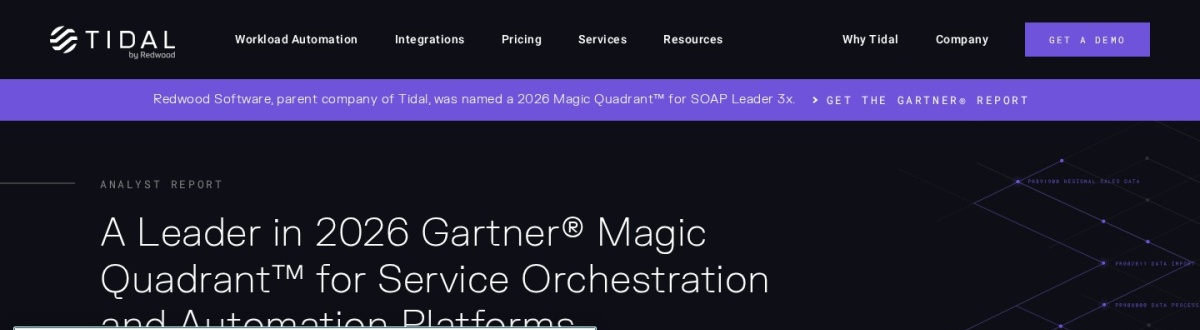
Tidal Automation leads the list at 4.6 out of 5 on G2, with 40+ pre-built integrations and time and event-based scheduling.
JAMS is the best-priced enterprise pick with a published Core plan at $9,996 a year, plus a free trial.
Five of the nine tools publish no price at all, so expect a sales quote for Tidal, OpCon, ActiveBatch, Stonebranch and Automic.
Prefect Cloud starts at $100 a month for 3 users, and Apache Airflow costs nothing to license if you self-host it.
Control-M is the most expensive published price here: its SaaS Starter Pack starts at $29,000 a year, billed annually.
What workload automation should cover
Workload automation is the step up from cron jobs and Windows Task Scheduler. It runs batch jobs, file transfers, database work and ERP processes as one controlled flow, with dependencies, calendars and recovery built in.
A good tool should show every job in one place, run jobs when an event happens as well as on a schedule, and alert you when a job fails or misses its deadline. Audit logs and role-based access matter once more than one team depends on the same schedules.
If your scheduled work lives in WordPress, the same ideas apply on a smaller scale. Our guide on fixing WP-Cron when it stops running explains why scheduled tasks fail and how to check them.
Pricing is the hardest part of this market to compare. Most enterprise tools in this list publish no price, so budget for a quote, implementation time and training, not just the licence.
Tidal Automation is a workload automation platform from Redwood that centralises job scheduling across on-premises, cloud and hybrid systems. It offers time and event-based scheduling, custom calendars, 40+ pre-built integrations and a mobile app for checking schedules on the go.
The trade off is pricing. Tidal publishes no prices and describes its pricing as flexible and designed around each organisation, so you need a sales quote before you can budget. It suits enterprise teams with mixed estates that need one control point for batch, ERP and data work.
What we like
Highest G2 rating in this list, at 4.6 out of 5
Strong dependency and calendar handling
Parent company Redwood named a 2026 Gartner Magic Quadrant Leader
Watch out for
No published price, so budgeting needs a quote
Fewer G2 reviews than JAMS, ActiveBatch or Control-M
Learning curve for complex dependency chains
Paid plans are quote-only; ask for agents, integrations and support in writingVisit tidalsoftware.com
02
OpCon
4.6/5on G2 (30 reviews, checked Nov 2026)
PricingCustom/yr
Best for self-service scheduling
Free planNo
Cheapest paidQuote only
Daily job range150 to 150,000 jobs
PlatformsWindows, Unix, z/OS
smatechnologies.com
OpCon homepage, captured Nov 2026.
OpCon is the workload automation platform from SMA Technologies, built for banks, credit unions and other teams with strict daily schedules. It runs workflows across Windows, Unix and z/OS, and its Self-Service feature lets business users trigger their own jobs without raising an IT ticket.
The trade off is price and reach. OpCon publishes no prices and asks buyers to contact the team for a customised quote, and its strongest integrations sit in financial services. It suits operations teams that want business users to run approved jobs themselves.
What we like
Joint-highest G2 rating in this list, at 4.6 out of 5
Self-service lets business users run their own jobs
Free basic training for the life of the contract
Watch out for
No published price, so budgeting needs a quote
Only 30 G2 reviews, the thinnest base near the top
Strongest fit is financial services, not every sector
Paid plans are quote-only; basic training is included for the life of the contractVisit smatechnologies.com
03
JAMS
4.5/5on G2 (266 reviews, checked Nov 2026)
Starts at$9,996/yr
Best mid-market workload automation
Free planNo, free trial
Cheapest paidCore, $9,996/yr
PlatformsWindows, Linux, Unix, IBM i
Built on.NET framework
jamsscheduler.com
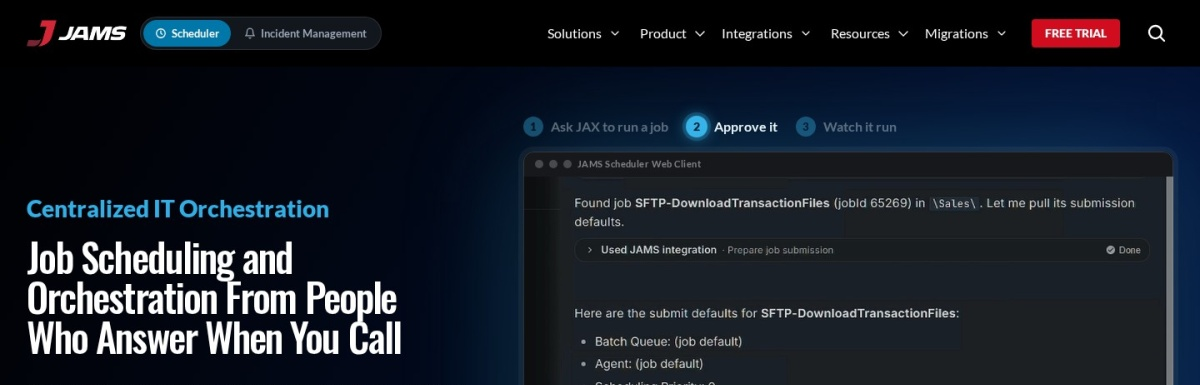
JAMS homepage, captured Nov 2026.
JAMS is a cross-platform job scheduler and workload automation tool, now independent after Fortra divested it in June 2025. It orchestrates jobs across Windows, Linux, Unix and IBM i with Sequences, Workflows, dependencies and events, and adds JAX, an AI agent that answers questions about jobs in the web client.
The trade off is that the vendor site itself asks for a quote, while G2 lists its Core plan at $9,996 a year, so confirm that figure with the vendor before budgeting. It suits mid-market teams that want enterprise scheduling without an enterprise sales cycle.
What we like
Largest review base among the top three, at 266 G2 reviews
Only enterprise pick here with a published starting price
Free trial and a web client for business users
Watch out for
Official site publishes no price, so the $9,996 figure needs confirming
Interface draws criticism in some G2 reviews
Setup takes time to learn for new administrators
Core starts at $9,996 a year per G2; confirm the quote on the vendor siteVisit jamsscheduler.com
04
ActiveBatch
4.5/5on G2 (245 reviews, checked Nov 2026)
PricingCustom/yr
Best for low-code job building
Free planNo, 30-day trial
Cheapest paidQuote only
Job step library100+ pre-built steps
Pricing modelUsage-based
activebatch.com
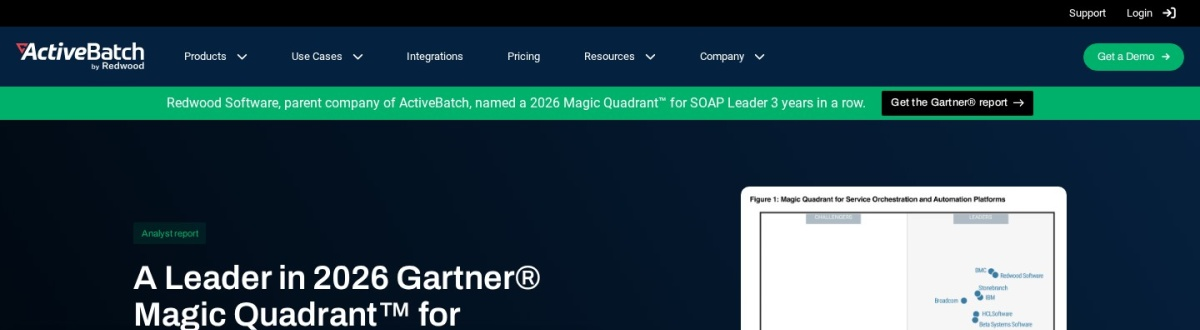
ActiveBatch homepage, captured Nov 2026.
ActiveBatch is a workload automation platform from Redwood with a drag-and-drop designer and a library of more than 100 production-ready job steps. It connects to Oracle, SAP, SQL Server, FTP and other systems, and includes a Self-Service Portal so business users can run and monitor their own workflows.
The trade off is pricing. ActiveBatch uses usage-based pricing and asks buyers to request a personalised quote, so the cost depends on agents, environments and add-ins. It suits teams that want to build complex workflows with little scripting.
What we like
100+ pre-built job steps cut scripting work
Drag-and-drop designer with a self-service portal
Support team available 24/7, per the vendor
Watch out for
No published price, so budgeting needs a quote
Advanced setups have a learning curve
Costs rise with extra agents and add-ins
Paid plans are quote-only and usage-based; a 30-day trial is availableVisit activebatch.com
05
Stonebranch
4.5/5on G2 (145 reviews, checked Nov 2026)
PricingCustom/yr
Best for real-time hybrid orchestration
Free planNo
Cheapest paidQuote only
DeploymentOn-prem, container, SaaS
PlatformUniversal Automation Center
stonebranch.com
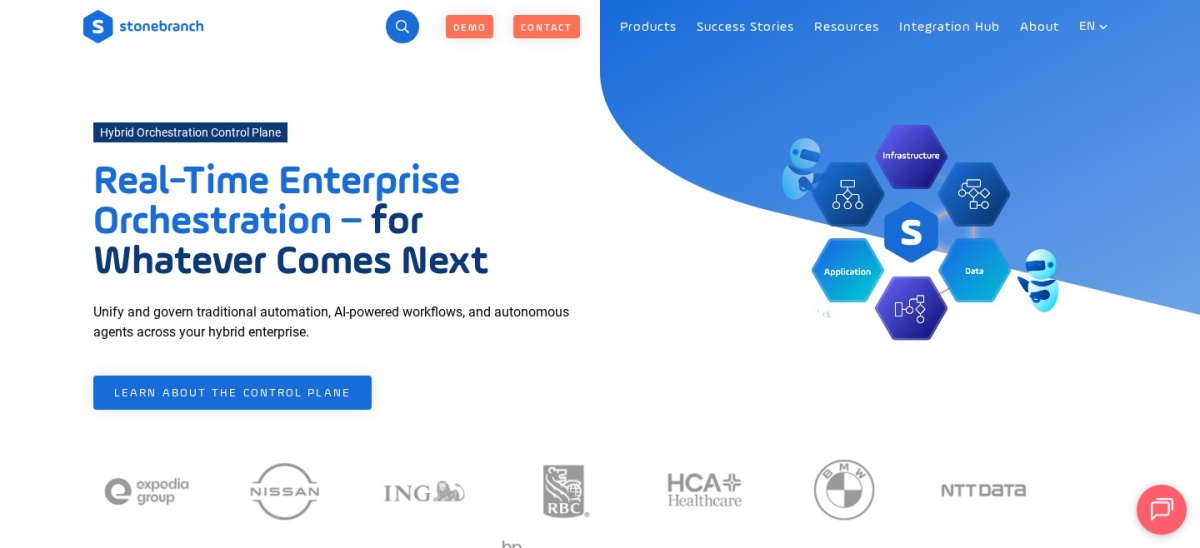
Stonebranch homepage, captured Nov 2026.
Stonebranch is the Universal Automation Center (UAC), a real-time platform for orchestrating IT and business processes across hybrid environments. It deploys on-premises, in containers or as SaaS, and its UAC 8.1 release adds Robi AI, with an AI Workflow Builder and AI Task Builder.
The trade off is pricing and setup. Stonebranch publishes no prices, so you need a quote, and G2 reviewers put average implementation at about 5 months. It suits teams orchestrating data pipelines, file transfers and cloud workloads from one control plane.
What we like
Real-time orchestration across on-prem, cloud and containers
AI Workflow Builder in the UAC 8.1 release
Community Integration Hub for extra connectors
Watch out for
No published price, so budgeting needs a quote
Implementation averages about 5 months, per G2
Advanced setups have a steep learning curve
Paid plans are quote-only; deployment choice affects the final priceVisit stonebranch.com
06
Prefect
4.5/5on G2 (125 reviews, checked Nov 2026)
Paid from$100/mo
Best for Python data teams
Free planHobby, 2 users
Cheapest paidStarter, $100/mo
Starter deployments20
Built forPython workflows
prefect.io
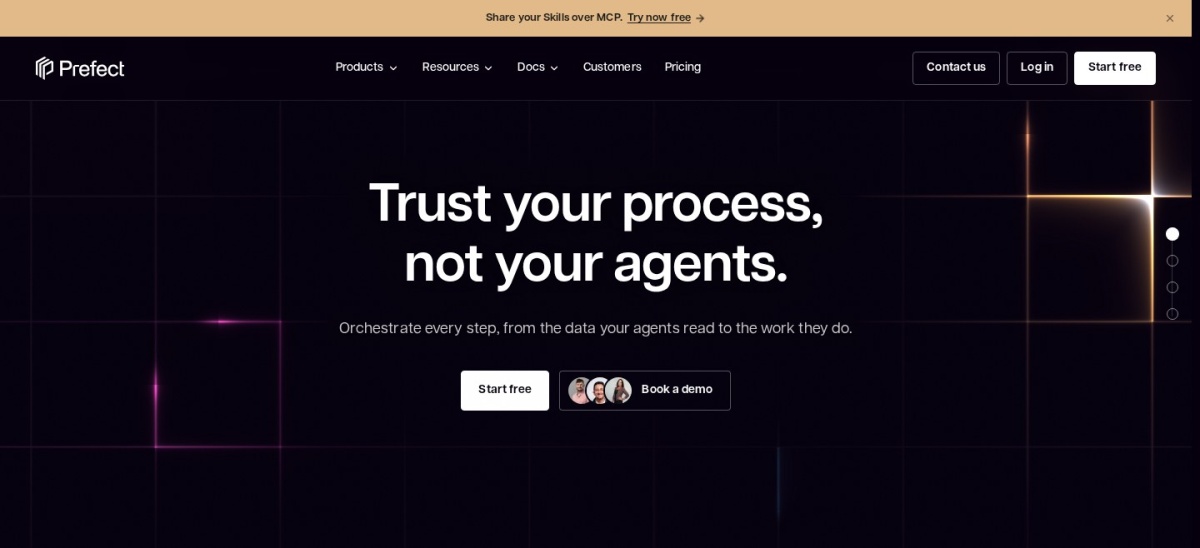
Prefect homepage, captured Nov 2026.
Prefect is a Python-native workflow orchestration tool for data and platform teams. Its free Hobby tier covers 2 users, 5 deployments and 500 serverless compute minutes a month, and the Starter plan costs $100 a month for 3 users, 20 deployments and 75 serverless hours.
The trade off is that you write Python and run your own workers, except on serverless compute, so it needs engineering time rather than an ops team. It suits data teams that already work in Python and want scheduling, retries and observability without Airflow's setup.
What we like
Free Hobby tier with real scheduling and observability
Flat Starter price of $100 a month for 3 users
Pricing is per seat, not per run or task
Watch out for
Needs Python skills and your own workers
SSO, SCIM and an uptime SLA are Enterprise-only
Smaller integration library than Airflow
Team costs $100 per user a month; Enterprise is custom pricedVisit prefect.io
07
Apache Airflow
4.4/5on G2 (131 reviews, checked Nov 2026)
PriceFree
Best free open-source orchestrator
Free planOpen source, free
Cheapest paid$0, self-hosted
Workflows defined asPython DAGs
Licence cost$0
airflow.apache.org
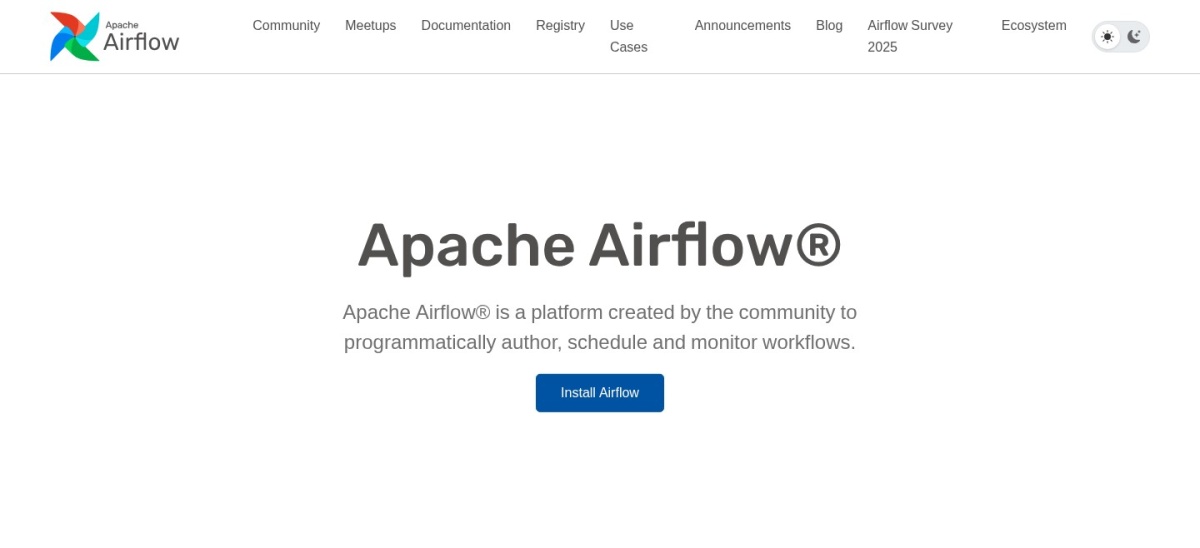
Apache Airflow homepage, captured Nov 2026.
Apache Airflow is a free, open-source platform for defining, scheduling and monitoring workflows as Python DAGs. It is the most widely used orchestrator for data pipelines, with a web UI for tracking runs and a large ecosystem of integrations for databases, cloud services and data tools.
The trade off is operations. Airflow itself costs nothing to license, but you run the servers, upgrades and on-call cover yourself, and setup is hard for teams new to Python. It suits data engineering teams that want full control and already run their own infrastructure.
What we like
No licence cost, with the largest open-source ecosystem here
Python DAGs handle complex dependencies well
Web UI makes runs easy to monitor and debug
Watch out for
Self-hosting means you own upgrades and uptime
Steep learning curve for teams new to Python
No vendor support unless you pay a third party
Free to license; managed hosting from vendors such as Astronomer costs extraVisit airflow.apache.org
08
Control-M
4.3/5on G2 (228 reviews, checked Nov 2026)
Starts at$29,000/yr
Best for mainframe and hybrid estates
Free planNo
Cheapest paidSaaS Starter, $29,000/yr
Integrations100+
CoversMainframe, cloud, hybrid
bmc.com
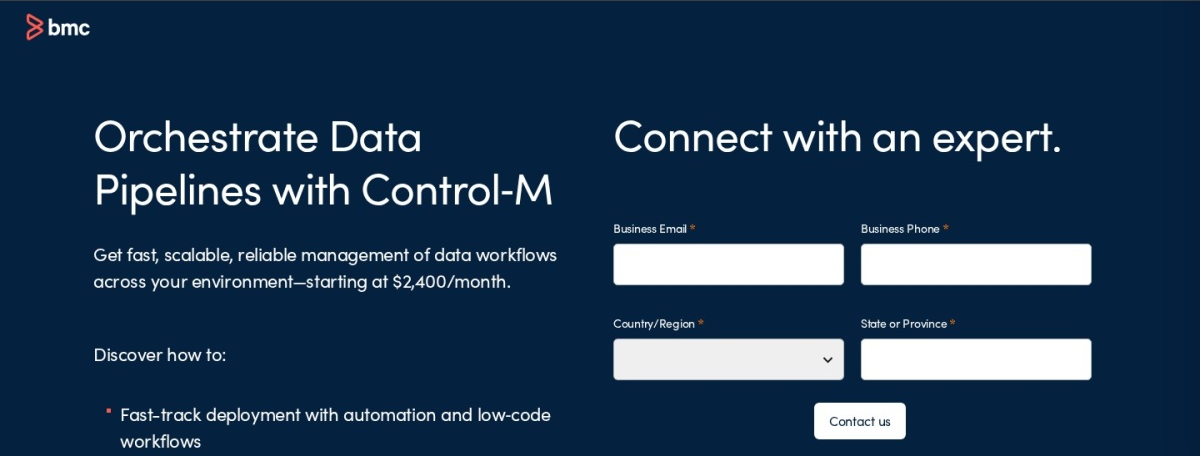
Control-M homepage, captured Nov 2026.
Control-M is BMC's enterprise workload automation platform, built for mainframe, cloud and hybrid estates. It offers central scheduling, dependency management, SLA monitoring, Jobs-as-Code and more than 100 integrations, including Snowflake, Databricks, SAP and ServiceNow.
The trade off is price and complexity. BMC lists its SaaS Starter Pack from $29,000 a year, billed annually, and reviewers note a steep learning curve at enterprise scale. It suits large organisations running business-critical batch work across mainframe and cloud.
What we like
Deepest mainframe and hybrid coverage in this list
100+ integrations with major data and ERP tools
AI Pilot explains failed jobs in plain language
Watch out for
Highest published starting price in this list
Steep learning curve for new administrators
Full enterprise tiers are priced on application
Starter Pack starts at $29,000 a year; data pipeline pages list from $2,400 a monthVisit bmc.com
09
Automic Automation
4.3/5on G2 (20 reviews, checked Nov 2026)
PricingCustom/yr
Best for SAP-heavy enterprises
Free planNo
Cheapest paidQuote only
Scale per instance100M jobs
DeploymentOn-prem, Kubernetes, SaaS
automation.broadcom.com
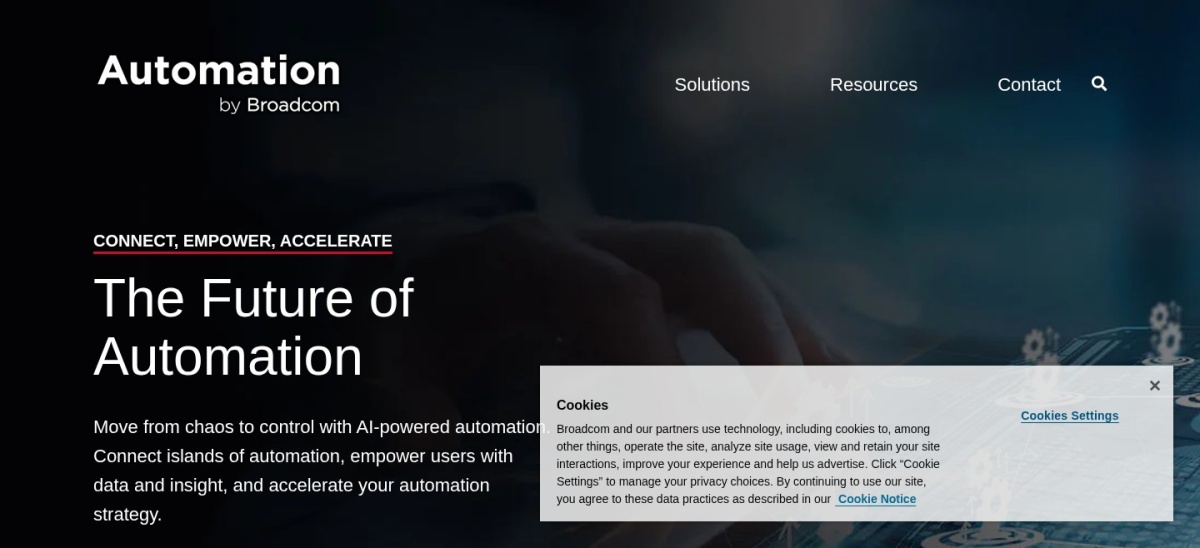
Automic Automation homepage, captured Nov 2026.
Automic Automation is Broadcom's enterprise workload automation platform, positioned as an intelligent control plane for deterministic processes and AI workflows. It scales to 100,000 agents and 100 million jobs per instance, and covers mainframe, SAP, Oracle and cloud systems from one platform.
The trade off is price and evidence. Automic publishes no prices, and its G2 base is only 20 reviews, the thinnest in this list, so there is less public feedback to lean on. It suits very large enterprises, especially those already running SAP.
What we like
Largest stated scale in this list, at 100 million jobs per instance
MCP client and server support for AI agents
On-premises, Kubernetes and SaaS deployment options
Watch out for
No published price, so budgeting needs a quote
Only 20 G2 reviews, the thinnest base in this list
Apache Airflow and Prefect come from the open-source world. You can start free, read the code, and shape the tool around your own pipelines, but you own the servers, upgrades and out-of-hours cover.
The enterprise tools in this list charge for the opposite: a vendor runs support, ships the upgrades, and signs up to SLAs and audit requirements. That is what the quote pays for, as much as the software itself.
A common middle path is to start on Airflow or Prefect, then move to an enterprise platform when the number of jobs, or the number of teams depending on them, makes a missed run expensive.
How we chose
We started from the workload automation leaders on G2, then added the two open-source orchestrators buyers most often compare them with, Apache Airflow and Prefect. Every tool here has a live G2 listing and an established vendor behind it.
Ratings and review counts come from G2, checked on 24 November 2026. Prices come from each vendor's own pricing page where one exists; where a vendor publishes no price, the list shows Custom, and the JAMS and Control-M figures come from the vendor's own pages or vendor-provided G2 listings.
We left out niche schedulers with no public G2 rating and single-purpose cron tools. No vendor paid for a place, and we do not claim hands-on testing for this list.
How to choose a workload automation tool
Start with the systems your jobs already touch, then match the tool to that estate.
List the platforms your jobs run on. Mainframe, SAP, Windows, Linux and cloud each narrow the field. Control-M and Automic lead on mainframe, while Airflow and Prefect fit cloud-native data work.
Count the jobs and their dependencies. A few dozen scheduled scripts need a different tool than thousands of interlocked batch jobs with SLAs. OpCon handles 150 to 150,000 jobs a day on one setup.
Decide who will run it. A dedicated ops team can run Tidal or Control-M. If developers own the schedules, Prefect or Airflow fit better, and JAMS sits between the two.
Get the full quote in writing. Ask for agents, environments, add-ins, support and renewal terms itemised. Five tools here publish no price, so the first quote is only a starting point.
FAQ
What is the best workload automation tool?
Tidal Automation is the best pick for most enterprise teams, rated 4.6 out of 5 on G2 from 73 reviews. JAMS is the best mid-market option, and Apache Airflow is the best free choice for teams that can self-host.
How much does workload automation software cost?
It ranges from free to very expensive. Apache Airflow costs nothing to license, Prefect Cloud starts at $100 a month, JAMS lists Core at $9,996 a year, and Control-M starts at $29,000 a year. Five tools here publish no price at all.
What is the difference between workload automation and job scheduling?
Job scheduling runs a task at a set time. Workload automation adds dependencies between jobs, event triggers, calendars, monitoring, alerts, recovery and audit logs, so whole business processes run as one controlled flow.
Is Apache Airflow really free?
Yes, the licence is free and open source. You still pay for the servers it runs on and the time to install, upgrade and monitor it, which is why some teams pay for managed hosting instead.
Do small teams need an enterprise workload automation tool?
Usually not. Prefect's free Hobby tier or self-hosted Airflow covers small data teams, and JAMS fits mid-market teams that outgrow cron and Task Scheduler but do not need mainframe support.
Can these tools run mainframe jobs?
Yes, several can. Control-M, Automic Automation and Tidal all cover mainframe workloads alongside cloud and distributed systems, which is why large enterprises with IBM Z estates pick them.