Best WordPress WooCommerce Plugins for Bookings in 2026: 9 Tools Compared
WLWPLegible EditorsLast verified 22 Nov 2026How we rank7 min read
★ Short answer
Amelia is the best WooCommerce booking plugin: the most polished form, a free Lite version and WooCommerce payments from $49 a year. LatePoint is the best free flow at 4.9, and the official WooCommerce Bookings costs $249 a year.
How we make this list: we compare pricing pages, product documentation and public user reviews, then re-check every price before each update. No product paid for a place. Disclosure.
Amelia is the best overall booking plugin, with a free Lite version and WooCommerce payments from $49 a year.
LatePoint holds the highest rating at 4.9, with 100,000+ installs and every feature on every plan.
The official WooCommerce Bookings costs $249 a year and holds only 2.7 from 60 reviews.
Simply Schedule Appointments holds a perfect 5.0 from 155 reviews.
Bookly is the proven scheduler since 2014, but key features are sold as separate add-ons.
MotoPress is the hotel pick at $139 a year, but WooCommerce payments cost another $99.
Bookable products or appointments?
A WooCommerce booking plugin does one of two jobs. Bookable-product plugins such as WooCommerce Bookings, YITH and MotoPress turn a product into a time slot, room or rental, paid through the store checkout. Appointment systems such as Amelia, LatePoint and Bookly book people and services, then hand payment to WooCommerce.
The split matters because the checkout is different. Bookable products use your store's coupons, taxes, reports and payment gateways. Appointment systems run their own flow and only use WooCommerce for payment, usually on a paid plan.
The other split is free versus paid. Amelia Lite, LatePoint, Bookly, Simply Schedule, FluentBooking, Timetics and MotoPress Lite are all free on WordPress.org. WooCommerce Bookings and YITH have no free version.
The 9 best WooCommerce booking plugins for WordPress
01
Amelia
4.6/5on WordPress.org (798 reviews, checked Nov 2026)
Paid from$49/yr
Best overall
Cheapest paid plan$49/yr Starter, 1 domain
Free planYes, Amelia Lite free
WooCommercePay at WooCommerce checkout
Best forSalons, clinics and services
wpamelia.com
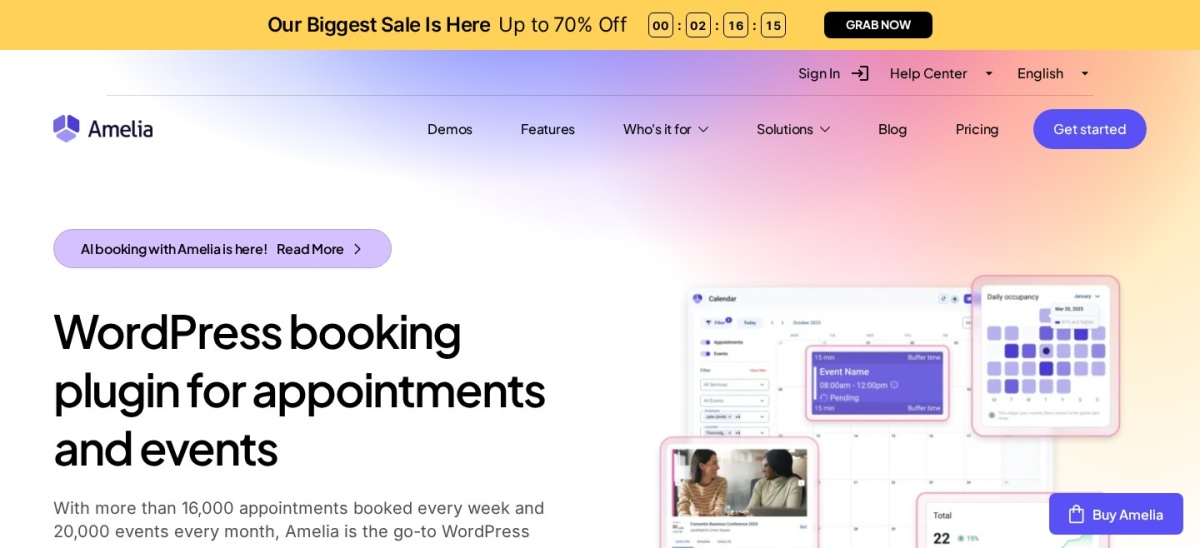
Amelia homepage, captured Nov 2026.
Amelia is the most polished booking plugin here. Its step-by-step form is built to convert, with unlimited staff and individual calendars, recurring appointments, packages and intake fields. The free Lite version holds 4.6 from 798 reviews with 90,000+ installs, and Starter costs $49 a year.
The trade off is the plan ladder. WooCommerce payments and calendar sync need a paid plan, and Pro costs $149 a year for 5 domains. It suits salons, clinics, coaches and any service business that books people, not products.
What we like
4.6 rating from 798 reviews
90,000+ installs, the second most here
Step-by-step form built to convert
WooCommerce payments built in
Watch out for
WooCommerce payments need a paid plan
Pro is $149 a year
Starter covers 1 domain only
Paid adds WooCommerce payments, calendar sync and packages.Visit wpamelia.com
02
LatePoint
4.9/5on WordPress.org (109 reviews, checked Nov 2026)
Paid from$99/yr
Best free booking flow
Cheapest paid plan$99/yr Starter, 1 site
Free planYes, most installed free
WooCommerceCheckout and 10+ gateways
Best forSolo practitioners
latepoint.com
LatePoint homepage, captured Nov 2026.
LatePoint is the most popular free booking flow on WordPress.org, with 100,000+ installs and a 4.9 rating. Every paid tier includes every feature, so the plans differ only in how many sites you may install on. Starter costs $99 a year for 1 site.
The trade off is the add-ons. WooCommerce checkout and 10+ gateways are paid features, and the review count is only 109 despite the install base. It suits solo practitioners and single-location businesses.
2.7/5on WooCommerce.com (60 reviews, checked Nov 2026)
Starts at$249/yr
Best official extension
Cheapest paid plan$249/yr, 1 site
Free planNo free version
WooCommerceNative bookable products
Best forStores already on WooCommerce
woocommerce.com
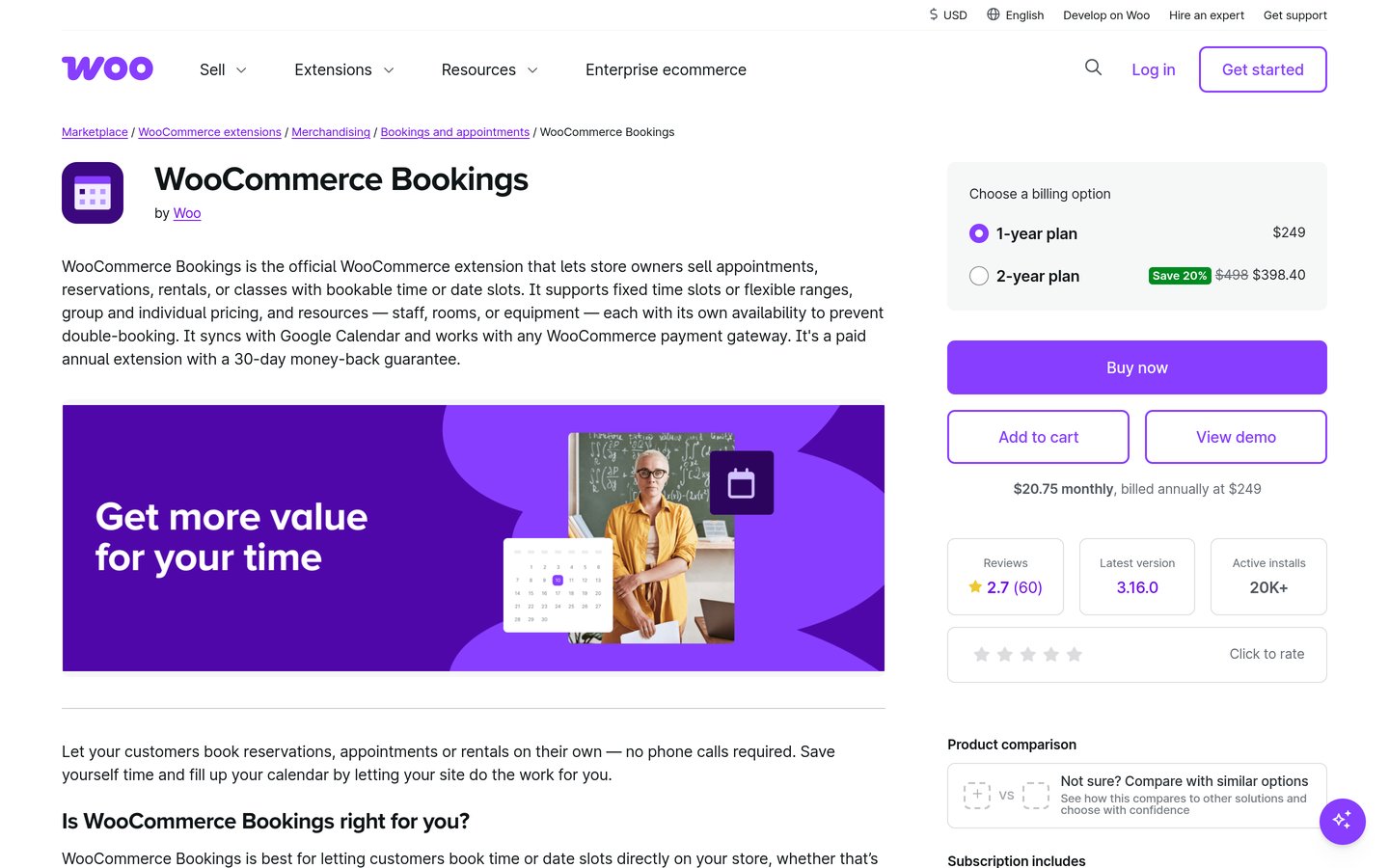
WooCommerce Bookings homepage, captured Nov 2026.
WooCommerce Bookings is the official extension. It turns any product into a bookable time slot, room, rental or class, paid through the normal store checkout, and it works with Accommodation Bookings, Deposits and Product Add-ons. It has 20,000+ installs and was updated in November 2026.
The trade off is the price and the rating. At $249 a year it is the most expensive here, it holds 2.7 from 60 reviews on WooCommerce.com, and deposits need a separate $219-a-year extension. It suits stores that already run WooCommerce and need Marketplace extensions to work together.
4.4/5on WordPress.org (587 reviews, checked Nov 2026)
Paid from$99/yr
Best proven scheduler
Cheapest paid plan$99/yr Pro, 1 site
Free planYes, 1 staff, 5 services
WooCommercePaid tier integration
Best forHigh-volume staff booking
booking-wp-plugin.com
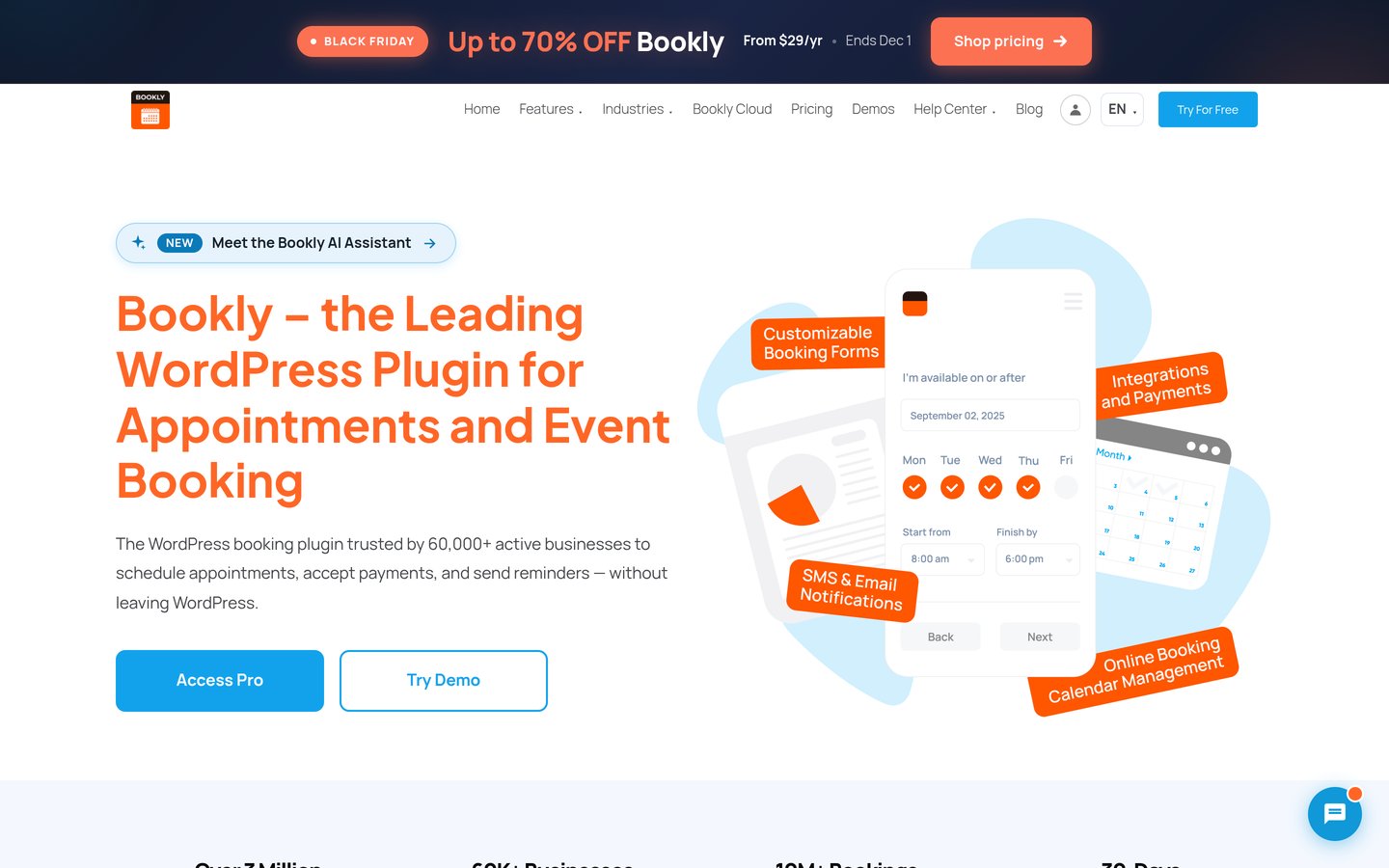
Bookly homepage, captured Nov 2026.
Bookly is the proven scheduler here, on WordPress.org since 2014 with 60,000+ installs and a 4.4 rating from 587 reviews. The free version handles basic booking for 1 staff and 5 services, and Pro adds unlimited staff, payments and notifications.
The trade off is the add-on model. Group bookings, recurring appointments, packages, deposits and Zoom are each sold separately, and Pro costs $99 a year. It suits high-volume businesses with many staff.
5/5on WordPress.org (155 reviews, checked Nov 2026)
Paid from$129/yr
Best rated
Cheapest paid plan$129/yr Plus, 1 site
Free planYes, free tier
WooCommercePaid tier integration
Best forSimple appointment booking
simplyscheduleappointments.com
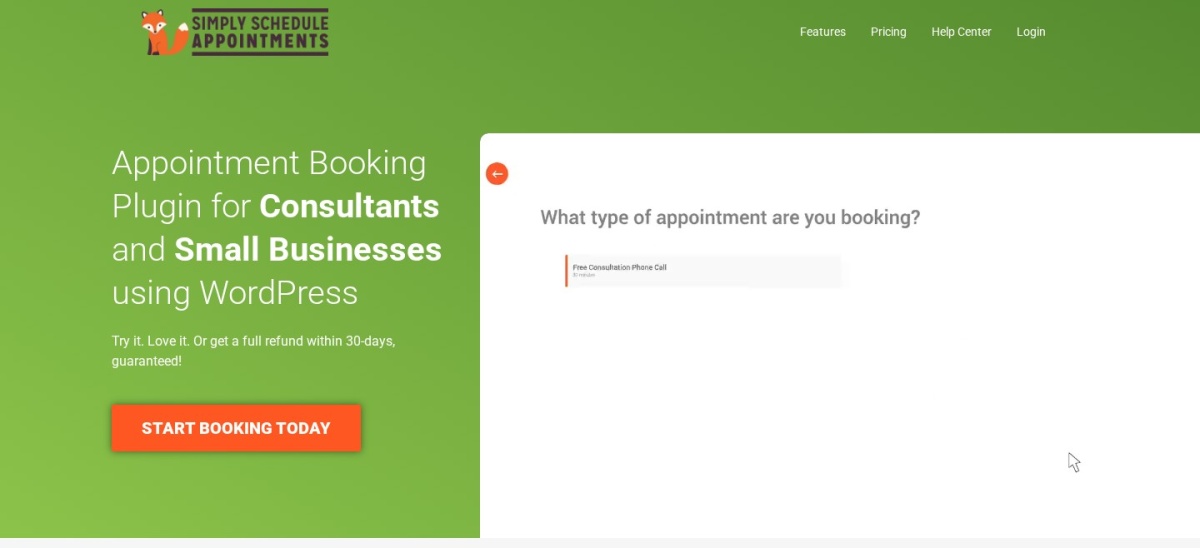
Simply Schedule Appointments homepage, captured Nov 2026.
Simply Schedule Appointments is the highest-rated plugin here, with 5.0 from 155 reviews and 50,000+ installs. The free tier covers simple appointment booking with a clean form, and Plus costs $129 a year for 1 site.
The trade off is the scope. It is a scheduling plugin, not a WooCommerce product system, so bookable products and store checkout need a paid tier. It suits businesses that want simple, well-liked appointment booking.
4.7/5on WordPress.org (46 reviews, checked Nov 2026)
Paid from$79/yr
Best value
Cheapest paid plan$79/yr Solo, 1 site
Free planYes, free tier
WooCommercePayments in Pro
Best forTeams and e-learning
fluentbooking.com
FluentBooking homepage, captured Nov 2026.
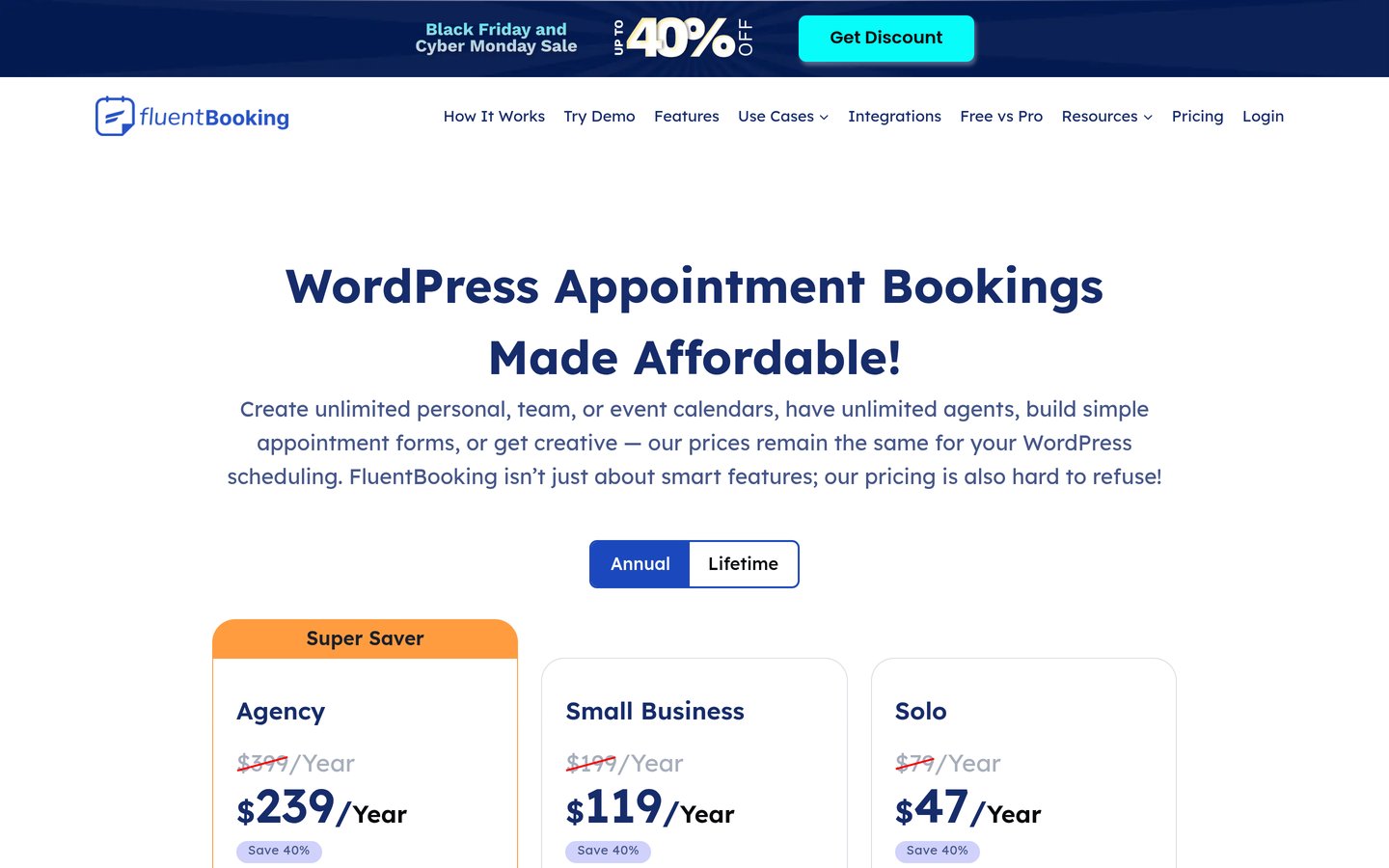
FluentBooking is the value pick. The free tier covers unlimited personal, team and event calendars with unlimited agents, and Solo costs $79 a year. It holds 4.7 from 46 reviews with 20,000+ installs.
The trade off is the thin review count. Only 46 reviews back the 4.7 rating, and WooCommerce payments need Pro. It suits teams, e-learning and customer service bookings.
3.7/5on WordPress.org (65 reviews, checked Nov 2026)
Paid from$139/yr
Best for hotels
Cheapest paid plan$139/yr, 1 site
Free planYes, Lite free
WooCommercePayments add-on $99
Best forHotels and vacation rentals
motopress.com
MotoPress Hotel Booking homepage, captured Nov 2026.
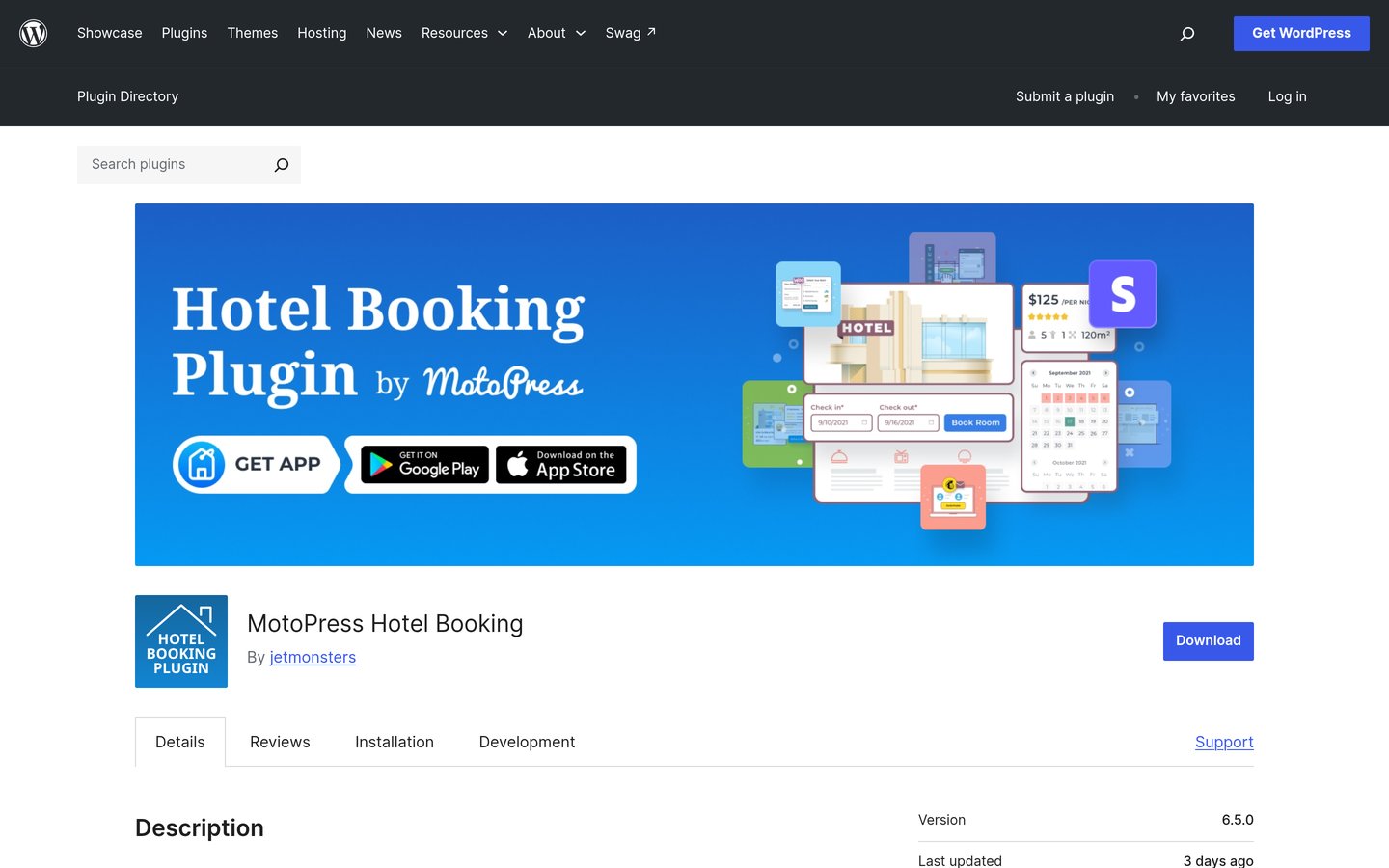
MotoPress Hotel Booking is the hotel pick. It handles seasonal rates, per-guest pricing and iCal sync with Airbnb and Booking.com, and the free Lite version has 10,000+ installs. The paid plugin costs $139 a year.
The trade off is the rating and the add-on. The Lite version holds 3.7 from 65 reviews, the lowest free rating here, and WooCommerce payments need a $99 add-on. It suits hotels and vacation rentals, not appointment businesses.
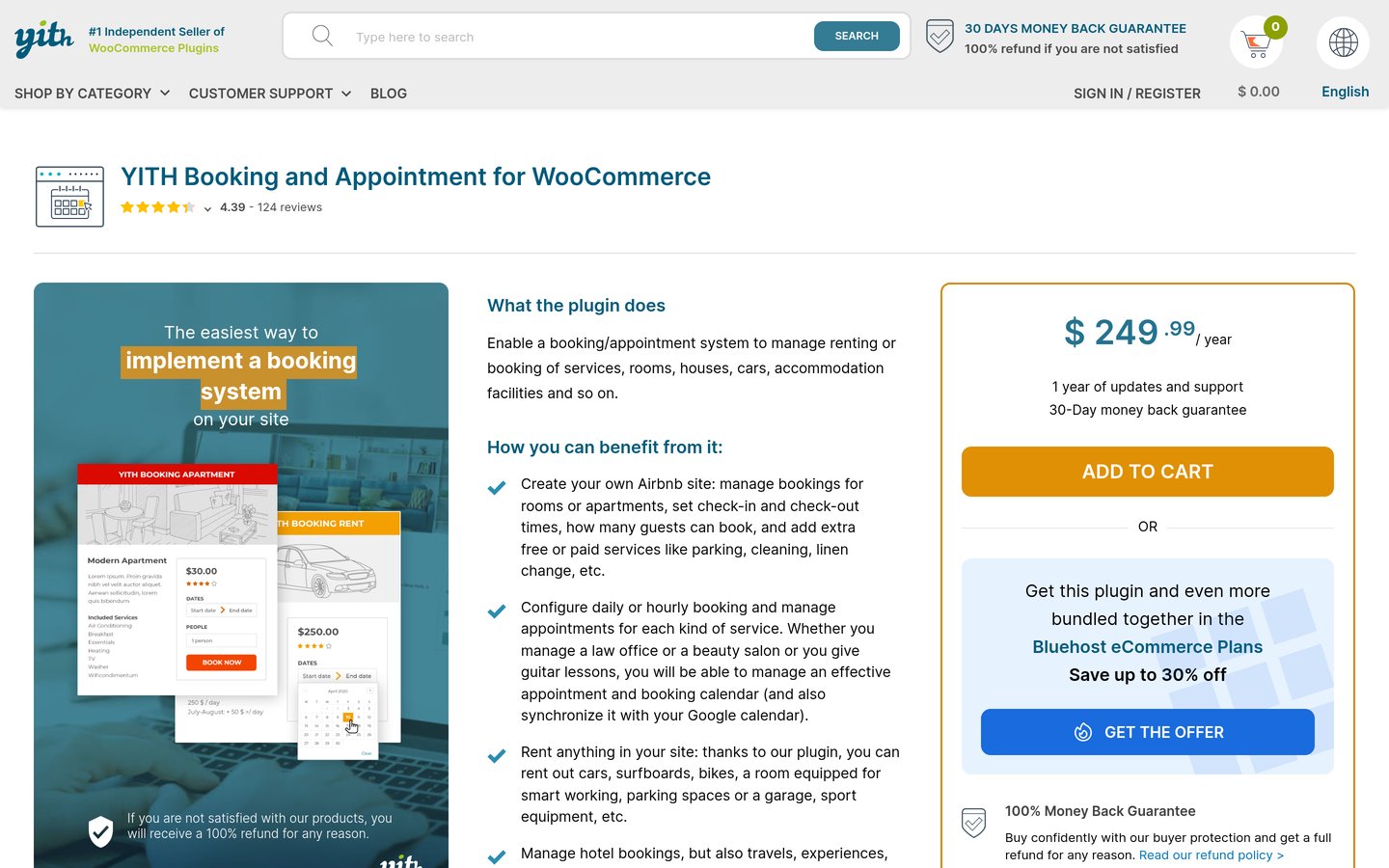
YITH Booking is the rental pick. It sells services and rentals as bookable products with flexible time units, person-type discounts and add-ons, and it holds 4.4 from 124 customer ratings on YITH's own site. It costs $249.99 a year.
The trade off is the price and the transparency. There is no free version and no public review count, and calendar sync is one-way iCal. It suits rental and hotel businesses that already run WooCommerce.
4.6/5on WordPress.org (37 reviews, checked Nov 2026)
Paid from$79/yr
Best for meetings
Cheapest paid plan$79/yr Basic, 1 site
Free planYes, free tier
WooCommercePayments in Pro
Best forMeetings and consultations
arraytics.com
Timetics homepage, captured Nov 2026.
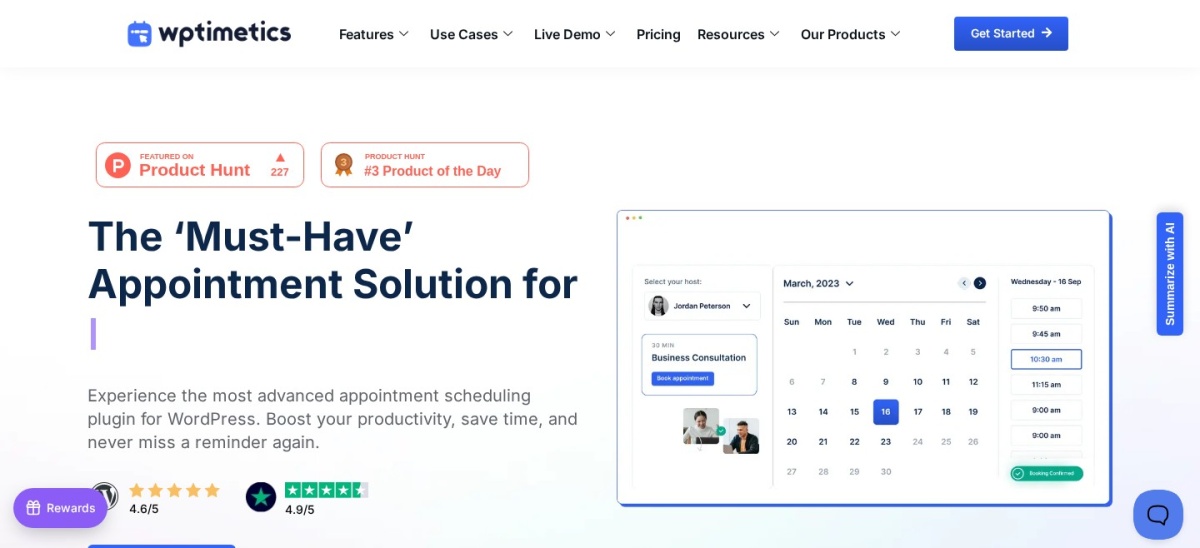
Timetics is the Calendly-style scheduler here. The free version covers unlimited appointment booking with a modern form, and Basic costs $79 a year for 1 site. It holds 4.6 from 37 reviews.
The trade off is the size. At 2,000+ installs and 37 reviews it is the smallest here, and WooCommerce payments need Pro. It suits consultants and freelancers who book meetings, not products.
Bookable products suit rentals, rooms, classes and tours: the customer picks a date or time slot for a product and pays at the store checkout. WooCommerce Bookings, YITH and MotoPress work this way.
Appointment systems suit salons, clinics and coaches: the customer picks a person, a service and a time, then pays through WooCommerce or another gateway. Amelia, LatePoint, Bookly and FluentBooking work this way.
When should you pay for a booking plugin?
Stay free while your bookings are simple. Amelia Lite, LatePoint, Bookly and Simply Schedule all take real bookings without a paid plan.
Pay when you need WooCommerce checkout, deposits, calendar sync or group bookings. The cheapest paid plans here are $49 a year for Amelia Starter and $79 for FluentBooking and Timetics.
How we chose
We started from every WooCommerce booking plugin named in 2026 roundups and WordPress.org searches, then kept the nine with a live product, a public price and a verifiable rating or install count.
Prices and ratings were checked on 22 Nov 2026: the vendors' own pricing pages for every paid plan, WordPress.org for the free plugins, and WooCommerce.com for the official extension.
No vendor paid for a place, and we do not claim hands-on testing for this list. BookingPress was left out: it is not listed on WordPress.org, so it has no verifiable public rating. PluginHive was left out: its 4.96 rating is self-reported on its own site.
How to choose a WooCommerce booking plugin
Start with what you book, then match the tool.
Start with what you book. Rooms, rentals and classes need a bookable-product plugin such as WooCommerce Bookings or YITH. People and services need an appointment system such as Amelia or LatePoint.
Check the WooCommerce fit. WooCommerce Bookings and YITH turn bookings into products. Amelia, LatePoint and Bookly hand payment to WooCommerce on a paid plan.
Try the free version first. Amelia Lite, LatePoint, Bookly and Simply Schedule all take real bookings free. Pay only when you need WooCommerce checkout or deposits.
Add up the real first-year cost. Amelia Starter is $49 a year, LatePoint is $99, and WooCommerce Bookings is $249 before the $219 Deposits extension. Compare the full stack, not the headline price.
FAQ
Which WooCommerce booking plugin is best?
Amelia, for most businesses: the most polished form, a free Lite version and WooCommerce payments from $49 a year. LatePoint is the best free flow at 4.9, and the official WooCommerce Bookings costs $249 a year.
Is there a free WooCommerce booking plugin?
Yes. Amelia Lite, LatePoint, Bookly, Simply Schedule Appointments, FluentBooking, Timetics and MotoPress Lite are all free on WordPress.org. WooCommerce Bookings and YITH have no free version.
What does WooCommerce Bookings cost?
$249 a year for one site, with a 30-day money-back guarantee. Deposits need a separate $219-a-year extension, and the extension holds 2.7 from 60 reviews on WooCommerce.com.
Do I need WooCommerce to take bookings?
No. Amelia, LatePoint, Bookly, Simply Schedule, FluentBooking and Timetics all take bookings without WooCommerce, using Stripe, PayPal or other gateways. WooCommerce Bookings and YITH only work inside a WooCommerce store.
Which booking plugin is best for hotels?
MotoPress Hotel Booking, at $139 a year with seasonal rates, per-guest pricing and iCal sync with Airbnb and Booking.com. WooCommerce Bookings works for a small number of rooms with its free Accommodation Bookings add-on.
Which booking plugin has the best rating?
Simply Schedule Appointments holds 5.0 from 155 reviews, and LatePoint holds 4.9 from 109 reviews with 100,000+ installs. The official WooCommerce Bookings holds only 2.7 from 60 reviews.