Best WordPress MCP Server in 2026: 9 Tools Compared
WLWPLegible EditorsLast verified 22 Nov 2026How we rank13 min read
★ Short answer
WPVibe is the best WordPress MCP server for most sites, with a 5.0 out of 5 rating from 222 users and more than 100,000 installs. Pick Easy MCP AI for a free self-hosted server with no daily cap, and AI Engine if you also want a chatbot for visitors.
How we make this list: we compare pricing pages, product documentation and public user reviews, then re-check every price before each update. No product paid for a place. Disclosure.
WPVibe is the strongest overall pick: 5.0 out of 5 from 222 reviews, 100,000+ installs, and approvals on by default.
Easy MCP AI is the best free self-hosted option: 300+ tools, no daily cap and no paid tier at all.
AI Engine pairs a free MCP server with a chatbot, and Pro adds wider tool sets from $59 a year.
Royal MCP and Cowboy MCP both offer undo, while Sokket and the MCP Adapter are the most guarded, minimal options.
Jetpack MCP is free until 30 November 2026, and miniOrange Pro is $99 a year after a $79 early-bird price.
What a WordPress MCP server does
An MCP server is a bridge between an AI assistant and a WordPress site. MCP, the Model Context Protocol, is the open standard that lets Claude, ChatGPT, Cursor and other AI apps call tools on a site, so the assistant can draft a post, update a product or check plugin updates instead of only giving advice.
The servers in this list differ in where they run and what they guard. Some run only on your site, some relay every request through the vendor's cloud, and some start switched off until you enable them.
Try any MCP server on a staging site or after a fresh backup. Our guide on backing up WordPress shows how to make a restore point first.
Price is mostly about daily limits, not tools. Four of the nine tools here are free with no paid tier, and the paid plans in this list run from $59 to $99 a year.
5/5on WordPress.org (222 reviews, checked Nov 2026)
Paid from$99/yr
Best WordPress MCP server overall
Free daily calls100 a day
Paid planPro, $99/yr
Page buildersElementor, Divi, Bricks
ApprovalsOn by default
wpvibe.ai
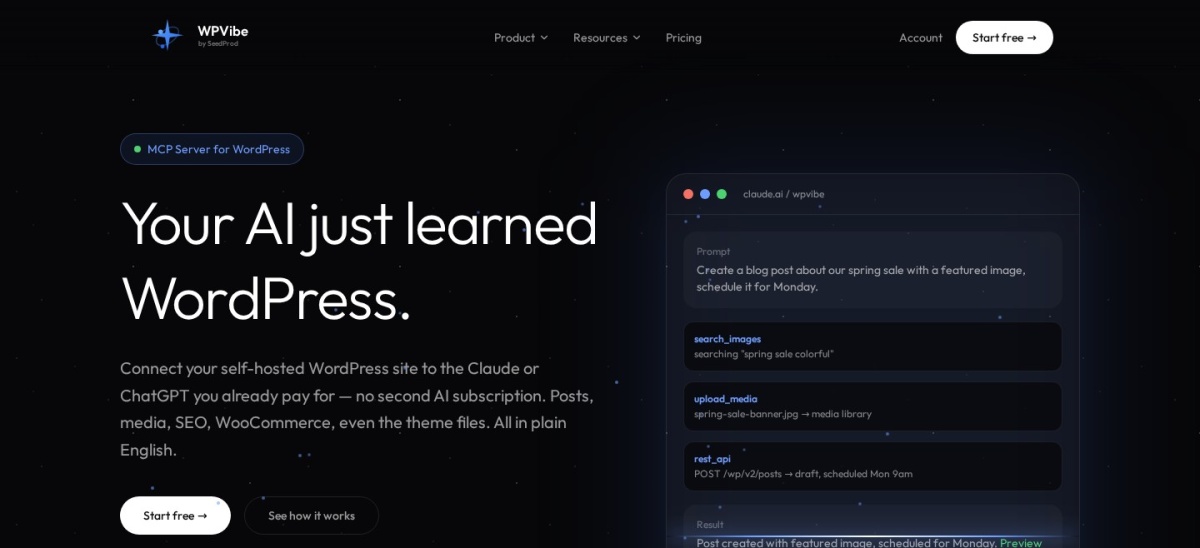
WPVibe homepage, captured Nov 2026.
WPVibe is a hosted MCP server for WordPress from SeedProd, with more than 100,000 active installs and a 5.0 out of 5 rating from 222 reviews. The free plan includes every tool and skill, with 100 tool calls a day, and it works in Claude and ChatGPT in the browser on any self-hosted site.
The trade off is the relay and the daily limit. Every request passes through WPVibe's servers, and heavy days need Pro at $99 a year for 500 calls a day. It suits most site owners and agencies who want approvals on by default and page-builder edits without server work.
4.9/5on WordPress.org (18 reviews, checked Nov 2026)
PriceFree
Best free self-hosted MCP server
MCP tools300+
Daily capNone
Audit logYes, on by default
Paid planNone, free
easymcpai.com
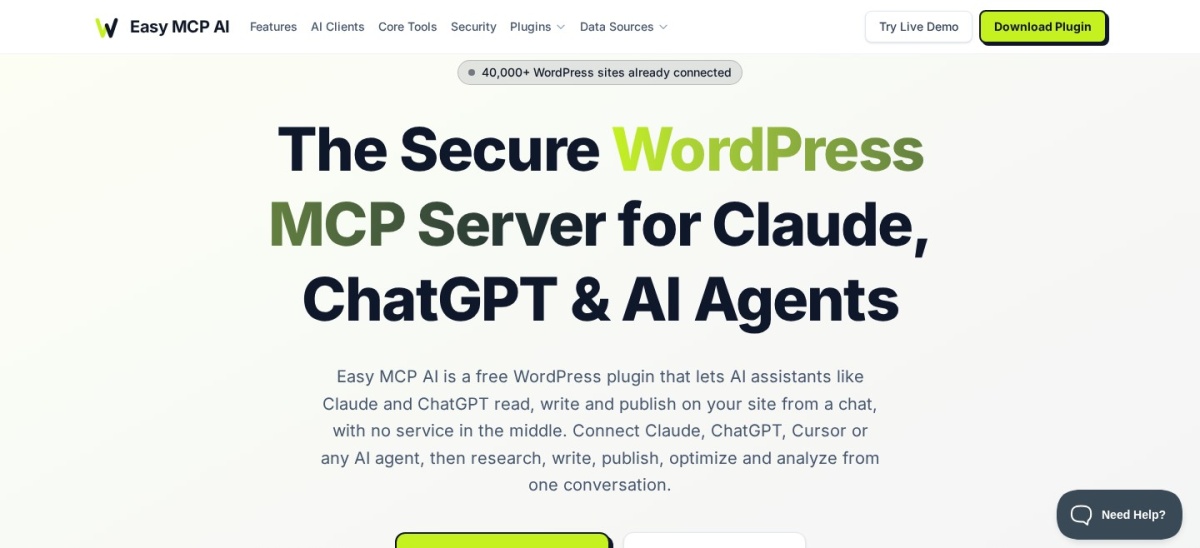
Easy MCP AI homepage, captured Nov 2026.
Easy MCP AI is a free, self-hosted MCP server from Themeisle, with more than 40,000 active installs and a 4.9 out of 5 rating from 18 reviews. It runs inside WordPress with no hosted relay, and its 300+ tools cover content, WooCommerce, SEO fields and analytics from one chat.
The trade off is that delete approvals are opt-in, so a new connection can delete without pausing unless you switch approvals on. It suits content sites and small teams who want a free server with no vendor quota and no account to create.
4.9/5on WordPress.org (880 reviews, checked Nov 2026)
Paid from$59/yr
Best for AI chatbot plus MCP
MCP serverFree, no cap
ChatbotYes, in wp-admin
Pro toolsPlugins, themes, database
Paid planPro, $59/yr
meowapps.com
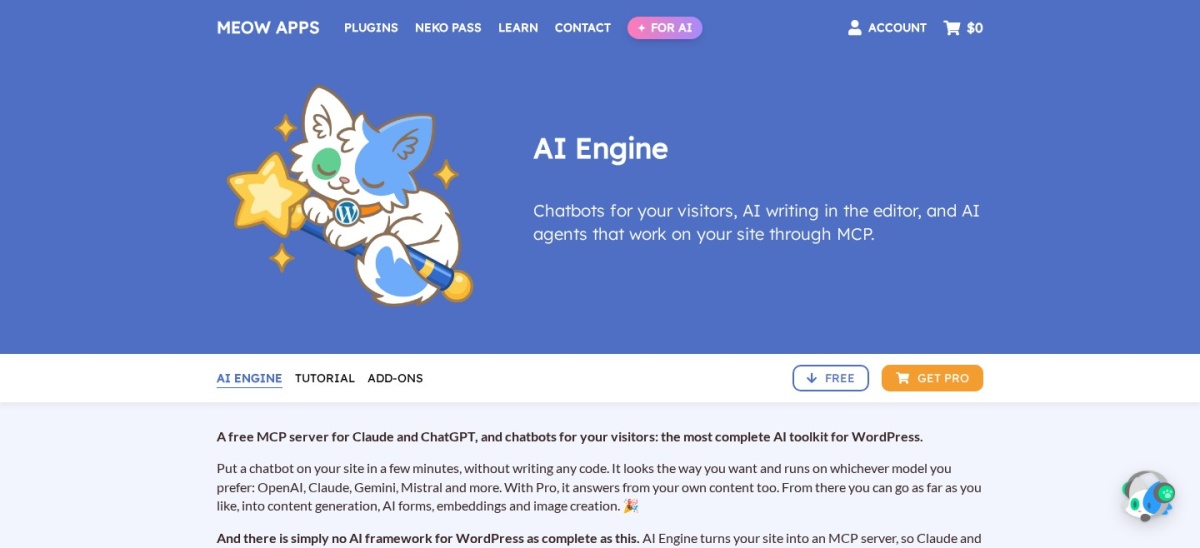
AI Engine homepage, captured Nov 2026.
AI Engine is a free AI toolkit from Meow Apps, with more than 90,000 active installs and a 4.9 out of 5 rating from 880 reviews. Its free MCP server lets Claude and ChatGPT read, edit and manage a site with no account and no daily cap, beside a chatbot for visitors.
The trade off is that the wider MCP tool sets are paid. Plugins, themes, database, WooCommerce and page-builder tools need Pro from $59 a year for one site. It suits sites that want a chatbot and an MCP server in the same plugin.
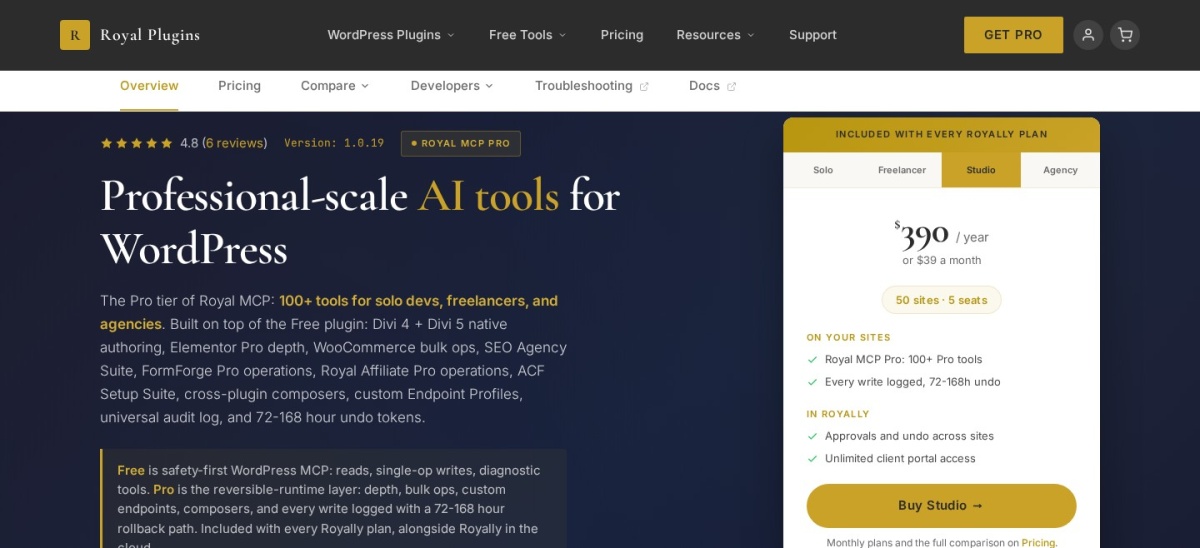
Royal MCP is a self-hosted MCP server with more than 10,000 active installs and a 5.0 out of 5 rating from 7 reviews. It exposes 270 tools, and every destructive write returns a token that can undo the change for 72 hours.
The trade off is that Pro is a bundle, not a single plugin price. Royal MCP Pro comes only inside a Royally plan, Solo at $89 a year for 3 sites, shown with $99 crossed out. It suits Divi sites and owners who want a way back after a bad edit.
5/5on WordPress.org (11 reviews, checked Nov 2026)
Paid from$99/yr
Best for role-based AI access
MCP tools483 in 34 groups
Free daily requests100 a day
Sign-inOAuth 2.1, self-hosted
Paid planPro, $99/yr
miniorange.com
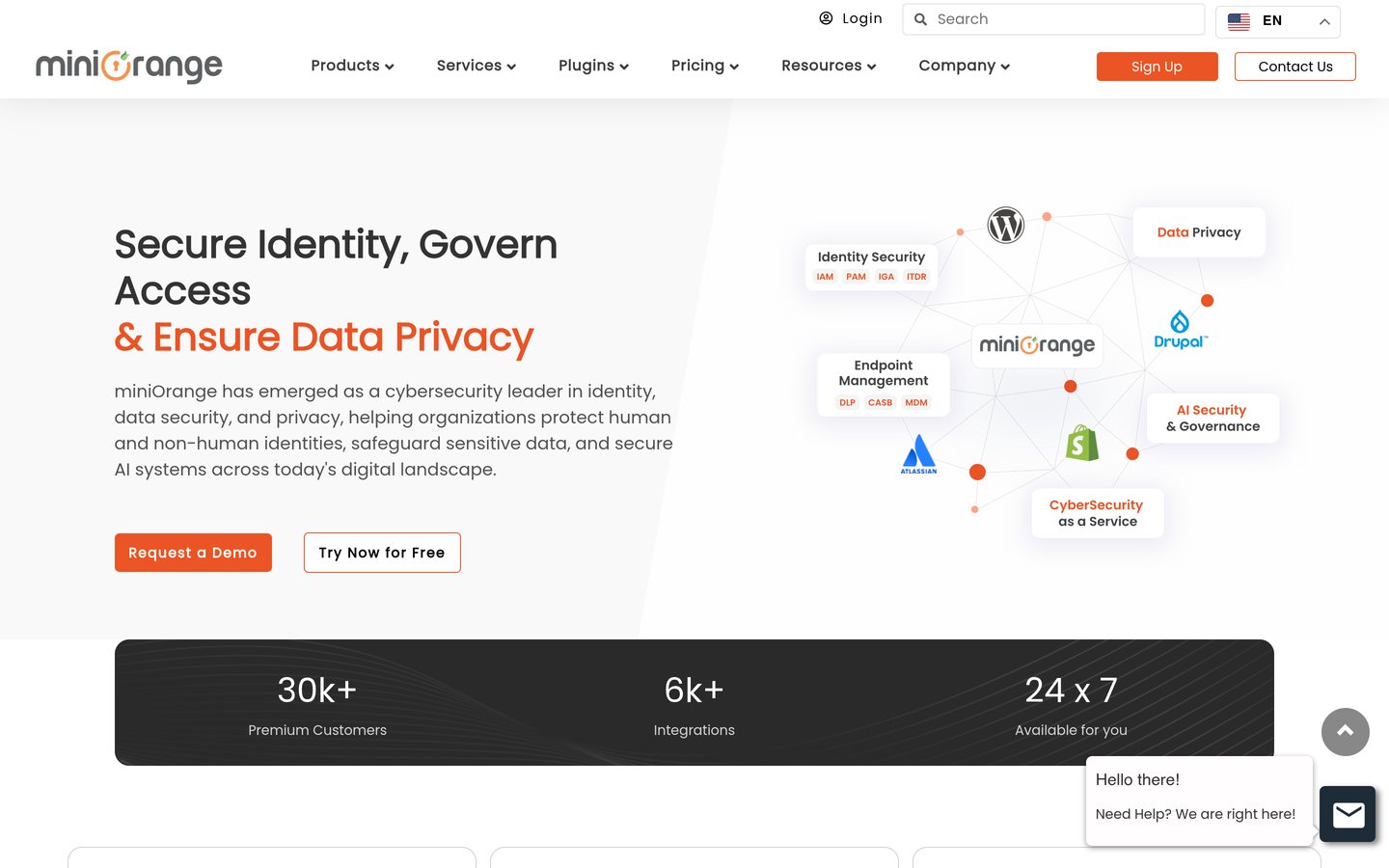
miniOrange Secure MCP homepage, captured Nov 2026.
miniOrange Secure MCP is a security-first MCP server from miniOrange, with more than 10,000 active installs and a 5.0 out of 5 rating from 11 reviews. It lists 483 tools in 34 groups, and each WordPress role gets only the tools you allow it.
The trade off is price and routing. The free plan allows 100 requests a day, and Pro is $99 a year for 500 a day, with an early-bird price of $79 until 30 November 2026. It suits teams that need grant-by-grant control over what an AI agent can touch.
3.7/5on WordPress.org (2,413 reviews, checked Nov 2026)
PriceFree
Best for sites already on Jetpack
MCP costFree until 30 Nov 2026
Sign-inWordPress.com OAuth
Permanent deletesRefused by design
Paid planNone for MCP
jetpack.com
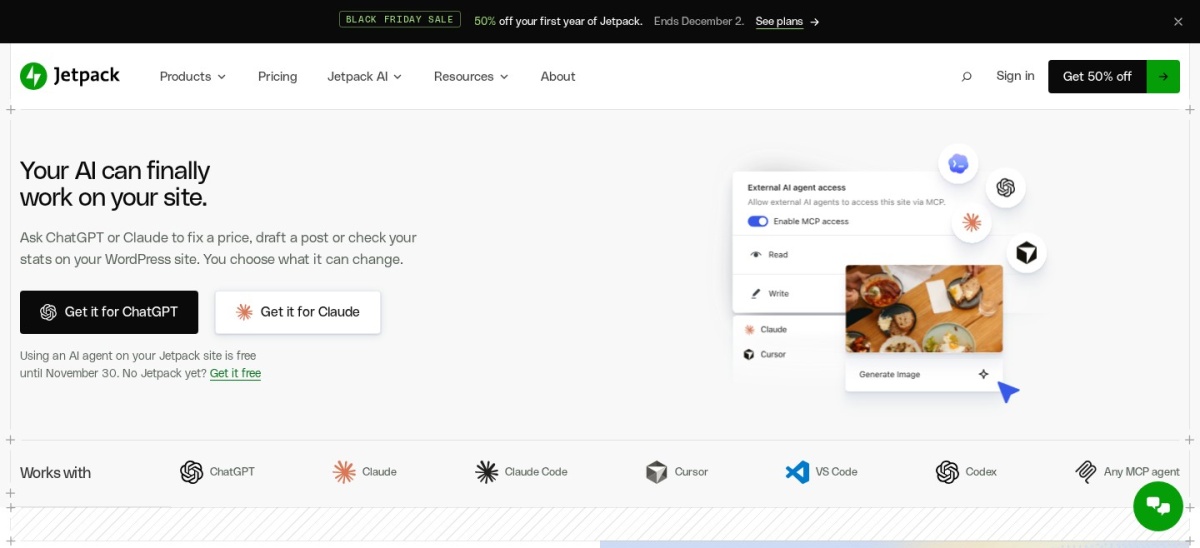
Jetpack homepage, captured Nov 2026.
Jetpack is the Automattic plugin that links a self-hosted site to the WordPress.com MCP server, with more than 3 million active installs and a 3.7 out of 5 rating from 2,413 reviews. One connection covers every site on a WordPress.com account, and write tools stay off until you turn them on.
The trade off is speed and scope. Jetpack was the slowest server in one November 2026 comparison, and backup and scan checks need paid Jetpack products. It suits sites already on Jetpack or WordPress.com that want MCP without a new plugin.
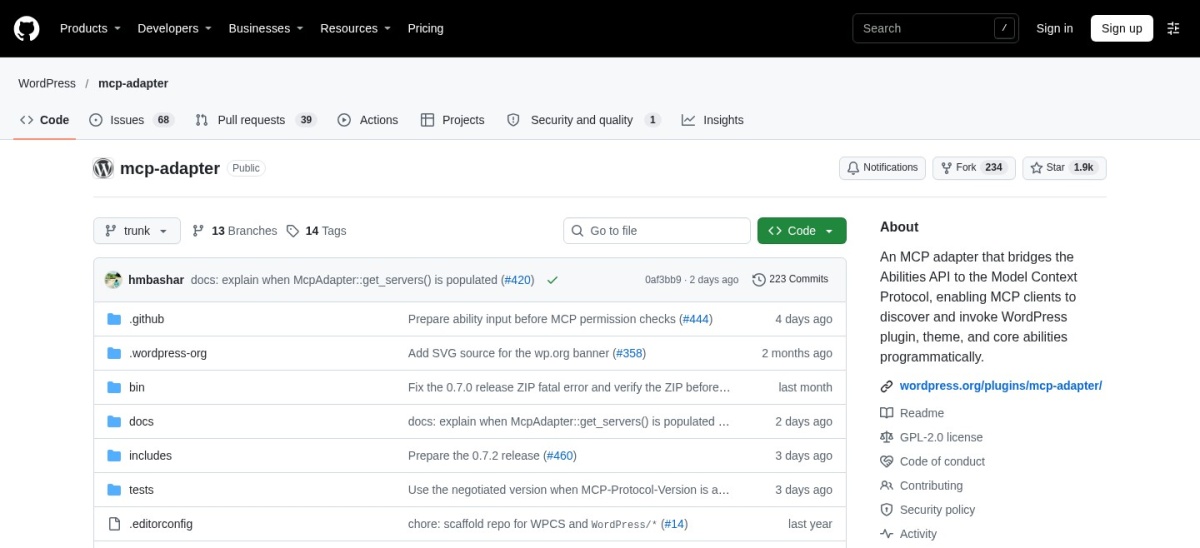
WordPress MCP Adapter homepage, captured Nov 2026.
WordPress MCP Adapter is the official transport layer from the WordPress AI team, with more than 80,000 active installs and a 5.0 out of 5 rating from 2 reviews. On a bare site it exposes only 3 read-only abilities, and other plugins add their own abilities on top.
The trade off is that it does almost nothing alone. It has no chatbot, no page-builder tools and no OAuth server, so the ChatGPT and Claude web apps cannot connect to it yet. It suits developers building their own MCP tools on WordPress.
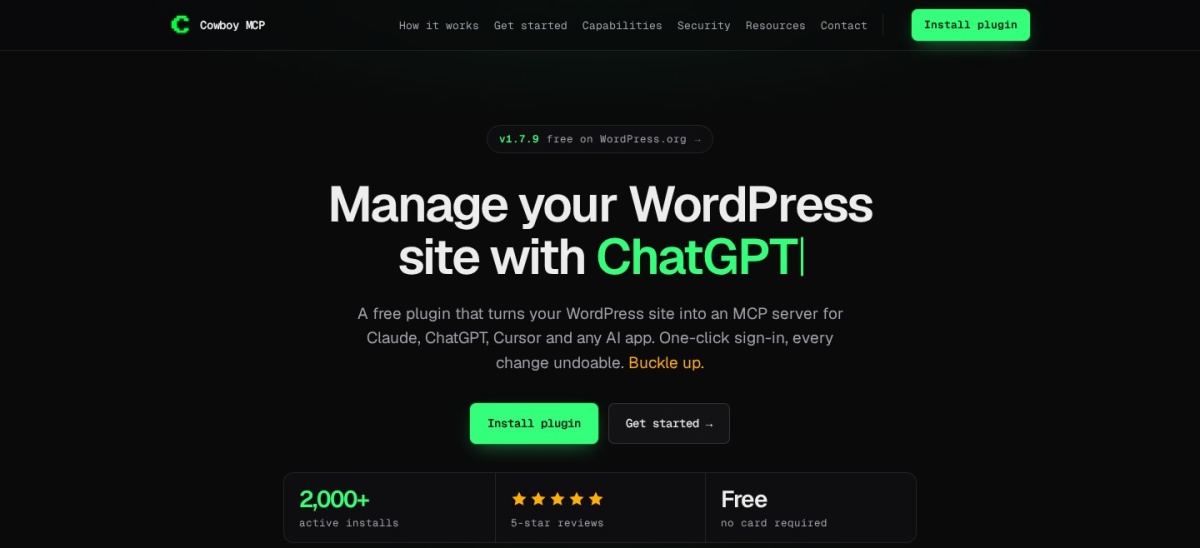
Cowboy MCP is a free, open-source MCP server with more than 2,000 active installs and a 5.0 out of 5 rating from 8 reviews. Its 203 tools cover content, WooCommerce, page builders, Wordfence and WP-CLI, and every change lands in a per-change undo journal.
The trade off is reach. With 2,000 installs it has a far smaller user base than the leaders here, so answers to setup questions are harder to find. It suits owners who want a free server with no paid tier at all.
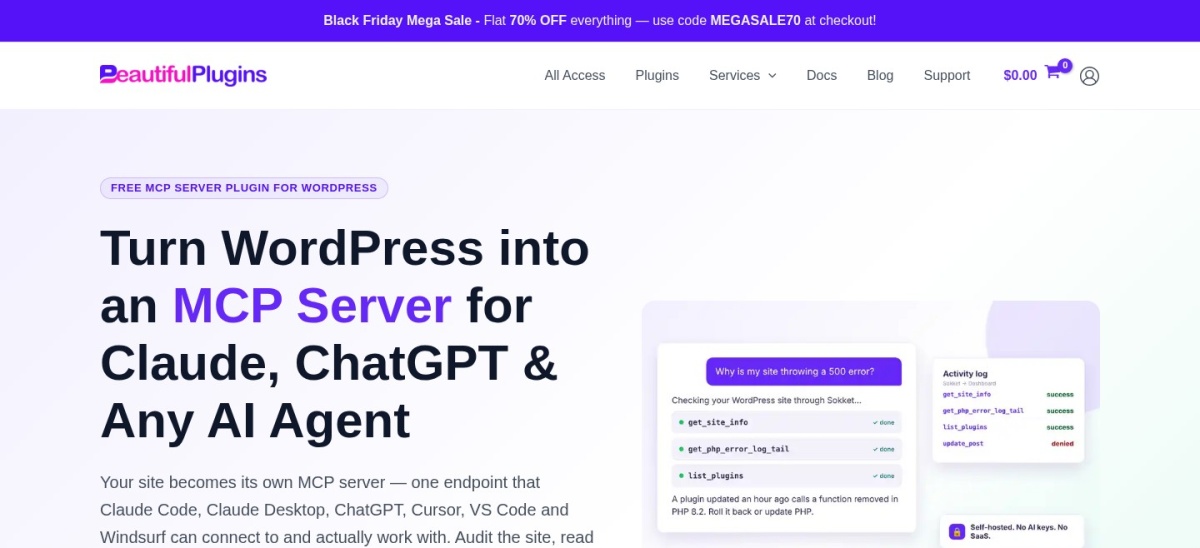
Sokket is a self-hosted MCP server with more than 100 active installs and a 5.0 out of 5 rating from 1 review. It exposes 46 tools, ships switched off, and makes no outbound requests to any AI provider or other service.
The trade off is that it is deliberately narrow. It has no filesystem, database or shell tools, and only 1 WordPress.org review, so it is the least proven tool here. It suits cautious owners who want a small, guarded server for audits and content work.
An MCP server can change live content, so never connect one to a live site without a backup. Use a staging copy first, and connect the AI with the lowest role that can do the job.
Start read-only where the tool allows it. Easy MCP AI, Royal MCP and Sokket all let you limit a connection, and WPVibe and Jetpack pause or refuse destructive changes by default.
Check the log after each session. Every tool here keeps some record of what the AI did, from an audit log to an approval log, and that record is how you catch a bad edit early.
Remove access you no longer use. Revoke old tokens and disconnect AI apps after a project ends, so a forgotten connection cannot keep editing your site.
How we chose
We started from the MCP servers listed on WordPress.org and in the November 2026 comparisons from WPBeginner, InstaWP and WPShout, then kept the nine with a live WordPress.org listing, a working homepage and a clear free or paid price.
Prices come from each vendor's pricing page, checked on 22 November 2026. Ratings and install counts come from WordPress.org on the same day. Where a vendor shows a sale, the list shows the regular price.
We left out servers with no public rating or no WordPress.org listing, and plugins that only add MCP to one other job. No vendor paid for a place, and we do not claim hands-on testing for this list.
How to choose a WordPress MCP server
Start with where the server runs, then check what it guards before you connect it.
Decide where the server should run. A self-hosted plugin keeps requests on your site, while WPVibe and Jetpack relay them through a vendor cloud. Pick self-hosted if that matters to you.
Check the daily limit first. WPVibe allows 100 free calls a day and miniOrange 100 requests a day, while Easy MCP AI and AI Engine state no daily cap. Match the limit to how often you will use it.
Turn on approvals and read-only mode. Use the lowest role that can do the job, switch on delete approvals where they are opt-in, and try the server on a staging site first.
Pick the extra job, if any. Choose AI Engine for a chatbot, Royal MCP or Cowboy MCP for undo, and the MCP Adapter only if you plan to build your own tools.
FAQ
What is the best WordPress MCP server?
WPVibe is the best overall pick for most sites. It has more than 100,000 active installs, a 5.0 out of 5 rating from 222 users, and approvals on by default for destructive changes, with a free plan of 100 tool calls a day.
Is there a free WordPress MCP server?
Yes, several. Easy MCP AI, Cowboy MCP, Sokket and the WordPress MCP Adapter are free with no paid tier, and AI Engine, Royal MCP and miniOrange all have free plans beside paid upgrades.
Can an AI assistant delete my WordPress posts?
Yes, most MCP servers can delete content if you allow it, so use approvals and read-only connections where possible. WPVibe pauses permanent deletes for approval, Jetpack refuses them by design, and Royal MCP and Cowboy MCP offer undo after a change.
Do I need a paid plan for MCP?
Usually not. Four tools in this list have no paid tier at all, and the paid plans that exist mainly raise daily limits or add wider tool sets. Paid plans here run from $59 to $99 a year.
What is the WordPress MCP Adapter?
It is the official, free transport layer from the WordPress AI team. On a bare site it exposes only 3 read-only abilities, and other plugins add their own abilities on top, so it is a base for developers rather than a finished server.
Is it safe to connect ChatGPT or Claude to WordPress?
It can be, with care. Try the server on a staging site, use the lowest user role that can do the job, switch on approvals, and check the audit or approval log after each session. Never connect an MCP server to a live site without a backup.