Best WordPress Maintenance Services in 2026: 8 Tools Compared
WLWPLegible EditorsLast verified 22 Nov 2026How we test13 min read
★ Short answer
WP Buffs is the best WordPress maintenance service for most sites, with 24/7 support, weekly updates and cloud backups four times a day from $89 a month. Pick Seahawk at $29 a month for the cheapest tested care, and GoWP at $39 a month if you resell care to clients.
How we make this list: we compare pricing pages, product documentation and public user reviews, then re-check every price before each update. No product paid for a place. Disclosure.
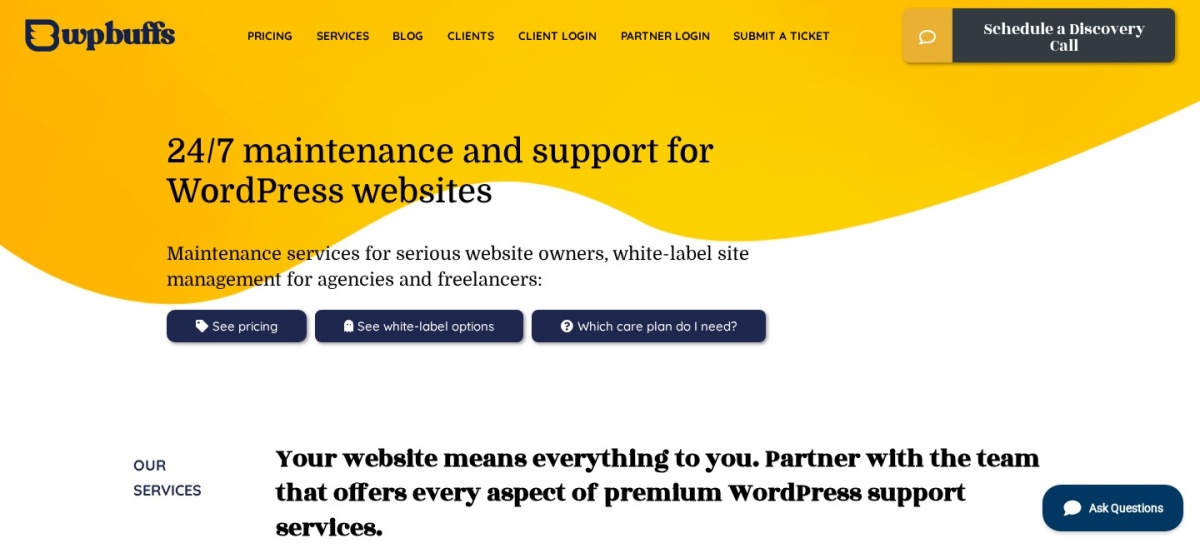
WP Buffs is the best-known pick: 24/7 support, weekly updates and backups four times a day from $89 a month.
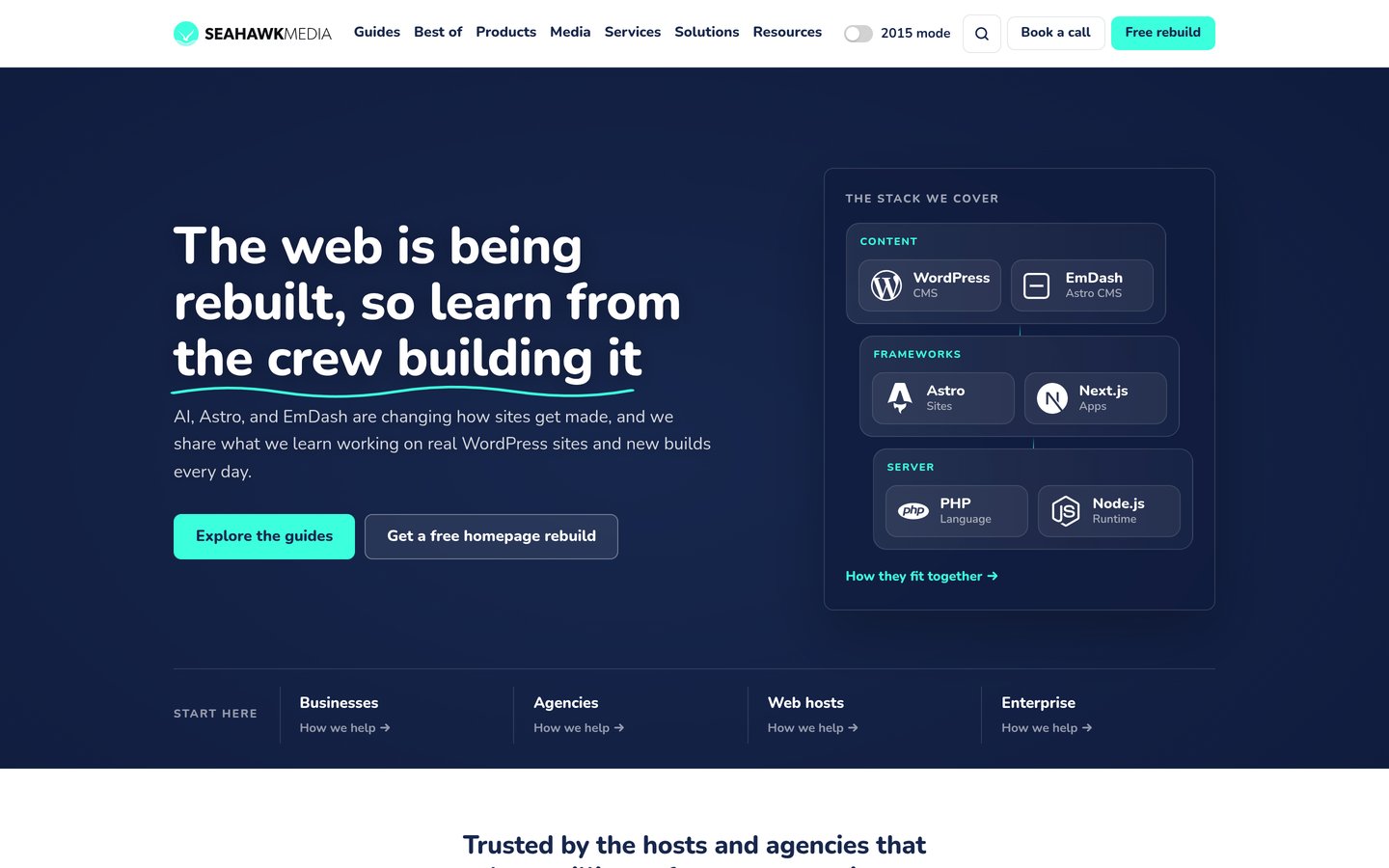
Seahawk is the cheapest entry at $29 a month, with QA-tested updates, daily backups and malware removal on every plan.
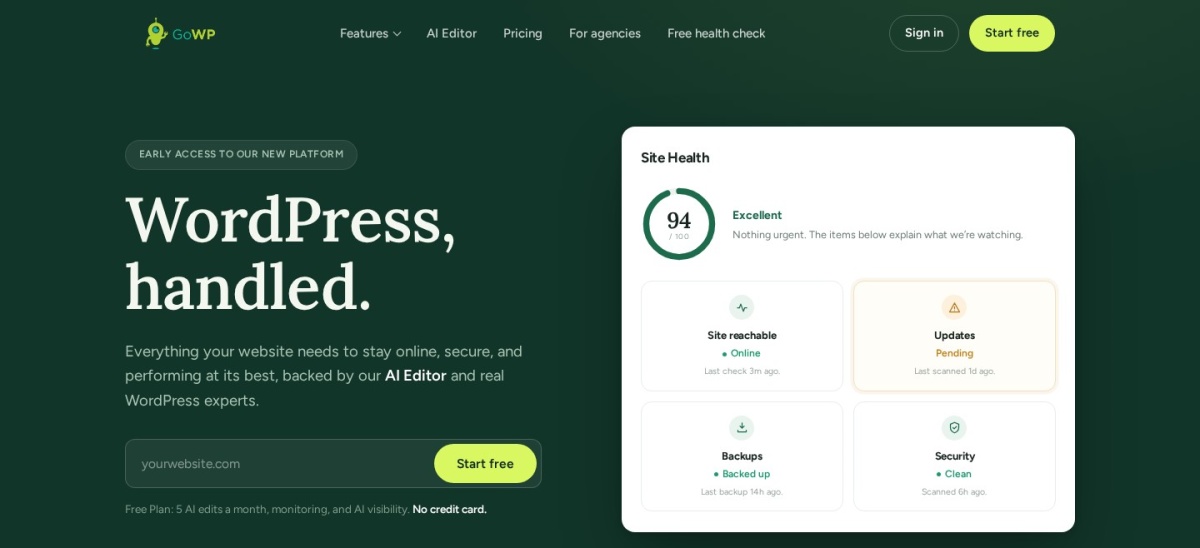
GoWP is built for agencies: white-label care from $39 a site a month, with 5,400+ sites managed.
FixRunner holds a 5.0 out of 5 Trustpilot rating from 248 reviews, and sells care as support minutes from $69 a month.
Prices run from $29 to $435 a month, and the dearest plan bundles hosting, so compare what each plan actually includes.
What a WordPress maintenance service should cover
A maintenance service takes over the routine work that keeps a WordPress site alive: core, theme and plugin updates, backups, security checks and uptime monitoring. Without it, updates pile up and a small problem can turn into a hacked or broken site.
Backups and update testing matter most. Daily backups with a clear restore path beat weekly ones, and updates tested on staging or checked visually catch breakages before visitors do. Our guide on backing up WordPress shows what a good backup routine looks like.
Support time is where plans differ. Some plans include unlimited edits, some sell minutes, and some include none at all, so check whether small fixes are covered before you sign up.
Price is monthly for every service here, so multiply by 12 to compare yearly cost. The cheapest plan is $29 a month and the dearest is $435, and the dearest bundles hosting, so the gap is smaller than it looks once hosting is counted.
WP Buffs is a 24/7 WordPress care service with weekly updates, cloud backups four times a day and round-the-clock uptime monitoring. The Maintain plan costs $89 a month for one site and includes emergency support, Google Analytics integration and a weekly report, with no hosting change needed.
The trade off is price. Unlimited edits start at $179 a month on Protect, and staging-tested updates only come with the $359 Custom plan, so cheaper plans update the live site directly. It suits site owners who want a well-known team on call at all hours.
Seahawk is the cheapest entry point in this list, with its WP Care plan at $29 a month. Every plan includes QA-tested updates, daily backups kept for 30 days, malware scans and removal, virtual patching and a monthly care report, and the work is done by Seahawk's own team.
The trade off is that personal help costs more. WP Care covers protection only, so troubleshooting and site tasks start with WP Care Pro at $99 a month, and work outside a plan bills at $79 an hour. It suits small sites that mainly need protection and tested updates.
GoWP is a white-label WordPress care platform built for agencies, with a free plan for basic monitoring and a Pro plan at $39 a site a month. Pro adds automatic updates with visual checks, daily backups kept for 90 days, daily security scans and cleanup, 15 AI edits a month and a human helpdesk.
The trade off is that it is built for agencies, not single-site owners. Human edits only come with Business at $99 a month, which adds five human edits of about 30 minutes each, and white-label branding is a $49-a-month add-on. It suits agencies reselling care under their own brand.
FixRunner is a WordPress support service that sells care as a monthly bucket of support minutes, tracked to the minute. The Premium plan costs $69 a month for 90 minutes, with cloud backups, core, plugin and theme updates, uptime monitoring, security scans and a one-hour response time, 24/7.
The trade off is the three-month minimum. Every plan needs a three-month commitment, though the first 30 days carry a money-back guarantee, and unused minutes only roll over within the quarter. It suits owners who want to pay only for the support time they use.
4.9/5on Trustpilot (214 reviews, checked Nov 2026)
Starts at$99/mo
Best for unlimited small fixes
Small fixesUnlimited, up to 30 min
BackupsDaily, off-site
UpdatesWeekly
ContractMonth to month
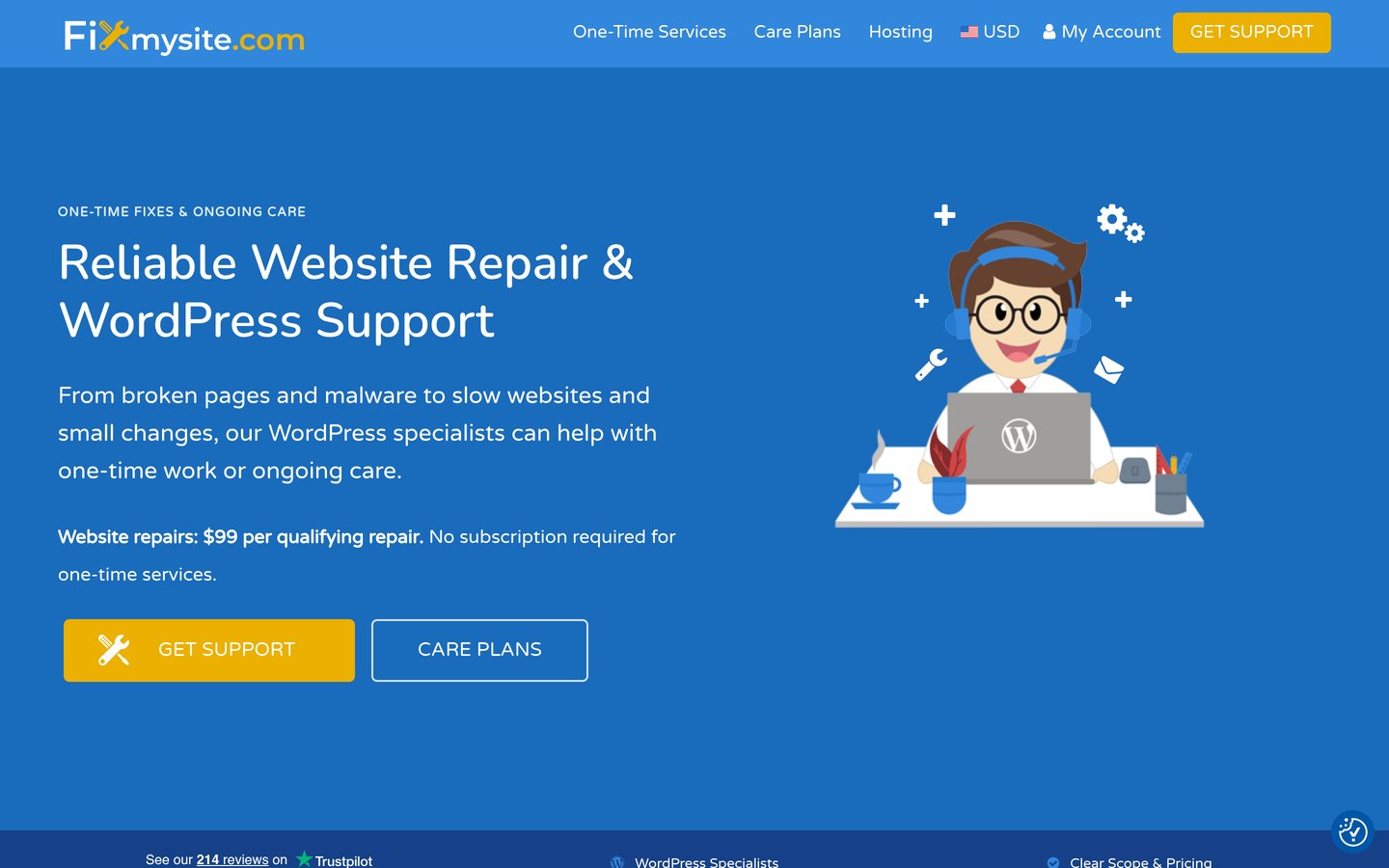
fixmysite.com
Fixmysite homepage, captured Nov 2026.
Fixmysite is a WordPress care service that includes unlimited small fixes of up to 30 minutes each on every plan. The Maintenance plan costs $99 a month and covers weekly updates, daily off-site backups, security monitoring, 24/7 uptime checks and a 30-day money-back guarantee, with no contract.
The trade off is the headline price. The site advertises care from $89 a month, but that is the yearly-billing price; month-to-month billing is $99, and hosting bundles start at $199. It suits small businesses that want small repairs handled without counting minutes.
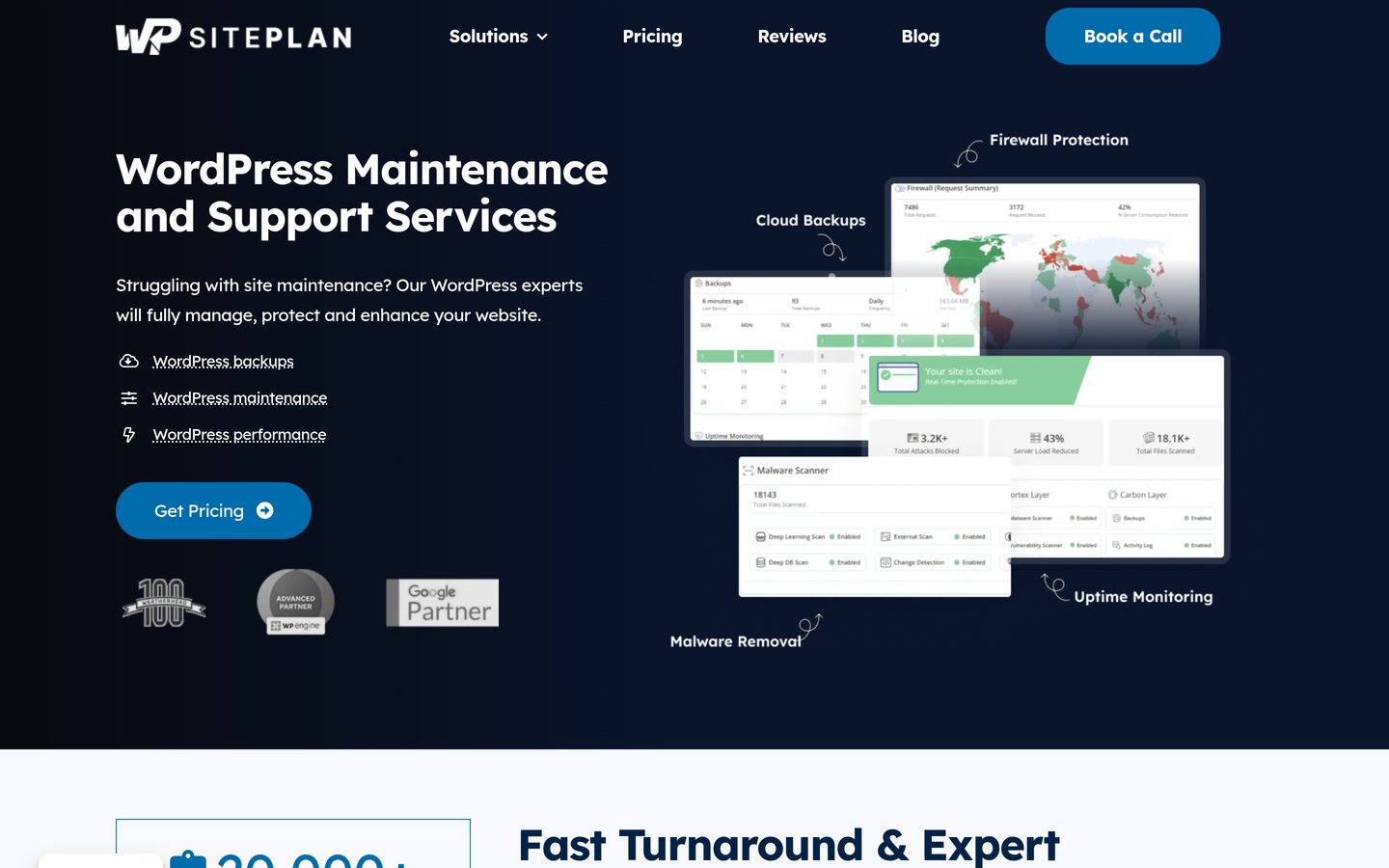
WP SitePlan is a WordPress maintenance service from a US team that updates sites manually rather than by script. The Essentials plan costs $59 a month per site and includes core, theme and plugin updates, daily backups with one-click restore, a firewall, malware scans and removal, and a monthly report.
The trade off is support hours and help. The team works weekdays from 8am to 5pm Eastern, and the Essentials plan has no help desk, so edits and bug fixes need Professional at $119 a month. It suits small sites that want the basics done by people, not a dashboard.
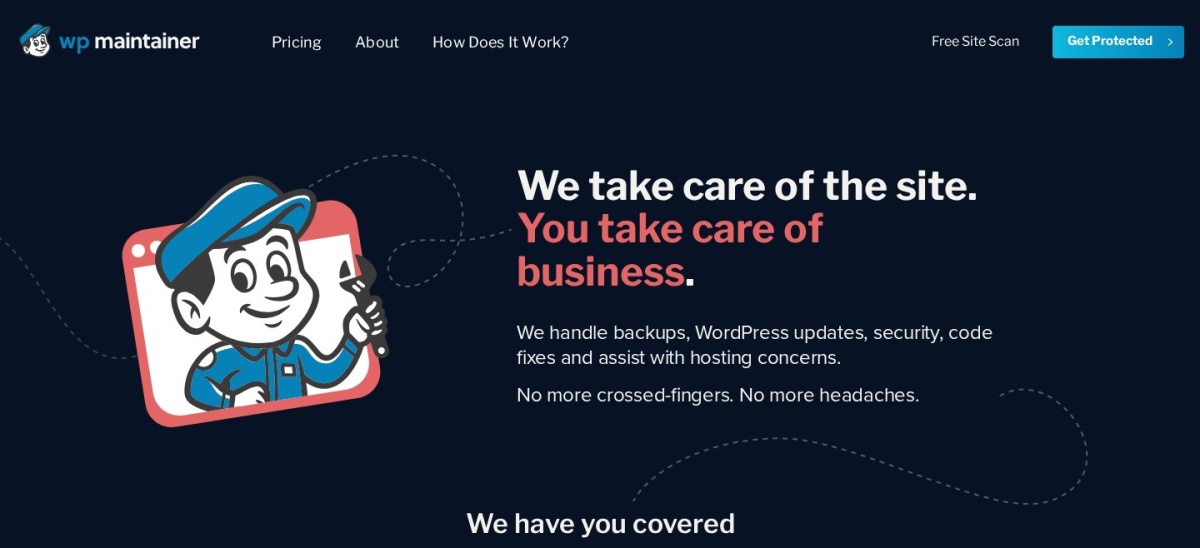
WP Maintainer is a single-plan WordPress maintenance service from Sizeable, a US agency, with no tiers to compare. The $99-a-month plan covers core, theme and plugin updates, scheduled backups, security scanning and cleanup with Sucuri, and up to one hour of troubleshooting if an update breaks the site.
The trade off is that content changes cost extra. There are no included edits or fixes, and on-demand developer help bills at $99 an hour, approved in advance, while a performance add-on and firewall cost more. It suits owners who want one flat price for upkeep alone.
SiteCare is a premium WordPress service that bundles maintenance with its own managed hosting, CoreSpeed. The Gold plan costs $435 a month and includes staging-tested updates, threat monitoring, daily backups, hack cleanup, Core Web Vitals work on 20 page types, and five quick fixes plus five content edits a month.
The trade off is the price and the hosting tie-in. Gold is $435 a month, or $4,680 paid yearly, and the uptime and speed promises only apply on CoreSpeed hosting, with development hours at $189 an hour. It suits businesses whose site carries real revenue.
Every service in this list bills monthly by default, so the price ladder multiplies the monthly price by 12. That is the honest comparison, because most buyers pay month to month.
Two services show a lower yearly price. Fixmysite advertises care from $89 a month, but that is the yearly-billing price; month to month it is $99. SiteCare Gold is $435 a month, or $4,680 paid yearly.
GoWP states the list price is the price, with no annual discount, and WP Buffs, FixRunner and WP Maintainer show no yearly option on their plan pages. Budget for the monthly price unless the yearly price is printed on the plan page.
Common mistakes when buying maintenance
Paying for edits you will not use is the most common mistake. If nobody on your team asks for small changes, an unlimited-edits plan costs more than a protection-only plan for the same updates and backups.
Choosing on price alone is the second. SiteCare looks dear at $435 a month, but it includes managed hosting, so compare it against your hosting bill plus a cheaper plan, not against the cheapest plan alone.
Ignoring the minimum term is the third. FixRunner needs three months, so a $69 plan is really a $207 commitment, and the first 30 days are the only exit with a refund.
How we chose
We started from the maintenance services most often recommended for WordPress sites in 2026, then kept those with published monthly prices and a clear plan page.
Prices come from each vendor's pricing page, checked on 22 November 2026. Ratings come from Trustpilot, G2 or Google on the same day, and site counts come from the vendors' own pages. Where a vendor shows a sale price, the list shows the regular monthly price.
We left out services with no published price, discontinued plans and rebranded duplicates. No vendor paid for a place, and we do not claim hands-on testing for this list.
How to choose a WordPress maintenance service
Start with what your site needs most, then check whether edits are included before you pay.
List what your site needs. Updates, backups and security come first for most sites. A store adds WooCommerce updates, and a busy site adds staging-tested updates.
Check whether edits are included. Some plans include unlimited edits and some include none. If you need small changes made for you, pick a plan that covers them.
Ask how updates are tested. Updates applied straight to the live site can break a form or checkout. Staging tests or visual checks catch that before visitors do.
Read the minimum term, not just the price. FixRunner needs a three-month minimum. A cheap monthly price costs more if you cannot leave when the service disappoints.
FAQ
What is the best WordPress maintenance service?
WP Buffs is the best overall pick for most sites. It offers 24/7 support, weekly updates, cloud backups four times a day and uptime monitoring from $89 a month, with unlimited edits from $179 a month on Protect.
How much does WordPress maintenance cost per month?
Published plans in this list run from $29 a month for Seahawk WP Care to $435 a month for SiteCare Gold. Most small sites pay $29 to $99 a month, and premium plans cost more because they add hosting, edits or agency services.
Do maintenance services include hosting?
Usually not. Most services in this list work with the host you already have, and only SiteCare bundles its own managed hosting into the plan. Fixmysite sells hosting bundles separately, starting at $199 a month.
What is included in a WordPress maintenance plan?
Every plan here covers core, theme and plugin updates, backups, security monitoring and uptime checks. Edits, staging-tested updates, malware removal and speed work vary by plan, so read the plan page before you buy.
Can I cancel a maintenance plan any time?
Most plans here are month to month, including GoWP, Fixmysite and SiteCare. FixRunner needs a three-month minimum, though its first 30 days carry a money-back guarantee, so check the term before you sign up.
Is a maintenance service worth it for a small blog?
It depends on how much your time is worth. A small blog can run on Seahawk at $29 a month or GoWP Pro at $39, which cover updates, backups and security. If you update plugins yourself and keep backups, you may not need one.
Do I still need backups if I pay for maintenance?
Yes, but the service should provide them. Every plan in this list includes backups, from daily copies on most plans to four a day at WP Buffs. Keep your own off-site copy as well, so you are not locked to one provider.