Best WordPress Food Ordering Plugins in 2026: 8 Tools Compared
WLWPLegible EditorsLast verified 22 Nov 2026How we test11 min read
★ Short answer
Orderable is the best WordPress food ordering plugin for most restaurants, with a 4.6 out of 5 rating, a free version that covers menus and delivery dates, and Pro at $149 a year. Pick WPCafe for menus plus table bookings in one plugin, and RestroPress if you want ordering without WooCommerce.
How we make this list: we compare pricing pages, product documentation and public user reviews, then re-check every price before each update. No product paid for a place. Disclosure.
Orderable is the strongest all-round pick: 4.6 out of 5, free menus and delivery dates, Pro at $149 a year.
WPCafe packs a menu, ordering and table bookings into one plugin, with Pro from $69 a year for two sites.
RestroPress is the only pick here that takes orders without WooCommerce, but Starter costs $199 a year.
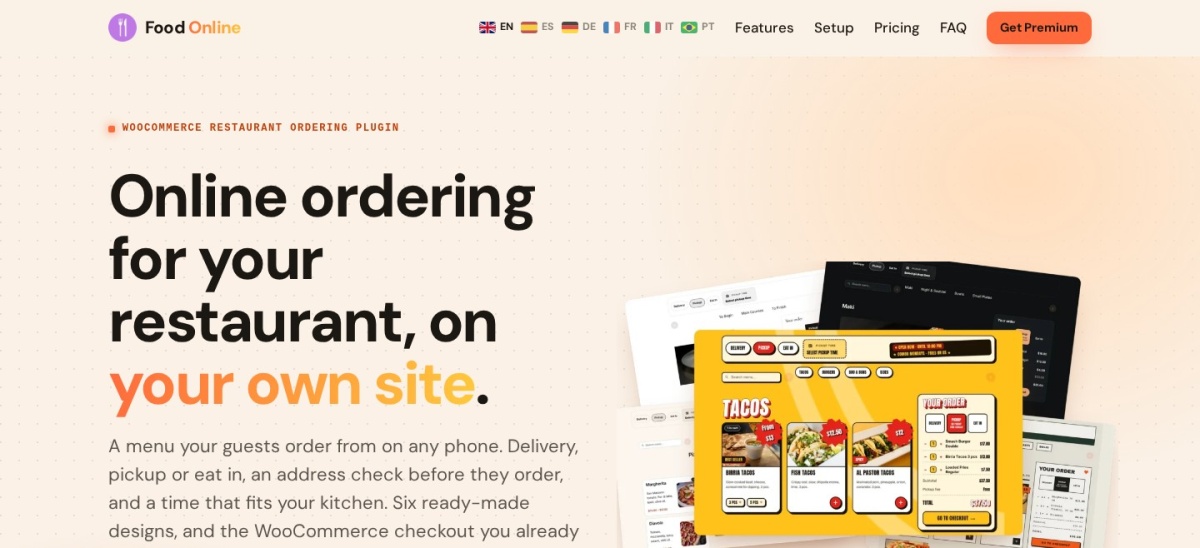
Food Online Premium is the cheapest paid step at $49 a year, and its free version includes six menu designs.
GloriaFood is left out: the service ends on 30 April 2027, so new restaurants should not start on it.
What a food ordering plugin should cover
A food ordering plugin should do three jobs: show the menu, take the order and tell the kitchen. The tools in this list cover those jobs in different ways, and the right one depends on whether you already run WooCommerce.
WooCommerce plugins such as Orderable, WPCafe and Food Online use the checkout you already have, with your payment gateways and tax settings. Standalone plugins such as RestroPress, WPPizza and MotoPress keep ordering inside the plugin, so there is less to set up but fewer payment options for free.
Commission is the cost that matters most over time. Every plugin in this list charges no commission on orders, so you pay the plugin price and your card processor, not a share of each sale. Our guide on free vs premium WordPress plugins explains when paying for a plugin is worth it.
Do not pay for delivery apps and a plugin at once. If most of your orders already come through a marketplace, a plugin only pays off when enough customers order direct. A fast site helps too, so read how to speed up WordPress before you add ordering to a slow site.
4.6/5on WordPress.org (40 reviews, checked Nov 2026)
Paid from$149/yr
Best food ordering plugin overall
Needs WooCommerceYes
Free planYes, unlimited sites
Time slotsPro only
Paid planPro, $149/yr
orderable.com
Orderable homepage, captured Nov 2026.
Orderable is a WooCommerce plugin that turns a WordPress site into a restaurant ordering system, with more than 5,000 active installs and a 4.6 out of 5 rating from 40 reviews. The free version covers an app-style menu, a floating cart, delivery and pickup dates, ASAP delivery, lead times and receipt printing, with no commission on orders.
The trade off is that the useful controls sit in Pro. Time slots, order limits, QR table ordering, product add-ons, tipping and multiple locations cost $149 a year for one site. It suits restaurants that already run WooCommerce and want ordering that feels like a food app.
What we like
Free version covers menus, dates and receipt printing
4.6/5on WordPress.org (116 reviews, checked Nov 2026)
Paid from$69/yr
Best for menus, ordering and bookings in one
Needs WooCommerceYes
Table bookingYes, free
Free planYes
Paid planStandard, $69/yr
themewinter.com
WPCafe homepage, captured Nov 2026.
WPCafe is a WooCommerce plugin for restaurants that combines a food menu, online ordering and table booking in one install. It has more than 5,000 active installs and a 4.6 out of 5 rating from 116 reviews, and the free version covers menus, reservations and basic ordering.
The trade off is the Pro price and the sale noise. Standard costs $69 a year for two sites and adds QR ordering, order bumps, tips and pickup and delivery scheduling, while the pricing page currently shows Black Friday offers. It suits cafes that want the menu, the booking form and ordering from one plugin.
4.4/5on WordPress.org (102 reviews, checked Nov 2026)
Paid from$199/yr
Best ordering without WooCommerce
Needs WooCommerceNo
Free planYes
Delivery zonesStarter only
Paid planStarter, $199/yr
restropress.com
RestroPress homepage, captured Nov 2026.
RestroPress is a standalone food ordering plugin that runs without WooCommerce, with more than 1,000 active installs and a 4.4 out of 5 rating from 102 reviews. The free version takes pickup and delivery orders, with a menu editor, a cart, order statuses and PayPal or cash payments, and it charges no commission.
The trade off is price. Delivery zones, time slots, SMS alerts and the order tracking app start with Starter at $199 a year for one site, the highest starting price in this list. It suits restaurants that sell food only and do not want a full WooCommerce store.
5/5on WordPress.org (24 reviews, checked Nov 2026)
Paid from$59/yr
Best free route from menu to paid order
Needs WooCommerceFor ordering
Free planYes
Table reservationsYes, free
Paid planPro, $59/yr
radiustheme.com
Food Menu homepage, captured Nov 2026.
Food Menu is a restaurant menu plugin from RadiusTheme with more than 2,000 active installs and a 5 out of 5 rating from 24 reviews. The free version offers grid, list and slider menu layouts, WooCommerce ordering, and a table reservation form with capacity handling.
The trade off is the thin review base and the Pro gate. QR table ordering, ingredient fields, a kitchen monitor and SMS alerts need Pro at $59 a year for one site, with a Black Friday price of $41 showing now. It suits restaurants that want a strong menu first and ordering second.
4.1/5on WordPress.org (26 reviews, checked Nov 2026)
Paid from$49/yr
Best for a clean menu-first ordering page
Needs WooCommerceYes
Menu designs6, free
Free planYes
Paid planPremium, $49/yr
foodonlineplugin.com
Food Online homepage, captured Nov 2026.
Food Online is a WooCommerce ordering plugin with more than 300 active installs and a 4.1 out of 5 rating from 26 reviews. The free version includes six menu designs, a product popup with sauces and toppings, a mini cart and half-and-half options, with no commission on orders.
The trade off is that delivery and pickup are paid features. The mode switch, address check, time picker and schedules need Premium at $49 a year for one site. It suits small restaurants that want a polished menu page and are happy to pay a little for delivery.
4.6/5on WordPress.org (107 reviews, checked Nov 2026)
Paid from$67/site
Best for a polished menu display
Needs WooCommerceNo, for menus
Free planYes
Online orderingUltimate only
Paid planPremium, $67 one-time
fivestarplugins.com
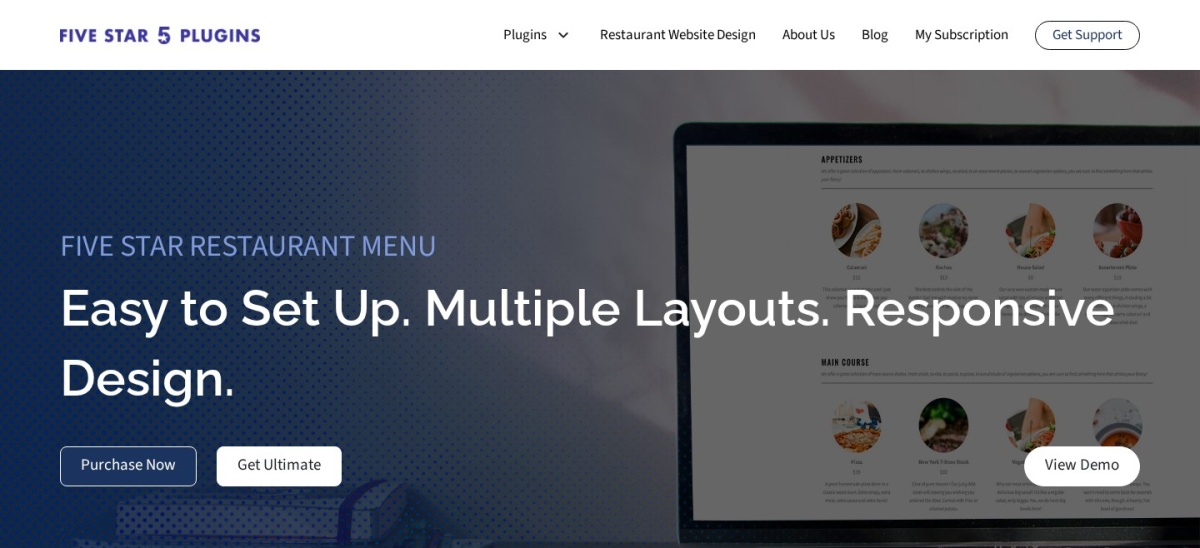
Five Star Restaurant Menu homepage, captured Nov 2026.
Five Star Restaurant Menu is a menu builder with more than 5,000 active installs and a 4.6 out of 5 rating from 107 reviews. The free version covers unlimited menus and items, Gutenberg blocks, shortcodes, multiple prices per dish and a QR code for the table, with no WooCommerce needed.
The trade off is that ordering is the expensive tier. Premium costs $67 for one site and adds layouts and dietary icons, but online ordering only appears in Ultimate at $297 a year. It suits restaurants that mainly need a beautiful menu, with ordering as a later step.
5/5on WordPress.org (55 reviews, checked Nov 2026)
Paid from$78.95/yr
Best free ordering for pizza and takeaway
Needs WooCommerceNo
Free planYes
Payment gatewaysCash free, cards paid
Paid planExtensions, from $78.95/yr
wp-pizza.com
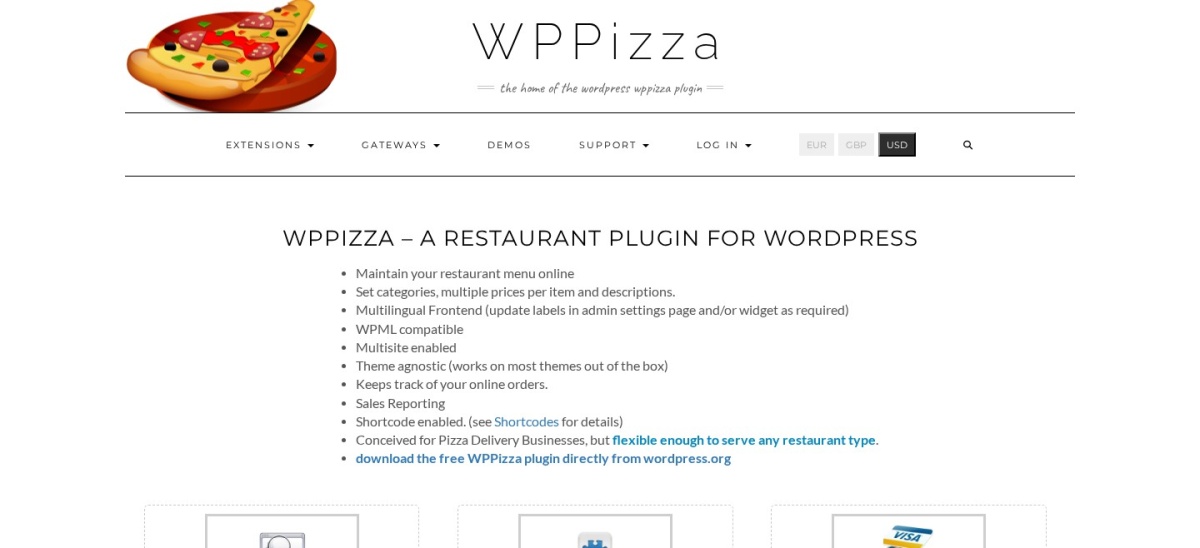
WPPizza homepage, captured Nov 2026.
WPPizza is a free restaurant plugin built for pizza delivery, with more than 900 active installs and a 5 out of 5 rating from 55 reviews. The free version covers the menu, categories, multiple prices per item, opening times, order tracking and cash-on-delivery checkout.
The trade off is that extras are sold one by one. Toppings, delivery by postcode, preorders and card gateways are separate paid extensions, with the Add Ingredients extension at $78.95. It suits pizza and takeaway shops that want a free core and only buy the extras they need.
4.5/5on WordPress.org (15 reviews, checked Nov 2026)
Paid from$49/yr
Best free checkout without WooCommerce
Needs WooCommerceNo
Free planYes
Free checkoutPayPal and cash
Paid planAdd-ons, from $49/yr
motopress.com
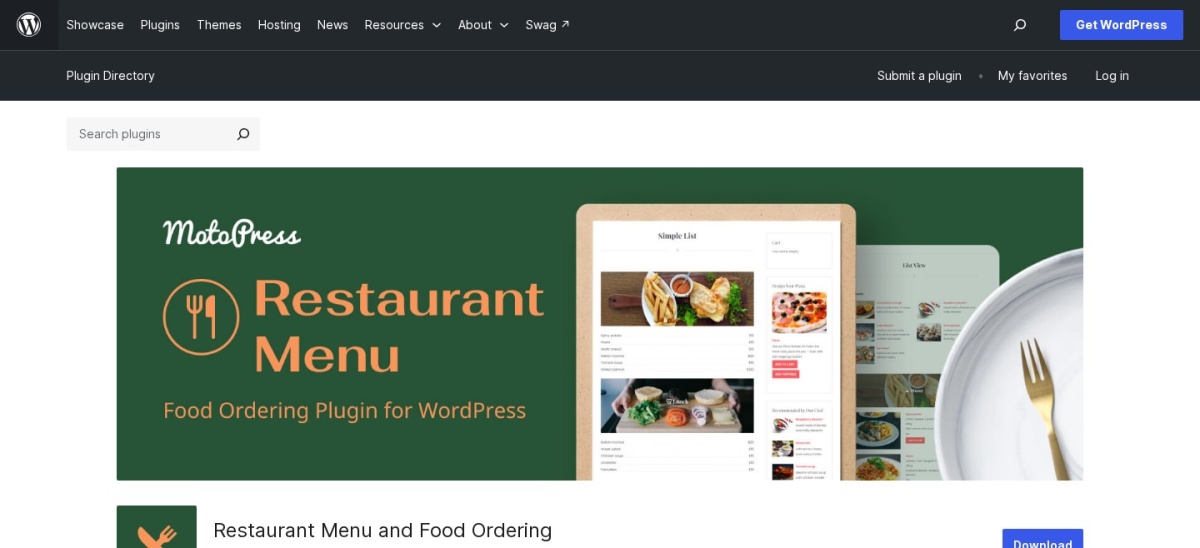
MotoPress Restaurant Menu homepage, captured Nov 2026.
MotoPress Restaurant Menu is a menu and ordering plugin with more than 2,000 active installs and a 4.5 out of 5 rating from 15 reviews. The free version includes a categorised menu, grid and list layouts, order statuses and PayPal and cash-on-delivery checkout, with no WooCommerce needed.
The trade off is delivery and the small review base. Delivery charges, pickup options and minimum order amounts come from the Food Delivery add-on at $49 a year for one site. It suits small restaurants that want to take paid orders without installing WooCommerce.
Free versions cover the core job well. Orderable, WPCafe, RestroPress and Food Online all take real orders without paying.
Paid plans mostly add time and control. You get time slots, order limits, delivery zones, tips and SMS alerts.
The cheapest paid steps are small. Food Online Premium and the MotoPress delivery add-on both cost $49 a year, and Food Menu Pro costs $59 a year.
The dearest step is RestroPress Starter at $199 a year, and Five Star Menu only takes orders in Ultimate at $297 a year. Check what the free version already covers before you pay for either.
How we chose
We started from every food ordering plugin on WordPress.org with a current release, then kept those with a working free version and a clear paid price.
Prices come from each vendor's pricing page, checked on 22 November 2026. Ratings and install counts come from WordPress.org on the same day. Where a vendor shows a sale, the list shows the regular price.
We left out GloriaFood because its service ends on 30 April 2027, and plugins not updated in the last 12 months. No vendor paid for a place, and we do not claim hands-on testing for this list.
How to choose a WordPress food ordering plugin
Start with whether you already run WooCommerce, then check what the free version covers.
Check whether you run WooCommerce. If you do, Orderable, WPCafe or Food Online slot into the checkout you have. If not, RestroPress, WPPizza or MotoPress take orders on their own.
Try the free version with a real order. Add five dishes, place a test pickup order and a test delivery order, and check the email the kitchen gets.
Price the paid step you actually need. Time slots, delivery zones and SMS alerts sit behind different plans, so match the plan to the feature, not the headline price.
Check the renewal price, not the first year. WPCafe shows Black Friday prices now and Food Menu Pro is $41 on sale against a $59 regular price, so budget for year two.
FAQ
What is the best WordPress food ordering plugin?
Orderable is the best pick for most restaurants. It turns WooCommerce into an app-style ordering system, its free version covers menus, delivery dates and receipt printing, and Pro costs $149 a year for one site with no commission on orders.
Can I take food orders without WooCommerce?
Yes. RestroPress, WPPizza and MotoPress Restaurant Menu all take orders without WooCommerce. RestroPress is the most complete of the three, while WPPizza and MotoPress offer free PayPal or cash checkout.
Do these plugins charge commission on orders?
No. Every plugin in this list charges no commission, so you keep the full order value apart from your card processor fees. Delivery marketplaces usually take a share of each order, which is why direct ordering pays off once volume grows.
What is the cheapest food ordering plugin?
Food Online Premium costs $49 a year for one site, the same as the MotoPress Food Delivery add-on. Both need a free plugin first, and Food Online also needs WooCommerce, while MotoPress does not.
Is GloriaFood still a good choice?
No, not for a new site. GloriaFood announced that its service ends on 30 April 2027, so restaurants starting now should pick a plugin that will still be supported, such as Orderable or WPCafe.
Do I need a paid plan to take delivery orders?
Not always. RestroPress takes delivery orders free, and WPPizza takes cash-on-delivery orders free. Delivery zones, time slots and address checks usually need a paid plan, so check the free version first.