WLWPLegible EditorsLast verified 22 Nov 2026How we test11 min read
★ Short answer
Elementor is the best WordPress editor for most sites, with more than 10 million installs, a free version and Pro from $60 a year. Divi is the best value for unlimited sites at $89 a year, and Gutenberg costs nothing as the editor built into WordPress.
How we make this list: we compare pricing pages, product documentation and public user reviews, then re-check every price before each update. No product paid for a place. Disclosure.
Elementor is the most-used editor here: 10 million installs and a 4.5 rating from 7,328 reviews.
Divi covers unlimited sites for $89 a year, or $249 once for life, with a 4.8 Trustpilot rating.
Gutenberg is free in every WordPress install; its 2.1 rating is for the beta plugin, not the core editor.
SeedProd has the highest WordPress.org rating here, 4.9 from 4,699 reviews, from $79 a year.
Oxygen costs $129 once for unlimited sites, the cheapest lifetime licence in this list.
Bricks is the fastest-growing builder here, with an estimated 150,000 installs, from $79 a year.
What a WordPress editor actually does
A WordPress editor is what you use to build pages without writing code. The block editor ships with WordPress, while page builders such as Elementor and Divi add drag-and-drop layouts, templates and theme building.
The difference that matters most is where the editor stops. The block editor handles posts and pages well, but a page builder also designs headers, footers, popups and shop pages. Our guide on what a WordPress theme is explains how the theme and the editor divide the work.
Free versions cover the basics in most builders here. Paid plans add the theme builder, forms, popups and premium templates, which is where the real difference shows up.
Speed is the hidden cost of a builder. Heavy builders add code to every page, so a fast builder with clean output matters as much as the design tools. Check how the builder affects load time before you commit to one.
4.5/5on WordPress.org (7,328 reviews, checked Nov 2026)
Paid from$60/yr
Best overall WordPress editor
Cheapest planEssential, $60/yr
Sites1
Free versionYes, core plugin
Theme builderPro only
elementor.com
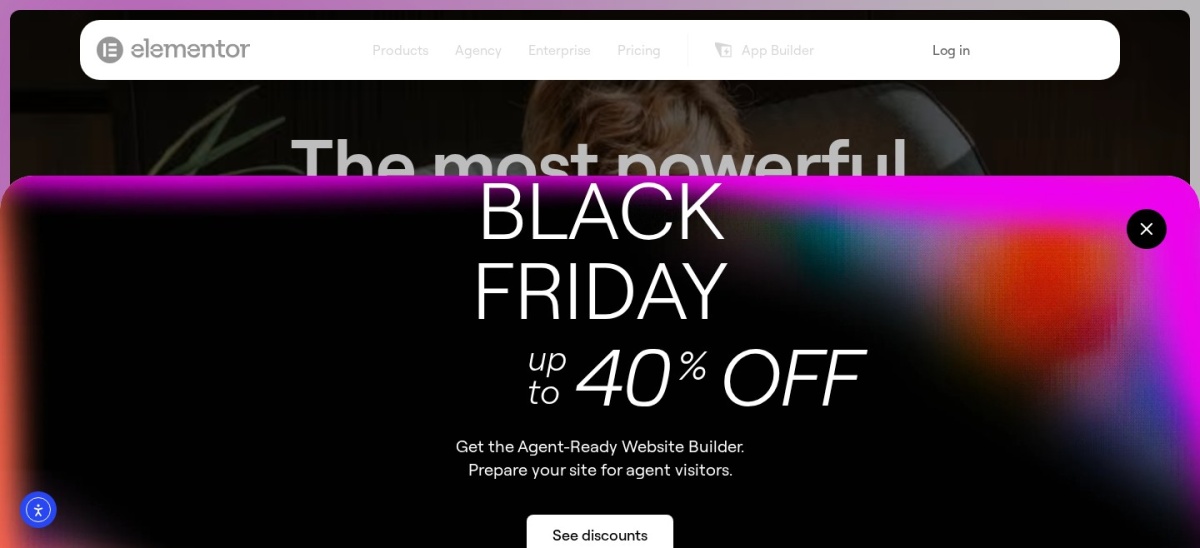
Elementor homepage, captured Nov 2026.
Elementor is the most popular visual page builder for WordPress, with more than 10 million active installs and a 4.5 out of 5 rating from 7,328 reviews. The free version builds pages with drag-and-drop blocks, and Pro adds the theme builder, forms, popups and 57 Pro widgets.
The trade off is the price per site. Essential costs $60 a year for one site, and larger plans run to $199 for 25 sites and $399 for 1,000. It suits beginners and freelancers who want the biggest template library and the most add-ons.
4.8/5on Trustpilot (25,048 reviews, checked Nov 2026)
Starts at$89/yr
Best value for unlimited sites
Cheapest planDivi, $89/yr
SitesUnlimited
Free versionNo
Lifetime$249 once
elegantthemes.com
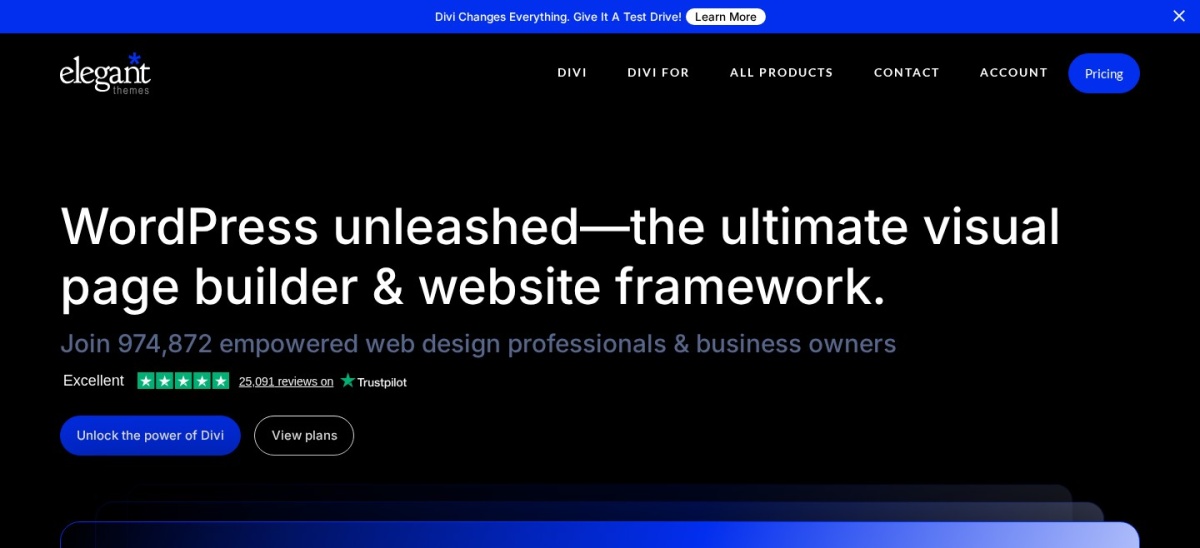
Divi homepage, captured Nov 2026.
Divi is a WordPress theme and visual builder from Elegant Themes, with more than 1,000,000 customers and a 4.8 out of 5 Trustpilot rating from 25,048 reviews. One licence covers unlimited sites and includes the Divi theme, the builder, Divi Dash and 24/7 support.
The trade off is that there is no free version. Divi costs $89 a year, or $249 once for lifetime access, and the AI tools need the $277 a year Pro plan. It suits anyone running more than two sites who wants one licence for all of them.
4.9/5on WordPress.org (4,699 reviews, checked Nov 2026)
Paid from$79/yr
Best for landing pages
Cheapest planBasic, $79/yr
Sites1
Free versionYes, Lite
Pro blocks80+
seedprod.com
SeedProd homepage, captured Nov 2026.
SeedProd is a WordPress website builder that started with landing pages and now builds full sites, with more than 600,000 active installs and a 4.9 out of 5 rating from 4,699 reviews. The free Lite version covers coming soon and landing pages, and paid plans add the theme builder and 80+ Pro blocks.
The trade off is the renewal price. Basic costs $39.50 in the first year and renews at $79 a year for one site, and the theme builder needs the Plus plan at $199 a year. It suits beginners who want a fast site build without touching code.
What we like
Highest WordPress.org rating in this list
Fastest setup for landing pages
80+ Pro blocks and ready themes
Subscriber management built in
Watch out for
Renews at $79 after a $39.50 first year
Theme builder needs the Plus plan
Fewer templates than Elementor
The Plus plan costs $199 a year for 3 sites and the theme builder.Visit seedprod.com
04
Beaver Builder
4.7/5on WordPress.org (394 reviews, checked Nov 2026)
Paid from$99/yr
Best for stable agency work
Cheapest planStandard, $99/yr
SitesUnlimited
Free versionYes, Lite
ThemePro and up
wpbeaverbuilder.com
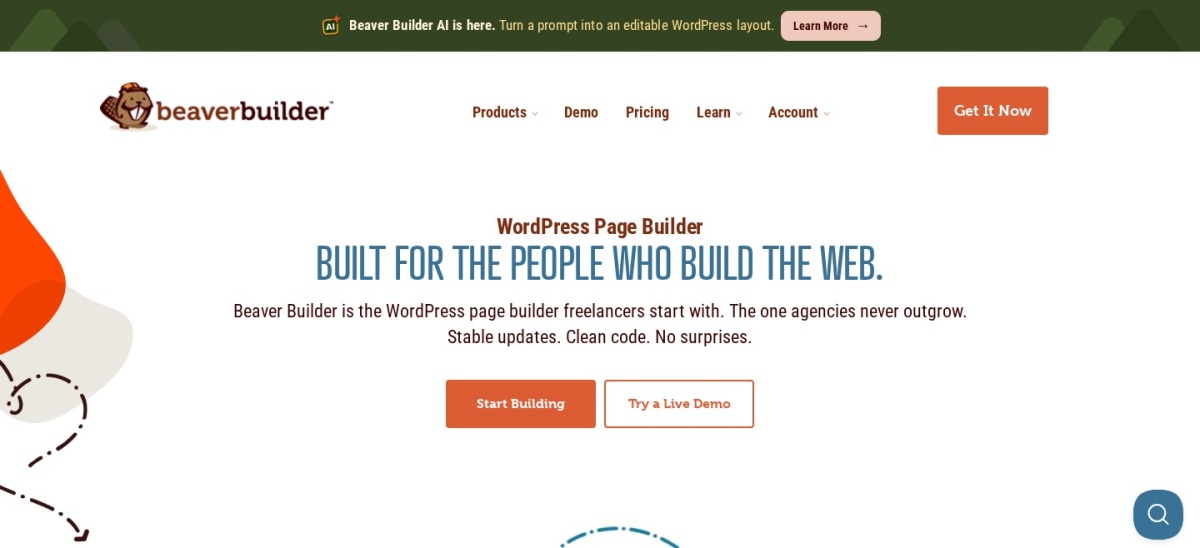
Beaver Builder homepage, captured Nov 2026.
Beaver Builder is one of the oldest WordPress page builders still actively maintained, with more than 100,000 active installs and a 4.7 out of 5 rating from 394 reviews. The free Lite version covers basic drag-and-drop building, and Standard adds premium modules and templates for unlimited sites.
The trade off is that the full kit costs more. Standard is $99 a year, the theme needs Pro at $199, and dynamic content needs the Themer add-on at $147 a year. It suits agencies that want stable output and clean code on client sites.
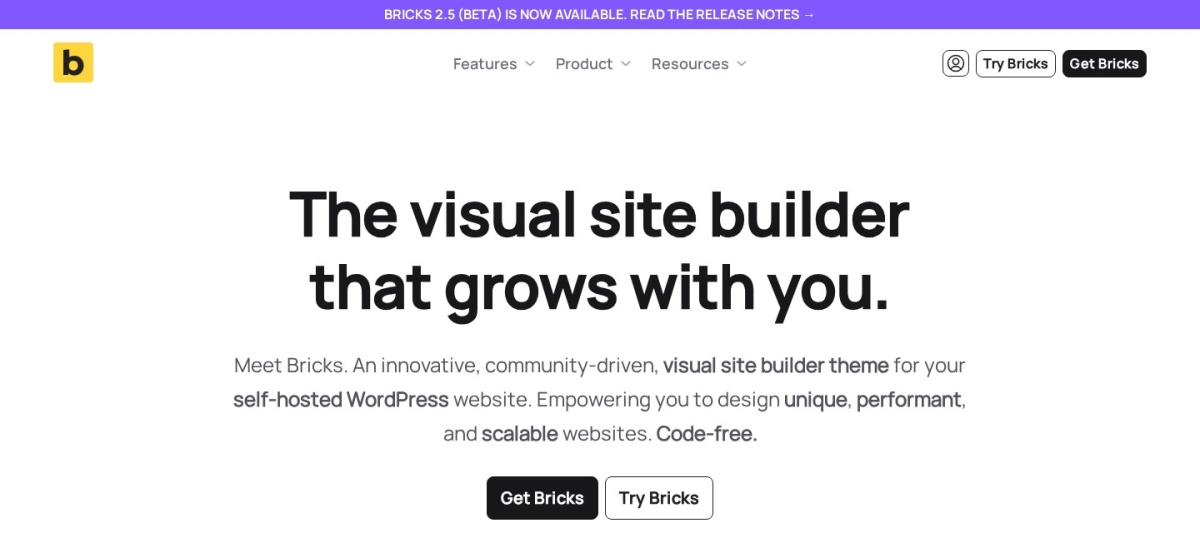
Bricks is a visual site builder delivered as a WordPress theme, with class-first styling and semantic HTML output. The Starter plan costs $79 a year for one site, and every plan includes the full feature set, with a lifetime licence at $599 for unlimited sites.
The trade off is the thin review record and the learning curve. Bricks scores 4.0 out of 5 on Trustpilot from only 6 reviews, and there is no free version to try first. It suits developers who want performance and full control over the markup.
2.1/5on WordPress.org (3,889 reviews, checked Nov 2026)
PriceFree
Best free editor, built into WordPress
Cheapest planFree, $0
SitesUnlimited
Free versionYes, in core
Full-site editingYes
wordpress.org
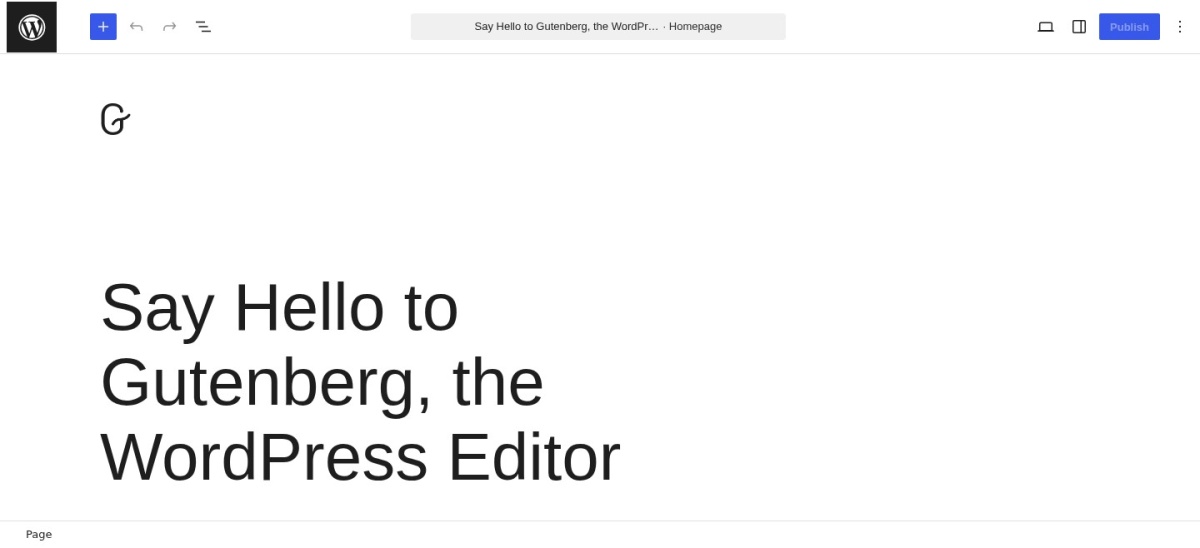
Gutenberg homepage, captured Nov 2026.
Gutenberg is the block editor built into every WordPress install, so it costs nothing and needs no plugin. It edits pages with blocks for text, images, galleries and embeds, and full-site editing lets it design headers, footers and templates too.
The trade off is the rating and the limits. The Gutenberg plugin scores 2.1 out of 5 on WordPress.org from 3,889 reviews, because it is the beta testbed for the core editor, and it has no theme builder extras without add-ons. It suits anyone who wants the free default editor.
What we like
Free in every WordPress install
Content moves cleanly between themes
Full-site editing in core
No lock-in to a vendor
Watch out for
No theme builder extras without add-ons
Plugin rating is 2.1 out of 5
Fewer templates than page builders
Block add-on packs such as Kadence Blocks add layouts and design controls.Visit wordpress.org
07
Visual Composer
4.6/5on WordPress.org (220 reviews, checked Nov 2026)
Paid from$49/yr
Best for flexible visual editing
Cheapest planSingle, $49/yr
Sites1
Free versionYes
Theme builderPremium only
visualcomposer.com
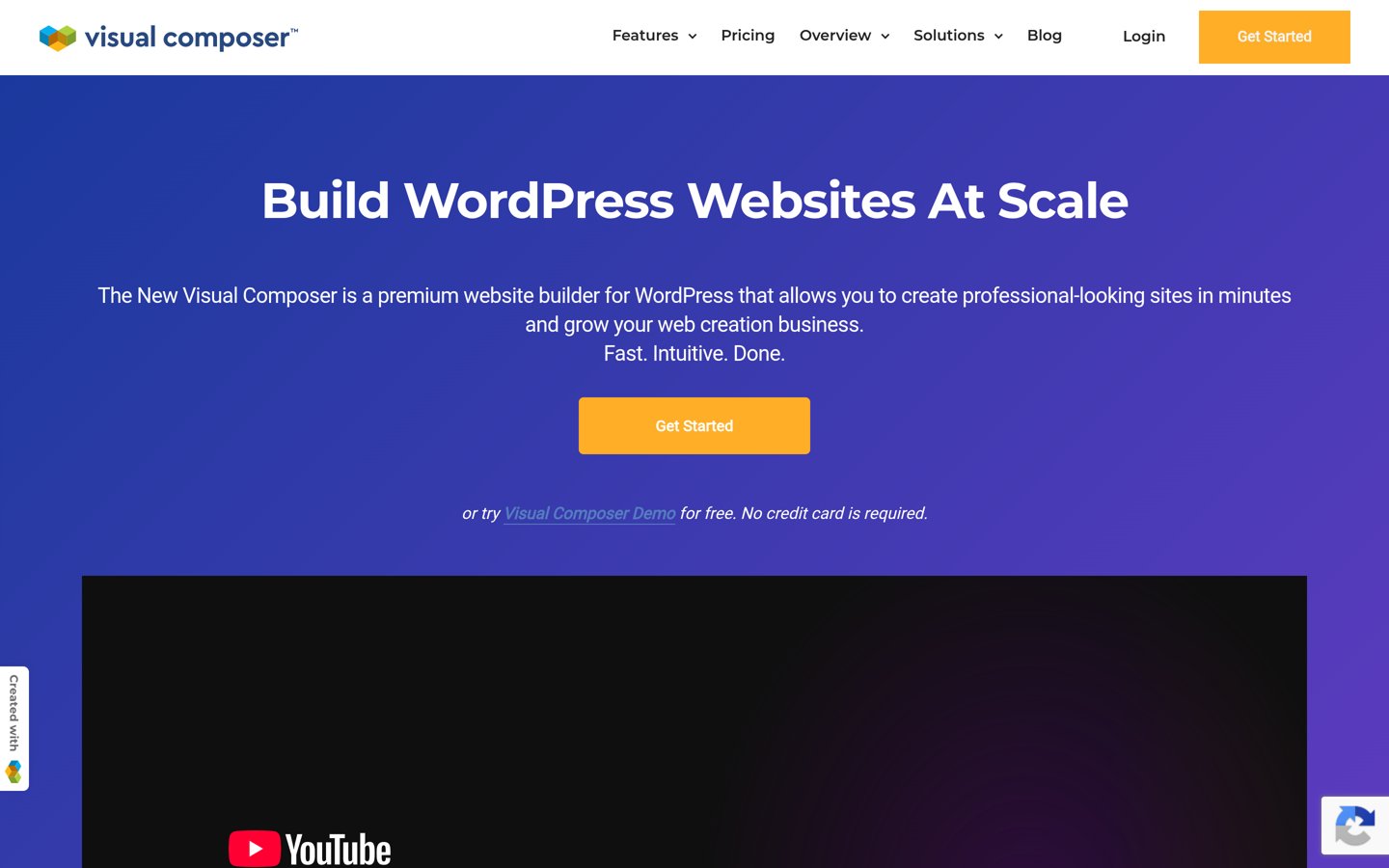
Visual Composer homepage, captured Nov 2026.
Visual Composer is a frontend visual builder with a cloud-based element hub, with more than 30,000 active installs and a 4.6 out of 5 rating from 220 reviews. The free version builds content and landing pages, and Premium adds the theme builder and dynamic content.
The trade off is the small community. Visual Composer has far fewer users than Elementor or Divi, so there are fewer tutorials and third-party add-ons. It suits small businesses and bloggers who want flexible visual editing without a steep learning curve.
4.7/5on WordPress.org (972 reviews, checked Nov 2026)
Paid from$69/yr
Best for beginners
Cheapest planPersonal, $69/yr
Sites1
Free versionYes
Free blocks500+
brizy.io
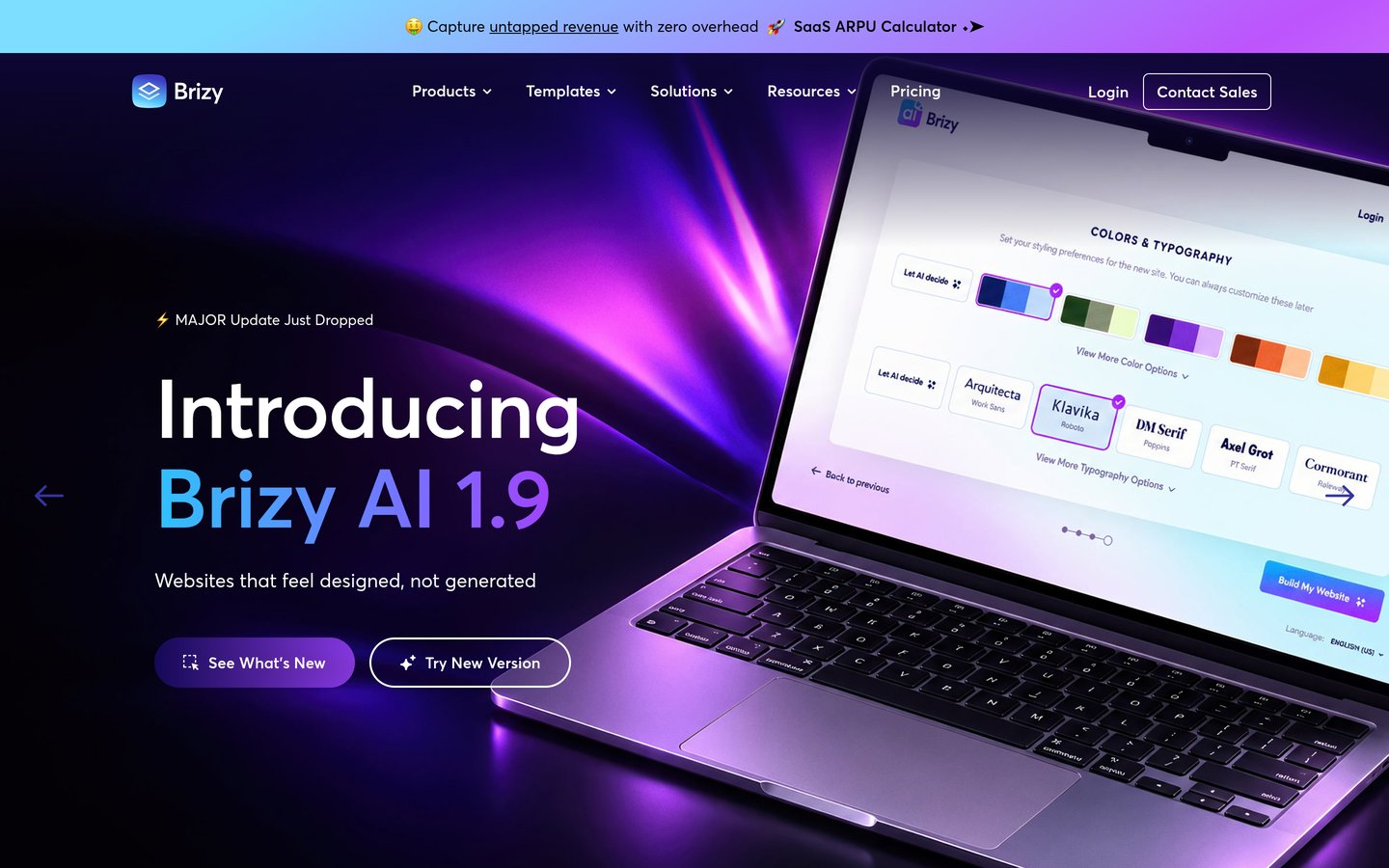
Brizy homepage, captured Nov 2026.
Brizy is a visual page builder built around inline editing, with more than 60,000 active installs and a 4.7 out of 5 rating from 972 reviews. The free version includes over 500 pre-made blocks, and Pro adds the theme builder, popups and marketing integrations.
The trade off is the price confusion. Brizy's pricing page now leads with its hosted Cloud product, and WordPress Pro is listed at $69 a year in recent reads, against $49 in older ones. It suits beginners who want the cleanest editing interface.
What we like
Cleanest inline editing interface
500+ free blocks to start from
Theme builder and popups in Pro
30-day money-back guarantee
Watch out for
WordPress Pro price is unclear on the site
Smaller template library than Elementor
Cloud product now leads the pricing page
The Freelancer plan costs $119 a year for 25 sites in recent reads.Visit brizy.io
09
Oxygen
4.5/5on Findstack (27 reviews, checked Nov 2026)
Starts at$129/once
Best for developers who want full control
Cheapest planBasic, $129 once
SitesUnlimited
Free versionNo
Replaces themeYes
oxygenbuilder.com
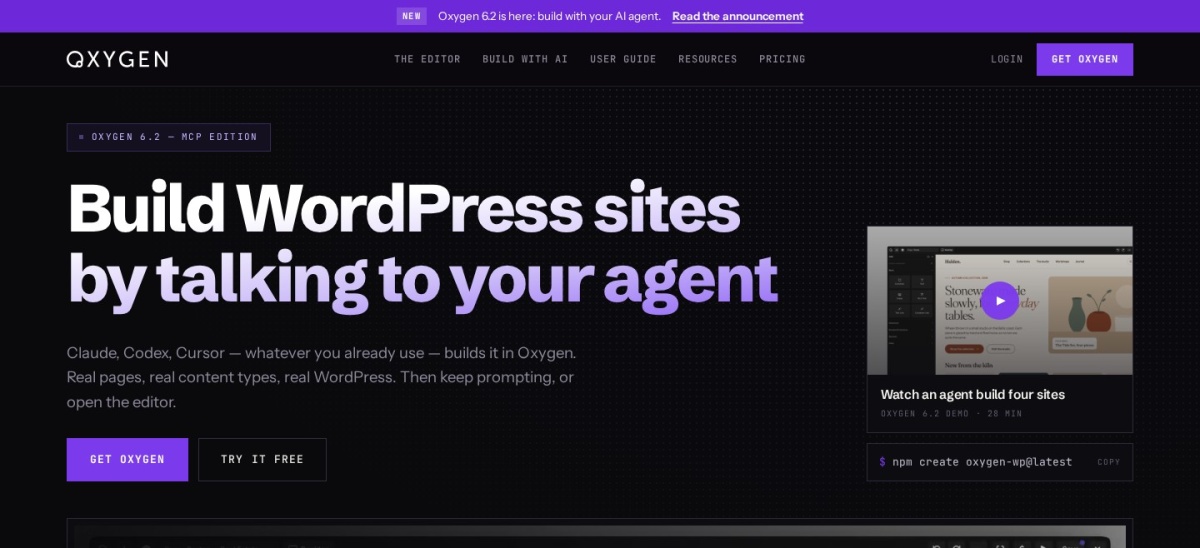
Oxygen homepage, captured Nov 2026.
Oxygen is a visual site builder for developers that replaces the WordPress theme completely, giving full control over every line of code. The Basic licence costs $129 once for unlimited sites, with lifetime updates and support, and it outputs clean code with no theme overhead.
The trade off is the learning curve and the thin ratings. Oxygen scores 4.5 out of 5 on Findstack from only 27 reviews, and there is no free version to try first. It suits professional developers who want the lowest lifetime cost and full code control.
What we like
Cheapest lifetime licence in this list
Replaces the theme, so no bloat
Full code control for developers
Unlimited sites on every licence
Watch out for
No free version to try first
Steepest learning curve in this list
Thin rating record at 27 reviews
The top licence costs $179 once and adds WooCommerce and Gutenberg integration.Visit oxygenbuilder.com
Block editor vs page builder
The block editor, Gutenberg, builds pages from blocks for text, images and embeds, and it costs nothing because it ships with WordPress. It is enough for blogs and simple business sites.
A page builder adds drag-and-drop layout, a template library, popups and a theme builder that designs headers and footers. That extra power costs $49 to $99 a year here.
Start with the block editor if your site is mostly articles. Move to a page builder when you need custom layouts, landing pages or a shop with designed product pages.
One-time licences vs yearly plans
Divi costs $249 once for lifetime access, Oxygen costs $129 once, and Bricks costs $599 once for a lifetime licence. You pay once and never renew.
Yearly plans cost less up front: Elementor starts at $60 a year and Visual Composer at $49. But after three years, Divi at $89 a year costs $267, more than the $249 lifetime licence.
A one-time licence wins if you keep the builder for years. A yearly plan wins if you want to try a builder for a year and switch without losing money.
How we chose
We started from the WordPress editors people actually choose between: the core block editor and the eight leading page builders, with public pricing and a real review record.
Prices come from each vendor's pricing page, checked on 22 November 2026, using the regular annual rate rather than first-year discounts. Ratings and installs come from WordPress.org, Trustpilot or Findstack on the same day.
We left out builders without public pricing and builders with no usable rating record. No vendor paid for a place, and we do not claim hands-on testing for this list.
How to choose a WordPress editor
Start with the kind of site you run, then check the price for the number of sites you need.
List what the editor must build. A blog needs blocks and embeds, a shop needs designed product pages, and an agency needs a theme builder. Match the editor to the job, not the longest feature list.
Try the free version first. Six editors here have free versions. Build one real page with each before paying, so you know how the editor feels and how fast the page loads.
Count the sites, not just the price. Divi covers unlimited sites for $89 a year, while Elementor charges per site. A cheap plan for one site is dear if you run five.
Check the renewal and the exit. Yearly plans renew at the same price or higher, and one-time licences end renewals. Also check what happens to your pages if you switch editors later.
FAQ
What is the best WordPress editor?
Elementor is the best overall pick, with more than 10 million installs, a free version and Pro from $60 a year. Divi is the best value for unlimited sites at $89 a year, and Gutenberg is free in every WordPress install.
Is Gutenberg good enough, or do I need a page builder?
Gutenberg is enough for blogs and simple sites: it builds posts and pages with blocks and costs nothing. A page builder pays off when you need custom layouts, landing pages, popups or a designed shop.
How much does a WordPress page builder cost?
Paid plans in this list run from $49 a year for Visual Composer to $99 a year for Beaver Builder, with Elementor at $60 and Divi at $89. One-time licences run from $129 for Oxygen to $599 for Bricks.
Which WordPress editor is easiest for beginners?
Brizy and SeedProd are the easiest to start with: both use inline editing and ready-made blocks, and both have free versions. Elementor is also beginner-friendly but has more settings to learn.
Can I switch page builders later?
Yes, but it takes work. Builders store their layouts in their own format, so switching usually means rebuilding pages. Gutenberg content moves cleanly, which is one reason to start with the block editor.
Do page builders slow down WordPress?
They can. Builders add CSS and JavaScript to every page, and heavy ones slow load times. Bricks and Oxygen are known for the cleanest output, while Elementor and Divi need caching to stay fast.