Best WordPress Countdown Timer Plugins in 2026: 9 Tools Compared
WLWPLegible EditorsLast verified 22 Nov 2026How we test14 min read
★ Short answer
HurryTimer is the best WordPress countdown timer plugin for most sites, with a 4.8 out of 5 rating from 171 users and evergreen timers in its free version. Pick SeedProd for a launch page with a timer built in, and OptinMonster if you also want popups and exit intent.
How we make this list: we compare pricing pages, product documentation and public user reviews, then re-check every price before each update. No product paid for a place. Disclosure.
HurryTimer is the strongest dedicated timer: 4.8 out of 5 from 171 reviews, with evergreen and fixed-date timers free.
SeedProd shares the highest rating at 4.9 out of 5 from 4,699 reviews, but its countdown block needs the $79 a year Basic plan.
OptinMonster is the most expensive route to a timer: countdowns start on Pro, which renews at $870 a year.
Countdown & Clock is the best free-only pick: circle, flip-clock and evergreen timers with no paid plan listed.
Six of the nine tools charge $49 a year or less for their cheapest paid plan, and all nine have a free version.
What a countdown timer plugin should cover
A countdown timer works when the deadline is real. A fixed-date timer counts down to one launch or sale end for every visitor, while an evergreen timer gives each visitor a personal deadline that starts when they first arrive.
Evergreen timers are the feature to check first. HurryTimer, Countdown & Clock and Evergreen Countdown Timer include them free, while Countix, Finale Lite and OptinMonster keep them behind a paid plan.
Price matters after the free version runs out. Our guide on free vs premium WordPress plugins explains when paying is worth it, and the price ladder below shows the cheapest paid plan for each tool at its regular price.
Do not run two timer plugins at once. Two timers on one page can show different deadlines, and a second plugin adds code and update work for no gain.
4.8/5on WordPress.org (171 reviews, checked Nov 2026)
Paid from$39/yr
Best countdown timer overall
Evergreen timersYes, free
WooCommerceYes
Recurring timersPro only
Paid planPersonal, $39/yr
hurrytimer.com
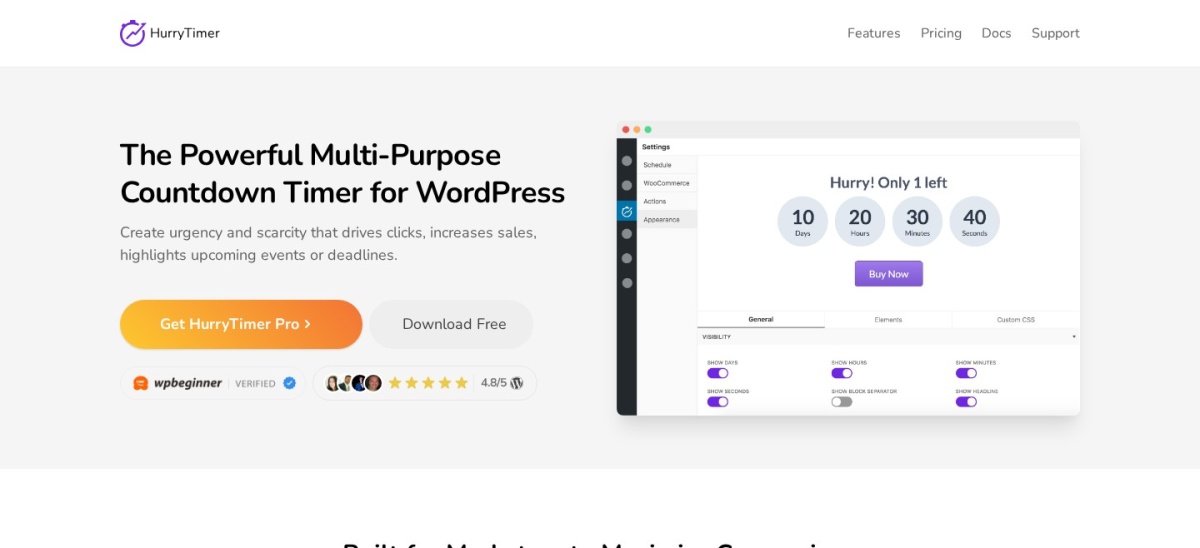
HurryTimer homepage, captured Nov 2026.
HurryTimer is a dedicated countdown timer plugin for WordPress and WooCommerce, with more than 20,000 active installs and a 4.8 out of 5 rating from 171 reviews. The free version covers fixed-date and evergreen timers, cookie or IP visitor tracking, styling, and expiry actions such as redirecting or hiding content.
The trade off is that recurring campaigns, a sticky announcement bar and coupon expiry are Pro features, so a shop that runs the same sale every week will pay $39 a year for one site. It suits WooCommerce stores and launch pages that want per-visitor deadlines without paying for a full marketing suite.
What we like
Evergreen and fixed-date timers in the free version
4.9/5on WordPress.org (4,699 reviews, checked Nov 2026)
Paid from$79/yr
Best for landing pages with a timer
Free planYes, Lite
Countdown blockBasic plan and up
Evergreen modeYes, Visitor Timer
Paid planBasic, $79/yr
seedprod.com
SeedProd homepage, captured Nov 2026.
SeedProd is a drag-and-drop landing page builder with more than 600,000 active installs and a 4.9 out of 5 rating from 4,699 reviews. The free Lite version builds coming soon and landing pages, but the countdown block is a paid feature, with fixed-date and evergreen Visitor Timer modes.
The trade off is price and scope. Basic costs $79 a year for one site after a $39.50 first year, and the timer only works on pages built in SeedProd. It suits launches and coming soon pages where the page and the timer are one project.
4.3/5on WordPress.org (822 reviews, checked Nov 2026)
Paid from$870/yr
Best for popups and floating bars
Countdown timersPro plan and up
Evergreen modeYes, Pro and up
Exit intentYes, Pro and up
Paid planPro, $870/yr
optinmonster.com
OptinMonster homepage, captured Nov 2026.
OptinMonster is a popup and campaign platform with more than 1 million active installs and a 4.3 out of 5 rating from 822 reviews. Its countdown timers run inside lightbox popups, floating bars and slide-ins, with fixed-date and evergreen modes, exit-intent triggers and page targeting.
The trade off is cost. Countdown timers start on the Pro plan, which lists at $29 a month billed yearly for the first year and renews at $870 a year for 3 sites. It suits marketers who already want popups, bars and exit intent, not sites that only need a timer.
4.9/5on WordPress.org (729 reviews, checked Nov 2026)
Paid from$39/yr
Best timer inside the block editor
Countdown blockYes, free
Blocks included25+ Gutenberg blocks
Evergreen modeNo
Paid planStarter, $39/yr
ultimateblocks.com
Ultimate Blocks homepage, captured Nov 2026.
Ultimate Blocks is a set of more than 25 Gutenberg blocks with more than 50,000 active installs and a 4.9 out of 5 rating from 729 reviews. The free Countdown block adds a fixed-date timer to any post or page in the block editor, with style controls for the boxes, digits and labels.
The trade off is range. There is no evergreen mode in the free block, and Pro adds visibility control, animation and saved styles for $39 a year for one site. It suits Gutenberg users who want a timer inside a post without installing a dedicated plugin.
4.7/5on WordPress.org (183 reviews, checked Nov 2026)
PriceFree
Best free-only timer styles
Timer stylesCircle, flip, digital
EvergreenYes, free
Coming soon pageYes, included
Paid planNone listed
wordpress.org
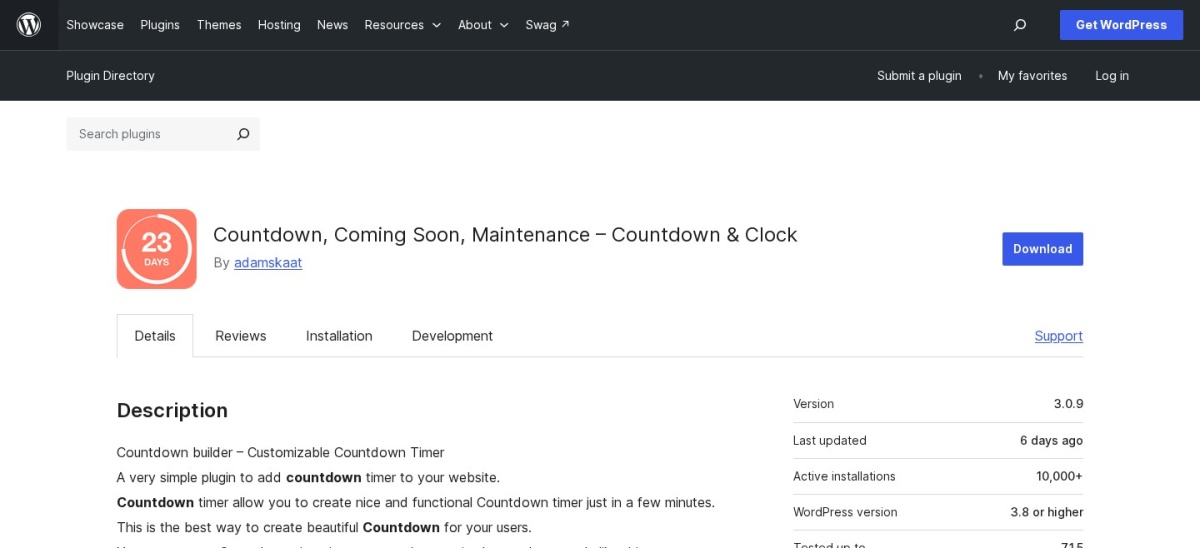
Countdown & Clock homepage, captured Nov 2026.
Countdown & Clock is a free countdown plugin with more than 10,000 active installs and a 4.7 out of 5 rating from 183 reviews. It covers circle, flip-clock, digital and sticky timers, plus evergreen countdowns, WooCommerce countdowns and a coming soon page, all placed with a shortcode.
The trade off is polish and support. There is no paid plan listed on WordPress.org, so advanced help and extra styles are limited, and the settings are plain next to a page builder. It suits sites that want the widest free timer styles for no cost at all.
4.7/5on WordPress.org (152 reviews, checked Nov 2026)
Paid from$39/yr
Best for WooCommerce sale campaigns
Sale campaignsYes, scheduled
DiscountsYes, in campaigns
RecurringPro only
Paid planBasic, $39/yr
xlplugins.com
Finale Lite homepage, captured Nov 2026.
Finale Lite is a WooCommerce sales countdown plugin with more than 3,000 active installs and a 4.7 out of 5 rating from 152 reviews. The free version runs campaigns between set dates and times, applies the discount itself, and shows a countdown timer and a stock counter bar on product pages.
The trade off is that recurring campaigns and evergreen timers are paid. Basic costs $39 a year for one site after a $29 first year, and Business at $109 a year adds evergreen campaigns. It suits WooCommerce stores that run dated flash sales with a discount attached.
4.4/5on WordPress.org (26 reviews, checked Nov 2026)
Paid from$49/yr
Best for WooCommerce sale schedules
WooCommerceYes, required
Sale schedulesYes, free
EvergreenPro only
Paid plan$49, 12 months
villatheme.com
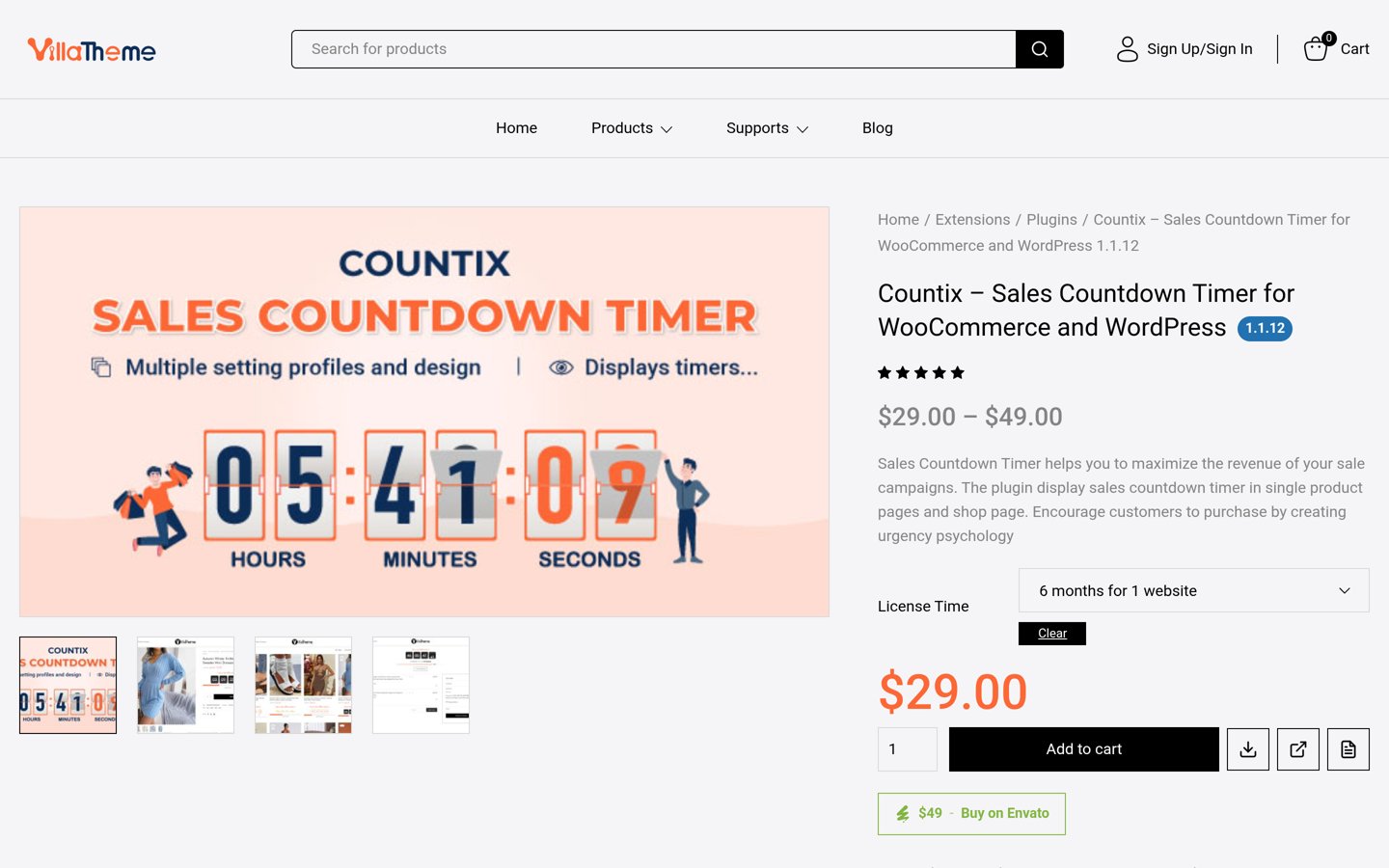
Countix Sales Countdown Timer homepage, captured Nov 2026.
Countix Sales Countdown Timer is a WooCommerce countdown plugin from VillaTheme, with more than 5,000 active installs and a 4.4 out of 5 rating from 26 reviews. The free version ties timers to WooCommerce sale schedules and shows them on product, shop and category pages, with a sale progress bar.
The trade off is that evergreen timers, checkout countdowns and extra design options are paid. The premium version costs $49 for one site with 12 months of support, or $29 with 6 months. It suits shops that already schedule sales in WooCommerce and want the timer to follow that schedule.
What we like
Timers follow WooCommerce sale dates automatically
3.6/5on WordPress.org (14 reviews, checked Nov 2026)
Paid from$82/yr
Best for per-visitor deadlines only
EvergreenYes, core job
Visitor trackingCookie or IP
Spots countdownPro only
Paid planPersonal, $82/yr
intellywp.com
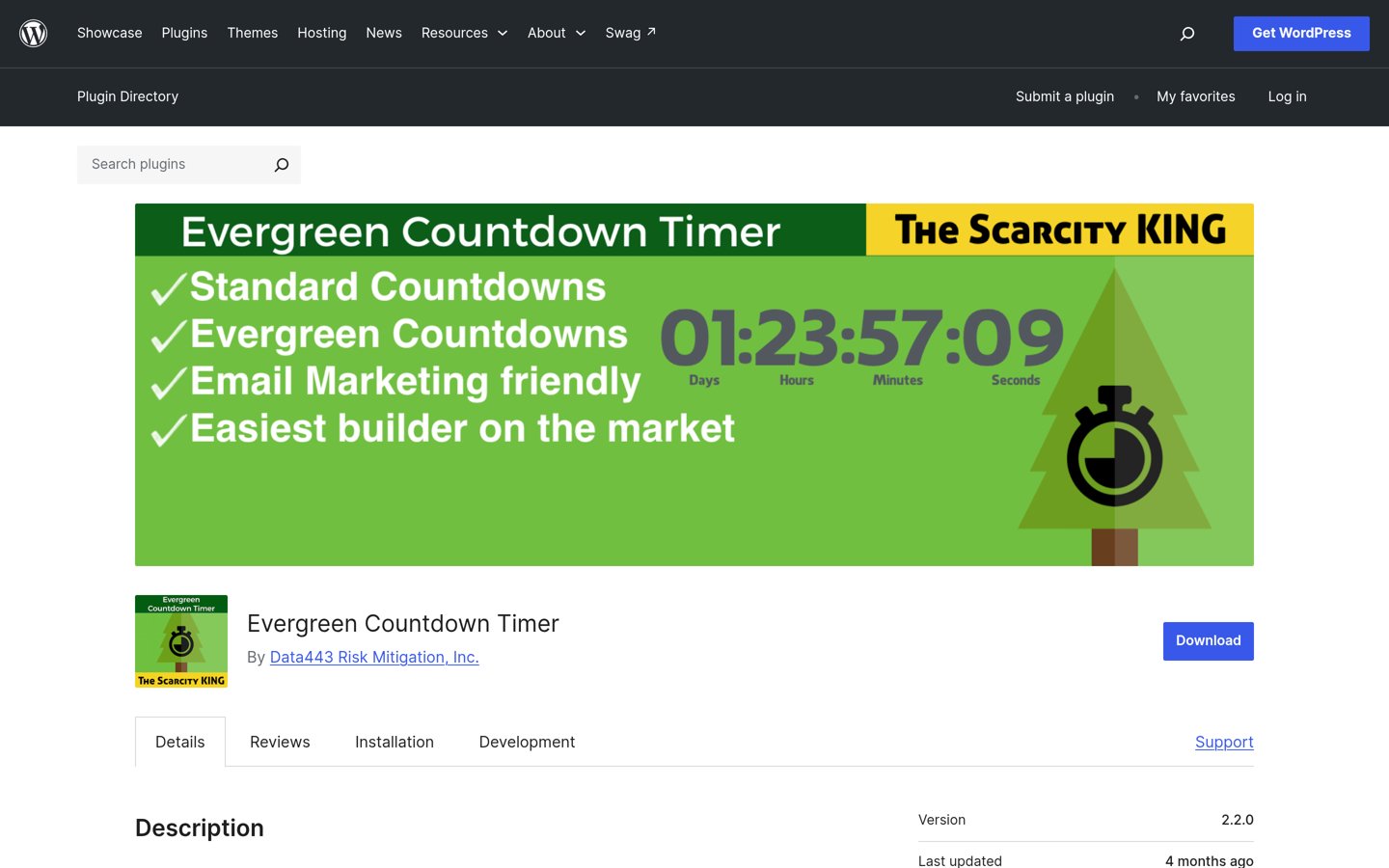
Evergreen Countdown Timer homepage, captured Nov 2026.
Evergreen Countdown Timer is a plugin that does one job: give every visitor a personal deadline, with more than 2,000 active installs and a 3.6 out of 5 rating from 14 reviews. The free version covers standard and evergreen timers, redirect on expiry and automatic resetting.
The trade off is the rating and the price. It has the second-lowest WordPress.org rating in this list, and Personal costs $82 a year for one site, more than HurryTimer Pro. It suits funnel pages that need per-visitor timers and nothing else.
3.2/5on WordPress.org (54 reviews, checked Nov 2026)
Paid from$39/yr
Best simple timer on a tight budget
PlacementBlock, shortcode, widget
EvergreenYes
Multiple timersPro only
Paid planPro, $39/yr
wpmanage.com
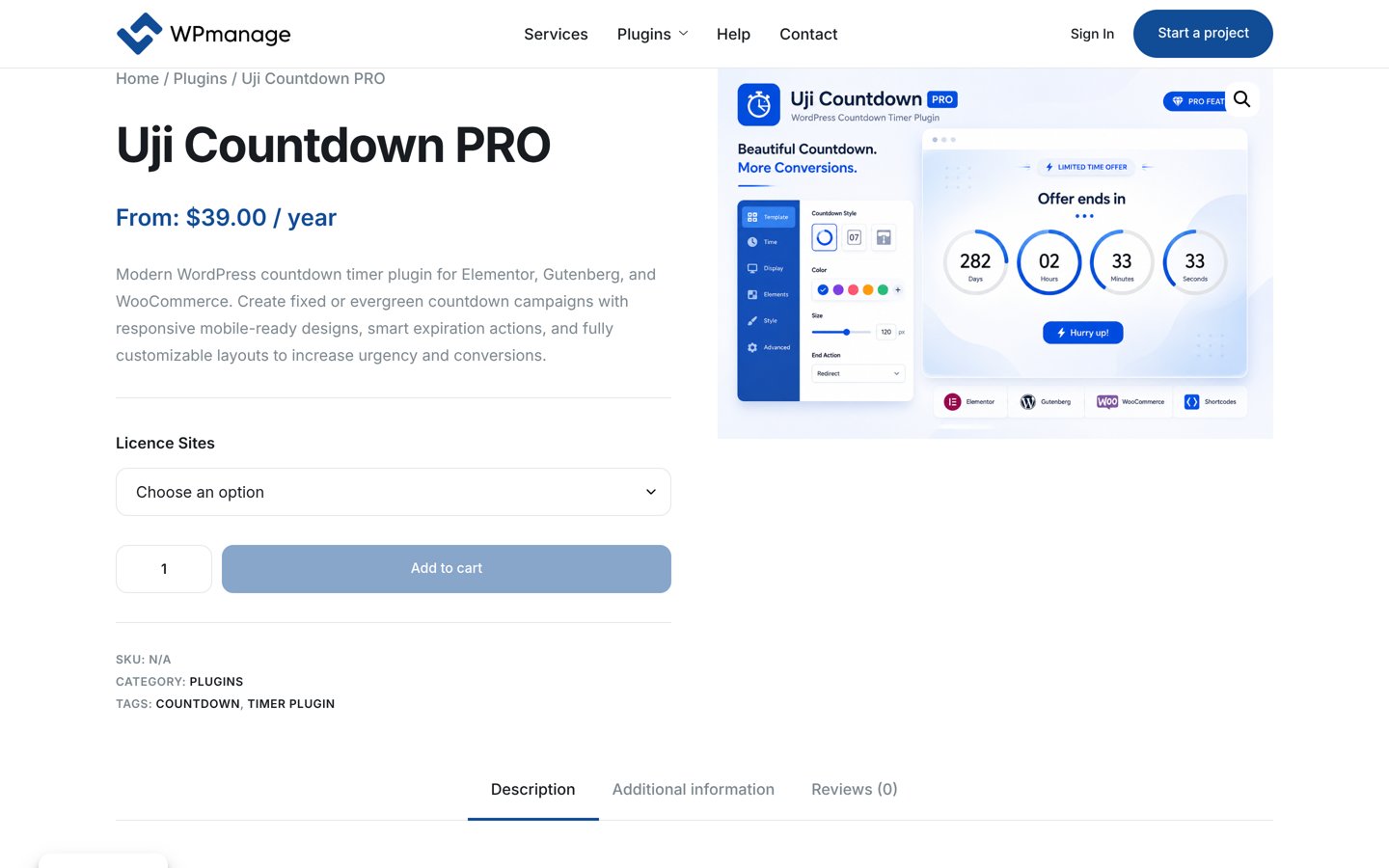
Uji Countdown homepage, captured Nov 2026.
Uji Countdown is a long-running countdown plugin with more than 4,000 active installs and a 3.2 out of 5 rating from 54 reviews. The free version lets you build a timer style once, then place it with a block, shortcode or widget, with server or visitor time and a redirect on expiry.
The trade off is the rating. At 3.2 out of 5 it is the lowest-rated tool here, and responsive layouts, multiple timers per page and the circular timer are Pro features at $39 a year. It suits simple launch or event timers on a tight budget.
Free versions cover a real deadline well. HurryTimer, Countdown & Clock and Evergreen Countdown Timer all give you evergreen timers without paying.
Paid plans mostly add repeat and reach. You get recurring campaigns, checkout timers, more sites and support when something breaks.
OptinMonster is the exception: $870 a year at renewal buys a whole campaign platform, not a timer. Only pay that if you will use the popups and exit intent too.
For a shop, one paid plan often costs less than a sale that ends without a timer. For a blog launch, the free version of HurryTimer or Countdown & Clock is usually enough.
How we chose
We started from every countdown timer plugin on WordPress.org updated in 2026, then kept those with a clear free version and a verifiable paid price.
Prices come from each vendor's pricing page, checked on 22 November 2026. Ratings and install counts come from WordPress.org on the same day. Where a vendor shows a sale, the list shows the regular price.
We left out Countdown Timer Ultimate, which is closed on WordPress.org, and plugins not updated in the last 12 months. No vendor paid for a place, and we do not claim hands-on testing for this list.
How to choose a WordPress countdown timer plugin
Start with the deadline you actually have, then pick the cheapest tool that covers it.
Decide fixed or evergreen. A launch or sale end needs a fixed-date timer. A funnel offer that should feel personal needs an evergreen timer that starts per visitor.
Check where the timer must show. WooCommerce product pages need HurryTimer, Finale Lite or Countix. A landing page needs SeedProd, and a post needs Ultimate Blocks or Uji Countdown.
Try the free version first. Every tool here has a free version. Set a real deadline, publish it, and only pay when the free version blocks a feature you need.
Check the renewal price, not the first year. SeedProd renews at $79 after a $39.50 first year, Finale Lite at $39 after $29, and OptinMonster Pro at $870 after $348. Budget for year two.
FAQ
What is the best WordPress countdown timer plugin?
HurryTimer is the best pick for most sites. It has more than 20,000 active installs and a 4.8 out of 5 rating from 171 users, and its free version includes evergreen and fixed-date timers with WooCommerce support.
What is an evergreen countdown timer?
An evergreen timer gives each visitor a personal deadline that starts when they first see the page, such as 24 hours to claim an offer. A fixed-date timer counts down to one shared date for everyone, such as a launch day or a sale end.
Is there a free WordPress countdown timer plugin?
Yes. HurryTimer, Countdown & Clock, Evergreen Countdown Timer, Ultimate Blocks and Uji Countdown all have free versions on WordPress.org, and Countdown & Clock has no paid plan at all.
Do countdown timers work with WooCommerce?
Yes, if you pick the right plugin. HurryTimer, Finale Lite and Countix are built for WooCommerce product pages and sale schedules, while SeedProd and OptinMonster timers only work on their own pages or campaigns.
Can I use a countdown timer on a coming soon page?
Yes. SeedProd and Countdown & Clock both include a coming soon mode with a timer, so visitors see the launch date while the site is still being built.
Why is OptinMonster so expensive for a timer?
OptinMonster is a campaign platform, not a timer plugin. Countdown timers start on its Pro plan, which renews at $870 a year, because the same plan also covers popups, floating bars, exit intent and A/B testing.