Grammarly is the best Word, Excel and PowerPoint add-in for most people, with a 4.7 out of 5 G2 rating from more than 14,000 reviews and checks for grammar, tone and clarity inside Word, Outlook and PowerPoint. Pick Miro for shared boards and Lucidchart for diagrams.
How we make this list: we compare pricing pages, product documentation and public user reviews, then re-check every price before each update. No product paid for a place. Disclosure.
Grammarly leads with a 4.7 out of 5 G2 rating from 14,109 reviews and a free plan that covers everyday checks.
Miro's Smart Screenshots add-in puts live boards into Word, PowerPoint and Excel, starting from a free plan.
Canva Pro costs $144 a year and holds a 4.7 out of 5 G2 rating from 7,659 reviews.
Office Timeline is the only pick built just for PowerPoint timelines, with Lite at $108 a year.
think-cell is the priciest here at $343.20 a year, with the smallest review base at 135 G2 reviews.
What counts as an Office add-in
An Office add-in is a small app that runs inside Word, Excel or PowerPoint. Microsoft lists them in its add-in store, and they add one job the Office apps do not do well on their own.
The eight tools here cover different jobs. Some check writing, some draw diagrams, one builds timelines and one handles PDFs, so the right pick depends on the file you open most.
Check platform support before you pay. Grammarly's Excel support is Windows-only, Office Timeline's desktop add-in is Windows-only, and several tools need Microsoft 365 rather than an older perpetual Office licence. Our guide on getting Grammarly to work on WordPress covers the WordPress side of the same tool.
Price is the other split. Five tools have free plans, and the cheapest paid plan here is Miro Starter at $8 a month, while think-cell costs $28.60 a month.
Grammarly is a writing checker that works inside Word, Outlook and PowerPoint on Windows and Mac, with Excel support on Windows only. The free plan covers spelling, grammar and tone detection, while Pro adds full-sentence rewrites, clarity suggestions and plagiarism checks.
The trade off is price. Pro costs $12 a month billed annually, and the homepage showed a limited-time 50% off Pro banner when we checked, so the list shows the regular price. It suits anyone who writes reports, proposals or slides in Office every day.
Miro is a collaborative whiteboard whose Smart Screenshots add-in attaches boards and diagrams directly to Word, PowerPoint and Excel files. The free plan keeps 3 boards editable, while Starter adds unlimited boards, visitor editing and high-resolution exports.
The trade off is that the add-in pastes screenshots, not editable boards, so teammates edit in Miro rather than inside the Office file. Starter costs $8 per member a month billed yearly. It suits teams that plan in Miro and present that work in Office files.
What we like
Official add-in for Word, PowerPoint and Excel
Free plan covers 3 editable boards
Boards refresh inside the Office file
Watch out for
Embedded boards are screenshots, not editable
Starter is priced per member
Starter adds unlimited boards and visitor editingVisit miro.com
03
Canva
4.7/5on G2 (7,659 reviews, checked Nov 2026)
Paid from$12/mo
Best for designed slides and visuals
Office add-inPowerPoint
Free planYes
Paid planPro, $12/mo
G2 rating4.7/5 (7,659 reviews)
canva.com
Canva homepage, captured Nov 2026.
Canva is a design platform with a PowerPoint add-in that brings its templates and visuals into presentations. The free plan covers everyday design work, while Pro costs $12 a month billed annually and unlocks premium templates, assets and brand kits.
The trade off is that Canva is a design tool first, not an Office-native one, so finished work still needs a round trip between Canva and PowerPoint. Pro is $144 a year. It suits marketers and small teams that need polished slides fast.
What we like
Huge template and asset library
Free plan is genuinely useful
Strong 4.7 out of 5 G2 rating
Watch out for
Designs live in Canva, not in PowerPoint
Premium assets need Pro
Pro adds premium templates, assets and brand kitsVisit canva.com
04
Lucidchart
4.5/5on G2 (9,107 reviews, checked Nov 2026)
Paid from$9/mo
Best for diagrams in Word and PowerPoint
Office add-inWord, PowerPoint
Free plan3 documents
Paid planIndividual, $9/mo
Visio filesImport and export
lucid.co
Lucidchart homepage, captured Nov 2026.
Lucidchart is an online diagramming platform with an add-in for Word and PowerPoint, so flowcharts and process maps sit inside the document. The free plan covers 3 editable documents, while Individual costs $9 a month and adds unlimited documents, shapes and premium templates.
The trade off is the free plan's 3-document limit, which turns most regular users into paying ones quickly. Individual is $108 a year, and Team starts at $10 per user a month. It suits professionals who need structured, reusable diagrams in Office files.
What we like
Dedicated diagramming tools and templates
Visio import and export
Free plan to try before paying
Watch out for
Free plan allows only 3 documents
Team plan has a 3-user minimum
Individual adds unlimited documents and shapesVisit lucid.co
05
Adobe Acrobat
4.5/5on G2 (5,825 reviews, checked Nov 2026)
Paid from$19.99/mo
Best for PDFs in Word, Excel and PowerPoint
Office add-inWord, Excel, PowerPoint
Free planReader, view and annotate
Paid planPro, $19.99/mo
G2 rating4.5/5 (5,825 reviews)
adobe.com
Adobe Acrobat homepage, captured Nov 2026.
Adobe Acrobat is the standard PDF tool, and its Office add-in converts Word, Excel and PowerPoint files to PDF and back from inside the apps. The free Reader covers viewing and basic annotation, while Acrobat Pro adds editing, conversion, e-signatures and forms.
The trade off is price. Acrobat Pro costs $19.99 a month on the annual plan, and G2 lists a $14.99 Acrobat Studio plan we could not confirm on Adobe's own site. It suits anyone who turns Office files into PDFs every day.
What we like
Industry-standard PDF editing and conversion
Largest PDF feature set in this list
E-signatures built in
Watch out for
Most useful features need Pro
Desktop app can feel slow on large files
Pro adds full editing, conversion and e-signaturesVisit adobe.com
06
Office Timeline
4.6/5on Capterra (37 reviews, checked Nov 2026)
Paid from$9/mo
Best for timelines inside PowerPoint
Office appPowerPoint, Windows
Free plan10 items per timeline
Paid planLite, $9/mo
Capterra rating4.6/5 (37 reviews)
officetimeline.com
Office Timeline homepage, captured Nov 2026.
Office Timeline is a PowerPoint add-in that turns dates and task lists into timeline and Gantt slides. The free version handles basic timelines up to 10 items, and it is now sold by Lucen Software, which rebranded from Office Timeline in May 2026.
The trade off is platform support. The desktop add-in is Windows-only, and Mac users get the browser version instead. Lite costs $9 a month billed yearly. It suits project managers who present schedules in PowerPoint.
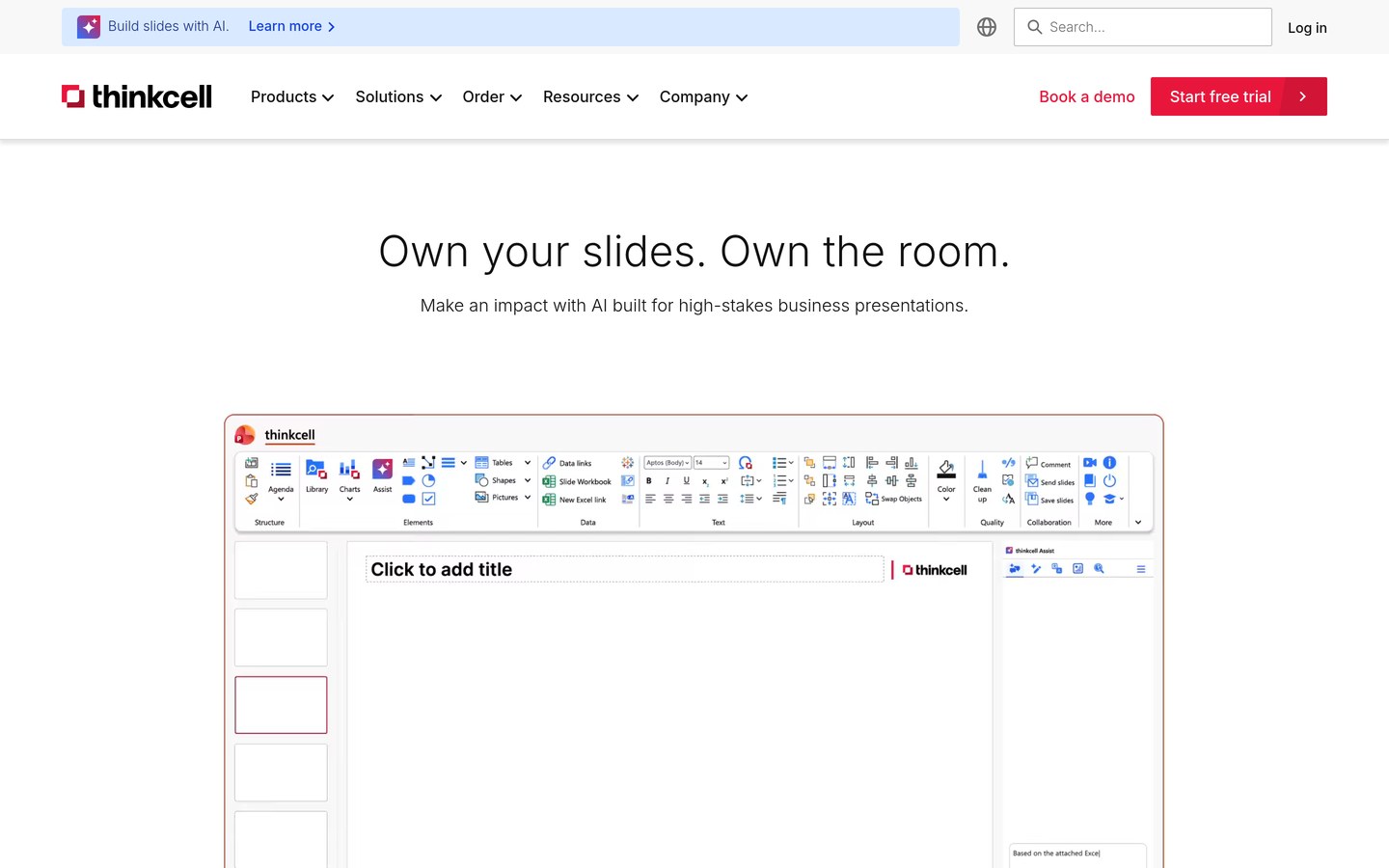
think-cell is a PowerPoint add-in for data-driven charts, including waterfalls, Mekko diagrams and Gantt timelines, with live links to Excel ranges. The Suite licence covers unlimited use, updates and support, and a free trial is available to test it first.
The trade off is price. Suite costs $28.60 per user a month on an annual subscription, or $343.20 a year, the highest in this list. It suits consultants and finance teams who rebuild data-heavy decks every week.
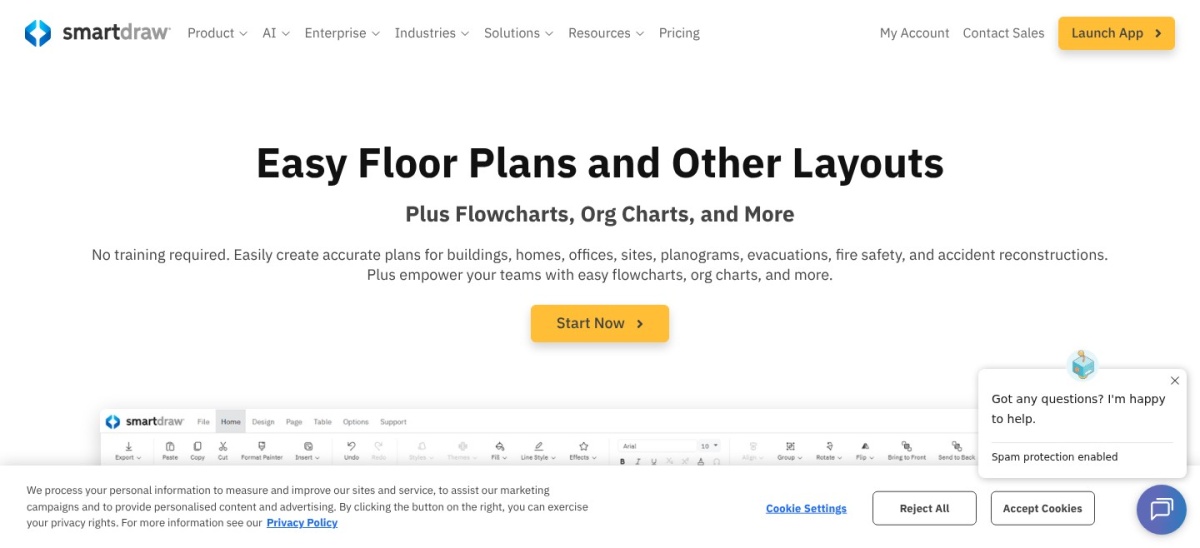
SmartDraw is diagramming software that inserts flowcharts, org charts, floor plans and technical drawings directly into Word, PowerPoint and Excel. Its Individual plan costs $10.95 a month billed annually, and a free trial is available.
The trade off is that there is no permanent free plan, and team subscriptions need at least 3 users. The pricing page also shows a lower introductory rate, so the list shows the regular $10.95 price. It suits teams that need standard technical diagrams in Office files.
Five of the eight tools have a free plan, and for occasional use they are enough. Grammarly's free plan checks spelling and grammar, Miro keeps 3 boards editable, and Office Timeline builds basic timelines.
Paid plans mostly add volume and exports. Lucidchart's free plan stops at 3 documents, Canva Pro unlocks premium templates and brand kits, and Miro Starter adds unlimited boards.
think-cell and SmartDraw have no free plan at all, only a trial. If you use them once a month, the yearly cost is hard to justify, so start with the trial and count how often you open them. If you publish Office files on the web, our guide on adding a document to WordPress shows the WordPress route.
How we chose
We started from the add-ins Microsoft lists for Word, Excel and PowerPoint, plus the diagram, PDF and writing tools that publish an Office add-in, then kept the eight with a public rating and a published price.
Prices come from vendor pricing pages and vendor-supplied G2 listings, checked on 26 November 2026. Ratings and review counts come from G2 or Capterra on the same day. Where a vendor shows a sale, the list shows the regular price.
We left out free add-ins with no public rating, including citation tools and small Excel utilities, because the list needs a rating for every tool. No vendor paid for a place, and we do not claim to have used these tools ourselves.
How to choose a Word, Excel or PowerPoint add-in
Start with the Office app you use most, then match the add-in to that job.
Check which Office apps it supports. Some add-ins cover Word and PowerPoint but not Excel, and Excel support is sometimes Windows-only. Check the vendor's system requirements before you pay.
Decide whether you need a free plan or a paid one. Grammarly, Miro, Canva, Lucidchart and Office Timeline all have free plans. If you only need one job done, the free plan may be enough.
Compare the yearly cost, not the monthly price. Monthly prices hide the annual bill. think-cell costs $343.20 a year against $96 for Miro Starter, so check what each plan renews at.
Check the rating base, not just the score. A 4.6 from 37 reviews is weaker evidence than a 4.7 from 14,000. Read recent reviews for the Office app you use most.
FAQ
What is the best Word, Excel and PowerPoint add-in?
Grammarly is the best pick for most people. It checks grammar, tone and clarity inside Word, Outlook and PowerPoint, holds a 4.7 out of 5 G2 rating from more than 14,000 reviews, and its free plan covers everyday checks.
Are Office add-ins free?
Many are. Five of the eight tools here have a free plan, including Grammarly, Miro, Canva, Lucidchart and Office Timeline. The free plans cover basic work, while paid plans add volume, premium templates and exports.
Does Grammarly work in Excel?
Yes, but only on Windows. Grammarly's own documentation says Excel support is available on Windows and not on Excel for Mac, while Word, Outlook and PowerPoint are supported on both Windows and Mac.
What is the cheapest paid add-in here?
Miro Starter is the cheapest paid plan at $8 per member a month billed yearly, or $96 a year. Office Timeline Lite and Lucidchart Individual both cost $9 a month billed yearly.
Is Office Timeline now called Lucen Timeline?
Yes. The company rebranded from Office Timeline to Lucen Software in May 2026 and renamed the product Lucen Timeline. Subscriptions, licences and saved files carried over, and most reviews still call it Office Timeline.
Do I need Microsoft 365 to use these add-ins?
Most of them need Microsoft 365 or a recent Office version, and some need a specific build or platform. Check the vendor's system requirements for your Office app and operating system before you buy.
SaaS SEO and WordPress specialist with about 8 years of experience. Rakib compares WordPress plugins, themes, hosting and software using public pricing, documentation and user reviews. See how we rank.