Best WooCommerce Product Page Design Plugins in 2026: 9 Tools Compared
WLWPLegible EditorsLast verified 22 Nov 2026How we test12 min read
★ Short answer
Elementor is the best WooCommerce product page design plugin for most stores. Its WooCommerce Builder, rated 4.5 out of 5 by 7,328 users, turns the product page into a drag-and-drop canvas, while ShopEngine adds the same control free inside Elementor for stores that only need WooCommerce pages.
How we make this list: we compare pricing pages, product documentation and public user reviews, then re-check every price before each update. No product paid for a place. Disclosure.
Elementor is the best overall pick: the WooCommerce Builder redesigns the whole product page, not just the description area.
ShopEngine is the only dedicated WooCommerce builder here, and its free version covers product, shop, cart and checkout templates.
Divi covers unlimited sites for $89 a year, the cheapest per-site price in this list for multi-store owners.
Spectra, GenerateBlocks and Kadence Blocks build product pages inside the block editor, with no separate canvas to learn.
Acowebs does a different job: it adds paid options such as engraving and gift wrap to the product page itself.
Paid plans run $49 to $350 a year. Every tool here has a free version except Divi.
What a product page design plugin should cover
A WooCommerce product page is more than a title and a price. Shoppers see the gallery, the options, the reviews and the buy box, and the default layout gives you little control over any of it.
A product page plugin should let you move, restyle or replace those pieces. The best ones in this list rebuild the whole template, while the narrower ones only add options or fields to the existing page.
Builders and add-ons solve different problems. A builder such as Elementor or Divi redesigns the page; an add-on such as Acowebs adds choices like engraving, gift wrap or a file upload to the buy box.
Check the free version first. Every tool here except Divi has one, and the free version usually shows whether the editor fits your workflow before you pay.
The 9 best WooCommerce product page design plugins
01
Elementor
4.5/5on WordPress.org (7,328 reviews, checked Nov 2026)
Paid from$84/yr
Best page builder for most stores
Free versionYes, drag-and-drop builder
WooCommerce BuilderAdvanced plan and up
Theme BuilderYes, all paid plans
Paid planAdvanced Solo, $84/yr
elementor.com
Elementor homepage, captured Nov 2026.
Elementor is a drag-and-drop page builder with more than 10 million active installs, rated 4.5 out of 5 by 7,328 users. Its WooCommerce Builder replaces the whole product template, so the gallery, buy box, tabs and related products all sit where you put them.
The trade off is the plan ladder. The $60 Essential plan leaves out eCommerce features, so a store needs Advanced Solo at $84 a year for the WooCommerce Builder, and heavy pages can slow a cheap host. It suits stores that want full visual control over the product page.
What we like
WooCommerce Builder rebuilds the whole product template
4.6/5on WordPress.org (212 reviews, checked Nov 2026)
Paid from$59/yr
Best dedicated WooCommerce builder
Free versionYes, store templates
WooCommerce widgets70+ in free and Pro
Works withElementor and Gutenberg
Paid planPro Single, $59/yr
wpmet.com
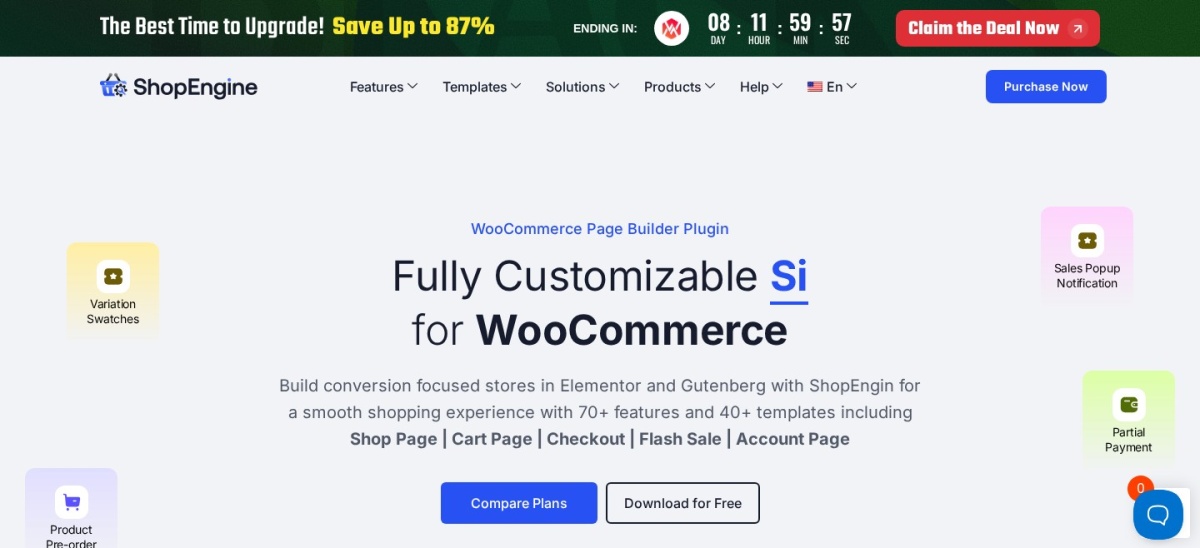
ShopEngine homepage, captured Nov 2026.
ShopEngine is the only tool in this list built only for WooCommerce. Its free version gives you templates for the product, shop, cart, checkout and thank-you pages, with 70+ WooCommerce widgets for Elementor and Gutenberg.
The trade off is scope. ShopEngine designs store pages and adds selling tools such as wishlists, variation swatches and pre-orders, but it is not a general site builder, so blog and landing pages still need another tool. It suits stores that already use Elementor.
4.8/5on Trustpilot (25,089 reviews, checked Nov 2026)
Starts at$89/yr
Best value for unlimited sites
Free versionNo, premium only
WooCommerce modulesYes, 200+ modules
Site limitUnlimited on every plan
Paid planYearly, $89/yr
elegantthemes.com
Divi homepage, captured Nov 2026.
Divi is a theme and visual builder from Elegant Themes, rated 4.8 out of 5 on Trustpilot from 25,089 reviews. One $89 yearly licence covers unlimited sites and includes WooCommerce modules, 200+ design modules and more than 2,600 layouts, with Divi 5 rebuilt in 2026.
The trade off is the rebuild. Divi 5 shipped in February 2026 as a ground-up rewrite, and some stores report bugs or hold off migrating older Divi 4 pages, which run in compatibility mode. It suits owners building several stores on one licence.
4.7/5on WordPress.org (1,873 reviews, checked Nov 2026)
Paid from$69/yr
Best Gutenberg-native builder
Free versionYes, core blocks
WooCommerce blocksYes, in free and Pro
Popup BuilderPro only
Paid planPro, $69/yr for 3 sites
wpspectra.com
Spectra homepage, captured Nov 2026.
Spectra is a block library from Brainstorm Force that turns the WordPress editor into a page builder, rated 4.7 out of 5 by 1,873 users with 1 million active installs. It adds product, cart and checkout blocks plus ready patterns, so product pages stay native WordPress.
The trade off is the paid tiers. Pro at $69 a year for three sites adds the popup builder, loop builder and dynamic content, but the AI page features sit in a higher $199 bundle. It suits stores that want light, fast pages built in Gutenberg.
4.9/5on WordPress.org (478 reviews, checked Nov 2026)
Paid from$49/yr
Best paid product options
Free versionYes, basic fields
Field types22+ in Pro
Conditional logicPro only
Paid planSingle Site, $49/yr
acowebs.com
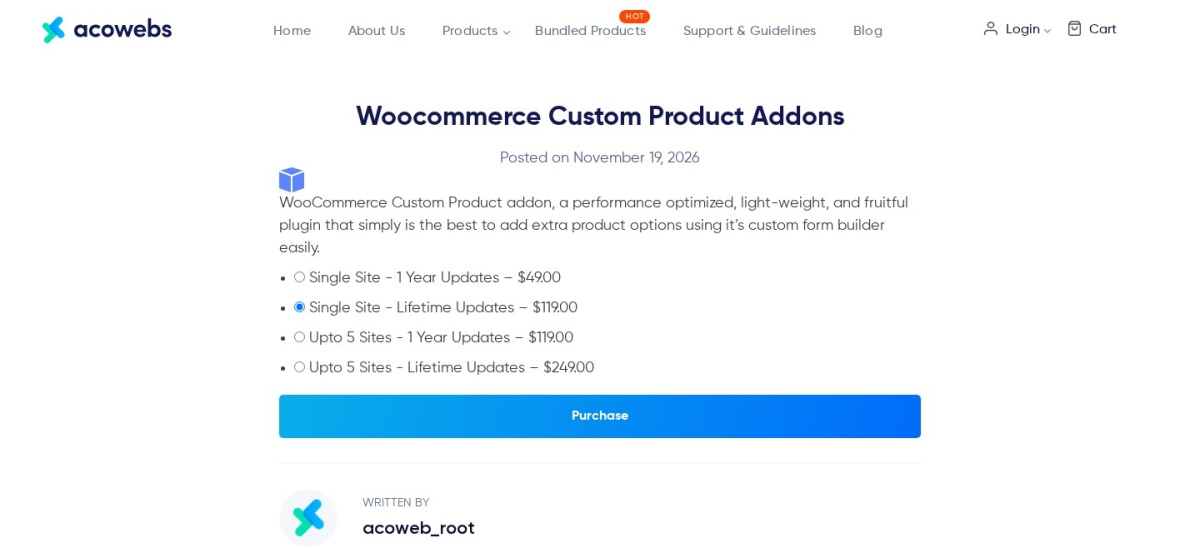
Acowebs Product Addons homepage, captured Nov 2026.
Acowebs Product Addons is a form builder for the product page, rated 4.9 out of 5 by 478 users with 30,000 active installs. It adds text, date, file upload and choice fields to the buy box, so shoppers can order engraving, gift wrap or made-to-measure sizes.
The trade off is that the useful parts are paid. Conditional logic, custom price formulas and file uploads need Pro at $49 a year, and it styles options rather than rebuilding the page layout. It suits stores selling personalised or measured products.
4.7/5on WordPress.org (972 reviews, checked Nov 2026)
Paid from$69/yr
Best simple builder with WooCommerce
Free versionYes, core builder
WooCommerce BuilderPro only
Theme BuilderPro only
Paid planPersonal, $69/yr
brizy.io
Brizy homepage, captured Nov 2026.
Brizy is a visual builder rated 4.7 out of 5 by 972 users with 60,000 active installs. The free version covers pages with 36+ elements and 500+ blocks, and Pro at $69 a year for one site adds the Theme Builder, popup builder and WooCommerce Builder.
The trade off is scale. Brizy has a smaller template library and community than Elementor or Divi, and the hosted Brizy Cloud product is priced separately from the WordPress plugin. It suits beginners who want a simple editor for one store.
4.7/5on WordPress.org (394 reviews, checked Nov 2026)
Paid from$89/yr
Best stable builder for client work
Free versionYes, Lite on WordPress.org
WooCommerce supportYes, all plans
Beaver ThemerYes, all plans
Paid planStarter, $89/yr for 1 site
wpbeaverbuilder.com
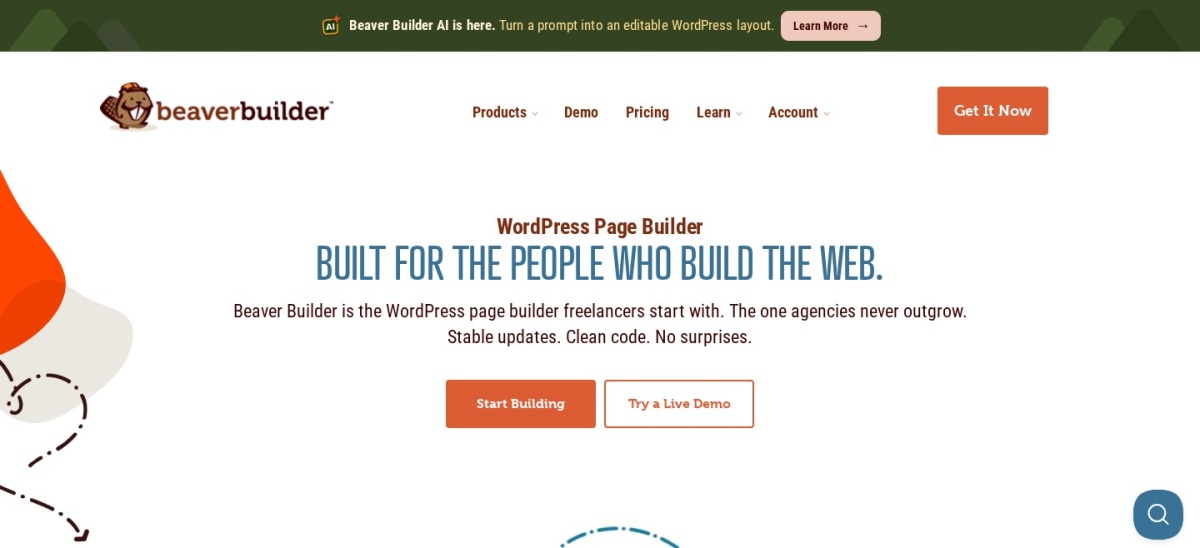
Beaver Builder homepage, captured Nov 2026.
Beaver Builder is the oldest page builder still actively maintained, rated 4.7 out of 5 by 394 users with 100,000 active installs. Every paid plan includes WooCommerce support, the Beaver Themer for product templates and the Loop Builder, starting with Starter at $89 a year.
The trade off is price per site. Starter covers one site, so three stores cost $179 on the Plus plan, while Divi covers unlimited sites for the same $89. It suits agencies that value stable output over new features.
4.9/5on WordPress.org (122 reviews, checked Nov 2026)
Paid from$99/yr
Best lightweight block builder
Free versionYes, 4 core blocks
Pattern libraryPro only
Dynamic dataPro only
Paid planGeneratePress One, $99/yr
generateblocks.com
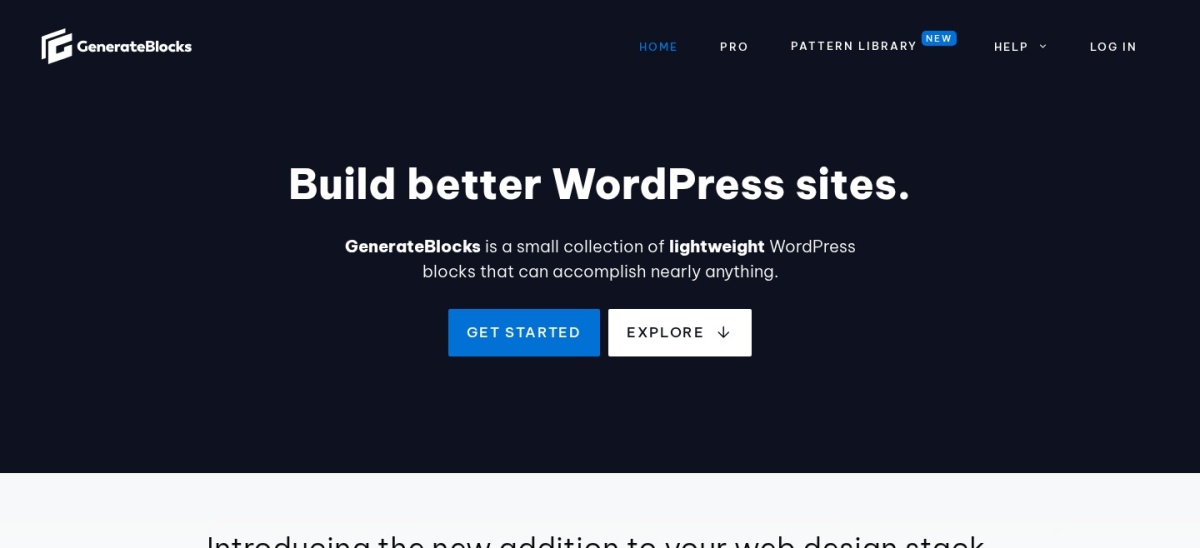
GenerateBlocks homepage, captured Nov 2026.
GenerateBlocks is a lightweight block plugin from the GeneratePress team, rated 4.9 out of 5 by 122 users with 200,000 active installs. Four blocks, Container, Grid, Headline and Buttons, build product sections with very little code, and Pro adds patterns, dynamic data and forms.
The trade off is the learning curve. There is no drag-and-drop canvas or theme builder in the plugin itself, and Pro now comes only inside the GeneratePress One bundle at $99 a year. It suits developers who want the lightest product pages.
4.8/5on WordPress.org (337 reviews, checked Nov 2026)
Paid from$350/yr
Best block kit with a theme bundle
Free versionYes, full block set
Blocks ProBundle only, no standalone price
Shop KitPro bundle, WooCommerce tools
Paid planBundle, $350/yr for 1 site
kadencewp.com
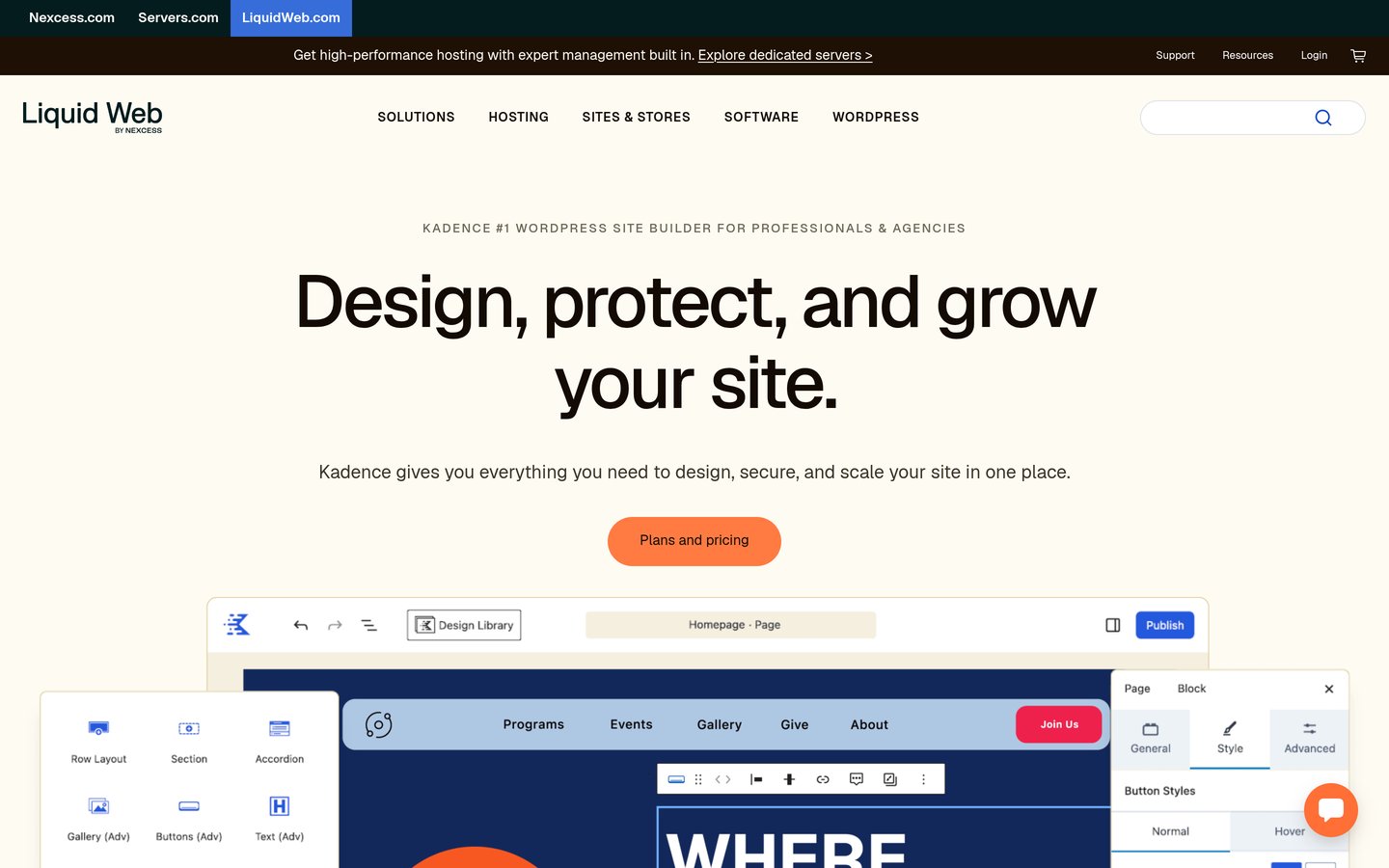
Kadence Blocks homepage, captured Nov 2026.
Kadence Blocks is a block toolkit rated 4.8 out of 5 by 337 users with 600,000 active installs. The free version covers row layouts, advanced headings and forms, and it pairs with the Kadence theme for full product templates.
The trade off is the price. Blocks Pro is no longer sold on its own, so the cheapest route is a $350 a year bundle with the Kadence theme, Give, The Events Calendar and LearnDash. It suits stores already using the Kadence theme.
Free versions cover the core job well. Elementor, ShopEngine, Spectra, Brizy, Beaver Builder, GenerateBlocks and Kadence Blocks all design product pages without paying.
Paid plans mostly add templates, limits and support. You get more sites, more blocks, popup builders and help when something breaks.
Divi is the exception: there is no free version at all, so the $89 a year is the entry price, not an upgrade.
Kadence Blocks is the other outlier. The free version is generous, but the paid upgrade now costs $350 a year inside a bundle, so check whether you would use the rest of it.
Common mistakes when picking a product page plugin
Picking a builder before checking the free version is the most common mistake. Every tool here except Divi has one, and an hour with it shows whether the editor fits.
Paying for features WooCommerce already covers is the second. Variations, stock and reviews are built in, so do not buy an add-on that only repeats them.
Ignoring the renewal price is the third. Several vendors run first-year discounts, so budget for the renewal price, not the first-year offer.
How we chose
We started from every WooCommerce product page plugin and page builder with a WooCommerce feature set on WordPress.org, then added the major premium builders that design product pages.
Prices come from each vendor's pricing page or a November 2026 read of it, checked on 22 November 2026. Ratings and install counts come from WordPress.org or Trustpilot on the same day. Where a vendor shows a sale, the list shows the regular price.
We left out plugins not updated in the last 12 months, and SeedProd, whose WooCommerce blocks need the $599 Elite plan. No vendor paid for a place, and we do not claim hands-on testing for this list.
How to choose a WooCommerce product page design plugin
Start with whether you need a builder or an add-on, then check the free version before you pay.
Decide builder or add-on. A builder redesigns the whole product page. An add-on such as Acowebs only adds options to the existing page.
Try the free version first. Every tool here except Divi has one. Build one real product page with it before paying.
Check the WooCommerce tier. Elementor keeps eCommerce features out of Essential, and Kadence Blocks Pro is bundle-only, so confirm the plan you need.
Mind the page weight. A heavy builder can slow the buy box. See how to speed up WordPress if the page feels slow.
FAQ
What is the best WooCommerce product page design plugin?
Elementor is the best pick for most stores. Its WooCommerce Builder rebuilds the whole product template, it is rated 4.5 out of 5 by 7,328 users, and the Advanced Solo plan costs $84 a year for one site.
Can I design WooCommerce product pages for free?
Yes. ShopEngine, Spectra, Brizy, Beaver Builder, GenerateBlocks and Kadence Blocks all have free versions that design product pages. Divi is the only tool in this list with no free version.
Do I need Elementor Pro to design product pages?
Yes, and not the cheapest plan. The $60 Essential plan leaves out eCommerce features, so a store needs Advanced Solo at $84 a year for the WooCommerce Builder, or ShopEngine free on top of free Elementor.
What is the cheapest WooCommerce product page plugin?
Acowebs Product Addons, at $49 a year for one site. It adds custom fields and paid options to the product page rather than rebuilding it, so it fits stores selling personalised products, not full redesigns.
Is Divi good for WooCommerce stores?
Yes, for multi-site owners. One $89 yearly licence covers unlimited sites and includes WooCommerce modules and 2,600+ layouts. Note that Divi 5 is a 2026 rebuild, so check older Divi 4 pages before migrating a live store.
Will a page builder slow down my store?
It can. Heavy builders add code to every product page, which can slow the buy box on cheap hosting. Light options such as GenerateBlocks and Spectra add far less, and caching helps any builder.