Best WooCommerce Order Export Plugins in 2026: 8 Tools Compared
WLWPLegible EditorsLast verified 22 Nov 2026How we test12 min read
★ Short answer
Advanced Order Export for WooCommerce is the best WooCommerce order export plugin for most stores, with a 5 out of 5 rating from 351 users and six free export formats. Pick WebToffee for moving orders between stores and WP All Export for custom file layouts.
How we make this list: we compare pricing pages, product documentation and public user reviews, then re-check every price before each update. No product paid for a place. Disclosure.
Advanced Order Export is the only 5 out of 5 tool here, with 351 reviews and six free formats from CSV to PDF.
WebToffee is the only tool that imports orders as well as exporting them, which suits store moves.
WP All Export needs its $99 Pro plan for order line items; the free version only exports basic order records.
The official WooCommerce extension is paid-only at $79 a year, while BrikPanel is fully free with no paid tier.
Paid plans run from $30 to $99 a year, and WPFactory also sells a $149 lifetime licence beside its $49.99 yearly plan.
What to check before you export WooCommerce orders
WooCommerce ships a CSV exporter for products, but it does not export orders at all. Every tool in this list fills that gap, so the choice is about formats, filters and delivery, not about finding any exporter.
Start with the file your recipient needs. An accountant usually wants one row per order with tax and shipping split out, while a fulfilment partner wants one row per order item. Our guide on how much WooCommerce extensions cost puts the paid plans below in context.
Scheduling is the main paid feature. Free versions hand you a download in the browser, while paid plans send the file by email or FTP on a schedule, or right after an order changes status.
Check HPOS support if your store uses high-performance order storage. Advanced Order Export states HPOS support in its listing, and WPFactory lists its exporter as HPOS-ready. Confirm the version your store runs before you buy.
5/5on WordPress.org (351 reviews, checked Nov 2026)
Paid from$30/yr
Best free order exporter overall
Free formatsCSV, XLS, XML, JSON, PDF, HTML
Field controlPick, rename, reorder
SchedulingPro only
Paid planPro, $30/yr
algolplus.com
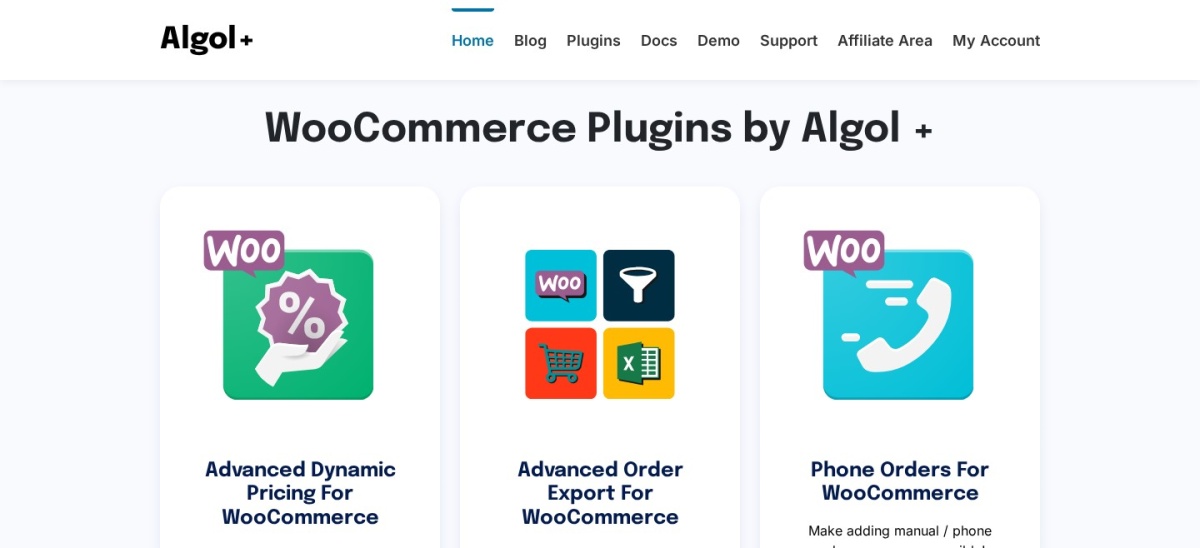
Advanced Order Export For WooCommerce homepage, captured Nov 2026.
Advanced Order Export For WooCommerce is a free WordPress.org plugin that exports orders to CSV, Excel, XML, JSON, PDF and HTML. You pick the fields, rename the labels, reorder the columns, add custom fields and filter by date, status or customer, then download the file from the orders list.
The trade off is delivery. The free version only hands you a browser download, so scheduled exports and delivery by email, FTP or API need Pro at $30 a year for one site. It suits stores that run manual reports for an accountant or a fulfilment partner.
What we like
Six export formats in the free version
Rated 5 out of 5, the highest in this list
Custom fields and flexible filters included free
Watch out for
No scheduling or automatic delivery in the free version
4.7/5on WordPress.org (337 reviews, checked Nov 2026)
Paid from$69/yr
Best for moving orders between stores
Free formatsCSV only
ImportYes, orders and coupons
SchedulingPremium only
Paid planPremium, $69/yr
webtoffee.com
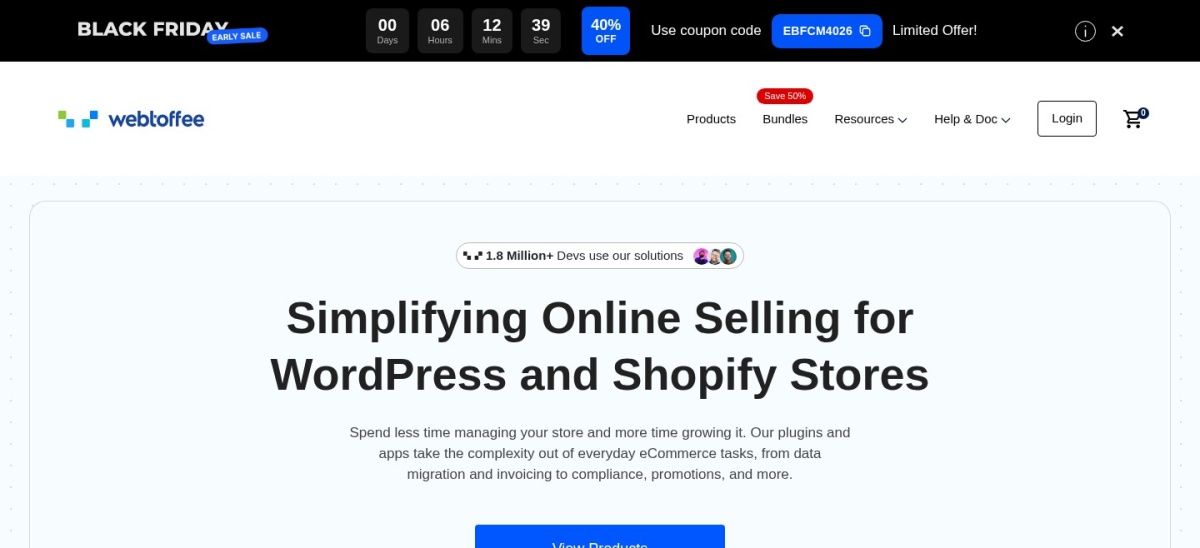
Order Export & Order Import for WooCommerce homepage, captured Nov 2026.
Order Export & Order Import for WooCommerce is WebToffee's free plugin for moving orders and coupons in both directions. The free version imports and exports orders and coupons as CSV, with filters, column mapping and repeatable templates, so a store move keeps its order history intact.
The trade off is formats. Excel, XML and TSV exports, custom order metadata and scheduled FTP transfers are Premium features at $69 a year for one site, and subscription order migration is Premium too. It suits stores that move between hosts or platforms and need the import side as well.
4.5/5on WordPress.org (416 reviews, checked Nov 2026)
Paid from$99/yr
Best for custom export file designs
Free formatsCSV, XML
Order line itemsPro only
Drag-and-dropYes
Paid planPro, $99/yr
wpallimport.com
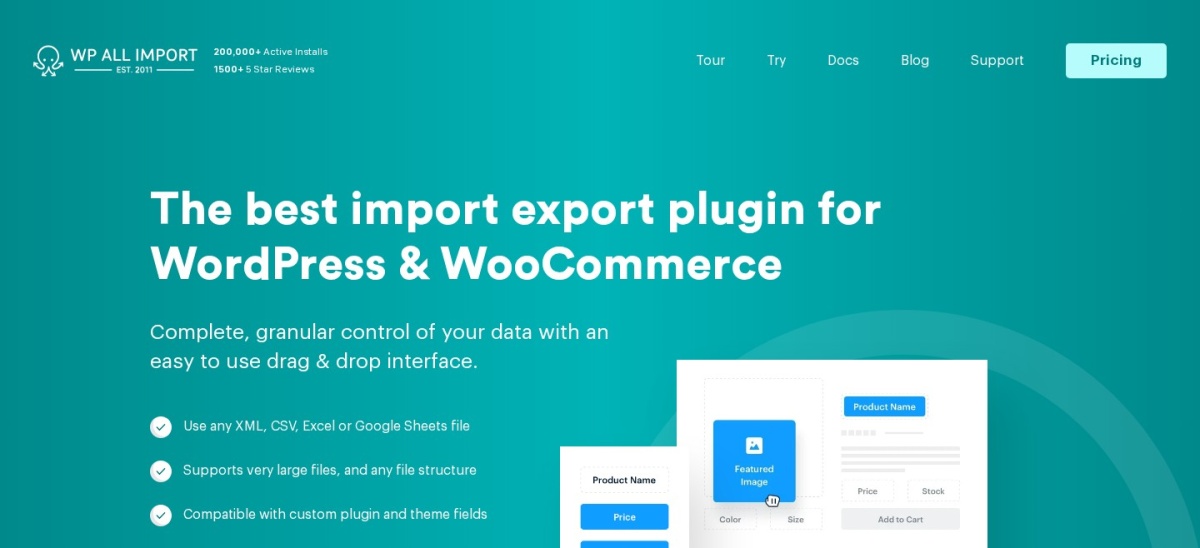
WP All Export homepage, captured Nov 2026.
WP All Export is a drag-and-drop exporter that builds custom CSV, XML or Excel files from almost any WordPress data. You choose the fields, arrange the columns and add filters or PHP functions, which suits teams that already export posts, users and products with the same tool.
The trade off is that order line items are paid. The free version exports basic order records, but full order-item data needs Pro at $99 a year plus the WooCommerce Export Add-On, and scheduled exports are a separate service. It suits teams that need one flexible exporter for many data types.
4.2/5on WooCommerce.com (44 reviews, checked Nov 2026)
Starts at$79/yr
Best official WooCommerce extension
FormatsCSV, XML
Data typesOrders, customers, coupons
SchedulingYes, automated
Paid plan$79/yr, 1 site
woocommerce.com
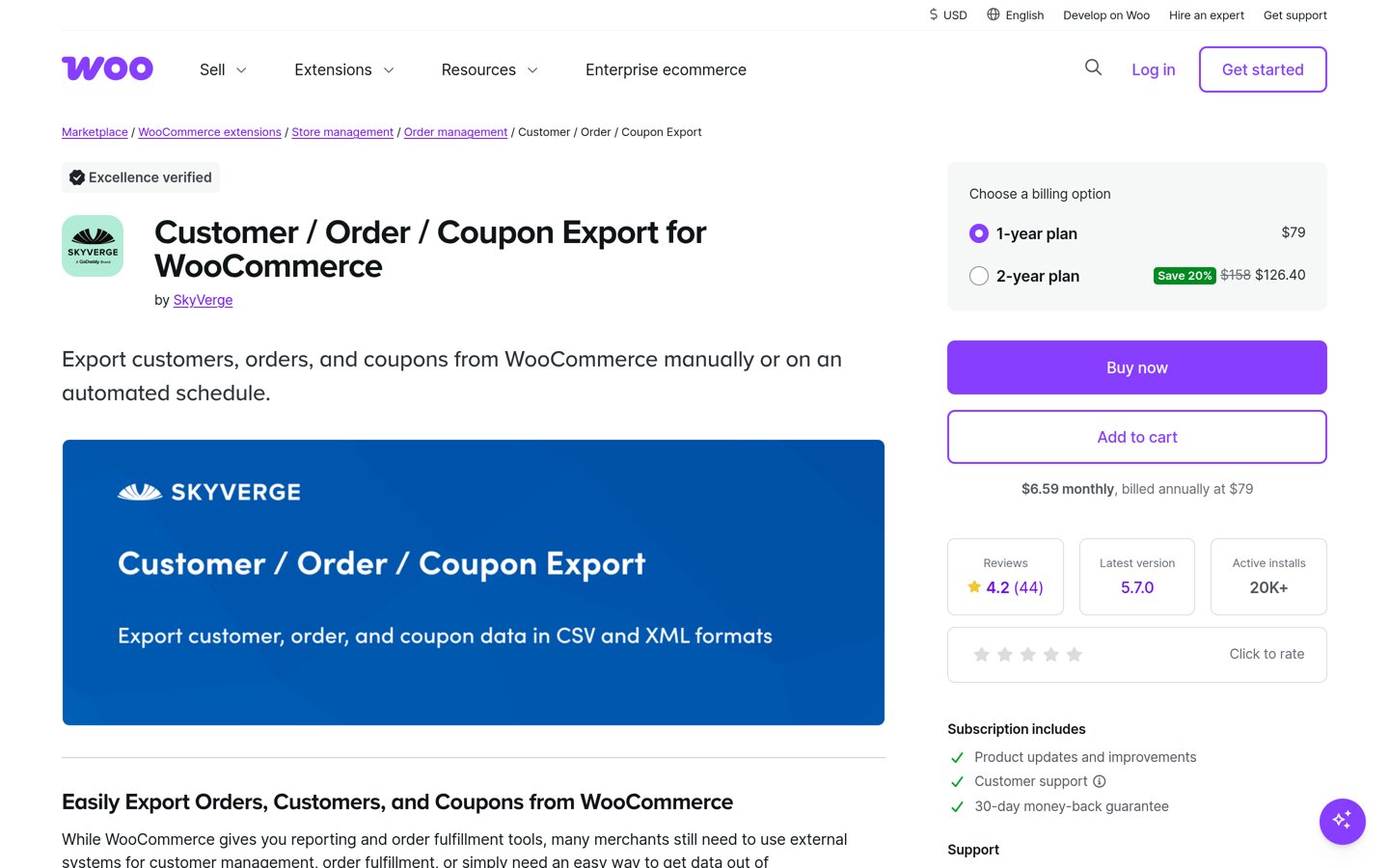
WooCommerce Customer / Order / Coupon Export homepage, captured Nov 2026.
WooCommerce Customer / Order / Coupon Export is the official WooCommerce marketplace extension from SkyVerge, and it is the only tool here with no free version. It exports orders, customers and coupons as CSV or XML, with custom formats, background processing and exports stored for 14 days.
The trade off is scope for the price. At $79 a year for one site it covers three record types and two formats, while cheaper tools cover more formats, and scheduling is included rather than an add-on. It suits stores that want the official extension and predictable support.
4.1/5on WordPress.org (166 reviews, checked Nov 2026)
Paid from$49/yr
Best value paid exporter
Free formatsCSV
Data types15+ types
SchedulingDeluxe only
Paid planDeluxe, $49/yr
visser.com.au
Store Exporter homepage, captured Nov 2026.
Store Exporter is the free Visser Labs plugin for exporting store data, covering products, orders, customers, categories, tags and subscriptions. The free version writes CSV files from a filter screen, with date-range and status filters to narrow the export before you download it.
The trade off is that the useful formats are paid. TSV, XLS, XLSX and XML, scheduled exports and FTP, SFTP or email delivery all need Store Exporter Deluxe at $49 a year for one site. It suits stores that want one exporter for the whole catalogue, not just orders.
Export Products, Orders & Customers for WooCommerce
4.6/5on WordPress.org (14 reviews, checked Nov 2026)
Paid from$49.99/yr
Best for accounting-ready line items
DatasetsProducts, orders, items, customers
Fields100+
FormatsCSV, XML
Paid planPro, $49.99/yr
wpfactory.com
Export Products, Orders & Customers for WooCommerce homepage, captured Nov 2026.
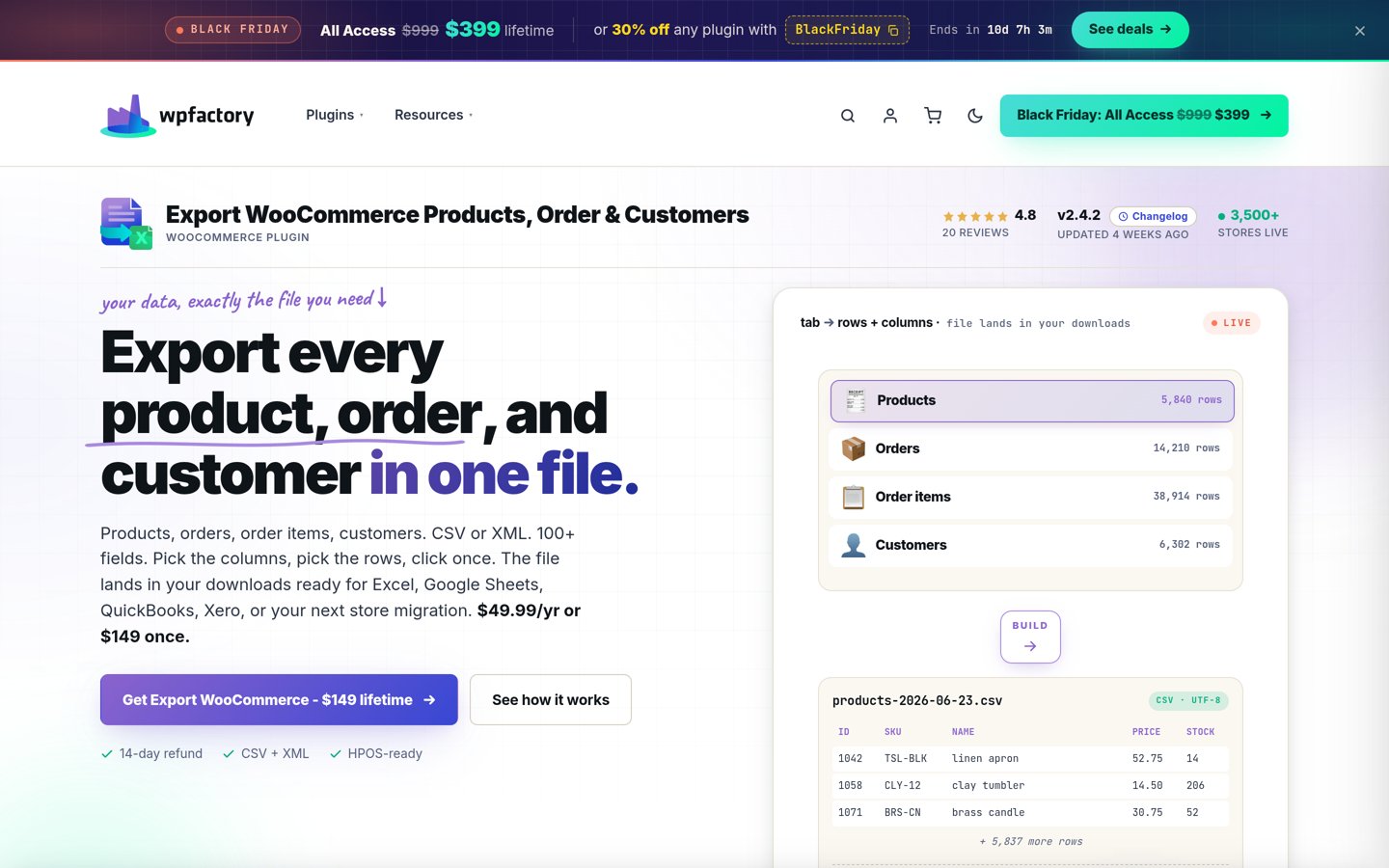
Export Products, Orders & Customers for WooCommerce is a WPFactory plugin that puts products, orders, order items and customers in one file. It offers 100+ fields, CSV or XML output, a UTF-8 BOM toggle for Excel, and background batch exports that handle up to 200,000 orders.
The trade off is the small user base. It has 14 WordPress.org reviews and 2,000+ installs, far fewer than the leading exporters, so community answers are harder to find, and Pro costs $49.99 a year, or $149 once for unlimited sites. It suits stores that need line-item files for accounting.
3.8/5on WordPress.org (14 reviews, checked Nov 2026)
Paid from$49/yr
Best simple Excel order exporter
Free formatsCSV, XLS, XLSX
SchedulingPro only
Extra dataPro only
Paid planPro, $49/yr
jem-products.com
Order Export for WooCommerce homepage, captured Nov 2026.
Order Export for WooCommerce is a simple JEM Products plugin that exports orders and products to Excel or CSV with advanced filtering. The free version covers the basic job well: pick the rows, filter by date or status, and open the file straight in a spreadsheet.
The trade off is reach. It has 14 WordPress.org reviews and 2,000+ installs, and customer, shipping, coupon and category exports all need Pro at $49 a year, along with scheduled exports by email or FTP. It suits small stores that want a plain Excel export with no setup fuss.
5/5on WordPress.org (57 reviews, checked Nov 2026)
PriceFree
Best free dashboard with exports
Order exportVia Sheets and reports
DashboardYes, free
Abandoned cartsYes
Paid planNone, fully free
brksoft.com
BrikPanel homepage, captured Nov 2026.
BrikPanel is a free WooCommerce dashboard plugin that adds sales reports, order analytics, abandoned cart recovery, Google Sheets sync and bulk editing to the admin. Order data reaches a spreadsheet through its reports and Sheets sync, with no export plugin to configure.
The trade off is that it is not a dedicated exporter. There is no custom column builder or scheduled CSV delivery, and the order export is a side effect of the dashboard rather than its main job. It suits stores that want a free dashboard and only need occasional order reports.
Free versions cover the manual job well. Every tool here except the official extension exports orders for free, and Advanced Order Export writes six formats without paying.
Paid plans mostly add scheduling and delivery. You get exports that run themselves and land by email, FTP or HTTP POST, plus extra formats such as Excel or XML.
One tool breaks the yearly pattern. WPFactory sells a $149 lifetime licence beside its $49.99 yearly plan, which pays for itself in three years.
For a store that sends files to an accountant or a fulfilment partner every week, one paid plan usually costs less than the time spent downloading and sending files by hand.
Common mistakes when exporting orders
Exporting orders without line items is the most common mistake. An order total alone does not tell an accountant which products sold, so check the export includes one row per item.
Sending customer data to the wrong place is the second. Order files hold names, emails and addresses, so only send them to people and systems that need them.
Forgetting refunds and tax is the third. A file that leaves out refunds or mixes tax into the total will not reconcile, so confirm both are in the columns before you send it.
How we chose
We started from every order export plugin on WordPress.org with a recent update, then added the official WooCommerce extension from the wider market.
Prices come from each vendor's pricing page, checked on 22 November 2026. Ratings and install counts come from WordPress.org on the same day, except the official extension, which is rated on WooCommerce.com. Where a vendor shows a sale, the list shows the regular price.
We left out plugins not updated in the last 12 months. No vendor paid for a place, and we do not claim hands-on testing for this list.
How to choose a WooCommerce order export plugin
Start with the file your recipient needs, then check whether the free version produces it.
Get a sample file from the recipient. Ask your accountant or fulfilment partner for the exact columns, date format and row layout they expect before you pick a tool.
Check the free version covers your formats. Most free versions export CSV, but Excel, XML and PDF are often paid. Confirm the format you need is in the free plan.
Decide if exports must run themselves. A one-off report needs only a download button. Weekly accountant files or daily fulfilment files need scheduling and email or FTP delivery.
Check HPOS and WooCommerce versions. Confirm the plugin states support for your WooCommerce version and high-performance order storage before you install it.
FAQ
What is the best WooCommerce order export plugin?
Advanced Order Export for WooCommerce is the best pick for most stores. It is rated 5 out of 5 by 351 users, exports to six formats for free, and its Pro plan costs $30 a year. WebToffee is the better choice when you also need to import orders.
Can WooCommerce export orders without a plugin?
No. WooCommerce ships a CSV exporter for products only, and orders have no export button in the core plugin. Every tool in this list fills that gap, and seven of the eight have a free version that exports orders.
Which plugin exports WooCommerce orders to Excel?
Advanced Order Export writes Excel files for free, and JEM's Order Export does too. WebToffee and Store Exporter add Excel in their paid plans, at $69 and $49 a year. WP All Export writes Excel through its $99 Pro plan.
Can I schedule automatic WooCommerce order exports?
Yes, with a paid plan. Advanced Order Export Pro, WebToffee Premium, Store Exporter Deluxe and the official extension all send exports on a schedule by email, FTP or HTTP POST. Free versions only hand you a file to download by hand.
Do these plugins work with high-performance order storage?
Advanced Order Export states HPOS support in its WordPress.org listing, and WPFactory lists its exporter as HPOS-ready. For the other tools, check the listing or the vendor docs for your WooCommerce version before you install.
Which WooCommerce order export plugin is free?
Seven of the eight tools have a free version, including Advanced Order Export, WebToffee, WP All Export and Store Exporter. The official WooCommerce extension is the only paid-only tool, at $79 a year, and BrikPanel is fully free with no paid tier.