Best WooCommerce File Upload Plugins in 2026: 8 Tools Compared
WLWPLegible EditorsLast verified 22 Nov 2026How we test11 min read
★ Short answer
Advanced Product Fields is the best WooCommerce file upload plugin for most stores, with a 4.8 out of 5 rating from 284 users and a free version that adds upload fields to product pages. Pick Customer Upload Files for uploads at checkout and YITH Uploads for documents tied to whole orders.
How we make this list: we compare pricing pages, product documentation and public user reviews, then re-check every price before each update. No product paid for a place. Disclosure.
Advanced Product Fields is the strongest product-page pick: 4.8 out of 5 from 284 reviews and more than 50,000 installs.
Customer Upload Files covers the most ground, with upload buttons on the product, cart, checkout and order view pages for $49 a year.
YITH Uploads costs $69.99 a year at the regular price, with the first year at $59.99, and it has no product-page field.
Drag and Drop Multiple File Upload has the cheapest paid plan at $20.99 a year, with chunked uploads for large files.
Only four of the eight tools have a free version, and the file upload field itself is a paid feature in Checkout Field Editor and WPForms.
What to look for in a file upload plugin
WooCommerce has no built-in way for a customer to attach a file to an order. A print shop needs the artwork, a pharmacy needs the prescription, and a furniture maker needs the measurements, so the file has to arrive with the order, not by email afterwards.
The first choice is where the file is collected. Product-page tools ask for the file before the customer adds to cart, while order tools collect it at checkout or in the My Account area. Our guide on how much WooCommerce extensions cost shows what the paid options around a store usually add up to.
Size limits matter more than most stores expect. A server limit can block a large print file, so chunked uploads and a clear maximum file size are worth checking before you buy.
Security is part of the choice too. Limit the file types you accept, cap the file size, and make sure only staff can open the files, since uploads are a common way for bad files to reach a server.
4.8/5on WordPress.org (284 reviews, checked Nov 2026)
Paid from$69/yr
Best product-page upload overall
Free planYes, 10 field types
File upload fieldYes, one or more files
Conditional logicYes, in Pro
Paid planPro, $69/yr
studiowombat.com
Advanced Product Fields homepage, captured Nov 2026.
Advanced Product Fields is a WooCommerce product options plugin that adds a file upload field to product pages, rated 4.8 out of 5 from 284 reviews on WordPress.org with more than 50,000 active installs. The free version covers 10 field types, including file upload, text, dropdowns and swatches, and shoppers can edit their entries from the cart.
The trade off is that the deeper features sit behind Pro at $69 a year for one site, including conditional logic and formula pricing, while calculation fields need the $89 Extended plan. It suits print shops and made-to-order stores that charge for custom work.
What we like
File upload field in the free version
Highest review count of the product-page tools here
4.1/5on WooCommerce.com (70 reviews, checked Nov 2026)
Starts at$49/yr
Best for uploads at every step
Upload locationsProduct, cart, checkout
Approve or rejectYes, with notes
Per-file feesYes, optional
Paid plan$49/yr, 1 site
fmeaddons.com
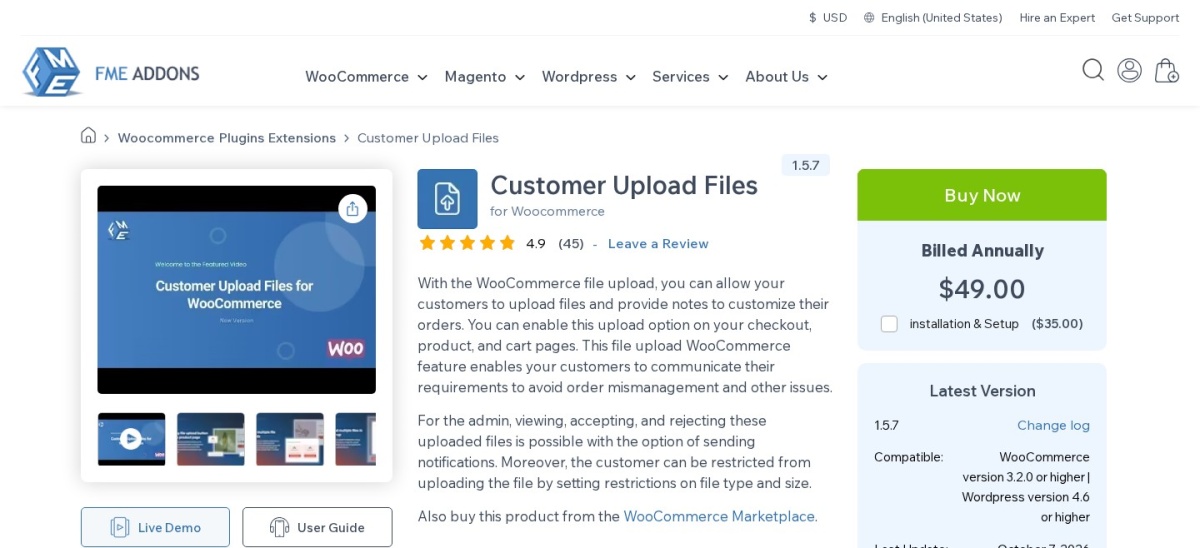
Customer Upload Files homepage, captured Nov 2026.
Customer Upload Files is a premium plugin from FmeAddons that puts an upload button on the product, cart, checkout and order view pages, so the file follows the order instead of arriving by email. It is rated 4.1 out of 5 from 70 reviews on WooCommerce.com, and it lets you approve or reject files and charge a fee per file.
The trade off is that there is no free version, so the $49 a year license is the entry price, and the optional installation service costs $35 extra. It suits stores that need the same upload rules on several pages, with limits by product, category or user role.
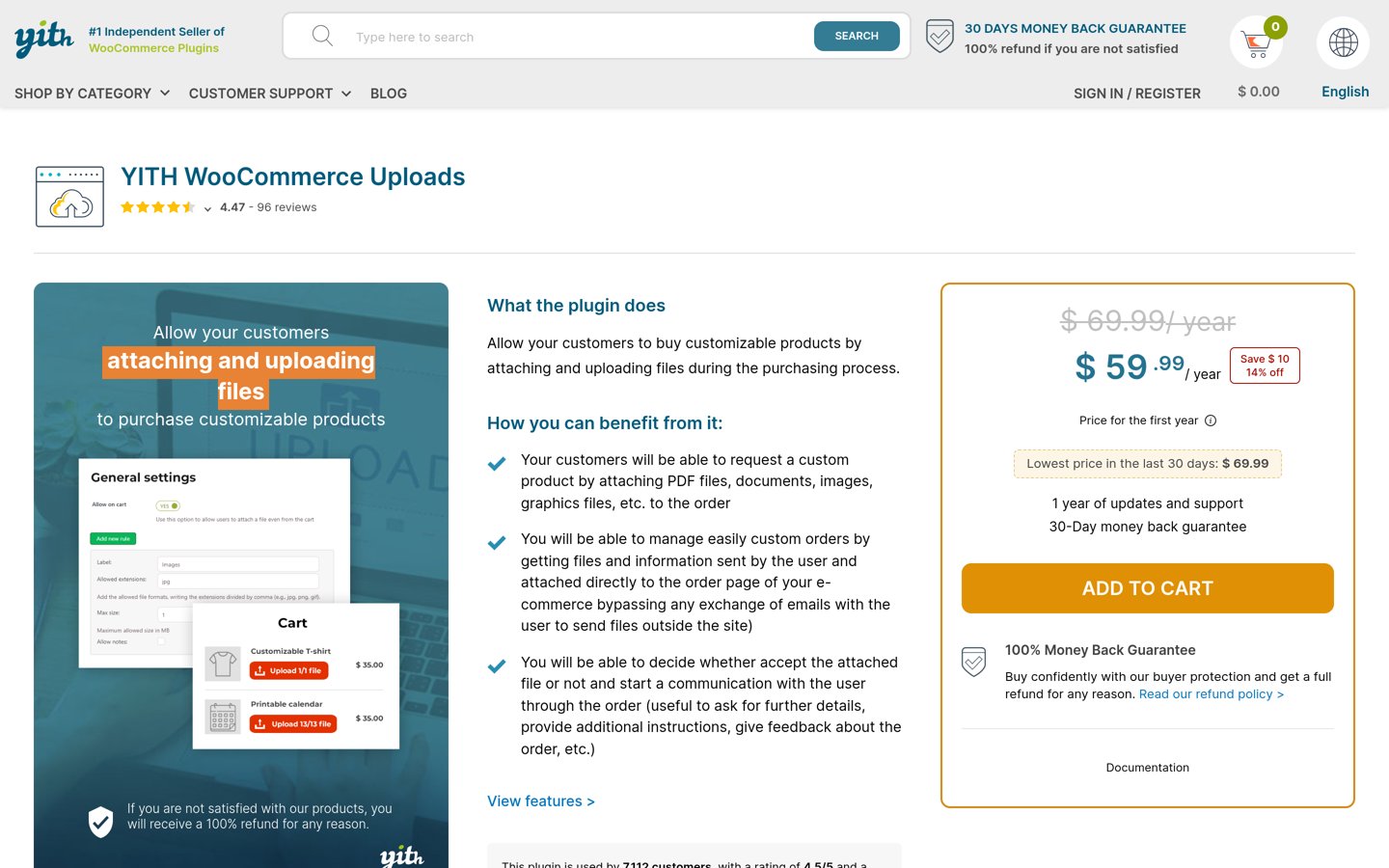
YITH WooCommerce Uploads homepage, captured Nov 2026.
YITH WooCommerce Uploads is a premium plugin that lets customers attach files to an order from the cart, checkout or Thank You page, with the files stored beside the order in the admin. It is rated 4.47 out of 5 from 96 reviews on YITH, and the vendor says more than 7,100 customers use it.
The trade off is the price and the missing product-page field. The regular price is $69.99 a year, with the first year at $59.99, and uploads cannot appear on the product page itself. It suits pharmacies, print shops and services that need a signed document with the order.
4.9/5on WordPress.org (166 reviews, checked Nov 2026)
Paid from$49/yr
Best for checkout field control
Free planYes, field editing
File upload fieldPro only
Checkout BlocksNot supported
Paid planPersonal, $49/yr
quadlayers.com
Checkout Field Editor homepage, captured Nov 2026.
Checkout Field Editor is a QuadLayers plugin that adds, edits and reorders fields on the classic WooCommerce checkout, rated 4.9 out of 5 from 166 reviews on WordPress.org with more than 20,000 active installs. The free version covers basic field edits, while the file upload field type comes with Pro.
The trade off is that it only works on the classic shortcode checkout, not the newer Checkout Blocks, and the upload field is a paid feature at $49 a year for one site. It suits stores that already shape the checkout with custom fields and want uploads in the same flow.
What we like
Highest WordPress.org rating in this list
Conditional fields show the upload only when needed
Uploaded files appear in the order and in My Account
4.4/5on WordPress.org (14 reviews, checked Nov 2026)
Paid from$39.99/yr
Best free checkout upload
Free uploads1 file
Upload locationsCheckout, Thank You
Multiple uploadsPro only
Paid planSingle Site, $39.99/yr
wpwham.com
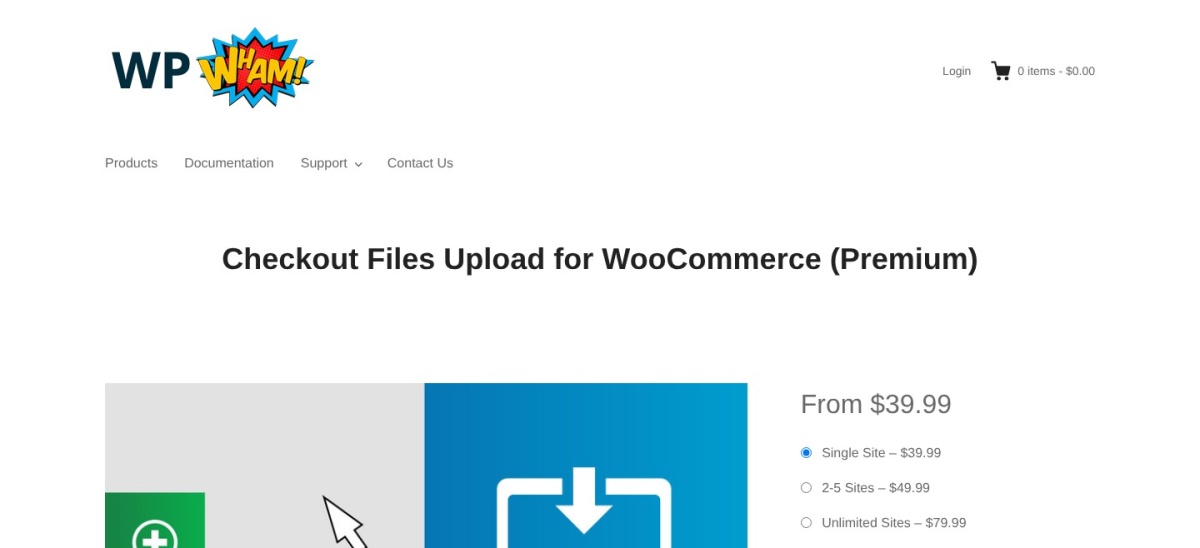
Checkout Files Upload homepage, captured Nov 2026.
Checkout Files Upload is a free WordPress.org plugin from WP Wham that adds a file upload field to the WooCommerce checkout, rated 4.4 out of 5 from 14 reviews with more than 7,000 active installs. The free version allows one file upload, and Pro adds multiple uploaders in 23 positions on the checkout page.
The trade off is that the free version is deliberately small, and Pro starts at $39.99 a year for a single site, rising to $79.99 for unlimited sites. It suits a store that only needs one document with each order, such as a prescription or a signed form.
4.9/5on WordPress.org (20 reviews, checked Nov 2026)
Paid from$20.99/yr
Best for large files
Chunked uploadsPro, unlimited size
Image previewsPro
Remote storageExtended, $34.99/yr
Paid planStandard, $20.99/yr
codedropz.com
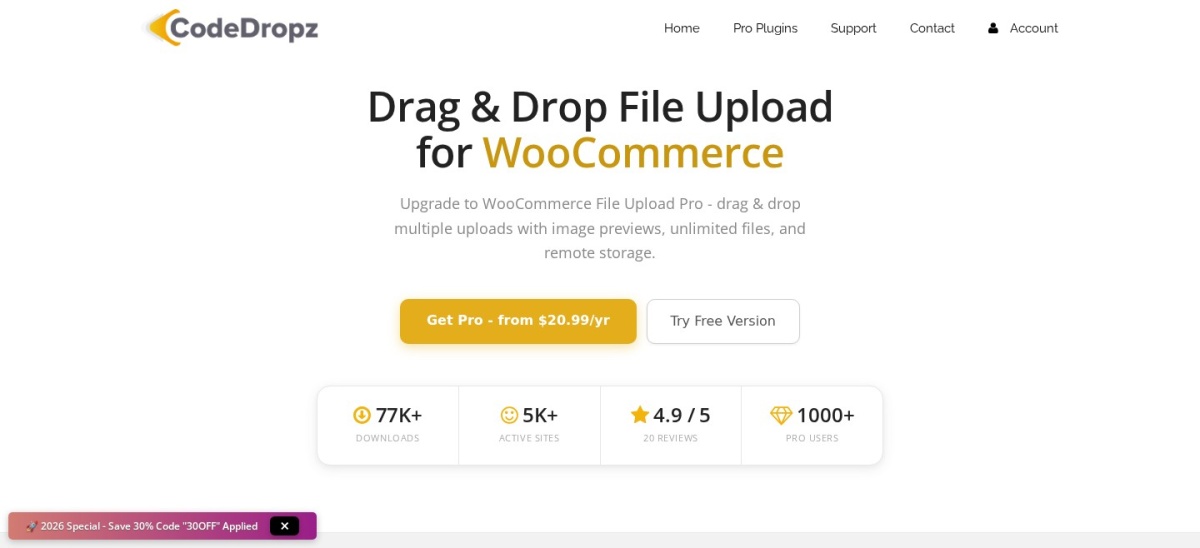
Drag and Drop Multiple File Upload homepage, captured Nov 2026.
Drag and Drop Multiple File Upload is a free WordPress.org plugin from CodeDropz that turns the product page upload into a drag-and-drop area, rated 4.9 out of 5 from 20 reviews with more than 5,000 active installs. The vendor reports 77,000 downloads and more than 1,000 Pro users.
The trade off is that the headline features are paid. Chunked uploads for large files, image previews and approve or reject controls come with Standard Pro at $20.99 a year, and cloud storage needs Extended at $34.99. It suits stores that receive large artwork or print files.
4.8/5on WordPress.org (14,395 reviews, checked Nov 2026)
Paid from$99/yr
Best form builder with uploads
Free versionYes, Lite
File upload fieldPaid, Basic and up
Form templates2,100+ on paid plans
Paid planBasic, $99/yr
wpforms.com
WPForms homepage, captured Nov 2026.
WPForms is a drag-and-drop form builder with more than 5 million active installs, rated 4.8 out of 5 by 14,395 users. The free Lite version covers contact forms with unlimited forms and submissions, and paid plans from $49.50 in the first year add the file upload field for collecting documents.
The trade off is that WPForms is a general form builder, not a WooCommerce plugin, so uploaded files land in form entries rather than on the order. Basic costs $49.50 in the first year and renews at $99 a year for one site. It suits stores that already use WPForms for contact and order forms.
Gravity Forms is a premium form builder from Rocketgenius with a file upload field that saves attachments straight to your server, rated 4.7 out of 5 from 240 reviews on G2. Basic costs $59 a year for one site and includes unlimited forms, entries and users.
The trade off is that there is no free version or free trial, and payment add-ons such as Stripe need Pro at $159 a year. It suits developers and agencies that build long forms with logic, add-ons and workflows.
Product-page uploads fit custom products. The customer attaches the artwork while choosing the product, and the file travels with the item through the cart.
Checkout uploads fit whole-order documents. A prescription or a signed form belongs to the order, not to one product, so the field sits at checkout or in My Account.
Form builders fit everything else. WPForms and Gravity Forms collect files through standalone forms, which works for quotes, applications and support requests that never become an order.
Free vs paid: what you give up
Free versions cover a single upload field well. Advanced Product Fields, Checkout Files Upload and Drag and Drop all let customers attach a file without paying.
Paid plans mostly add limits and control. You get multiple files, larger uploads, approve or reject controls and per-file fees.
For a store that lives on custom orders, the first year of a paid plan often costs less than the time spent chasing missing files by email.
How we chose
We started from every file upload plugin for WooCommerce with a WordPress.org listing or a WooCommerce marketplace page, then kept those with a clear upload feature and a published price.
Prices come from each vendor's pricing page, checked on 22 November 2026. Ratings and install counts come from WordPress.org on the same day, except Customer Upload Files, YITH Uploads and Gravity Forms, which use the rating sources noted in each entry. Where a vendor shows a sale, the list shows the regular price.
We left out plugins not updated in the last 12 months and plugins whose paid price could not be confirmed. No vendor paid for a place, and we do not claim hands-on testing for this list.
How to choose a WooCommerce file upload plugin
Start with where the file belongs, then check the size and type limits before you pay.
Decide where the file is collected. A product-page field fits custom products, while a checkout field fits documents that belong to the whole order.
Check the file size and type limits. Large artwork needs chunked uploads, and a strict list of allowed types keeps bad files out of your server.
Try the free version first. Four tools here have a free version. Use it with a real order before paying, so you know what the paid plan actually adds.
Check the renewal price, not the first year. YITH Uploads renews at $69.99 after a $59.99 first year, and WPForms renews at $99 after $49.50. Budget for year two.
FAQ
What is the best WooCommerce file upload plugin?
Advanced Product Fields is the best overall pick for most stores. It is rated 4.8 out of 5 from 284 reviews, has more than 50,000 active installs, and its free version adds a file upload field to product pages.
Can customers upload files at WooCommerce checkout?
Yes. Checkout Files Upload adds a free upload field to checkout, and Customer Upload Files and YITH Uploads collect files at checkout, on the cart page or in the My Account area. The file is then stored with the order in the admin.
How do I limit the size or type of uploaded files?
Most tools here let you set allowed file types and a maximum size per field. Advanced Product Fields, Customer Upload Files and YITH Uploads all include those controls, so you can accept PDFs and images while blocking executables.
Do I need a paid plugin to accept file uploads?
No. Advanced Product Fields, Checkout Files Upload and Drag and Drop Multiple File Upload all have free versions that add an upload field. Paid plans add multiple files, larger uploads, approval controls and per-file fees.
What is the cheapest WooCommerce file upload plugin?
Drag and Drop Multiple File Upload has the cheapest paid plan at $20.99 a year for its Standard Pro license, which adds chunked uploads and image previews. Its free version covers the basic drag-and-drop uploader.
Can I charge customers for uploading a file?
Yes, with the right plugin. Advanced Product Fields and Customer Upload Files both let you add a fee per uploaded file, and Drag and Drop Multiple File Upload adds conditional fees on its Pro plan. The fee shows in the cart before checkout.