Best Website Chat Plugins for WooCommerce in 2026: 9 Tools Compared
WLWPLegible EditorsLast verified 22 Nov 2026How we test13 min read
★ Short answer
Tidio is the best website chat plugin for WooCommerce stores, with a 4.8 out of 5 rating, Lyro AI that answers order questions, and a free plan for 50 conversations a month. Pick Chaty for a multi-channel button, Tawk.to for free unlimited live chat, or LiveChat for a polished sales widget.
How we make this list: we compare pricing pages, product documentation and public user reviews, then re-check every price before each update. No product paid for a place. Disclosure.
Tidio leads with Lyro AI, a 4.8 rating and a free plan for 50 conversations a month.
Chaty, Joinchat and Social Chat route shoppers to WhatsApp instead of an on-site inbox.
Tawk.to is the only tool here that is free with unlimited agents, chats and history.
LiveChat has no free plan: Essential starts at $19 per user a month billed annually.
Paid plans run from $49 a year for Social Chat to $540 a year for Crisp Mini.
What a chat plugin should do for a WooCommerce store
A WooCommerce store loses sales when a shopper cannot ask a quick question. A chat widget answers sizing, shipping and stock questions while the shopper is still on the product page.
Live chat and WhatsApp buttons solve different problems. Live chat keeps the conversation on your site with order data beside it, while a WhatsApp button moves the chat to an app your customer already opens every day.
Price is usually charged by seats, conversations or sites, so the cheapest plan on paper is rarely the cheapest for a busy store. Our guide on free vs premium WordPress plugins explains when paying is worth it, and the price ladder below shows the cheapest paid plan for each tool.
Do not run two chat widgets at once. Two floating buttons fight for the same corner of the screen and confuse shoppers, so pick one main channel and one backup.
List prices in each vendor's currency, checked Nov 2026
Social ChatFREE$49
ChatyFREE$59
JoinchatFREE€96
LiveChat$228
HubSpotFREE$240
3CXFREE$300
Tawk.toFREE$348
TidioFREE$390
CrispFREE$540
The 9 best website chat plugins for WooCommerce
01
Tidio
4.8/5on WordPress.org (395 reviews, checked Nov 2026)
Paid from$390/yr
Best live chat and AI for WooCommerce stores
Free planYes, 50 conversations/mo
AI agentLyro, in every plan
Seats10 on Free and Starter
Paid planStarter, $390/yr
tidio.com
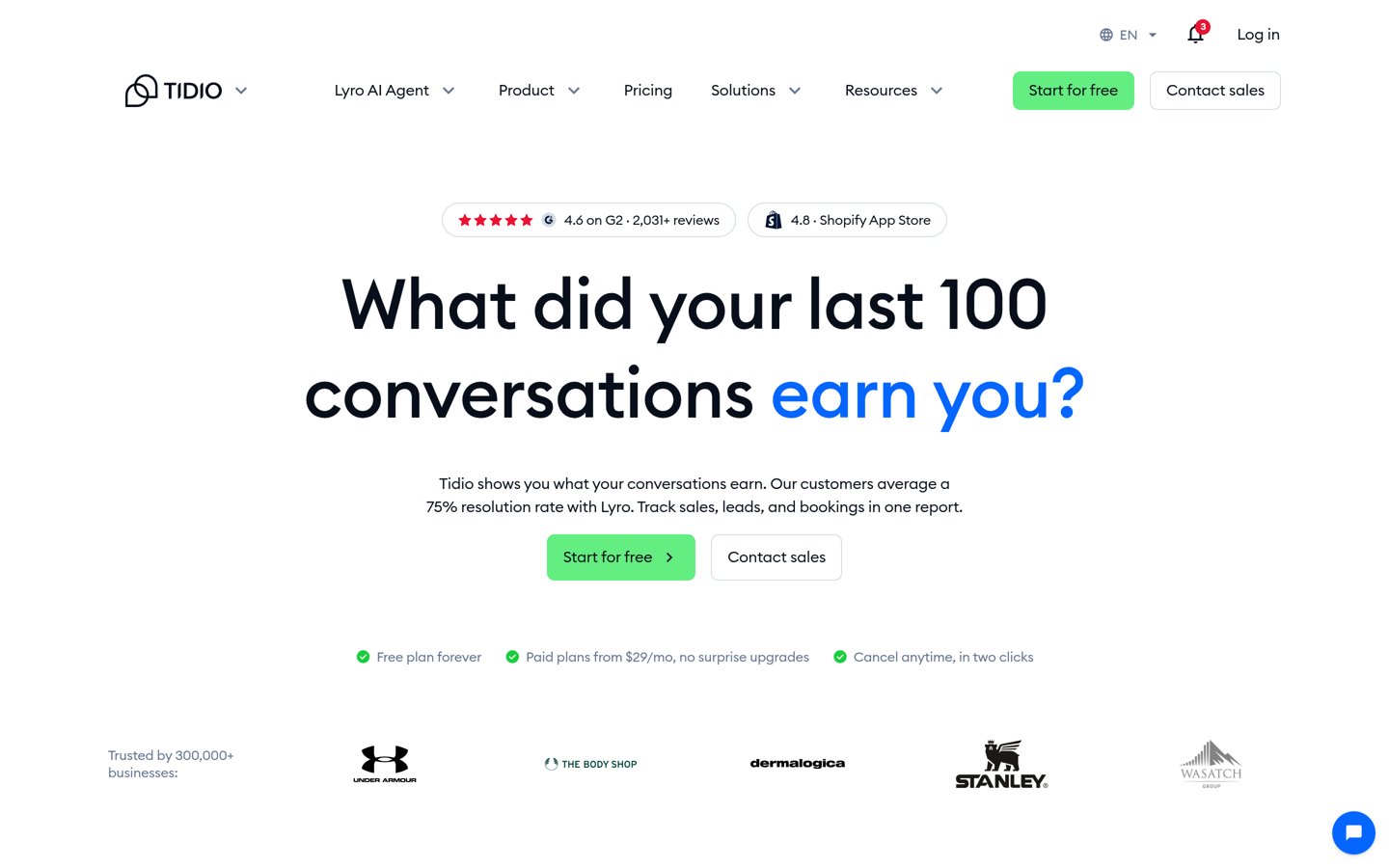
Tidio homepage, captured Nov 2026.
Tidio is a live chat and AI support tool built for online stores, with more than 70,000 active installs on WordPress.org. The free plan covers live chat, ticketing and email for 50 conversations a month, with 10 seats and a one-time quota of 50 Lyro AI conversations. Its WooCommerce plugin connects the store so agents can see the shop behind the chat.
The trade off is the conversation meter. Starter costs $390 a year billed annually for 50 AI and human conversations a month, so a busy store pays for volume, and extras such as Flows and Help Center cost more. It suits small WooCommerce stores that want AI to answer order and shipping questions first.
4.6/5on Capterra (1,729 reviews, checked Nov 2026)
Starts at$19/mo
Best polished live chat for growing stores
Free planNo, 14-day trial
AI agent1 agent on Essential
Integrations200+, incl. WooCommerce
Paid planEssential, $19/user/mo
livechat.com
LiveChat homepage, captured Nov 2026.
LiveChat is a dedicated live chat service for sales-focused stores, and new customers now buy it as Text, the same team's new product. The Essential plan covers the website widget, Messenger, AI Copilot and 24/7 support, with 10 AI resolutions a month and tracking for 50 live visitors. Its WordPress plugin adds the widget to a WooCommerce store in minutes.
The trade off is per-seat pricing. Essential costs $19 per user a month billed annually, or $25 billed monthly, and there is no free plan, only a 14-day trial. It suits stores with one or two agents who want a fast, polished widget and can pay per seat.
5/5on WordPress.org (1,248 reviews, checked Nov 2026)
Paid from$59/yr
Best multi-channel chat button
Channels20+ apps, incl. WhatsApp
Free planYes, unlimited channels
WooCommerceProduct merge tags in Pro
Paid planPro, $59/yr
chaty.app
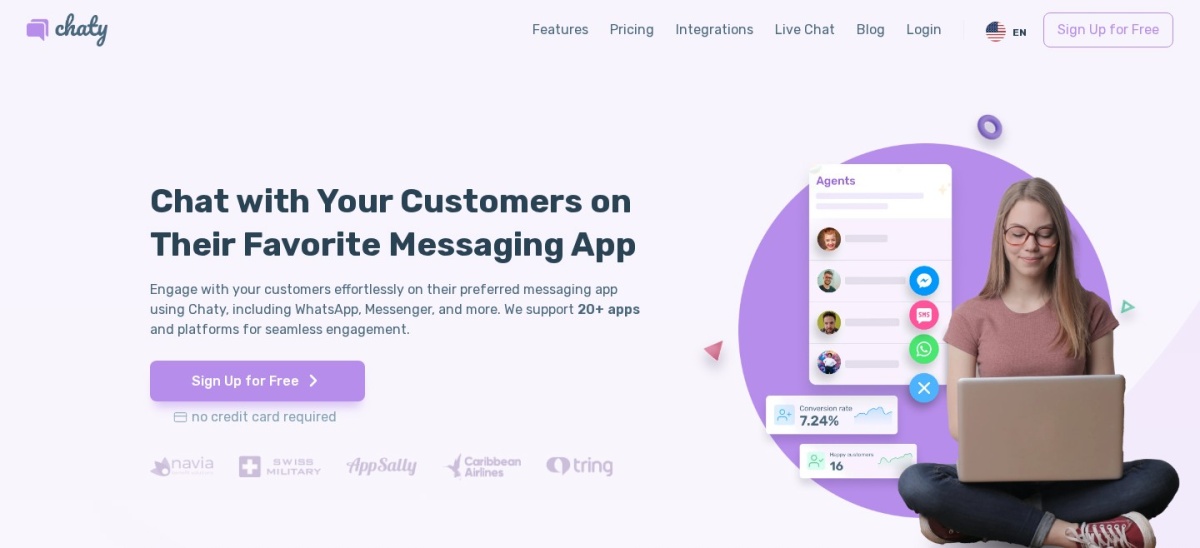
Chaty homepage, captured Nov 2026.
Chaty is a floating chat button that puts WhatsApp, Messenger, Telegram and more than 20 other channels behind one widget. The free WordPress plugin covers unlimited channels, and Pro adds multiple agents per channel, scheduling and WooCommerce pop-ups that use the product name. It holds a 5.0 out of 5 rating from 1,248 reviews.
The trade off is that it is a button, not a live chat inbox. Visitors leave your site to chat in their own app, and Pro costs $59 a year for one site. It suits stores whose customers already prefer WhatsApp or Messenger over on-site chat.
4.7/5on WordPress.org (188 reviews, checked Nov 2026)
Paid from€96/yr
Best WhatsApp button for WooCommerce
ChannelsWhatsApp, plus more in Premium
Free planYes, incl. WooCommerce buttons
Support agentsPremium only
Paid planPremium, €96/yr
join.chat
Joinchat homepage, captured Nov 2026.
Joinchat is a WhatsApp button plugin with more than 700,000 active installs, the most in this list. The free version adds a floating WhatsApp button with a chat window, WooCommerce buttons on product and cart pages, and analytics events. Visitors tap the button and continue the conversation in WhatsApp.
The trade off is the currency and the paywall. Premium costs €96 a year for one site, and Joinchat lists no dollar price, while multiple agents and ChatFunnel need Premium. It suits stores where most customers already use WhatsApp and want the fastest route to a sale.
What we like
Most-installed chat plugin in this list
WooCommerce buttons included free
Chat window with pre-filled messages
Watch out for
Premium is priced in euros, with no dollar price
Multiple agents need the paid plan
Premium adds agents, ChatFunnel and country rulesVisit join.chat
05
HubSpot
4.3/5on WordPress.org (207 reviews, checked Nov 2026)
Paid from$20/mo
Best chat with a free CRM behind it
Free planYes, live chat + CRM
Users2 on the free plan
ChatbotsBasic bots on the free plan
Paid planMarketing Starter, $20/seat/mo
hubspot.com
HubSpot homepage, captured Nov 2026.
HubSpot is a free CRM with live chat built in, so every conversation lands on the same contact record as forms and emails. The free plan covers live chat, forms and email marketing for up to two users, with HubSpot branding on the chat. The WordPress plugin connects the chat widget to your site in minutes.
The trade off is that chat is one small part of a large platform. Marketing Hub Starter costs $20 a month per seat billed monthly and removes the branding, while the full automation features sit on far dearer plans. It suits stores that want chat and customer records in one place.
4.6/5on WordPress.org (142 reviews, checked Nov 2026)
Paid from$29/mo
Best completely free live chat
Free planYes, unlimited chats + agents
Chat historyUnlimited
Knowledge baseYes, free
Paid planWhitelabel add-on, $29/mo
tawk.to
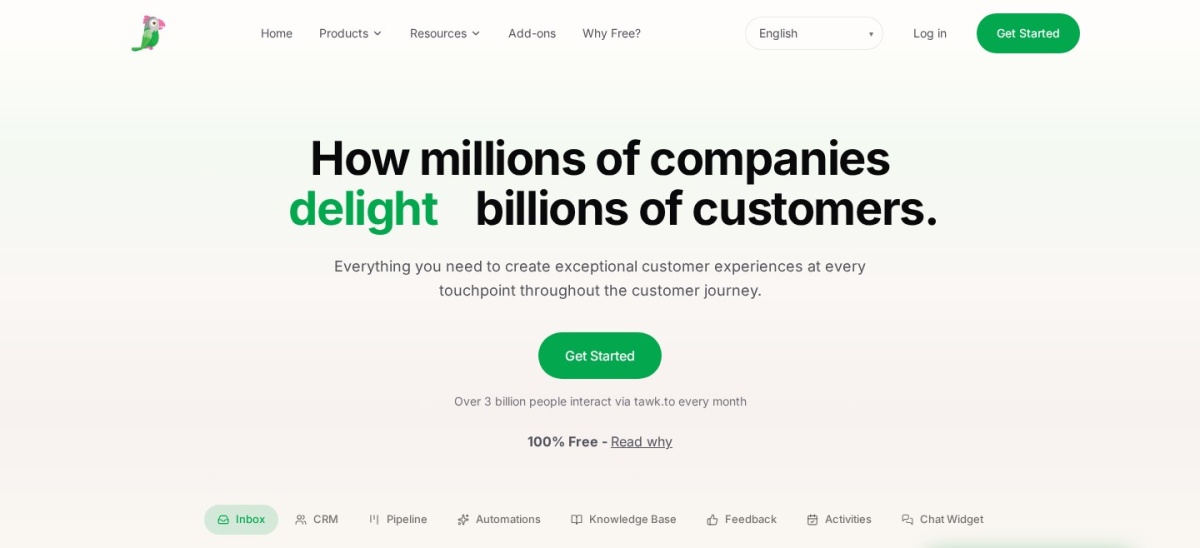
Tawk.to homepage, captured Nov 2026.
Tawk.to is a free live chat platform with unlimited chats, unlimited agents and unlimited history, plus a knowledge base and ticketing at no cost. The WordPress plugin adds the widget to a WooCommerce store, and the dashboard covers chat, CRM and a pipeline board. It is rated 4.6 out of 5 from 142 reviews.
The trade off is branding and add-ons. The free widget shows a Powered by tawk.to badge, and removing it costs $29 a month per property on the vendor's add-ons page, with AI Assist from $29 a month more. It suits new stores that want real live chat at zero cost.
4.9/5on WordPress.org (697 reviews, checked Nov 2026)
Paid from$49/yr
Best WhatsApp chatbox for WooCommerce
Free planYes, button + contact box
Chatbox styleWhatsApp-style window
Multiple agentsPro only
Paid planPersonal, $49/yr
quadlayers.com
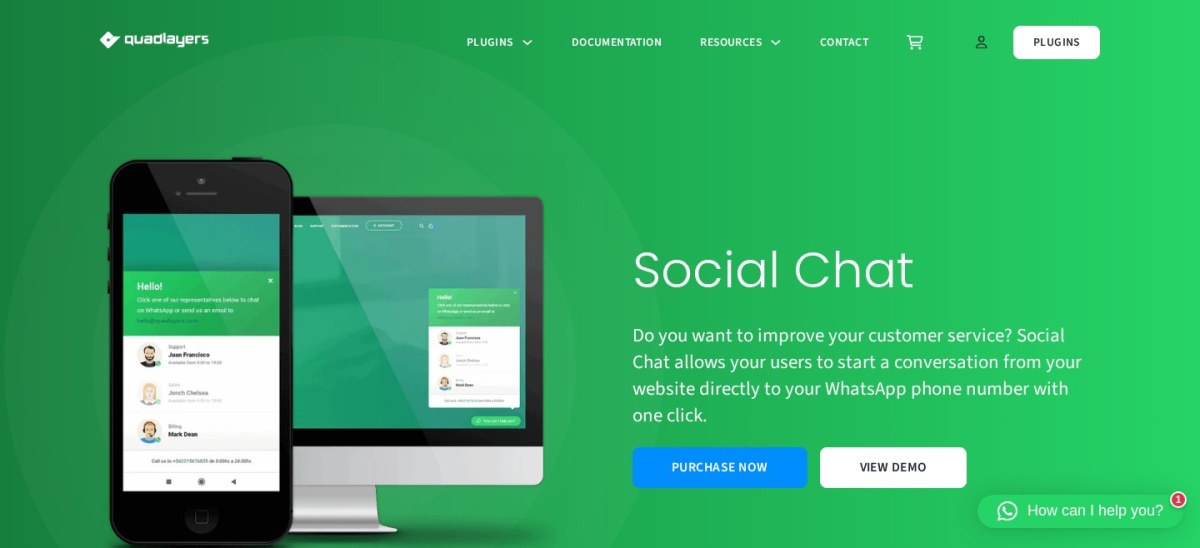
Social Chat homepage, captured Nov 2026.
Social Chat is a WhatsApp plugin from QuadLayers that shows a WhatsApp-style chatbox on your store instead of a plain button. The free version covers the button and contact box, and visitors type a message that opens in WhatsApp. It holds a 4.9 out of 5 rating from 697 reviews.
The trade off is that the best parts are paid. Personal costs $49 a year for one site and adds multiple agents, a chatbox per agent and business hours. It suits stores that want the chatbox look and a small team answering WhatsApp.
4.6/5on WordPress.org (820 reviews, checked Nov 2026)
Paid from$300/yr
Best chat that turns into a free call
Free planYes, up to 10 users
CallsFree browser calls in chat
ChannelsWhatsApp, Facebook, SMS
Paid planBasic, $300/yr
3cx.com
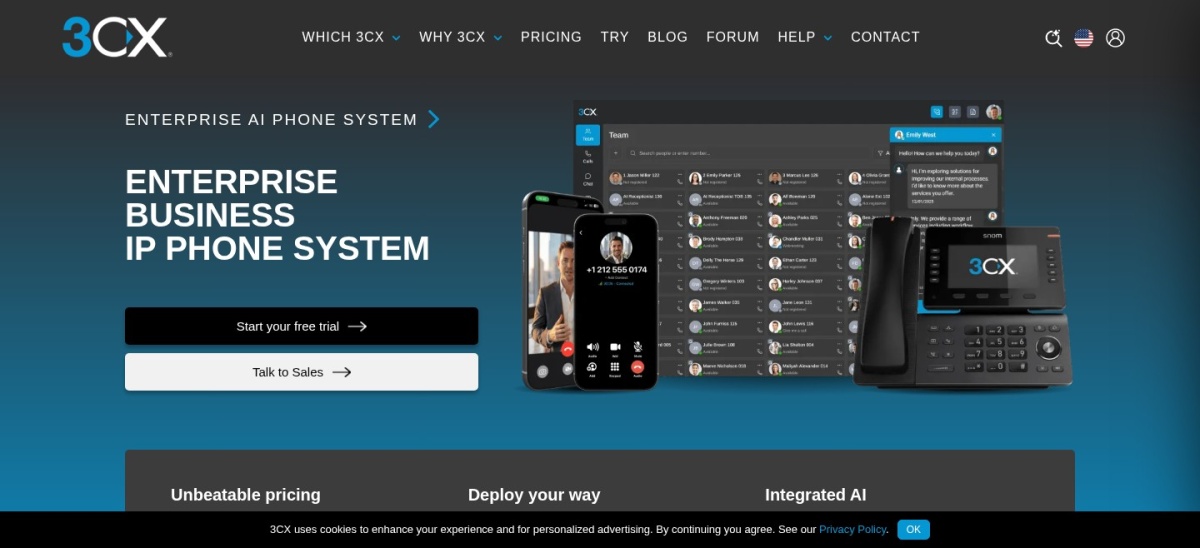
3CX Live Chat homepage, captured Nov 2026.
3CX Live Chat is the website chat of the 3CX phone system, with more than 100,000 active installs. The plugin is free, and chat is free for up to 10 users on 3CX SMB Free, with hosting included. Agents answer chats, WhatsApp, Facebook and SMS in one panel and can turn any chat into a free browser call.
The trade off is that chat lives inside a phone system. There is no chatbot for offline hours, and past 10 users the Basic licence costs $300 a year for the whole system. It suits stores whose team already runs on 3CX phones.
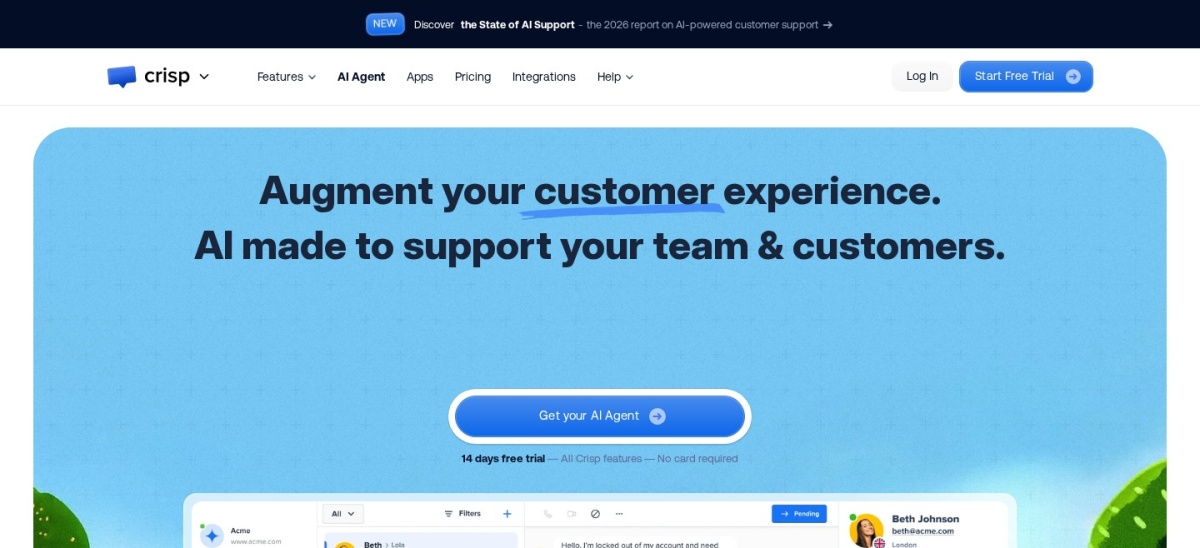
Crisp is a shared inbox with live chat, a chatbot builder and a knowledge base, priced per workspace instead of per agent. The free plan covers live chat for two seats, and the Mini plan adds four seats, automation triggers and a shared email inbox. Its WooCommerce integration syncs orders and customer data into the inbox.
The trade off is the new price. Mini costs $45 a month per workspace, up from the $25 Pro plan older reviews quote, and its Trustpilot score is 2.0 out of 5 from 55 reviews, mostly about billing and support. It suits small teams that want one flat bill instead of per-seat pricing.
What we like
Flat price per workspace, not per seat
Chatbot, knowledge base and email inbox
WooCommerce order sync included
Watch out for
Mini now costs $45 a month, not $25
Trustpilot reviews are poor on billing and support
Free plans cover the basics well. Most include live chat or a chat button, and Tawk.to even adds a knowledge base and ticketing for free.
Paid plans mostly add volume, branding and automation. You get more conversations, your own branding and an AI agent that answers when your team is offline.
For a store that earns money every day, the first year of a paid plan often costs less than one lost sale a week from an unanswered question.
Live chat or WhatsApp: which first
Pick live chat first if your team answers during shop hours. It keeps the shopper on the product page and shows order details beside the conversation.
Pick a WhatsApp button first if your customers already message you there. The chat survives after they leave the site, and they answer on their own phone.
Many stores run both: live chat for browsing shoppers and a WhatsApp button for after-sales questions. Start with one, then add the second only if shoppers ask for it.
How we chose
We started from every chat plugin on WordPress.org with at least 70,000 active installs, then added the leading SaaS chat tools that publish a WordPress plugin or a WooCommerce integration.
Prices come from each vendor's pricing page, checked on 22 November 2026. Ratings and install counts come from WordPress.org on the same day, except LiveChat, rated on Capterra, and Crisp, rated on G2. Where a vendor shows a sale, the list shows the regular price.
We left out plugins not updated in the last 12 months and tools with no WooCommerce route. No vendor paid for a place, and we do not claim hands-on testing for this list.
How to choose a chat plugin for WooCommerce
Start with where your customers already talk to you, then check the free version before you pay.
Work out where your customers are. If they message on WhatsApp, start with a WhatsApp button. If they browse and ask on the site, start with live chat.
Count the conversations, not the seats. Tidio charges by conversation and LiveChat charges per user, so a busy store can pay very different amounts for the same team.
Try the free version for a week. Every tool here except LiveChat has a free plan. Use it through a busy weekend before paying, so you know what the paid plan actually adds.
Check the renewal price, not the first year. Tidio, LiveChat and Crisp all bill monthly, so the yearly total is 12 times the monthly price. Budget for year two, not the trial.
FAQ
What is the best website chat plugin for WooCommerce?
Tidio is the best pick for most WooCommerce stores. It combines live chat with the Lyro AI agent, which answers order and shipping questions, and it is rated 4.8 out of 5 from 395 reviews on WordPress.org.
Is live chat or WhatsApp better for a WooCommerce store?
It depends on your customers. Live chat keeps shoppers on the product page with order data beside the conversation, while WhatsApp keeps the conversation going after they leave. Many stores run live chat first and add a WhatsApp button later.
Can I use a chat plugin for free?
Yes. Eight of the nine tools here have a free plan, and Tawk.to is free with unlimited agents, chats and history. LiveChat is the exception: it has no free plan, only a 14-day trial.
Do chat plugins slow down WooCommerce?
Any chat widget adds a script to every page, so it can slow a store a little. WhatsApp buttons are the lightest because they only add a link, while full live chat widgets load more code. Keep one widget and test your checkout speed after installing it.
What does a chat plugin cost per year?
Paid plans in this list run from $49 a year for Social Chat to $540 a year for Crisp Mini. Per-seat tools cost more as the team grows: LiveChat Essential is $228 a year for one user billed annually.
Do I need a chatbot as well as live chat?
Not at first. A chatbot helps when the same questions arrive after hours, such as order tracking and returns. Start with live chat, note the questions that repeat, and add AI only when those questions take up real staff time.