Riverside is the best webinar recording software for most creators, recording each guest locally in up to 4K with separate tracks, and it is rated 4.8 out of 5 from 1,760 G2 reviews. Pick Loom for quick async clips and OBS Studio when you want a free recorder with no limits.
How we make this list: we compare pricing pages, product documentation and public user reviews, then re-check every price before each update. No product paid for a place. Disclosure.
Riverside records every guest locally in up to 4K, so a bad connection never ruins the file.
Loom is the fastest way to record and share a short webinar clip, but free videos stop at 5 minutes.
Descript turns a recording into a transcript you edit like a document, with 4K export on Creator.
OBS Studio is the only fully free option here, with no watermark and no recording limit.
Paid plans start at $4 a month for ScreenPal and climb to $29 a month for Riverside Pro.
What to look for in webinar recording software
A webinar recording has to survive a bad connection. Tools that record each speaker locally keep the file clean even when the live call stutters, while tools that capture the meeting stream inherit every dropout.
Decide first whether you record live sessions or make the video after. Live platforms such as Zoom and Riverside capture the session as it happens, while editors such as Descript and Camtasia shine when you polish a recording into a replay.
Editing matters as much as capture. Our guide on embedding a video in WordPress shows where the finished file ends up, so pick a tool whose export format fits your site.
Free plans are usable here, but they cap length or quality. Check the recording limit, the export resolution and whether the free plan adds a watermark before you record a session you cannot repeat.
Riverside is a browser-based studio that records each guest locally in up to 4K, then uploads separate audio and video tracks for every speaker. The free plan covers basic recording, and Pro at $29 a month adds 15 hours of separate-track downloads, 400 AI credits and Magic Clips that cut highlights automatically.
The trade off is price and polish. Webinar features such as registration and polls need the Webinar plan at $99 a month, and AI clips sometimes need manual fixes. It suits creators who interview remote guests and want a clean file even when the live call is shaky.
What we like
Local recording is unaffected by call quality
Separate audio and video tracks per speaker
Magic Clips and AI editing save cutting time
Watch out for
Webinar features need the $99 a month plan
Uploads and processing can be slow
AI clips sometimes need manual fixes
Pro adds 15 hours of separate-track downloads and AI creditsVisit riverside.fm
02
Loom
4.7/5on G2 (2,588 reviews, checked Nov 2026)
Paid from$18/mo
Best for quick async recordings
RecordingScreen and camera
Free limit25 videos, 5 min each
TranscriptsYes
Paid planBusiness, $18/mo
loom.com
Loom homepage, captured Nov 2026.
Loom is a screen and camera recorder built for short async videos. The free Starter plan allows 25 videos of up to 5 minutes each, with transcripts and instant share links, and Business at $18 a month removes the caps and adds editing, branding and downloads.
The trade off is length and depth. Five minutes is too short for a full webinar, and the built-in editing is basic next to a real editor. It suits teams that send quick walkthroughs, recaps and follow-ups instead of full sessions.
What we like
One-click recording with an instant share link
Transcripts and AI summaries included
Easy enough for non-technical users
Watch out for
Free videos stop at 5 minutes each
Built-in editing is basic
Large video libraries are hard to organise
Business removes the 5-minute cap and adds downloadsVisit loom.com
03
Descript
4.6/5on G2 (941 reviews, checked Nov 2026)
Paid from$15/mo
Best for editing by transcript
RecordingScreen, camera, audio
EditingBy transcript
Free planYes
Paid planCreator, $15/mo
descript.com
Descript homepage, captured Nov 2026.
Descript is a recorder and editor that turns a recording into a transcript you edit like a document. The free plan covers recording and text-based editing with AI tools, and Creator at $15 a month adds 30 media hours, 800 AI credits and 4K watermark-free export.
The trade off is the learning curve around its AI tools. The cutting tool can feel imprecise, and direct meeting connections cover Zoom only. It suits creators who turn webinars into polished replays, clips and written content.
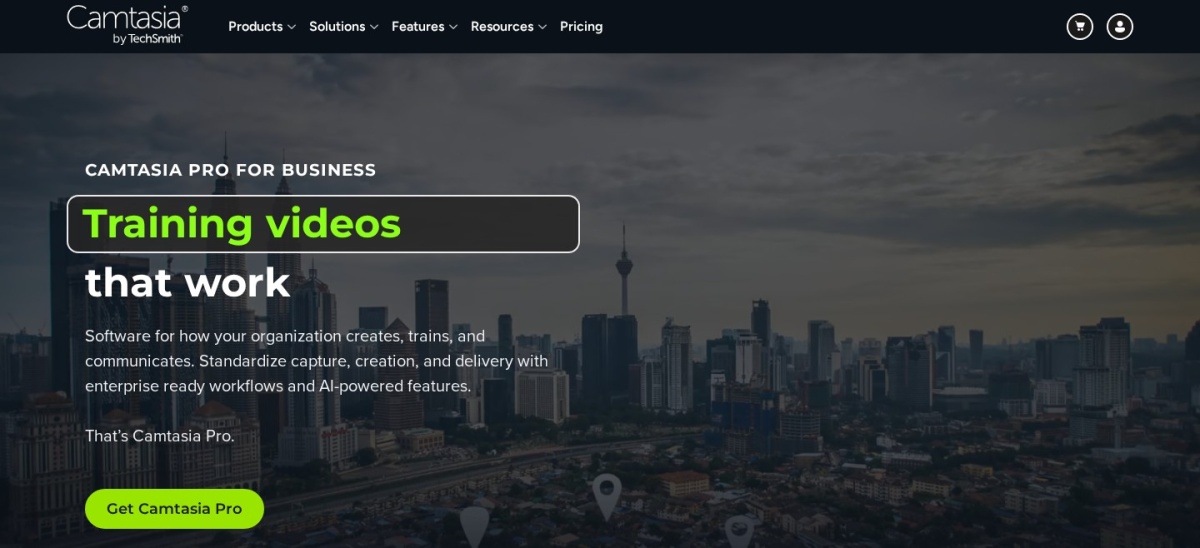
Camtasia is a desktop screen recorder and video editor from TechSmith, aimed at training videos and tutorials. The free Starter plan covers basic video editing, and Essentials at $179.88 a year adds full recording, editing, speech-to-text transcription and templates.
The trade off is price and weight. It costs more than lighter recorders, and long 4K files can run slowly while editing. It suits trainers and teams that produce polished, repeatable webinar replays.
Zoom is the meeting platform most guests already know, and every meeting can be recorded locally or to the cloud. The free Basic plan caps group meetings at 40 minutes with 100 participants, and Pro at $14.99 a month removes the cap and adds cloud recording with 5 GB of storage and AI Companion summaries.
The trade off is that Zoom is a meeting tool first. There is no real video editor, so replays need another app for cutting, and cloud storage stays small on Pro. It suits live webinars where guests must join with no setup.
What we like
Guests already know how to join
Local recording on the free plan
AI summaries on Pro save note-taking
Watch out for
Free group meetings stop at 40 minutes
No built-in video editor
Only 5 GB of cloud storage on Pro
Pro adds cloud recording, 5 GB storage and AI CompanionVisit zoom.com
06
OBS Studio
4.6/5on G2 (141 reviews, checked Nov 2026)
PriceFree
Best free recorder with no limits
RecordingLocal, no limit
WatermarkNone
PriceFree, open source
PlatformsWindows, Mac, Linux
obsproject.com
OBS Studio homepage, captured Nov 2026.
OBS Studio is a free, open-source recorder for Windows, Mac and Linux, built around scenes that mix screen, webcam and audio sources. It records locally with no watermark, no time limit and no account, and the audio mixer adds noise suppression, gain and VST filters per source.
The trade off is setup time. The settings panel can overwhelm new users, and there is no built-in editor or dedicated support team. It suits creators who want full control and a free recorder they never outgrow.
Snagit is a TechSmith capture tool for screenshots and short screen videos, with annotations, callouts and step-by-step templates. The Personal plan costs $39 a year, and video recording covers screen, webcam and audio, with sharing to common destinations.
The trade off is video depth. Editing is basic next to Camtasia, and there is no free plan beyond a trial. It suits trainers and support teams that record short clips and illustrated guides all day.
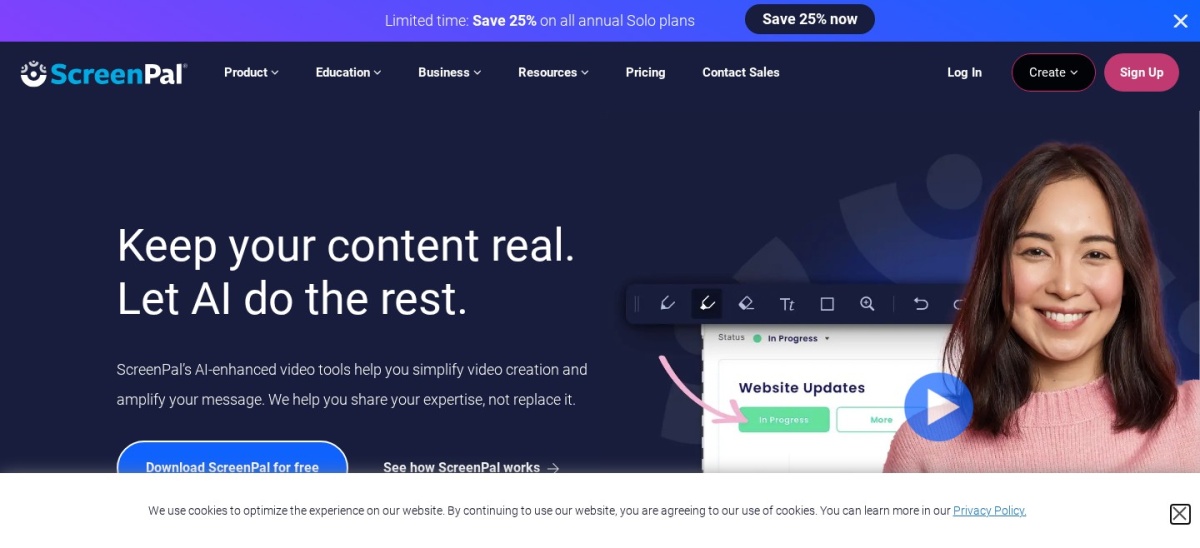
ScreenPal is a screen and webcam recorder with a built-in video editor, storyboards and auto-captions. The free plan allows 15-minute recordings, and Solo Deluxe at $4 a month adds unlimited recording, the full editor, audio editing and system-audio capture. Deluxe is on sale at $3 a month through 5 December.
The trade off is editing depth. Audio editing is limited next to bigger editors, and exports can be slow on large files. It suits teachers and small teams that want recording, editing and hosting for very little money.
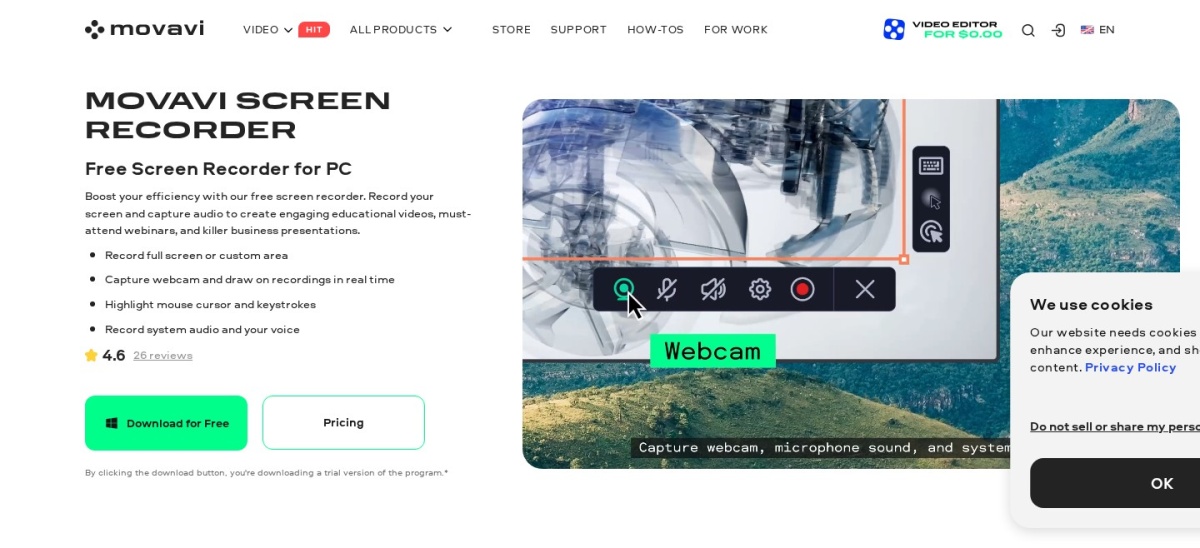
Movavi Screen Recorder homepage, captured Nov 2026.
Movavi Screen Recorder is a simple desktop recorder for Windows and Mac that captures screen, webcam, audio and keystrokes. The Personal licence costs $39.95 as a one-time payment for one PC, and the Business licence is $49.95 a year. It exports to MP4 and other common formats with basic trimming built in.
The trade off is editing depth. Precise multi-cut editing is hard, and the app promotes other Movavi products. It suits beginners who want a plain recorder that starts fast and stays out of the way.
Free plans in this list cover short recordings well. Riverside, Loom, Descript, Zoom, OBS Studio and ScreenPal all record something useful without paying.
Paid plans mostly add length, quality and editing. You get longer recordings, 4K export, separate tracks and AI tools such as transcripts and highlight clips.
If the webinar cannot be repeated, pay for the month. A single month of Riverside Pro at $29 or Loom Business at $18 costs less than re-running a live session with guests.
How we chose
We started from the recording tools buyers compare most for webinars, then kept the nine with a public G2 rating, a free plan or trial, and a published price.
Prices come from each vendor's pricing page or vendor-supplied G2 pricing data, checked on 26 November 2026. Ratings and review counts come from G2 on the same day. Where a vendor shows a sale, the list shows the regular price.
We left out tools with no public rating and no published price. No vendor paid for a place, and we do not claim to have used these tools ourselves.
How to choose webinar recording software
Start with how the session runs, then match the recorder to it.
Decide live or pre-recorded. Live webinars need a platform that records the session; pre-recorded ones need a good editor more than a meeting tool.
Check the free recording limit. Five minutes on Loom or 15 on ScreenPal is fine for clips, but a full webinar needs a paid plan or a free tool such as OBS Studio.
Look at export quality. If the replay goes on your site, you want at least 1080p export without a watermark, which most free plans restrict.
Test the edit before the big day. Record a short run-through, cut it, and export it. See our guide on embedding a video in WordPress for where the file goes next.
FAQ
What is the best webinar recording software?
Riverside is the best pick for most creators. It records each guest locally in up to 4K with separate audio and video tracks, and it holds a 4.8 out of 5 rating from 1,760 G2 reviews. The free plan covers basic recording, and Pro costs $29 a month.
Can I record a webinar for free?
Yes. OBS Studio records with no time limit, watermark or cost, and Riverside, Loom, Descript, Zoom and ScreenPal all have free plans. Free plans cap length or quality, so check the recording limit before a session you cannot repeat.
Does Zoom record webinars?
Yes. Zoom records meetings locally on the free plan and to the cloud on Pro, which costs $14.99 a month. Local recording avoids the cloud storage limit, and Pro adds AI Companion summaries plus 5 GB of cloud storage for replays.
What is the cheapest webinar recording software?
OBS Studio is free with no limits. Among paid tools, ScreenPal Deluxe is the cheapest at $4 a month, followed by Snagit at $39 a year. Both record screen and webcam, though their editing tools are lighter than Camtasia or Descript.
Do I need a separate editor after recording?
It depends on the tool. Descript and Camtasia include full editors, while OBS Studio and Zoom do not, so you export the file elsewhere. Riverside and Loom include basic editing and AI clips, which cover most webinar replays.
Which tool is best for remote guest interviews?
Riverside. It records each guest locally, so the final file does not depend on the quality of the live call, and separate tracks make editing much faster. It is rated 4.8 out of 5, the highest score in this list.
SaaS SEO and WordPress specialist with about 8 years of experience. Rakib compares WordPress plugins, themes, hosting and software using public pricing, documentation and user reviews. See how we rank.