Zoom Webinars is the best webinar platform for most teams, with 500 attendees, polls, Q&A and AI captions on its entry plan and a 4.5 out of 5 G2 rating. Pick Demio for simple marketing webinars and Livestorm if you want a free plan.
How we make this list: we compare pricing pages, product documentation and public user reviews, then re-check every price before each update. No product paid for a place. Disclosure.
Zoom Webinars is the top pick: 500 attendees on the entry plan, polls, Q&A and AI captions, rated 4.5 out of 5 on G2.
Demio is the simplest room for marketers at $45 a month, but Starter covers only 50 attendees.
Livestorm is the only dedicated platform with a free plan, and its Pro pack costs $1,200 a year for 400 attendee credits.
Webex Webinars lists at $2,700 a year for 1,000 attendees, though Cisco was showing it at $675 a year on 26 November 2026.
Microsoft Teams and Google Meet are the cheapest routes in, at $12.50 and $7 per user a month, with free plans for small sessions.
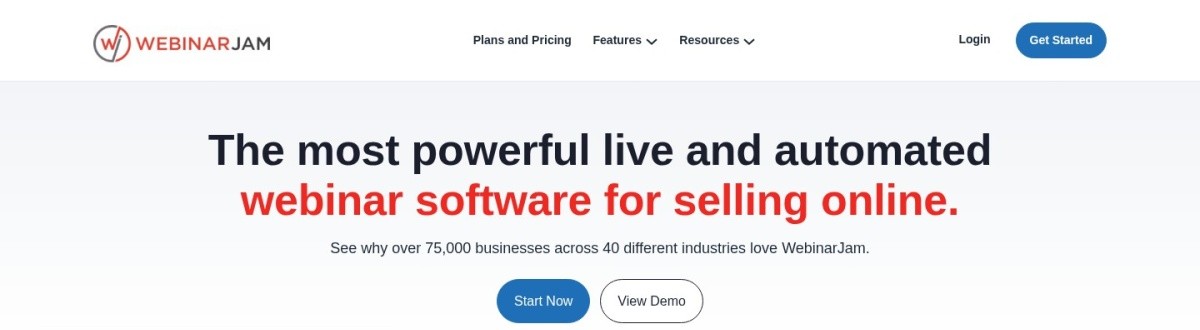
WebinarJam is the cheapest dedicated sales tool at $39 a month, but its 3.6 out of 5 G2 rating is the lowest in this list.
What to look for in a webinar platform
A webinar platform is judged on three things: how many people can attend, what the room does while they are there, and what happens to the recording after. Most tools in this list cover registration, live chat, polls and Q&A, so the real differences are attendee caps, automation and price.
Pricing is the hardest part to compare. Zoom, Demio, GoTo Webinar, WebinarJam and ClickMeeting charge a flat monthly fee per host or account, while Livestorm sells yearly packs of attendee credits and Webex sells a yearly licence per attendee tier. Always check which attendee count the headline price covers.
Free plans are thin in this category. Only Livestorm, Microsoft Teams and Google Meet offer a free tier, and all three cap session length or features. If you run webinars every week, a paid plan is usually cheaper than the time lost to limits. Our guide on embedding a video in WordPress covers what to do with the recording once the session ends.
If your webinars exist to generate leads, look for registration pages, email reminders and CRM integrations before you look at video quality. Demio, Livestorm and GoTo Webinar all sync with HubSpot or Salesforce on paid plans.
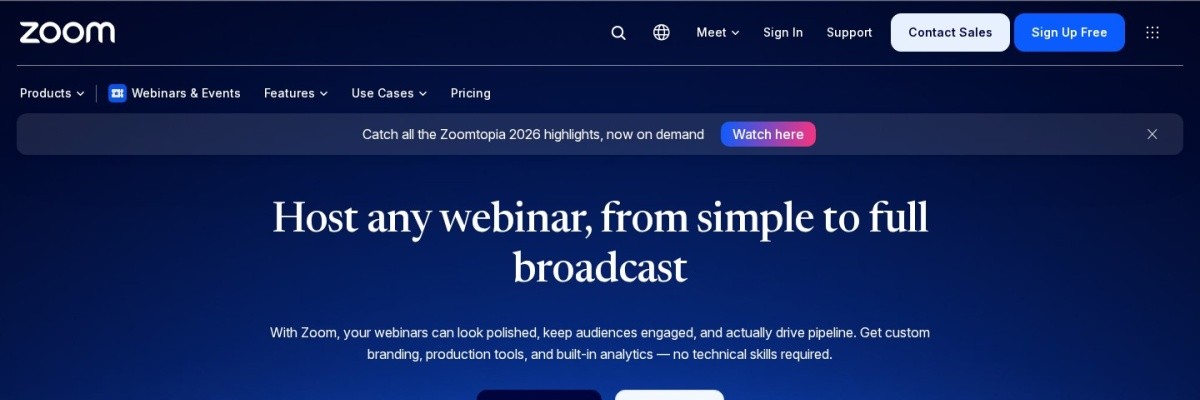
Zoom Webinars is the webinar product from Zoom, built for large broadcasts with a familiar meeting-style room. The entry plan covers 500 attendees and includes registration pages, chat, polls, Q&A, reactions and AI captions in more than 20 languages, with sessions up to 30 hours.
The trade off is cost and commitment. Webinars costs $66.67 a month billed annually, about $800 a year, and it sits on top of a paid Zoom Workplace plan, with no free plan or monthly billing. It suits teams that already run on Zoom and regularly present to hundreds of people.
What we like
Largest entry room in this list at 500 attendees
Scales to 100,000 attendees on higher tiers
AI captions in more than 20 languages
HubSpot, Salesforce and Marketo integrations
Watch out for
Requires a paid Zoom Workplace plan on top
No free plan and no monthly billing
Entry price is steep for occasional presenters
Webinars Plus adds simulive and backstage at $82.50/moVisit zoom.us
02
Demio
4.6/5on G2 (172 reviews, checked Nov 2026)
Starts at$45/mo
Best for simple marketing webinars
Attendees on Starter50
Free planNo, 14-day trial
Automated webinarsGrowth plan
Paid planStarter, $45/mo
demio.com
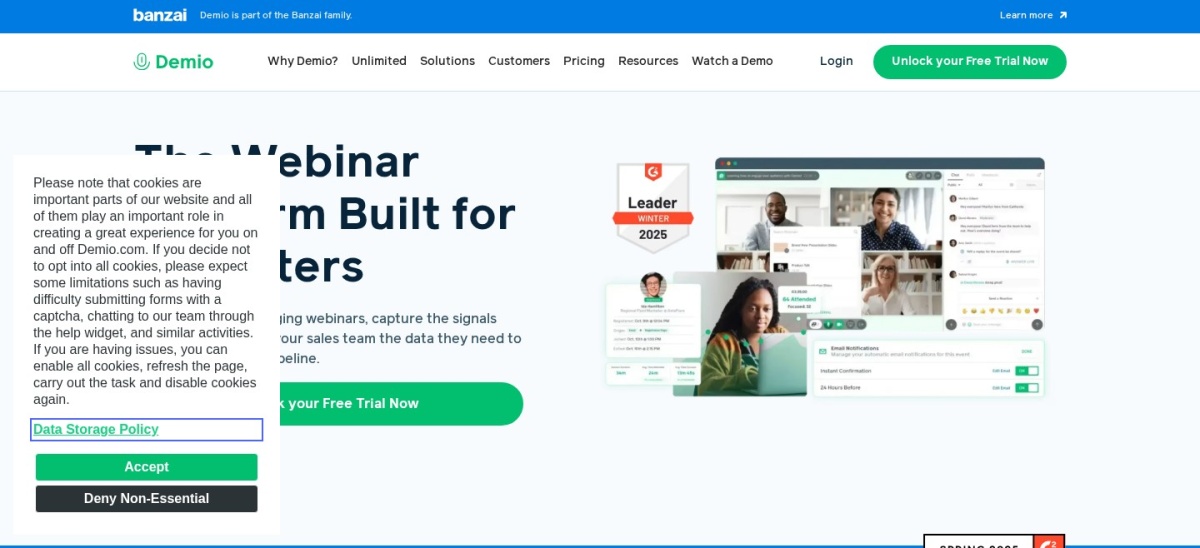
Demio homepage, captured Nov 2026.
Demio is a browser-based webinar platform built for marketers, with no download for hosts or attendees. The Starter plan covers 50 attendees and includes live chat, polls, featured actions, handouts and engagement analytics, plus a 14-day free trial.
The trade off is room size and automation. Starter covers only 50 attendees, and automated and on-demand webinars need the Growth plan at $117 a month. It suits small marketing teams that run live webinars and want a simple room without downloads.
Livestorm is a browser-based webinar platform that charges by attendance, not by seat. The free plan includes 30 attendee credits a year with 30-minute sessions, and the Pro pack covers 400 attendee credits a year for $1,200, with unlimited team members and events up to 4 hours.
The trade off is the credit model. You buy a yearly pack of credits and spend one per attendee per session, so a team running one 100-person webinar a month needs about 1,200 credits a year. It suits marketing teams whose audience size varies from month to month.
Webex Webinars is Cisco's webinar product, sold as a yearly licence by attendee tier. The entry licence covers 1,000 attendees and includes live, simulive and on-demand streaming, Slido polling, moderated Q&A, breakout rooms and translated captions, with 24-hour sessions.
The trade off is price. The list price is $2,700 a year for the 1,000-attendee licence, and Cisco was showing it at $675 a year on 26 November 2026, with no monthly billing. It suits large organisations that already run on Cisco and need strong security and compliance.
What we like
1,000 attendees on the entry licence
Live, simulive and on-demand in one licence
Slido polling and translated captions built in
Strong security and compliance posture
Watch out for
Highest regular price in this list at $2,700 a year
No monthly billing and no free trial listed
Steep learning curve for new organisers
Larger tiers up to 100,000 attendees are quoted by salesVisit webex.com
05
GoTo Webinar
4.2/5on G2 (804 reviews, checked Nov 2026)
Starts at$49/mo
Best for reliable corporate webinars
Attendees on Lite100
Free planNo, 7-day trial
RecordingCloud recording
Paid planLite, $49/mo
goto.com
GoTo Webinar homepage, captured Nov 2026.
GoTo Webinar is a long-running webinar platform for corporate and training teams. The Lite plan covers 100 attendees for $49 a month billed annually and includes registration pages, automated email reminders, polls, handouts and standard reporting, with a 7-day free trial.
The trade off is the interface and the room size. Reviewers call the organiser controls dated next to newer tools, and the entry plan stops at 100 attendees, so larger audiences need the $99 or $199 plans. It suits teams that value reliability and reporting over a modern design.
What we like
Long track record with corporate and training teams
Mature registration and email workflows
Salesforce and HubSpot CRM sync
804 G2 reviews, a large sample for this niche
Watch out for
Organiser interface feels dated next to newer tools
Microsoft Teams is the collaboration hub inside Microsoft 365, and it covers webinars as well as meetings. Webinar hosting with registration pages, Q&A, polling and attendee reporting comes with Microsoft 365 Business Standard at $12.50 per user a month, and meetings support up to 1,000 participants.
The trade off is that webinars are part of a bundle. You pay per user for the whole Microsoft 365 suite, and the desktop app is heavy on older machines, which reviewers mention often. It suits organisations that already pay for Microsoft 365 and want webinars without another subscription.
What we like
Already included for Microsoft 365 subscribers
19,487 G2 reviews, by far the most in this list
Town halls reach up to 10,000 view-only attendees
Chat, files and meetings in one place
Watch out for
Webinar hosting needs Business Standard, not Essentials
4.5/5on Capterra (12,183 reviews, checked Nov 2026)
Paid from$7/user/mo
Best free option for Google teams
Participants on free plan100
Free planYes, 60-min limit
RecordingPaid plans
Paid planStarter, $7/user/mo
meet.google.com
Google Meet homepage, captured Nov 2026.
Google Meet is the video meeting tool inside Google Workspace, and it works for small webinars too. It is free with a Google account for up to 100 participants with a 60-minute limit on group calls, and the paid Workspace Starter plan at $7 per user a month adds recording and longer meetings.
The trade off is features. Meet has no built-in registration pages, email sequences or sales offers, so it fits announcements and training better than lead generation. It suits Google Workspace teams that run small, simple sessions and want guests to join from a link.
ClickMeeting is a browser-based webinar platform for small and mid-size teams. The Essential plan costs $39 a month billed annually and includes unlimited webinars, 2 presenters, 5 breakout rooms, paid webinars with tickets, tests and quizzes, and a 14-day free trial with no card required.
The trade off is automation and scale. Automated and on-demand webinars need the Standard plan at $79 a month, and the entry plan has no custom branding. It suits trainers and small teams that run live sessions and want ticket sales without a big monthly bill.
What we like
Paid webinars with tickets and discount codes
14-day free trial with no card required
Tests, quizzes and whiteboard built in
ISO 27001 certified with GDPR and HIPAA compliance
Watch out for
Automated webinars need the $79 Standard plan
No custom branding on the entry plan
Smallest review base of the paid tools here, at 280 on G2
WebinarJam is webinar software built for coaches and course sellers who sell during live sessions. The Starter plan costs $39 a month billed annually for 100 attendees and 1 host, with timed product offers, live chat, polls, video injections and a $1 trial for 14 days.
The trade off is limits and ratings. Starter sessions stop at 1 hour and 100 attendees, automated evergreen webinars need the sibling product EverWebinar, and its 3.6 out of 5 G2 rating is the lowest here. It suits sellers who run short live sales webinars every week.
What we like
Timed offers and one-click buy buttons in the room
Free plans in this list cover small sessions only. Livestorm gives 30 attendee credits a year, Teams caps free meetings at 60 minutes for groups, and Meet limits free group calls to 60 minutes and 100 participants.
Paid plans mostly add room size and automation. Larger attendee caps, automated and on-demand webinars, custom branding and CRM syncs sit behind the paywall on every tool here.
If you run one webinar a month for under 100 people, a free plan or the cheapest paid plan is enough. Weekly presenters should budget for at least the mid-tier plan, since entry caps are easy to outgrow. Our email list growth guide shows how to turn registrants into subscribers.
How we chose
We started from the webinar platforms with published pricing and public review scores on G2 or Capterra, then kept the nine that cover the most common needs: large broadcasts, marketing webinars, sales webinars and free sessions.
Prices come from each vendor's pricing page, checked on 26 November 2026. Ratings and review counts come from G2 on the same day, except Google Meet, which uses Capterra. Where a vendor shows a sale, the list shows the regular price.
We left out platforms that publish no price, including BigMarker, which now quotes by sales call only. No vendor paid for a place, and we do not claim to have used these tools ourselves.
How to choose a webinar platform
Start with your audience size, then check what the entry price actually covers.
Count your real audience. Use your last three webinars, not your mailing list. Entry plans cover 50 to 1,000 attendees, and the wrong tier is the most common overspend.
Decide live, automated or both. Automated and on-demand webinars cost more on Demio, ClickMeeting and WebinarJam. If you only run live sessions, do not pay for automation.
Check the free plan limits. Livestorm, Teams and Meet all offer free sessions, but with caps on length, attendees or recording. See how to grow an email list from the registrations you collect.
Add up the real yearly cost. Multiply the monthly price by 12, then add any required base plan, such as Zoom Workplace Pro under Zoom Webinars or Microsoft 365 under Teams.
FAQ
What is the best webinar platform?
Zoom Webinars is the best webinar platform for most teams. Its entry plan covers 500 attendees with polls, Q&A and AI captions, it scales to 100,000 attendees, and it is rated 4.5 out of 5 on G2 from 412 reviews.
Is there a free webinar platform?
Yes, three tools in this list have free plans. Livestorm gives 30 attendee credits a year, Microsoft Teams offers free meetings with a 60-minute group limit, and Google Meet is free for up to 100 participants with the same 60-minute limit on group calls.
How much does a webinar platform cost?
Entry prices in this list run from $7 per user a month for Google Meet to $225 a month for Webex Webinars. Most dedicated platforms start between $39 and $66.67 a month billed annually, and the cheapest paid plan usually covers 50 to 500 attendees.
Which webinar platform is best for sales?
WebinarJam is built for selling, with timed product offers, countdown timers and one-click buy buttons inside the room. Demio and ClickMeeting also suit sales teams, with handouts, featured actions and ticket sales, and both are easier to set up than WebinarJam.
Do I need Zoom Workplace to use Zoom Webinars?
Yes. Zoom Webinars sits on top of a paid Zoom Workplace plan, so the $66.67 a month for Webinars is in addition to the Workplace licence. Teams already on Zoom pay only the add-on, while new buyers should add the Workplace cost to the yearly total.
What is the difference between live and automated webinars?
A live webinar runs in real time with a host presenting, while an automated webinar replays a recording on a schedule as if it were live. Demio, ClickMeeting and WebinarJam charge more for automation, and WebinarJam pairs it with its sibling product EverWebinar.
SaaS SEO and WordPress specialist with about 8 years of experience. Rakib compares WordPress plugins, themes, hosting and software using public pricing, documentation and user reviews. See how we rank.