Best Video Hosting Platforms for Business in 2026: 9 Tools Compared
WLWPLegible EditorsLast verified 24 Nov 2026How we rank13 min read
★ Short answer
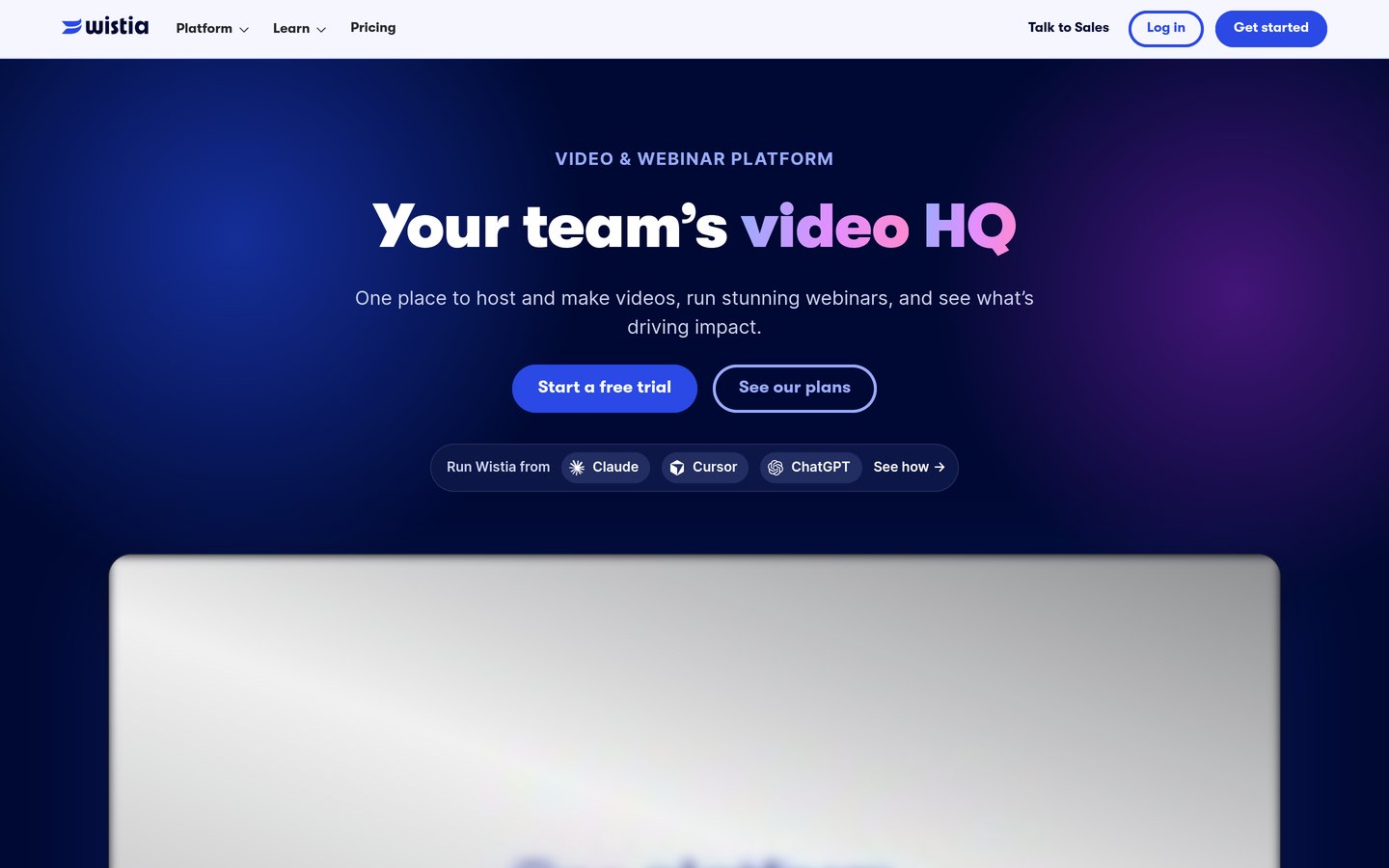
Wistia is the best video hosting platform for most businesses, with lead capture, a branded player and a 4.6 out of 5 G2 rating from 1,140 reviews. Pick Vimeo for a clean ad-free 4K player at $12 a month, or SproutVideo for private hosting at the same price.
How we make this list: we compare pricing pages, product documentation and public user reviews, then re-check every price before each update. No product paid for a place. Disclosure.
Wistia leads for marketing teams: Plus costs $19 a month and the free plan covers 10 videos.
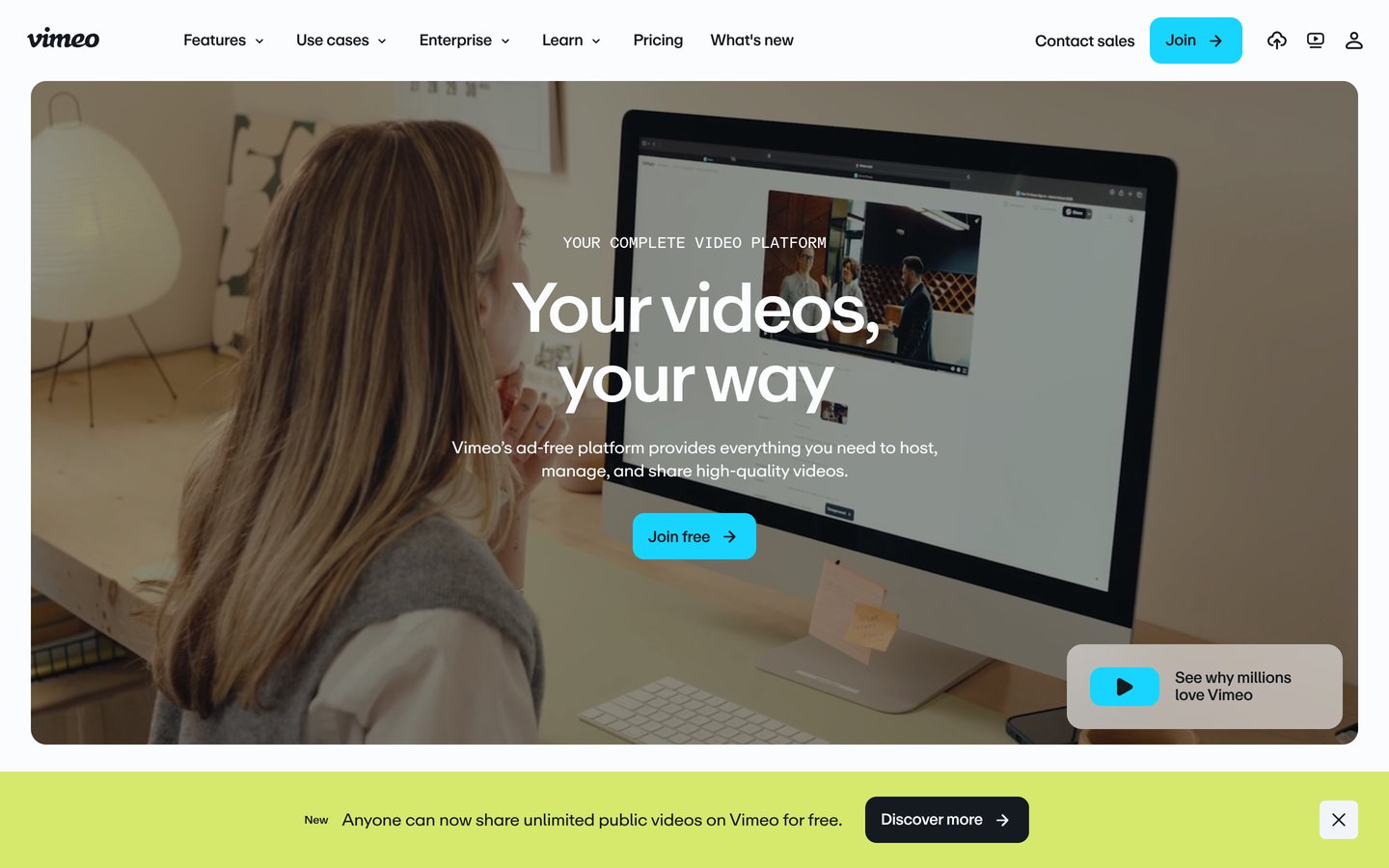
Vimeo Starter costs $12 a month billed annually and includes 2 TB of storage and a 4K ad-free player.
Vidyard Starter costs $59 a seat a month, the highest entry price here, and it is built for sales teams.
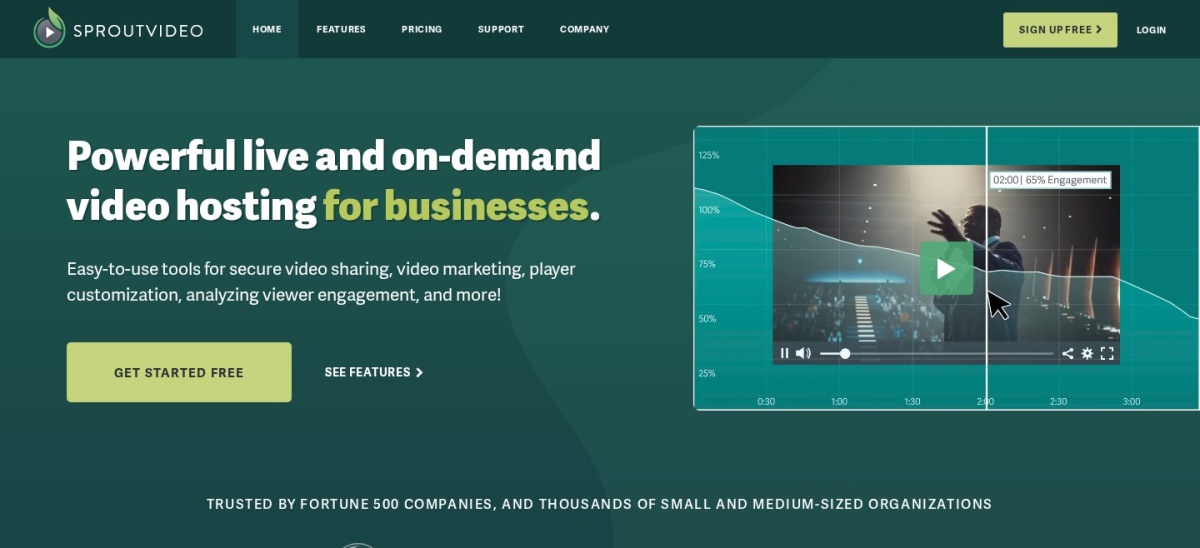
SproutVideo Seed also costs $12 a month and adds viewer logins and domain whitelists for private video.
Bunny Stream is the cheapest way in at a $1 monthly minimum, but it bills by storage and delivery, not by seat.
What a business video host should cover
A business video host is not YouTube. The player carries no ads, no related videos and no outside branding on paid plans, and the business controls who can watch.
Price models differ more than the headline numbers suggest. Wistia charges by video count, Vimeo and Loom charge by seat, and Bunny Stream charges by the gigabyte, so the cheapest entry price is not always the cheapest at scale.
Privacy and data decide most purchases. Our guide on embedding a video in WordPress shows how embeds work, but a host adds the controls around them: passwords, domain limits, viewer logins and viewing data.
Lead capture is the other split. Marketing hosts turn viewers into contacts with forms and calls to action, while private hosts focus on keeping videos secure and easy to find.
Wistia is a video marketing platform built around lead generation. The free plan covers 10 videos with a customizable player and basic analytics, and Plus at $19 a month billed annually adds calls to action, email capture and no Wistia branding.
The trade off is the video count. Plus caps the library, and lead capture forms and heatmaps wait for Pro at $79 a month, so a growing library gets expensive fast. It suits marketing teams that want website video to produce contacts, not just views.
Vimeo is an ad-free video host with a 4K player, password privacy and review tools for client feedback. The free plan covers a small library, and Starter at $12 a month billed annually adds 2 TB of storage, one seat and engagement analytics.
The trade off is change. Vimeo announced new individual plans in late 2026 and moves business accounts to a Studio plan at renewal, so check which plan applies before you sign up. It suits creative teams and small businesses that want a clean, trusted player.
What we like
Ad-free 4K player with no ads on any plan
2 TB of storage on the cheapest paid plan
Review tools for time-stamped client feedback
Watch out for
New plans are replacing Starter, with business accounts moving to Studio
Player branding and lead capture need Standard at $25 a month
Rated 4.3/5, below Wistia and SproutVideo on G2
Standard adds player branding, lead capture and 5 seatsVisit vimeo.com
03
Vidyard
4.5/5on G2 (800+ reviews, checked Nov 2026)
Paid from$59/seat/mo
Best for sales video and outreach
Free planYes, limited videos
Cheapest paidStarter, $59/seat/mo
Password protectionStarter and up
CRM integrationsTeams and Enterprise
vidyard.com
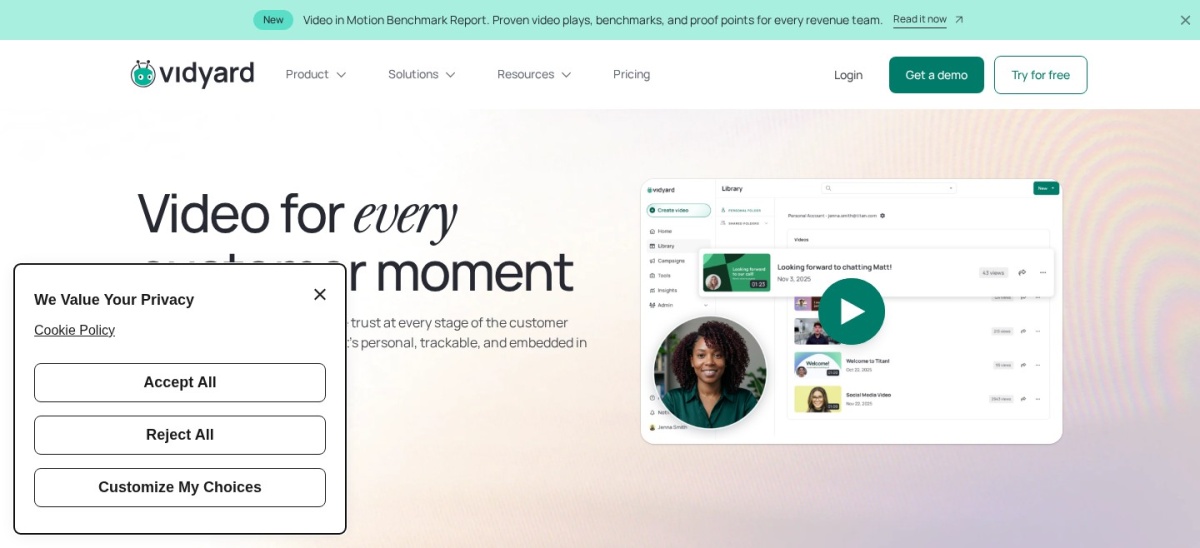
Vidyard homepage, captured Nov 2026.
Vidyard is a video platform for sales teams, built around personal video messages and viewer tracking. The free plan covers a limited number of videos, and Starter at $59 a seat a month billed annually adds unlimited recording, full analytics and password-protected videos.
The trade off is price. At $59 a seat, a five-person sales team pays $295 a month, and CRM integrations wait for the custom-priced Teams plan. It suits sales teams that already live in HubSpot or Salesforce and want viewing data in the CRM.
What we like
Personal video recording from a browser extension
Animated thumbnails for email outreach
Unlimited recording and full analytics on Starter
Watch out for
$59 a seat makes team pricing add up fast
CRM integrations wait for the custom-priced Teams plan
SproutVideo is a secure video host for training, client work and paid content. There is no free plan, only a 30-day trial, and Seed at $12 a month billed annually includes 150 GB of storage, 1,800 GB of bandwidth and viewer login protection.
The trade off is marketing depth. Lead capture and calls to action are there, but the analytics and integrations are lighter than Wistia or Vidyard. It suits small businesses that need private, white-label video without paying for a marketing suite.
What we like
Viewer logins and domain whitelists for private video
Loom is a screen and camera recorder for quick team video, with hosting and sharing built in. The free Starter plan covers 25 videos of up to 5 minutes, and Business at $18 a user a month adds unlimited videos, 4K recording and no Loom branding.
The trade off is fit. Loom is built for short internal updates, not polished marketing pages, and its player and analytics are simpler than a dedicated host. It suits teams that record walkthroughs and updates every day and want them shared with a link.
What we like
Fastest way to record and share a short video
Free plan covers 25 videos
Transcriptions in 50+ languages on the free plan
Watch out for
Built for short internal video, not marketing pages
Business costs $18 per user, so teams pay per seat
Free recordings cap at 5 minutes and 720p
Business + AI at $24 adds AI editing and summariesVisit loom.com
06
Dacast
4.3/5on G2 (30 reviews, checked Nov 2026)
Starts at$39/mo
Best for live events and streaming
Free planNo
Cheapest paidStarter, $39/mo
Bandwidth overage$0.30 per GB
Monthly minimum3 months prepaid
dacast.com
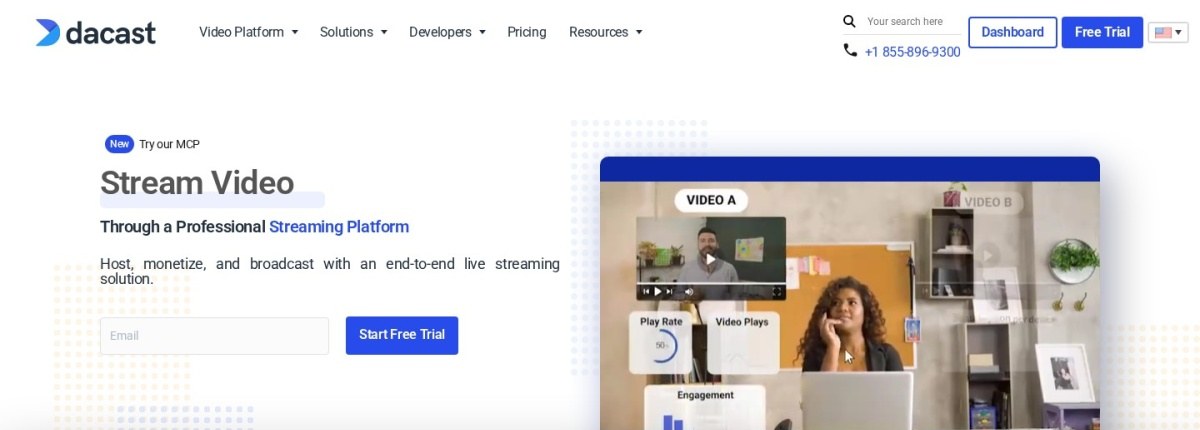
Dacast homepage, captured Nov 2026.
Dacast is a live streaming and video-on-demand platform for events, churches and trainers. There is no free plan, and Starter at $39 a month covers live streaming and on-demand hosting, with bandwidth that rolls over unused to the next month.
The trade off is the small review base. Dacast holds a 4.3/5 G2 rating from only 30 reviews, and monthly plans need three months paid up front. It suits organizations that run regular live events and want streaming and hosting in one place.
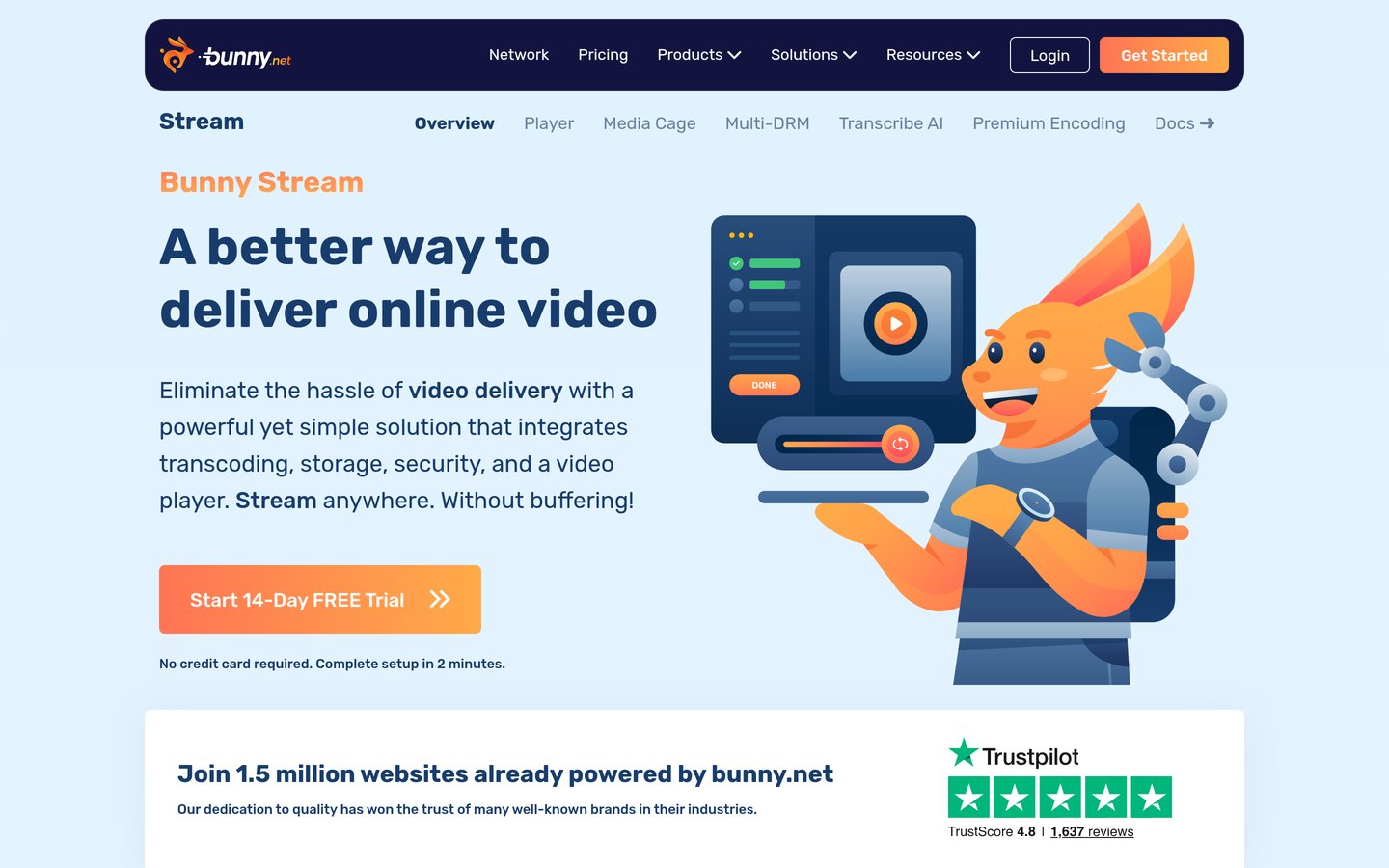
Bunny Stream is a pay-as-you-go video host and delivery network from bunny.net. There is no free plan, only a 14-day trial, and billing starts at a $1 monthly minimum, with storage from $0.01 per GB and delivery from $0.005 per GB.
The trade off is the setup. There is no marketing suite, lead capture or team workspace, and you wire the player into your own site or app. It suits teams with a developer who want the lowest delivery bill for a large video library.
What we like
Lowest entry cost here, with a $1 monthly minimum
Free encoding and free player included
Hotlink protection and token authentication
Watch out for
No free plan, only a 14-day trial
No lead capture or marketing tools
You need a developer to wire the player into your site
Delivery costs rise with traffic, so check the bill at your volumeVisit bunny.net
08
Brightcove
4.1/5on G2 (54 reviews, checked Nov 2026)
PricingCustom/yr
Best for enterprise streaming at scale
Free planNo
Cheapest paidCustom, contact sales
MonetizationAds, subscriptions, pay-per-view
AI toolsCaptions, highlights, tagging
brightcove.com
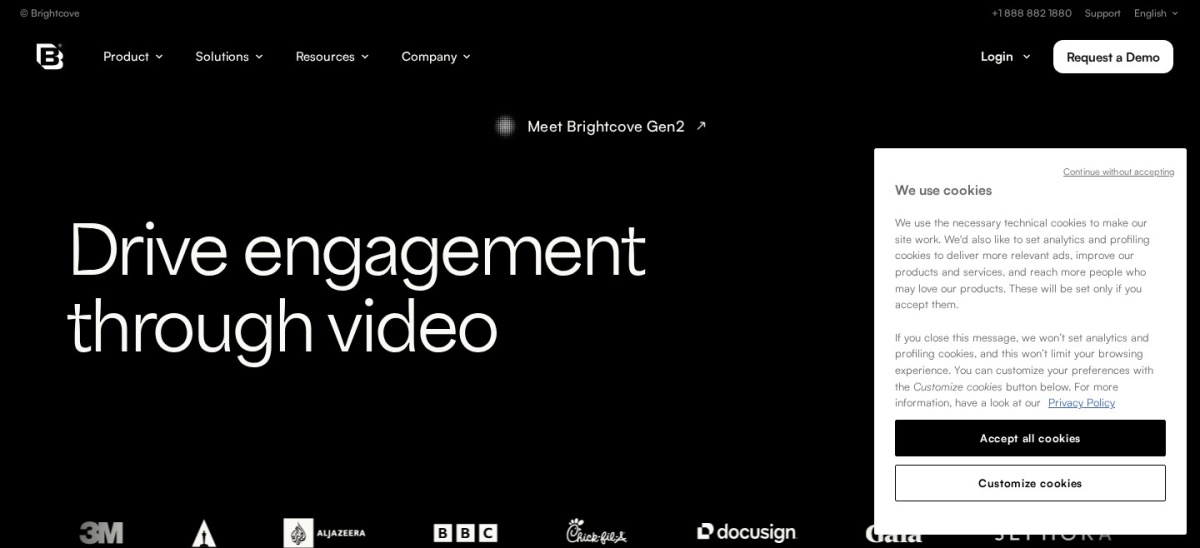
Brightcove homepage, captured Nov 2026.
Brightcove is an enterprise video platform for media, marketing and internal communications. Pricing is custom and quoted by sales, and the platform covers hosting, live streaming, monetization through ads, subscriptions or pay-per-view, and AI captions and tagging.
The trade off is cost and complexity. Small teams get no published price and no free plan, and recent G2 reviewers call it steep for smaller organizations. It suits large publishers and enterprises that stream at scale and need monetization built in.
What we like
Built for large-scale live and on-demand streaming
Monetization with ads, subscriptions and pay-per-view
AI captions, highlights and tagging
Watch out for
No published prices and no free plan
G2 reviewers call it steep for smaller organizations
Panopto is a video content management platform for internal training, lectures and company knowledge. Pricing is custom and quoted by sales, and it organises recordings into a central library with folders and sharing controls, built for training rather than public marketing video.
The trade off is the buying process. There is no published price and no free plan, so a small team must talk to sales before it can budget. It suits universities and companies with large training libraries that need one place for every recording.
What we like
Built for training libraries and lectures
Highest G2 support score here at 8.8/10
Strong ease of setup for an enterprise tool at 8.4/10
Watch out for
No published prices and no free plan
Aimed at internal video, not public marketing
Smaller review base than Wistia or Loom at 158 reviews
YouTube is free and gives a video reach, but it shows YouTube branding and related videos after yours ends, and it offers no privacy controls for paid or internal content.
A paid host gives you an ad-free player, privacy controls and viewer data, and the bill is the price of that control. For most business pages, that control is worth the monthly cost.
We started from the video hosting platforms that appear most in G2's video hosting grid and in business comparisons, then kept nine established tools with published prices or a clear quote route.
Prices come from each vendor's pricing page or provider-supplied G2 pricing, checked on 24 November 2026. Ratings and review counts come from G2 on the same day. Where a vendor shows a sale, the list shows the regular price.
We left out YouTube, which is a public video site rather than a business host, and tools with too few reviews to judge. No vendor paid for a place, and we do not claim hands-on testing for this list.
How to choose a video hosting platform for business
Match the platform to the job the video has to do, then check the price model before you commit.
Decide what the video must do. Lead capture and viewer data point to Wistia or Vidyard, while private training points to SproutVideo or Panopto.
Check how the price grows. Wistia charges by video count, Vimeo and Loom by seat, and Bunny Stream by gigabytes, so the cheapest entry price is not always the cheapest at scale.
Test the free plan first. Upload a real video, embed it on a test page and check the player, privacy settings and analytics before you pay.
Check privacy and branding. Confirm the player carries no vendor branding on the plan you buy and that domain limits or password protection cover the videos you must keep private.
FAQ
What is the best video hosting platform for business?
Wistia is the best pick for most businesses. Its Plus plan costs $19 a month, the free plan covers 10 videos, and it pairs a branded player with lead capture and viewer analytics, earning 4.6/5 on G2 from 1,140 reviews.
Is Vimeo better than Wistia?
It depends on the job. Vimeo is the better all-round player, with an ad-free 4K player and 2 TB of storage on Starter at $12 a month. Wistia is better when website video must capture leads and show which viewers converted.
What is the cheapest business video hosting?
Bunny Stream is the cheapest way in, with a $1 monthly minimum and usage billing from $0.01 per GB of storage. For a flat monthly price, Vimeo Starter and SproutVideo Seed both cost $12 a month billed annually.
Can I host private videos for clients or staff?
Yes. SproutVideo adds viewer logins, domain whitelists and password protection, and Panopto is built for internal training libraries. Vimeo also offers password privacy and domain-level limits on paid plans.
Do I still need YouTube if I pay for a video host?
Only for reach. YouTube is free and helps new viewers find a video, but it shows ads and related videos. Use a paid host for videos on your own site, and YouTube only for public videos you want discovered.
Which platform is best for live streaming?
Dacast is the best pick here for live events, with live streaming and on-demand hosting from $39 a month and unused bandwidth that rolls over. Brightcove is the stronger choice for large-scale live streaming with monetization.