Topaz Video is the best AI video upscaling software for professional restoration, with over 20 AI models, output up to 16K and unlimited local rendering for $299 a year. Pick HitPaw VikPea for one-click 8K enhancement, or TensorPix if you want cloud upscaling with a free plan.
How we make this list: we compare pricing pages, product documentation and public user reviews, then re-check every price before each update. No product paid for a place. Disclosure.
Topaz Video leads on depth: over 20 AI models, output up to 16K and unlimited local rendering for $299 a year.
HitPaw VikPea is the easiest desktop pick, with 10+ models and 8K output for $99.99 a year.
TensorPix is the only cloud tool here with a free plan, and its Standard plan costs $5.50 a month billed yearly.
VideoProc Converter AI is the cheapest desktop paid plan at $59.95 a year, and it also converts and compresses video.
Every desktop tool here needs a strong GPU; UniFab recommends an RTX 30-series card with 8 GB of video memory.
What AI upscaling does to your footage
Old footage rarely survives a big screen. Phone clips, VHS transfers and compressed downloads all show noise, soft edges and blocky artefacts when they are enlarged.
AI upscalers rebuild detail instead of stretching pixels. They analyse each frame, reduce noise and sharpen edges, then output a larger file, usually in 4K or 8K.
The result depends on the source. Clean 1080p footage upscales well, while heavily compressed clips can gain invented textures or waxy faces. Our guide on embedding a video in WordPress covers what happens after the file is ready.
Price is the other split. Desktop tools charge a yearly licence and use your graphics card, while cloud tools charge by credits or by the month and need no GPU at all.
3.6/5on Trustpilot (56,822 reviews, checked Nov 2026)
Starts at$299/yr
Best for professional video upscaling and restoration
Max output16K
AI models20+
Local renderingUnlimited
Paid planPersonal, $299/yr
topazlabs.com
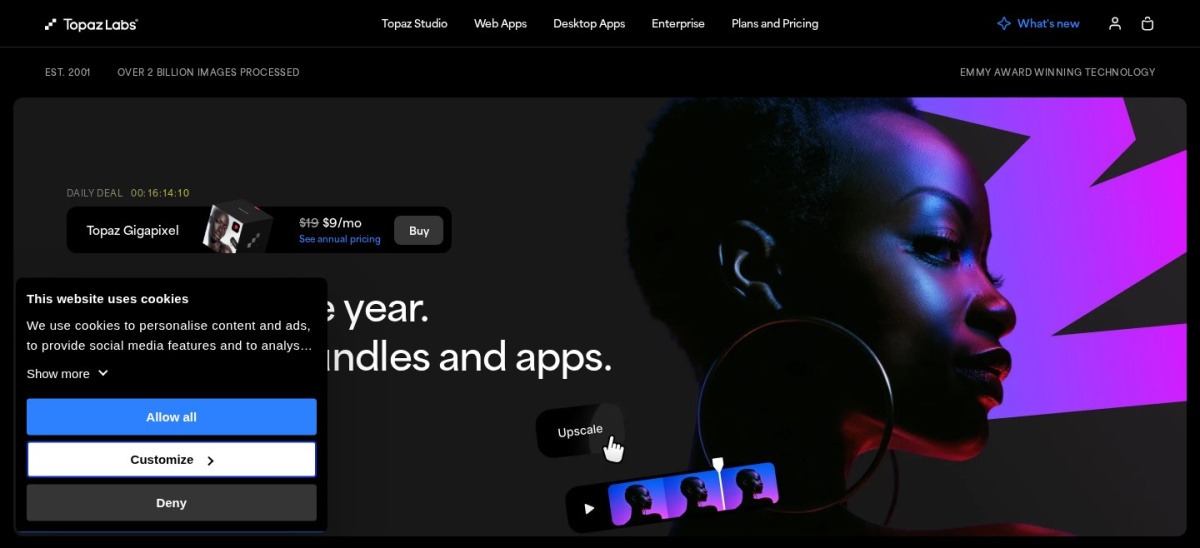
Topaz Video homepage, captured Nov 2026.
Topaz Video is a dedicated desktop restoration app with over 20 AI models for upscaling, denoising, stabilisation and frame interpolation. It outputs up to 16K, renders locally without limits on the Personal plan and includes 25 cloud credits a month for jobs your own GPU cannot handle.
The trade off is price and patience. Personal costs $299 a year at its regular price, and the current Black Friday offer of $254 covers the first year only. It suits editors and archivists who restore footage every week and want the deepest model choice.
What we like
Over 20 specialised AI models
Output up to 16K with unlimited local rendering
25 cloud credits a month included
Works as a plug-in for Premiere Pro and DaVinci Resolve
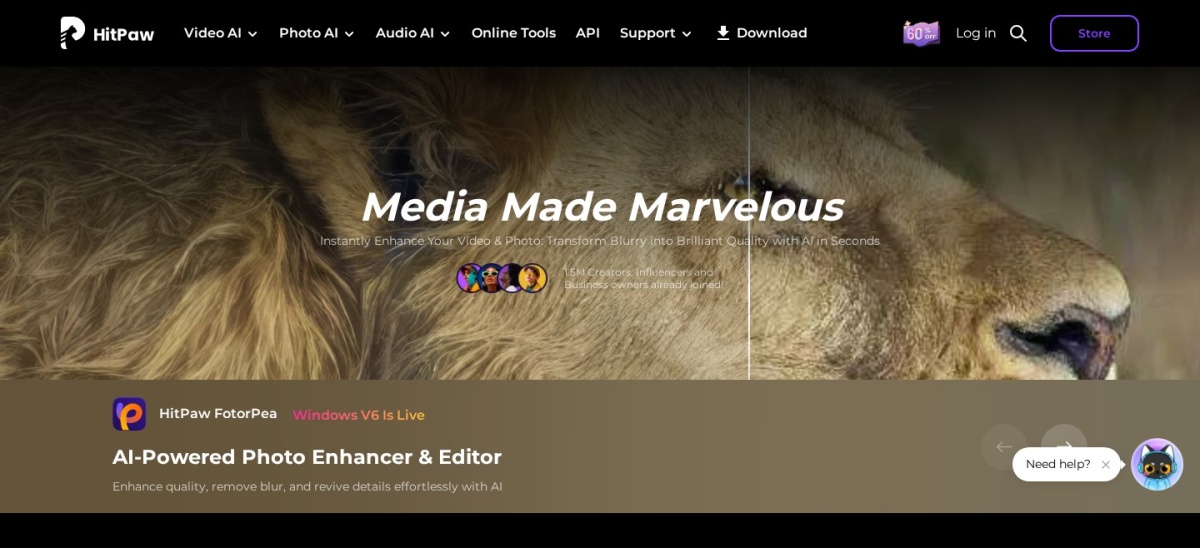
HitPaw VikPea is a desktop AI video enhancer that upscales, denoises and sharpens video with more than 10 AI models. It outputs up to 4K and 8K, repairs damaged footage, colourises black-and-white clips and smooths motion with frame interpolation up to 60 FPS.
The trade off is the price structure. The annual plan costs $99.99 a year, while the monthly plan is $43.19 a month, and some cloud workflows need extra credits on top of the licence. It suits beginners who want one-click enhancement without learning a restoration suite.
AVCLabs Video Enhancer AI homepage, captured Nov 2026.
AVCLabs Video Enhancer AI is a desktop restoration tool for Windows and Mac that upscales footage to 8K. It covers denoising, deblurring, face refinement, colourisation, stabilisation and frame interpolation, with presets aimed at old and damaged recordings.
The trade off is the monthly price. The annual plan costs $119.95 a year at its regular price, but the monthly plan is $39.95, and the trial caps exports at 30 seconds with a watermark. It suits anyone restoring archive footage who wants a lifetime licence option.
4.3/5on Trustpilot (517 reviews, checked Nov 2026)
Paid from$59.95/yr
Best for upscaling and video format conversion
Max output4K
Free editionYes, under 5 min
GPU accelerationYes
Paid planPremium 365, $59.95/yr
videoproc.com
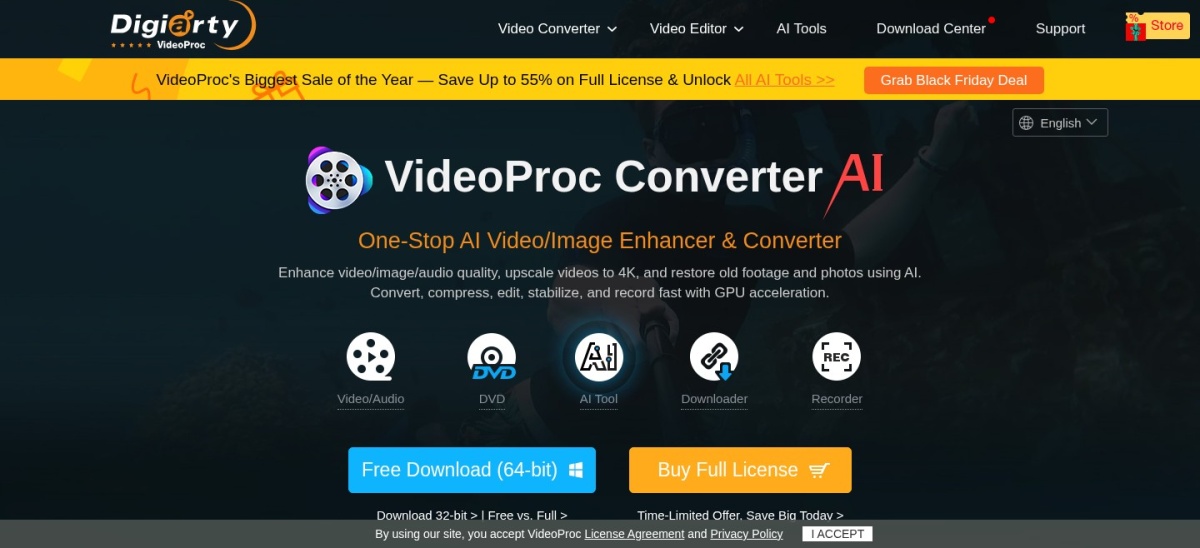
VideoProc Converter AI homepage, captured Nov 2026.
VideoProc Converter AI is a desktop video toolkit that pairs AI super resolution up to 4K with conversion, compression, stabilisation and recording. It handles more than 370 input formats, uses GPU acceleration and covers three computers on one Premium 365 licence.
The trade off is that upscaling is one feature among many. Premium 365 costs $59.95 a year at its regular price, with a $34.95 offer on the store today, and the free edition limits files to under five minutes. It suits users who also convert and compress video every week.
What we like
Cheapest desktop paid plan here at $59.95 a year
One licence covers 3 computers
Fast GPU-accelerated processing
Rated 4.3 out of 5 on Trustpilot from 517 reviews
Watch out for
Upscaling tops out at 4K
Free edition limits files to under 5 minutes
AI tools are weaker than specialist upscalers
Paid plans remove the limits and add a lifetime licence optionVisit videoproc.com
05
TensorPix
4.3/5on Trustpilot (123 reviews, checked Nov 2026)
Paid from$5.50/mo
Best for cloud-based AI video upscaling
Max output4K
ProcessingCloud, in browser
Free planYes, weekly credits
Paid planStandard, $5.50/mo
tensorpix.ai
TensorPix homepage, captured Nov 2026.
TensorPix is a cloud AI video enhancer that runs in the browser, so it needs no install and no graphics card. It upscales footage to 4K, removes noise and blur, stabilises shaky clips and interpolates frames, with one credit covering about two minutes of video.
The trade off is the credit system. The free plan caps input at 720p, and Standard costs $5.50 a month billed yearly for 10 credits a month, so long videos burn through credits fast. It suits creators with a modest computer who enhance short clips.
4.1/5on Trustpilot (192 reviews, checked Nov 2026)
Starts at$99.99/yr
Best for upscaling up to 16K
Max output16K
AI models4
Free trial30 days, no watermark
Paid plan1-year, $99.99/yr
unifab.ai
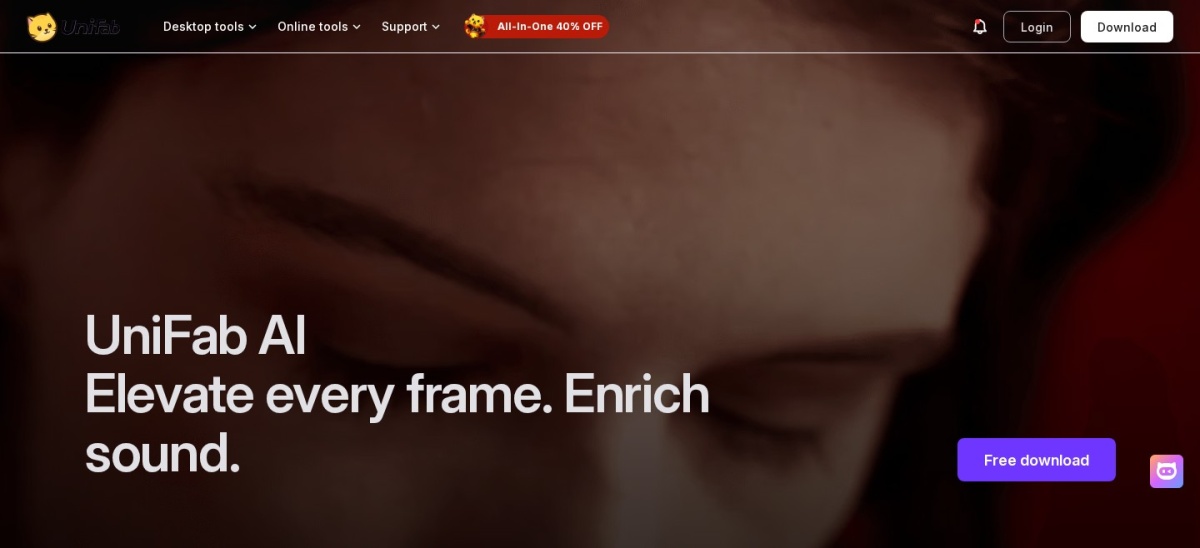
UniFab Video Upscaler AI homepage, captured Nov 2026.
UniFab Video Upscaler AI is a desktop upscaler for Windows and Mac with four AI models for different footage. Equinox covers everyday clips, Vellum adds texture detail, Kairo handles anime and Titanus targets movies and TV, with output up to 16K.
The trade off is hardware and the trial limit. Local rendering recommends an RTX 30-series card with 8 GB of video memory, and the 30-day trial allows three watermark-free uses per module. It suits owners of strong PCs who want the highest output ceiling.
Aiarty Video Enhancer homepage, captured Nov 2026.
Aiarty Video Enhancer is a desktop AI upscaler from Digiarty that sharpens, denoises and deblurs video up to 4K. It adds frame interpolation up to 120 FPS, audio cleanup and batch processing in a simple interface, with separate licences for Windows and Mac.
The trade off is the thin review record and the yearly price. Standard costs $99 a year at its regular price, with a $79 offer on the store today, and its Trustpilot rating rests on only 23 reviews. It suits home users with noisy or low-light footage.
What we like
Strong on denoise and low-light footage
Frame interpolation up to 120 FPS
Batch processing included
Lifetime licence covers 3 devices
Watch out for
Only 23 Trustpilot reviews
Windows and Mac licences are sold separately
No free plan, only a limited trial
Paid plans remove the watermark and the 120-second capVisit aiarty.com
08
Filmora
4.4/5on G2 (613 reviews, checked Nov 2026)
Paid from$49.99/yr
Best for upscaling within a video editor
Max output4K export
Free editionYes, watermarked
AI enhancementYes, credit-based
Paid planBasic, $49.99/yr
filmora.wondershare.com
Filmora homepage, captured Nov 2026.
Filmora is a desktop video editor from Wondershare with AI enhancement built into the timeline. It upscales and denoises clips beside cutting, captions and effects, exports in 4K and runs on Windows and Mac, with a free edition that watermarks exports.
The trade off is that enhancement is not the main job. Basic costs $49.99 a year, AI features run on monthly credits, and the upscaler is lighter than the specialist tools above. It suits creators who edit and enhance in one app.
Nero AI Video Upscaler homepage, captured Nov 2026.
Nero AI Video Upscaler is a Windows app from Nero AG that upscales video to 8K with six AI models. It covers face enhancement, denoising and frame interpolation up to 120 FPS, processes files locally without uploads and handles folders in batches.
The trade off is platform and proof. It runs on Windows only, the annual licence costs $84.95 a year, and its Trustpilot rating rests on only 32 reviews. It suits Windows users who want a simple 8K upscaler with a generous trial.
Desktop tools render on your own graphics card. Topaz Video, HitPaw VikPea, AVCLabs, VideoProc, UniFab, Aiarty and Nero all work this way, so a weak GPU means slow renders.
TensorPix is the only fully cloud option in this list. It runs in the browser, so any computer can use it, but each video costs credits and the free plan caps input at 720p.
HitPaw VikPea and Topaz Video sit in between, with optional cloud rendering beside local processing. Topaz Video includes 25 cloud credits a month on its Personal plan.
How we chose
We started from the desktop and cloud upscalers that appear most often in 2026 comparisons, then kept the nine with a current product page, a public price and a review-site rating.
Prices come from each vendor's pricing page, checked on 26 November 2026. Ratings come from Trustpilot, Capterra or G2 on the same day. Where a vendor shows a sale, the list shows the regular price.
We left out free open-source tools with no vendor support and no public rating. No vendor paid for a place, and we do not claim to have used these tools ourselves.
How to choose an AI video upscaling tool
Start with your footage and your graphics card, then match the tool to the job.
Check your graphics card first. Desktop upscaling is heavy work. UniFab recommends an RTX 30-series card with 8 GB of video memory, and a weaker card means much longer renders.
Match the tool to the footage. Old family tapes and archive film suit AVCLabs or Topaz Video. Everyday phone clips are fine with HitPaw VikPea or VideoProc Converter AI.
Use the free option first. TensorPix, VideoProc and Filmora have free editions, and AVCLabs, UniFab, Aiarty, Nero and HitPaw all let you try before paying, so run one of your own clips through your shortlist first.
Count the yearly cost, not the monthly price. Monthly plans look cheap but add up fast. AVCLabs costs $39.95 a month but $119.95 a year, and TensorPix Standard is $66 a year billed yearly.
FAQ
What is the best AI video upscaling software?
Topaz Video is the strongest pick for professional restoration, with over 20 AI models, output up to 16K and unlimited local rendering. It costs $299 a year, so casual users should look at HitPaw VikPea at $99.99 a year or VideoProc Converter AI at $59.95 a year instead.
Can AI really improve an old low-resolution video?
It can make old footage sharper and cleaner, but it cannot recover detail that was never recorded. Results are best on clean 1080p sources and weakest on heavily compressed clips, where the AI can invent textures or smooth faces too far.
Do I need a powerful graphics card?
Yes for desktop tools. UniFab recommends an RTX 30-series card with 8 GB of video memory, and renders on weaker hardware take much longer. If your computer is modest, use a cloud tool such as TensorPix, which renders on its own servers.
Is there a free AI video upscaler?
TensorPix has a free plan with weekly credits and input up to 720p. VideoProc Converter AI and Filmora have limited free editions, and UniFab, Nero, Aiarty and AVCLabs offer free trials with limits on length, watermarking or uses.
What is the cheapest AI video upscaler?
Filmora Basic costs $49.99 a year, and VideoProc Converter AI costs $59.95 a year at its regular price. TensorPix Standard is $66 a year billed yearly. All three are far cheaper than Topaz Video at $299 a year.
Can I upscale a video to 8K?
Yes. Topaz Video goes up to 16K, while HitPaw VikPea, AVCLabs, UniFab and Nero all support 8K output. VideoProc Converter AI and Aiarty top out at 4K, and TensorPix tops out at 4K in the cloud.
SaaS SEO and WordPress specialist with about 8 years of experience. Rakib compares WordPress plugins, themes, hosting and software using public pricing, documentation and user reviews. See how we rank.